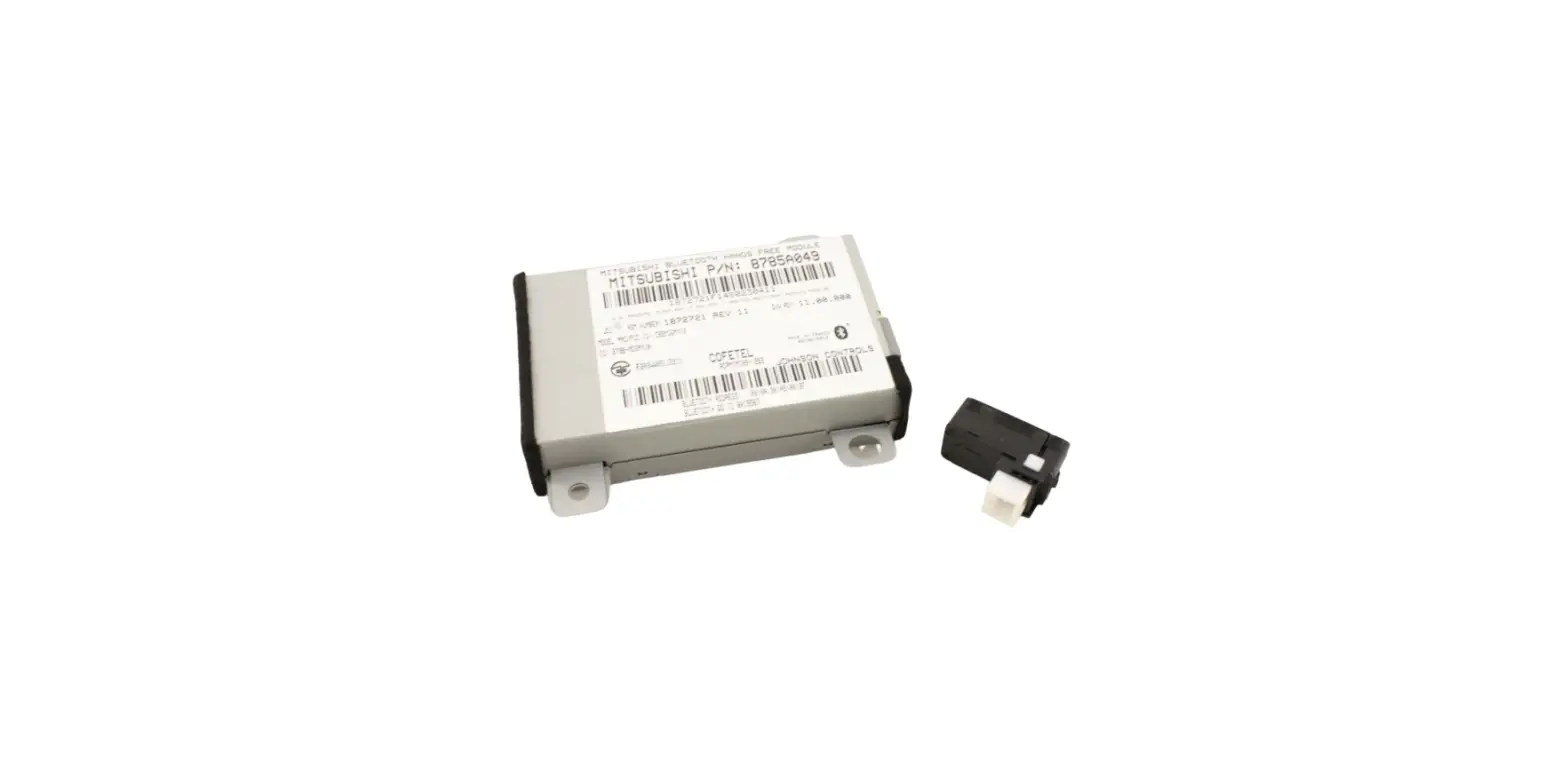

MITSUBISHI MZ314537 Hands Free Module Kit
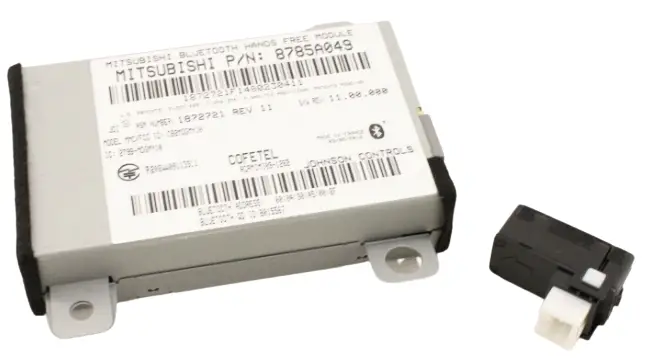
What’s In The Box
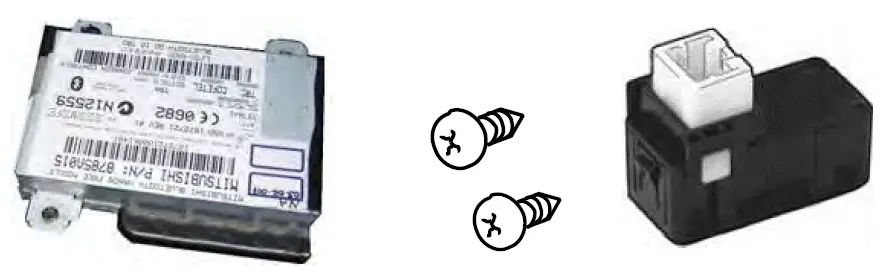
TOOLS REQUIRED

Note:
In order to add the functionality of the fuse link system, a USB Adapter kit is required. Please refer to the Accessory P&A Guide for the correct part number to order. Please see Parts Bulletin No. 54-XX-01-10 R1 for additional information.
PRECAUTIONS
Disconnect the (-) cable from the battery
Connections
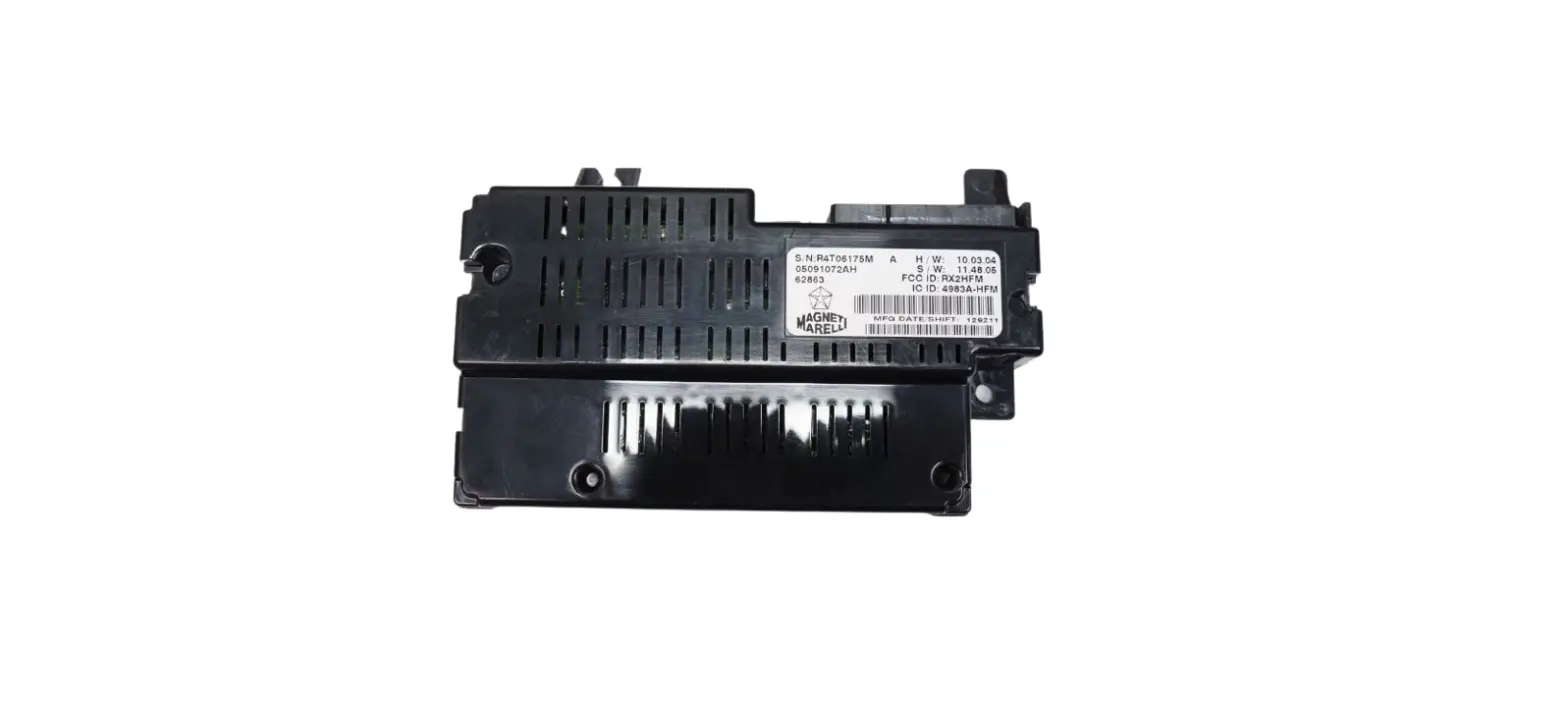
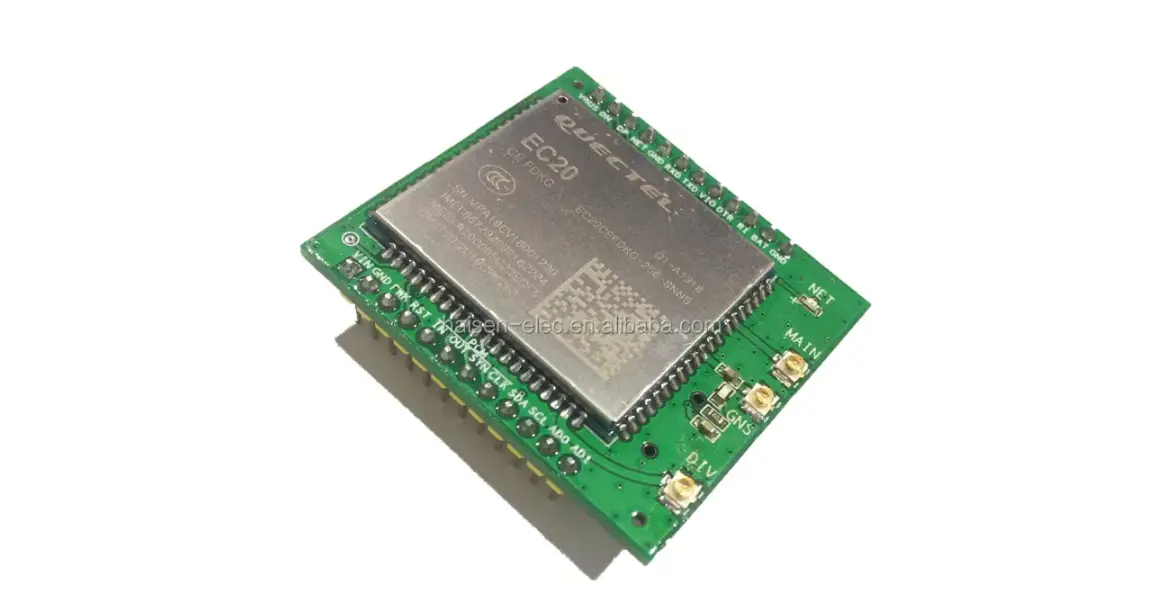
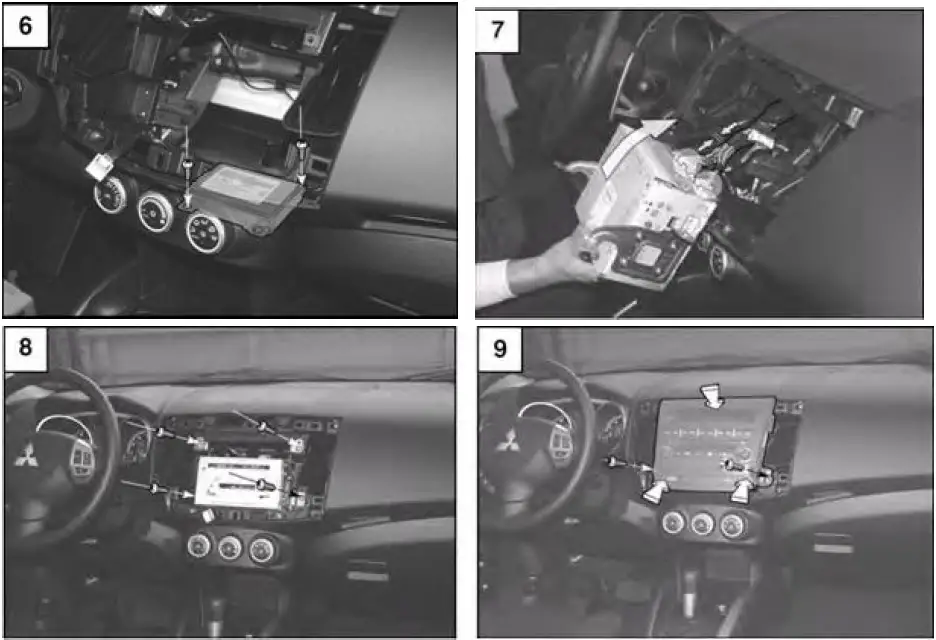
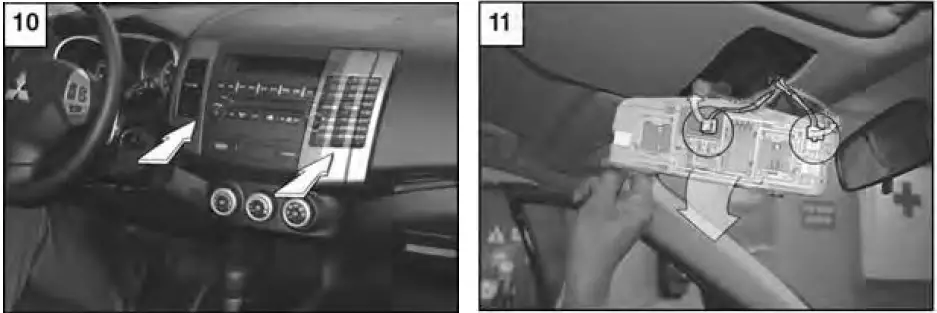
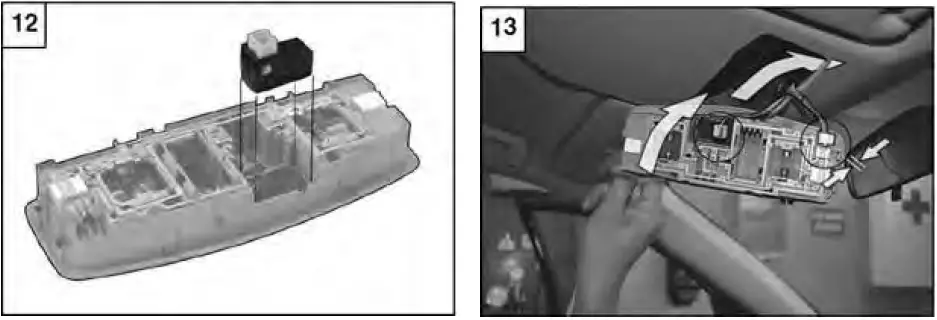
Locate the 28 Pin connector and connect it to the Bluetooth module.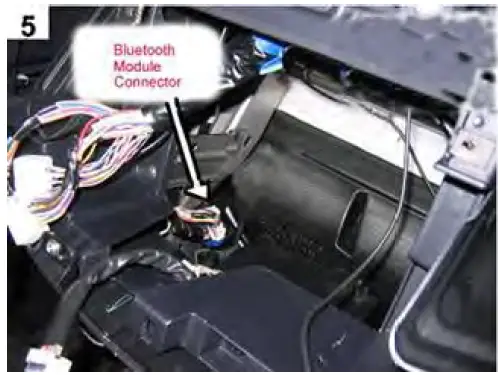
Press “Hands Free Module“ on Service mode screen (1/2)
Reinstallation:
Reinstall the battery ground terminal
Check:
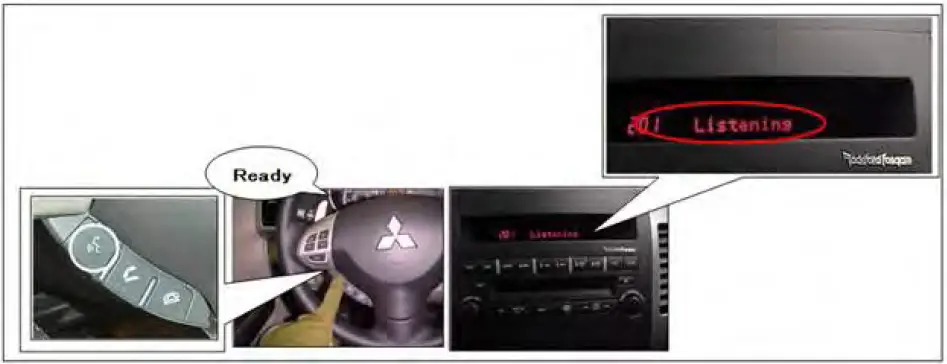
Bluetooth Hands-free operation
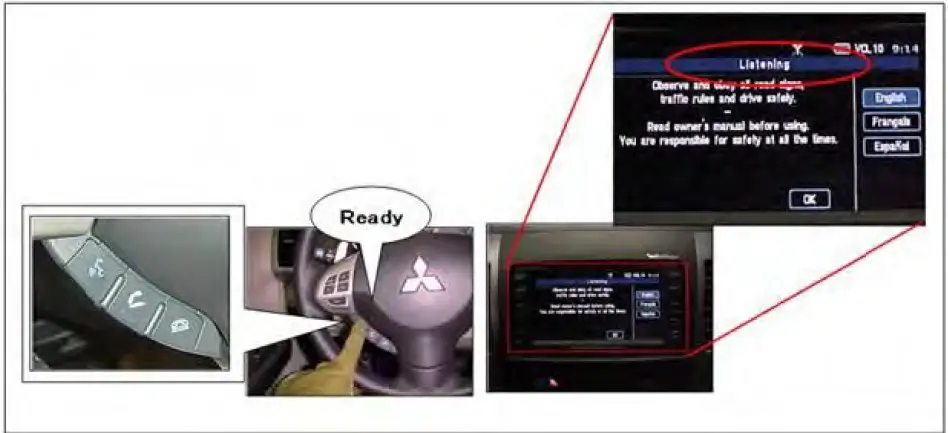
- Press the speech button located on the steering wheel and wait for the Bluetooth system response. Cancel system usage by saying “Cancel” and waiting for the system confirmation tone.
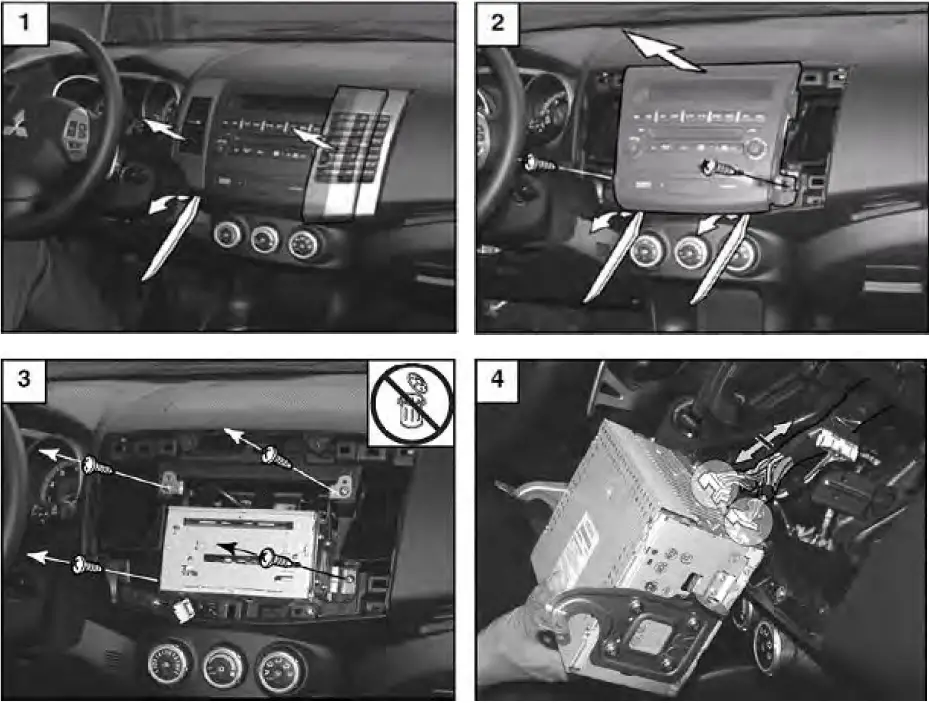
AUDIO CONTROL PANEL
AUDIO CONTROL PANEL