Contents hide
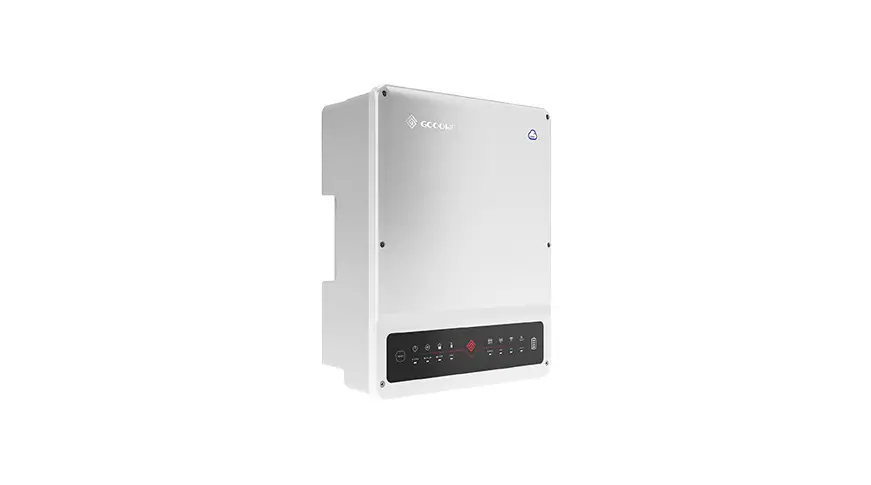
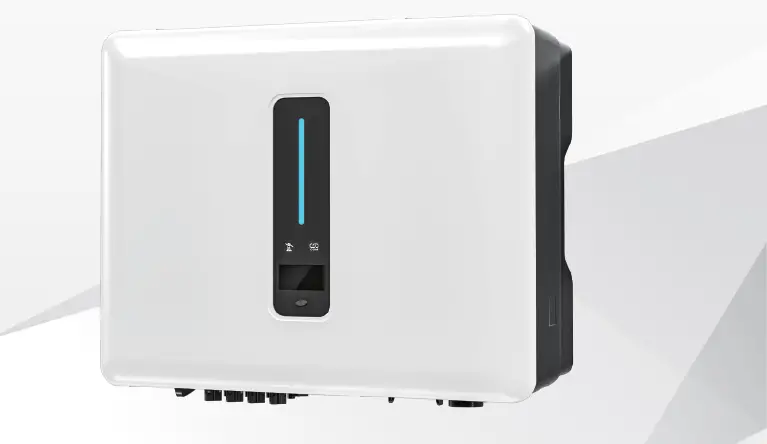
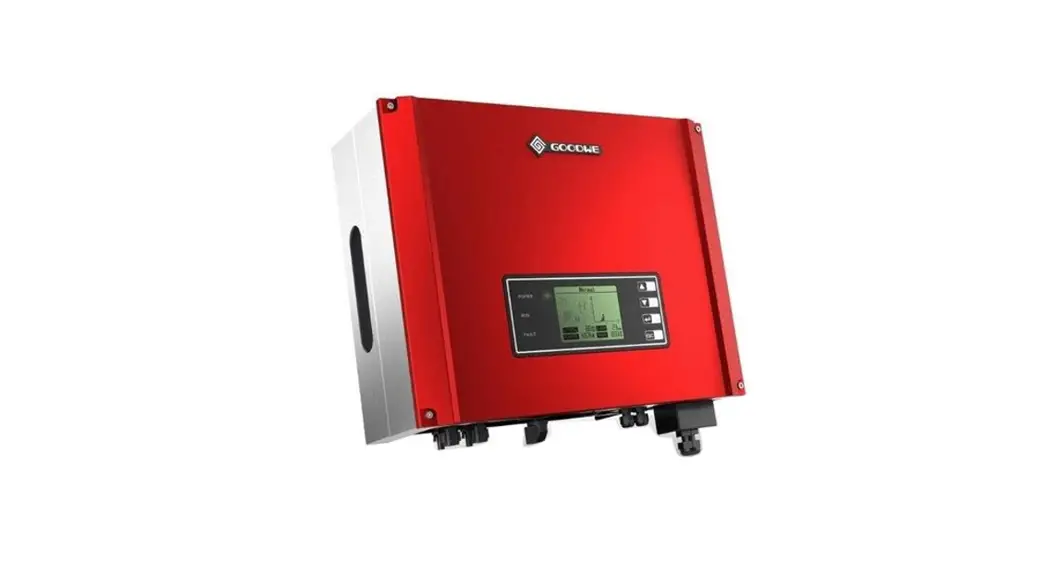
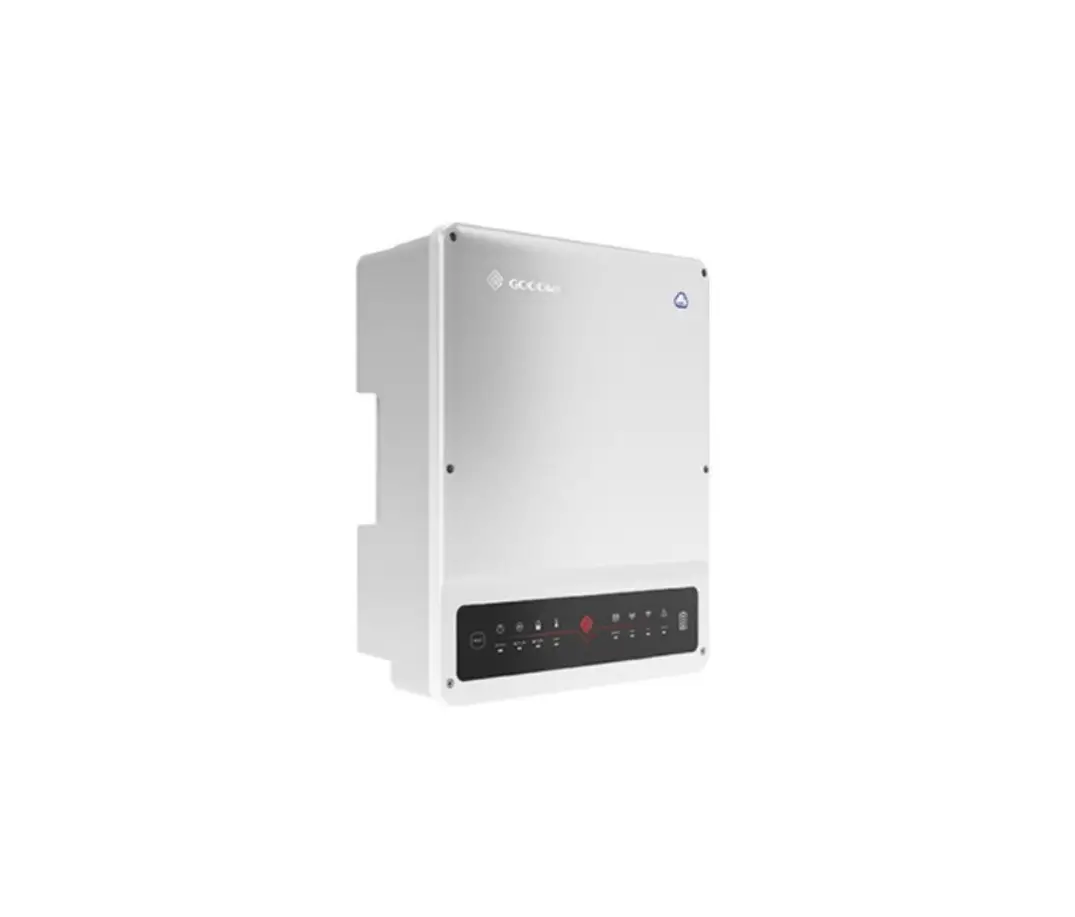
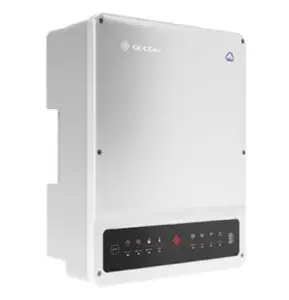
GOODWE GW5K-ET Storage Inverter HV Installation Guide
Bluetooth Module
Quick Installation Guide
Bluetooth Module Specification
| Technical Data | Bluetooth Module |
| Input Voltage | 5V |
| Consumption Power | 0.3W |
| Size (Width* Height*Depth) | 67.5mm*24mm*11mm |
| Operating Temperature Range | -25°C~60°C |
| Operating Altitude | <4000m |
| Protection Degree | IP20 |
| Installation | Plug Type |
| Transmission Rate | UART:115200bps |
| Frequency Range | 2.402GHz – 2.480GHz |
| Connection Distance | ≤10m |
Bluetooth Module Connection
Insert the Bluetooth into the COM port (USB-type communication port).
StorageMate for storage inverter
- Make sure the WiFi indicator (yellow) flashing twice between intervals. Attention: When plugging the module, press the RESET button to recognize the module.
- Turn on the Bluetooth function on your smart phone. Attention: The Bluetooth module is designated for inverter’s commissioning. Keeping the module attached to the inverter is not recommended, as it is not waterproof.
Bluetooth Configuration
- Download the StorageMate app from Google Play or Apple App store. You can also download the App by scanning the QR code. Please skip this step if you have installed this app already.
Note: StorageMate is required to do commissio-n ing for storage inverter.
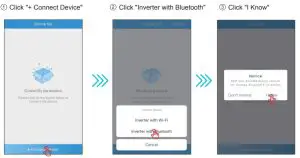
- Open the StorageMate app and follow the steps below to completeo cnfiguration.

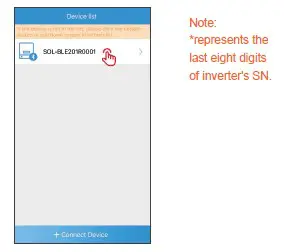
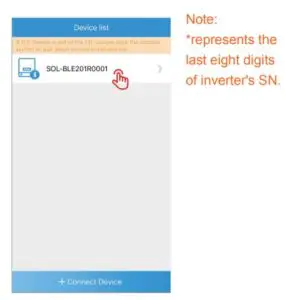
- Connect to the right device by selecting the device name SOL-BLE*.

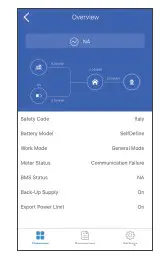
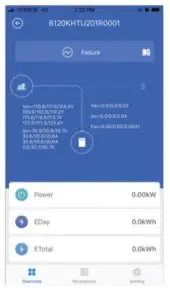
- To verify you have connected successfully make sure you can view the parameters Click “+ Connect Device” Click “Inverter with Bluetooth” as seen on the screen below.

SolarGo for Grid-tied inverter
- Ensure that the Bluetooth hotspot name is the same as the last eight digits of the inverter serial number. Attention:Inverter restart is required to use Bluetooth.
- Turn on Bluetooth on your smart phone. Attention: Bluetooth is designated for inverter’s commissioning.
When the commissioning is complete, remove the Bluetooth module and insert another communication module or waterproof plug.
Bluetooth Configuration
Download the SolarGo app from Google Play or Apple App store. You can also download the App by scanning the QR code. Please skip this step if you have installed this app already.
Note: SolarGo is required to do commission – ing for Grid-tied inverter.
Open the SolarGo App and follow steps below to complete configuration.
- Click “+ Connect Device”

- Click “Inverter with Bluetooth ” and wait a few seconds to refresh the page.
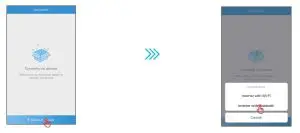
- .Connect to the right device by selecting device name SOL-BLE*.
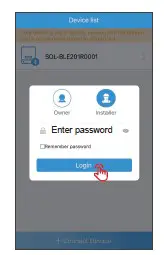
Select owner or installer, enter the inverter access password, and click login.
- Select owner or installer, enter the inverter access password, and click login.

- To verify you have connected successfully make sure you can view the parameters as seen on the screen below.