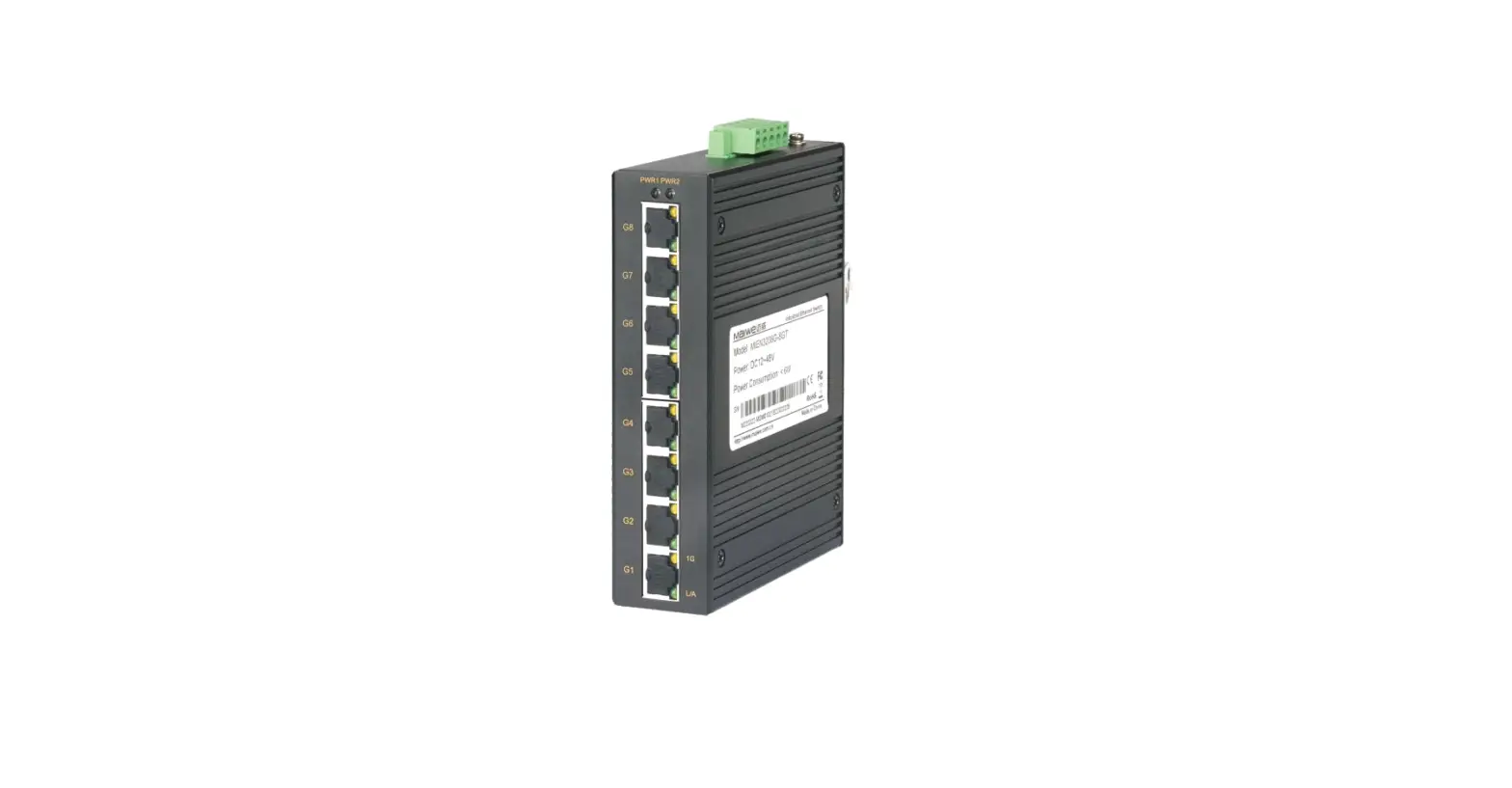
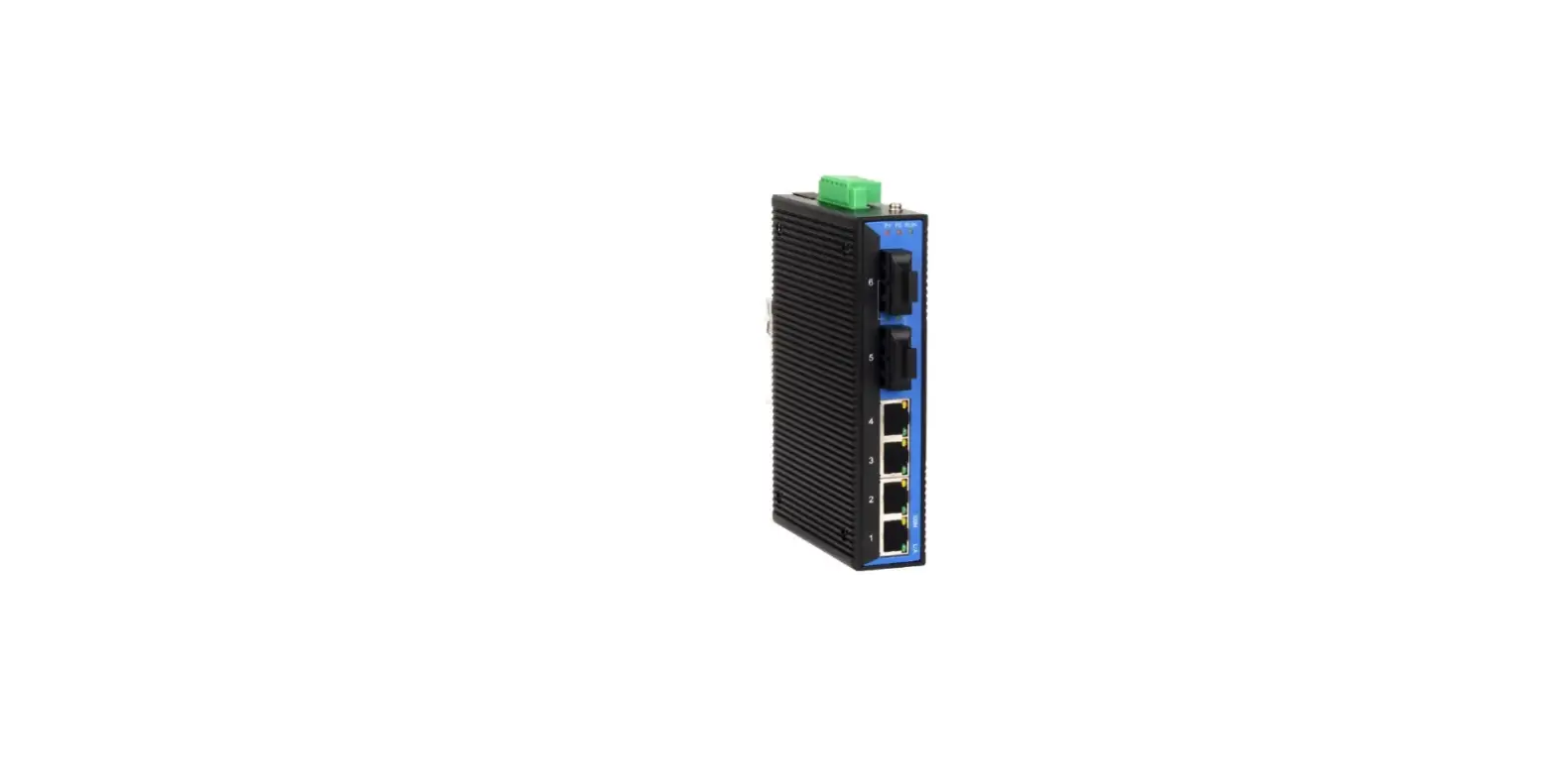
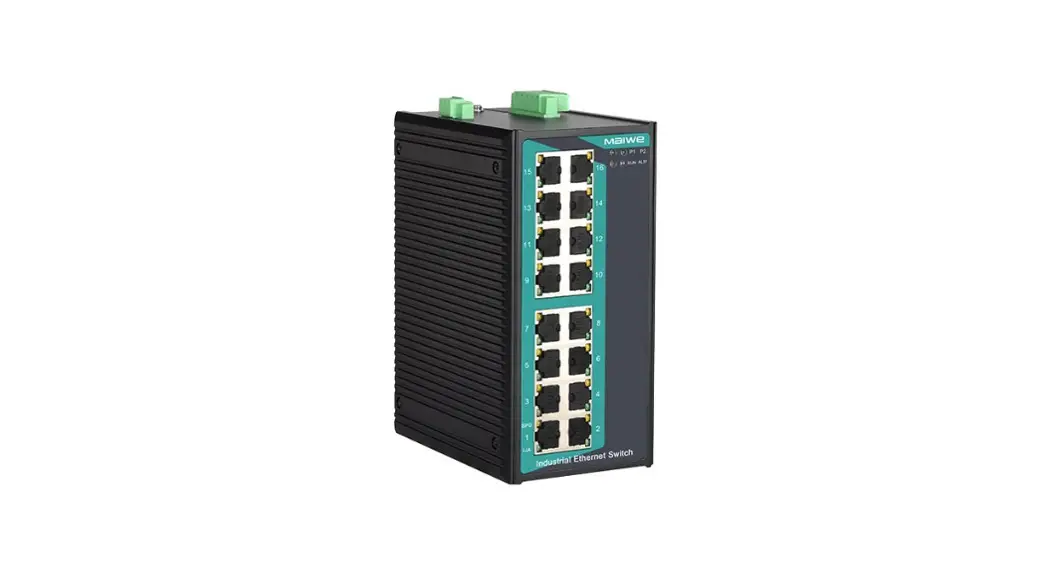
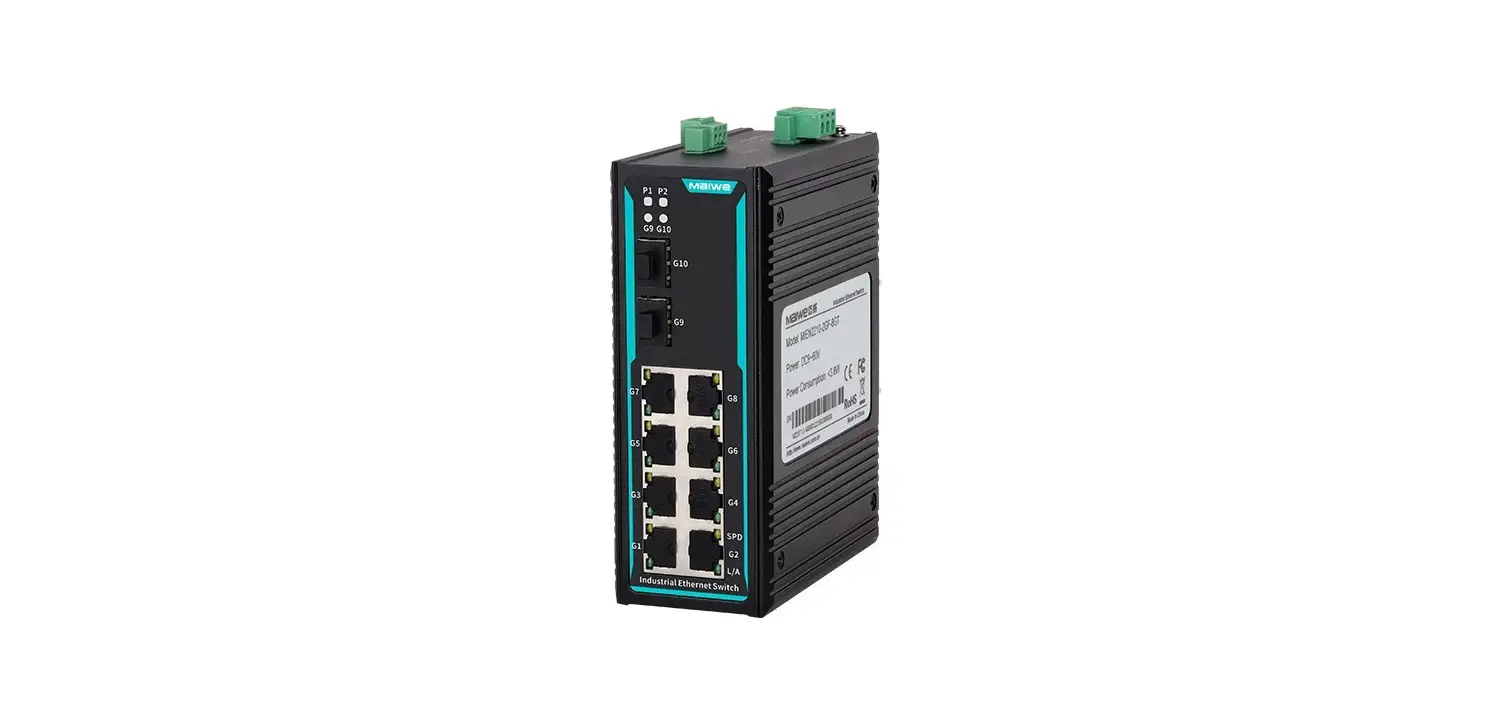
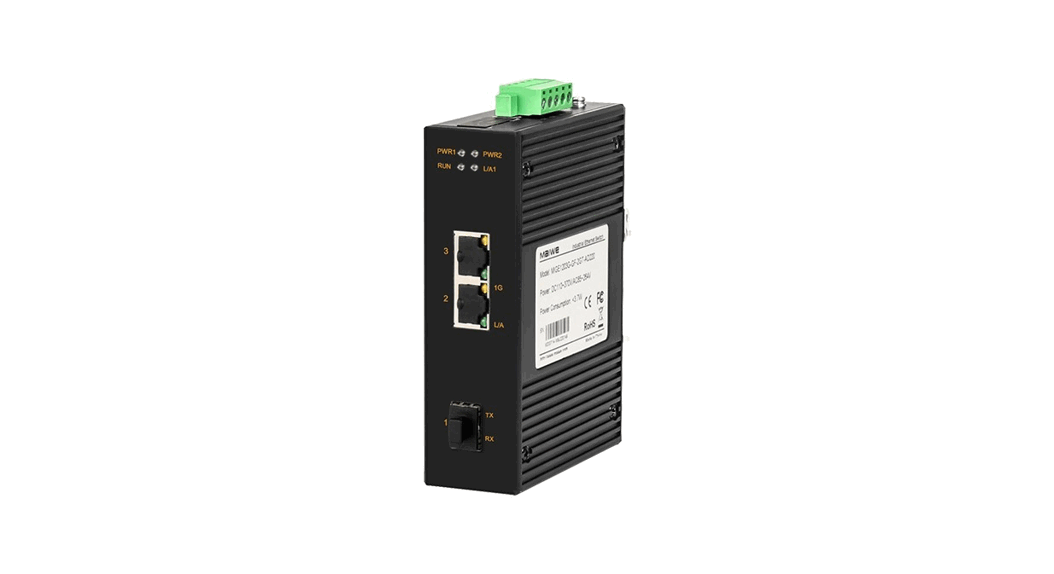
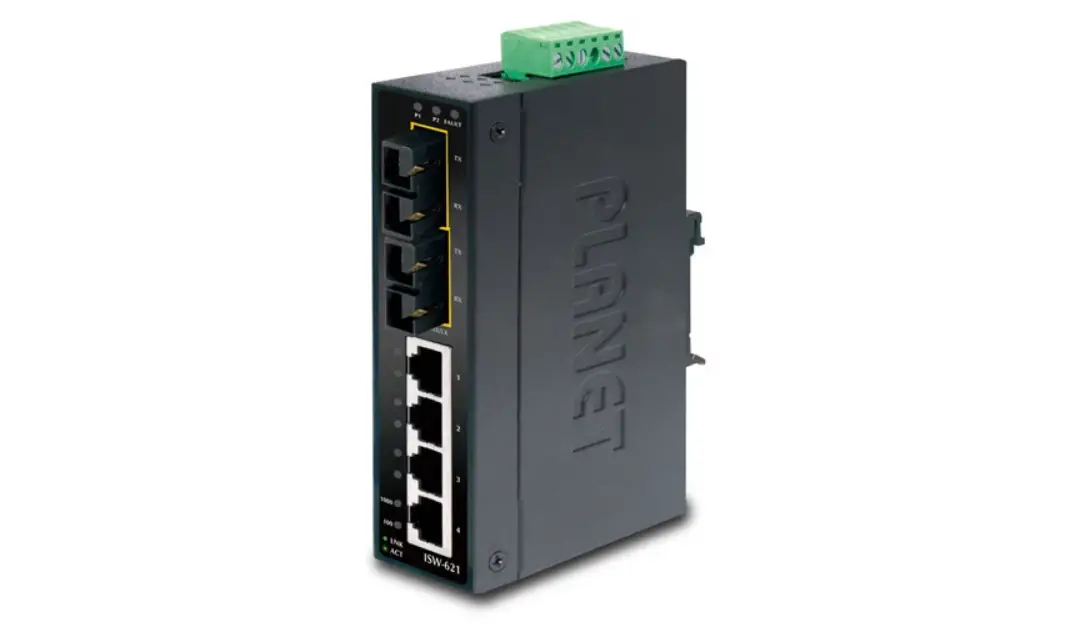
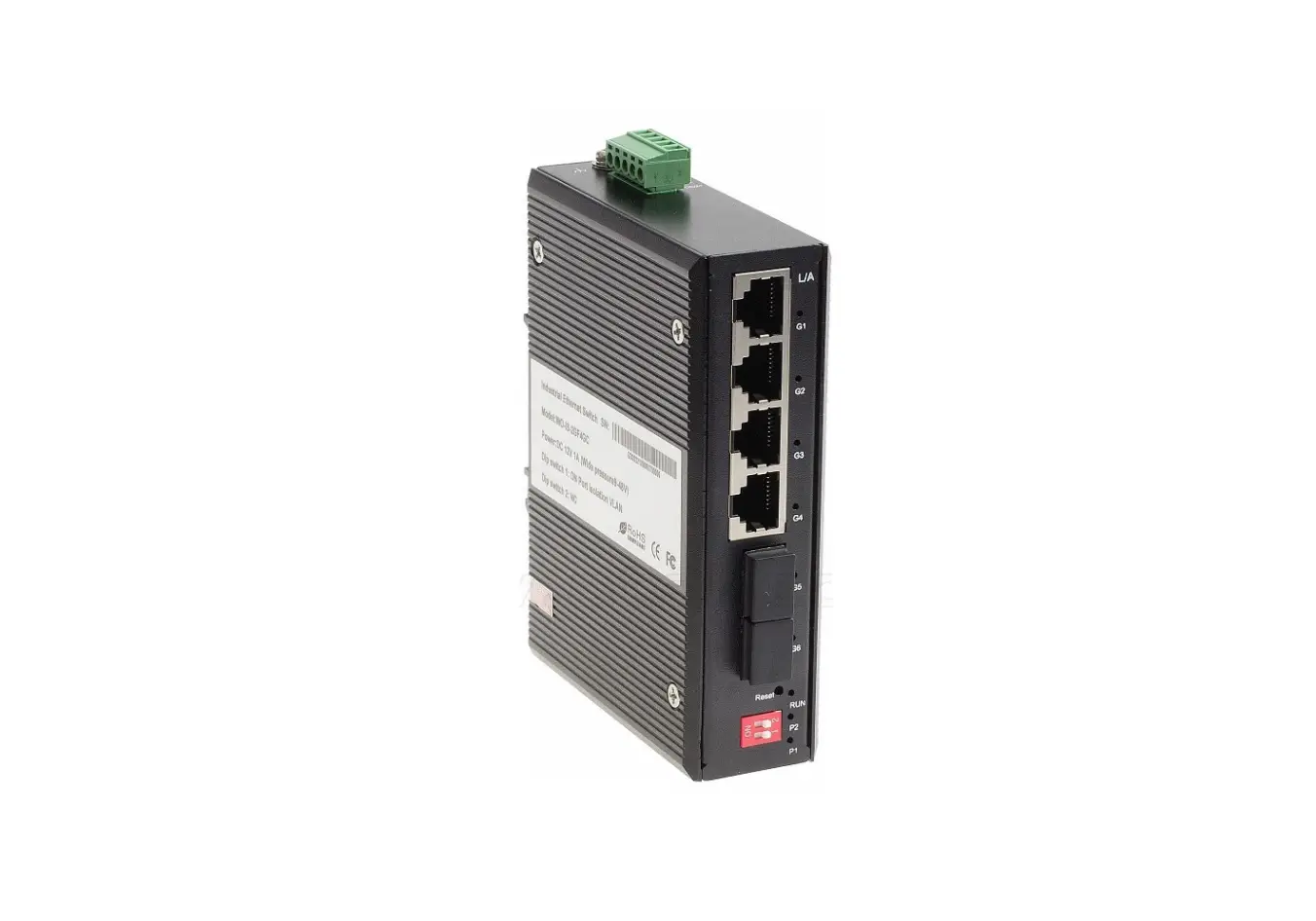
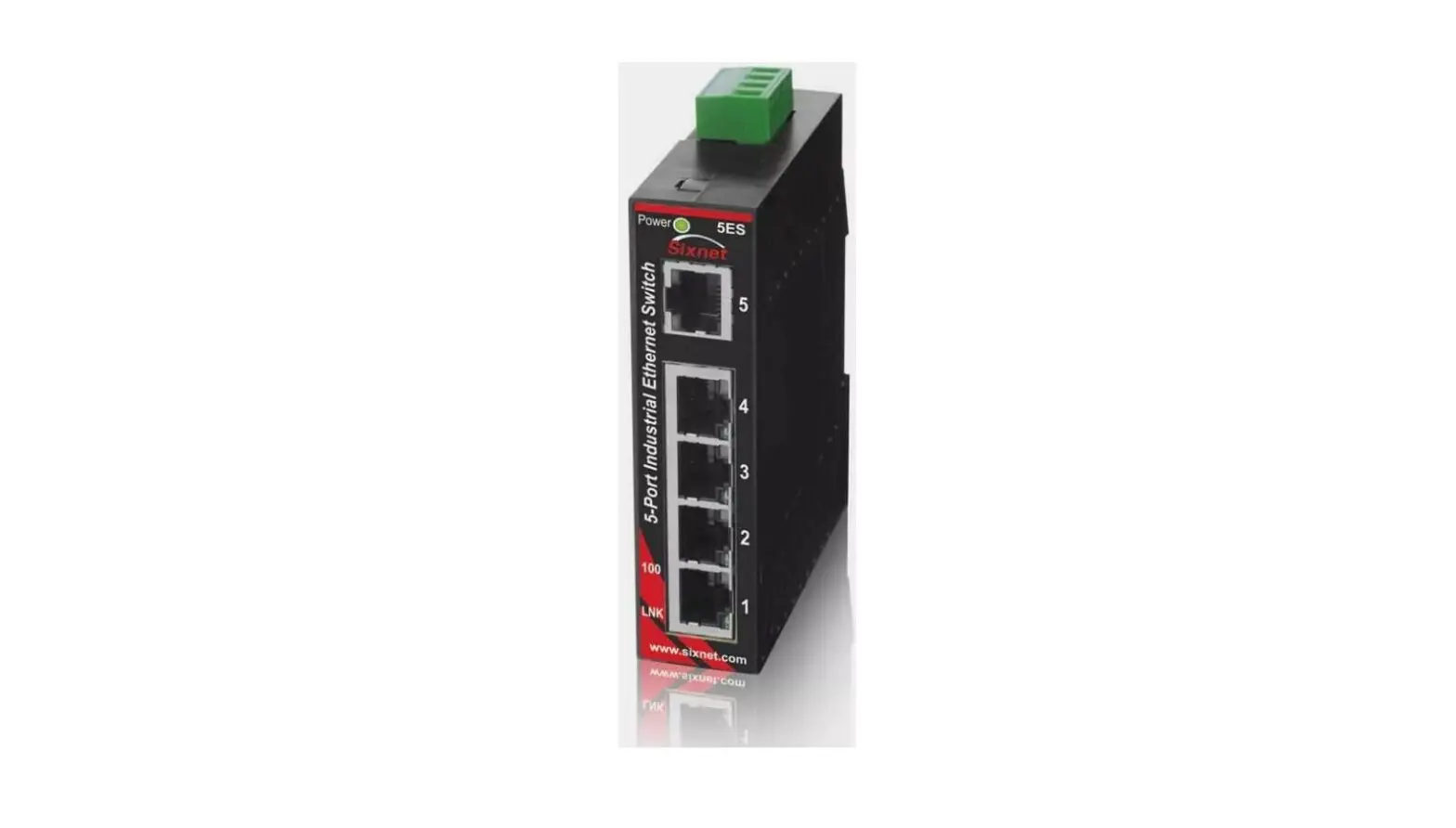
Admas2208P-M12-8TPOE Industrial Ethernet Switch
Product Information
| Product Name | Industrial Ethernet Switch |
|---|---|
| Model | Admas2208P-M12-8TPOE |
| Packing List |
|
| Power Input | Supports 2-way power input using M12 A-code 4-pin male connector. Power input range: DC4V (DC18-36V) |
| Interface Description |
|
Product Usage Instructions
Hardware Installation
Installation Precautions:
- During the installation process, wear anti-static gloves and
power off the switch. - Ensure that the input voltage is within the range marked on the
switch. - Use a standard Cat5e/6 network cable for optimal transmission
distance. - Ground the equipment for lightning protection using a wire of
No. 20 or more. - Lay out the power line, ground line, and signal line separately
with a distance of not less than 5cm.
Device Installation:
- Determine the mounting hole position according to the provided
size or product.
Device Connection:
- Connect the network cable to the port correctly.
Power Connection
Before connecting the power cord:
- Ensure that the ground is connected.
To connect the power cord:
- Connect the power cord to the power terminal of the device
according to the definition.
Industrial Ethernet Switch
User manual
Admas2208P-M12-8TPOE
1 Packing list
The package of this switch contains the following items. If any item is found to be missing or damaged, please contact the agent or the customer service center of Maiwe for assistant
Items Industrial Ethernet Switch
User Manual
Quantity 1PCS 1PCS
Remarks
2 Product description
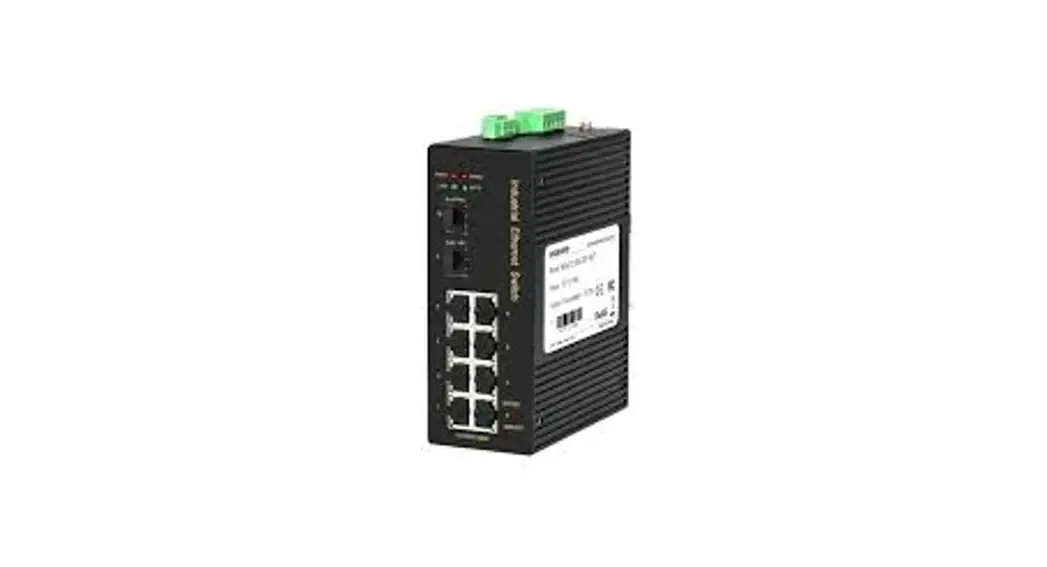
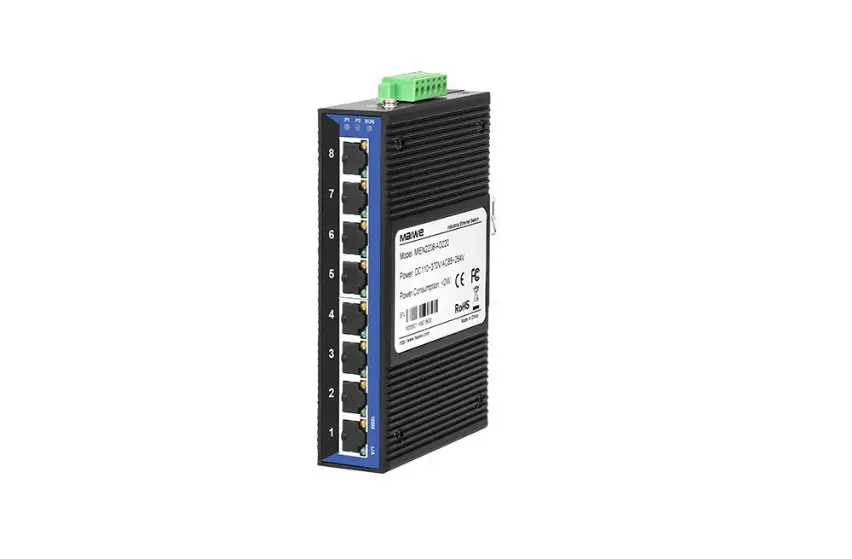
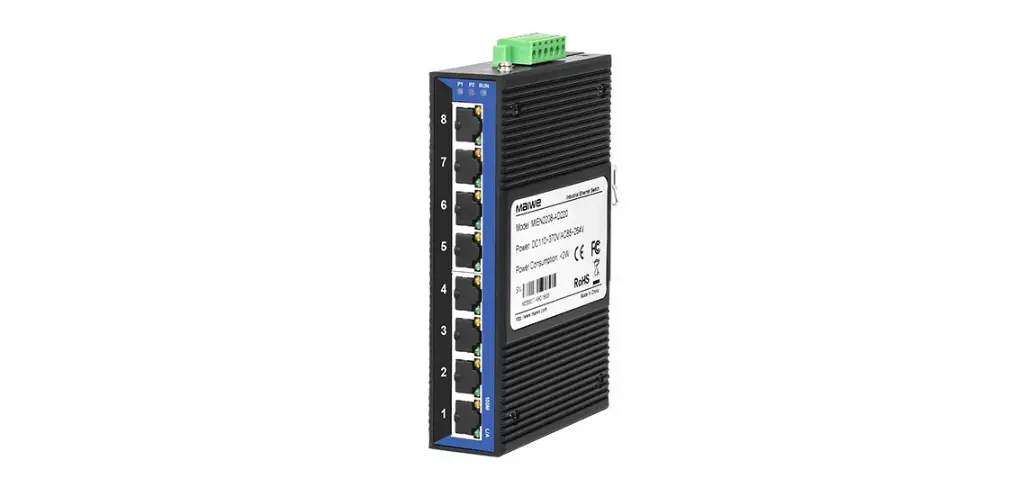
Admas2208P-M12-8TPOE is 8 ports unmanaged din-rail industrial POE switch. The switch uses a six-sided fully enclosed structure and is designed for a dedicated industrial vehicle communication network.The product supports dual power supply redundant power supply, adopts M12 A-code design.V1+, V1- is a group of power input, V2+, V2- is another group of power input. It supports 8 ports POE copper ports with M12 D-code interface.Each M12 port has self-adaptive function, supports self-adaptive MDI, MDI-X connection. All 8 Ethernet copper ports support POE, support IEEE802.3af/at protocol, and a single port can support up to 30W power output.
3 Interface description
Unit:mm
Connect to the Power
Support 2-way power input, using M12 A-code 4-pin male connector, power input range: Dc4V (Dc18-36V).
1.Switch mounting ear 2. Ground screw 3.Power input interface
4.Indicator light 5. 100M M12 interface
Number 1 2 3 4
Pin definition V1V2V1+ V2+
Pin description Power input V1-Negative(DC) Power input V2-Negative(DC) Power input V2+Positive(DC) Power input V1+Positive(DC)
M12 100M interface
It supports 8×10/100M full/half duplex Ethernet interfaces, 1-8 interface adopts M12 D-code 4-pin female connector.
Number
Pin definition
Pin description
1
TX+
100M Ethernet sending data positive
2
RX+
100M Ethernet receiving data positive
3
TX-
100M Ethernet sending data negative
4
RX-
00M Ethernet receiving data negative
The indicator description of the switch is shown in the following table.
Indicator lights Status
On P1/P2
Off
Definition System status LED Power is connected and operating normally
The power is unconnected or the system is abnormal
RUN L/A
Blinking Device is working normal
On/Off Device is working abnormal
Fiber Status LED
On
The port has established a valid network connection
Blinking Off
The port has network activity The port has not established a valid network connection
Ethernet RJ45 Status LED
Each Ethernet RJ45 port has two indicator lights, the yellow light is the POE port rate indicator, and the green is the port
PoE
On
PoE port is powered normally
(Yellow)
LINK/ACT (Green)
Off On Blinking Off
PoE port is powered abnormally The port has established a valid network connection The port has network activity The port has not established a valid network connection
4 Hardware installation
Installation Precautions To prevent equipment damage or personal injury caused by improper use, observe the following precautions: During the installation process, you need to wear anti-static gloves or anti-static
gloves, and power-off the switch. Please make sure that the input voltage is within the input voltage range marked
on the switch. The transmission distance has a certain relationship with the connected wire. It
is recommended to use a standard Cat5e/6 network cable. The equipment must be grounded for lightning protection, otherwise the
protection level of the equipment will be greatly reduced; please use a wire of No. 20 or more to connect the grounding terminal to the ground. The power line, ground line and signal line are laid out separately and the distance is not less than 5cm.
Device installation Determine the mounting hole position according to the provided size or product.
Device connection Connect the network cable to the port in the correct
Connect to the Power Before connecting the power cord, make sure that the ground is connected. Do connect the power cord to the power terminal of the device according to the definition.
5 Specifications
Switch performance Bandwidth Cache size
MAC table size Interface
100M copper port
MIEN3205GP-GF-4GTPoE
5.6G 4Mbit
8K
10/100M Base-TXRJ45 ports,Support full duplex/half duplex self-adaptation, support MDI/MDI-X self-adaptation
1-8 ports support POE,The 100M port is led out through the M12 D-code 4-pin female connector.
POE port output power
each port<=30W
Power Power
consumption DC input
Mechanical Size Shell
IP protection Weight
Working environment
5W(Do not include POE power consumption)
DC24V
180mm×170mm×64.6mm Metal IP40
About 0.5kg
Operating temp.
-40+70
Storage temp.
-40+85
Humidity Industry standard
EMC
595% (No condensation)
IEC61000-4-2(ESD), Level3 IEC61000-4-5(Surge), Level43IEC61000-4-4(EFT), Level3
Optical passive products such as optical fibers, optical cables, jumpers, flanges, and optical cable terminal boxes are guaranteed within two years, but no return service is provided.
The accessories and power supply that come with the product are guaranteed for one year.
When sending the product back to Maiwe for repair, it is recommended that the customer use the original packaging or the packaging with the same protective effect, otherwise the customer shall bear the risks that occur during the transportation.
The repaired product can enjoy another 6 months warranty service. The product after-sales service is detailed in the purchase and sale contract,
and Maiwe has the final interpretation right of this description.
6 Order guide
Model Admas2208P-M12-8TPOE
100M POE copper port
8
t Power supply
DC18-36V
7 Pledge
Thank you for purchasing Maiwe products. You will enjoy the following services when using Maiwe products. We solemnly promises: under normal use, one month’s return, one-year free maintenance, five-year warranty, and lifetime maintenance. The specific details are as follows: If Maiwe products have quality problems and cannot work normally, they will be
refunded for one month, free maintenance for one year, warranty for five years, and maintenance for life. If the number of repaired products is less than 10, the repair service will be completed within 7 days (excluding transportation time), and the repair service will be completed within one month for more than 10 sets.
Wuhan Maiwe Communication Co., Ltd. Add: Building E2, No. 2 Building, Area E, No. 52 Liufang Avenue, East lake High-tech Development Zone, Wuhan, China. Tel: 027-87170215/16 Fax: 027-87170217 Post Code: 430205 Site: www.maiwe.com
Statement Due to the continuous updating and improvement of products and technologies, the contents of this manual will be updated from time to time. All the information in the manual is only used for instructions, if the content in the text does not completely match the actual product, please understand and please contact our customer service in time. Copyright 2021 Maiwe Communication All rights reserved. The right to interpret the information published in this material belongs to Wuhan Maiwe Communication Co., Ltd.
 Maiwe Communication | Connect the world, smarter the future