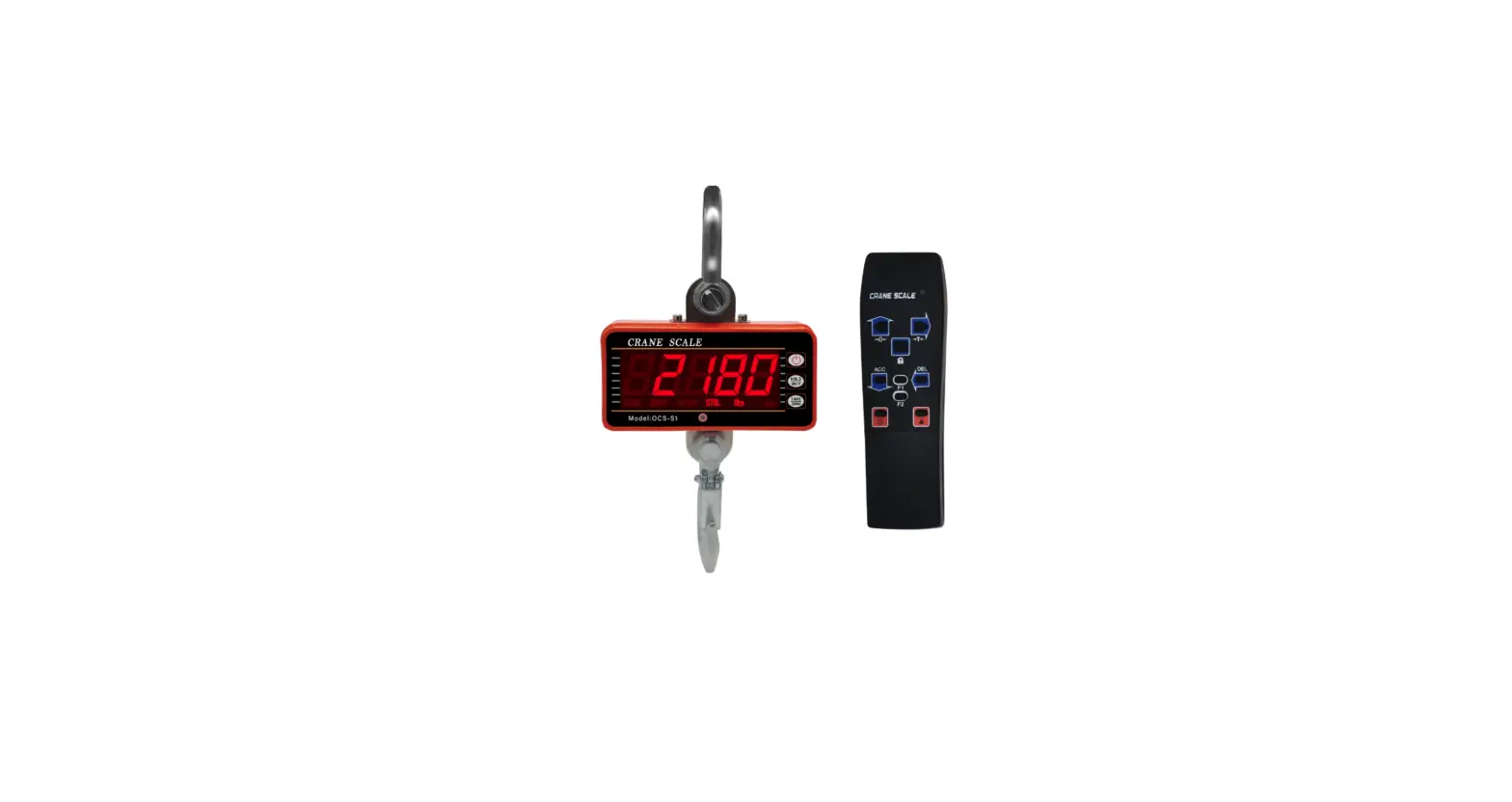
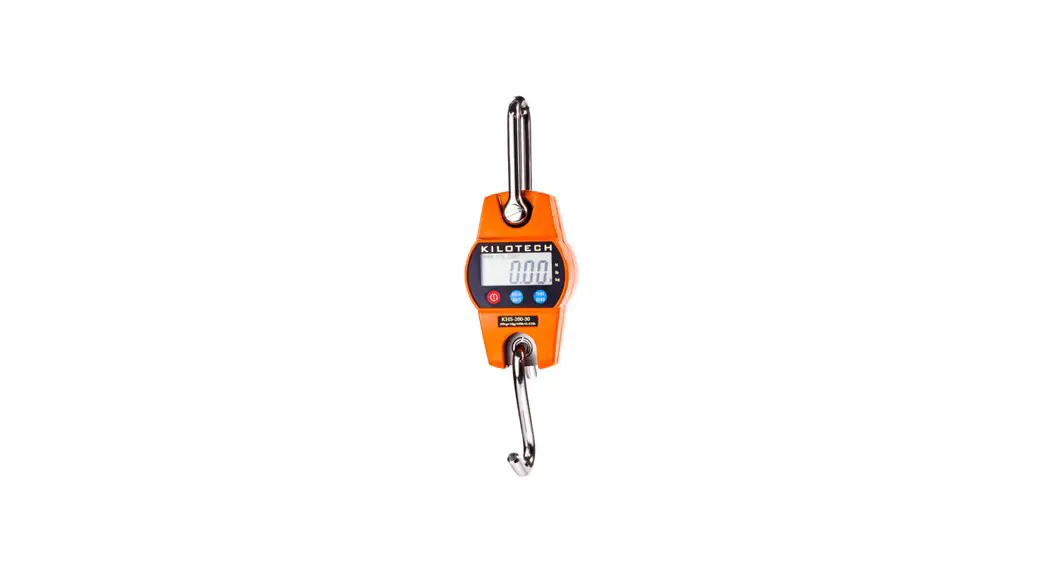
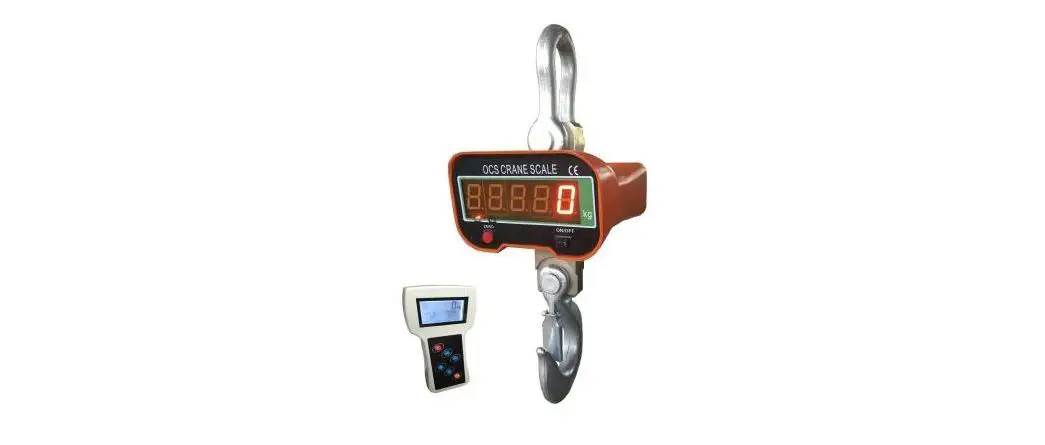
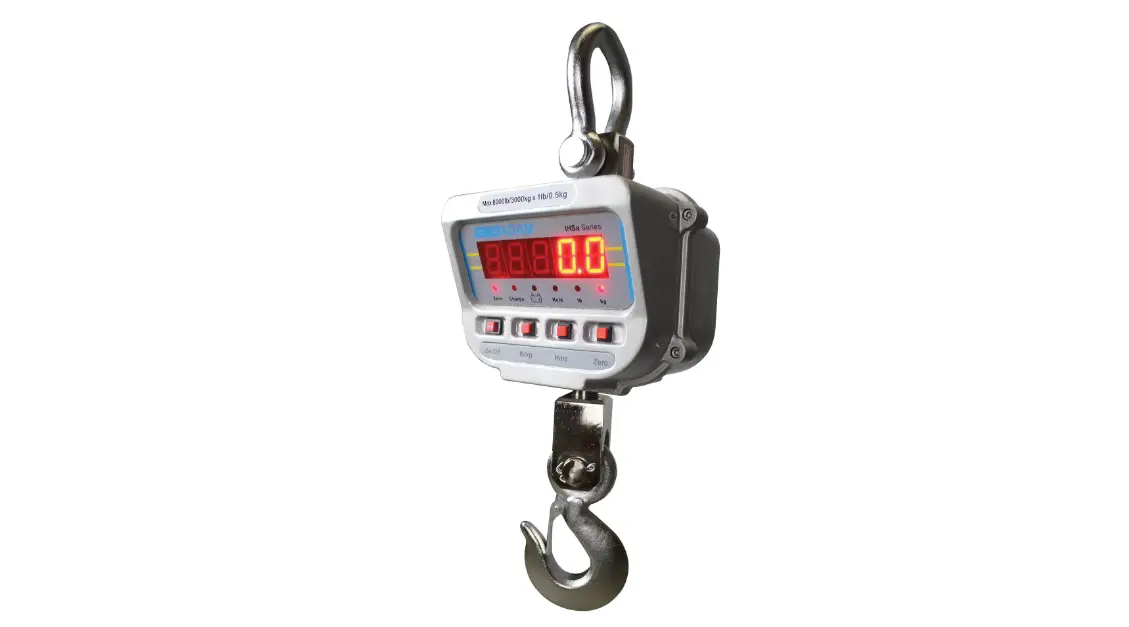
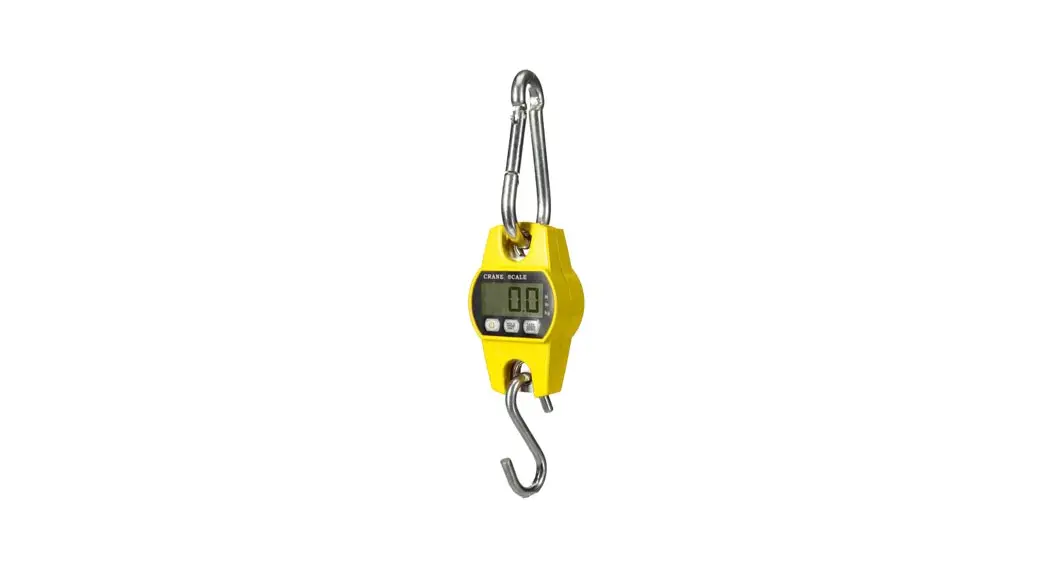
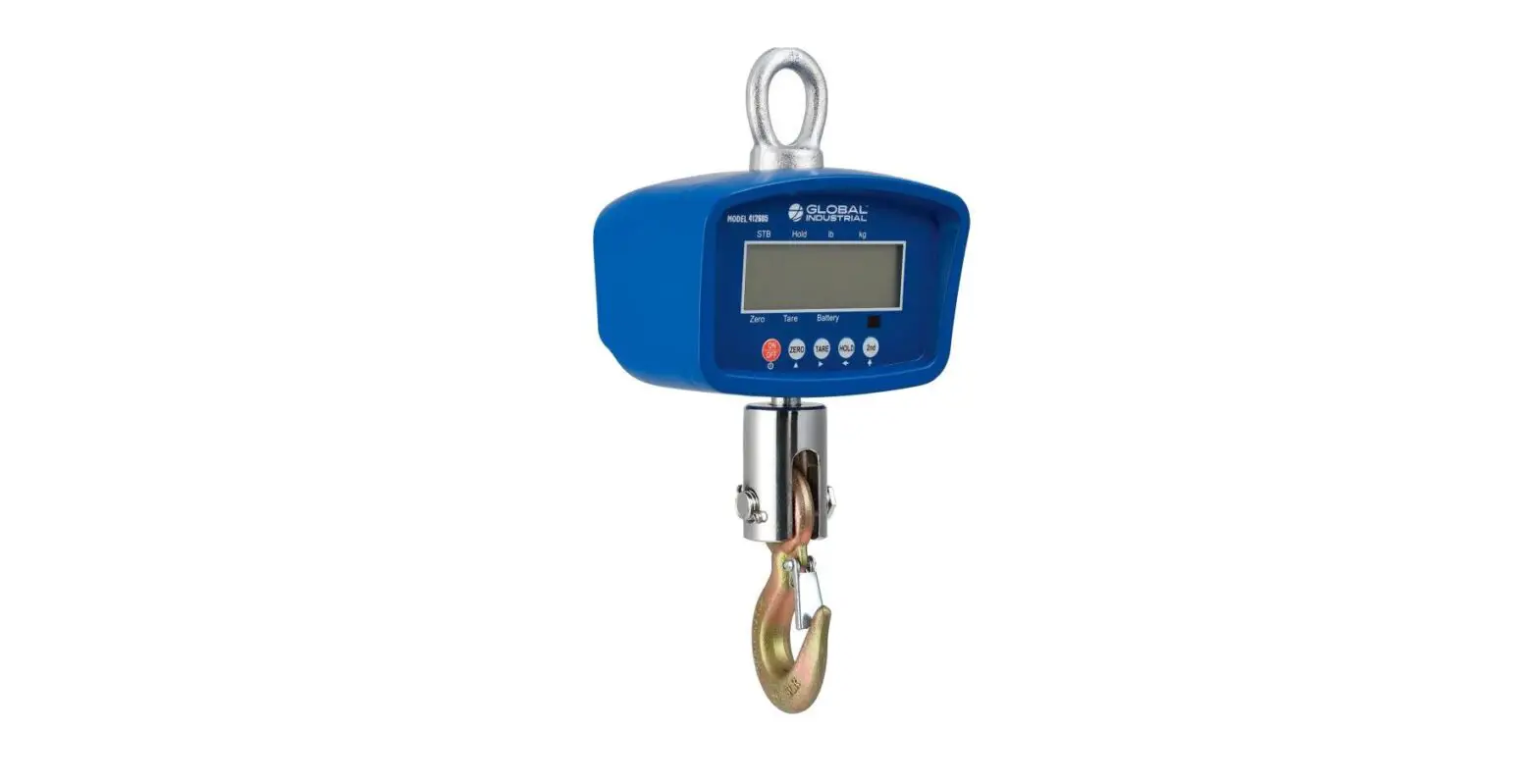
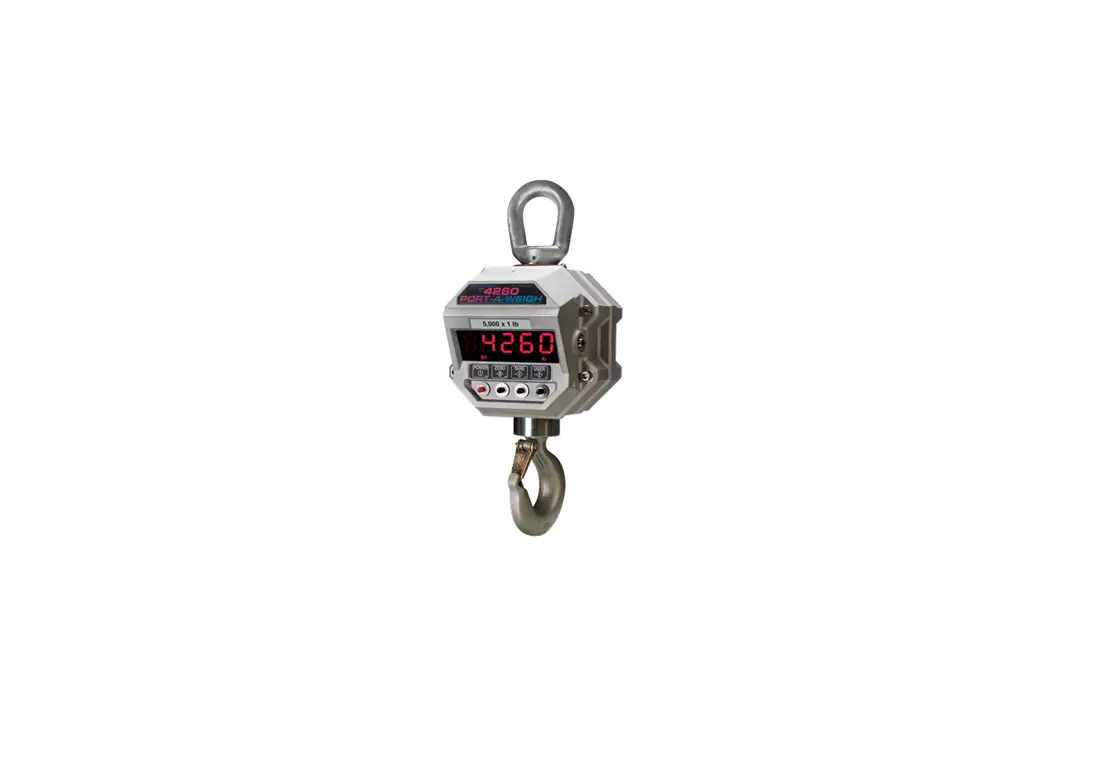
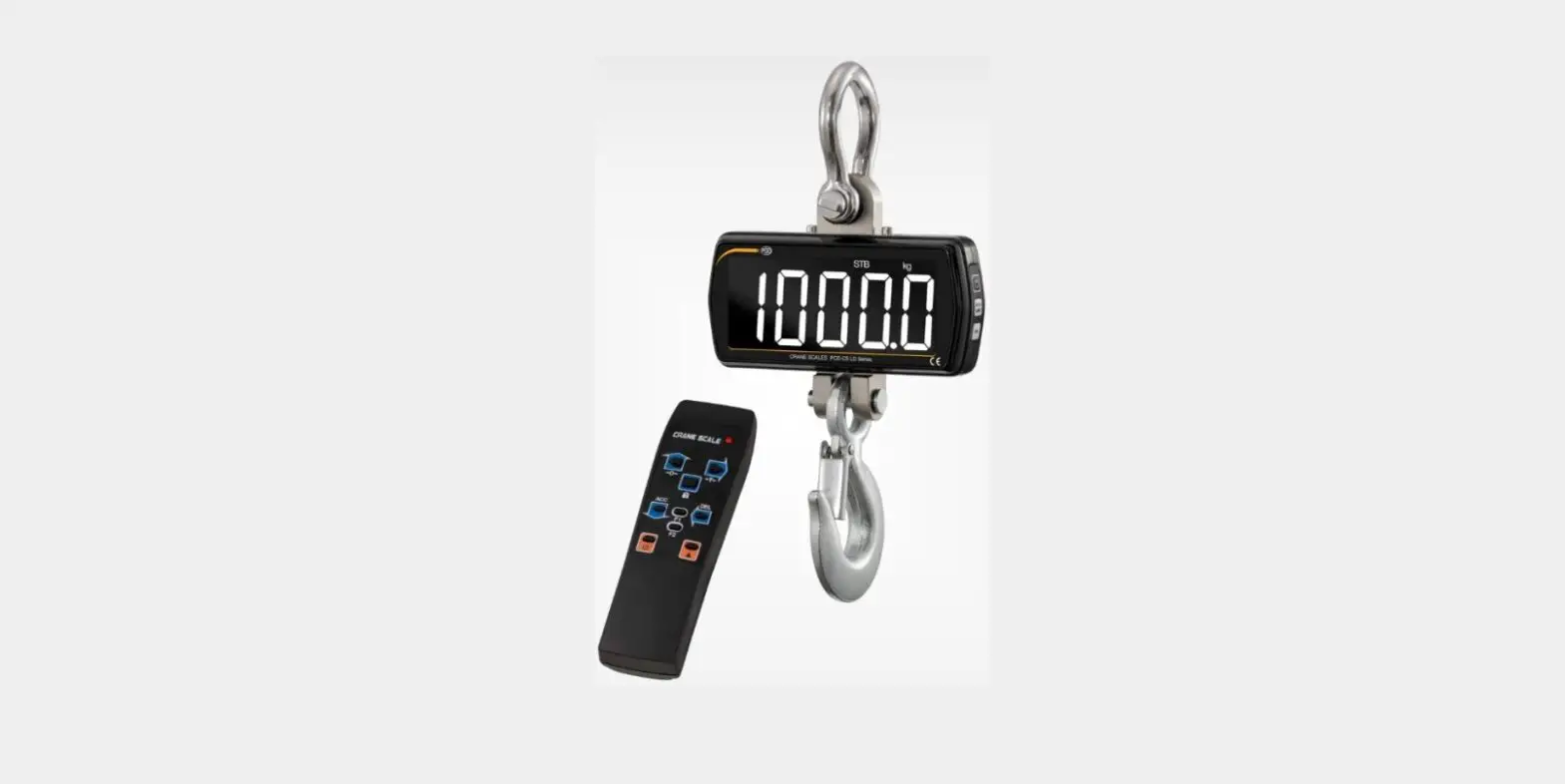
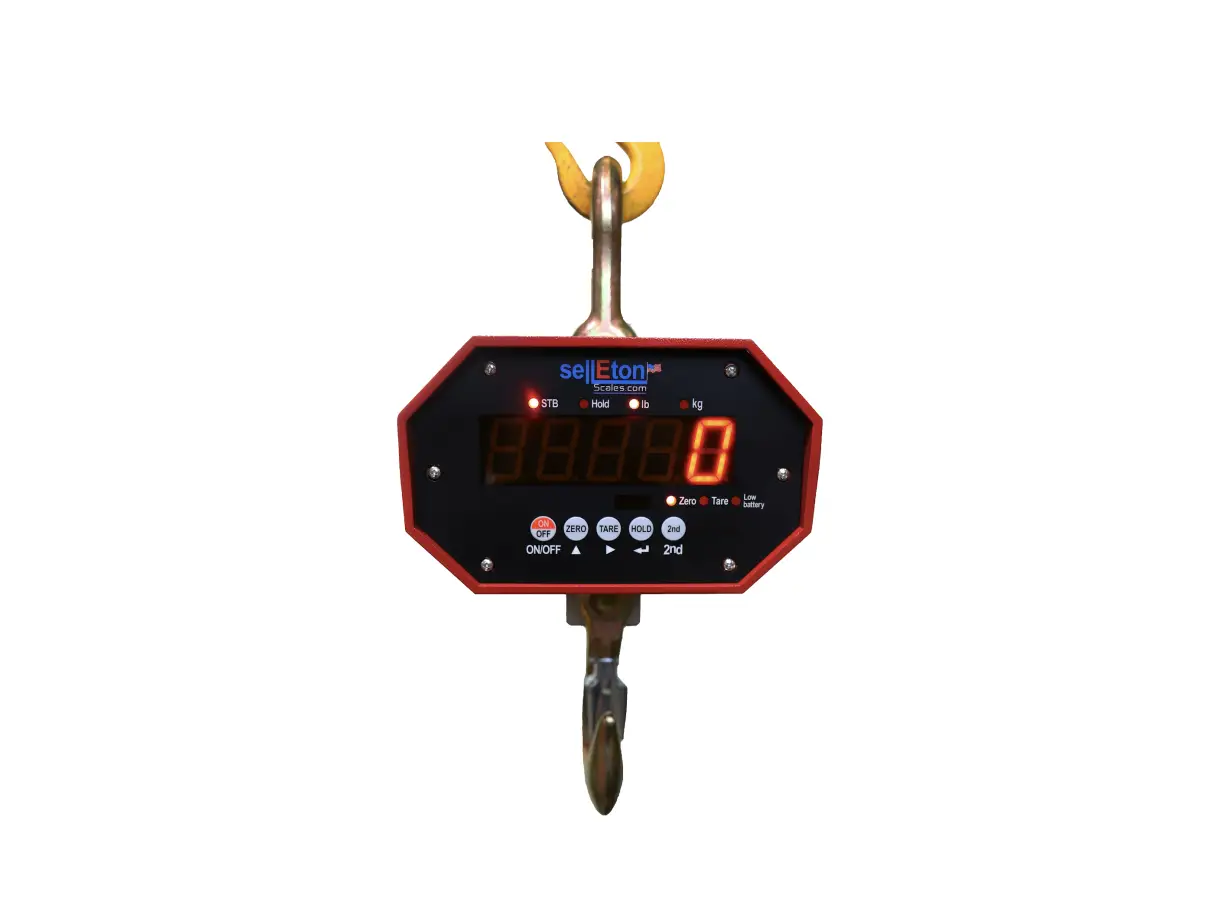
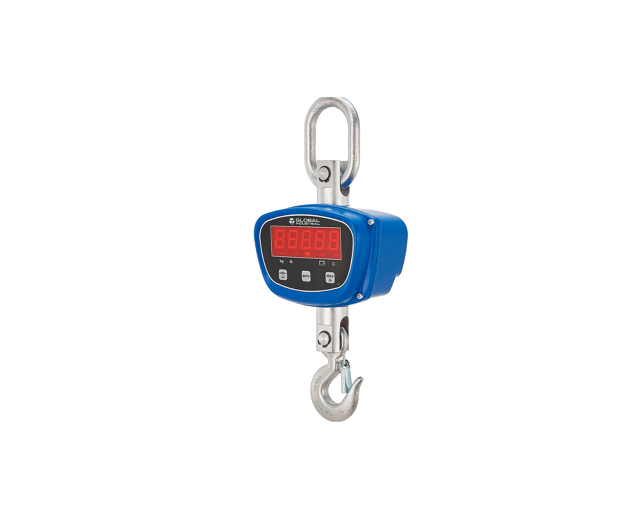
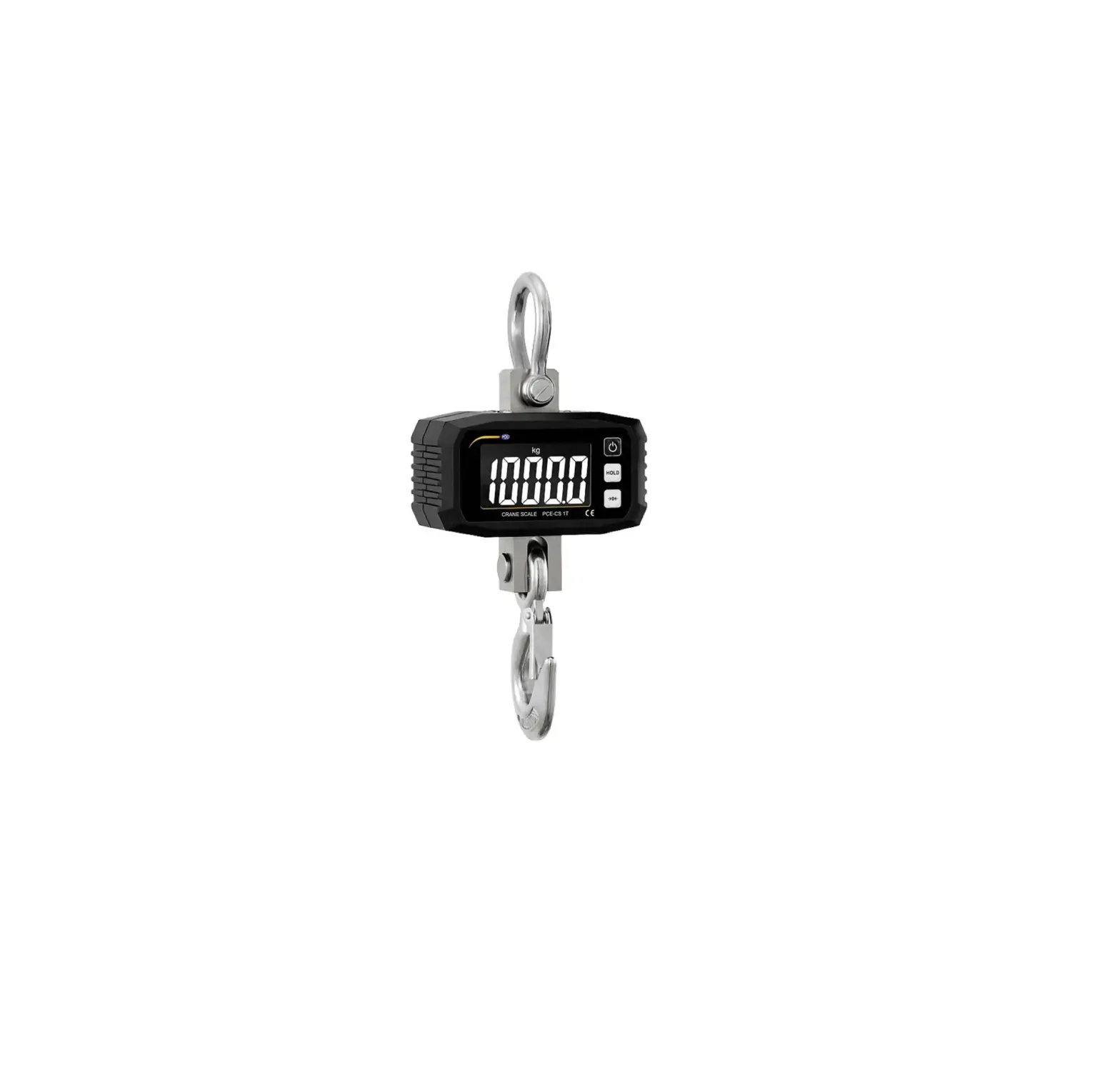
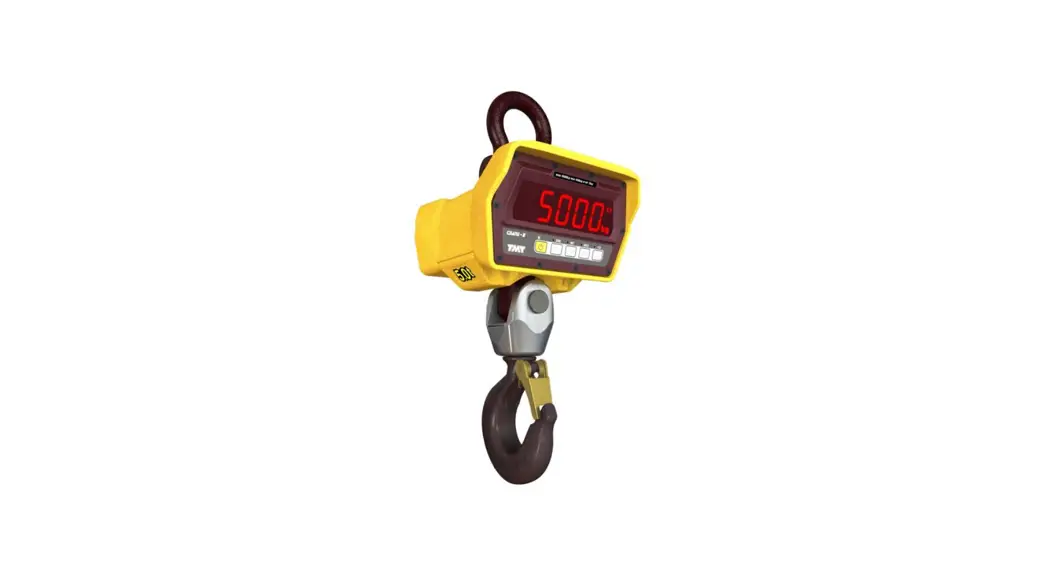
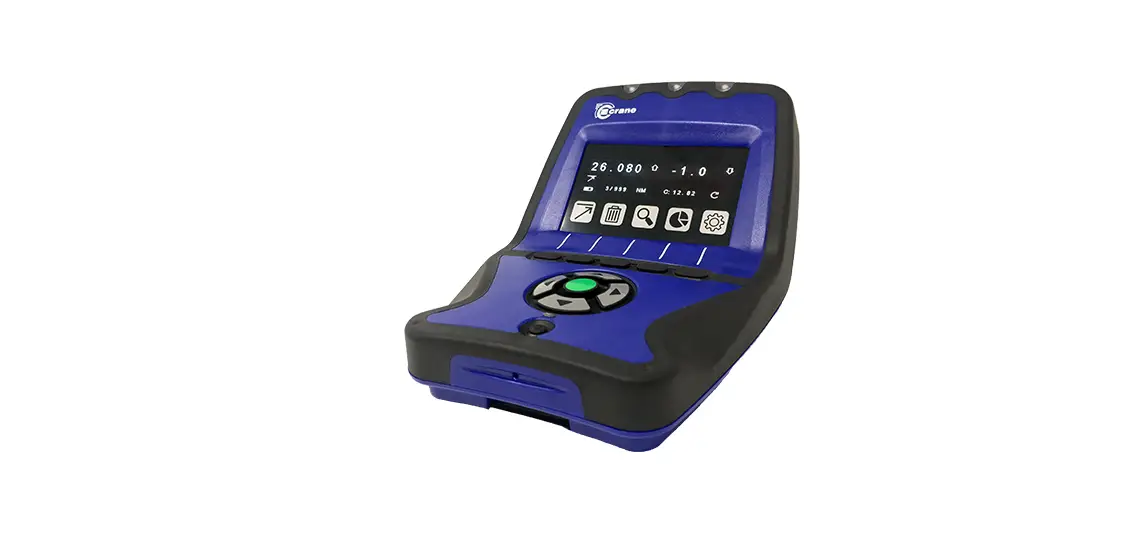
OCSM Series Light Duty Crane Scale
OCSM Series Light Duty Crane Scale
User’s Guide
1. Safety Guides
- Do NOT overload the scale. This may damage the load cell and
will void the warranty. - Do NOT leave the load hanged on the scale for too long. This
will decrease scale’s accuracy and shorten the load cell’s life
span. - Inspect the shackle and hook before using. Check clips, pins
and screws properly fitted and installed. - Check battery frequently. When scale drained its battery,
charge the battery with its dedicated charger or replace it with a
new one. - Avoid rotating the scale, this may damage the load cell.
- Do NOT use scale under thunder or rain.
- Hang the scale on shelf or in dry and well-ventilated room. Do
NOT put the scale on the ground directly. - Do NOT attempt to repair the scale by yourself. Contact your
local dealer or to the Technical Support.
2. Features
- Superb Quality. Strictly in accordance with OIML R76, Chinese
GB/T11883-2002 National Standards, and European CE directives. - Great Safety. Aluminum-casting case, high firm hook and ring,
dedicated weighing load cell for safety installation. - Strong Reliability. Cutting-edge technology, quality integrated
circuit for high performance and long time stability. - Broad Applicability. Popular and applicable in storage,
textile, metallurgy industry, and so forth. - Easy to Use. Infra-red remote controlling design. Easy to
operate on the scale or in distance. - Complete Function. Division switch, unit conversion, automatic
power saver, battery inspection, idle mode, tare set, etc.
3. Specifications
- Accuracy Class: Chinese GB/T 11883-2002 Class III Equivalent to
OIML R76 - Tare Range: 100% F.S.
- Zero Range: 4% F.S.
- Stable Time: 10sec
- Overload Safety Load: 100% F.S. + 9e
- Ultimate Load: 125% F.S. 400% F.S.
- Battery: 6V/5Ah lead acid battery.
- Charger: AC220V or 110V input, DC9V/1500mA output
- Op. Temp.: -10 ~ +40
- Op. Humidity: 20 – 90%
- Display: 30mm (1.2inch) LED or 35mm(1.38inch) LCD
4. Capacities
| Model | Max. Capacity | Min. Capacity | Resolution | Division |
|---|---|---|---|---|
| OCSM-200lb | 200lb | 2lb | 0.1lb | 2,000 |
| OCSM-400lb | 400lb | 4lb | 0.2lb | 2,000 |
| OCSM-600lb | 600lb | 4lb | 0.2lb | 3,000 |
| OCSM-1000lb | 1000lb | 10lb | 0.5lb | 2,500 |
| OCSM-2000lb | 2000lb | 20lb | 1lb | 2,000 |
5. Display & Keys
Scale & Remote Controller keys
The scale and remote controller have the following keys:
- On/Off
- Zero
- Tare In / Tare Out
- Lock / Unlock
- Accumulate
- View
- Delete
- Clear
- Unit Switch
- Tare Set
- Resolution Switch
- Battery Power View
6. Operations
The following are the operations that can be done using the keys
on the scale and remote controller:
- On/Off: Press this key to turn on or off the
scale. - Zero: Press this key to set the scale to
zero. - Tare In / Tare Out: Press this key to tare in
or tare out. - Lock / Unlock: Press this key to lock or
unlock the scale. - Accumulate: Press this key to accumulate the
weight. - View: Press this key to view the accumulated
weight. - Delete: Press this key to delete the
accumulated weight. - Clear: Press this key to clear the
display. - Unit Switch: Press this key to switch between
units of measurement. - Tare Set: Press this key to set the tare
weight. - Resolution Switch: Press this key to switch
between resolutions. - Battery Power View: Press this key to view the
battery power level.
7. User Setup
The user can setup the following parameters:
- Resolution: The user can set the
resolution. - Auto-Off time: The user can set the time for
automatic turn-off. - Idle Time: The user can set the idle
time. - Brightness / Backlight: The user can set the
brightness or backlight. - Anto-Motion: The user can set the anti-motion
feature.
8. Battery Maintenance
The user should check the battery frequently and charge it using
the dedicated charger when it is drained. If the battery is
damaged, it should be replaced with a new one.
9. Troubleshooting
If there are any issues with the scale, do NOT attempt to repair
it by yourself. Contact your local dealer or technical support for
assistance.
OCSM Series
Light Duty Crane Scale
User’s Guide
TABLE OF CONTENTS
1. Safety Guides
3
2. Features
3
3. Specifications
4
4. Capacities
4
5. Display & Keys
4
Scale & Remote Controller keys
5
Indicators
5
Messages
5
6. Operations
6
On/Off
6
Zero
6
Tare In / Tare Out
6
Lock / Unlock
7
Accumulate
7
View
7
Delete
8
Clear
8
Unit Switch
8
Tare Set
8
Resolution Switch
9
Battery Power View
9
7. User Setup
9
Resolution
10
Auto-Off time
10
Idle Time
10
Brightness / Backlight
11
Anto-Motion
11
8. Battery Maintenance
11
9. Troubleshooting
12
2 | ANYLOAD OCSM Series Light Duty Crane Scale User’s Guide
1. Safety Guides
For good performance and precise measurement on daily operation, observe the following safety guides and maintenance recommendations:
o Do NOT overload the scale. This may damage the load cell and will void the warranty.
o Do NOT leave the load hanged on the scale for too long. This will decrease scale’s accuracy and shorten the load cell’s life span.
o Inspect the shackle and hook before using. Check clips, pins and screws properly fitted and installed.
o Check battery frequently. When scale drained its battery, charge the battery with its dedicated charger or replace it with a new one
o Avoid rotating the scale, this may damage the load cell o Do NOT use scale under thunder or rain. o Hang the scale on shelf or in dry and well-ventilated room. Do NOT put
the scale on the ground directly. o Do NOT attempt to repair the scale by yourself. Contact your local
dealer or to the Technical Support.
2. Features
This scale is a combination of sound and proven mechanical design, with nowadays’ most advanced electronics to provide a superb feature sets. It is versatile, reliable, accurate and easy to operate.
o Superb Quality. Strictly in accordance with OIML R76, Chinese GB/T11883-2002 National Standards, and European CE directives.
o Great Safety. Aluminum-casting case, high firm hook and ring, dedicated weighing load cell for safety installation.
o Strong Reliability. Cutting-edge technology, quality integrated circuit for high performance and long time stability.
o Broad Applicability. Popular and applicable in storage, textile, metallurgy industry, and so forth.
o Easy to Use. Infra-red remote controlling design. Easy to operate on the scale or in distance.
o Complete Function. Division switch, unit conversion, automatic power saver, battery inspection, idle mode, tare set, etc.
3 | ANYLOAD OCSM Series Light Duty Crane Scale User’s Guide
3. Specifications
Accuracy Class
Tare Range Zero Range Stable Time Overload Safety Load Ultimate Load Battery Charger Op. Temp. Op. Humidity Display
Chinese GB/T 11883-2002 Class III Equivalent to OIML R76 100% F.S. 4% F.S. 10sec 100% F.S. + 9e 125% F.S. 400% F.S. 6V/5Ah lead acid battery. AC220V or 110V input, DC9V/1500mA output -10 ~ +40 20 90% 30mm (1.2inch) LED or 35mm(1.38inch) LCD
4. Capacities
model
max. cap.
OCSM-200lb OCSM-400lb OCSM-600lb OCSM-1000lb OCSM-2000lb
200lb 400lb 600lb 1000lb 2000lb
min. cap.
2lb 4lb 4lb 10lb 20lb
resolution
0.1lb 0.2lb 0.2lb 0.5lb 1lb
division
2,000 2,000 3,000 2,500 2,000
5. Display & Keys
Scale & Remote Controller keys
key
name
function
On/Off
press for 1sec, power-on scale.
press for 1sec, power-off scale.
exit without saving
Zero
zero scale
with , unit switch
increase digit
Tare
tare in/out
with , tare set right scroll digit 4 | ANYLOAD OCSM Series Light Duty Crane Scale User’s Guide
Hold
2nd
Acc
Del
View F1
Indicators
indicator
name Stable Zero Tare Hold lb kg
lock/unlock with , enter User Setup confirm 2nd function with , enter Password mode exit and save accumulate weight with , switch resolution decrease digit delete last weight with , clear all weight left scroll digital view accumulated weight with , view battery level NC
note lit when weight is stable lit when weight is at zero lit when weight is tared lit when weight is locked lit when weight is in lb lit when weight is in kg (some models have no kg label or annunciator)
Messages
Message
Stand for
SETUP END OFF
note Weight over range Detect weight Weight below range User setup Save and exit Power off
5 | ANYLOAD OCSM Series Light Duty Crane Scale User’s Guide
6. Operations
On/Off
o Press for 1sec, will power-on scale. o Scale performs initialization and boot-up testing then display flashes 3
times, and displays max. cap., battery power, then detects weight and Auto-Zero.
For information about Auto-Zero, refer to Scale Setup in Technical Manual. o Press or for 1sec, power-off scale.
Scale displays battery power and off message, then cut off power
Zero
o Press or Indicator
, will zero the scale. lights on.
o Scale must not be locked, otherwise
displays.
o Scale must be stable, otherwise
displays.
o Scale must not be tared, otherwise
displays.
o Weight must be in Manual-Zero Range, otherwise displays.
For information about Manual-Zero Range, refer to Scale’s Configuration in Technical Manual.
Tare In / Tare Out
o In gross mode, press or , will store the load as tare.
Indicator
lights on
o Scale must not be locked, otherwise
displays.
o Scale must be stable, otherwise
displays.
o Weight must more than 0, otherwise
displays.
o Weight must be lighter than 100% F.S., otherwise displays.
6 | ANYLOAD OCSM Series Light Duty Crane Scale User’s Guide
Tare will reduce the apparent overloading range of scale. For example, if a 5000*2kg scale has a 1000kg container as tare, the scale will overload at a new weight of 4018kg (5000 1000 + additional 9 divisions).
o In net mode, press or , will remove the tare stored.
Indicator
lights off.
o Scale must not be locked, otherwise
displays
Lock / Unlock
o Press , will hold the reading in the scale.
Indicator
lights on.
o Scale must be stable, otherwise
displays.
o Press , unlock scale.
Indicator
lights off.
Accumulate
o Press , will accumulate the current weight.
will display indicating weight is accumulated. Scale uses displayed weight, so gross or net weight is added into the same accumulator.
o Scale must not be locked, otherwise
displays.
o Scale must be stable, otherwise
displays.
o Weight must exceed 0, otherwise
displays.
o Scale must return zero before new weight can be accumulated
otherwise
displays
View
o Press , enter the View mode. Display flashes accumulated weight.
o Scale must not be locked, otherwise
displays.
o If accumulated weight is zero,
displays.
o Press , to view high 5-digital and low 5-digital.
o Press or to exit View mode.
7 | ANYLOAD OCSM Series Light Duty Crane Scale User’s Guide
Delete
o Press , will delete last accumulated weight.
will display indicating last accumulated weight is deleted. Delete function only deletes the last weight.
o Scale must not be locked, otherwise
displays.
o If last accumulated weight has been deleted,
displays
Clear o Press
, then press , will clear all weights registered. will display indicating all weight are cleared.
Unit Switch
o Press , then press , switching unit between kg, lb, USR.
When unit switches to kg,
displays, indicator lights on (some
models do not have kg label or annunciator). When unit switches to lb,
displays, indicator lights on. When unit switches to USR,
displays, indicator and lights off. o Unit Switch changes unit temporarily. Scale does not save unit unless
System Unit is changed.
For more information about USR, refer to Scale’s Configuration in Technical Manual
Tare Set
o In gross mode, press , then press or , will enter Tare Set mode. Scale displays 00000, waiting for user input.
o Press or weight. Indicator
, and or , input weight. Press
lights on.
, enter
o Scale must be in gross mode, otherwise
displays.
o Weight must exceed 0, otherwise
displays.
o Weight must be lighter than 100% F.S., otherwise
displays
8 | ANYLOAD OCSM Series Light Duty Crane Scale User’s Guide
Resolution Switch
o Press , and then press , switch display resolution o Scale displays new resolution. o High resolution offers better accuracy at the cost of longer measuring time and stricter requirement of load’s stability. o Designed to meet the OIML R76’s directive, the scale has the best (default) performance at 2000 to 3000 division. o Resolution Switch changes the apparent overloading range of scale. For example, if a 3000*1kg scale is switched to 3000*0.5kg, it will overload at 3004.5kg (3000 + 9*0.5), while by default, it overloads at 3009kg (3000 + 9*1). o Default resolution will be restored next time when scale is powered on or enter User Setup. To save changes in resolution for later, enter User Setup and change Resolution.
For information about Resolution, refer to User Setup.
Battery Power View
o Press , and then press to view battery power.
o Scale displays battery voltage, for example
, indicating
6.38V.
For information about battery, refer to Battery Maintenance
7. User Setup
o Press , and then press , enter User Setup mode.
o Message
displays.
o Press will enter Resolution.
9 | ANYLOAD OCSM Series Light Duty Crane Scale User’s Guide
Resolution
Scale displays resolution to be set. For example resolution is set to 0.5.
, indicating
o Press or , and , change resolution
o Press or , exit without saving. Press , exit and save. Designed to meet the OIML R76’s directive, the scale has thebest (default) performance at 2000 to 3000 division
o Press will enter Auto-Off.
Auto-Off Time
o Scale displays auto-off time, e.g.,
indicating 15min.
o Press or , and , change Auto-Off time.
o Press or , exit without saving. Press , exit and save. Auto-Off function maximizes scale’s battery life against people’s carelessness not to power off scale when it’s not working. Auto-Off starts countdown timer when there’s no action or load is stable. Any key pressing or motion in load restarts countdown timer. Auto-Off time can be set to: 0 (never auto-off ), 5min, 15min, 30min, 60min.
o Press will enter Idle Mode setting.
Idle Time o Scale displays idle time, e.g.,
indicating 30sec.
o Press or , and , change idle time.
o Press or , exit without saving. Press , exit and save. To maximize battery life, scale automatically enters Idle Mode, when there’s no action or the load is stable. In Idle Mode, scale works in low-power consumption status. Any key pressing or motion in load wakes up scale from Idle Mode. Idle time can be set to: 0 (never ilde), 5sec, 15sec, 30sec, 60sec.
o Press will enter to Brightness / Backlight setting.
10 | ANYLOAD OCSM Series Light Duty Crane Scale User’s Guide
Brightness / Backlight
Scale displays LED brightness / LCD backlight status.
o Press or status.
, and , change LED brightness / LCD backlight
o Press or , exit without saving. Press , exit and save. Dim LED brightness or turn off LCD backlight saves battery power dramatically. LED brightness can be set to: 1(dim), 2(normal), 3(bright)
o Press will enter Anti-Motion
Anti-Motion
Scale display Anti-Motion level to be set, e.g., level 1.
indicating
o Press or , and , change Anti-Motion level.
o Press or , exit without saving. Press , exit and save. At the cost of measuring time, Anti-Motion function intelligently settles weight reading when scale is in motion. The weaker Anti-Motion is, the faster weight reading displays, but the longer it takes to be stable. Anti-Motion can be set to: 0 (off), 1 (weakest), 2 (weak), 3 (normal), 4 (strong), 5 (strongest).
o Press will enter Auto-Off again.
8. Battery Maintenance
To maximize battery life, observe the following battery maintenance guides: o This scale is powered by a 6V rechargeable lead-acid battery. o Battery is permanently attached to battery door. To remove battery
pack, remove both screws on the access door, pull battery pack straight out, and unplug battery cable from scale. o Depending on LED brightness or LCD backlight setting, battery works from 40 hours to 100 hours. o In order to conserve battery life, enable Auto-Off and Idle Mode, dim LED brightness or turn off LCD backlight.
11 | ANYLOAD OCSM Series Light Duty Crane Scale User’s Guide
o Charging time for a completely discharged battery is approximately 8 hours.
o To obtain maximum service life, battery should be stored between -20 (-4°F) and +50 (122°F). Stored batteries should be recharged every three months.
o When charging battery, charging indicator being green indicates lack of power, being red indicates full.
9. Troubleshooting
Symptom
not power-on after is depressed
Possible Cause discharged / defective battery defective key
defective power cable
display flashes no action taken after key pressed weight reading not stable
defective mainboard discharged battery scale is disturbed defective key load in motion weak Anti-Motion
weight reading not zero when no load
large error in weight reading
battery cannot be recharged short remote controlling distance
damped loadcell or mainboard defective mainboard discharged battery load-cell stressed too long drifting loadcell scale not zeroed before applying load wrong unit scale requires calibration defective loadcell or mainboard defective charge board defective battery discharged / defective remote battery
12 | ANYLOAD OCSM Series Light Duty Crane Scale User’s Guide
Suggested Solution check battery and charge press harder and keep pressing 2sec open front panel, check power cable contact representative charge battery re-plug power cable contact representative keep load stable change Anti-Motion level dry loadcell or mainboard contact representative charge battery hang scale in storage
contact representative manual Zero scale before loading switch to correct unit calibrate scale
contact representative
contact representative
replace remote controller batteries
10. Notes 13 | ANYLOAD OCSM Series Light Duty Crane Scale User’s Guide
ANYLOAD Weigh & Measure Inc.
Website: www.anyload.com Email: [email protected] Fax: +1 866 612 9088
North America Toll Free: 1-855-ANYLOAD (269 5623)
 ANYLOAD Weigh & Measure Inc.