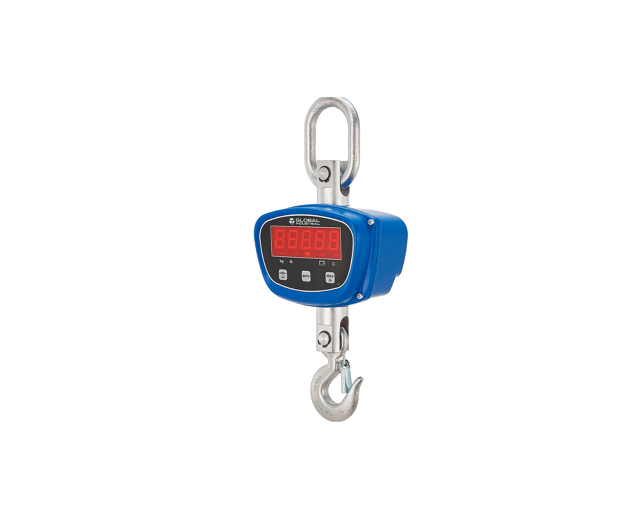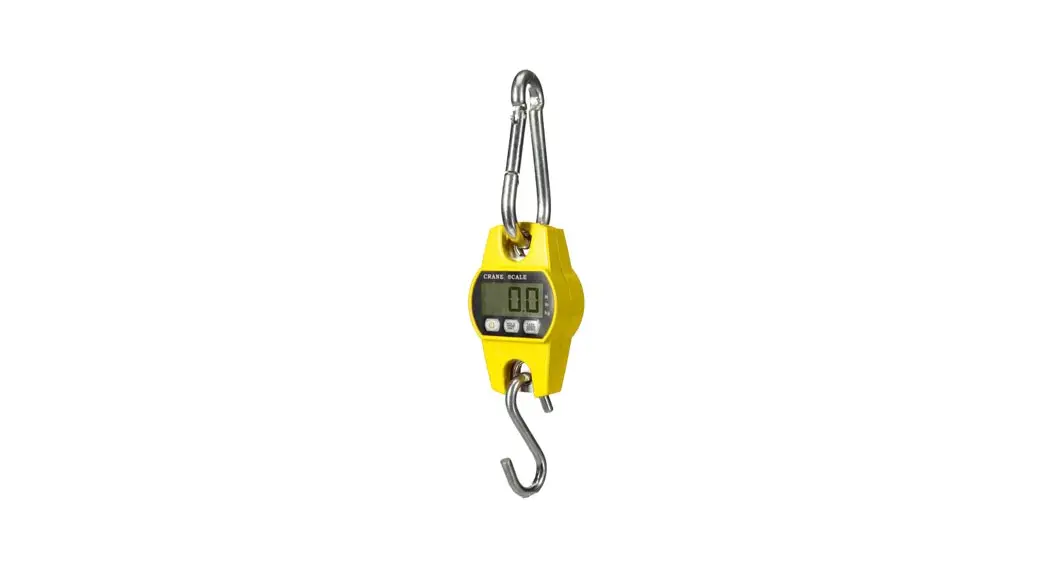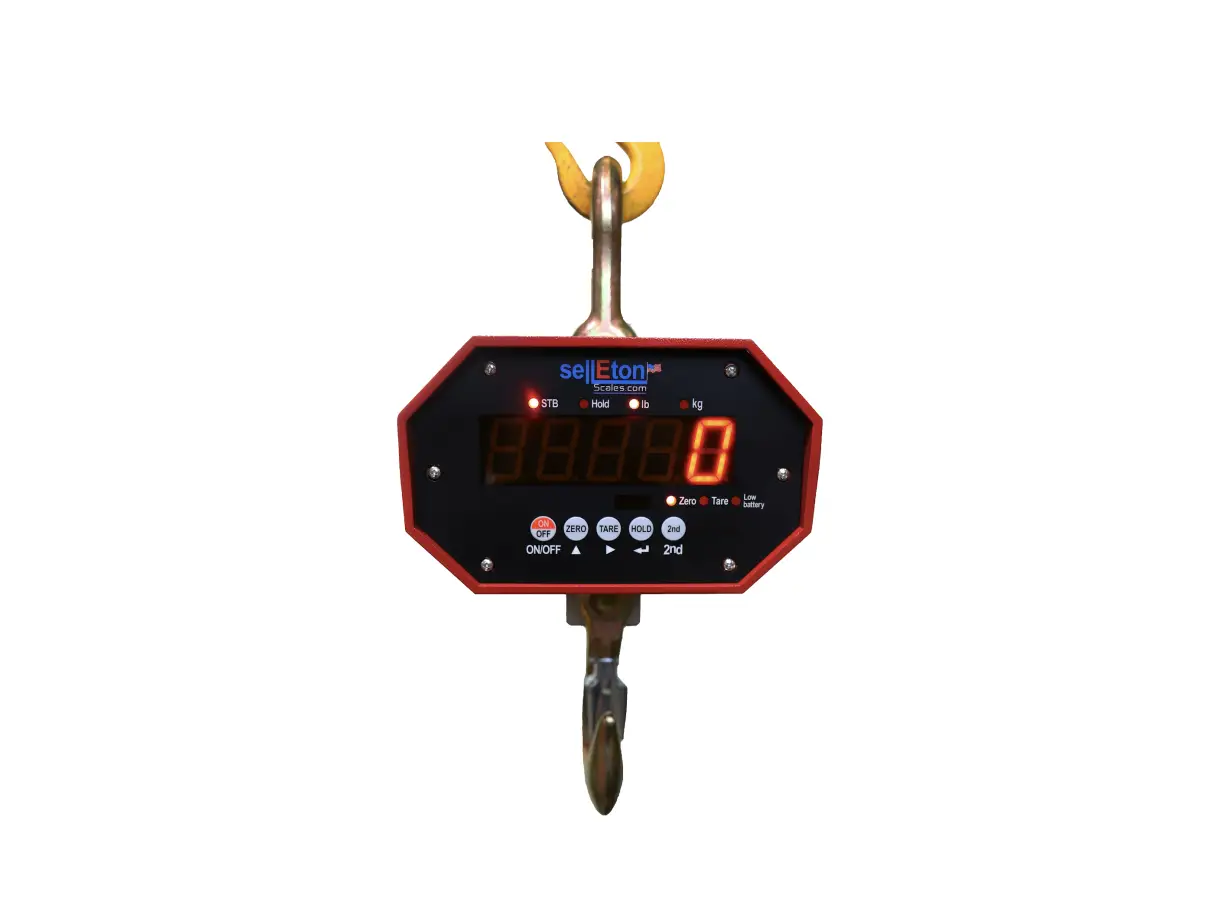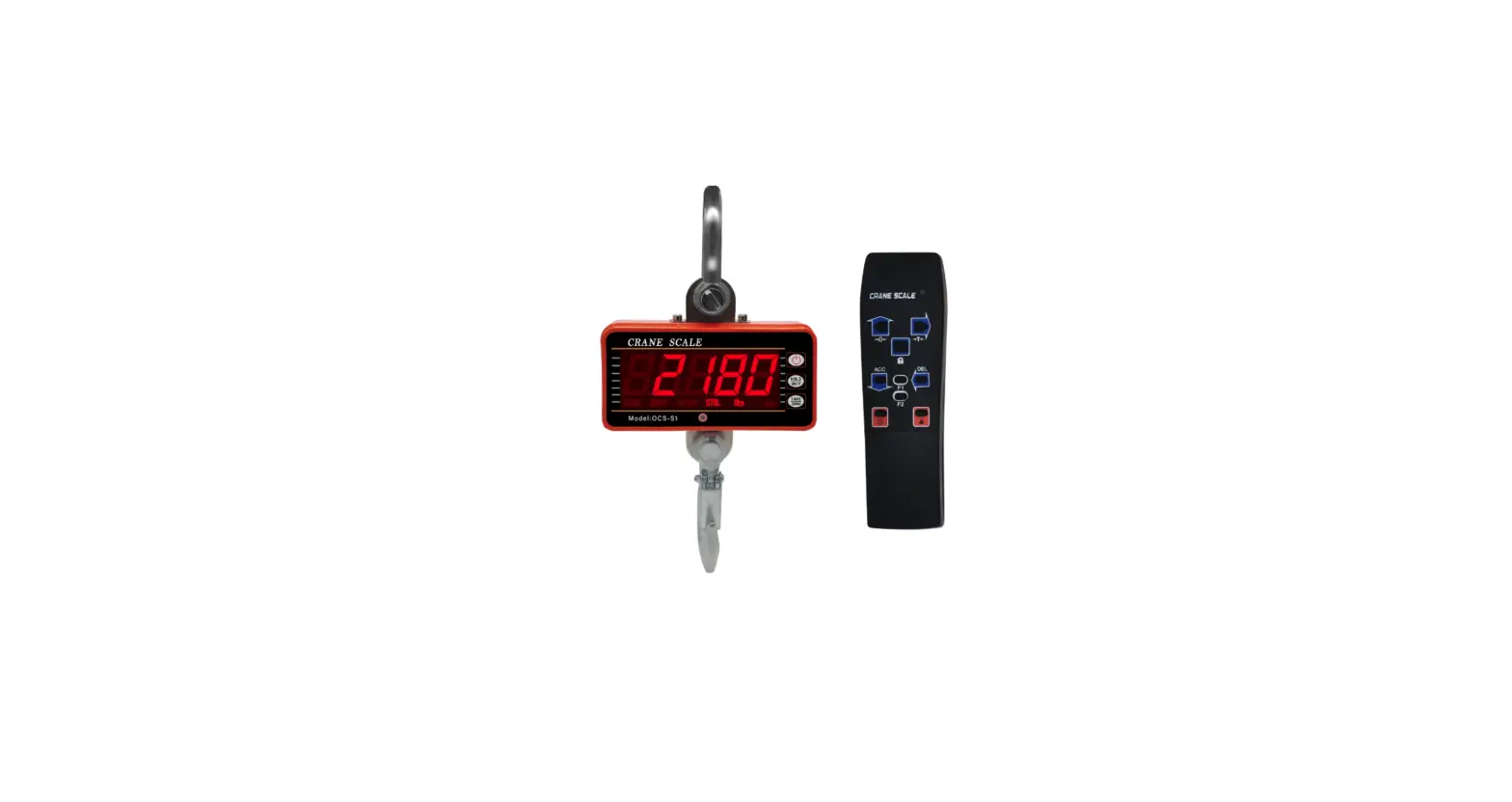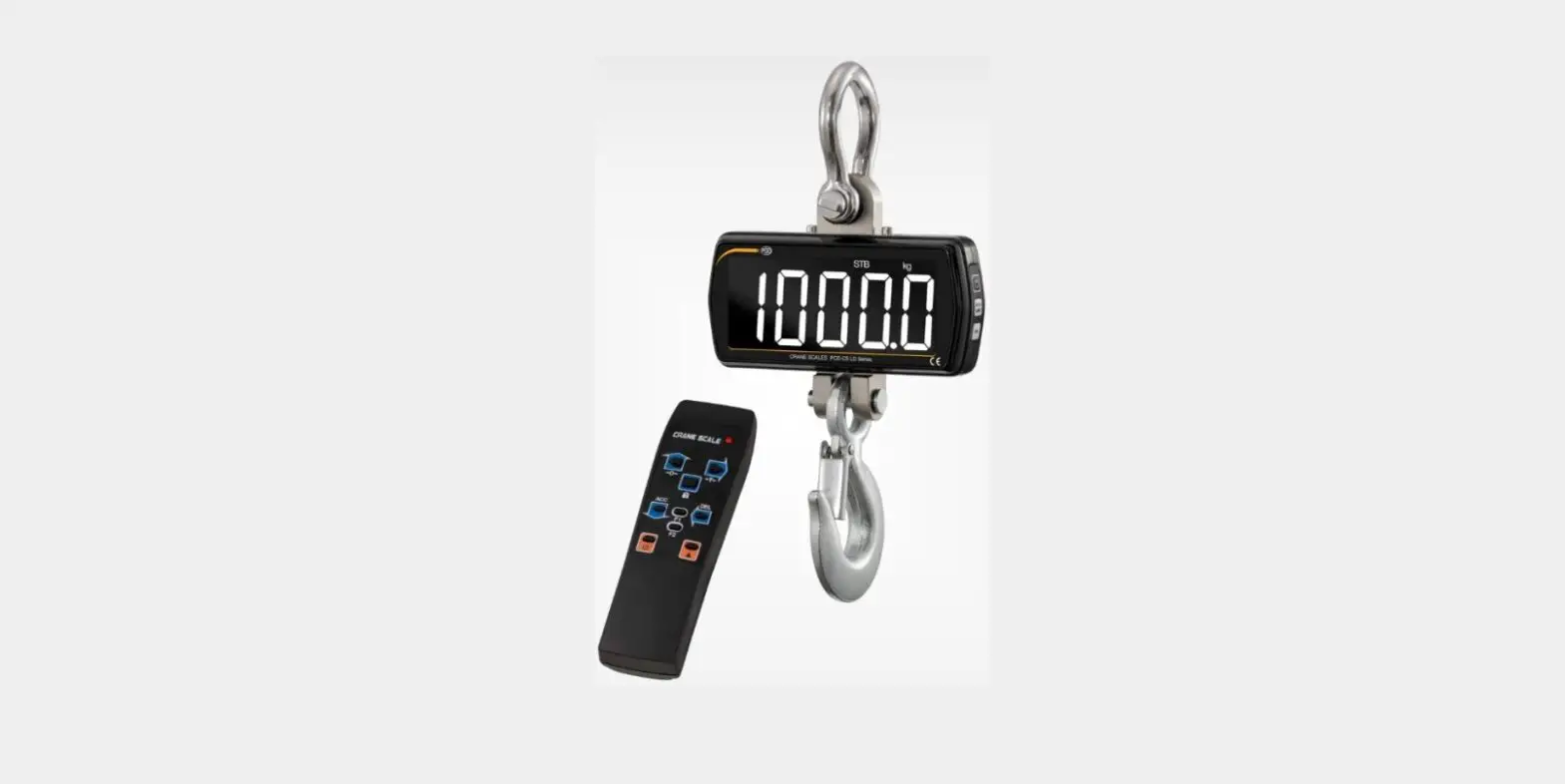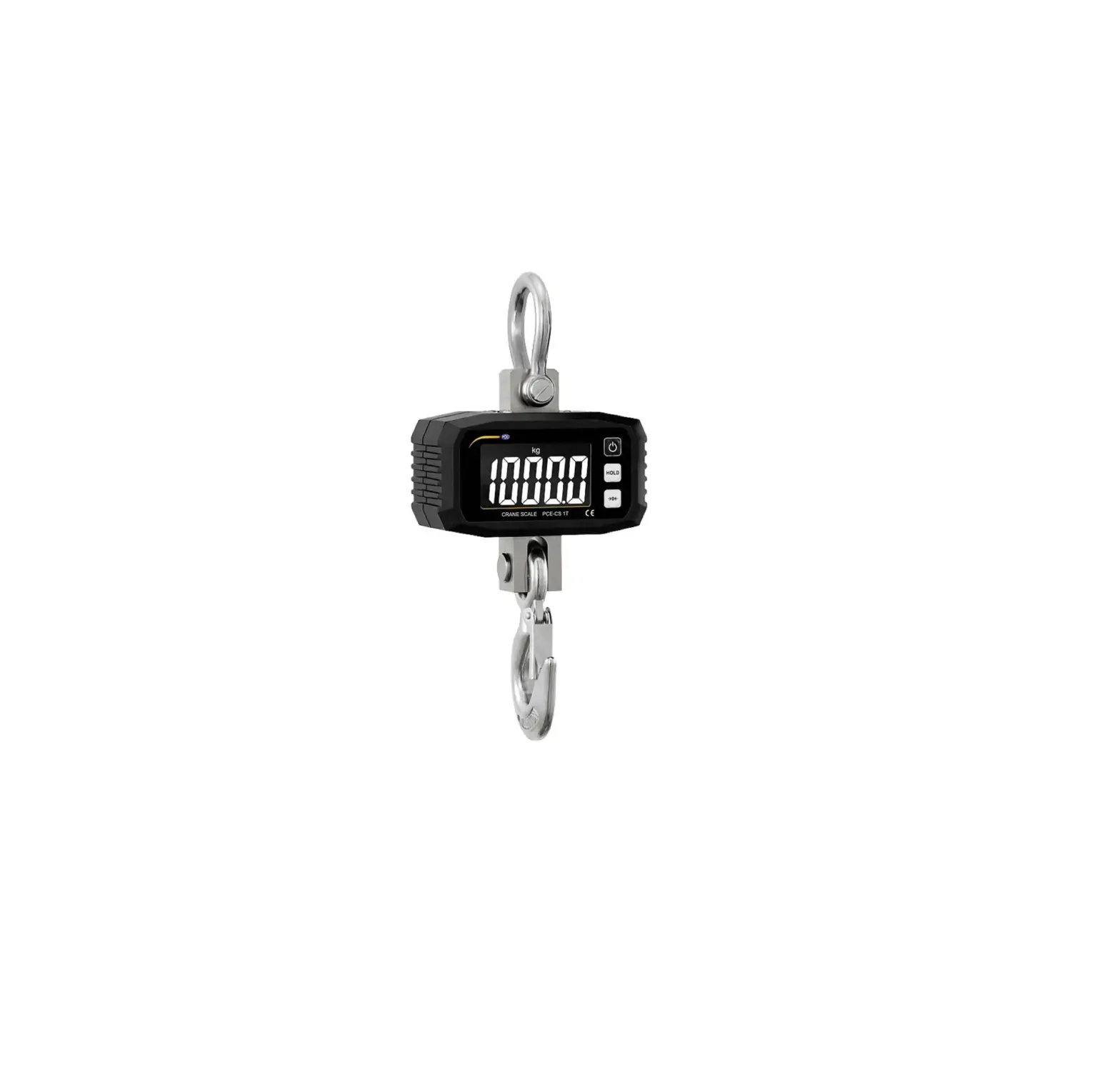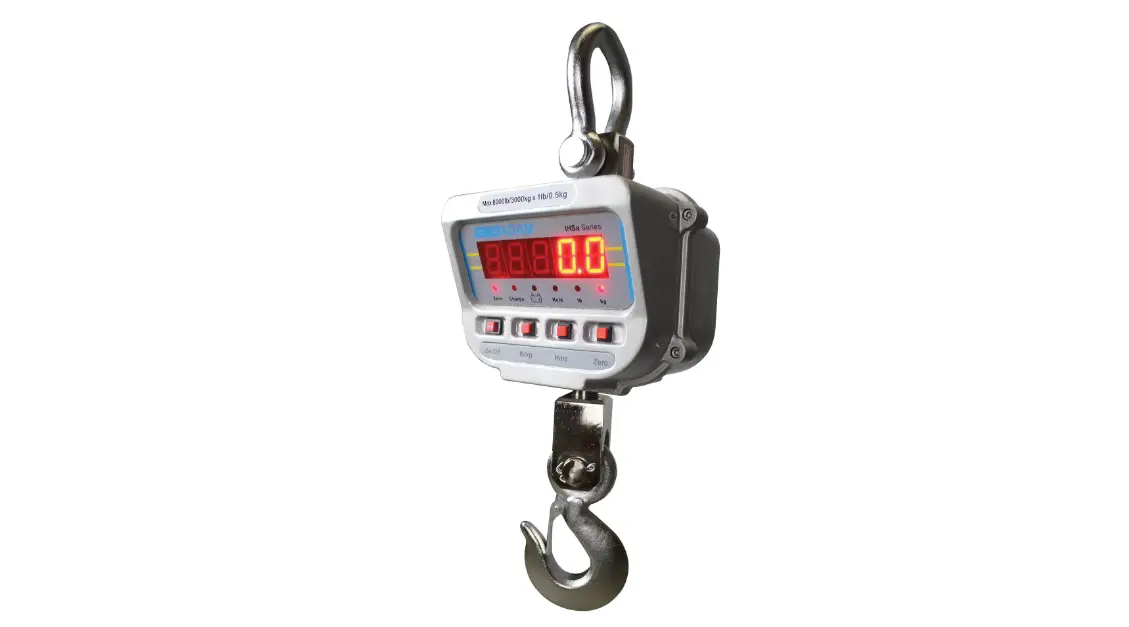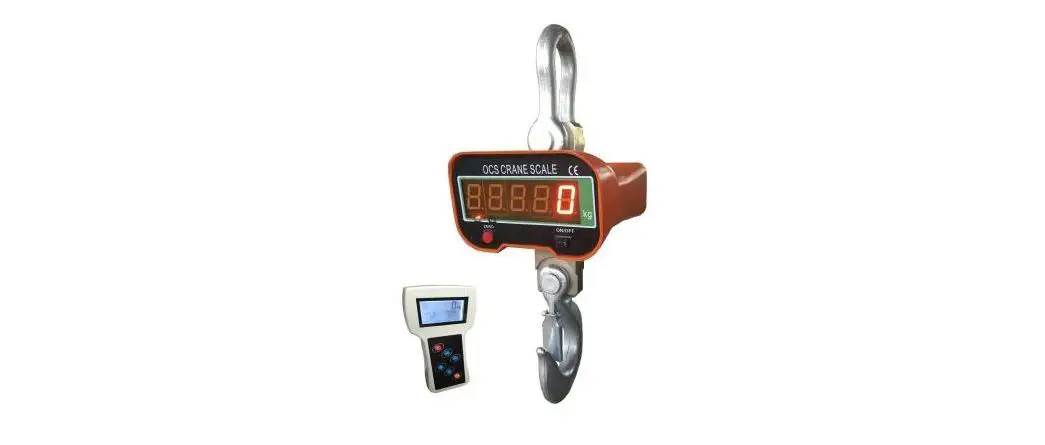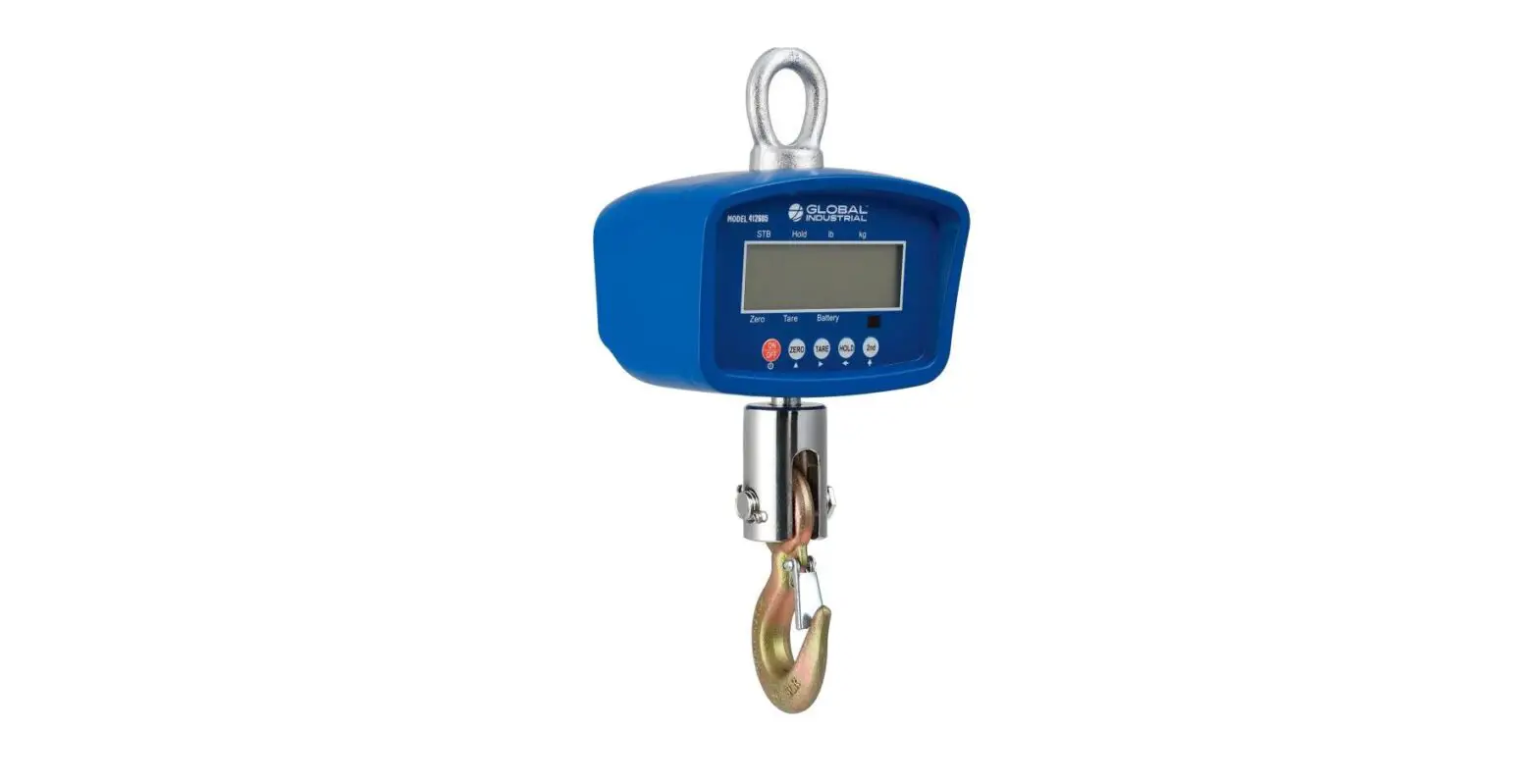

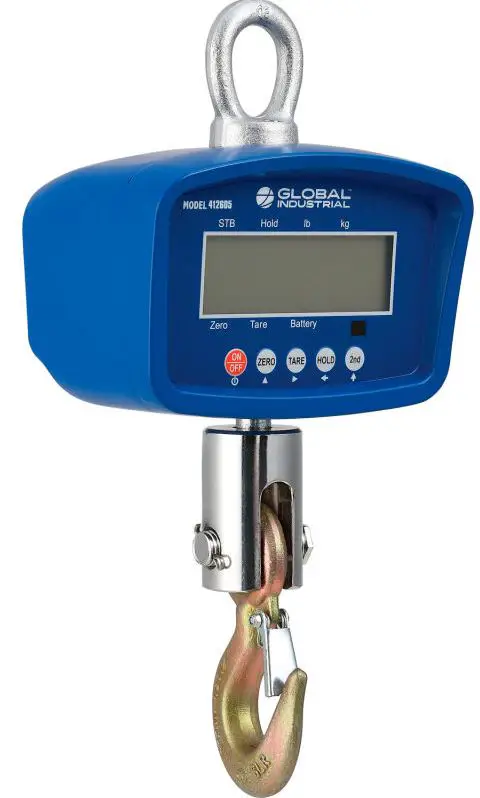
GLOBAL INDUSTRIAL 412597 Digital Crane Scale With Remote
Instruction
Technical parameter
- Accuracy class II
- Tare range 100% max. capacity
- Initial zero range +10% max. capacity
- Manually zero range +2% max. capacity
- Operation temperature& humidity 14-104°F: s90%Relative Humidity (RH)
- Storage temperature 40-158°F
Battery instructions
The crane scale uses a 6v/4.5Ah rechargeable battery and lasts for about 80-150 hours. The battery charging port and battery indicator are on the back of the crane scale. The scale fully charges within 8-12 hours. The battery indicator turns from yellow to green when fully charged.
Referenced dimensions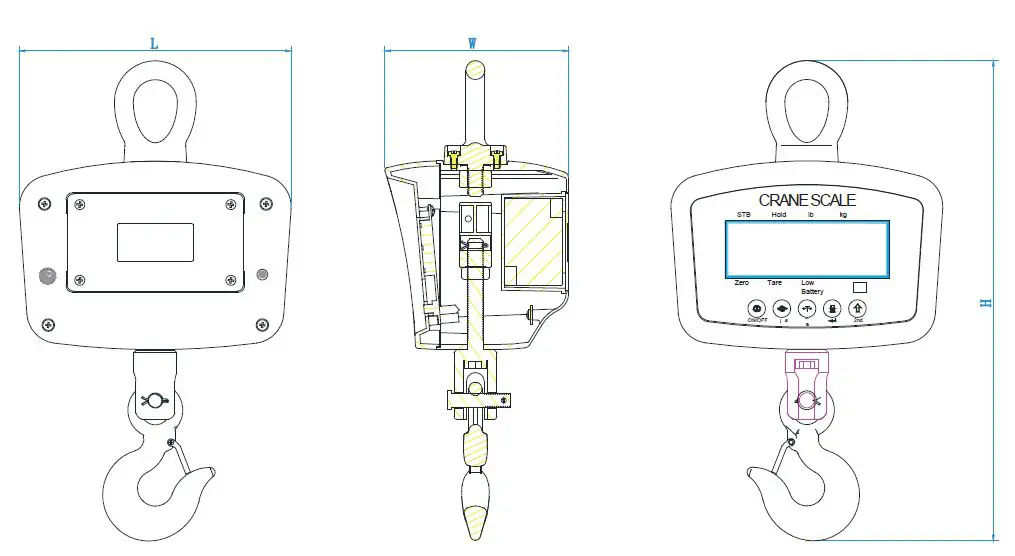
| Model No. | Product Description | Maximum Capacity (lbs.) | Division (lbs./kgs) | Size LxWxH (inches) | Weight |
|
412604 | LED Digital Crane Scale With Remote 500lb x 0.2lb | 550 | 0.2/0. | 8.5”x 5.75”x15.16” | 10.14 |
|
412597 | LED Digital Crane Scale With Remote 1,000 lb x 0.2 lb | 1100 | 0.2/0.1 | 8.5”x 5.75”x15.16” | 10.14 |
|
412598 | LED Digital Crane Scale With Remote 3,000lb x 1lb | 3300 | 1/ | 8.5”x 5.75”x17.13” | 15.43 |
|
412605 | LCD Digital Crane Scale with Remote, 3,000 lb x 1 lb | 3300 | 1/ | 8.5”x 5.75”x17.13” | 15.43 |
Operation Instructions
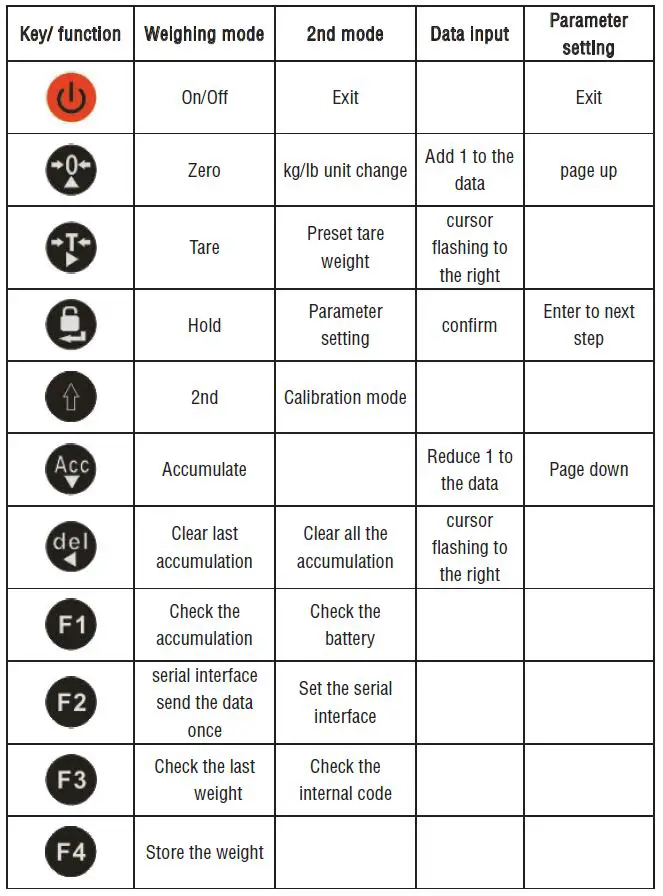
- Power on
Press the power button for 1 second.
 - Power off
Press the power button. The scale will turn off automatically if not used for 30 minutes. - Zero
Press the zero buttonto zero the scale. - Tare
Press the tare buttonto enter the net weight mode. The new net weight will display as zero. Press the tare button again to return to the gross weight mod and display the gross weight. - Hold
Press the hold buttonto keep the current weight on the display. Press the hold button again to stop holding the weight on the display. If an object is blocking the display while it is weighed, this function can help you view the object’s weight after it’s removed.
 to zero the scale.
Advanced operation
2nd Mode
Some buttons have a 2nd function. Press the 2nd button  then press a different button to use its 2nd function. [2nd] will be displayed on the screen when the 2nd button is activated. Press the power button
  to exit.
Accumulation function
Load a weight on the scale until it is stable. Press the accumulation button  to add the current weight to an accumulative total. The display will read [ ACC ]. If the max weight has been reached, no more weight measurements can be added and the display will read [noACC]. Press the delete button
  to remove the last added weight from the accumulated total. The display will read [DEL] when the last weight was removed If there is no weight to remove, the display will read [noDEL]. Press
  to see the number of weights added to the accumulated total displayed as [n*** ]. Then the total accumulated weight will be shown for 3 seconds before returning to the weighing screen. Press the [2nd]
  button then the delete button to clear all the accumulation data. The display will read [CLEAR] to confirm all the weights were deleted.
Weight display
Press  to save the current weight value. [STORE] will be displayed when the weight is saved. Press to see the last weird saved, [LAST0]. Press or to look through the other saved weights. The most recent weight saves as 0 and the first weight saved as 9. Press
  to display the corresponding weight for 2 seconds. The display will return back to weighing mode.
Switching between lbs./kg
Press the [2nd] button then press  to covert the weight unit between lbs. and kg.
Preset tare weight
Press the [2nd] button then press . The display will read [00000]. Use these keys to input a tare weight value. Then press to confirm the input value. The crane scale will enter the net weight mode.
Parameter setting
Press the [2nd] button then press to adjust the following settings: adjust division, delay automatic off, delay idle, filter intensity, display brightness, zero range, stable intensity, hold mode, warning tone, kg/lb conversion. After each operation, press to confirm. Press to exit.
| Content | Display | Parameter instruction | Default value |
| Display division | E | 0.02 = 0.02kg/lb 0.05 = 0.05kg/lb 0.1 = 0.1kg/lb 0.2 = 0.2kg/lb 0.5 = 0.5kg/lb 1 = 1kg/lb 2 = 2kg/lb | 1 |
| Automatic power off | OFF | 00 = close this function 10 = 10 minutes delay 30 = 30 minutes delay 60 = 60 minutes delay 90 = 90 minutes delay | 10 |
| Idle mode 1] | IDL | 00 = close this function 10 = 10 minutes delay 30 = 30 minutes delay 60 = 60 minutes delay 90 = 90 minutes delay | 30 |
| Kg/lb conversion | UNS | 0 = kg/lb conversion off 1= kg/lb conversion on | 1 |
| Content | Display | Parameter instruction | Default value |
| Hold mode | HOLD | 0 =close hold function 1 =Peak hold 2 =Data Hold 3 =Auto Hold 4 =Animal scale function | 2 |
| Zero range | ZERO | 0=close manually zero setting and Initial zero range 1=Initial zero range±10% manually zero range±2% 2= Initial zero range 100% manually zero range 100% | 1 |
| Filter intensity | FIL | 0=close the function 1=weak 2=moderate 3=strong | 2 |
| Stable intensity | STB | 0=weak 1=moderate 2=strong | 1 |
| Warning tone | BEEP | 0 close warning tone 1 open warning tone | 1 |
| Display brightness | LEDb | 1=light 2= moderate 3=dark | 1 |
| Zero track speed | ZTS | 0= no zero tracking 1=±0.5d/s 2=±1d/s 3=±2d/s 4=±5d/s | 1 |
Battery power level checking
Press the [2nd] button then press to see the battery power level displayed in this format [U 6.**]. The display returns to weighing mode after 2 seconds.
Internal code checking
Press the [2nd] button then press to display the internal code for Maintenance and debugging. Press the [2nd] button then press to return to the weighing mode.
| Display Codes | Explanations |
| U 6.28 | Battery power remaining. |
| oFF | Power off. |
| ACC | Weight added to accumulated total. |
| noACC | No more weights can be added to the accumulated total. |
| dEL | Clear the last accumulation value data. |
| nodEL | Cannot be cleared. |
| CLEAr | Clear all the accumulation data. |
| StorE | Save the display value data. |
| LASt0 | See the last weight added to the accumulated total |
Troubleshooting Display Codes
| Display Codes | Cause | Solution |
| Err6 | Exceed zero range. | Ensure the crane is not moving and press the zero button. |
| uuuuuu | Overload. | Reduce the weight. |
| nnnnnn | Weight measured is lower than the minimum value or the scale is moving. | Ensure the scale is not moving. |
| 2nd | 2nd button pressed. | First press the 2nd button then press another button to use its 2nd function. Press the power button to cancel. Press the 2nd button twice to enter the calibration mode. |