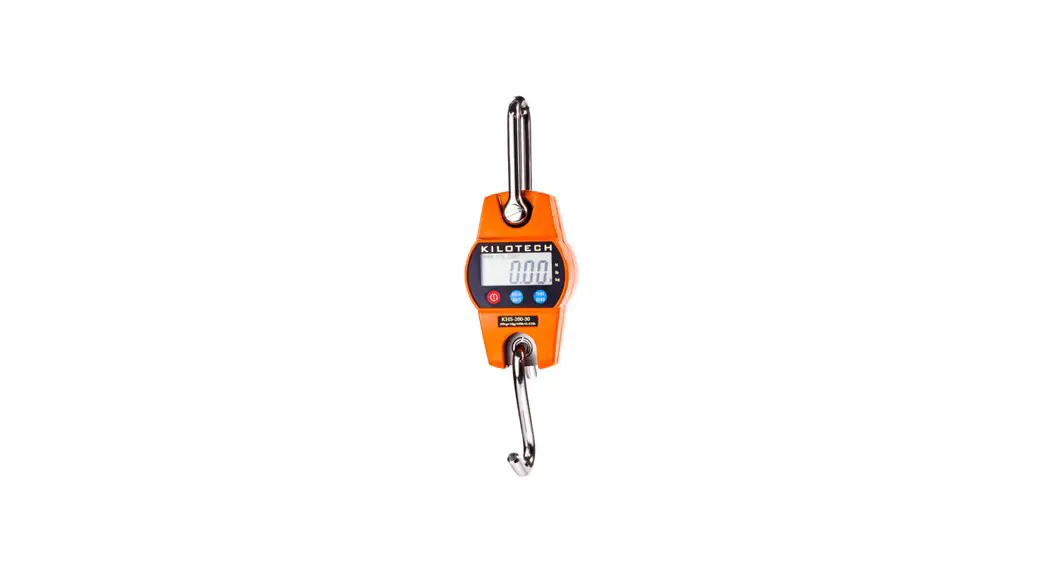

USER’S GUIDE
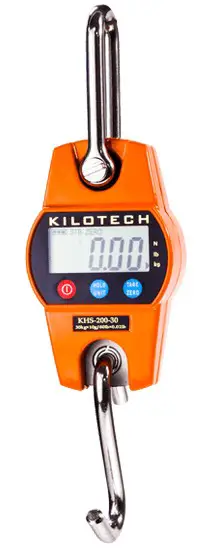
KILOTECH KHS 200 SERIES
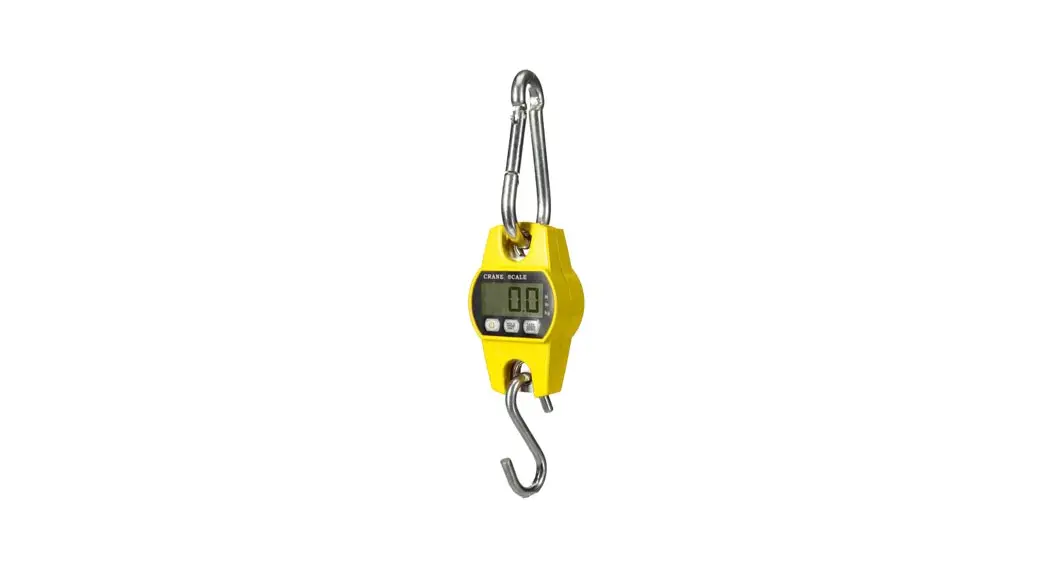
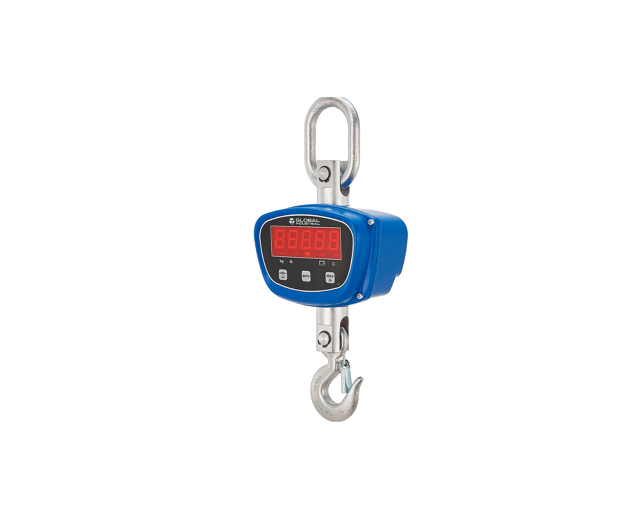
MINI CRANE SCALE

Introduction
Notice
Before you use the scale, please read this manual through carefully, and keep it properly for future use.
Safety Guide
For good performance and precise measurement, be careful with daily operation and maintenance. Note the following instructions:
- Do NOT overload the scale. This will damage the loadcell and void the warranty.
- Do NOT leave load hung on the scale for long. This will decrease the scale’s accuracy and shorten the loadcell’s life.
- Inspect shackle and hook before using.
- When the scale runs out of power, replace the battery with fresh ones.
- Do NOT use the scale under thunder or rain.
- Do NOT attempt to repair the scale yourself.
Contact Kilotech at 800-694-4445, 877-328-5988 or www.kilotech.com.
Specifications
Features
This scale is a combination of the sound and proven mechanical design, with today’s most advanced electronics to provide a superb feature set. It is versatile, reliable, accurate and easy to operate.
| Quality | In accordance with OIML R76, GB/T11883-2002. ISO9001-2000 certified quality system. |
| Construction & design | Stainless steel load receptor and aluminum-casting case for better safety. |
| Power | 0.75 inch – 20mm LCD, visual distance over 10m. Dismountable hook. SMT technology, quality integrated circuit and dedicated weighing loadcell, ensures long stability time. 3*AA battery with low power consumption design. |
Specifications
| Accuracy Class | Chinese GB/T 11883-2002 Class III Equivalent to OIML R76 |
| Tare Range | 100% F.S. |
| Auto Zero | ±50% F.S. |
| Manual Zero | ±2% F.S. |
| Zero-tracking | 0.5e/s |
| Reading Stable Time | ≤10 seconds |
| Auto-sleep | Sable and no action in 3 sec. |
| Auto-off | Sable and no action in 3 min. |
| Overload | 100% F.S. + 9e |
| Max. Safety | 120% F.S. |
| Load | 300% F.S. |
| Ultimate Load | >150 hours |
| Battery Life | 3*AA battery |
| Battery | – 10℃ ~ + 40℃ |
| Temp. (Op.) | ≤80% at 20℃ (non-condensing) |
| Humidity (Op.) Display | 0.7 inch (17.78mm) numerical |
| Net Weight | 620g |
Capacity and Resolution
| Model | Max. Cap. (kg/lb) | E (kg/lb) | Division (n) |
| KHS 200-30 | 30/60 | 0.01/0.02 | 3,000 |
| KHS 200-60 | 60/120 | 0.02/0.05 | 3,000 |
| KHS 200-150 | 150/300 | 0.05/0.1 | 3,000 |
| KHS 200-300 | 300/600 | 0.1/0.2 | 3,000 |
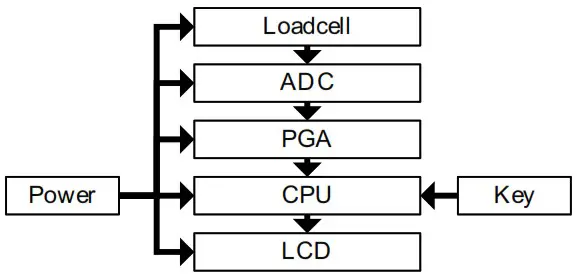
Schematic Diagram
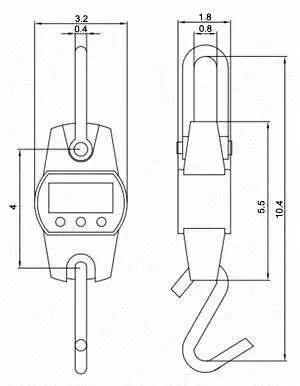
Dimension
Operation Guide
Power On
 Press
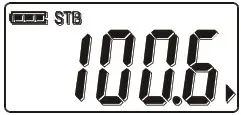
Press for 1 second to power up, battery tests and initializes.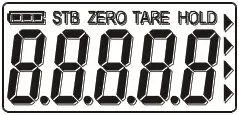
 Screen shows detection message while scale detects its load and auto-zero itself.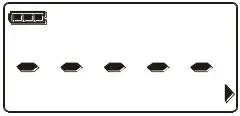
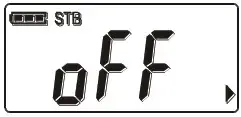
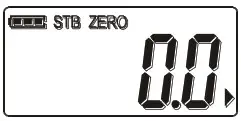 Power OffPressfor 1 second to power off scale. Display shows power-off message.
 Tare
Tare
Press to store weight as tare.
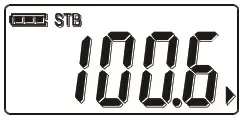 “TARE” shows and weight turns zero.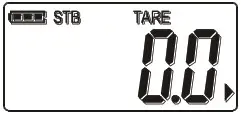
 If weight is over 100%F.S., or lessthan 0, tare is not allowed. If weight is not stable or held, tare is not allowed.
 Taring will reduce scale’s apparent overloading range. E.g., if a 10kg container is tared and scale’s maximum capacity is 50kg, scale will overload at a new weight of 40.18kg (5000 – 1000 + additional 9 divisions).Pressto restore tare. “TARE” hides, and weight resumes in gross mode.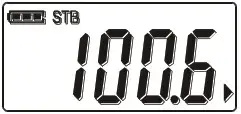
Hold Press to lock the display.
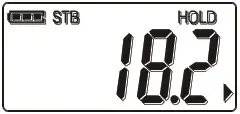 “HOLD” shows and display is frozenPressagain to resume display.
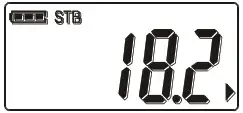 “HOLD” hides and display resume refreshing.
Unit SwitchPress for 1 second to switch measuring unit between kg, lb and N.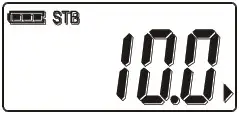 If scale is tared, or held, unit switching is not allowed.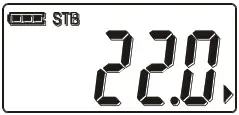
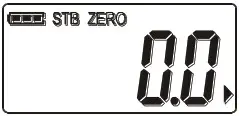
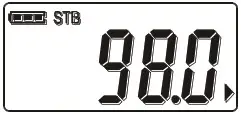 ZeroPress for 1 second to zero scale.
 “ZERO” shows and weight turns zero.
 If weight is tared, or not stable, or held, zero is not allowed. If weight is over Manual-Zero range, zero is not allowed.
Setting
Pressandsim ultaneously, and hold the two buttons for 1 second, to enter Setting Mode.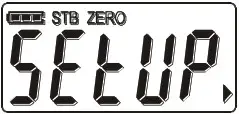 Pressto enter Auto-Off option; and press to change
Auto-Off option.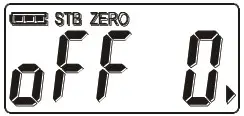 Auto-Off can be set to 0 (disabled), 5 (5min), 15 (15min), 30 (30min), 60 (60min).Pressto enter
Auto-Zero option; and pressto change
Auto-Zero option.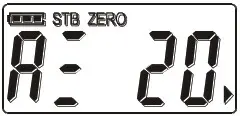 Auto-Zero can be set to 0 (disabled), 2 (2%F.S.), 4 (4%F.S.), 10 (10%F.S.), 20 (20%F.S.), 50 (50%F.S.).Pressto enter
Manual-Zero option; and pressto change
Manual-Zero option.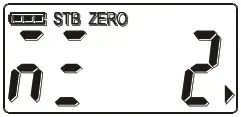 Manual-Zero can also be set to 0 (disabled), 2 (2%F.S.), 4 (4%F.S.), 10 (10%F.S.), 20 (20%F.S.), 50 (50%F.S.).Pressto enter
Backlight option; and pressto change
Backlight option.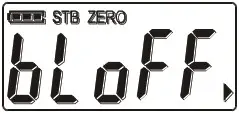 Backlight can be set to off (disabled), 5 (5sec), 15 (15sec), 30 (30sec), 60 (60sec), on (never). When Backlight is set to 5, 15, 30, or 60, scale turns off backlight in corresponding seconds after it is stable. When Backlight is set to off, backlight is disabled, and never turns on. When Backlight is set to on, scale never turns off backlight, no matter it is stable or not.
Pressto exit
Settings Mode.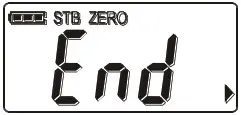
Trouble-shooting
| Symptom | Possible Causes | Solution |
| blank display when On/Off is pressed | discharged battery | replace battery |
| defective battery | ||
| defective ON/OFF key | press ON/OFF key for long | |
| no action taken after TARE or HOLD is pressed | defective TARE or HOLD key | clean TARE or HOLD key |
| unstable readings | scale in motion | stabilize the load and scale |
| scale is damped | dry the scale | |
| dust on PCB board | clean PCB board | |
| reading is not zero without load | unstable system power | longer warm-up time |
| load-cell stressed too much or too long | hang the scale in storage | |
| large error in weight reading | scale is not zeroed before loading | keep the scale unload and reboot |
| re-calibration needed | re-calibrate the scale | |
| improper unit | switch to proper unit |
Note
_____________________________________
 Kilotech: Welcome to Kilotech