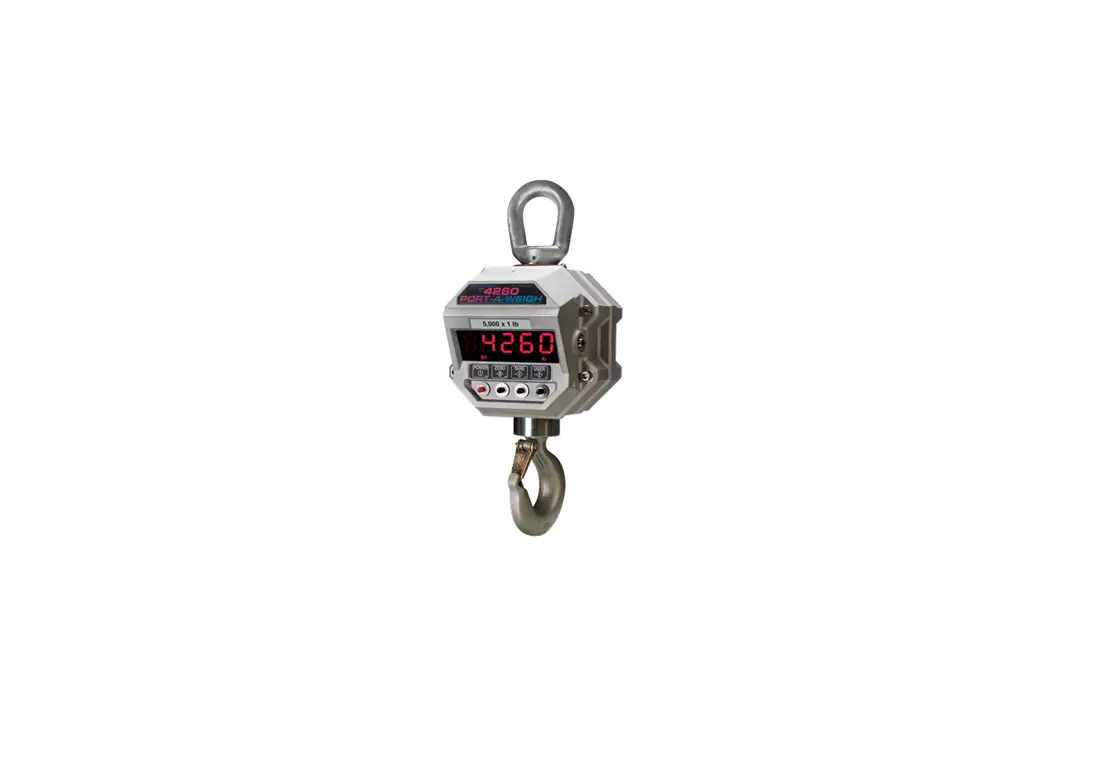
MSI-6360 Port-A-Weigh Crane Scale
Product Information: MSI-6360 Port-A-Weigh Crane Scale Retrofit
Kit
The MSI-6360 Retrofit Kit is designed to update MSI-6260 and
older generations of the MSI-6360 to the most current
configuration. It includes various parts and components to ensure
optimal performance and compatibility with the latest
technology.
Product Specifications:
| Item No. | Part No. | Description | Qty |
|---|---|---|---|
| 1 | 215841 | Front Casting Assembly 6360 | 1 |
| 2 | 215934 | Bulkhead Assembly 6360 | 1 |
| 3 | 149724 | O-ring Assembly Front Casting Paw/Trans-Weigh | 2 |
| 4 | 198913 | Conn, IP67, Euro Field Wireable, 4 Cond, Female Straight PG-9 | 1 |
| 5 | 145998 | Screw SH 3/8-16 x 1-1/4 SS | 3 |
| 6 | 162185 | Conn, M12 4 Pin Male Field Wireable 6-8mm OD Straight IP67 | 1 |
| 7 | 133597 | Screw Seal 3/8-16 x 1-1/4 SS Drilled Head | 1 |
| 8 | 145962 | Screw RH 4 x 1/4 U Type Drive Plated | 2 |
| 9 | 146565 | Screw FH 6-32 x 5/8 Phil SS | 2 |
| 10 | 149679 | Tag Serial Number | 1 |
| 11 | 215948 | Label Descriptive 6360 | 1 |
For more detailed information, refer to the user manual
available at www.ricelake.com/manuals.
Warranty information can be found at www.ricelake.com/warranties.
Product Usage Instructions: MSI-6360 Retrofit Kit
Installation
1.0 Removing the Existing Front Casting
Follow the steps below to remove the existing front casting:
- Refer to Figure 2 for visual guidance.
- Disconnect any cables or wires connected to the front
casting. - Unscrew and remove the front casting screws.
- Gently lift and remove the front casting from the unit.
2.0 Rewiring Load Cell Cable
Follow the steps below to rewire the load cell cable:
- Refer to Table 2 for load cell cable conductor color and
function information. - Connect the load cell cable conductors to the corresponding
color-coded pins on the connector, as shown in Figure 3.
3.0 Rewiring the Battery Cable
Follow the steps below to rewire the battery cable:
- Refer to Table 3 for battery cable conductor color and function
information. - Connect the battery cable conductors to the corresponding pins
on the connector, as shown in Figure 4.
4.0 Reassembling the Unit
Follow the steps below to reassemble the unit:
- Place the O-ring in the groove on the bulkhead of the supplied
front casting. Ensure the bulkhead is correctly aligned on the
front casting. - Plug the updated cables into the cable connectors on the
bulkhead. The load cell cable should connect to the male connector,
and the power cable should connect to the female connector. - Remove the old serial tag on the mid casting to comply with
NTEP regulations. The new serial tag is located on the front
casting. - Reinstall the battery casting, securing it with the retained
hardware. - Refer to the technical manual (PN 216128) for the calibration
procedure to calibrate the unit.
For any further assistance or inquiries, please visit our
website at www.ricelake.com.
MSI-6360 Port-A-Weigh Crane Scale
Retrofit Kit Installation Instructions
The MSI-6360 Retrofit Kit updates MSI-6260 and older generations of the MSI-6360 to the most current configuration. Generation information is located on the serial tag.
i Manuals are available from Rice Lake Weighing Systems at www.ricelake.com/manuals Warranty information is available at www.ricelake.com/warranties
Figure 1. MSI-6360 Retrofit Kit Parts Diagram
Item No. Part No.
Description
Qty
1 215841 Front Casting Assembly 6360
1
2 215934 Bulkhead Assembly 6360
1
3 149724 O-ring Assembly Front Casting Paw/Trans-Weigh
2
4 198913 Conn, IP67, Euro Field Wireable, 4 Cond, Female Straight PG-9 1
5 145998 Screw SH 3/8-16 x 1-1/4 SS
3
6 162185 Conn, M12 4 Pin Male Field Wireable 6-8mm OD Straight IP67
1
7 133597 Screw Seal 3/8-16 x 1-1/4 SS Drilled Head
1
145962 Screw RH 4 x 1/4 U Type Drive Plated
2
146565 Screw FH 6-32 x 5/8 Phil SS
2
149679 Tag Serial Number
1
215948 Label Descriptive 6360
1
Table 1. MSI-6360 Retrofit Kit Parts List
June 21, 2023
PN 219981 Rev A
MSI-6360 Retrofit Kit
1.0 Removing the Existing Front Casting
WARNING: Ensure that all power has been removed prior to starting the procedure. 1. Turn the MSI-6360 off. 2. Remove the front casting by loosening the screws securing it. See Figure 2. 3. Unplug the load cell and power cables from the front casting or bulkhead. Discard casting and hardware. 4. With one hand, support the battery access cover. 5. Release the two latches holding the battery access cover. 6. Carefully lower the cover while holding the battery in place, it could be loose and fall causing damage. 7. Remove the battery by pulling straight back. 8. Close the cover and secure with latches. 9. Remove the battery casting by loosening the screws securing it. Retain for re-installation.
Front Casting
Battery Casting
Mid-Casting Front Casting Screws
Figure 2. Front Casting Removal
2
Visit our website www.RiceLake.com
MSI-6360 Retrofit Kit
2.0
1. 2. 3. 4. 5. 6.
Rewiring Load Cell Cable
Locate the cable coming out of the load cell. Cut the connector off as close to the connector as possible. Strip the cable jacket as needed to allow 1/2 3/4 inch of exposed conductors, Red, Green, White and Black. Cut the shield/drain wire flush with the end of jacket. Strip the Red, Green, White and Black wires approximately 1/4 inch and tin with solder. Connect the wires to the connector together as shown in Table 2. and Figure 3.
L/C Cable Conductor Color
Function
Red Black Green White
+Excitation -Excitation
+Signal -Signal
Table 2. Load Cell Cable Connections
Connector Pin Number
1 2 3 4
2 1
4 3
Figure 3. L/C Cable Connector
3.0
1. 2. 3. 4. 5.
Rewiring the Battery Cable
Locate the power cable coming from the inside of the battery casting. Cut the connector off the battery cable as close to the connector as possible. Strip the cable jacket as needed to allow 1/2 3/4 inch of exposed conductors, Red and Black. Cut the shield/drain wire flush with the end of jacket. Strip the Red and Back wires approximately 1/4 inch and tin with solder.
© Rice Lake Weighing Systems All Rights Reserved
3
6. Connect wire to the connector as shown in Table 3. and Figure 4.
Battery Cable Conductor Color
Red Black
Function
+ Battery – Battery Not Used Not Used
Table 3. Power Cable Connections
198913 Connector Pin Number
1 2 3 4
1 2
3
4
Figure 4. Battery Cable Connector
4.0 Reassembling the Unit
1. Place the o-ring in the groove on the bulkhead of the supplied front casting. Ensure bulkhead is correctly aligned on the front casting.
2. Plug the updated cables into the cable connectors on the bulkhead. Load cell cable connects to the male connector and power cable connects to the female connector.
3. Place the front casting assembly on mid-casting assembly and secure with the supplied 3/8 inch drive head screws, torqued to 2025 ft-lbs (see Figure 2 on page 2).
IMPORTANT: To comply with NTEP, remove the old serial tag on the mid casting. The new serial tag is located on the front casting. 4. Reinstall the battery casting securing with the retained hardware. 5. Calibrate the unit, see the technical manual (PN 216128) for the calibration procedure.
© Rice Lake Weighing Systems Content subject to change without notice. 230 W. Coleman St. · Rice Lake, WI 54868 · USA USA: 800-472-6703 · International: +1-715-234-9171
June 21, 2023
www.ricelake.com
PN 219981 Rev A
 Rice Lake Weighing Systems