TNS Series Bench Scale
Product Information
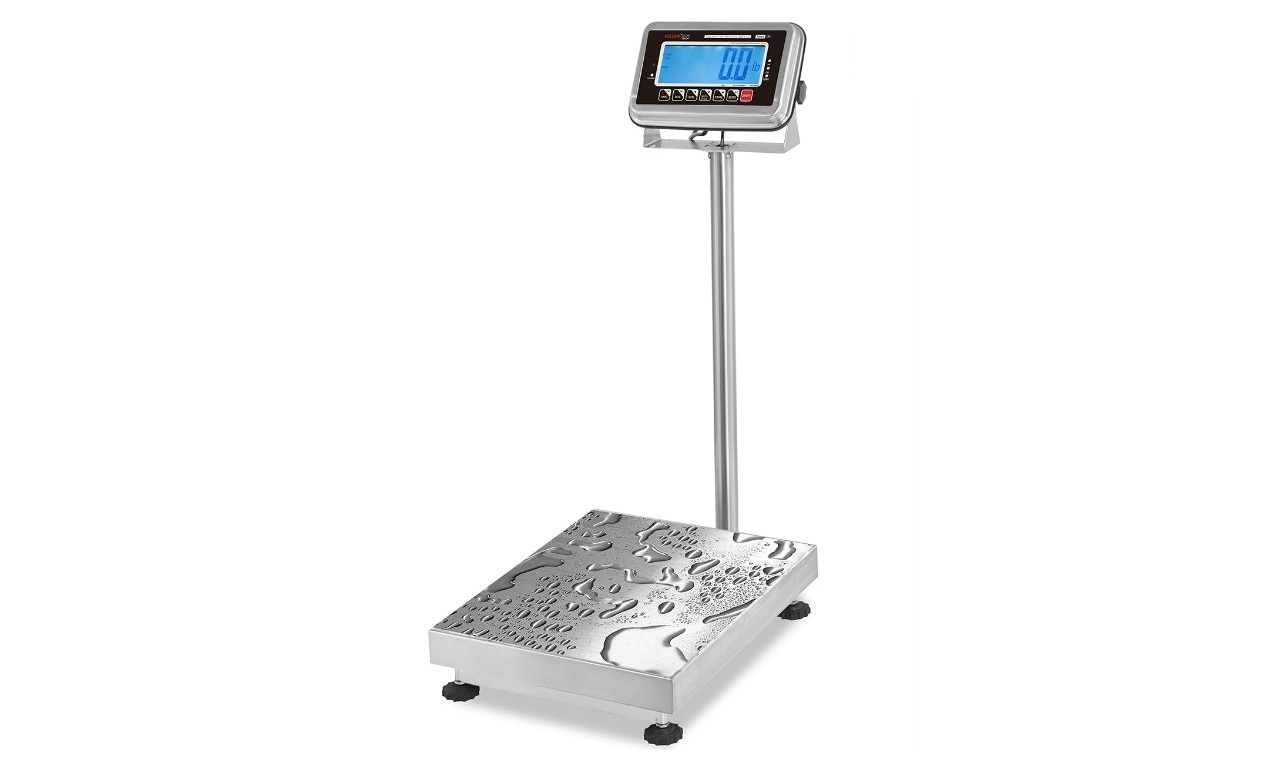
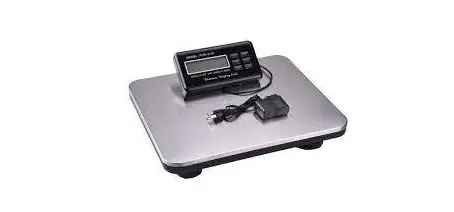
The product is an Indicator Column Scale Platform with a bracket
and column for installation. It comes with a level bubble
adjustment feature and a power supply for operation. The scale is
designed to support high accuracy weighing and has overload
protection features. The default setting is F6.1=3 (NONE) for
password feature and configuration mode. The manual also provides
safety recommendations and cautions for handling the unit.
Product Usage Instructions
- During unpacking, install the column first before lifting the
scale from the box. Hold the column with one hand and use the other
hand to hold the base, and carry the whole scale with the foam out
from the box. - Ensure that the direction of the indicator is facing the scale
before putting the bolts through to fix the column. - Remove the stopper before using the scale.
- Adjust each foot (point A) by turning it clockwise or
counterclockwise until the level bubble remains in the center. Make
sure all feet are touching the ground. - Adjust each foot (point B) by turning it clockwise or
counterclockwise until the scale pan is firmly supported. - Connect the power supply by inserting the power supply male
connector to the female terminal in the indicator. Push and turn it
clockwise to tighten and lock. - To start up, press the [ON/OFF] button for 2 seconds. The
indicator will start with self-checking displaying digits 000000 to
999999. In the weighing mode, press the Zero button to return the
scale to zero. - If the scale will be used with regulations like NTEP, OIML or
Measurement Canada, change the parameter value in F6.1
configurations menu. Refer to the manual of 805BS indicator for the
details. - Unplug power supply during installation, maintenance or level
bubble adjustment. - Avoid using or storing the scale in hazardous or explosive
environments.
Note: The occasional overloading may not damage the scale body
but the accuracy of overloading range may not be achieved. If scale
damage is caused by overloading, it shall not be covered by
warranty.
Installation Manual (v1708)
Indicator Column Scale Platform
Bracket & Column Installation:
During unpacking the scale, it is recommended to install the column first before lifting the scale from the box. In this way, there is enough space to put the bolts through and easier for the user by holding the column with one hand and use the other hand to hold the base, and carry the whole scale with the foam out from the box.
Make sure the direction of the indicator is facing the scale before putting the bolts through to fix the column.
Remove the stopper before using the scale.
Level Bubble Adjustment:
Starting Up:
Connect the power supply. Insert the power supply male connector to the female terminal in the indicator. Push and turn it clockwise to tighten and lock. Refer to the image above.
Safety Recommendations:
Please read this manual carefully before operating the scale Operate the scale in strict accordance with this manual and
keep this manual for future reference Observe the safety practices while handling this unit due to its
heavy self weight Unplug power supply during installation, maintenance or level
bubble adjustment In order to have high accuracy performance, the operating
temperature should be within the requirements before switching on the scale Avoid using or storing the scale in hazardous or explosive environments
Adjust each foot (point A) by turning it clockwise or counter clockwise until the level bubble remains in the center (see the image above). Make sure all feet are touching the ground.
Adjust each foot (point B) by turning it clockwise or counter clockwise until the scale pan is firmly supported
Press the [ON/OFF] button for 2 seconds. The indicator will start with self checking displaying digits 000000 to 999999. In the weighing mode, press the Zero button to return the scale to zero.
The scale is set default to F6.1=3 (NONE) as no regulations in order to enable the Password feature to enter Configurations/calibration mode without opening the back panel. If the scale will be used with regulations like NTEP, OIML or Measurement Canada, change the parameter value in F6.1 configurations menu. Refer to the manual of 805BS indicator for the details.
Cautions:
The scale structure and several points overloading protection design support the high accuracy of bench scale.
The occasional overloading may not damage the scale body but the accuracy of overloading range may not be achieved. If scale damage is caused by overloading, it shall not be covered by warranty.