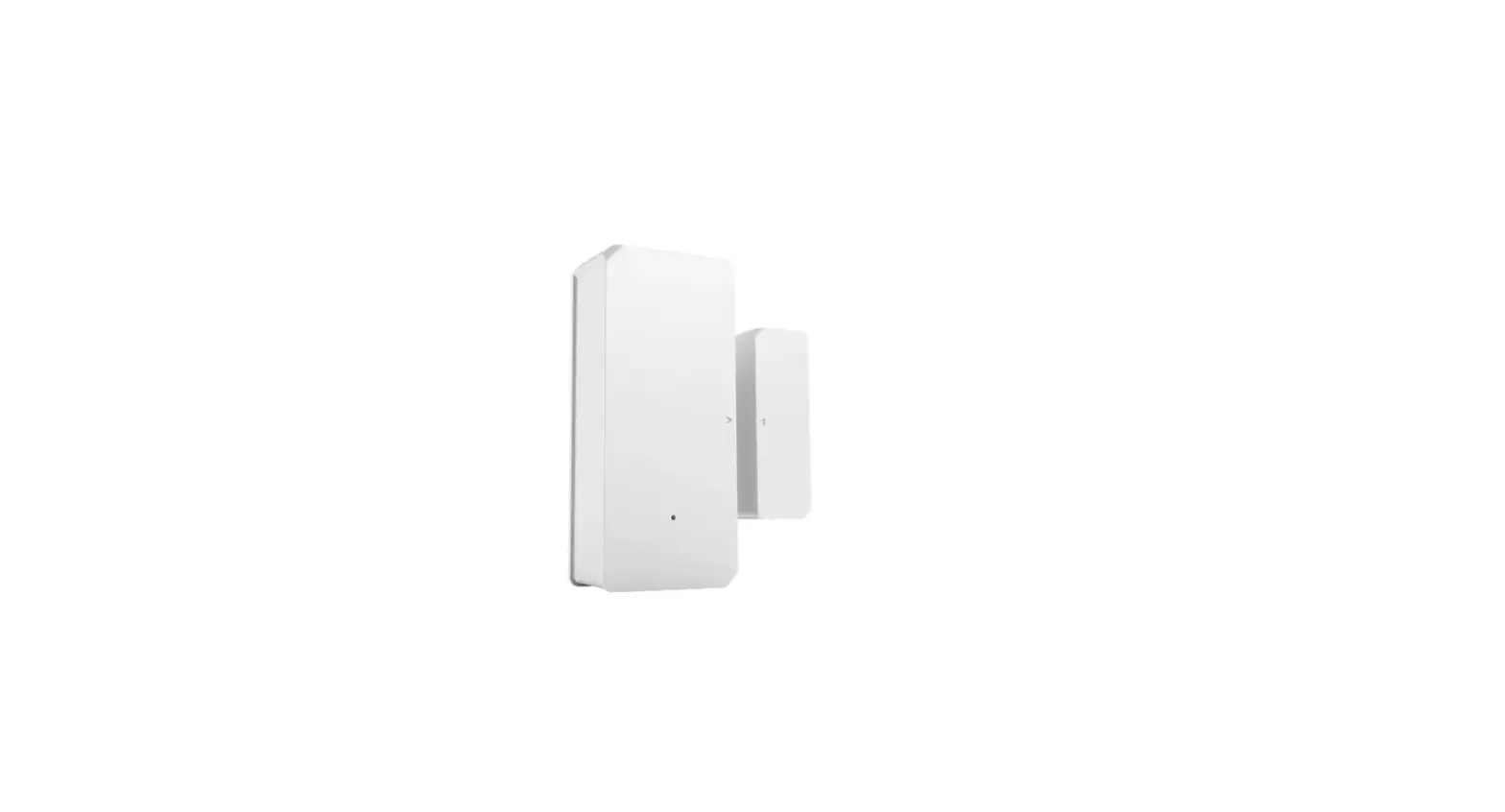
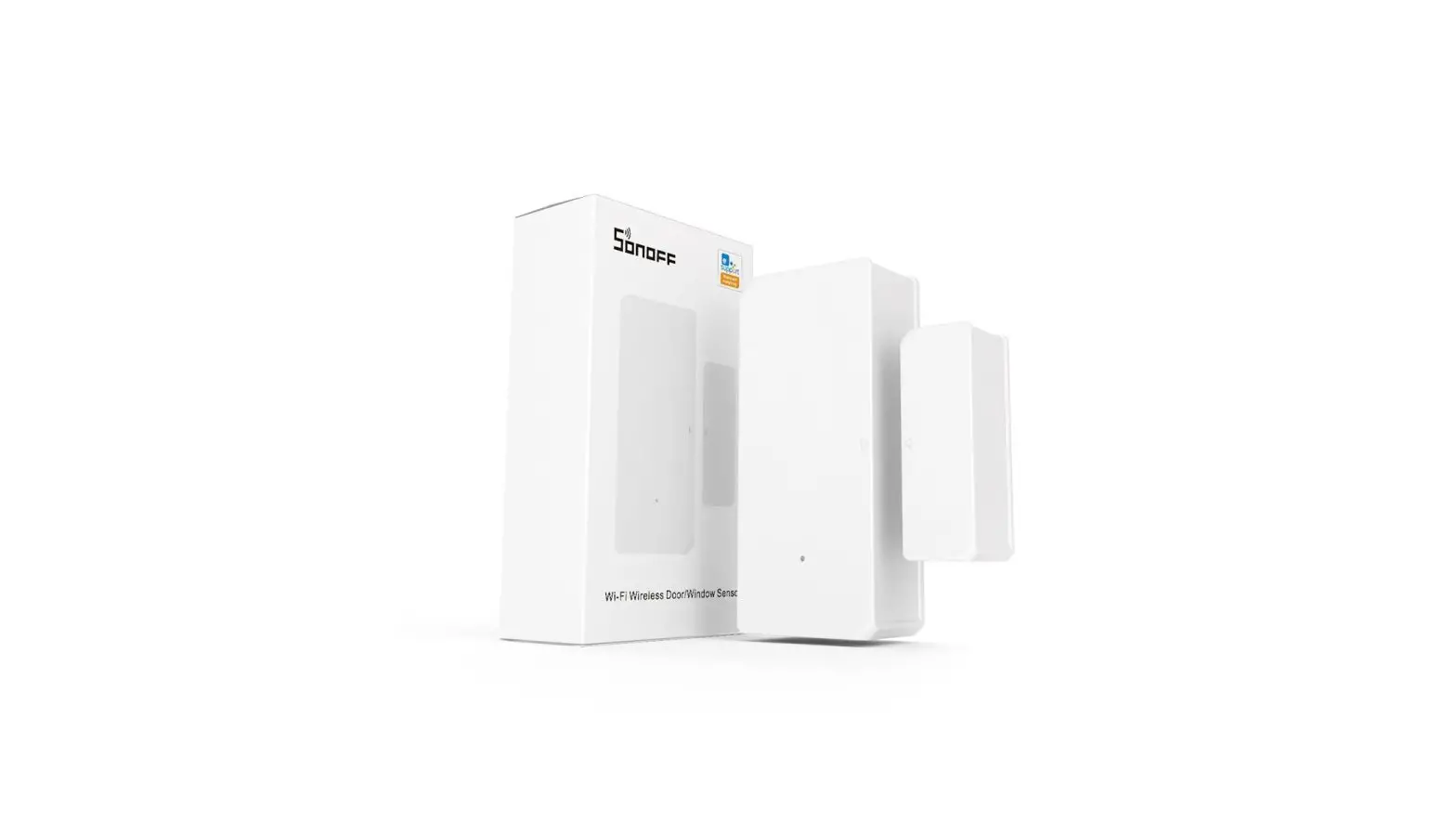
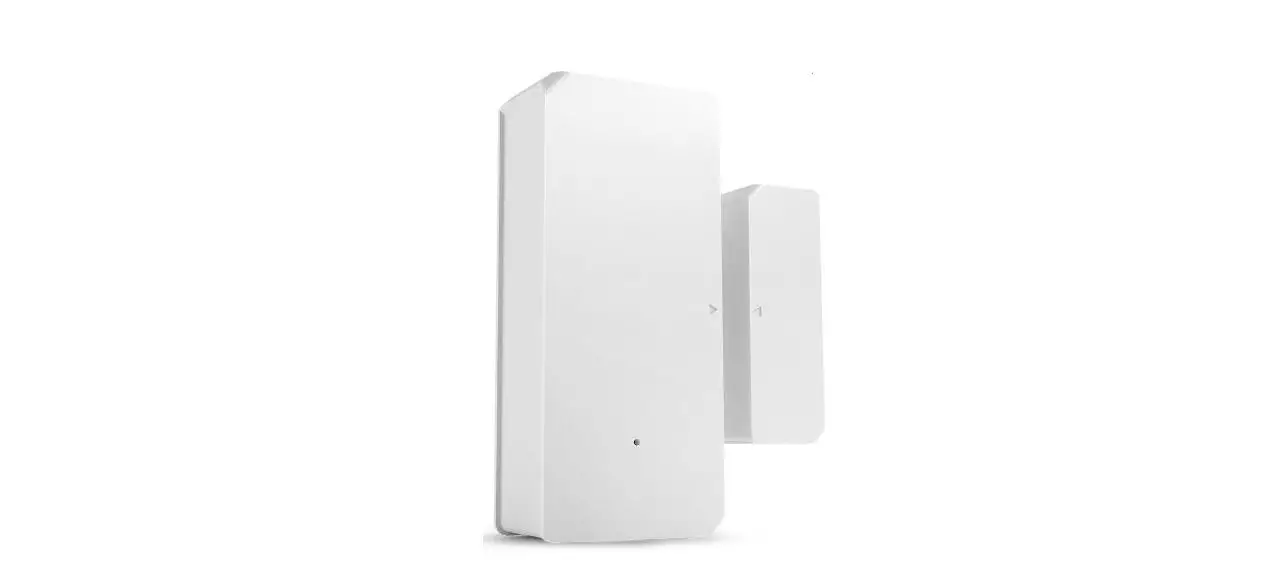
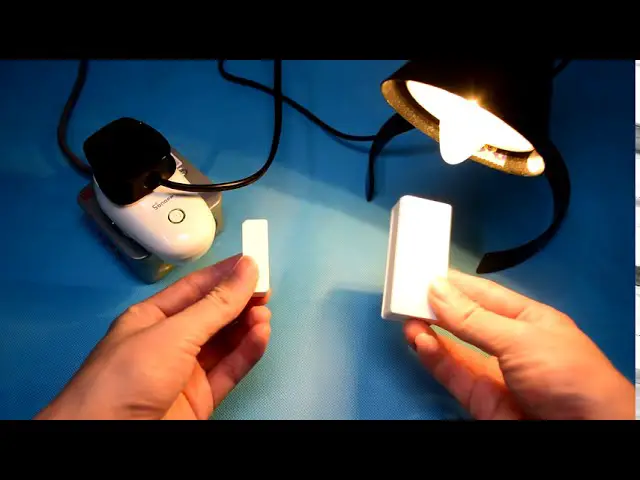
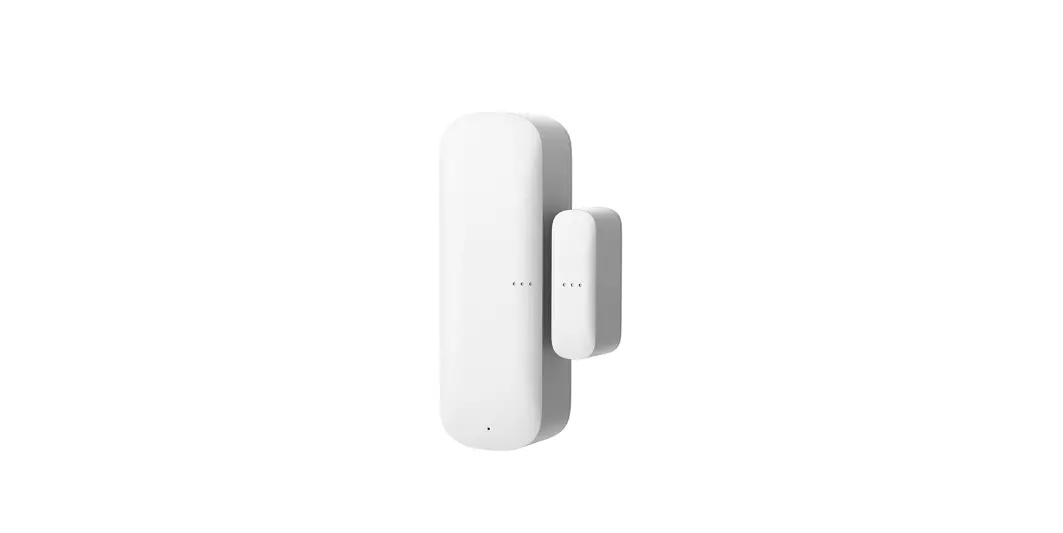
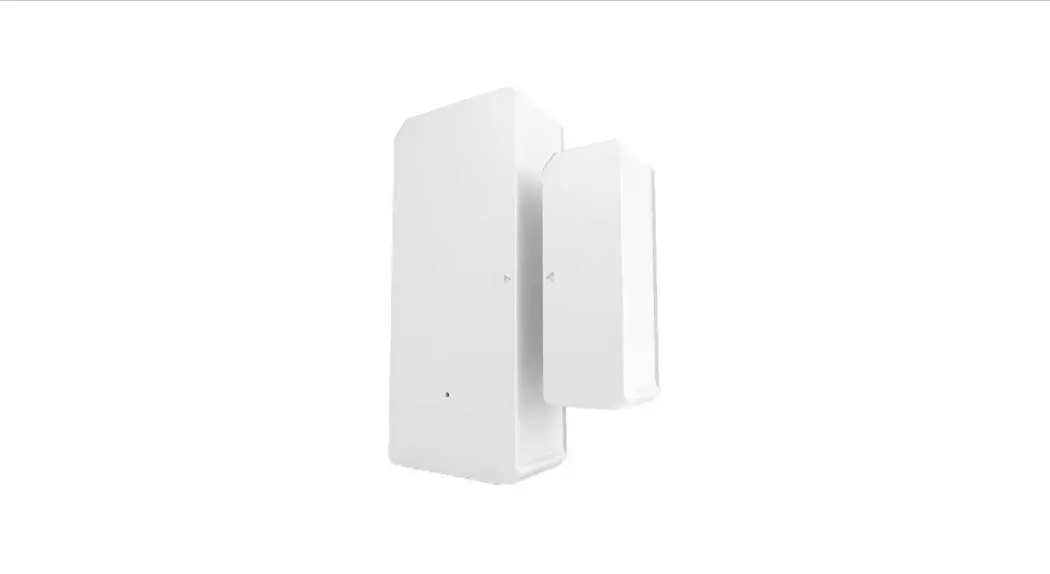
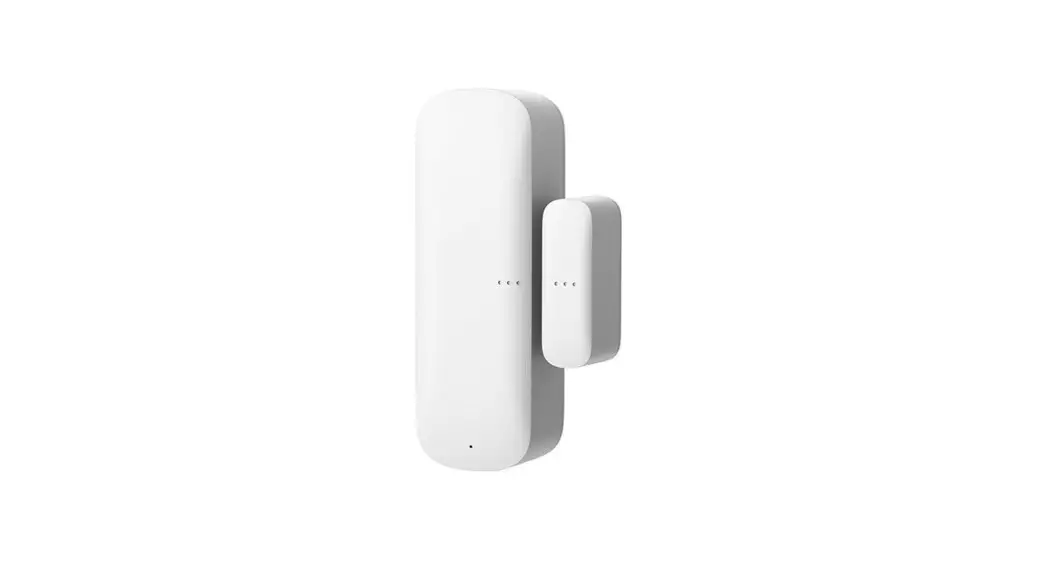
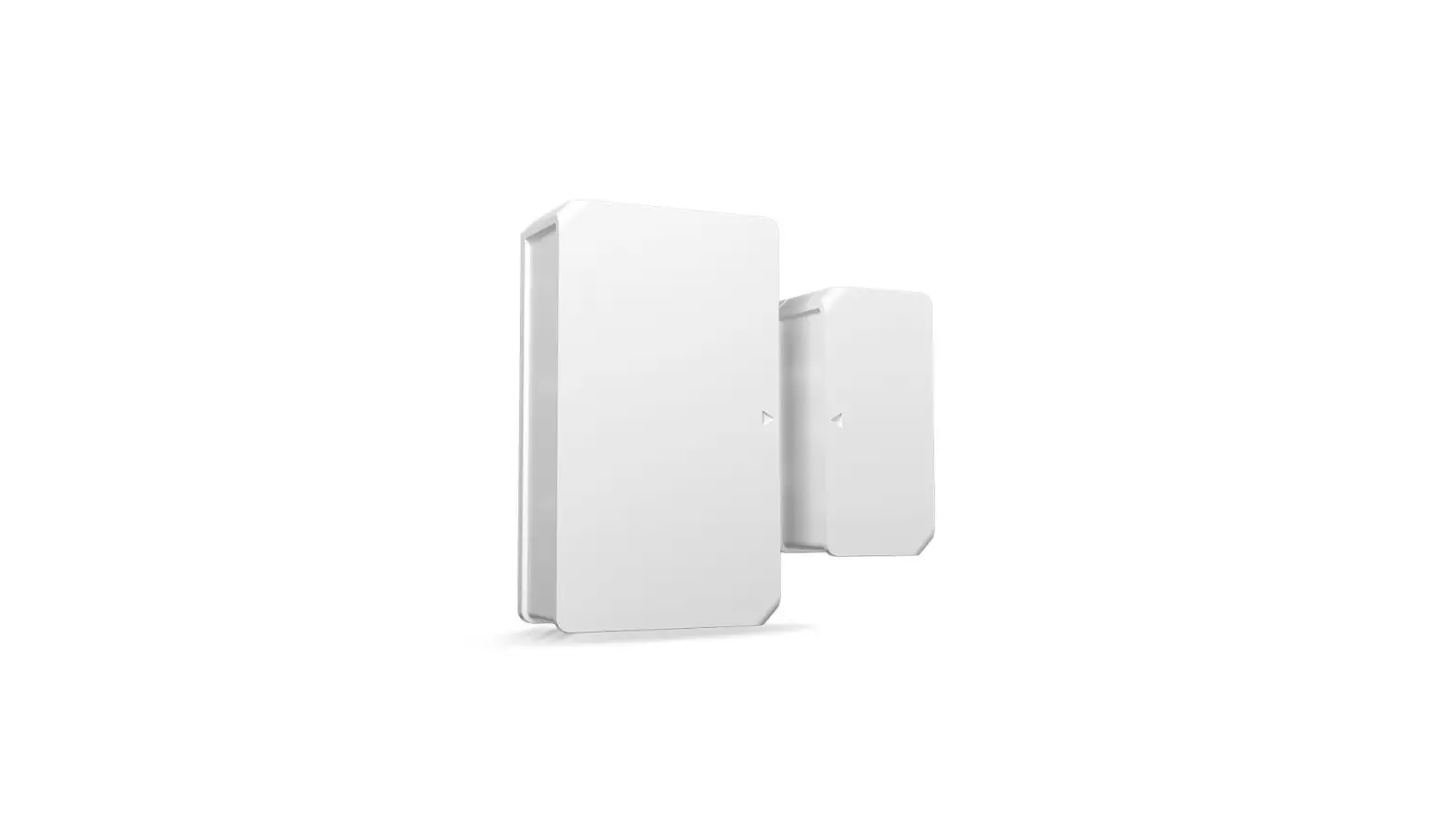
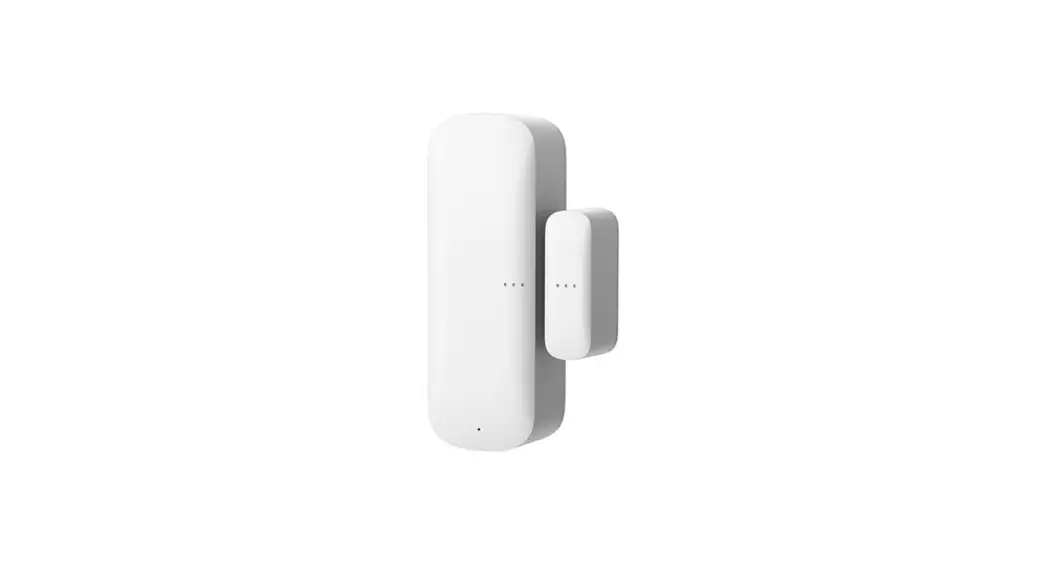
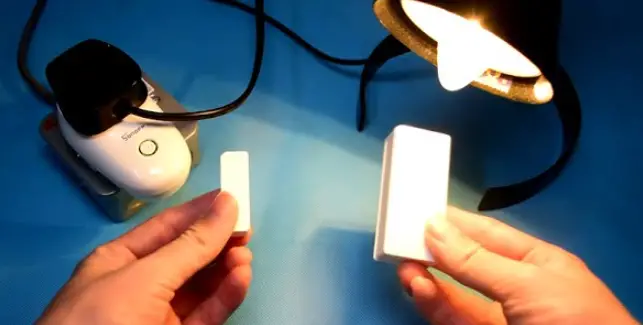
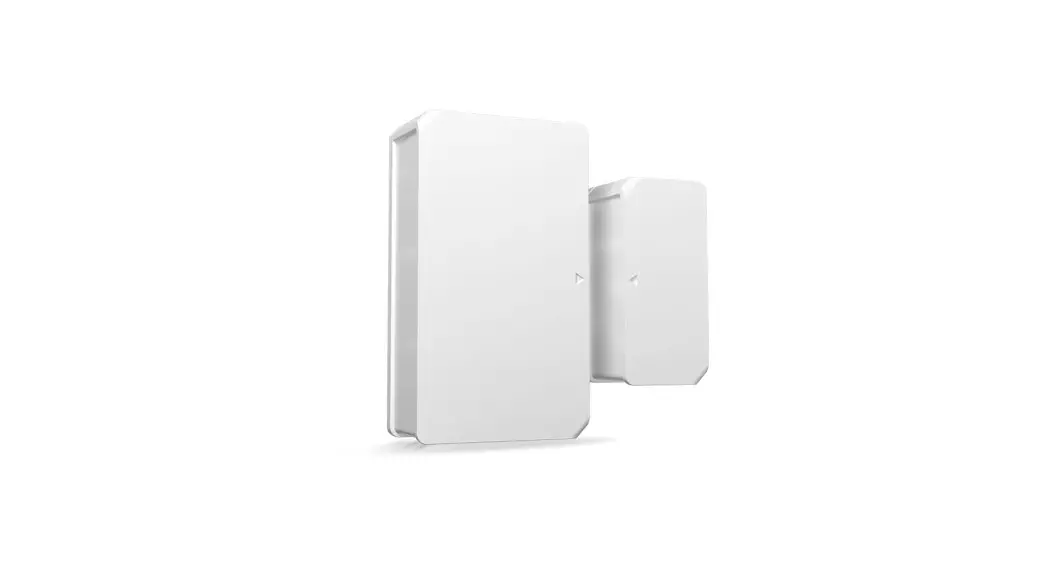
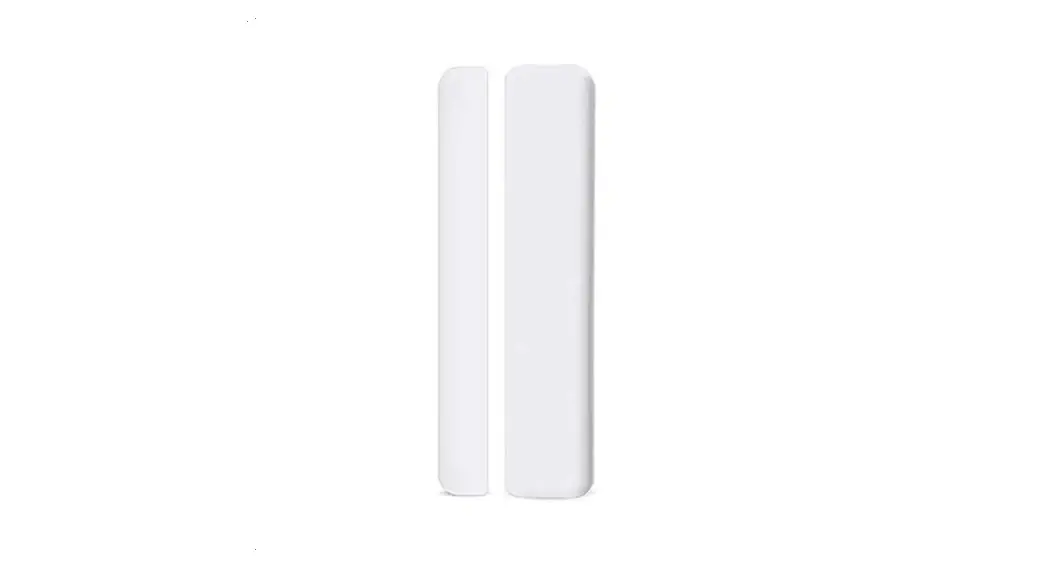
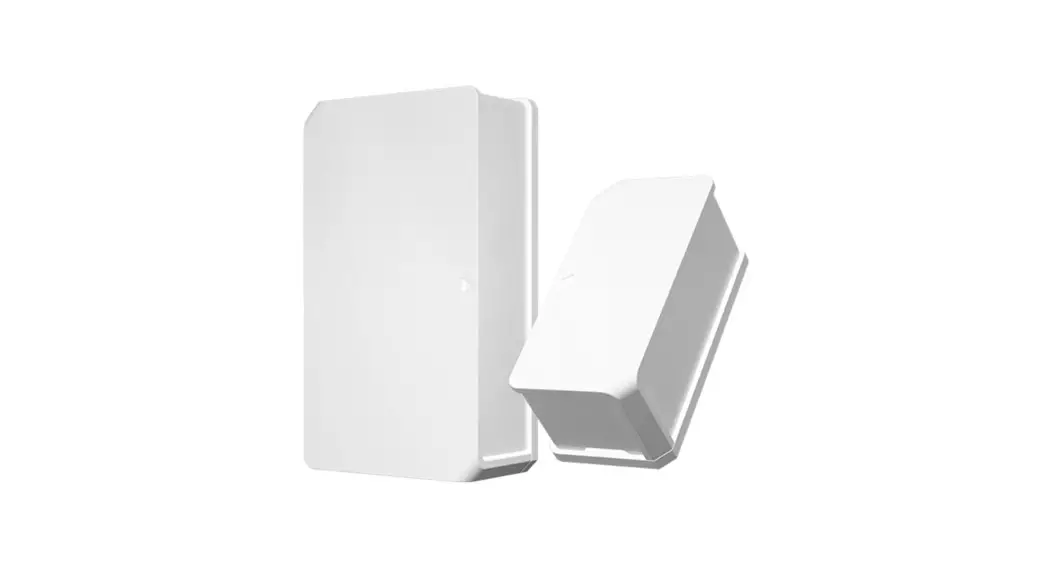
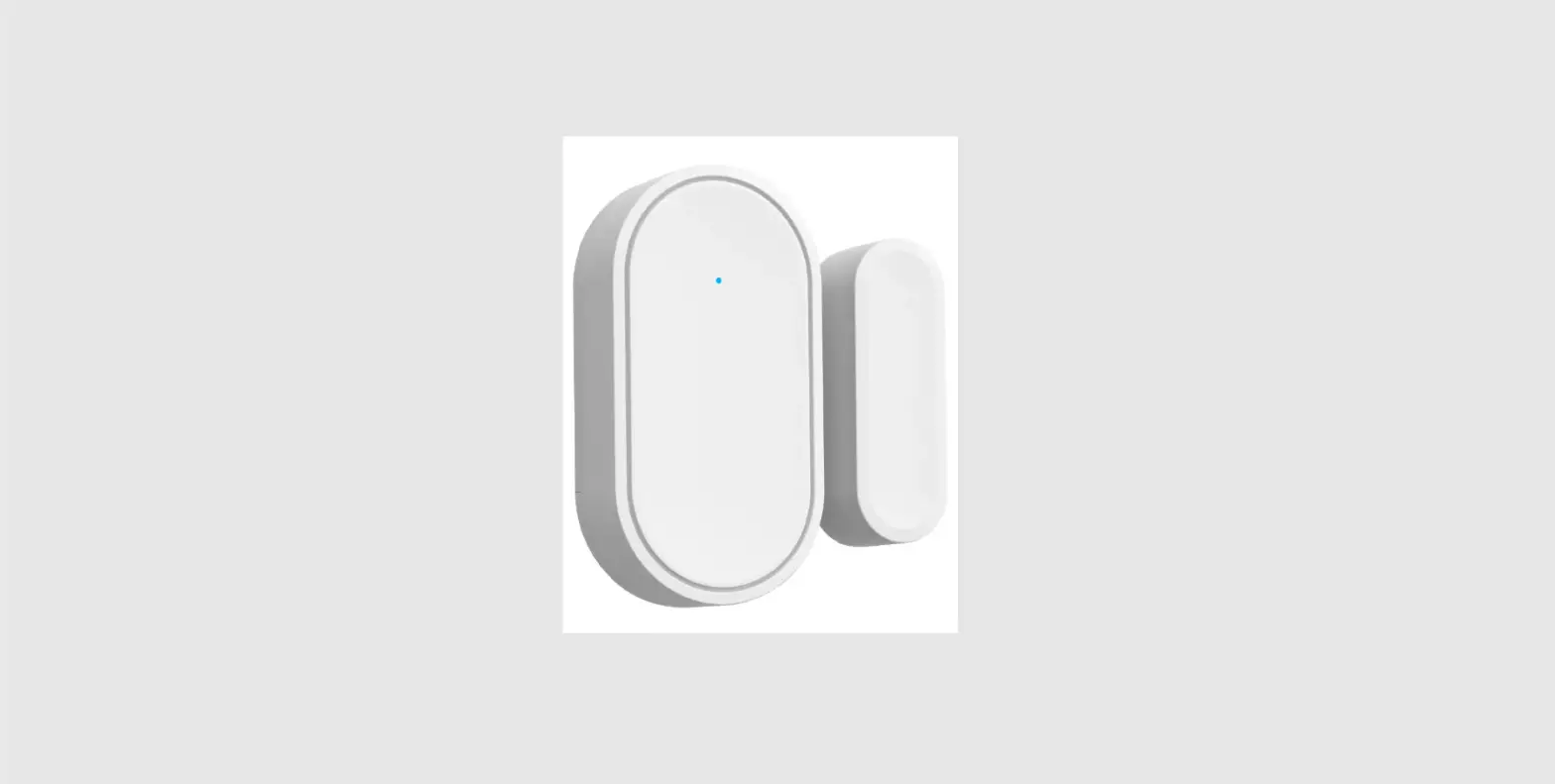
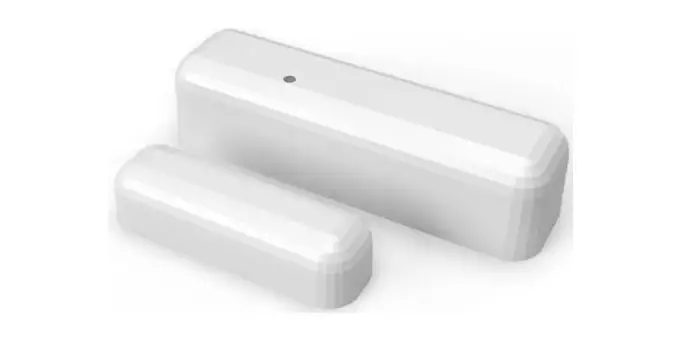
DW2-WI-FI Magnetic Wireless Door Sensor
Product Information
The Sonoff Technologies Co., Ltd. product is a transmitter
device that can be connected to other devices via Bluetooth or
Wi-Fi. The device requires batteries (not included) for operation
and can be controlled through the eWeLink mobile application
available for Android and iOS devices. The device has a pairing
button and an LED indicator that flashes when in pairing mode.
Product Usage Instructions
- Download the eWeLink application on your Android or iOS
device. - Install batteries by following the steps below:
- Remove the back cover of the transmitter.
- Insert batteries into the battery compartment based on
identifiers of positive and negative poles. - Close the back cover.
- Enter pairing mode by long pressing the pairing button on the
transmitter for 5 seconds with an eject pin until the LED indicator
flashes. - Add the device to the eWeLink application:
- To add a Wi-Fi device, make sure it is in pairing mode and
select “Quick Pairing” or scan the QR code. - To add a GSM device or a device with a QR code, select “Scan QR
code”. - To add a Bluetooth device, tap “+” and select “Bluetooth
connect”, then follow the prompt on the app.
- To add a Wi-Fi device, make sure it is in pairing mode and
- Install the device by following the steps below:
- Tear off the protective film of the 3M adhesive.
- Align the mark line on the magnet with that on the transmitter
during installation. - Install them in the opening and closing area separately.
SONOFF TECHNOLOGIES CO., LTD.
Operation instruction
1. Download the “eWeLink”APP eWeLink
English
eWeLink
AndroidTM & iOS 2. Install batteries
2-1. Remove the back cover of the transmitter.
2-2. Insert batteries into the battery compartment based on identifiers of positive and negative poles.
>
2-3. Close the back cover. The battery is not included, please purchase it separately.
6
SONOFF TECHNOLOGIES CO., LTD. 3.Enter pairing mode
English
Long press the pairing button on the transmitter for 5s with the eject pin until the LED indicator flashes, then the device enters the pairing mode.
4.Add the device
Add Device
Quick Pairing
WIFI devices can be added in this mo de(make sure the device is in pairing mode).
Scan QR code
GSM devices and devices with QR co de can be added in this mode.
Bluetooth Pairing
Available for bluetooth connection.
Tap “+” and select “Bluetooth connect”, then operate following the prompt on the APP.
Install the device
1. Tear off the protective film of the 3M adhesive.
7
SONOFF TECHNOLOGIES CO., LTD.
English
2. Try to align the mark line on the magnet with that on the transmitter during installation.
3. Install them in the opening and closing area separately.
<5mm
Make sure the installation gap is less than 5mm when the door or the window is closed.
Specifications
Model Battery model Working voltage Quiescent current Emission current Wi-Fi Operating systems Installation gap Working temperature Material Dimension
DW2-Wi-Fi AAA 1.5V DC3V (2 x 1.5V battery) 40uA 15mA IEEE 802.11 b 2.4GHz Android & iOS <5mm -10~40 PC Transmitter: 70x31x19mm Magnet: 42x14x16mm
8
SONOFF TECHNOLOGIES CO., LTD.
Product Introduction
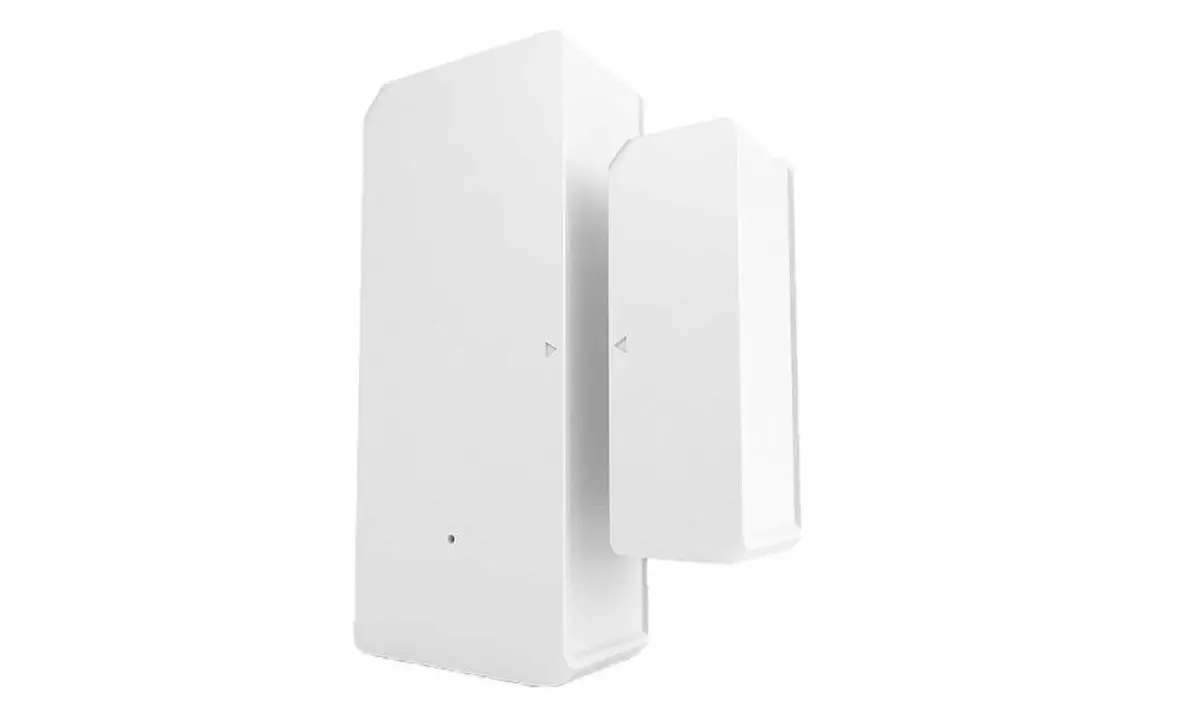
LED indicator
Align the mark lines
Magnet Pairing button
Transmitter
The device weight is less than 1 kg. The installation height of less than 2 m is recommended.
LED indicator status instruction
Flashes Flashes quickly once Flashes quickly twice
Bluetooth Pairing Mode Unable to discover the router Connect to the router but fail to connect to Wi-Fi
English
Features
DW2-Wi-Fi is a Wi-Fi wireless door/window transmitter which triggers the transmitter by separating the magnet for more than 20mm from the transmitter, then the transmitter will send an alarm message and pushes it to APP. You can share the device with your family to check the door/window status together.
Share Control
Alarm push notification
Historical operation records
Battery level
9
SONOFF TECHNOLOGIES CO., LTD.
Application
English
Door
Note: Do not install outside the door/window. Do not install in the unstable position or in the place exposed to
rain or moisture. Do not install near wiring or magnetic object.
Replace batteries
Window
10