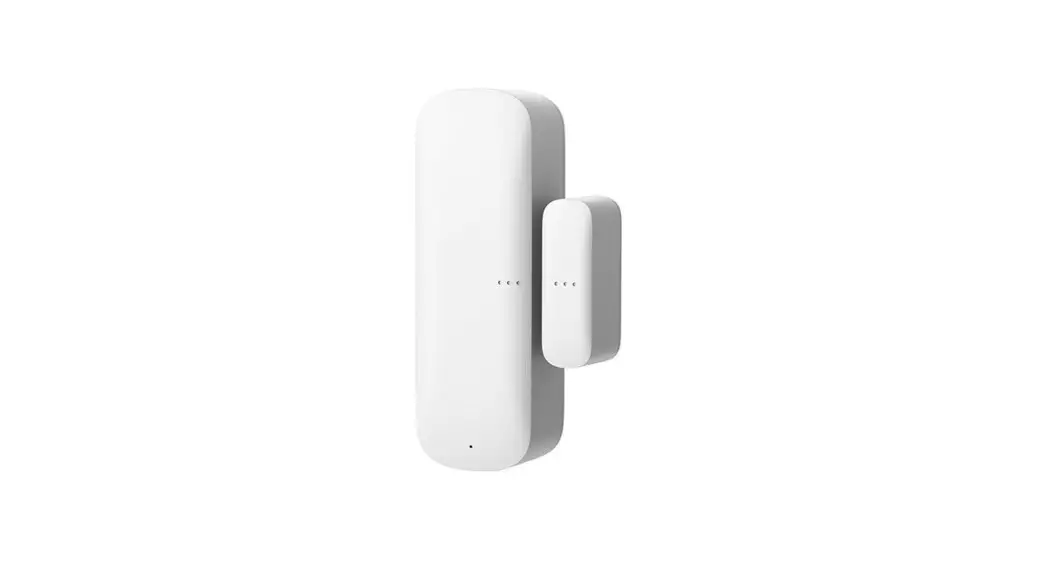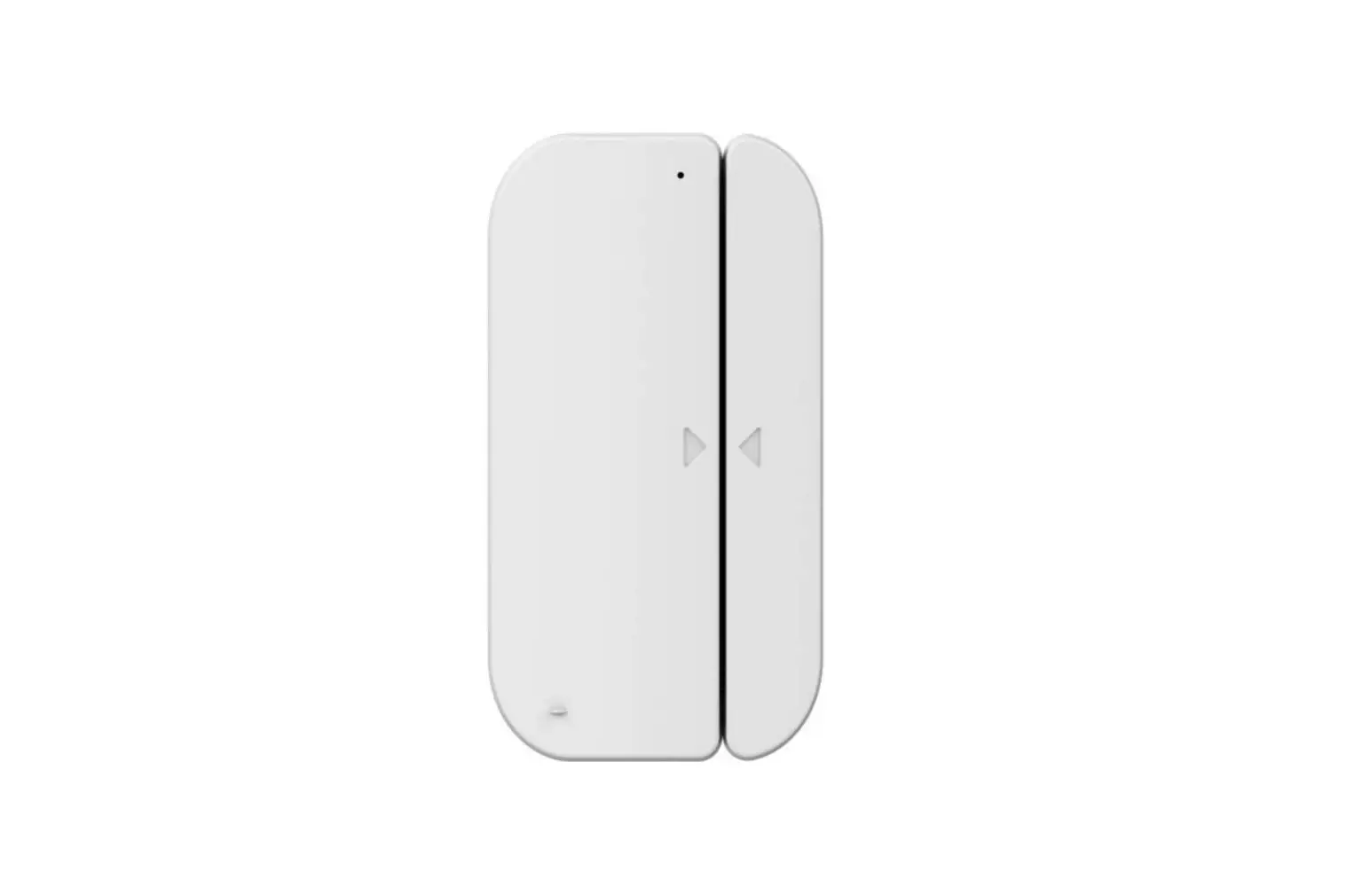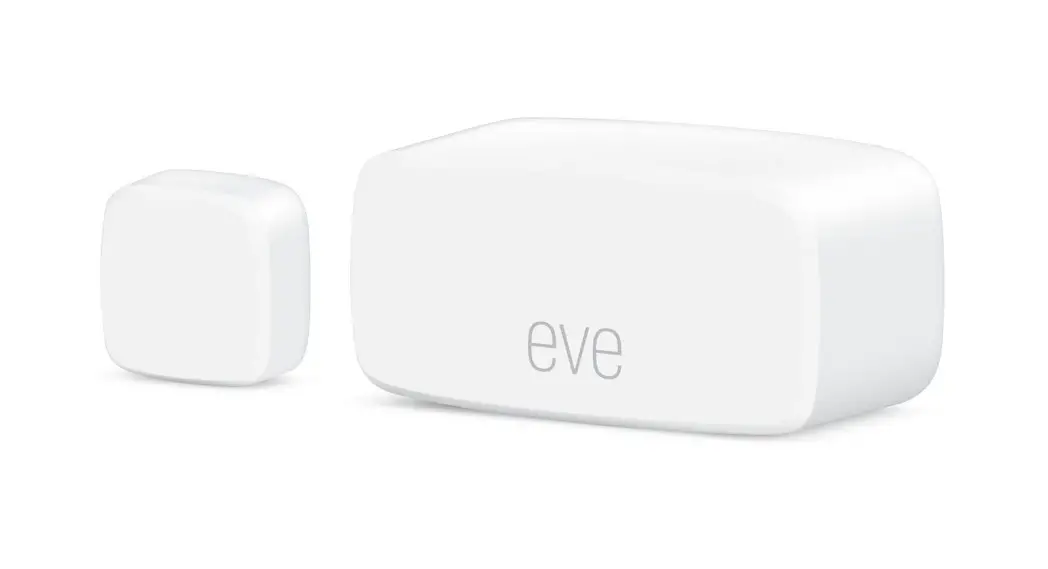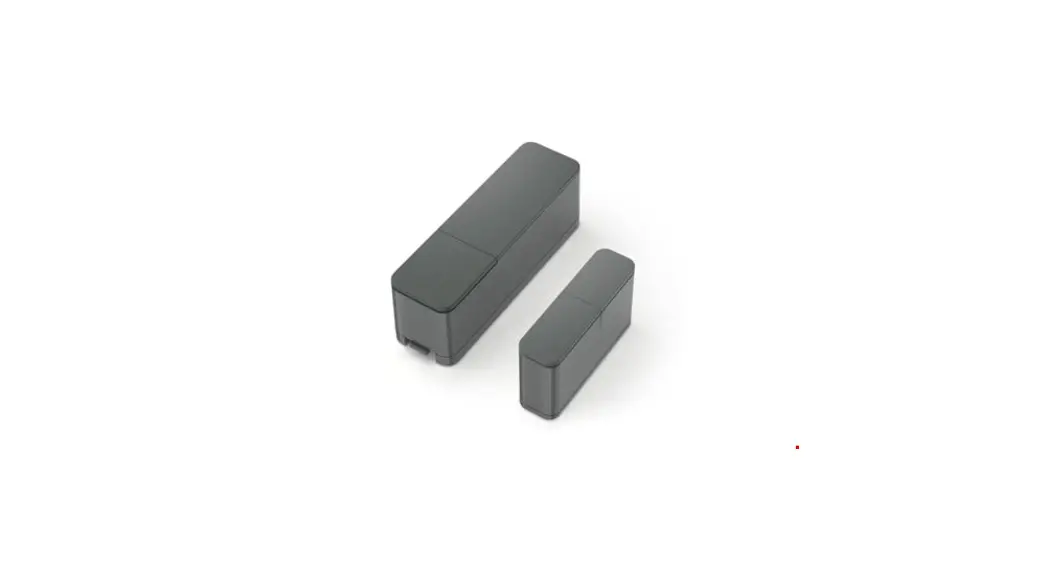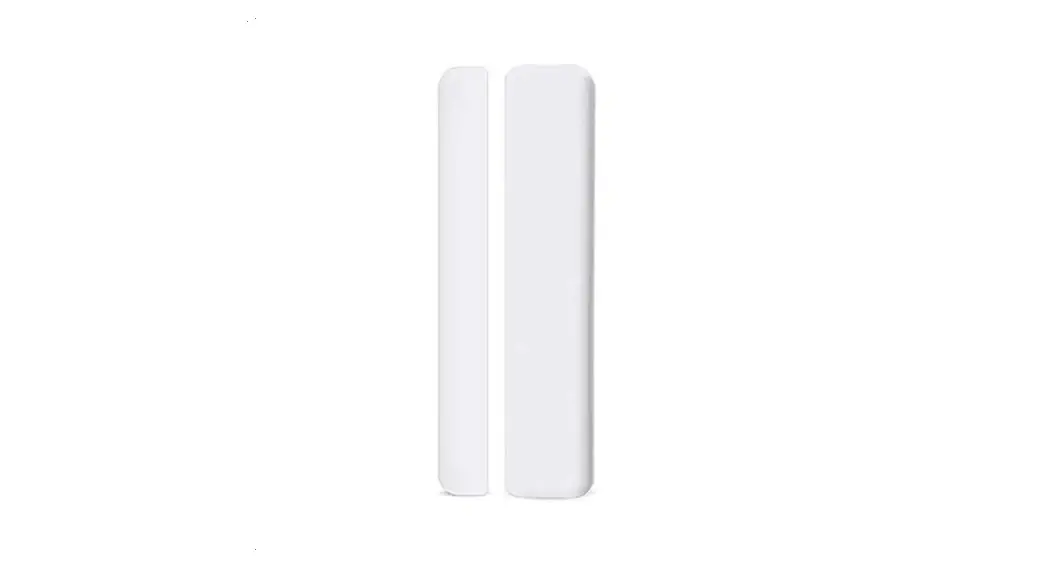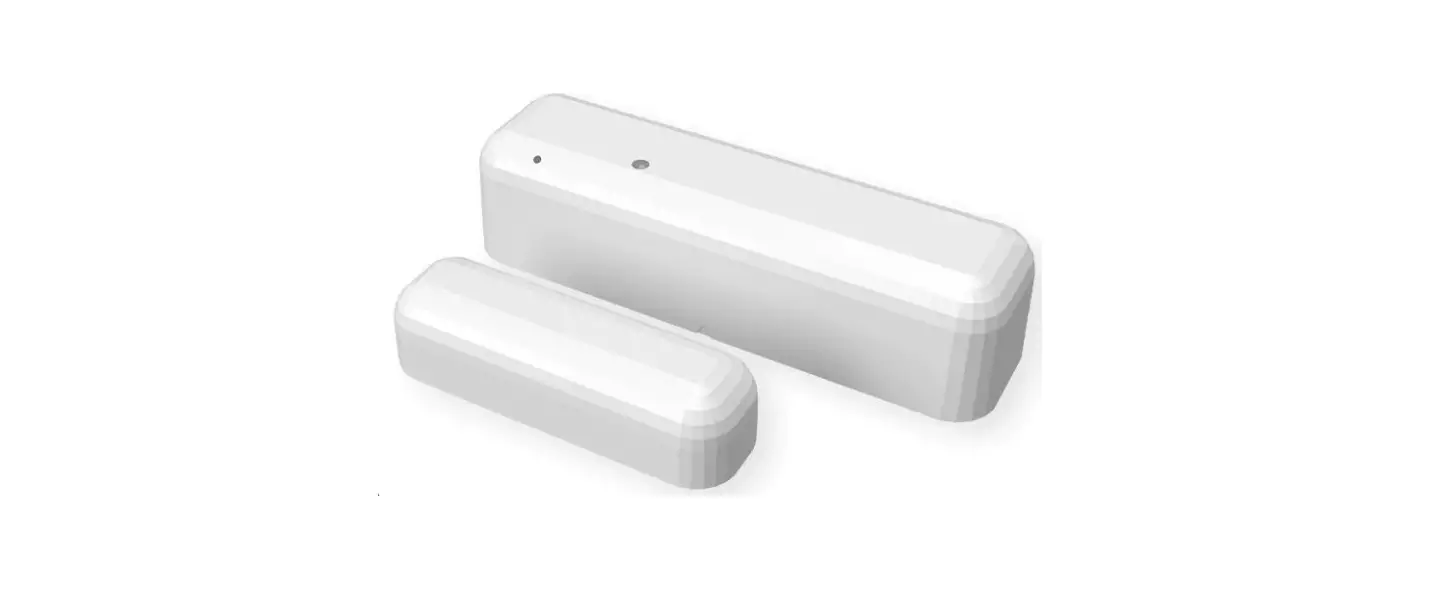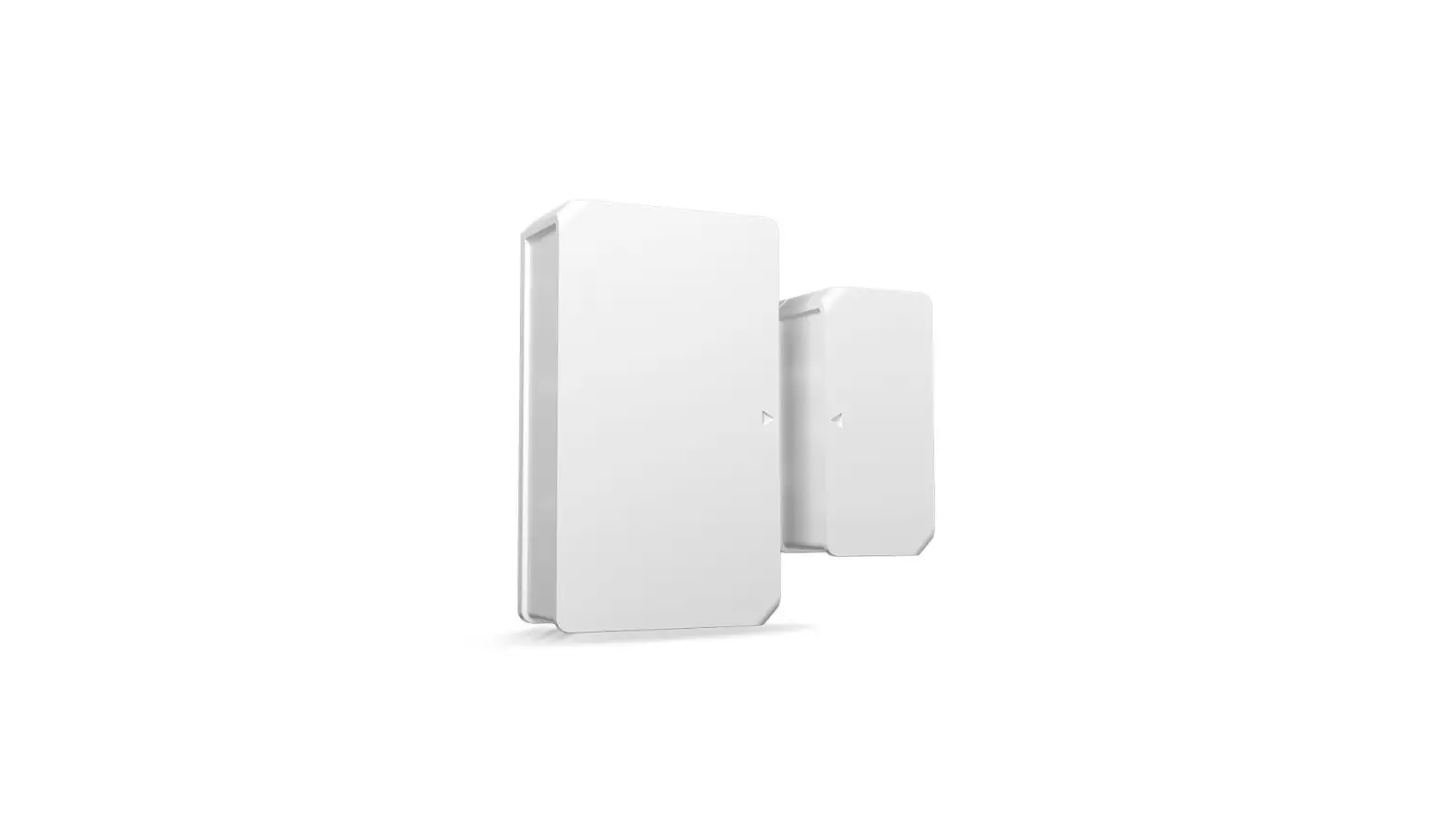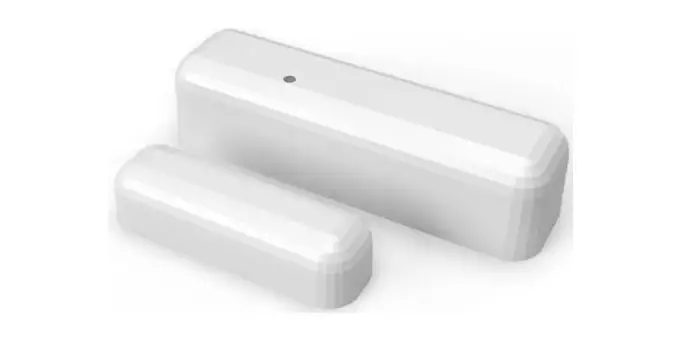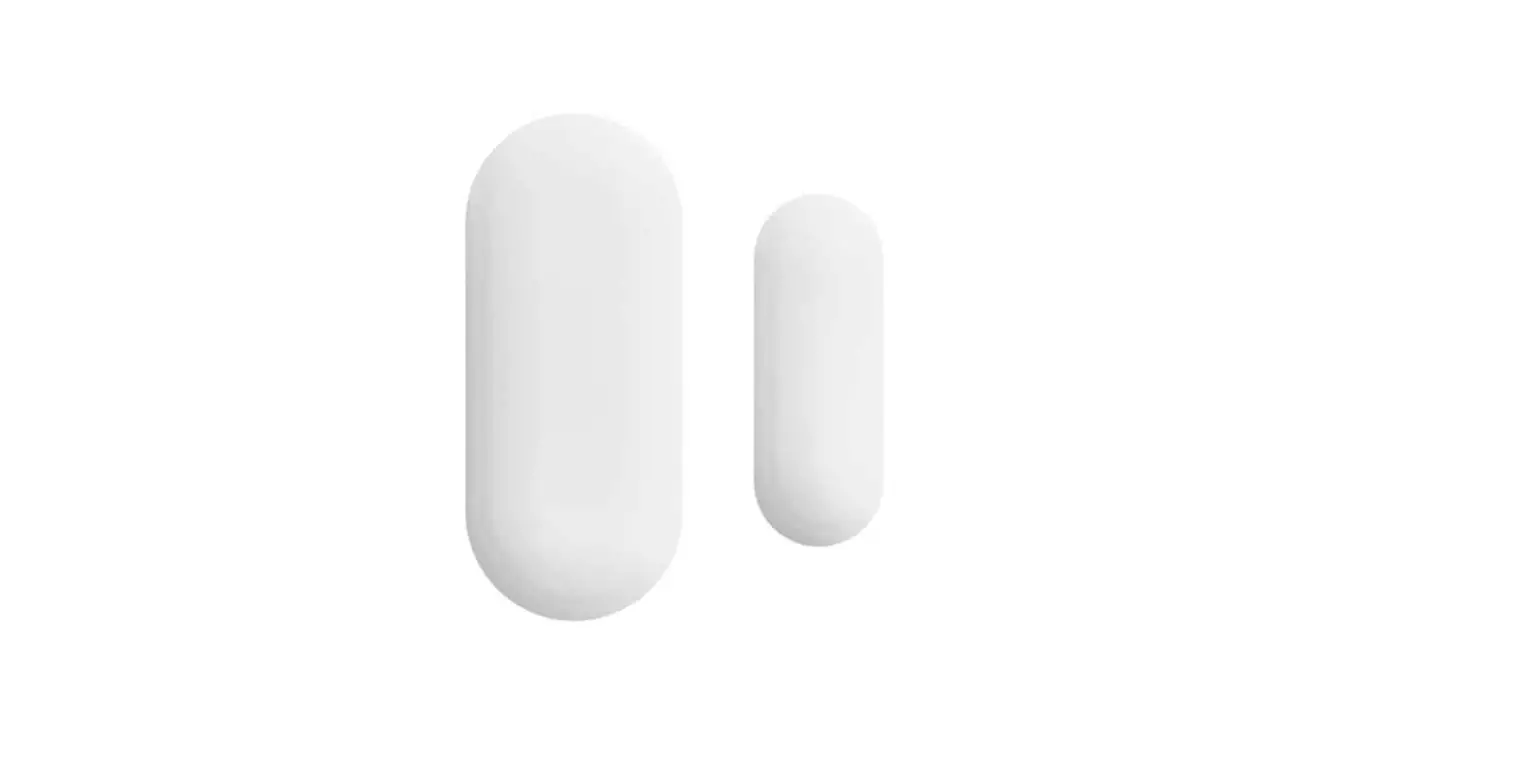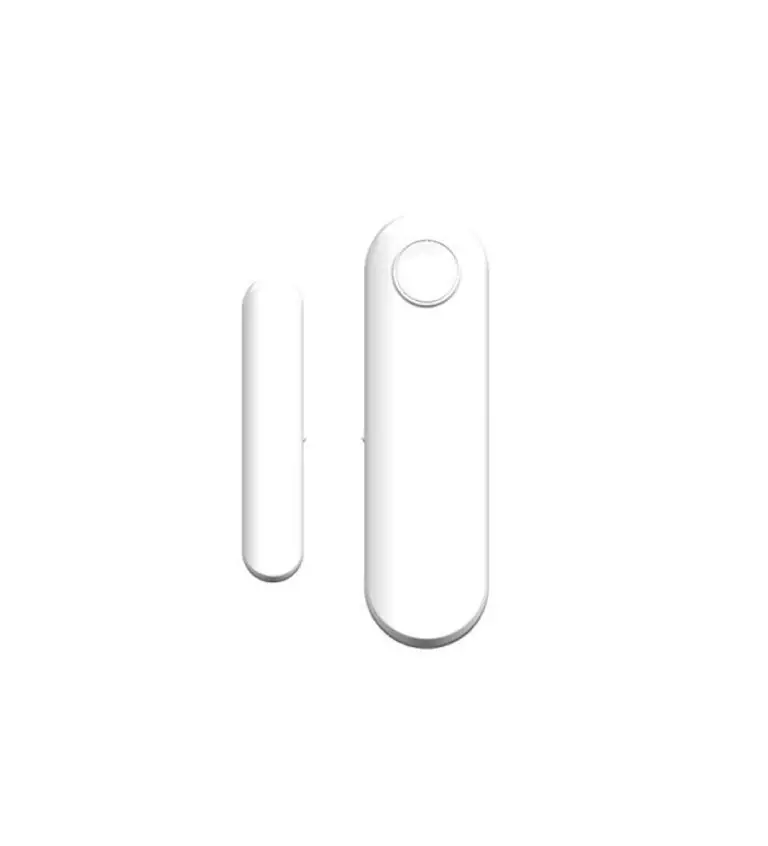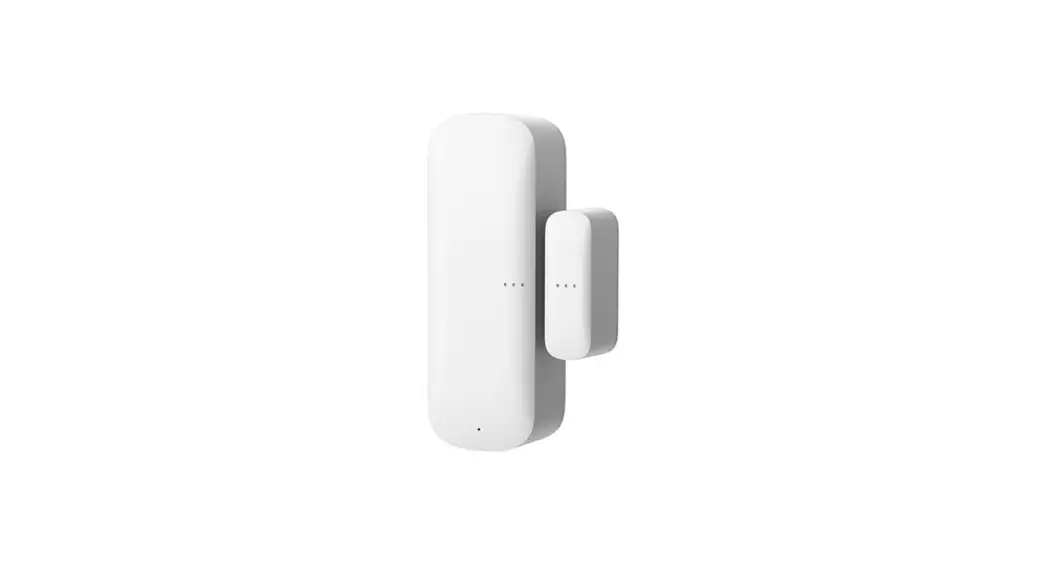
 DOORSAFE 3113 – WIFI DOOR/WINDOW
MAGNET CONTACT SENSOR
WATCH INSTRUCTION VIDEO
ON YOUTUBE
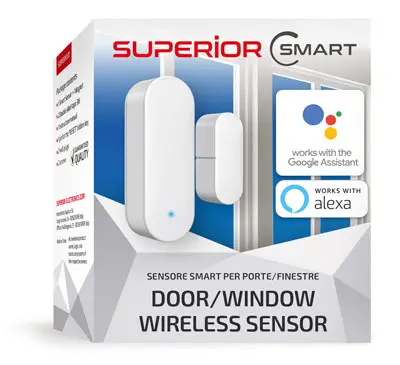
3113 WiFi Door or Window Magnet Contact Sensor
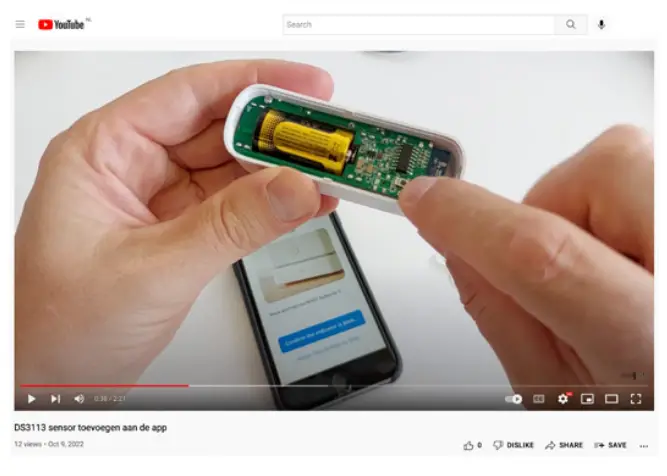
SCAN THIS QR CODE TO WATCH VIDEO ON YOUTUBE
 https://www.youtube.com/watch?v=d37oohioeQk
ADD TO THE APP
STEP 1: → Download the app:
 https://play.google.com/store/apps/details?id=com.tuya.smartlife&hl=en

 https://apps.apple.com/us/app/smart-life-smart-living/id1115101477
→ Create an account in the app.
→ Once the app is ready to use, grab the sensor.
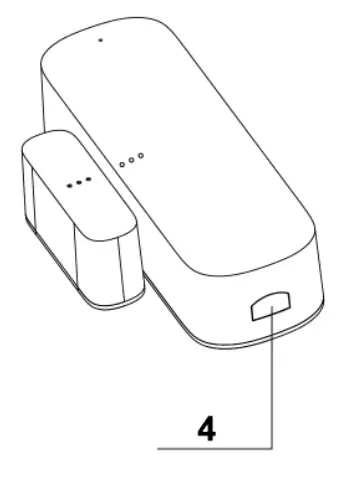
→ Open the Sensor by pressing the button (4),
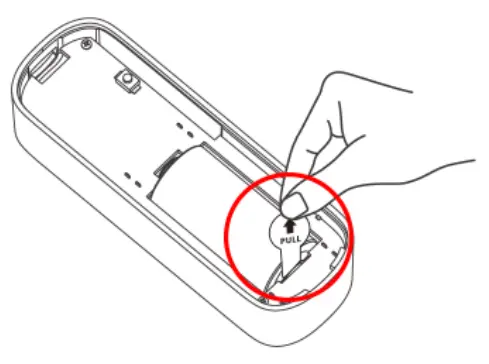
→ Remove the foil from the battery, or insert a new battery into the sensor.
→ The LED on the sensor will now briefly light up red.
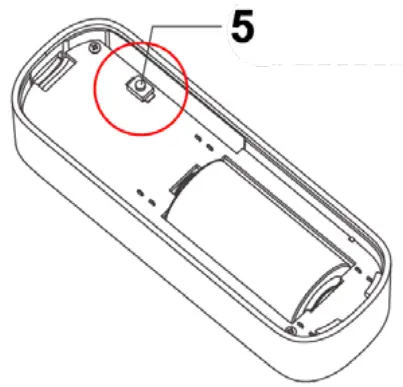
→ Now press the Reset button (5) once so that the LED will flash green quickly
→ Now press the Reset button (5) 1 more time so that the LED slowly flashes green
STEP 2:
→ Go to the home screen of the app.
→ Press + (Add Device)
→ In the app, select: ‘SENSORS’
→ Select: ‘Contactsensor (WIFI)’
→ Make sure your Smartphone is connected to your 2.4Ghz WiFi network
→ Enter your 2.4Ghz WiFi password
→ Select: ‘Confirm indicator is blinking rapidly’
→ Select: ‘Blink slowly’
→ Choose ‘Go to Connect
→ The sensor is now transmitting a WiFi network when the LED on the sensor is flashing slowly.
The network that the sensor is transmitting starts with ‘Smartlife-XXXX’. Now let the smartphone connect to this network.
→ As soon as the smartphone is connected to the SmartLife-XXXX WiFi network, go back to the Smart Life app
→ View the progress in the app, this can take up to 2 minutes
→ As soon as the addition to the app is successful: give the sensor a name.
MOUNTING
ASSEMBLY INSTRUCTIONS
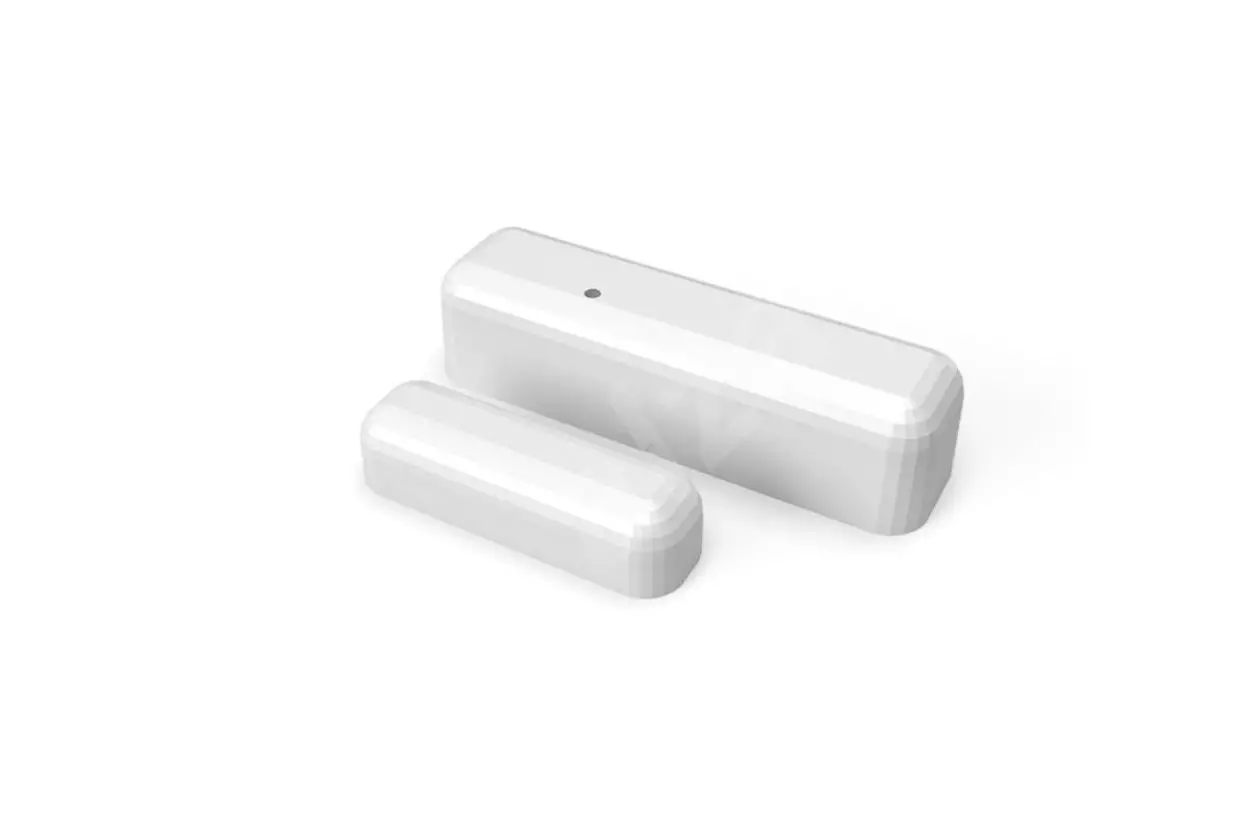
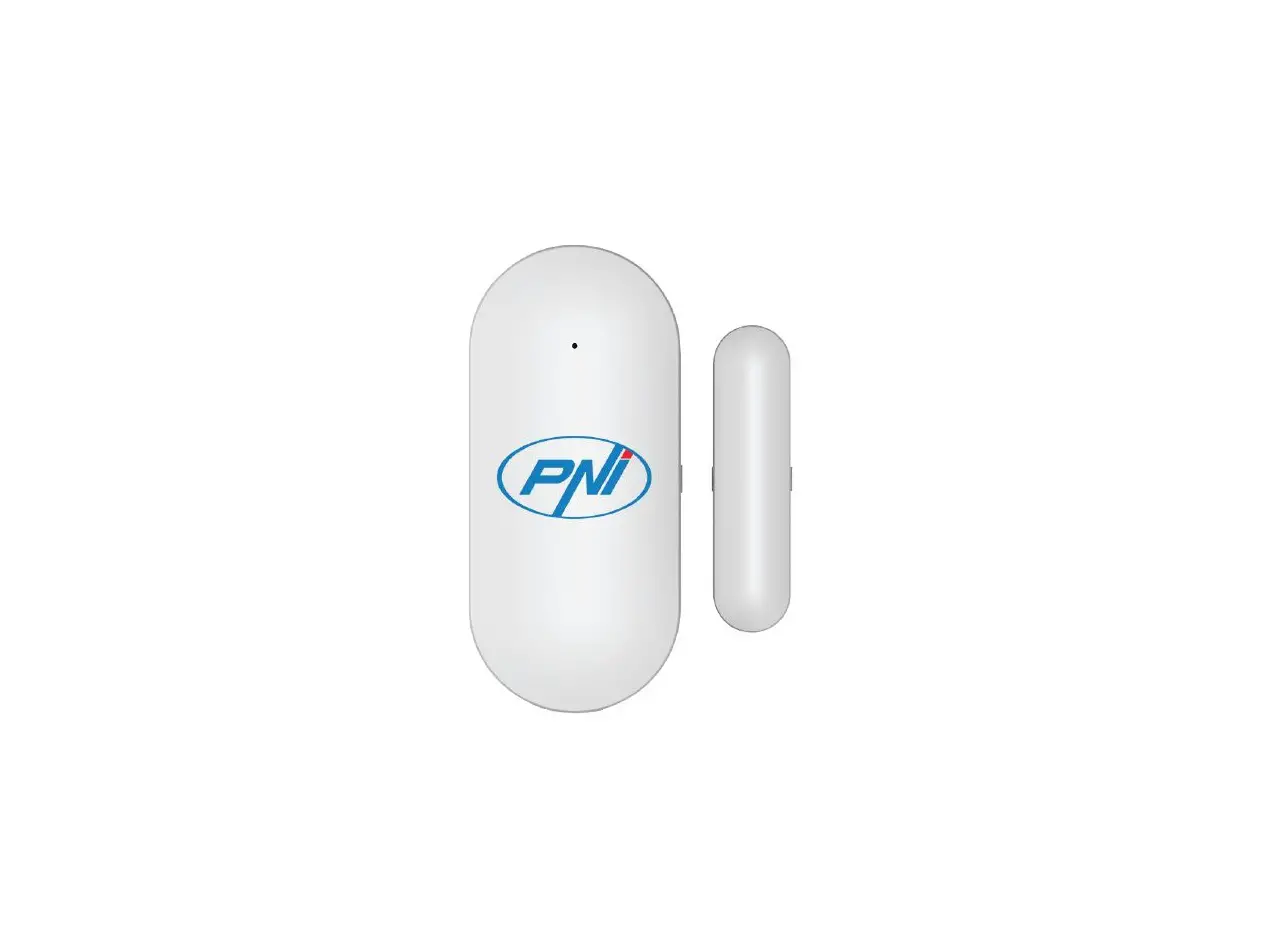
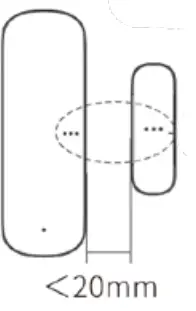
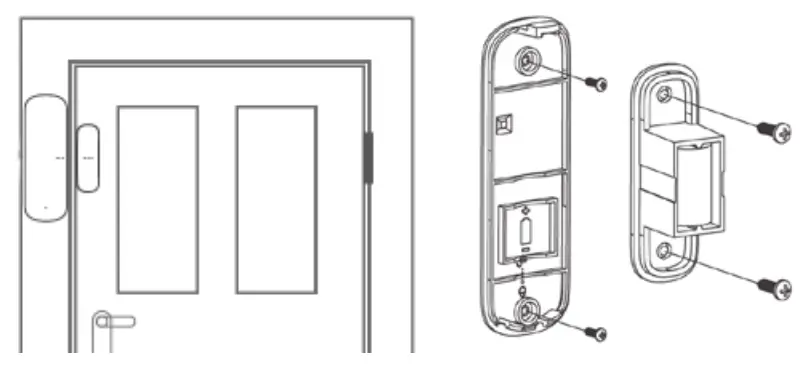
→ Place the magnet (2) on the door and the sensor (3) on the door frame.
→ Maximum 20 mm space between magnet (2) and sensor (3).
→ LED indicator light should switch ON when opening/closing.
→ Use double-sided tape or screws to fix parts.
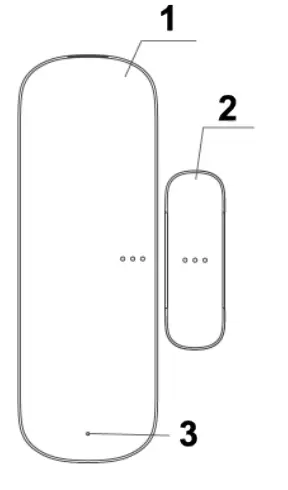
EXPLANATION PARTS
→ 1. Sensor with on the inside:
+ reset button
+ CR123A DV 3V battery
→ 2. Magnet
→ 3. LED indicator light
WWW.DOORSAFE.EU
Doorsafe
Posthus 63
3645 LK Vinkeveen
The Netherlands
www.doorsafe.eu
Made in China