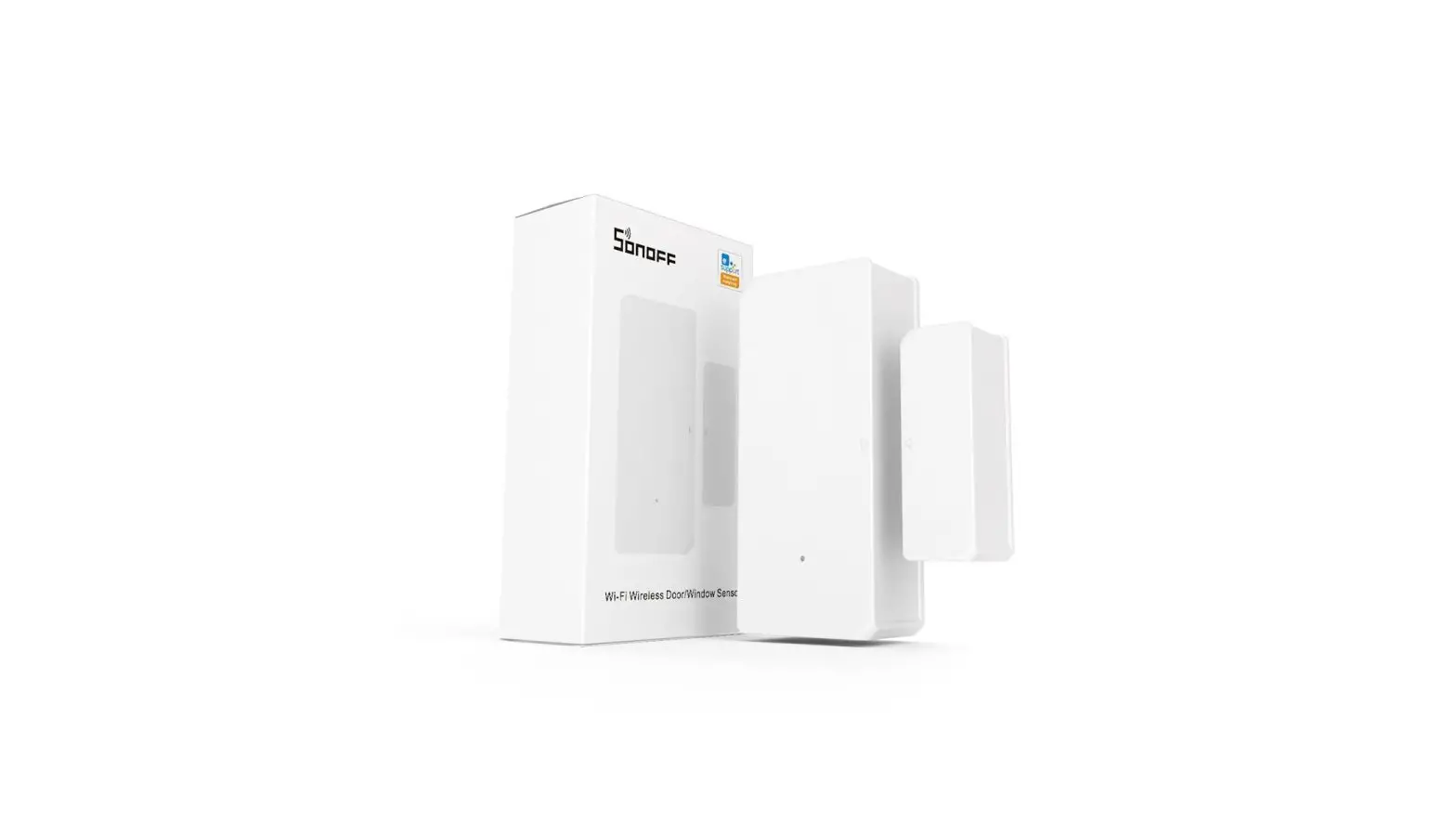
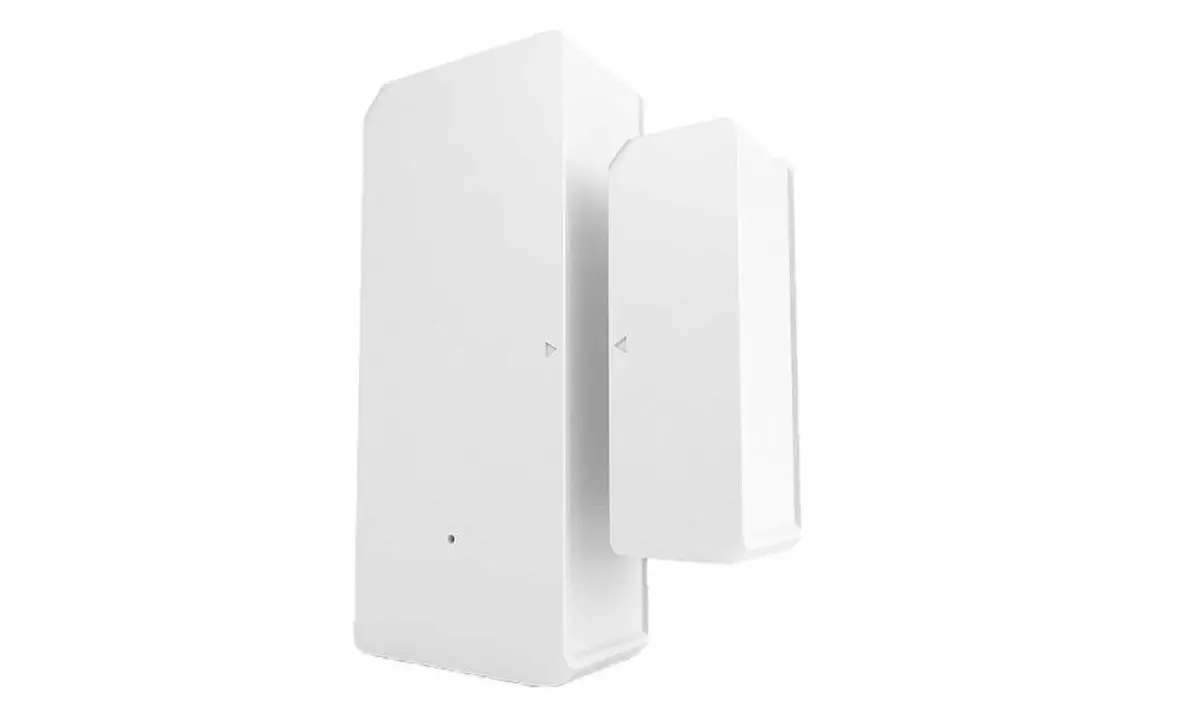
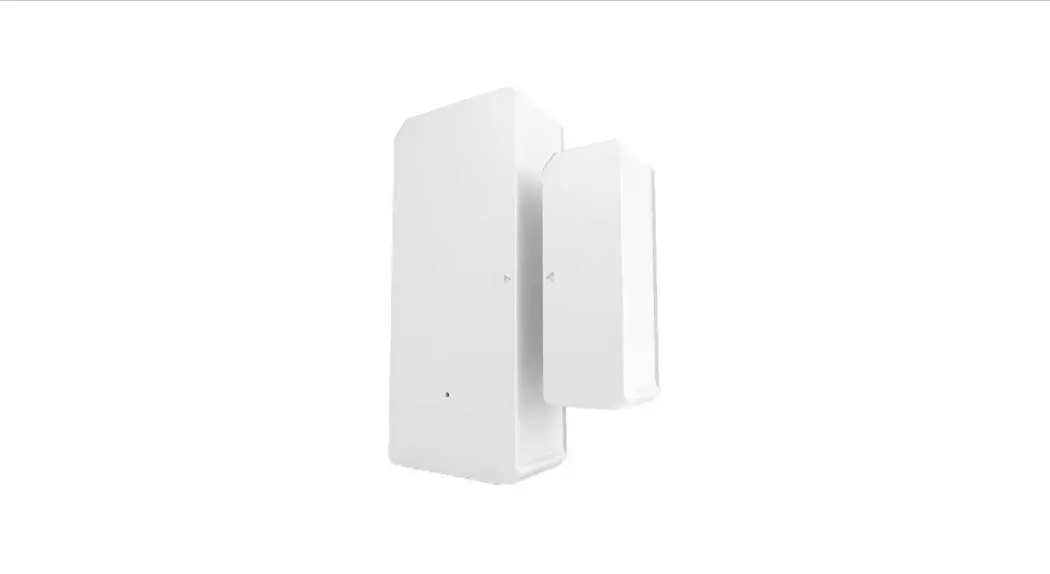
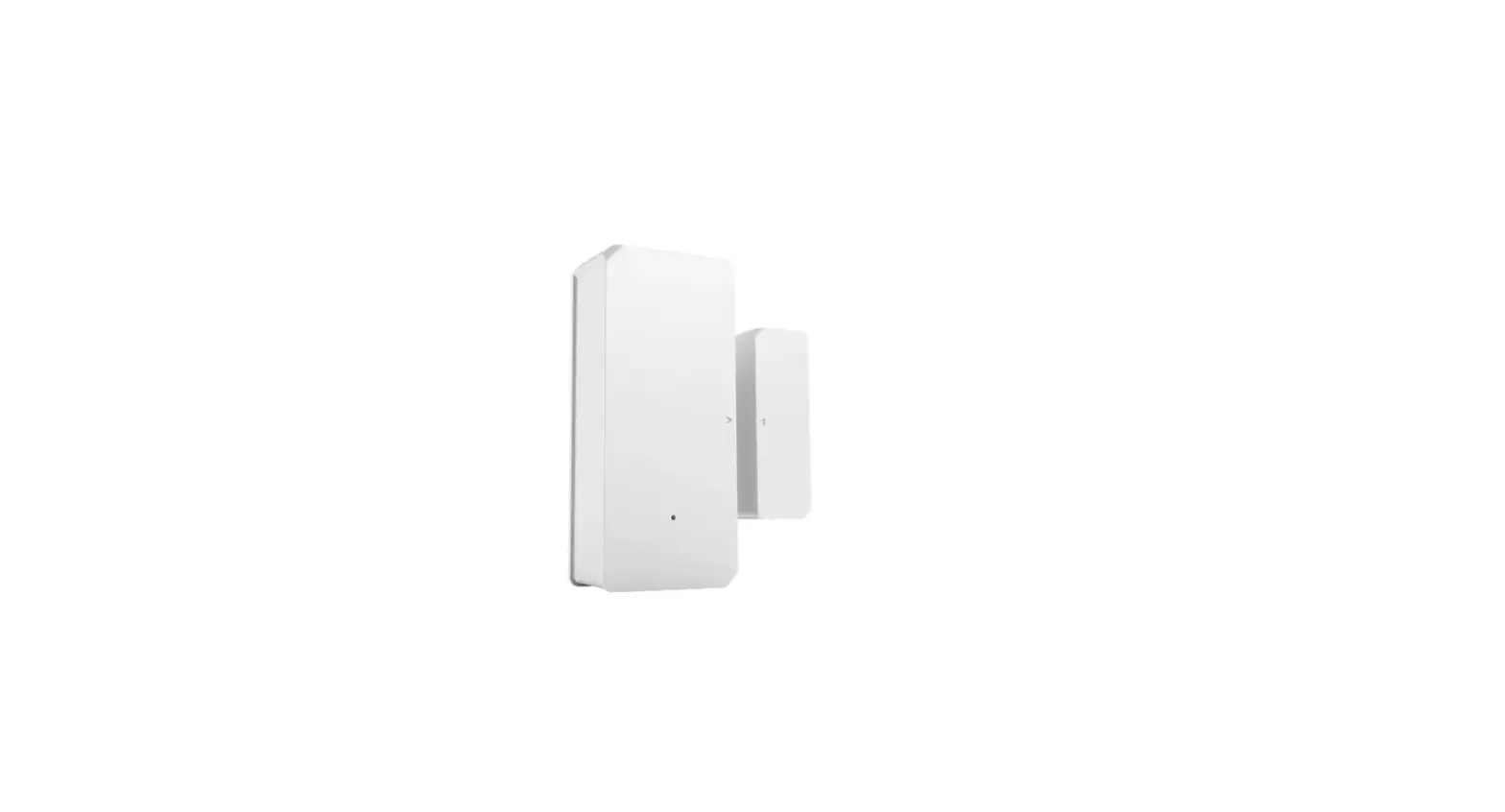
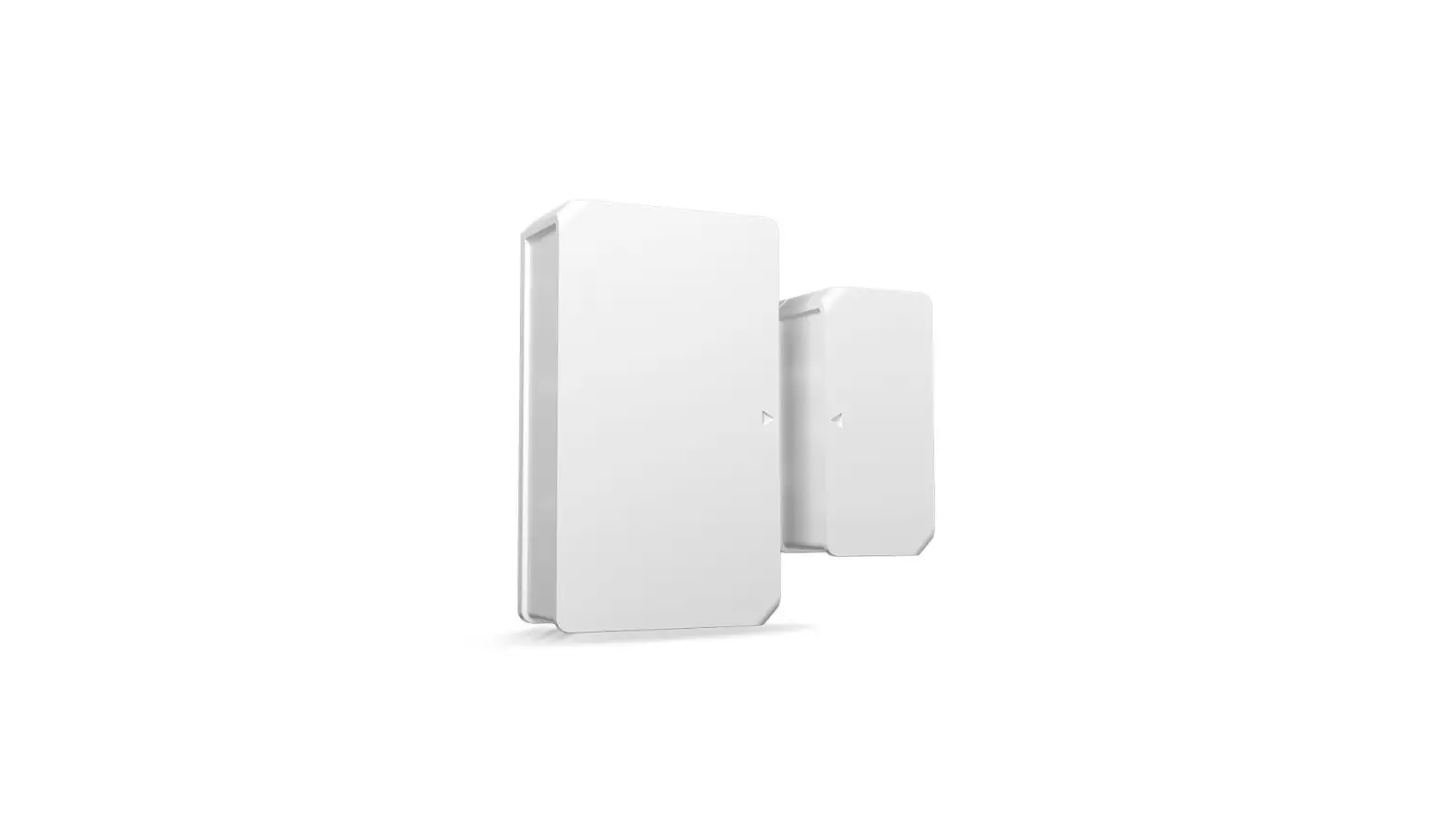
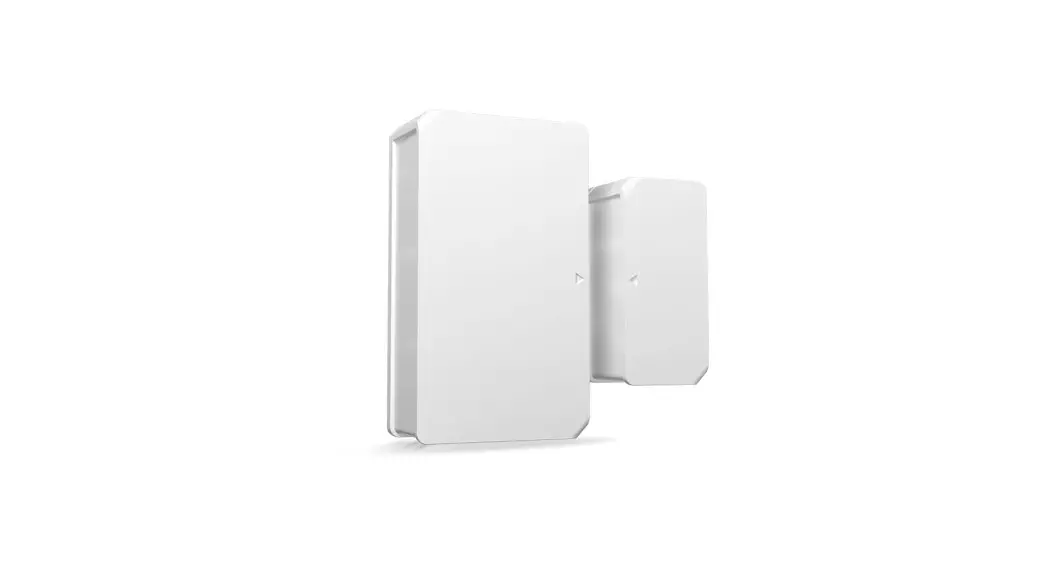
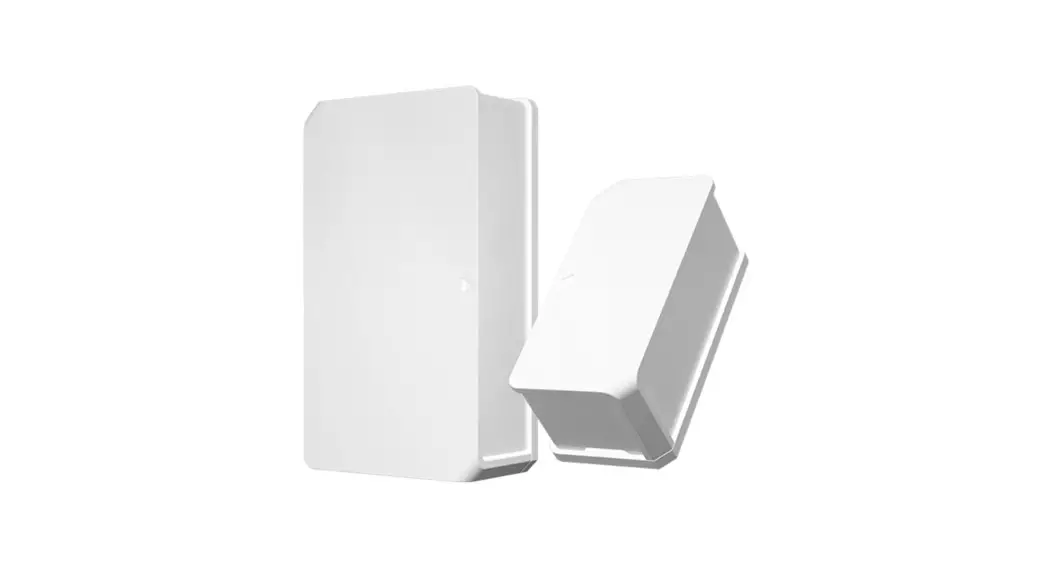
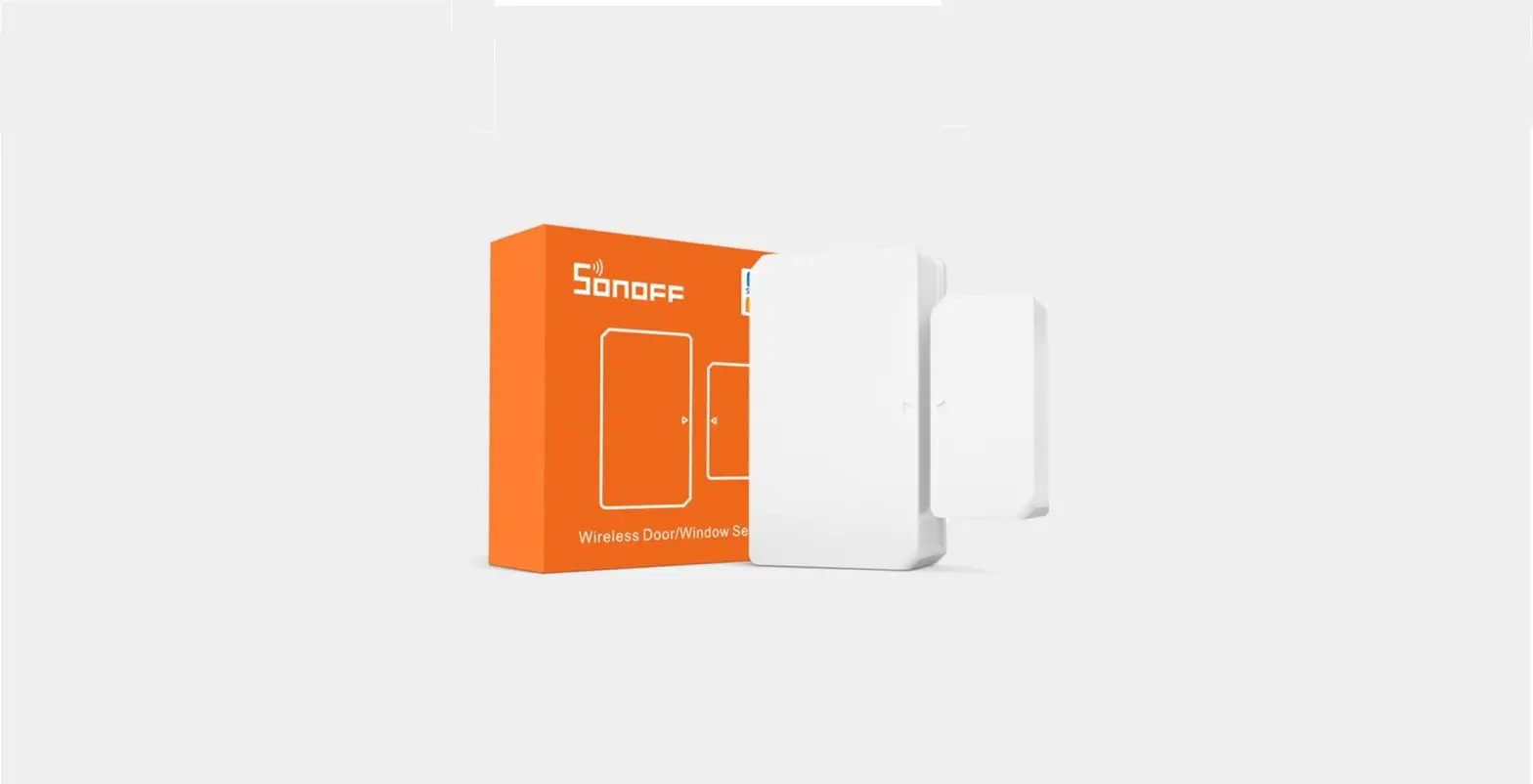
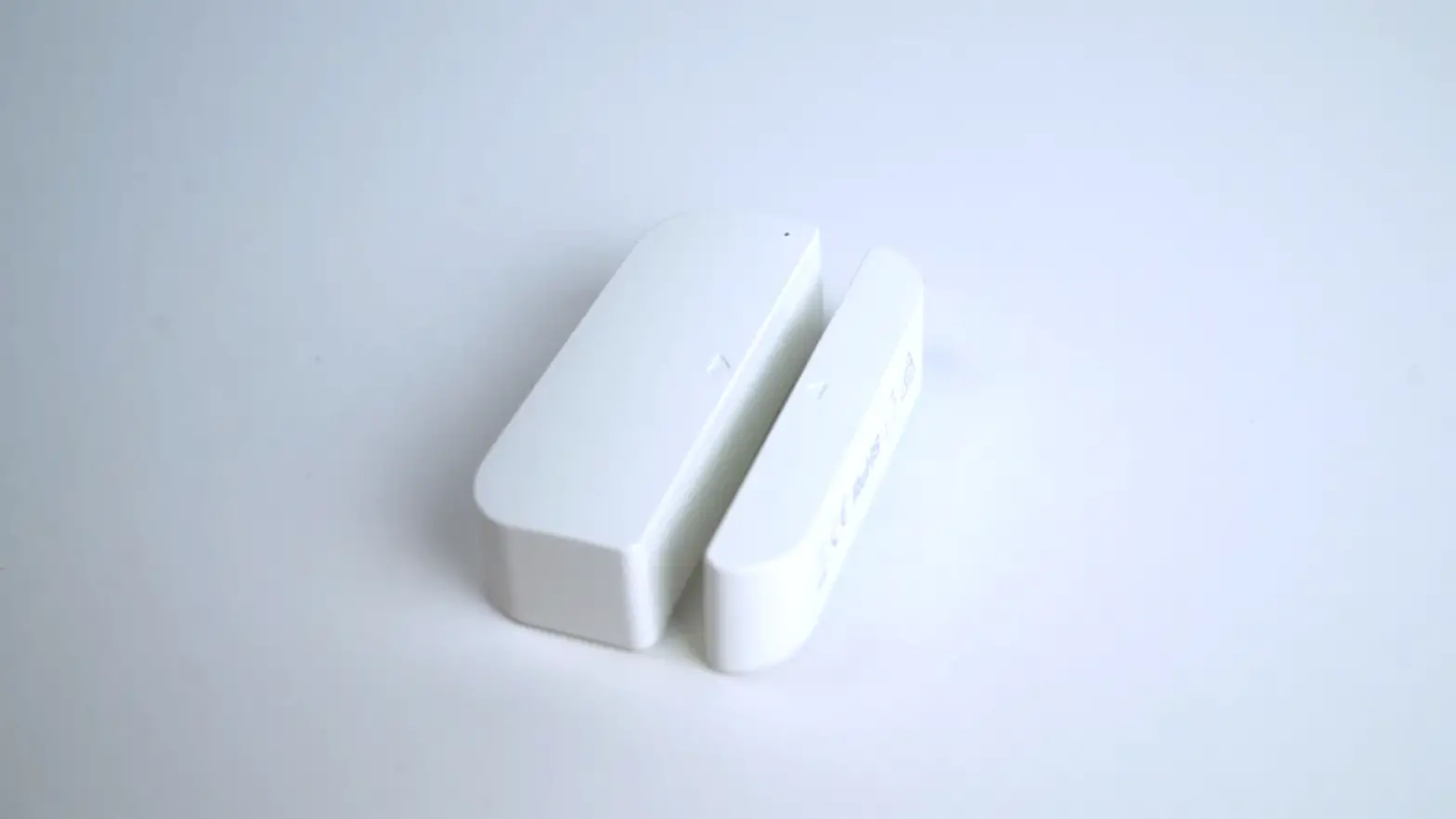
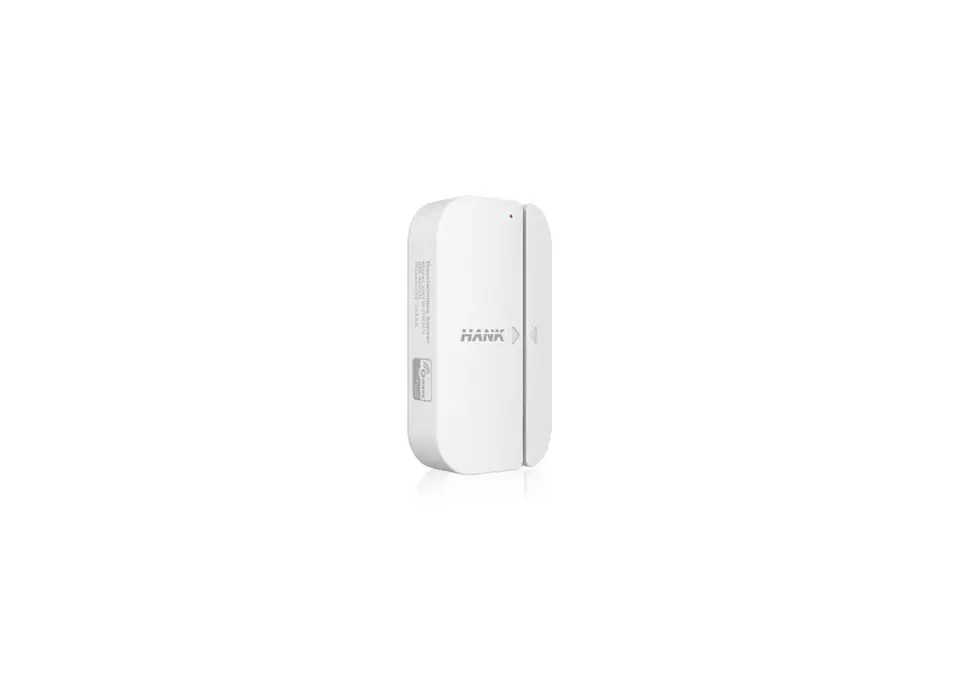
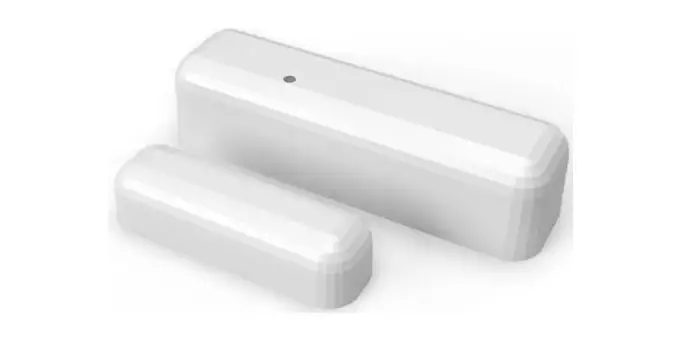
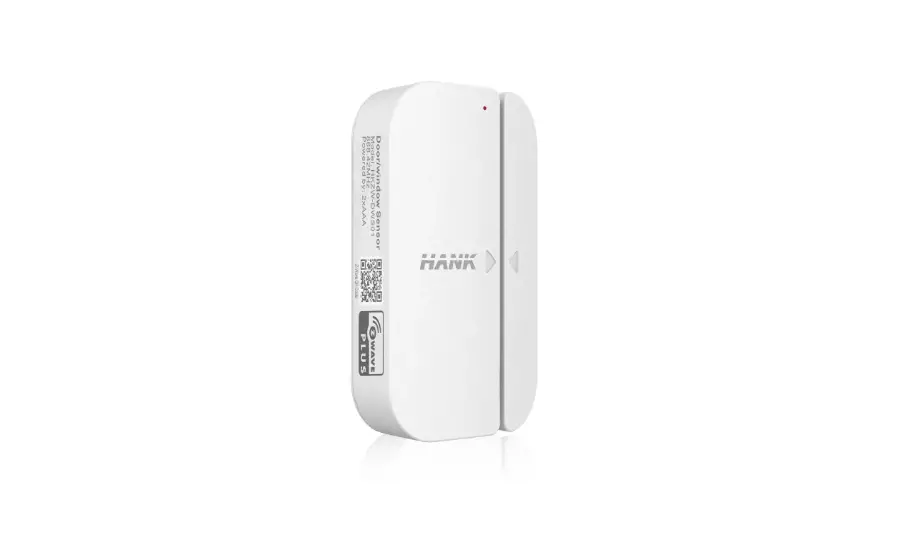
DW2-RF RF Wireless Door-Window Sensor
Product Information:
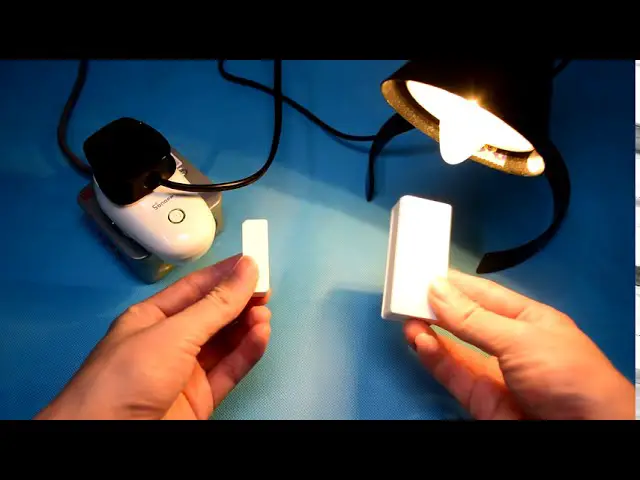
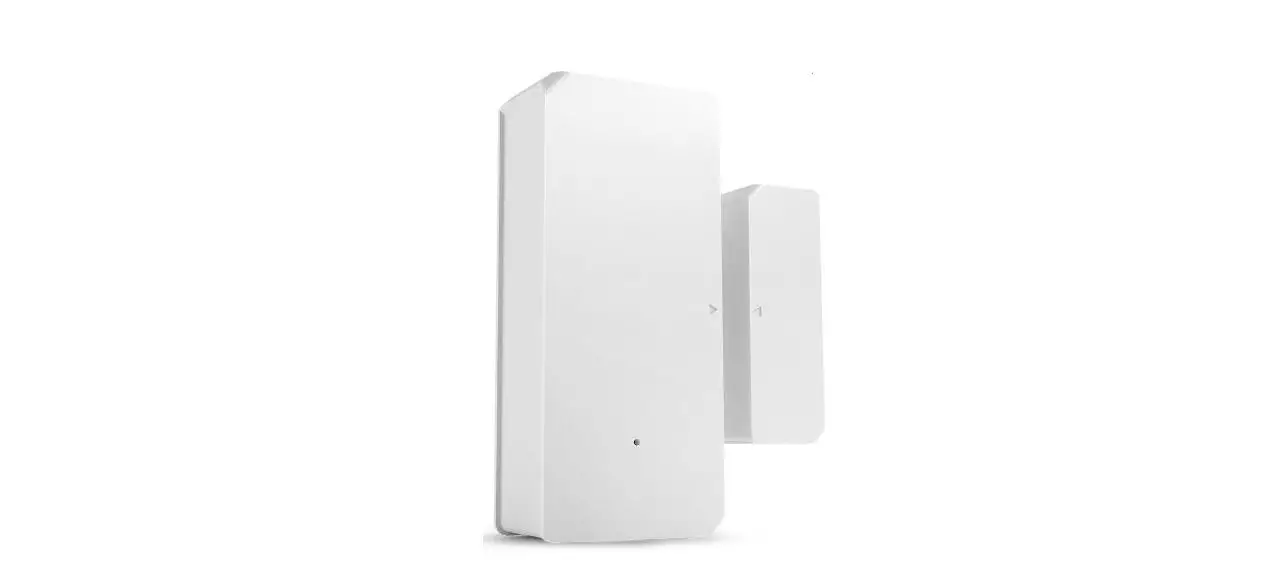
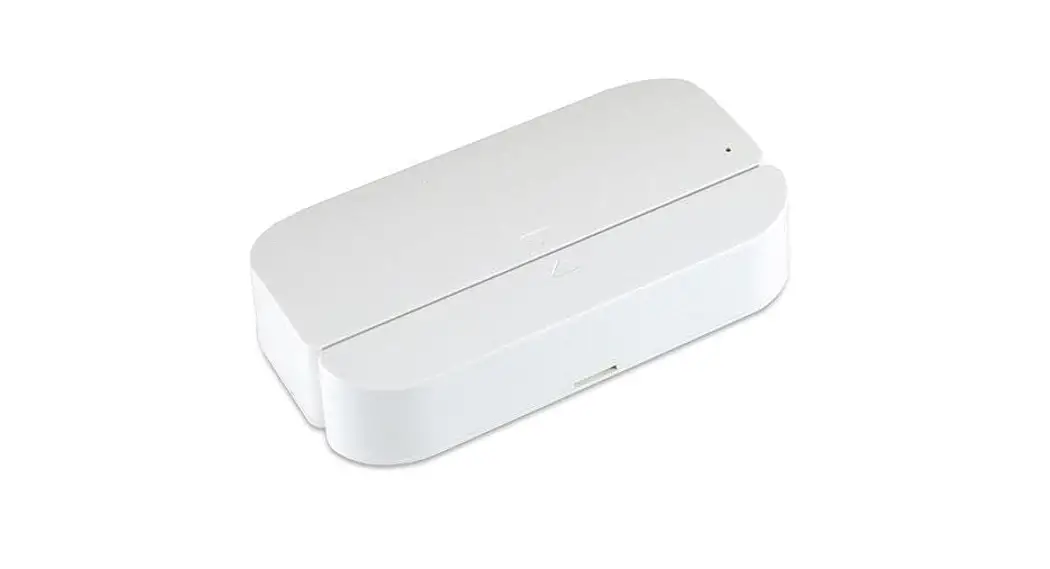
The DW2-RF is a wireless door/window sensor developed by SONOFF
TECHNOLOGIES CO., LTD. It can be operated intelligently by working
with the SONOFF 433MHz RF Bridge to communicate with other devices.
The device can also work with other gateways supporting 433MHz
wireless protocol. The device requires batteries that are not
included in the package.
Product Usage Instructions:
- Download and install the eWeLink app on your Android or iOS
device. - Remove the back cover of the transmitter and insert batteries
into the battery compartment based on the identifiers of positive
and negative poles. Close the back cover. - Connect the SONOFF 433MHz RF Bridge before adding the
sub-device. Access the eWeLink app and select the Bridge, tap Add
to select the alarm, and a Beep means the Bridge enters the pairing
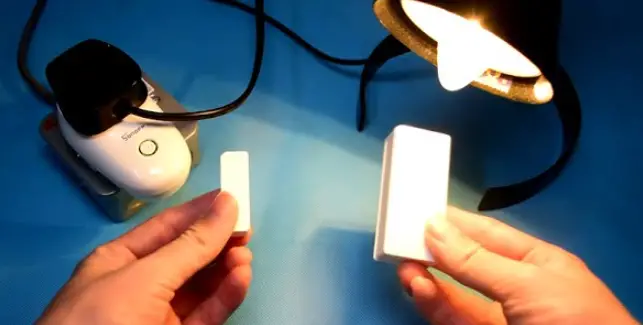
mode. Then, separate the magnet for more than 20 mm from the
transmitter until the LED indicator stays on for 1 to 2s, and the
pairing is complete when you hear Beep Beep. If the addition
failed, move the sub-device closer to the Bridge and try
again. - Tear off the protective film of the 3M adhesive and try to
align the mark line on the magnet with that on the transmitter
during installation. Install them in the opening and closing area
separately.
DW2-RF
User manual V1.1
RF Wireless Door/Window Sensor
SONOFF TECHNOLOGIES CO., LTD.
English
The device can be operated intelligently via working with the SONOFF 433MHz RF Bridge to communicate with other devices.
The device can work with other gateways supporting 433MHz wireless protocol. Detailed information is in accordance with the final product.
Operation instruction
1. Download APP
eWeLink
eWeLink
2. Install batteries
2-1. Remove the back cover of the transmitter.
AndroidTM & iOS
2-2. Insert batteries into the battery compartment based on identifiers of positive and negative poles.
>
2-3. Close the back cover. The battery is not included, please purchase it separately.
SONOFF TECHNOLOGIES CO., LTD.
3. Add sub-devices
Connect the Bridge before adding the sub-device.
RF Bridge Added:0
No remote yet, please add.
Add
>
>20mm
English
Access the eWeLink APP and select the Bridge, tap “Add” to select the alarm, and a “Beep” means the Bridge enters the pairing mode. Then seperate the magnet for more than 20 mm from the transmitter until the LED indicator stays on for 1 to 2s, and the pairing is complete when you hear “Beep Beep”.
If the addition failed, move the sub-device closer to the Bridge and try again.
Install the device
1. Tear off the protective film of the 3M adhesive.
2. Try to align the mark line on the magnet with that on the transmitter during installation.
3. Install them in the opening and closing area separately.
SONOFF TECHNOLOGIES CO., LTD.
English
<5mm
Make sure the installation gap is less than 5mm when the door or the window is closed.
Specifications
Model RF Working voltage Battery model Quiescent current Emission current Wireless transmission distance Installation gap Working temperature Material Dimension
DW2-RF 433MHz DC3V (2 x 1.5V battery) AAA 1.5V 6uA 10mA Max. 50m <5mm -10~40 PC Transmitter: 70x31x19mm Magnet: 42x14x16mm
Product Introduction
LED indicator Align the mark lines
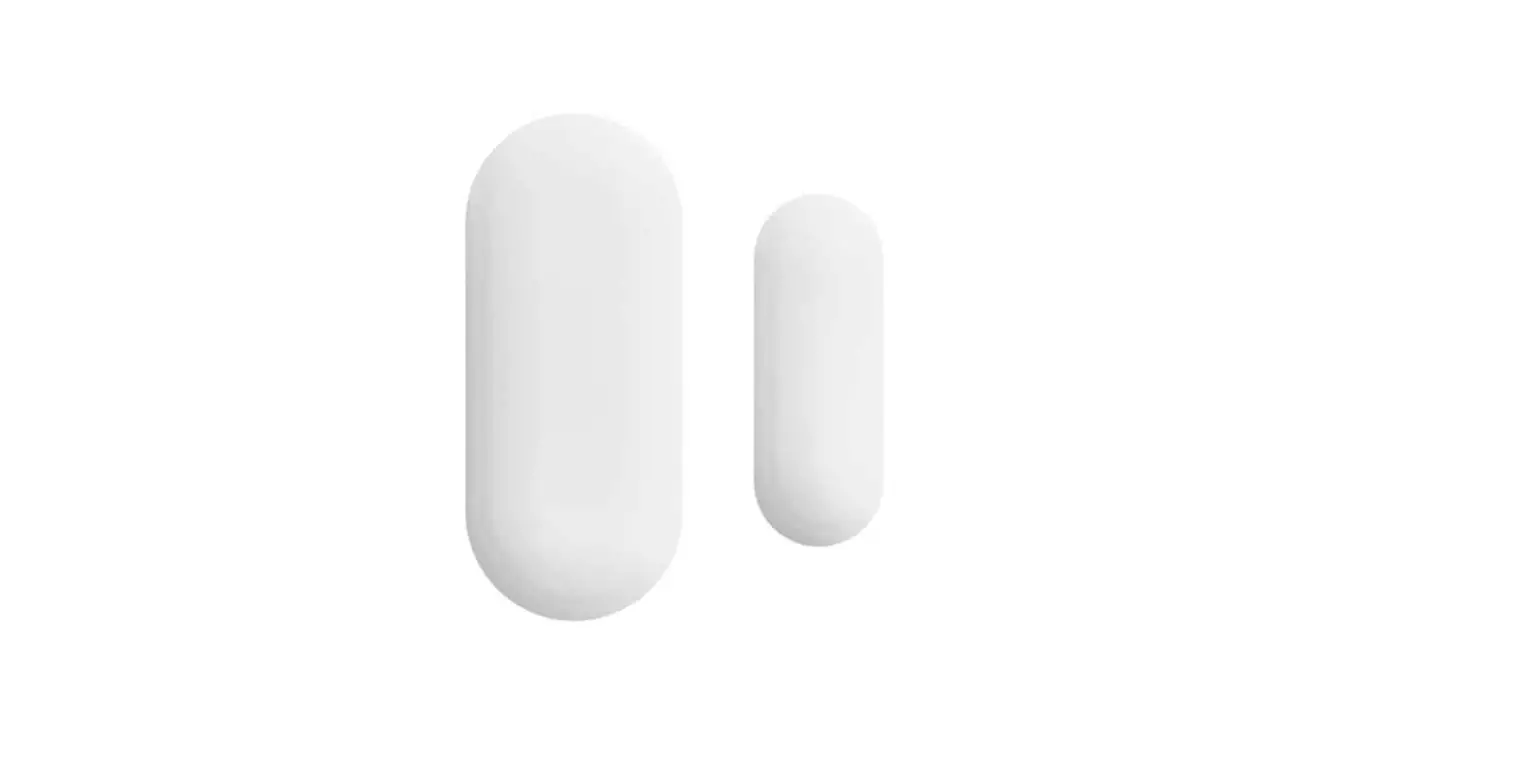
Magnet Transmitter
The device weight is less than 1 kg. The installation height of less than 2 m is recommended.
SONOFF TECHNOLOGIES CO., LTD.
English
Features
DW2-RF is a low-energy wireless door/window sensor that makes you know the opening status of door and window by separating the magnet from the transmitter. Connect it with the Bridge and you can create a smart scene to trigger other devices.
Low-energy
Application
Alarm recordings check
Smart scene
Door
Note: Do not install outside the door/window. Do not install in the unstable position or in the place exposed to
rain or moisture. Do not install near wiring or magnetic object.
Replace batteries
Window
Hereby, Shenzhen Sonoff Technologies Co., Ltd. declares that the radio equipment type DW2-RF is in compliance with Directive 2014/53/EU.The full text of the EU declaration of conformity is available at the following internet address:
Shenzhen Sonoff Technologies Co., Ltd.
1001, BLDG8, Lianhua Industrial Park, shenzhen, GD, China
ZIP code: 518000
Website: sonoff.tech
MADE IN CHINA