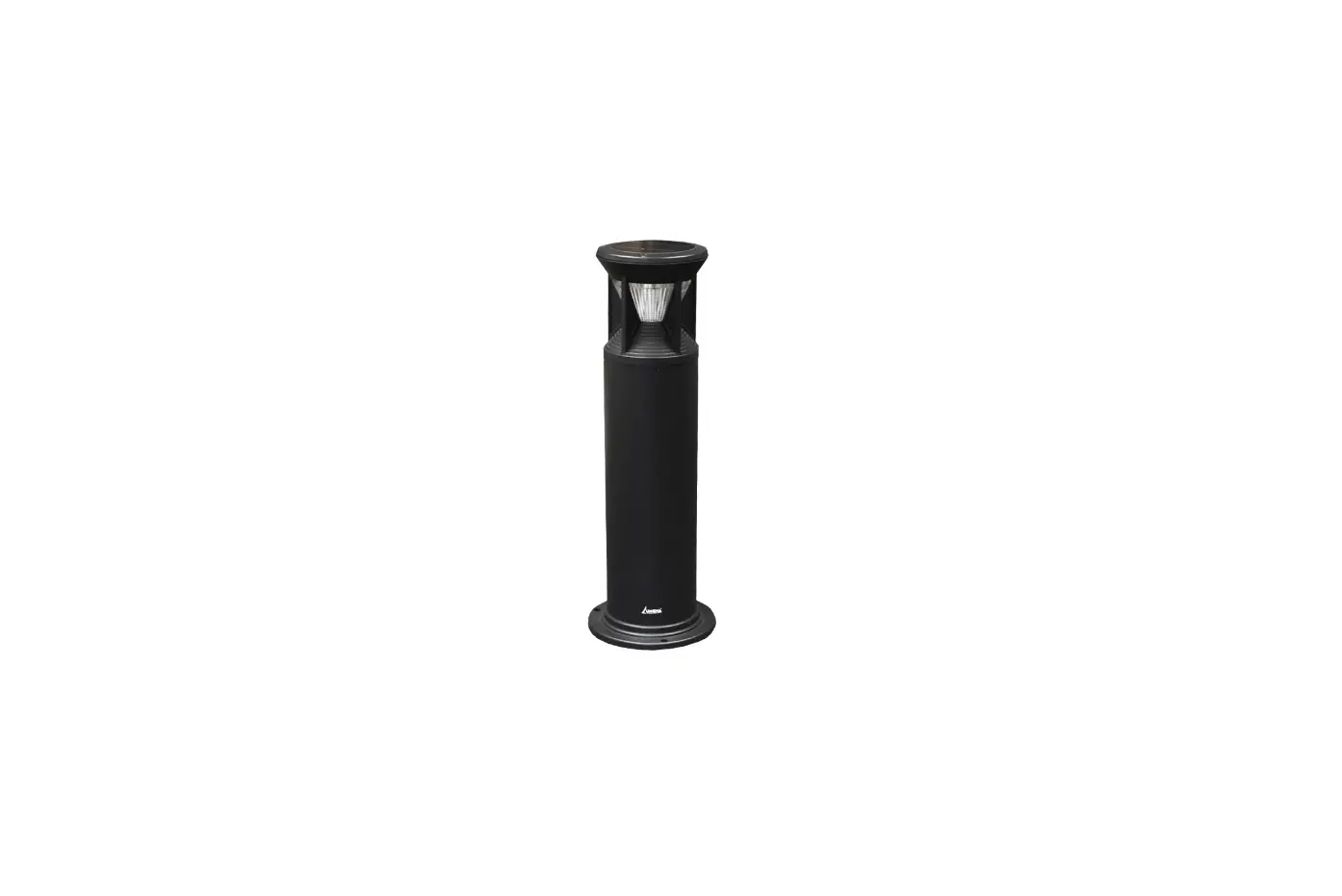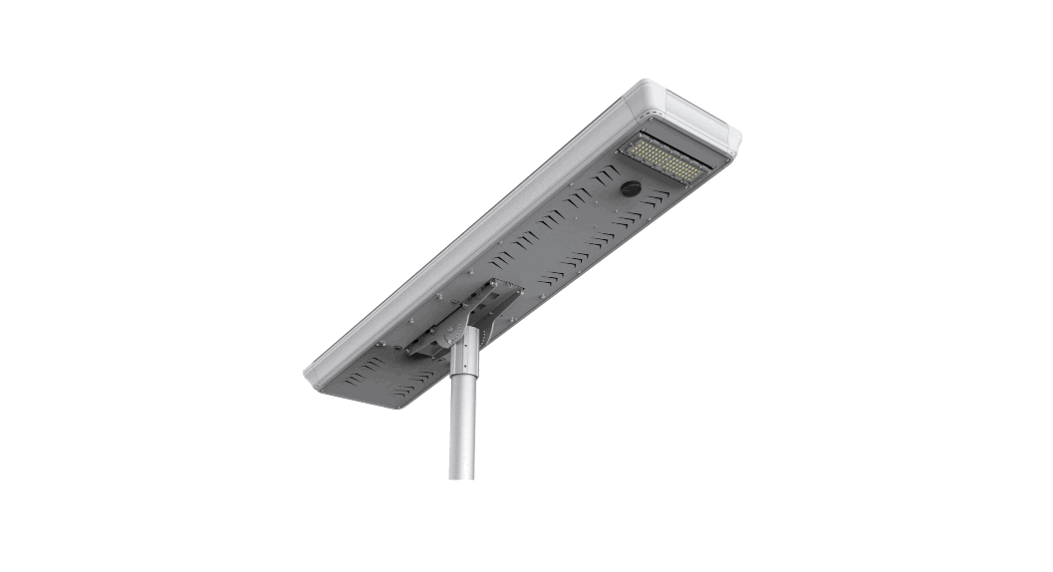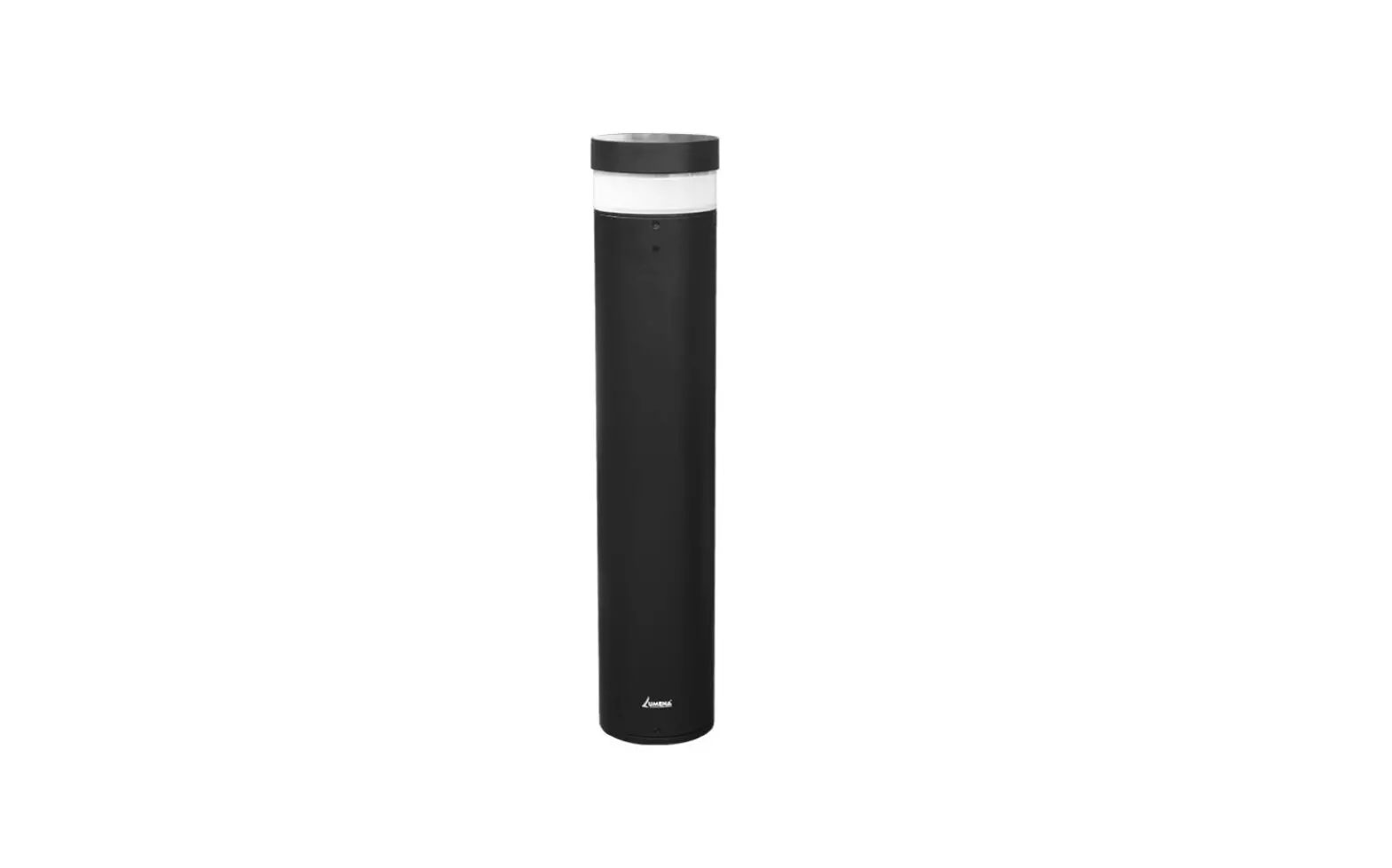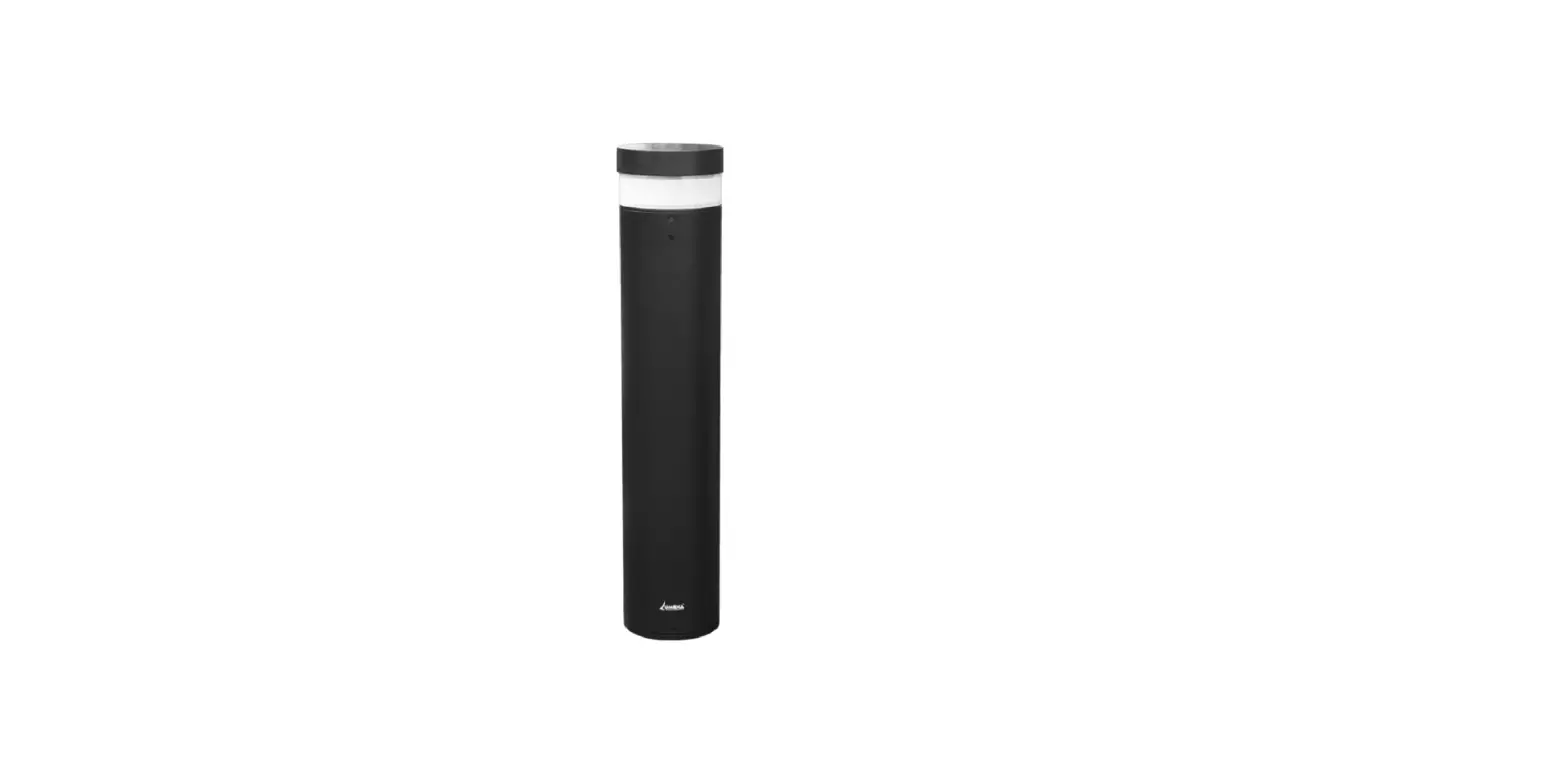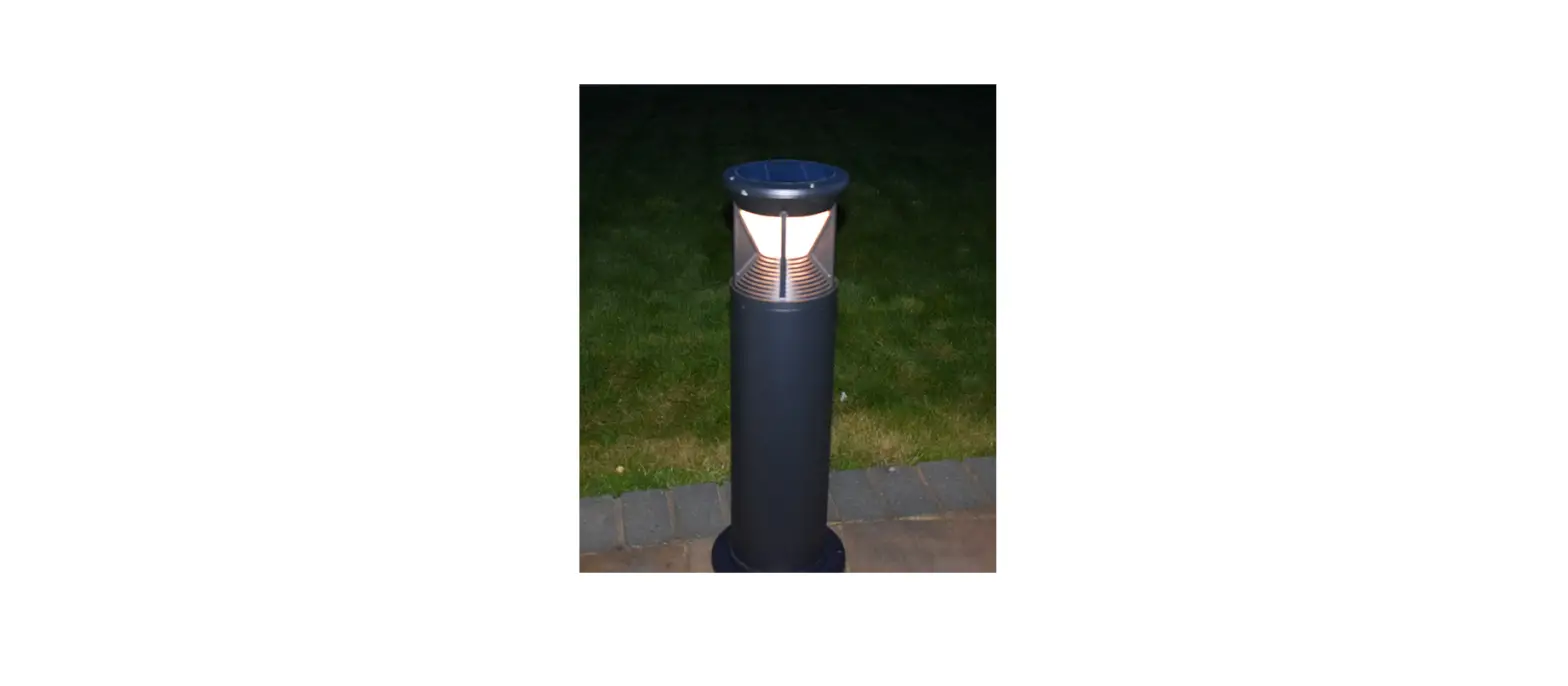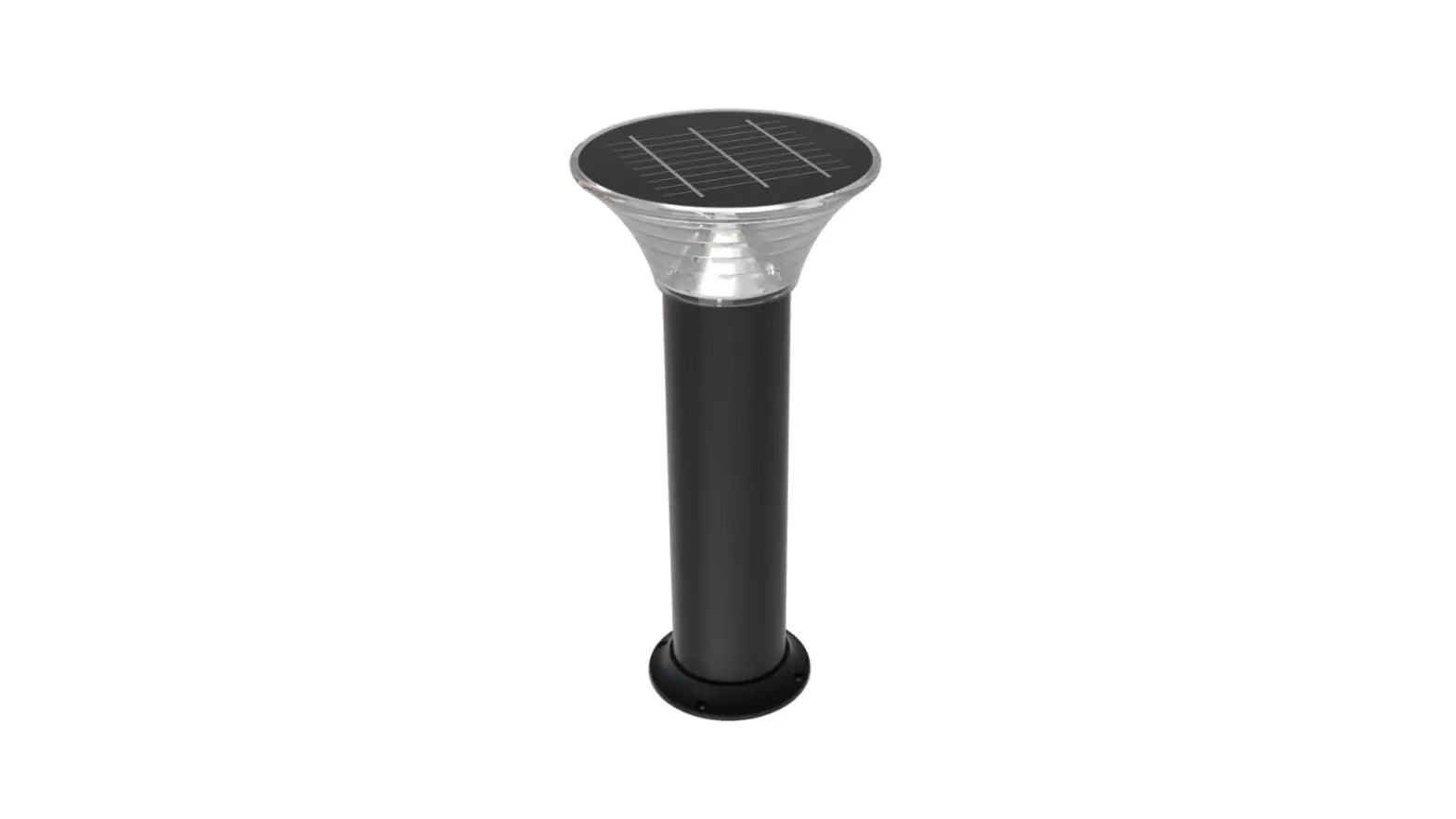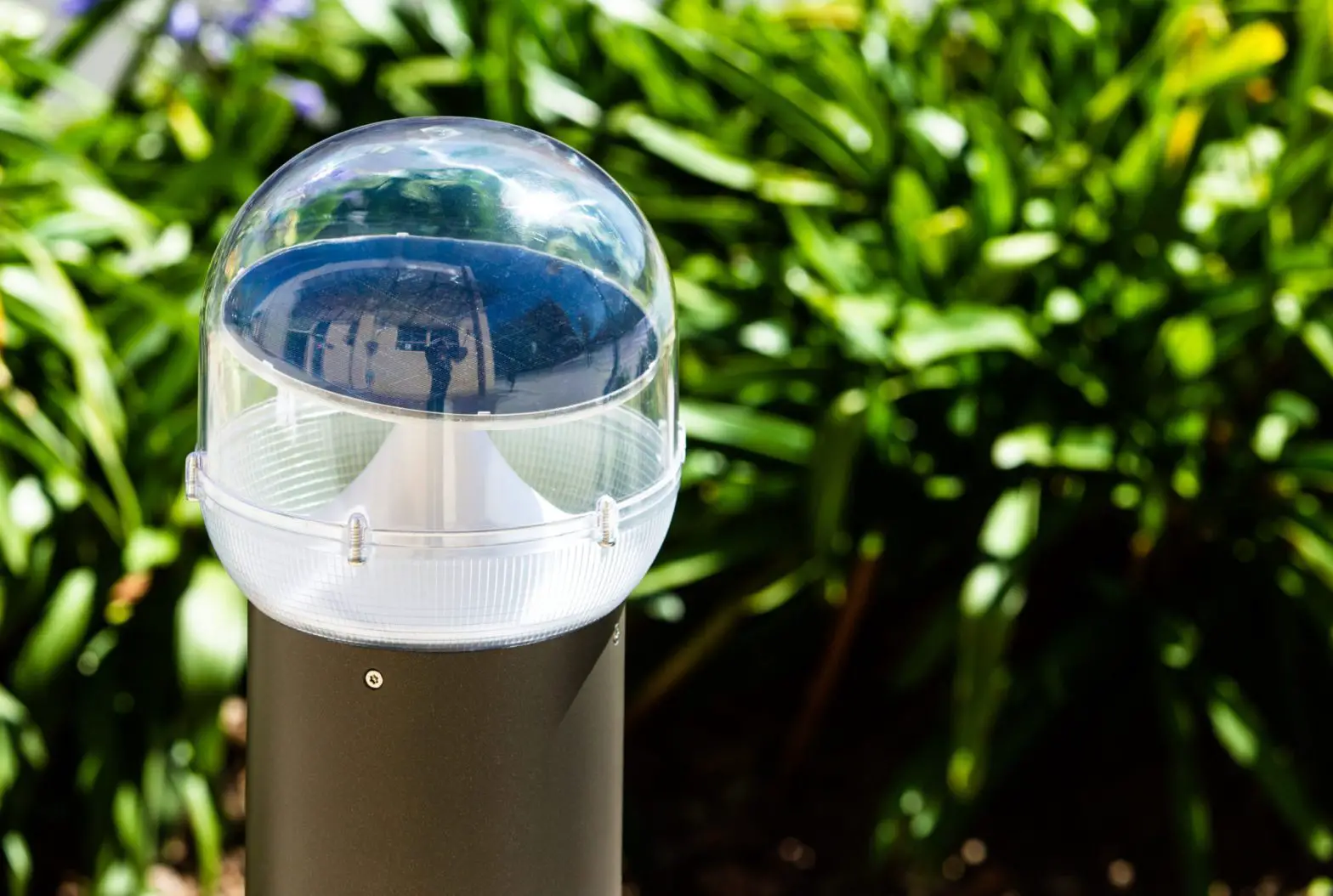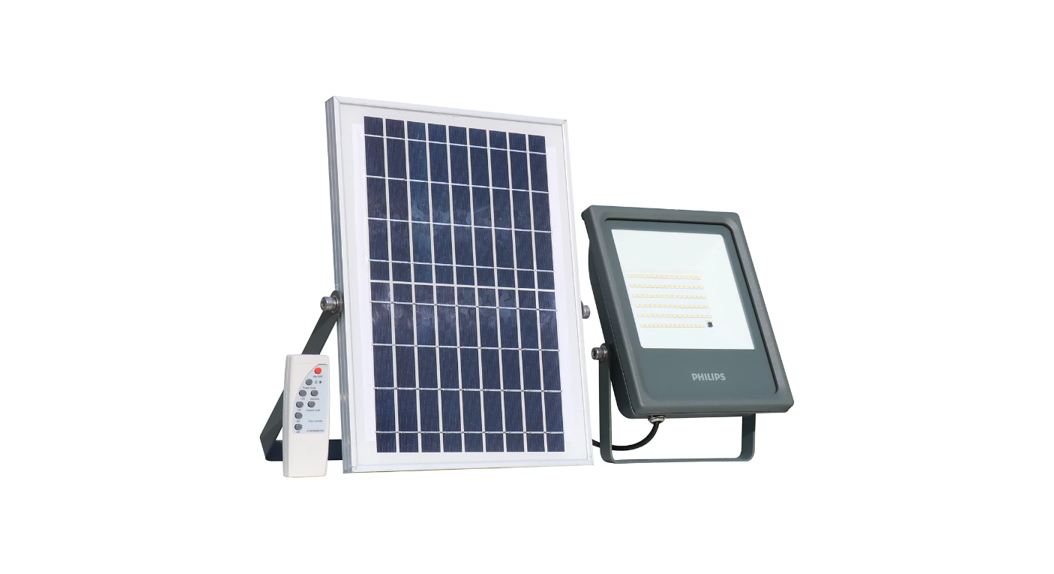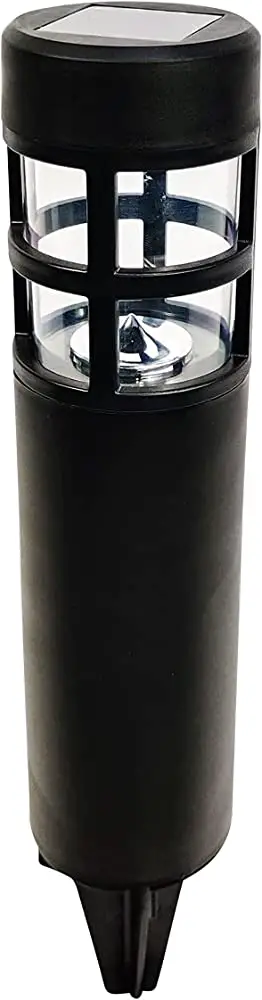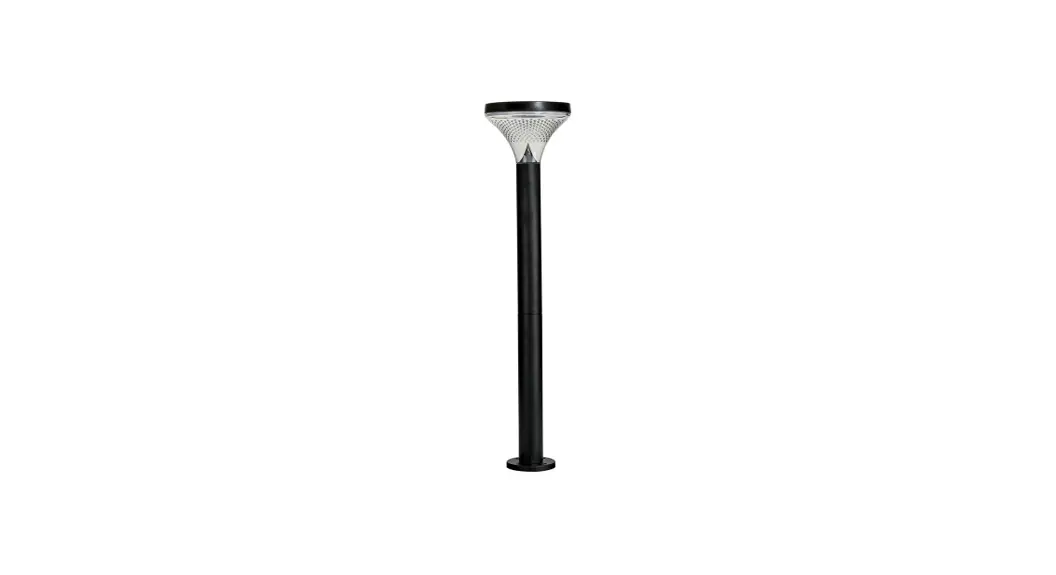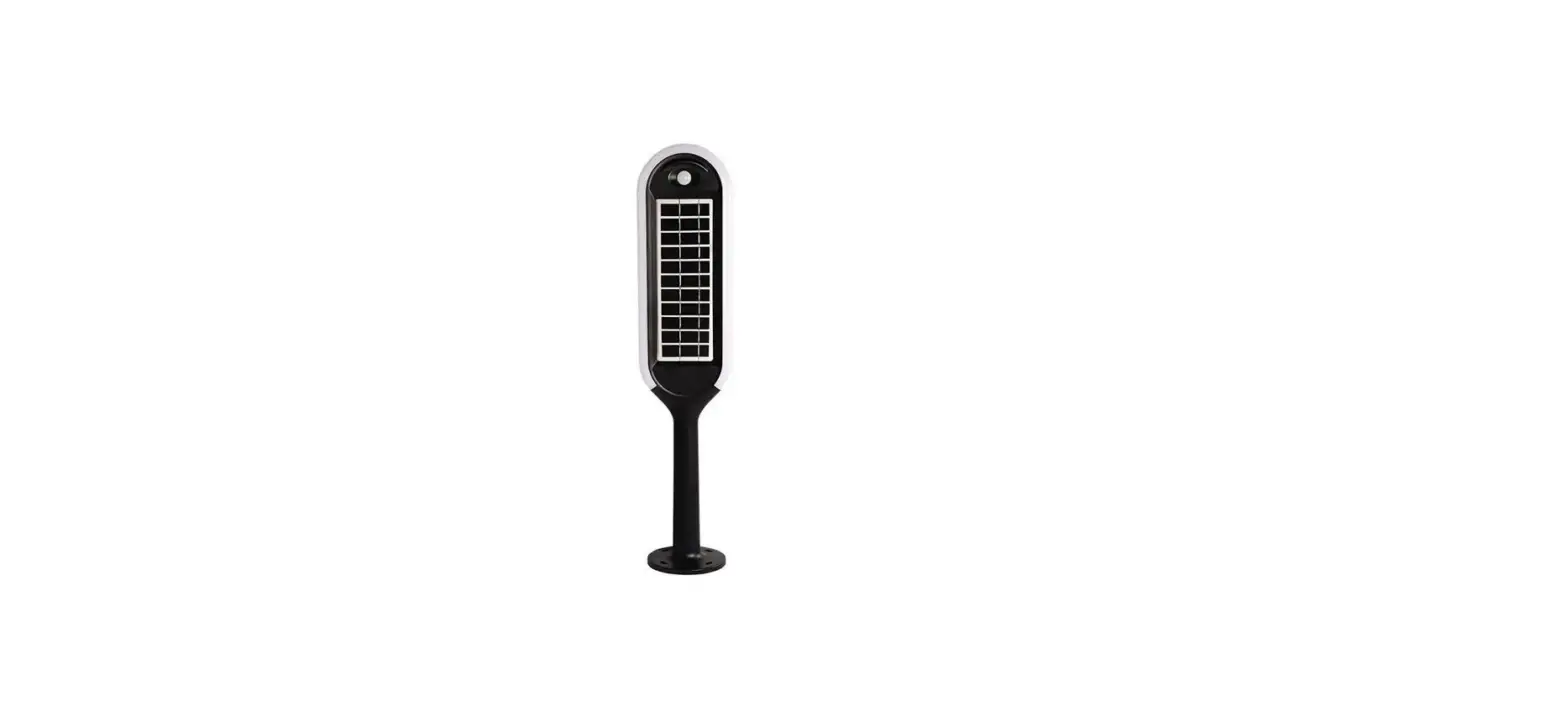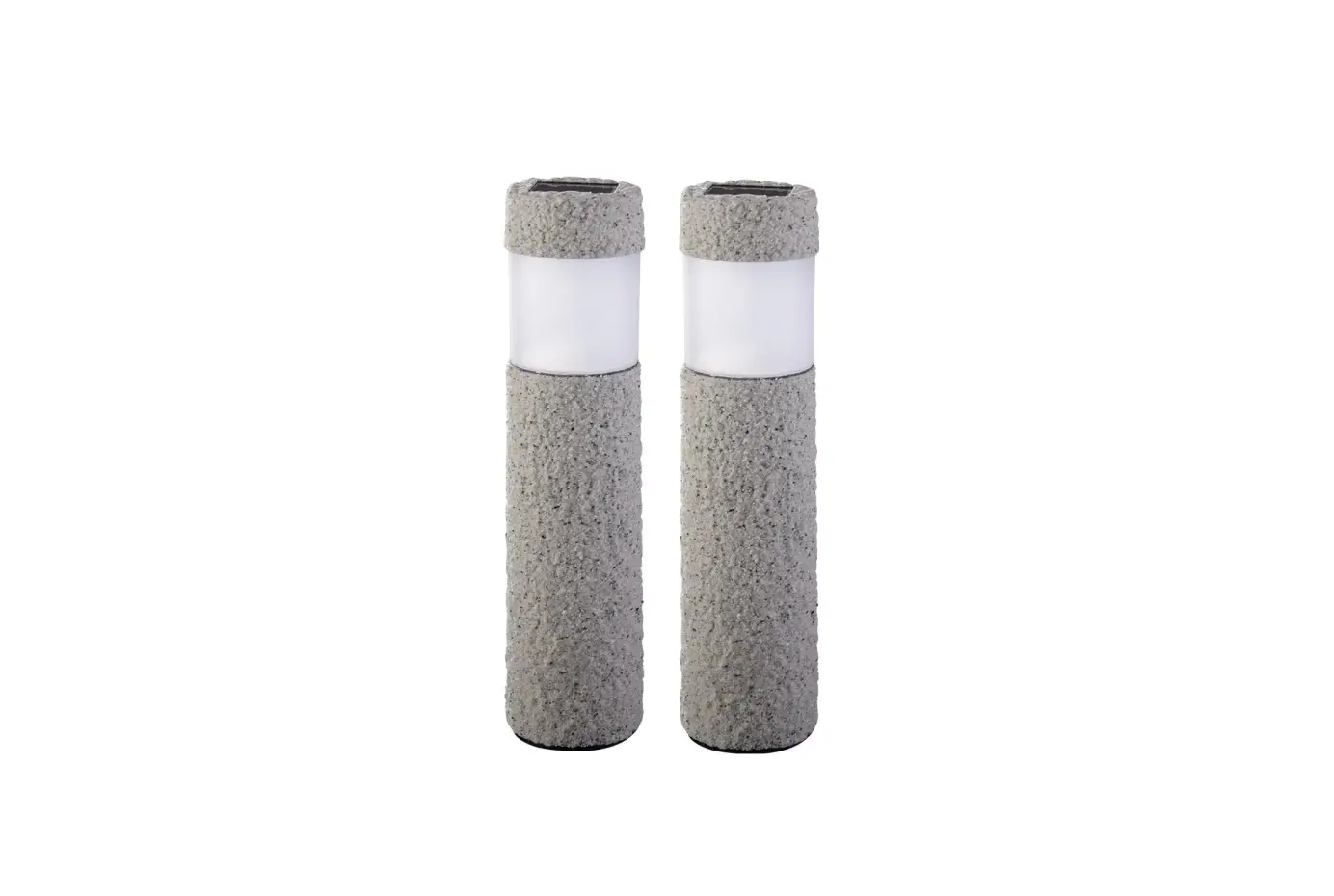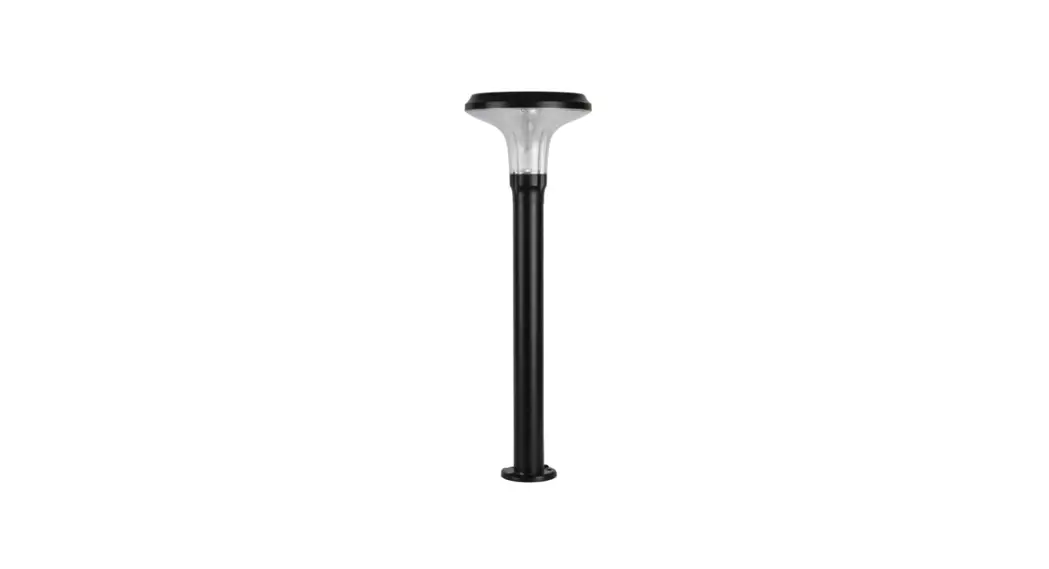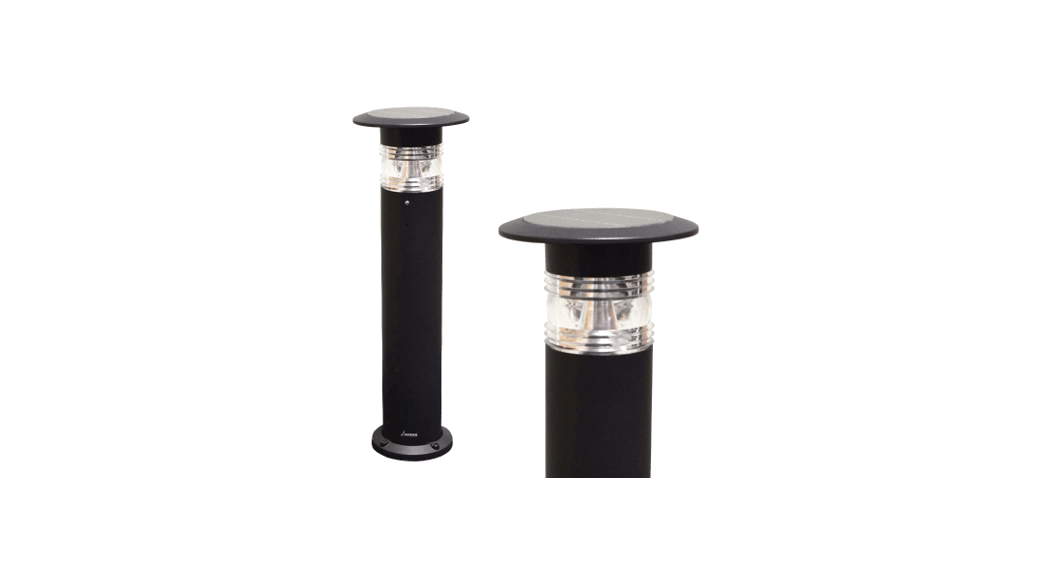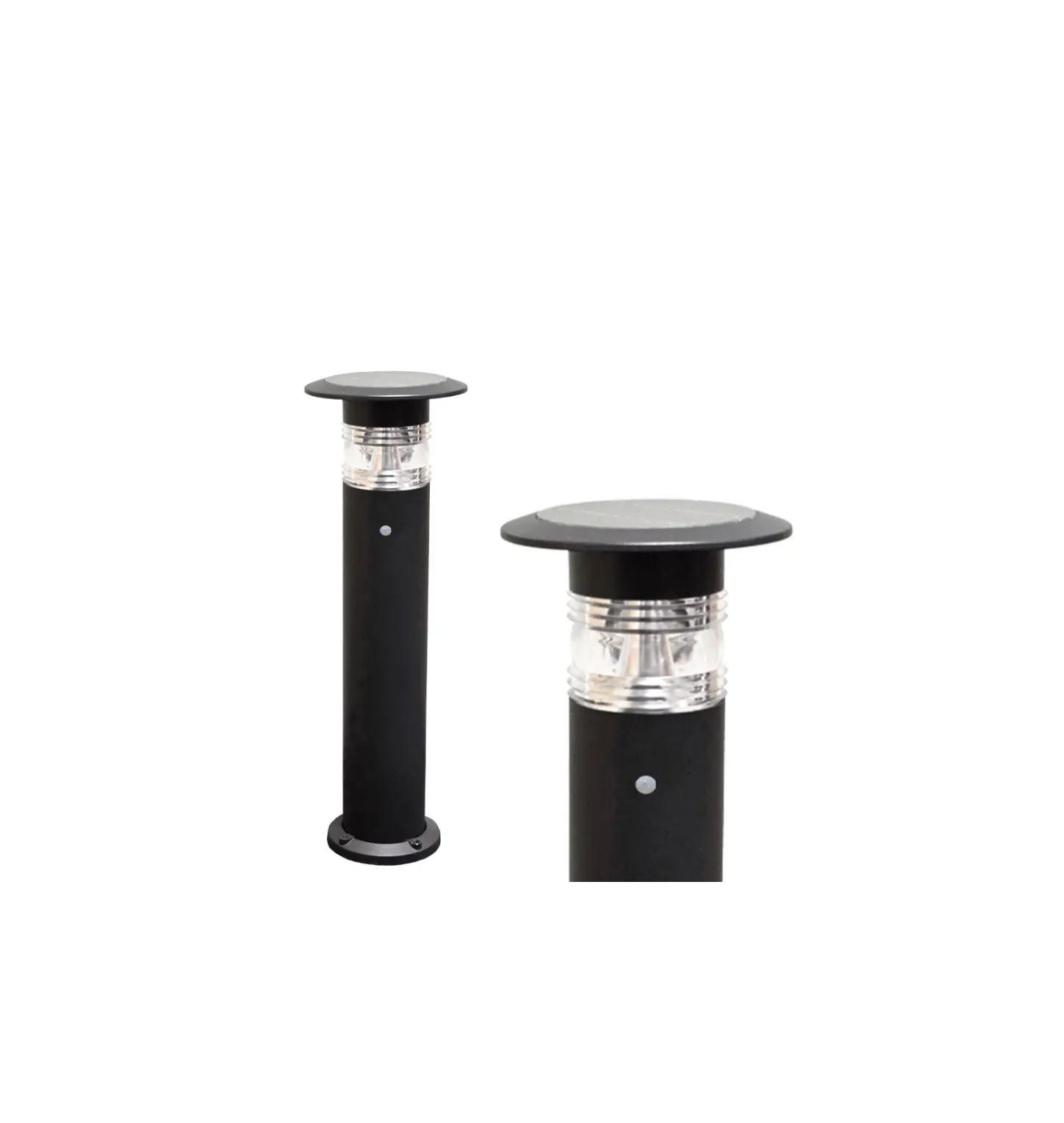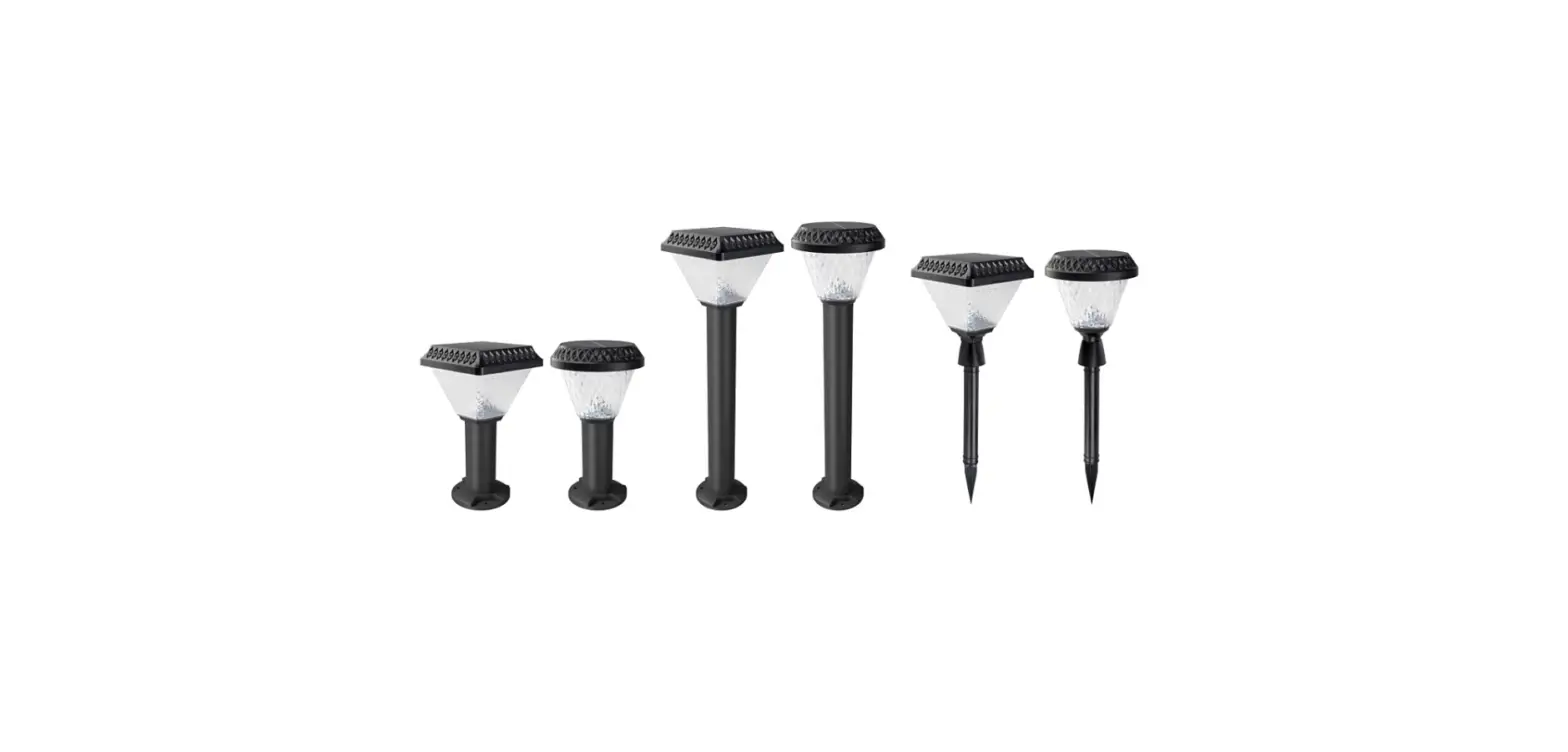

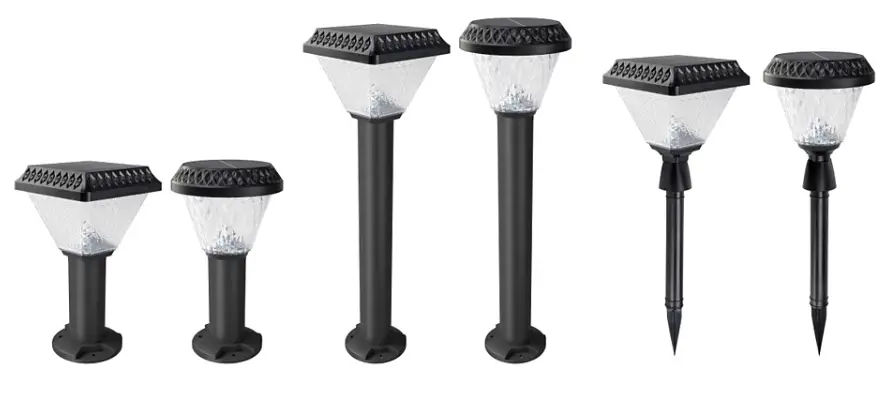
PHILIPS BGC010 Essential SmartBright Solar Bollard
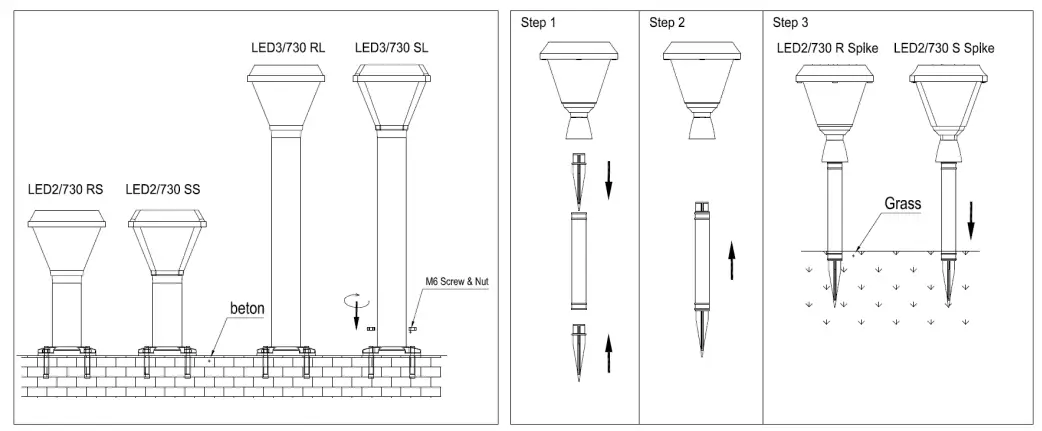
Mounting instruction
| Type Number | Flux(lm) | Battery type | Battery parameter | PV parameter | Remote type | Remote distance | CCT | Ta |
| BGC010 LED2/730 RS | 200lm | Ternary lithium | 3.7V/2Ah | 5.5V/1.1W | infrared | ≦3m | 3000K | 0-45°C |
| BGC010 LED2/730 SS | 200lm | Ternary lithium | 3.7V/2Ah | 5.5V/1.4W | infrared | ≦3m | 3000K | 0-45°C |
| BGC010 LED3/730 RL | 300lm | Ternary lithium | 3.7V/2Ah | 5.5V/1.1W | infrared | ≦3m | 3000K | 0-45°C |
| BGC010 LED3/730 SL | 300lm | Ternary lithium | 3.7V/2Ah | 5.5V/1.4W | infrared | ≦3m | 3000K | 0-45°C |
| BGC010 LED2/730 R Spike | 200lm | Ternary lithium | 3.7V/2Ah | 5.5V/1.1W | infrared | ≦3m | 3000K | 0-45°C |
| BGC010 LED2/730 S Spike | 200lm | Ternary lithium | 3.7V/2Ah | 5.5V/1.4W | infrared | ≦3m | 3000K | 0-45°C |
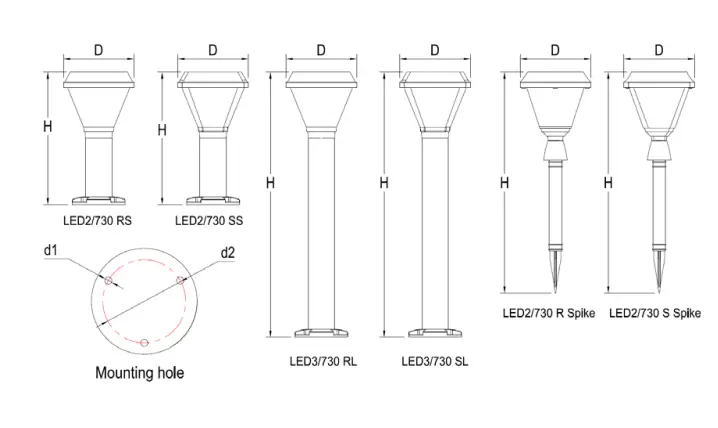
| TYPE | D | H | d1 | d2 |
| BGC010 LED2/730 RS | Ø160 | 300 | Ø8.2 | Ø94 |
| BGC010 LED2/730 SS | 160*160 | 300 | Ø8.2 | Ø94 |
| BGC010 LED3/730 RL | Ø160 | 600 | Ø8.2 | Ø94 |
| BGC010 LED3/730 SL | 160*160 | 600 | Ø8.2 | Ø94 |
| BGC010 LED2/730 R Spike | Ø160 | 500 | ||
| BGC010 LED2/730 S Spike | 160*160 | 500 |
Remote Controller Function
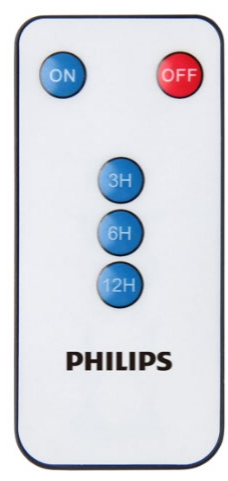
- On: Wake up the luminaire with last used working mode, luminaire will work automatically, charging during daytime, and light on after dusk until battery low voltage cut off. If press “ON” key during charging, luminaire will light on 10S, and then light off back to normal working mode.
- OFF: Luminaire come into sleep mode, no light output during evening, but it could harvest energy during daytime.
- 3H: Light on with bright mode after dusk, until battery low, indicatively in 3 Hours on a full battery
- 6H: Light on with half bright mode after dusk, until battery low, indicatively in 6 Hours on a full battery
- 12H: Light on with low bright mode after dusk, until battery low, indicatively in 12 Hours on a full battery
Note:
- The luminaire first use need the remote controller to wake up. Remote controller is not equipped with battery by factory default. The Remote controller need button cell battery type 2025
- The factory default working mode is “3H” when press “ON” key
- LED indication on lamp: Red on(Charging)
- Light is not constant output, it will gradually dim down along with battery capacity lower
Application Notes:
- Try to install in a sunny place that is not shaded by trees, building, walls etc. so that the Solar panel receive maximum Sunlight for charging the battery.
- Charge the product under Sunlight for 8 hours before first use.
- After installation, the working modes can be set from infrared remote controller.
- This product does not need any external electrical connection. It works 100% on solar energy.
- Detection of Sunset is based on light intensity falling on solar panel.
- The battery backup will reduce if the ambient temperature is < 0 degree Celsius.
- The product is designed for use on Walkways, landscaping, etc.
- The product should not be stored for more than 6 months, it may severely affect the life of the battery
Slgnlfy (China) Investment Co., Ltd.
Building No. 9, Lane 888, Tianlin Road, Minhang District, Shanghai, China
Postal code: 200233