 INSTRUCTION GUIDE
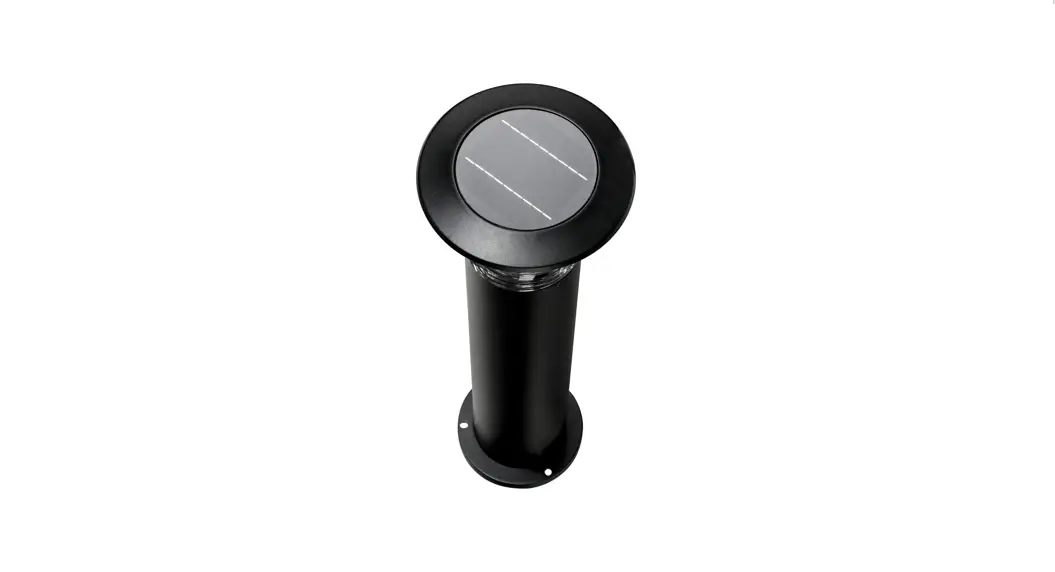
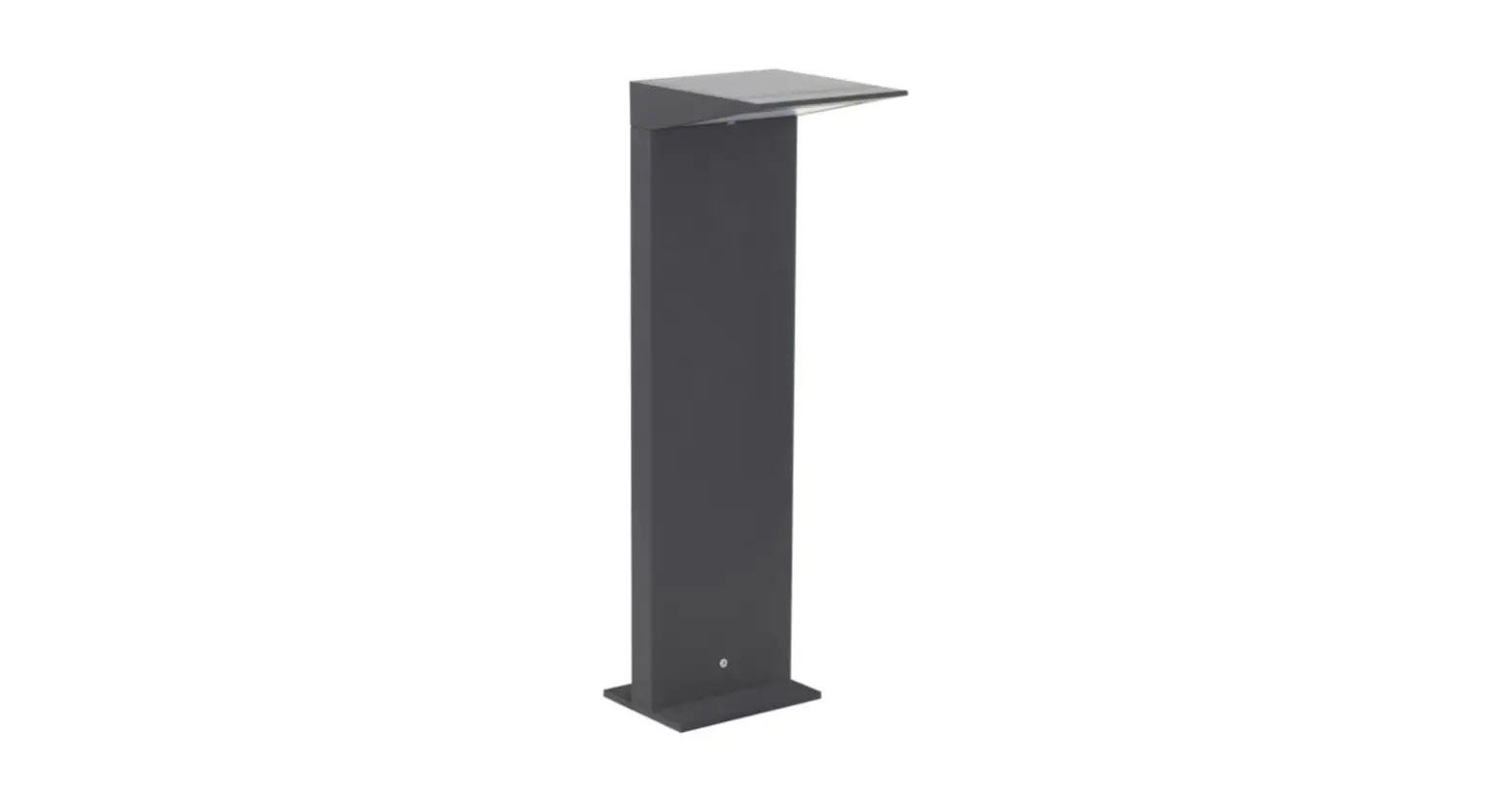
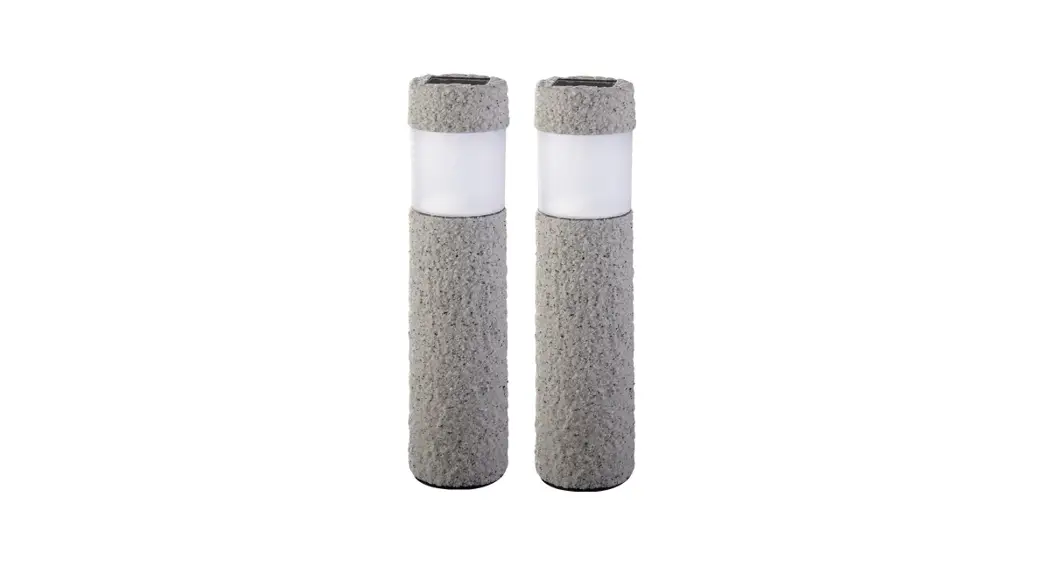
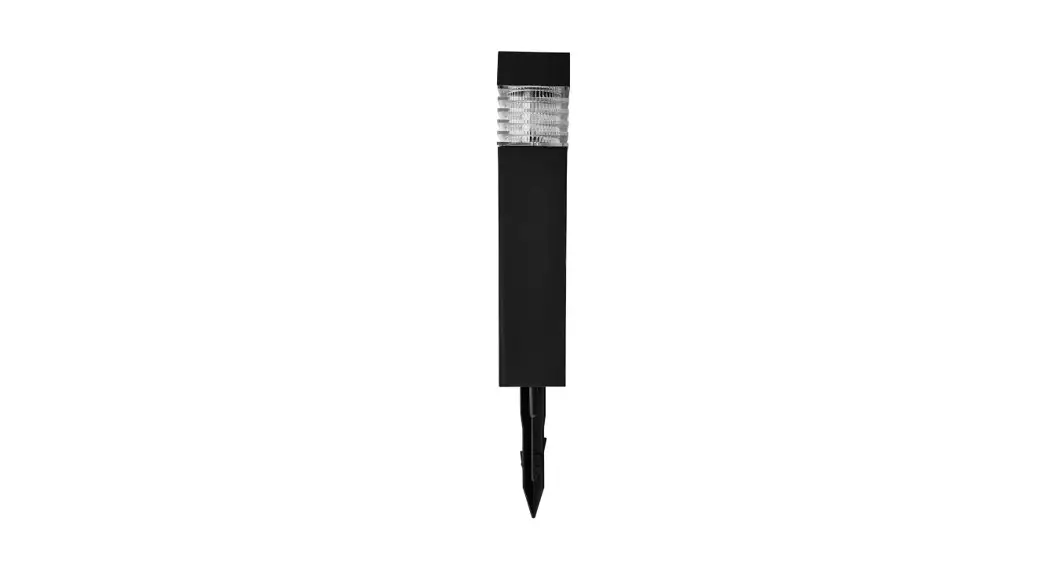
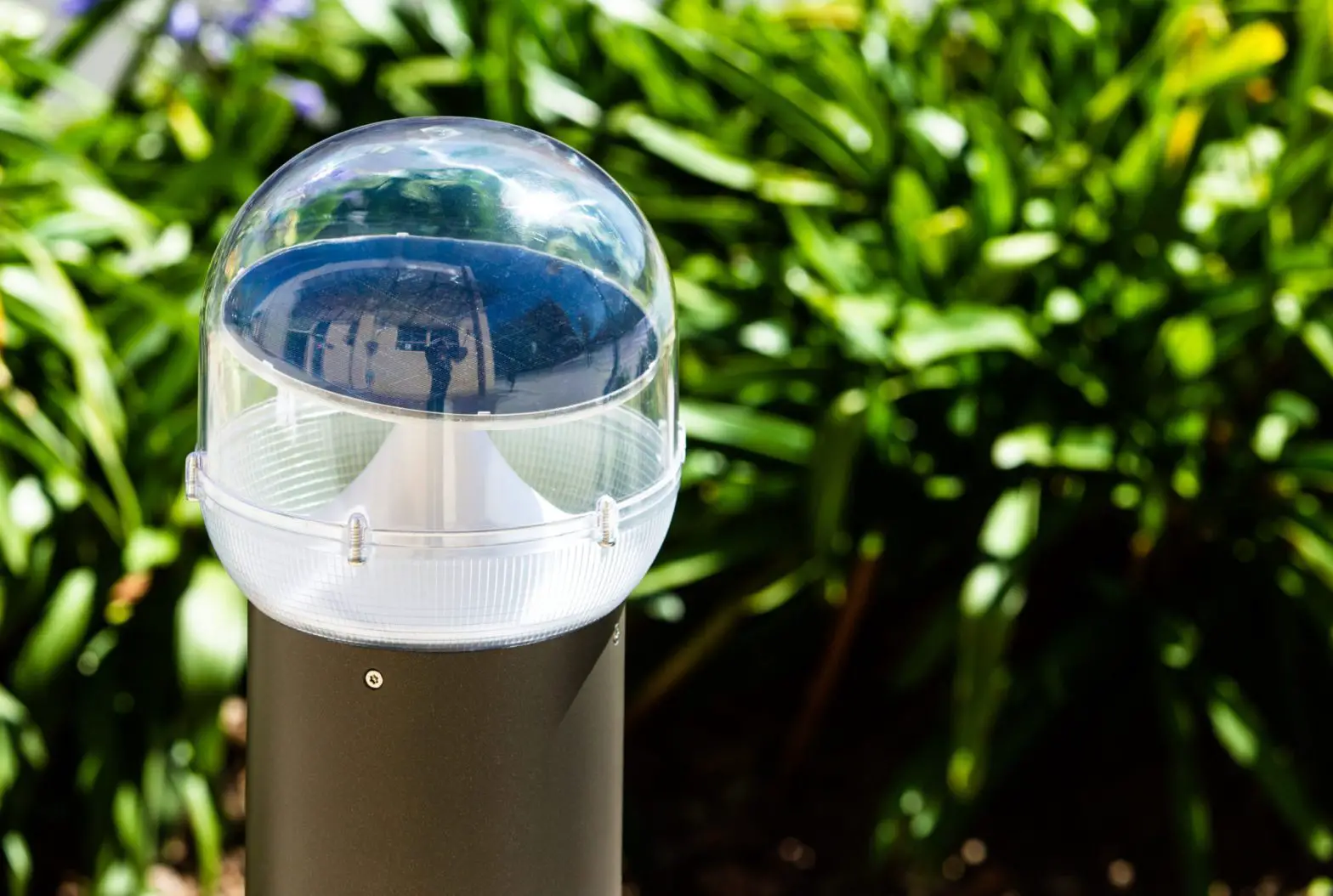
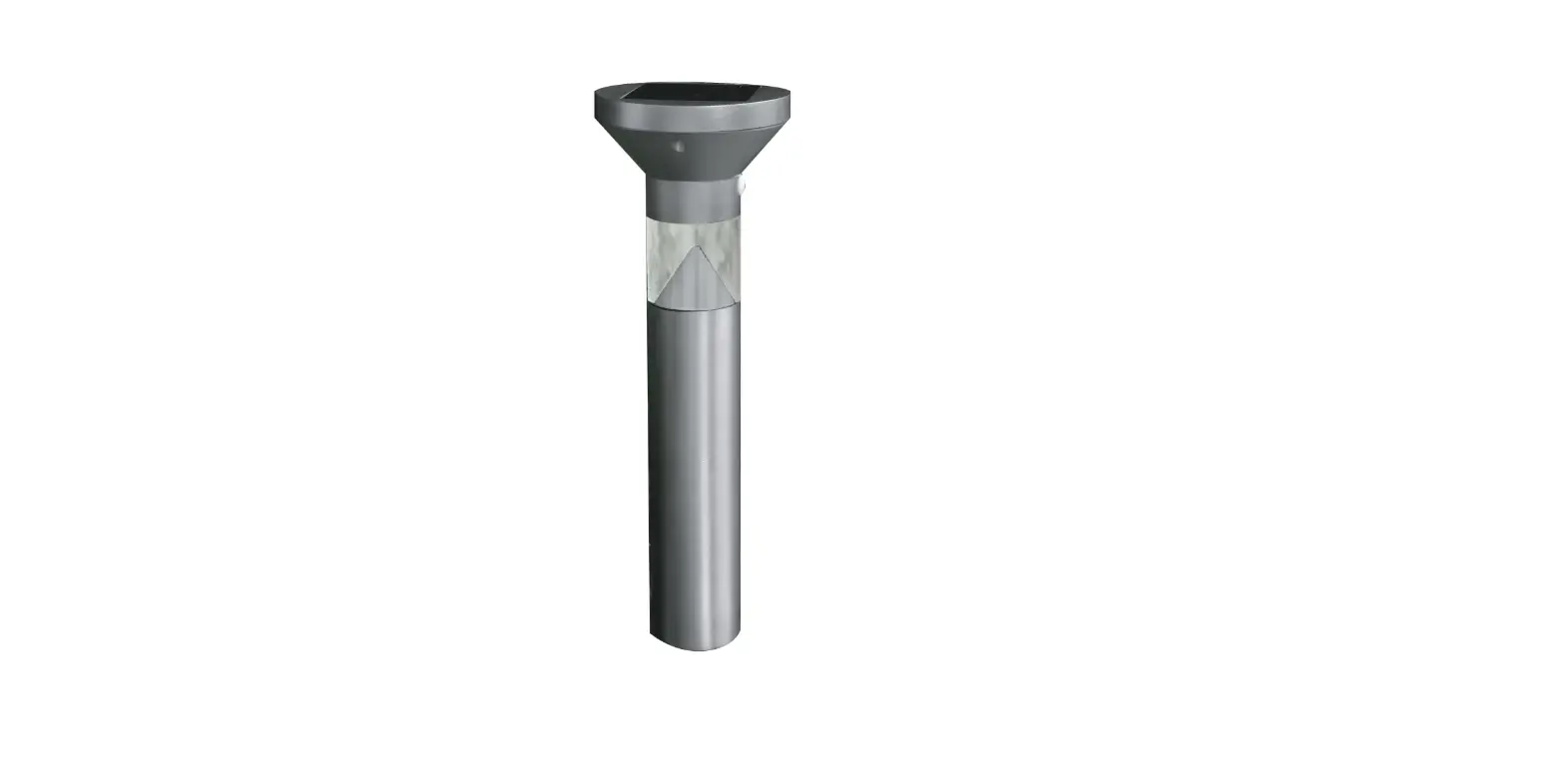
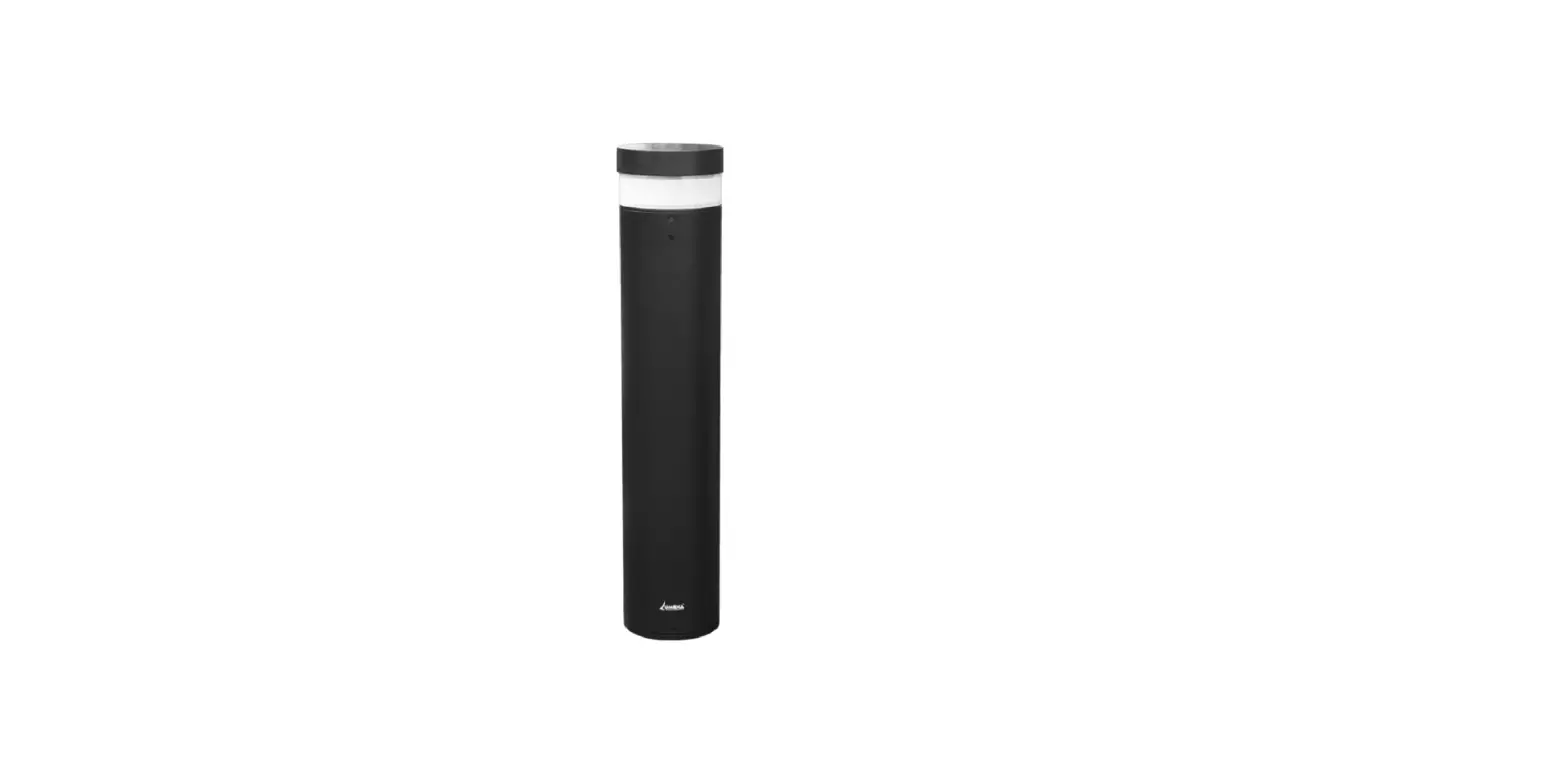
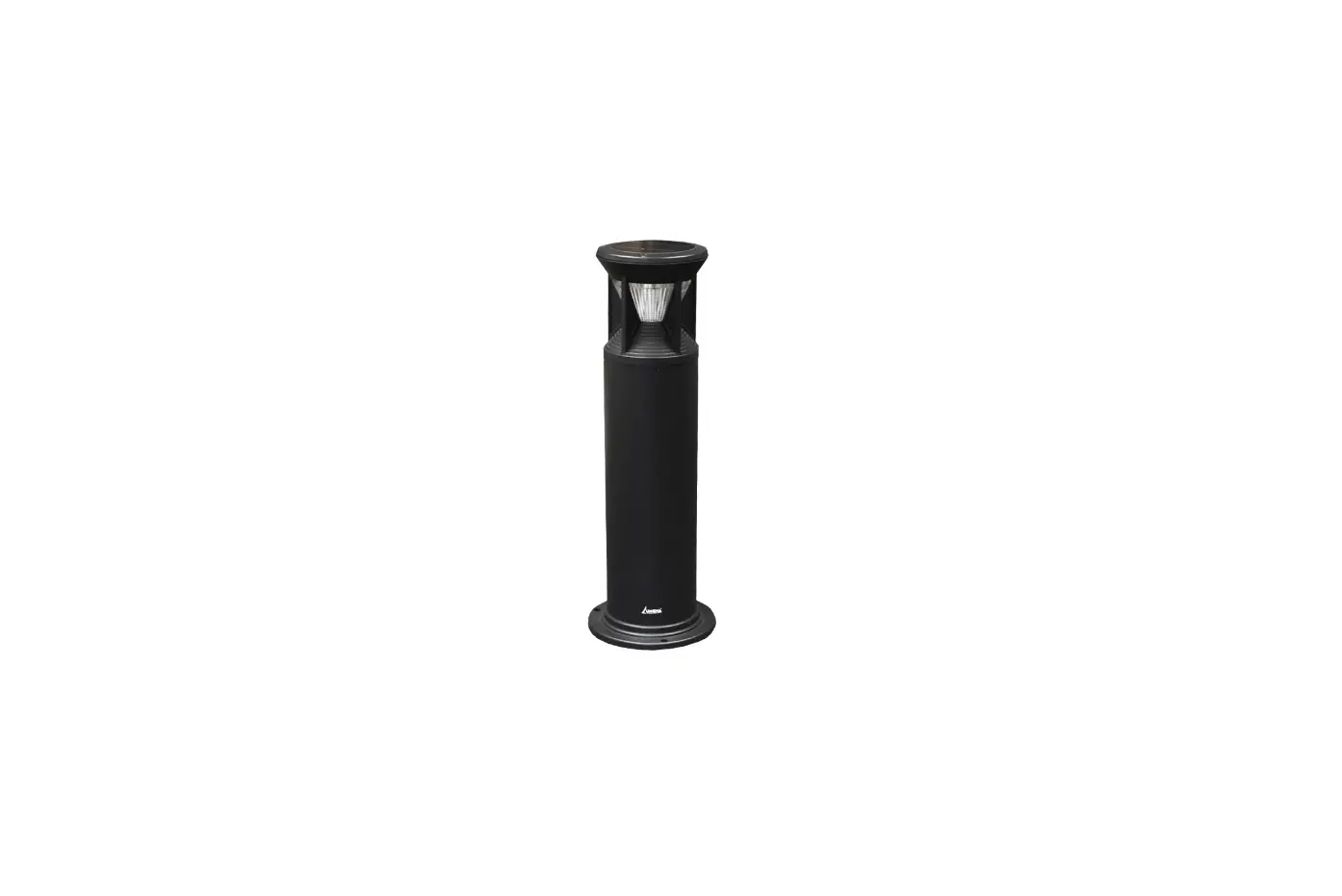
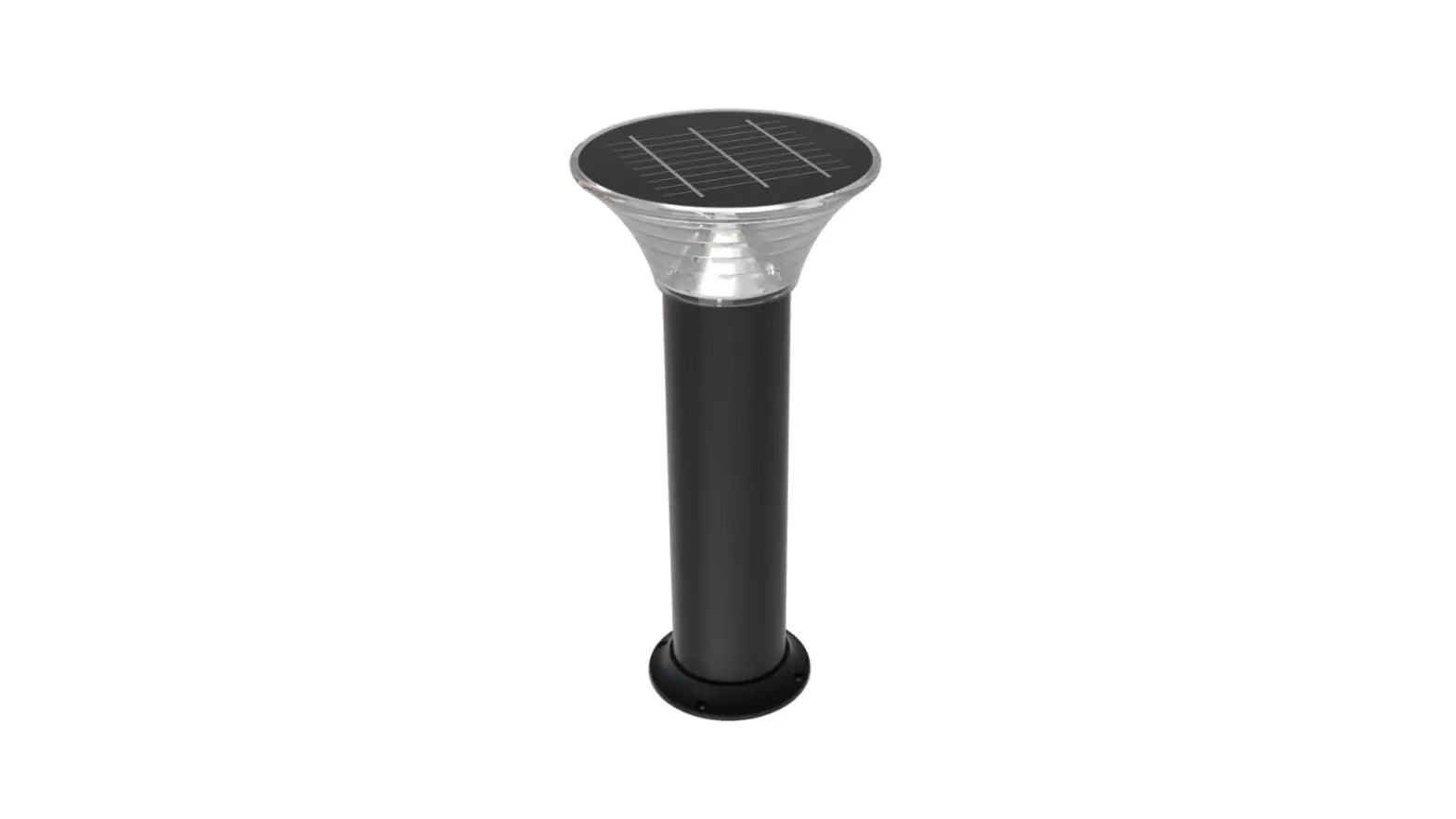
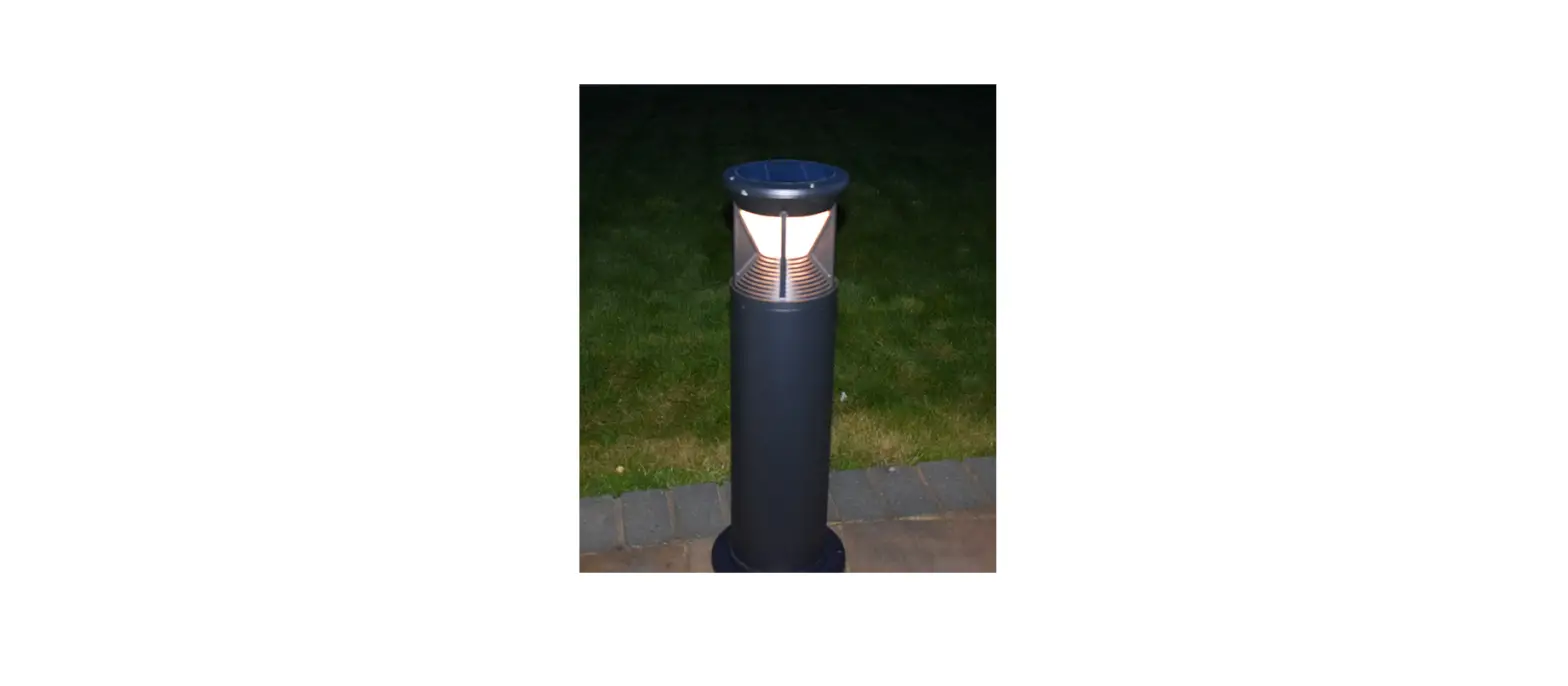
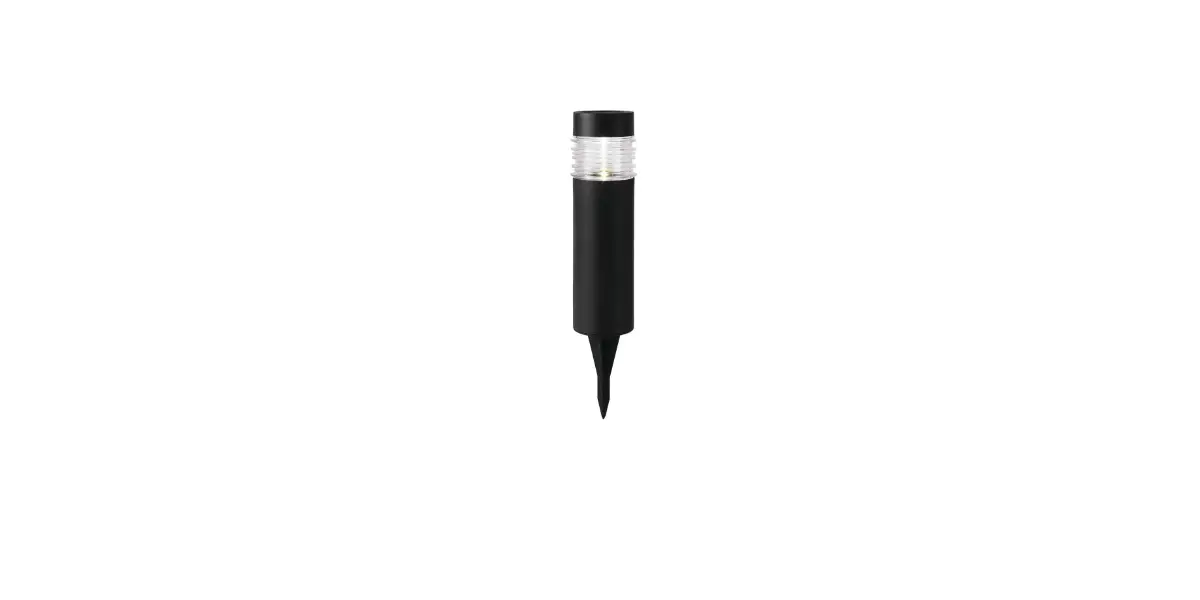
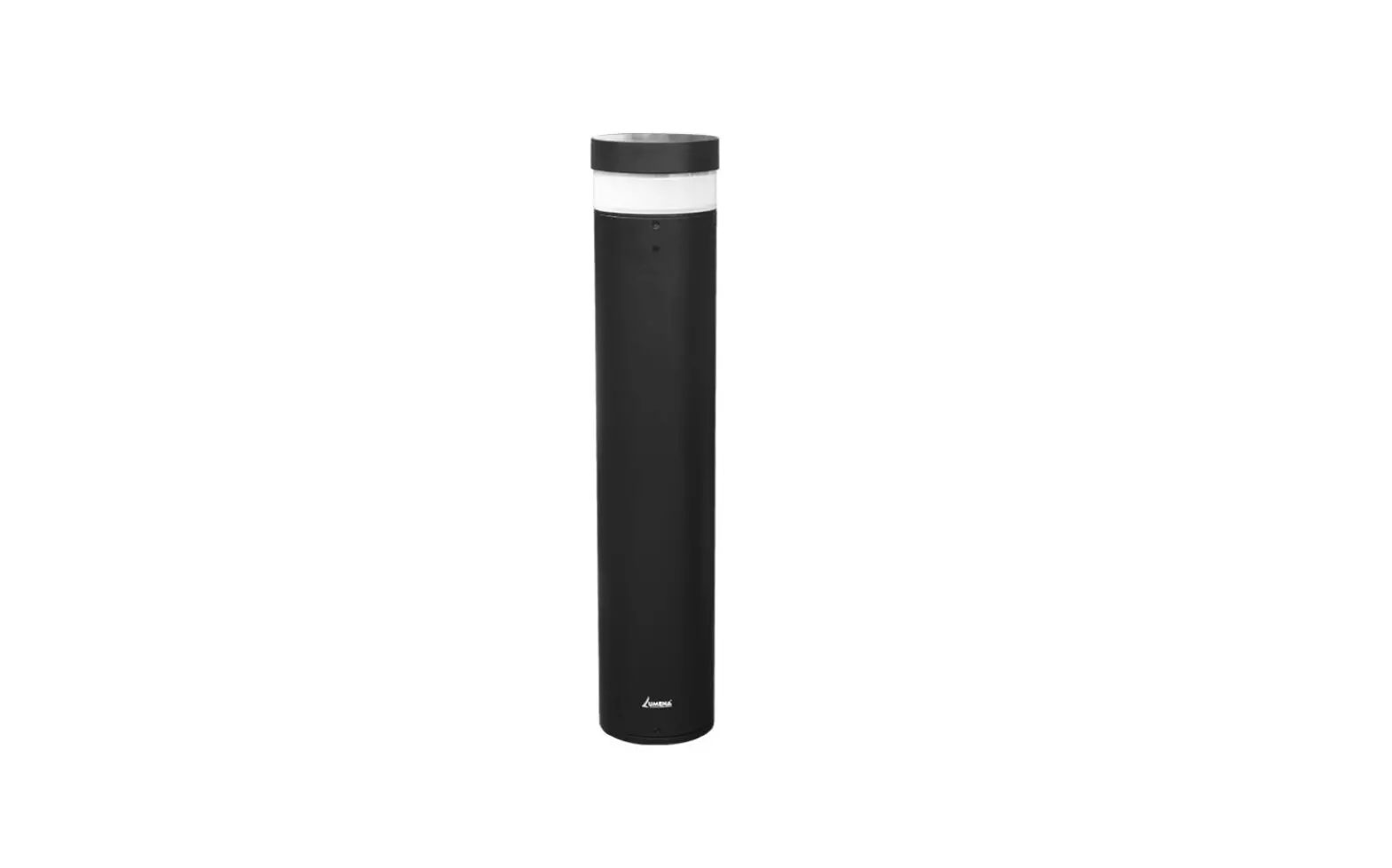
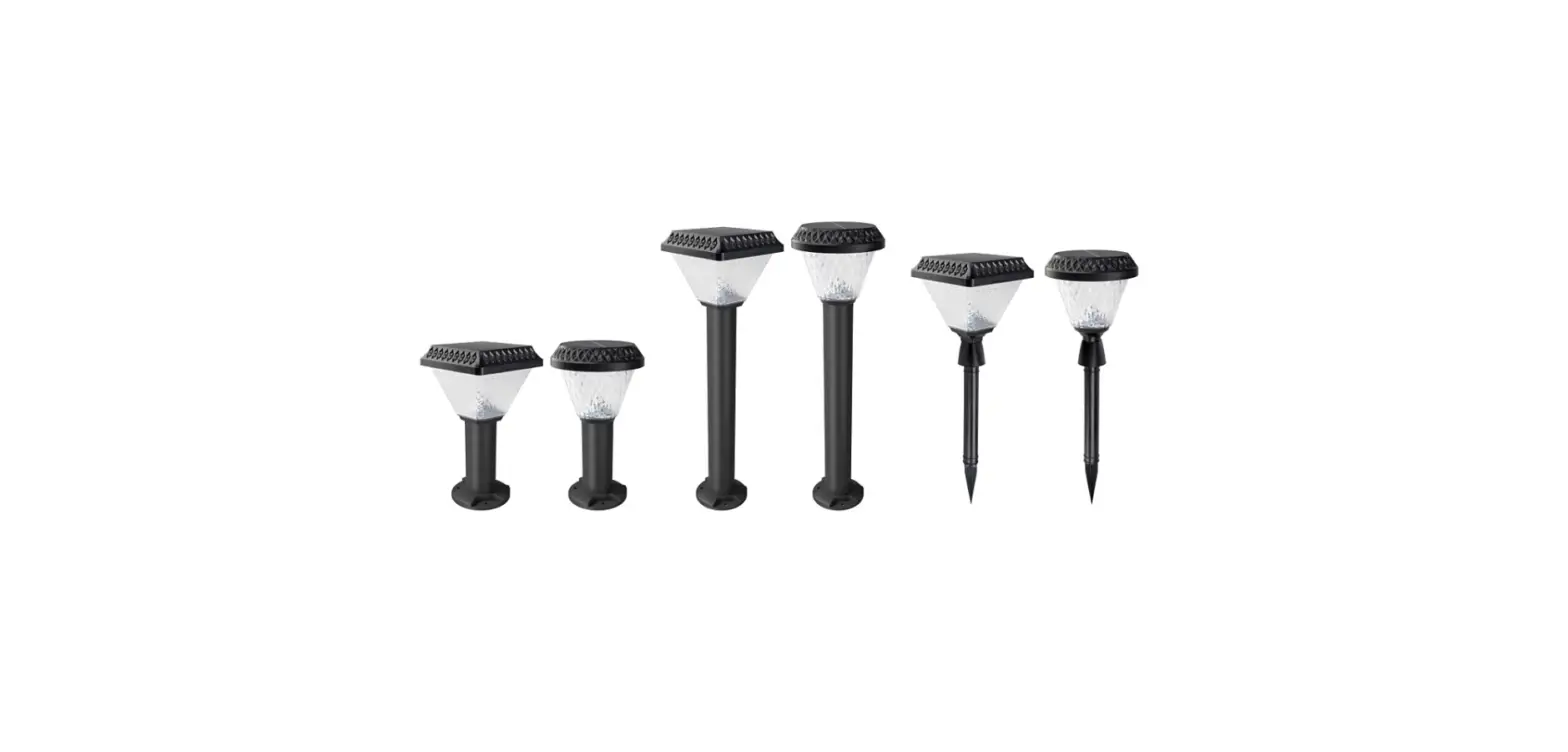
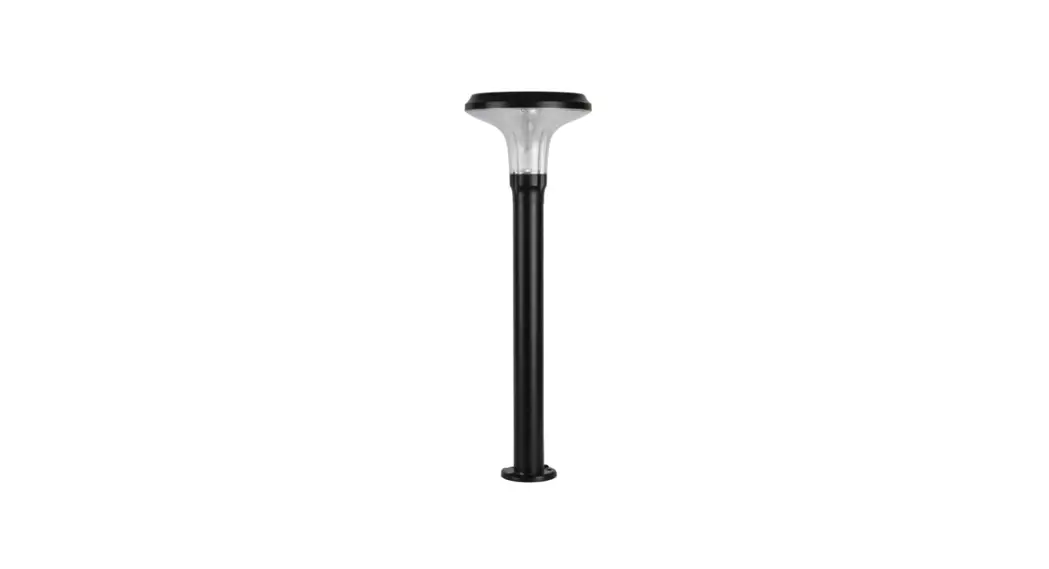
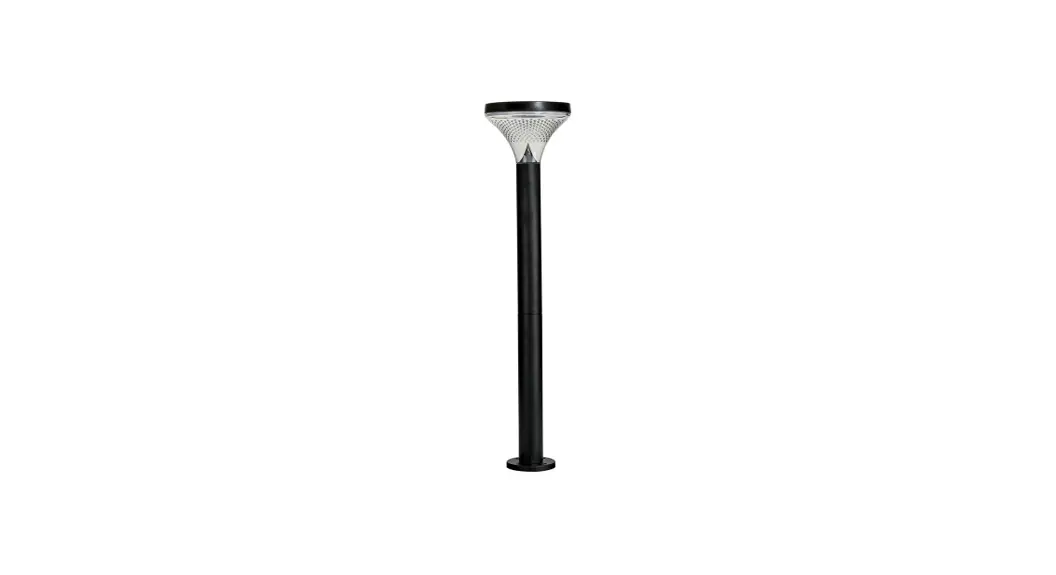
Residential Bollards
Model No. SLDBL0094-S1-2.4W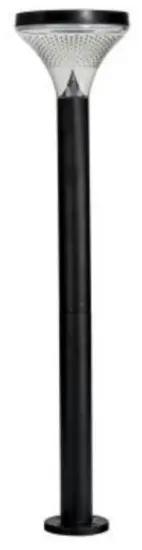
FEATURES
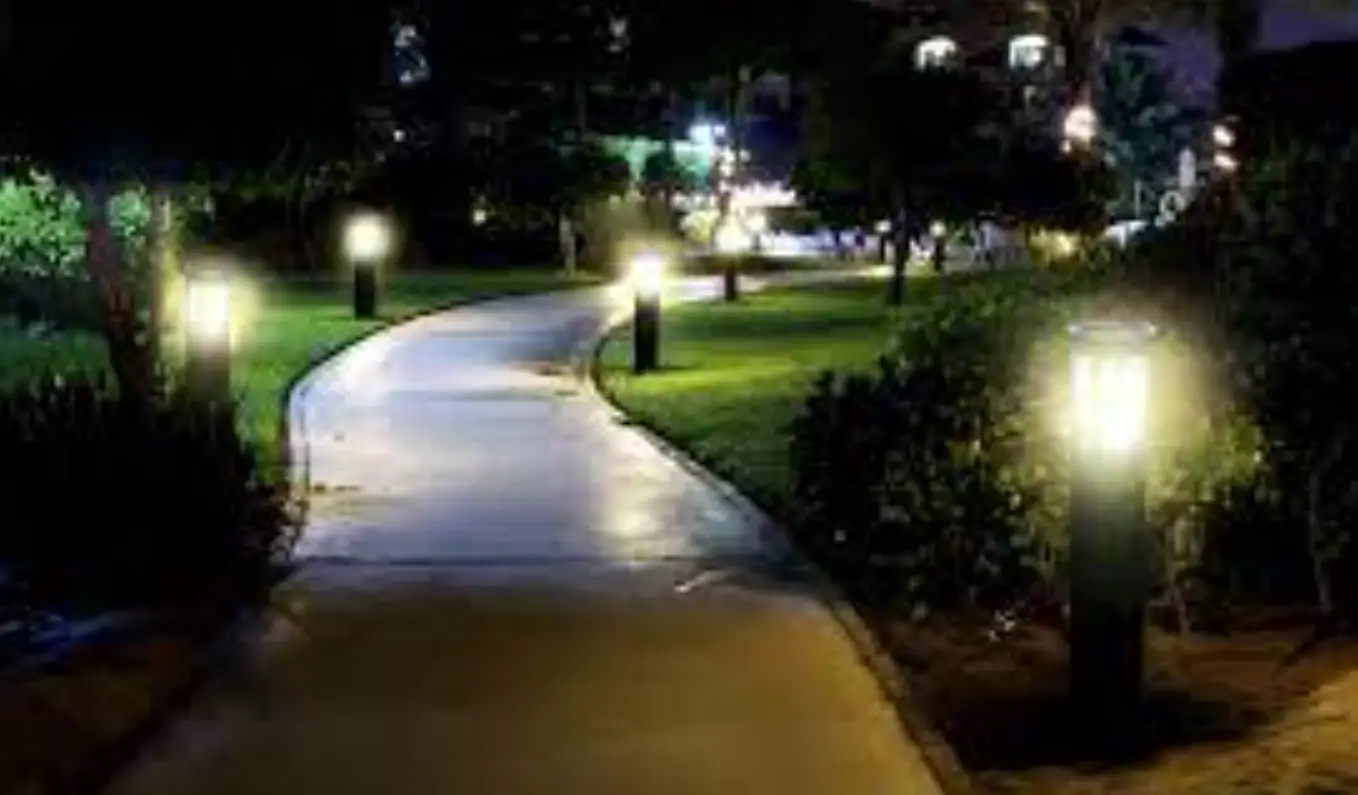
- Automatic Dusk to Dawn operation
- IP44 Waterproof rating
- Poly-Carbonate construction
INSTALLATION METHOD
- Remove contents from packaging
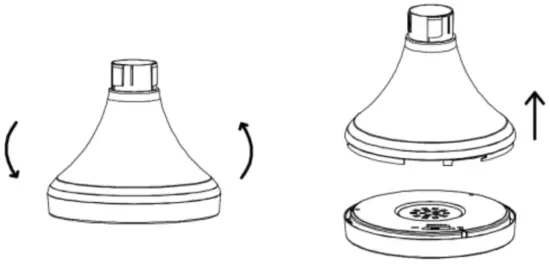
- Place light head upside down. Twist off the solar panel section (Anti-clockwise direction) and locate “ON/OFF” power switch

- Switch button to “ON” to activate battery & controller
- Decide on your installation process, either Surface mount using supplied screws or Spike mount. Locate and use the following accessories
(A) Surface Mount
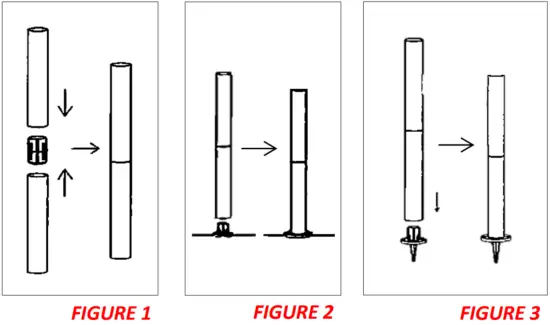
Attach the two poles by connecting the ends together (FIGURE 1). Connect the surface mount base on the bottom of the post & using supplied fixings, secure to a solid base (FIGURE 2)
(B) Spike Mount
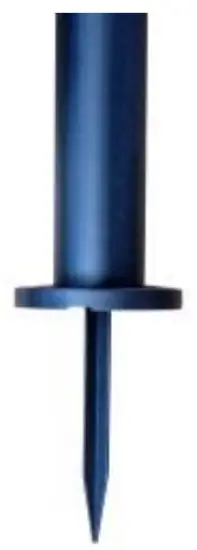
The spike can be found tucked in the cardboard packaging. Remove spike & re-install surface mount base. Press spike into the underside and spike fitting into your chosen location (FIGURE 3)
- Remove protective membrane from solar panel & your light is now ready for use
IMPORTANT NOTES
- Please ensure you place your solar panel in a location where it can achieve a minimum of 6HRS DIRECT SUNLIGHT
- Be aware that on overcast/cloudy days, the solar panel will still charge. However, not as efficiently as a sunny day, so the battery may not reach full capacity. Therefore, your light may turn off earlier than specified.
- It’s best not to install these lights underneath a street light, porch light etc. because this may stop the automatic day-night sensor triggering and result in your lights not turning on
TROUBLE SHOOTING
| Phenomenon | Cause | Inspection Method | Solution |
| Light won’t turn on | Switch hasn’t been turned on | Determine what position the switch is in on | Turn the switch |
| Battery has run flat | Period of rainy or cloudy weather or installation site doesn’t provide enough direct sunlight | Charge the light in direct sunlight for 1-2 days then check again | |
| The light only stays on for a short amount of time | Low Battery | 1. Bad installation site for the solar panel 2. Dust or leaves are covering the panel 3. Long period of overcast weather | 1. Charge the battery in direct sunlight for 1-2 days with the switch off, then check again 2. Clean the solar panel |
| Battery Failure | 1. Access the light and & replace battery 2. Battery has matured | Contact SLD Customer Service to buy new batteries |
 Customer Service Number: 1300 135 911
www.solarlightingdirect.com.au
 Solar Lighting Direct - Australia's Premium Solar Powered LED Lighting