
INSTRUCTION GUIDE
Residential Deck Lights
Model No. SLDDLK-10RGB
PACKAGE CONTENTS
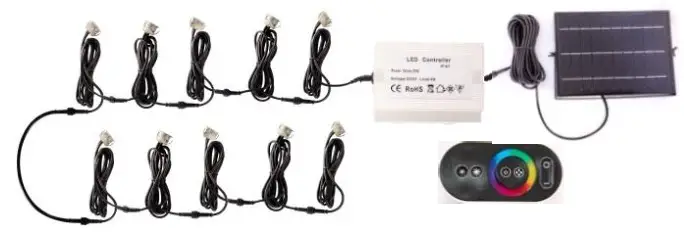
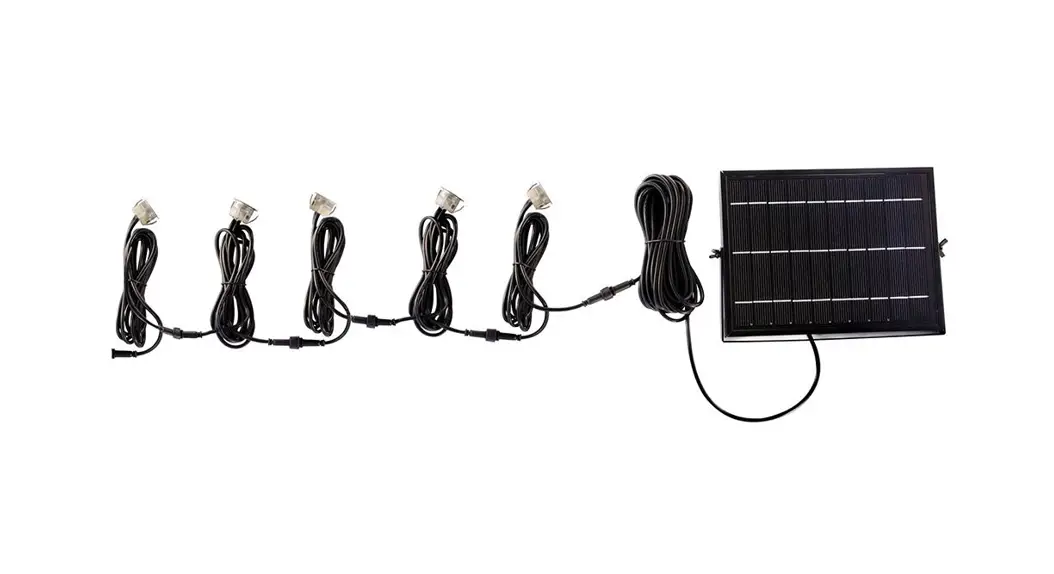
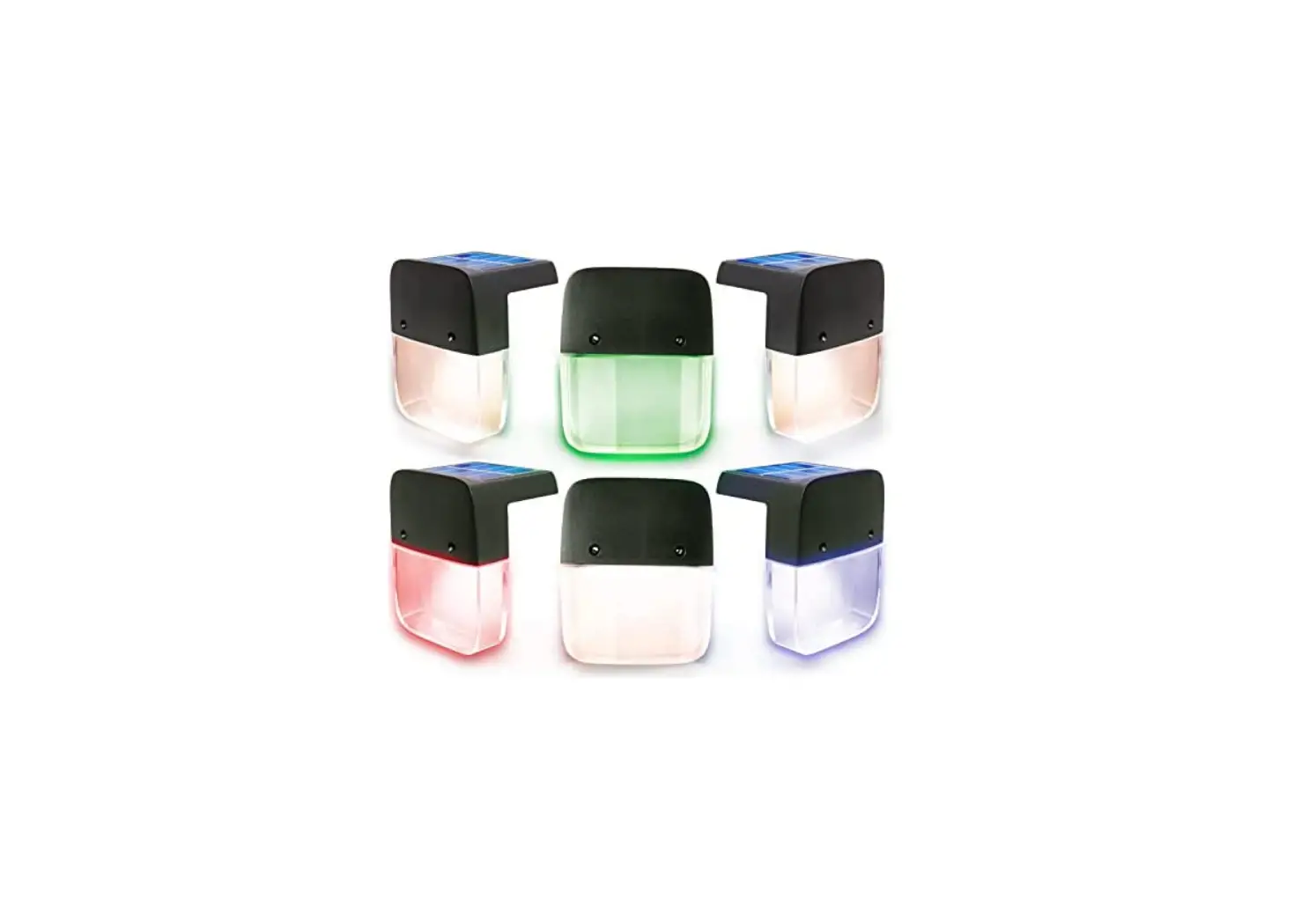
- 10 Pack Individual Deck Lights with 1m Cable
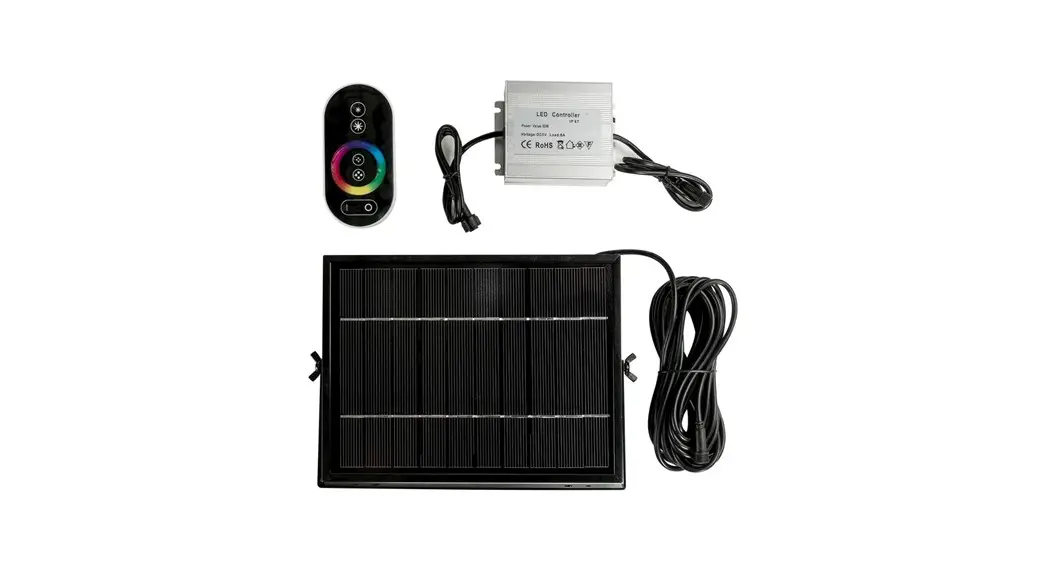
- 1 x 5w Polycrystalline Solar Panel
- 1 x 5m Moulded Cable from Solar Panel
- 1 x LED Controller
- 1 x Remote
INSTALLATION METHOD
- Remove contents from packaging
- Switch the button at back of battery box to the “ON” position
- Decide where to install your lights & panel
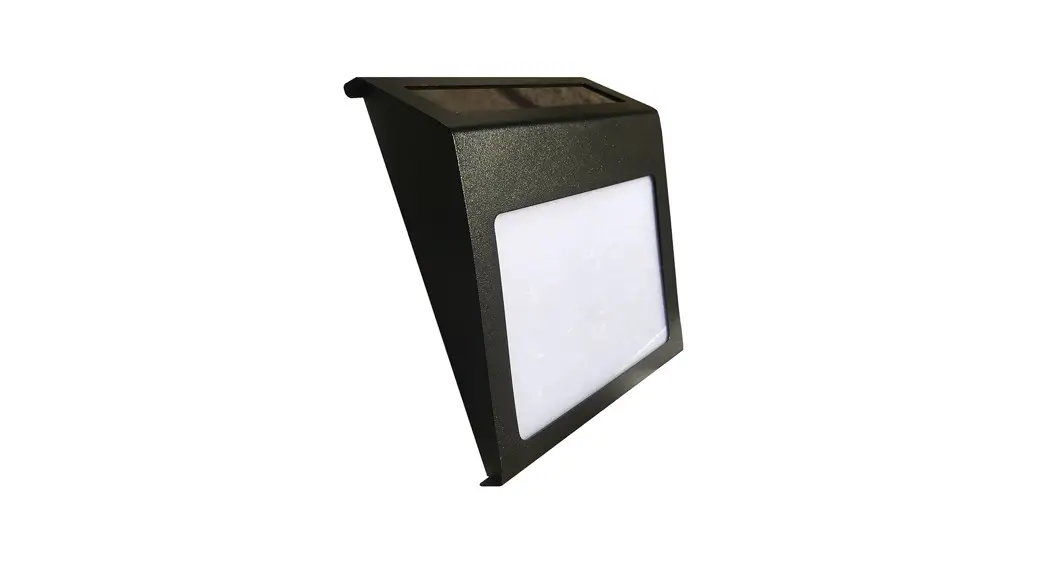
Deck Lights- Locate where you would like the lights situated and cut out appropriate sized holes to suit each light (FIGURE 1)
BEFORE INSTALLING: Make sure to double check the length of cable will reach to each light, the LED Controller and Solar Panel.
LED Controller - Connect the LED Controller to the cable of the last deck light, then attach to the cable of the solar panel.
Panel - Mount panel on a nearby roof or wall where it will receive maximum direct sunlight during the day. Make sure the LED Controller and deck lights are still attached to the panel.
IMPORTANT NOTES
- Please ensure you place your solar panel in a location where it can achieve a minimum of 6HRS DIRECT SUNLIGHT
- Be aware that on overcast/cloudy days, the solar panel will still charge. However, not as efficiently as a sunny day, so the battery may not reach full capacity. Therefore, your light may turn off earlier than specified.
- It’s best not to install the solar panel underneath a street light, porch light etc. because this may stop the automatic day-night sensor triggering and result in your lights not turning on
TROUBLE SHOOTING
| Phenomenon | Cause | Inspection Method | Solution |
| Light won’t turn on | Switch hasn’t been turnedon | Determine what position the switch is in | Turn the switch on |
| Battery has run-flat | Period of rainy or cloudy weather or installation site doesn’t provide enough direct sunlight | Charge the light in direct sunlight for 1-2 days then check again | |
| The light only stays on for a short amount of time | Low Battery | 1. Bad installation site for the solar panel 2. Dust or leaves are covering the panel 3. Long period of overcast weather | 1. Charge the battery in direct sunlight for 1-2 days with the switch off, then check again 2. Clean the solar panel |
| Battery Failure | 1. Access the light and & replace battery 2. Battery has matured | Contact SLD Customer Service to buy new batteries |

FIGURE 1
Customer Service Number: 1300 135 911
www.solarlightingdirect.com.au
 Solar Lighting Direct - Australia's Premium Solar Powered LED Lighting