 INSTRUCTION GUIDE
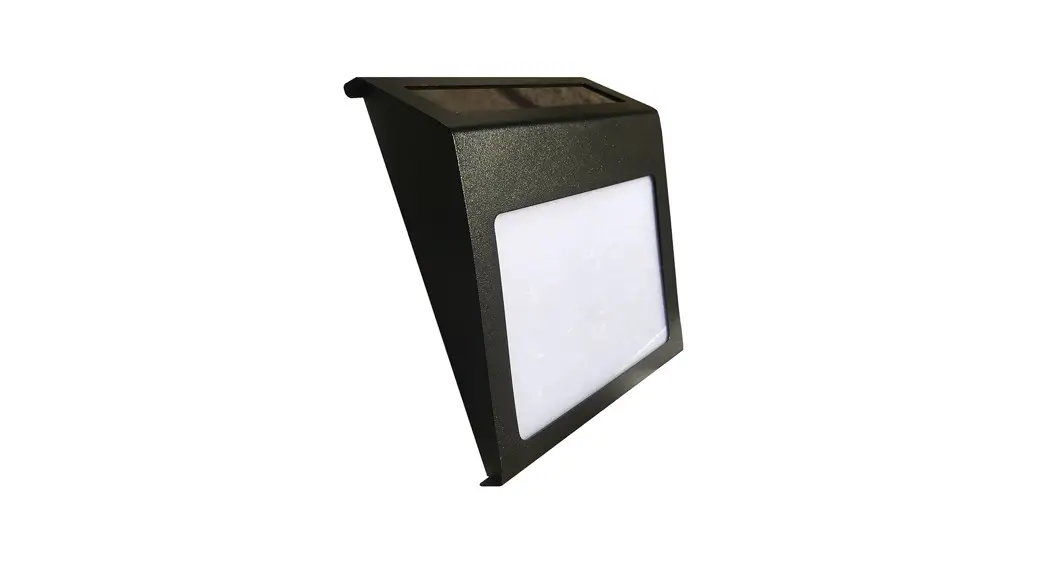
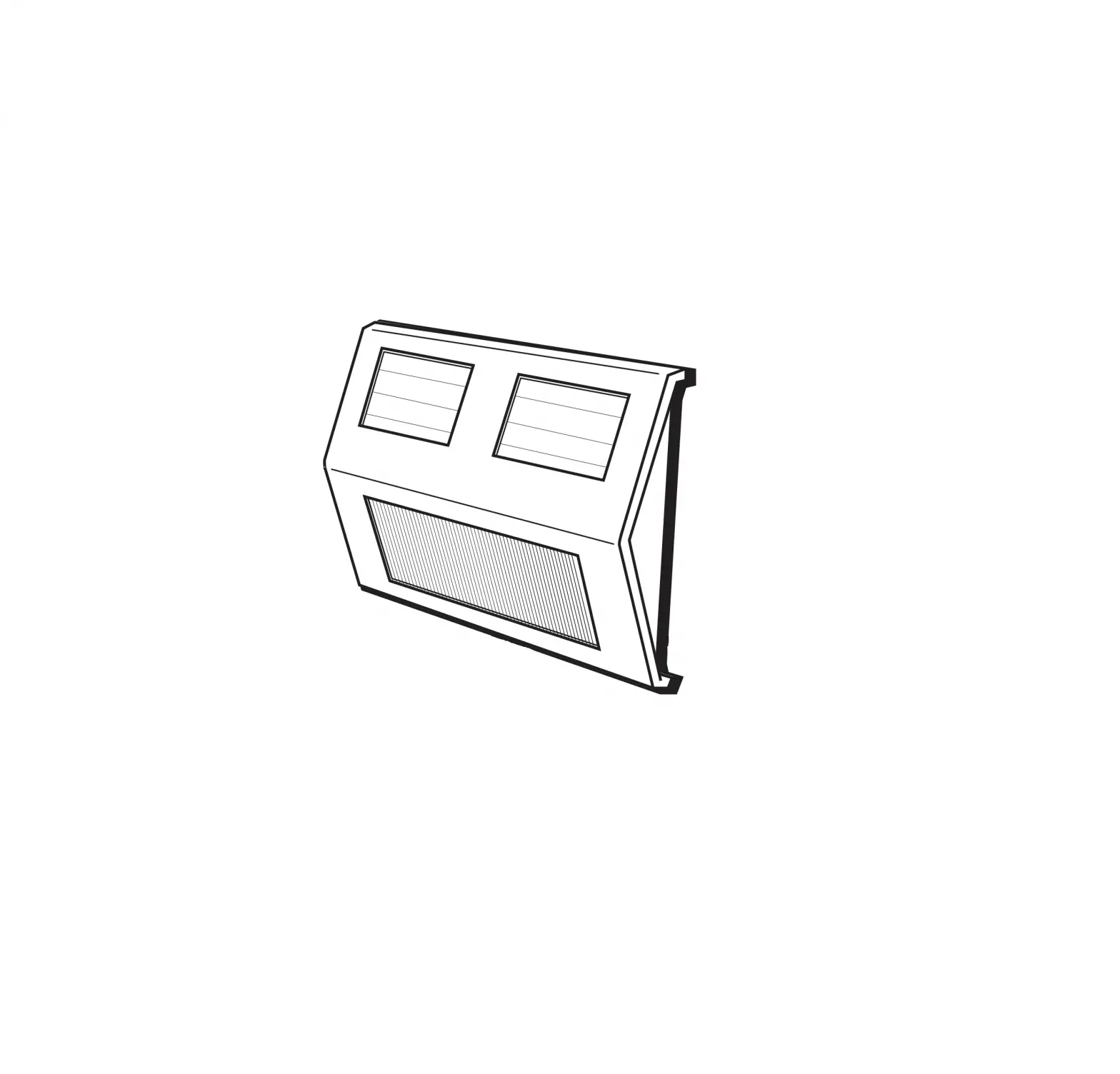
Residential Deck Lights
Model No. SLDDLK-5, SLDDLK-10
PACKAGE CONTENTS
SLDDLK-5
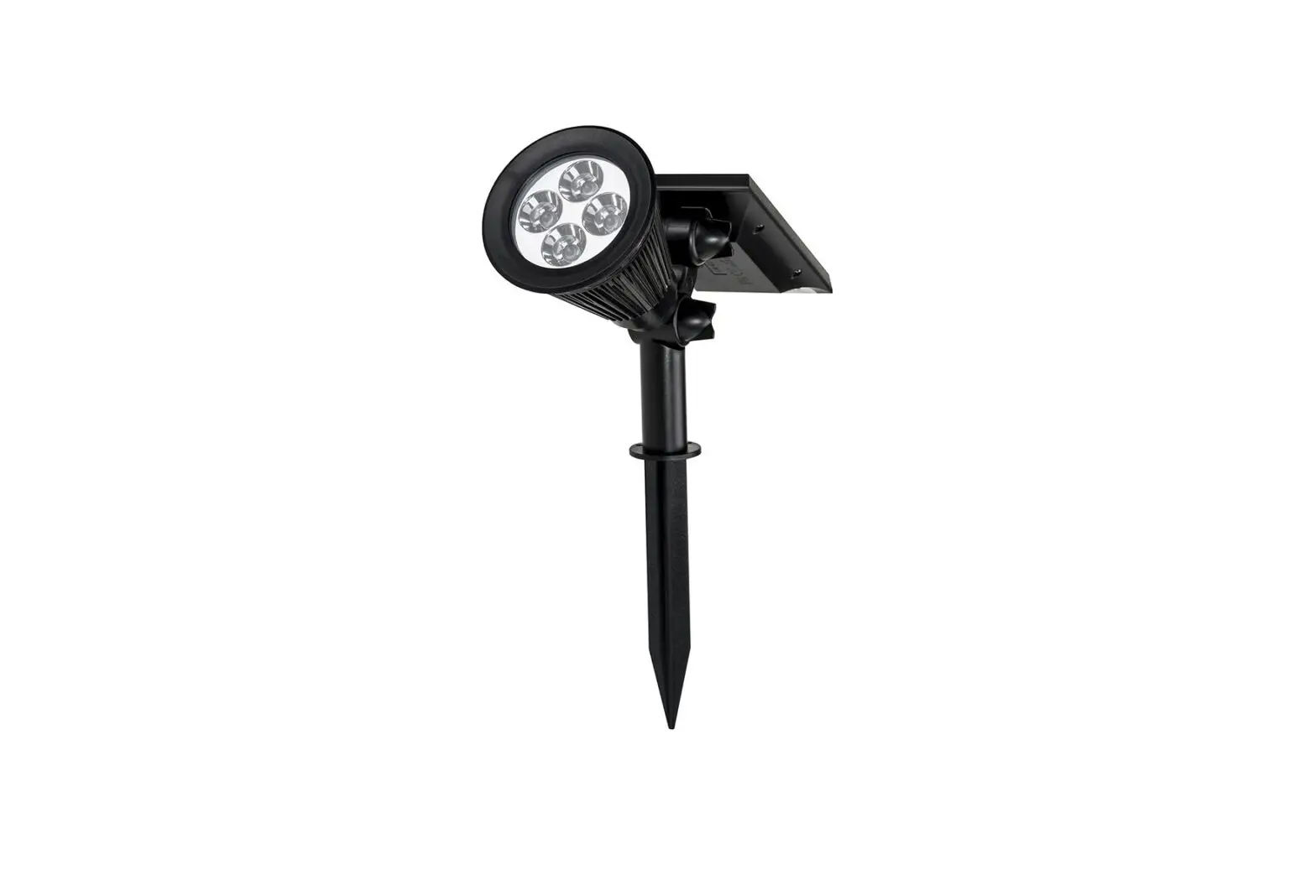
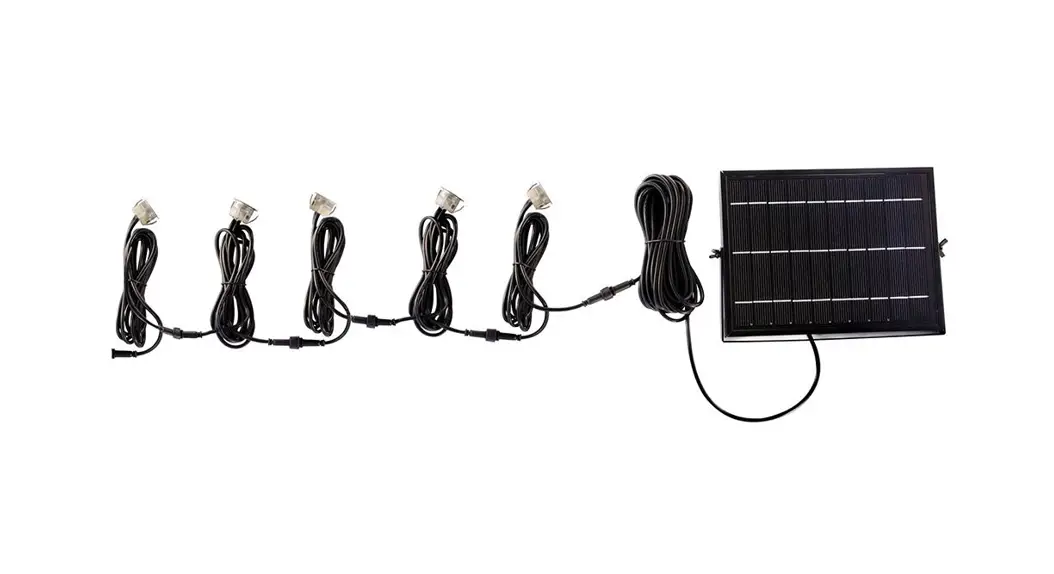
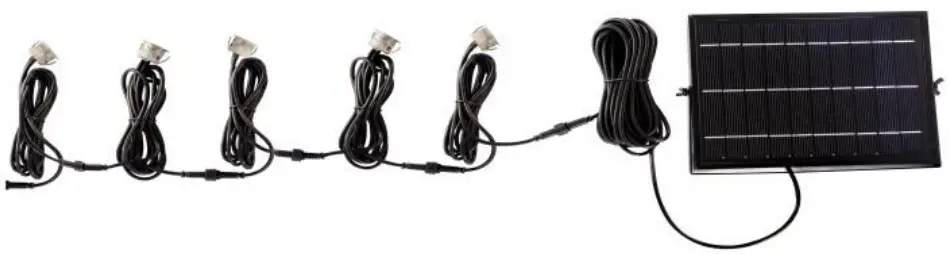
- 5 Pack Individual Deck Lights with 1m Cable
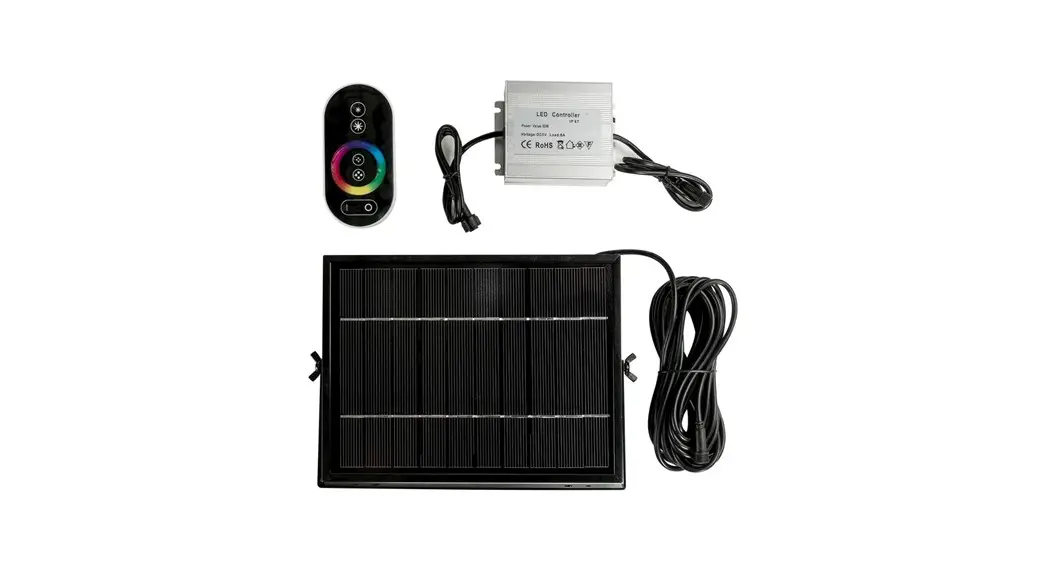
- 1 x 3w Polycrystalline Solar Panel
- 1 x 5m Moulded Cable from Solar Panel
SLDDLK-10
- 10 Pack Individual Deck Lights with 1m Cable
- 1 x 5w Polycrystalline Solar Panel
- 1 x 5m Moulded Cable from Solar Panel
INSTALLATION METHOD
- Remove contents from packaging
- Activate Battery Box (Refer to ‘Battery Box Activation’ below)
BATTERY BOX ACTIVATION
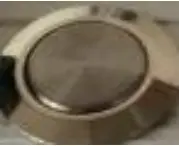
OFF – Inner Button flush with surround 
ON – Inner Button slightly depressed Activate Battery box using the following steps; OFF
 ON Wait 3-5sec OFF ON
 - Decide where to install your lights & panel

 ON
ON Deck Lights – Locate where you would like the lights situated and cut out appropriate sized holes to suit each light (FIGURE 1). Making sure once installed, the length of cable will reach to each light and solar panel
Panel – Mount panel on a nearby roof or wall where it will receive maximum direct sunlight during the day. Attach cable from panel to lights
IMPORTANT NOTES
- Please ensure you place your solar panel in a location where it can achieve a minimum of 6HRS DIRECT SUNLIGHT
- Be aware that on overcast/cloudy days, the solar panel will still charge. However, not as efficiently as a sunny day, so the battery may not reach full capacity. Therefore, your
light may turn off earlier than specified - It’s best not to install the solar panel underneath a street light, porch light etc. because this may stop the automatic day-night sensor triggering and result in your lights not turning on
TROUBLE SHOOTING
Phenomenon | Cause | Inspection Method | Solution |
| Light won’t turn on | Switch hasn’t been turned on | Determine what position the switch is in | Turn the switch on |
| Battery has run flat | Period of rainy or cloudy weather or installation site doesn’t provide enough direct sunlight | Charge the light in direct sunlight for 1-2 days then check again | |
| The light only stays on for a short amount of time | Low Battery | 1. Bad installation site for the solar panel 2. Dust or leaves are covering the panel 3. Long period of overcast weather | 1. Charge the battery in direct sunlight for 1-2 days with the switch oft then check again 2. Clean the solar panel |
| Battery Failure | 1. Access the light and & replace battery 2. Battery has matured | Contact SLD Customer Service to buy new batteries |
 Customer Service Number: 1300 135 911
www.solarlightingdirect.com.au
 Solar Lighting Direct - Australia's Premium Solar Powered LED Lighting