 INSTRUCTION GUIDE
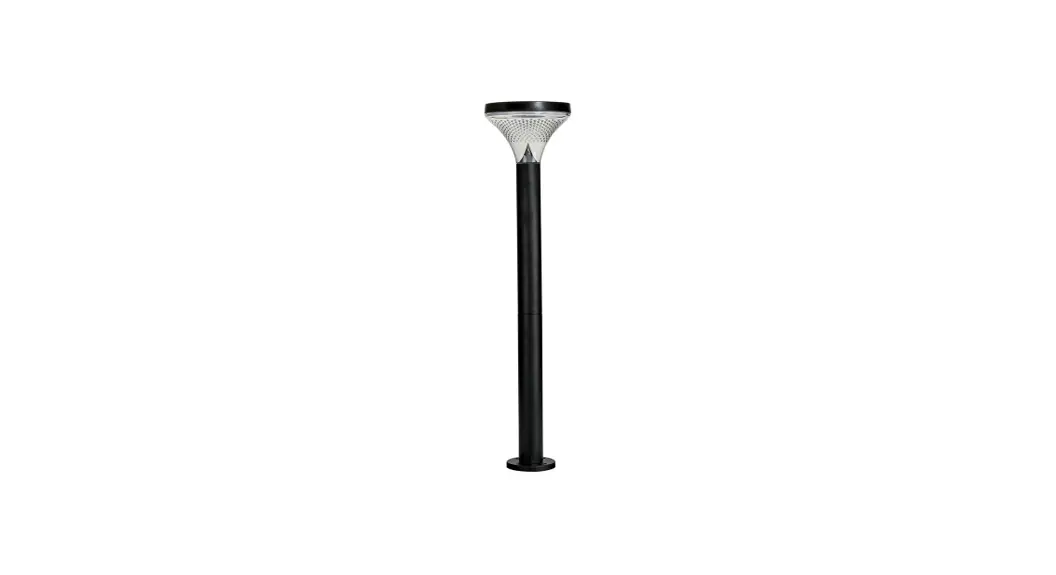
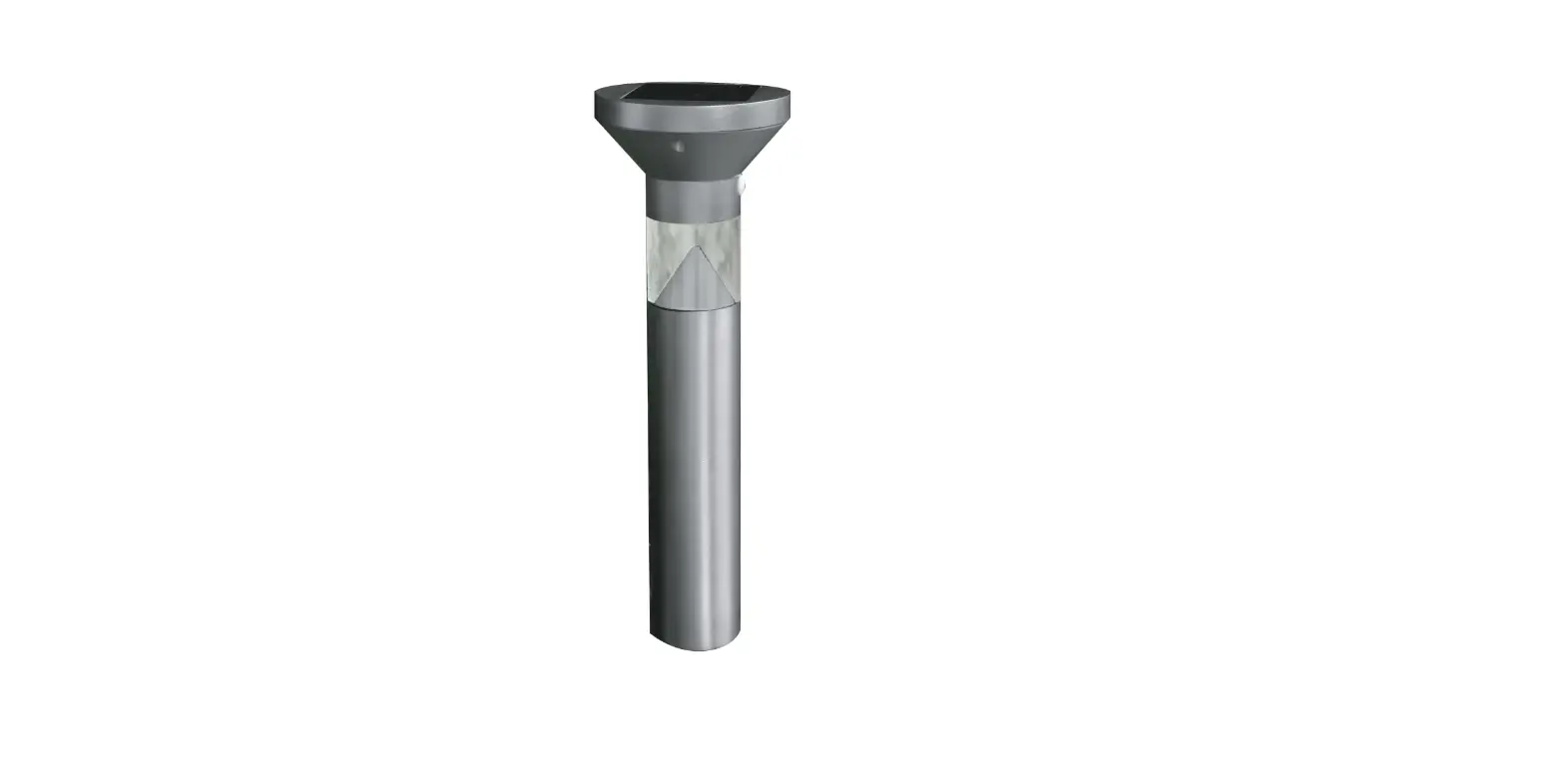
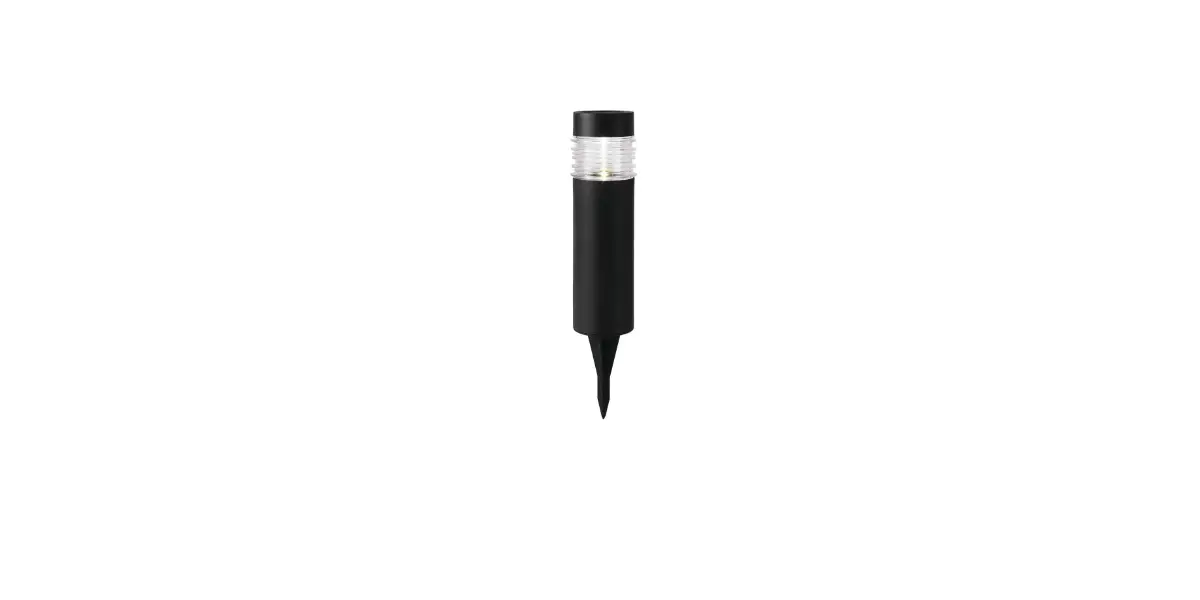
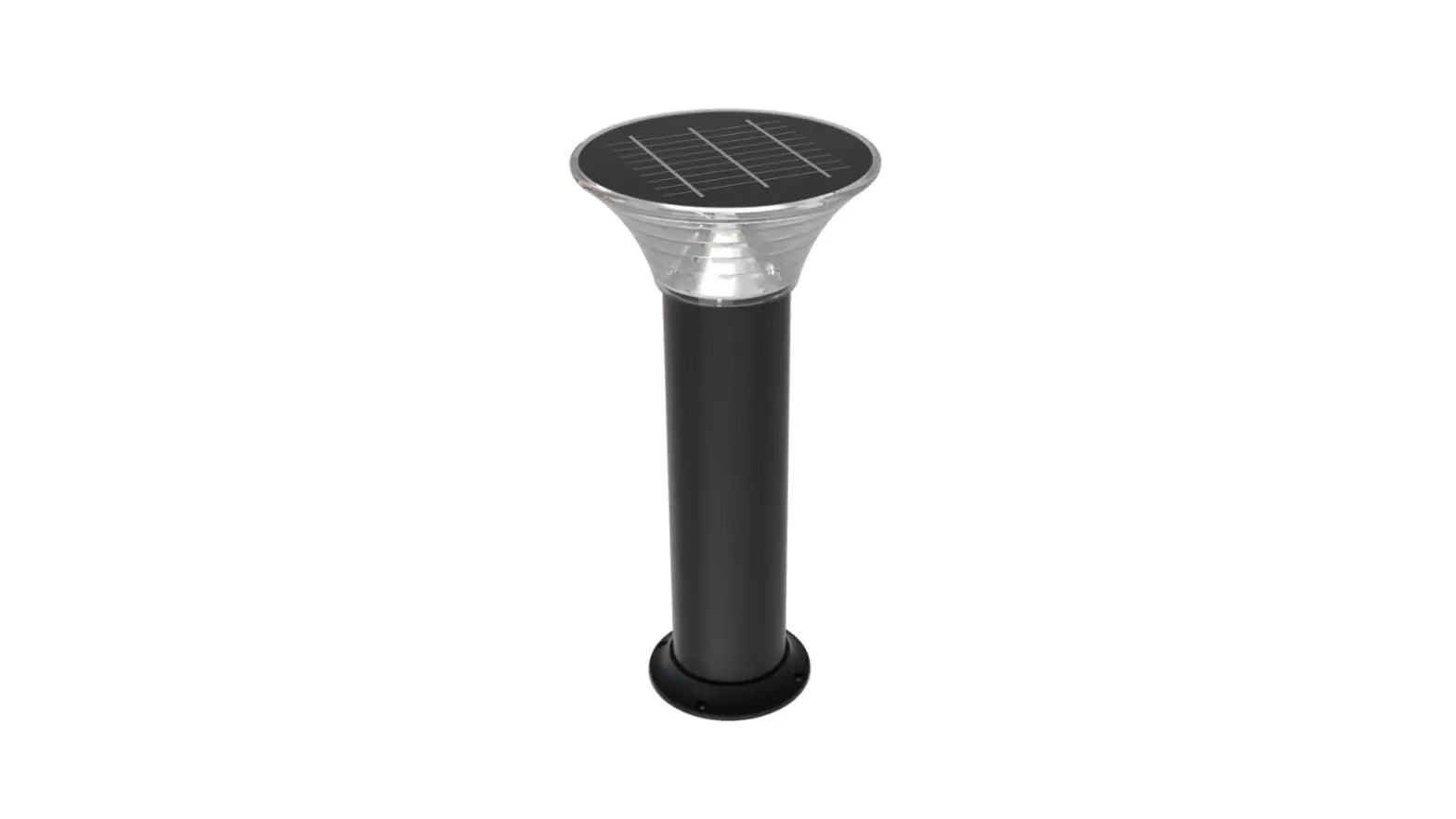
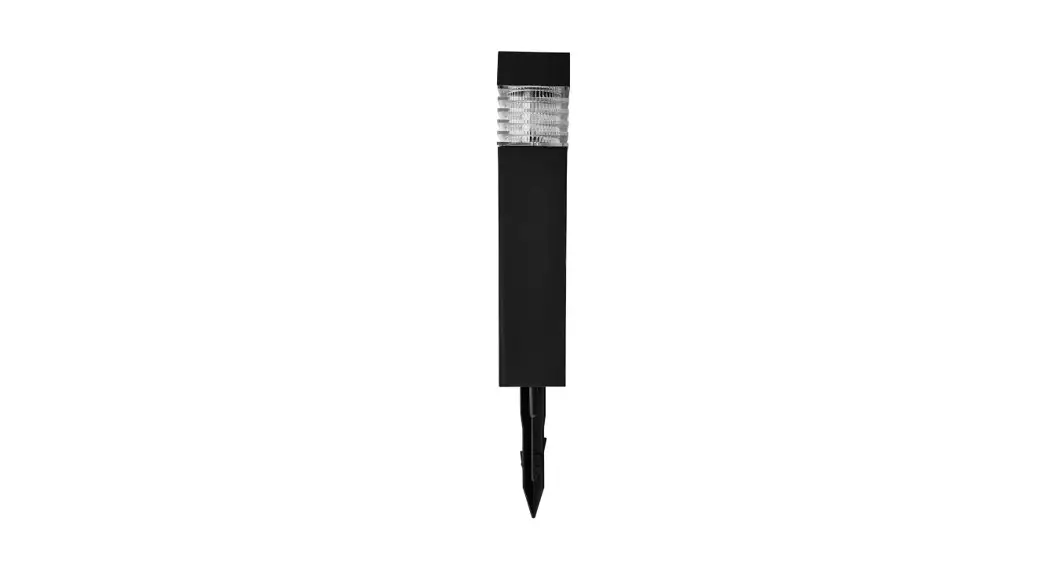
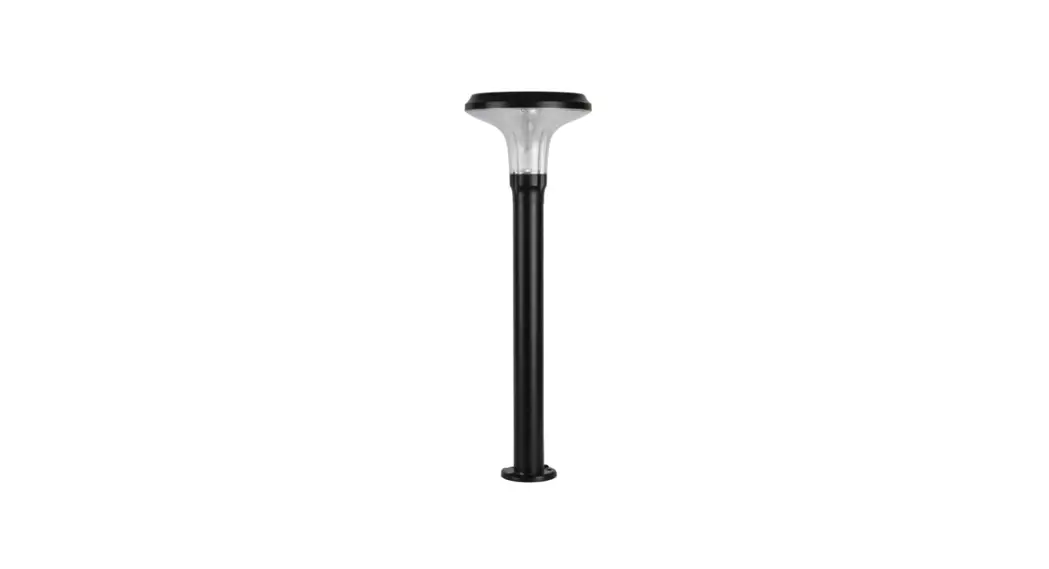
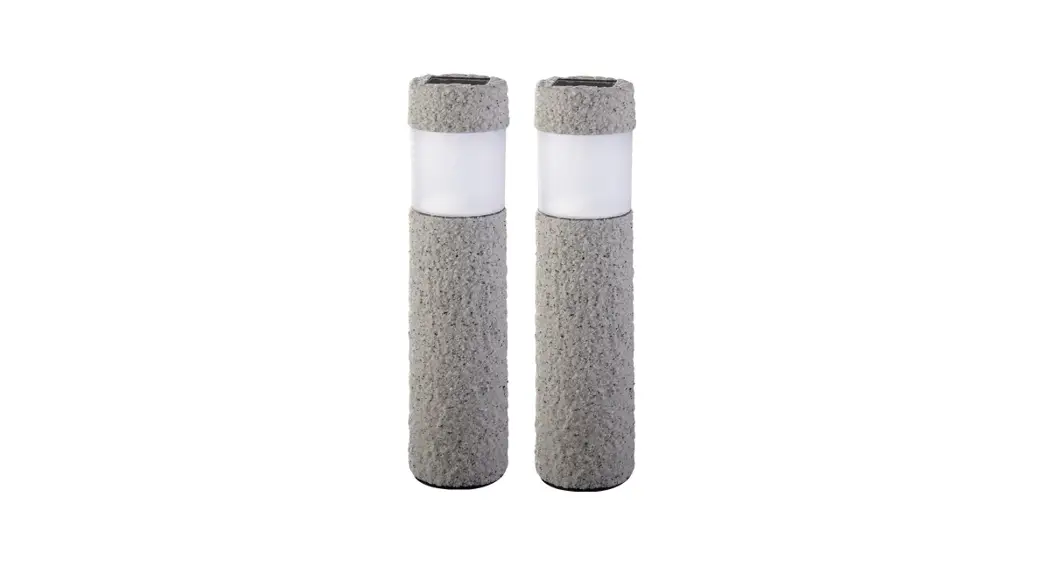
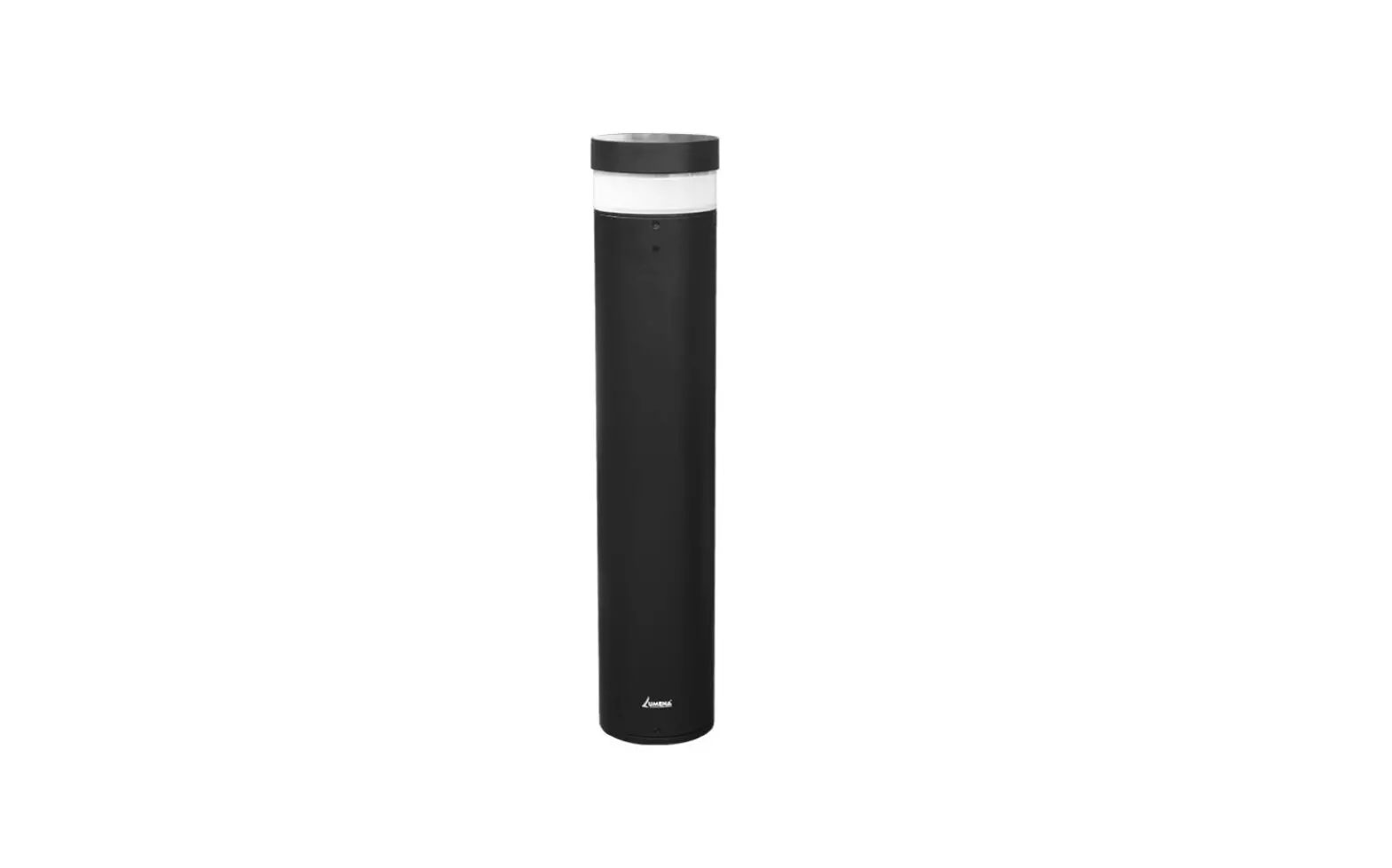
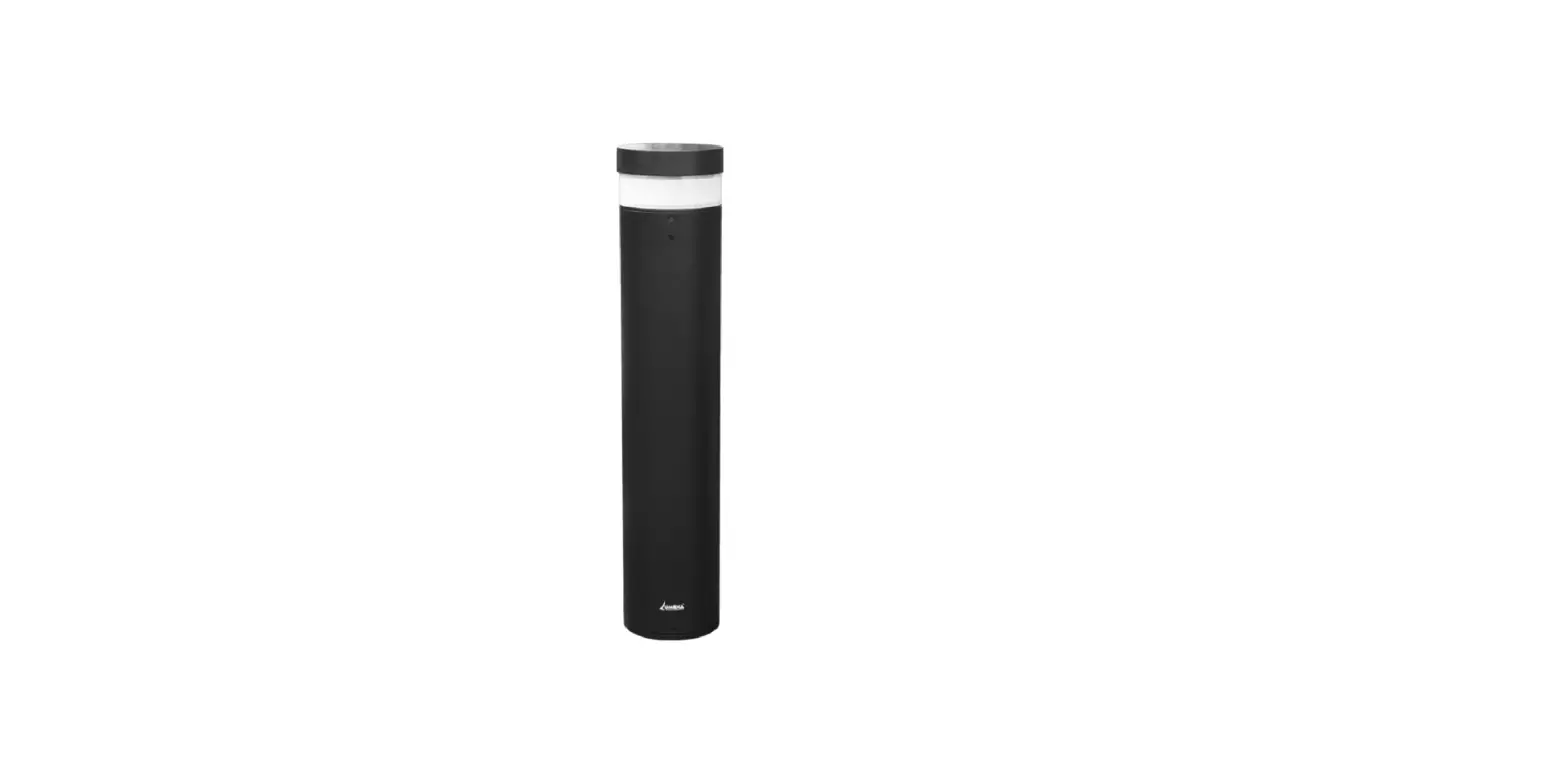
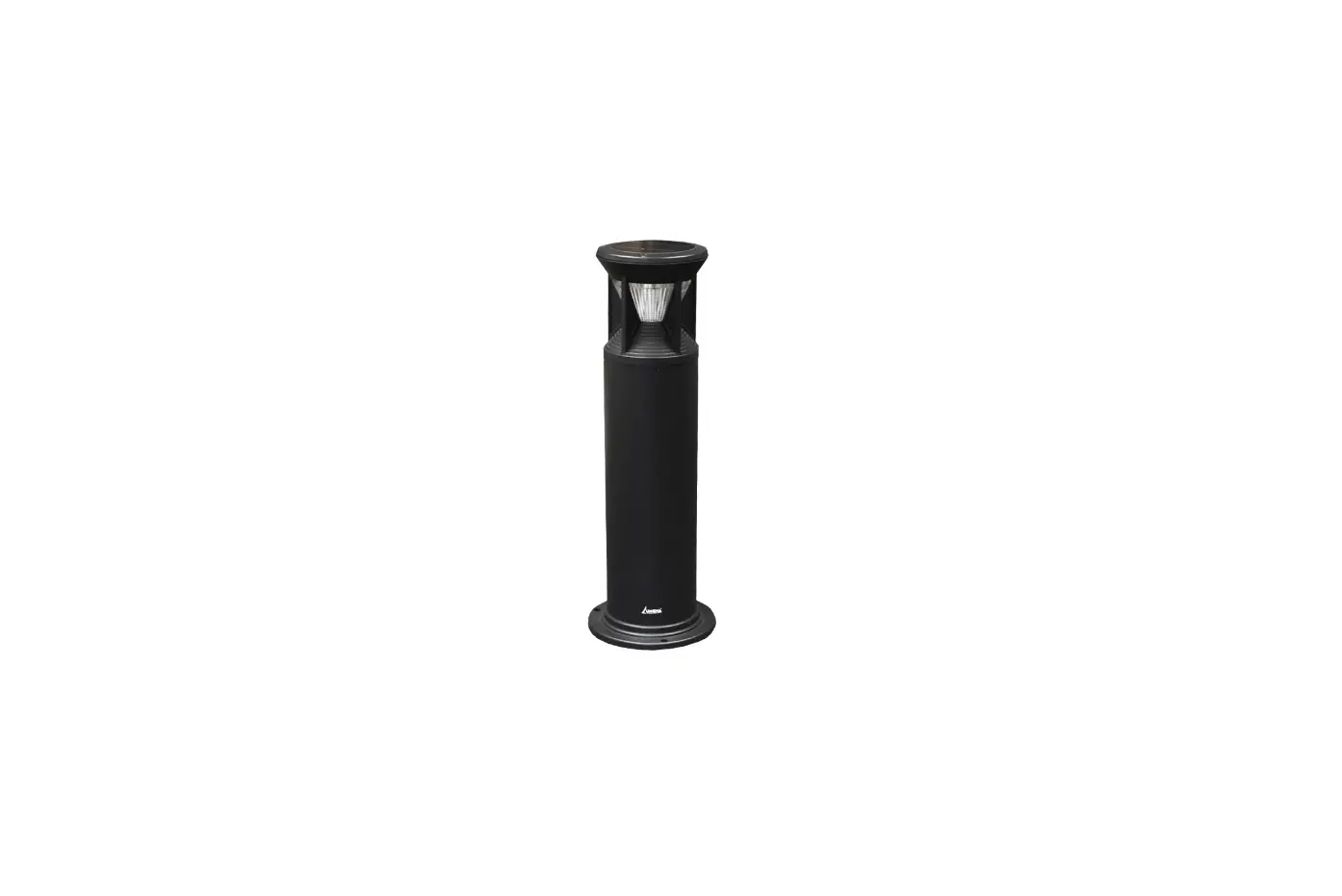
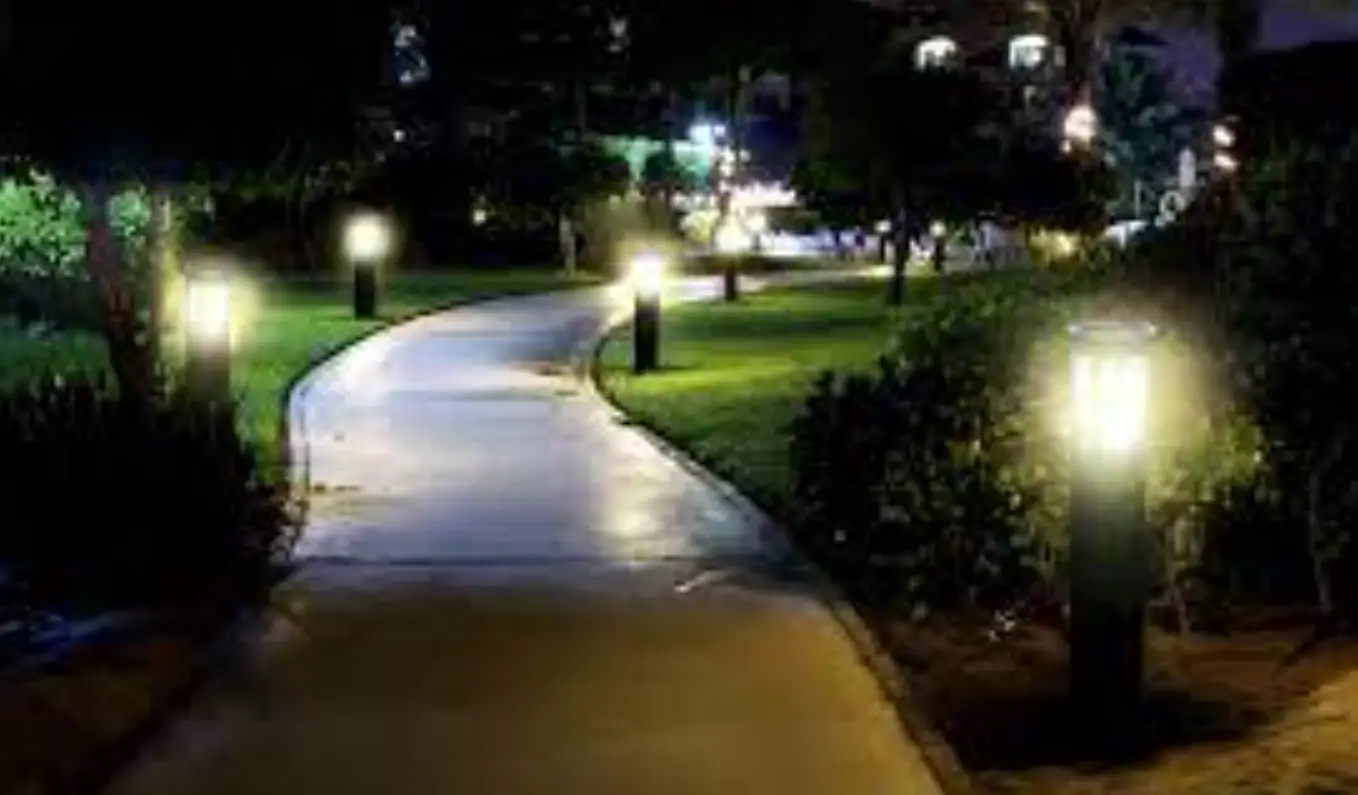
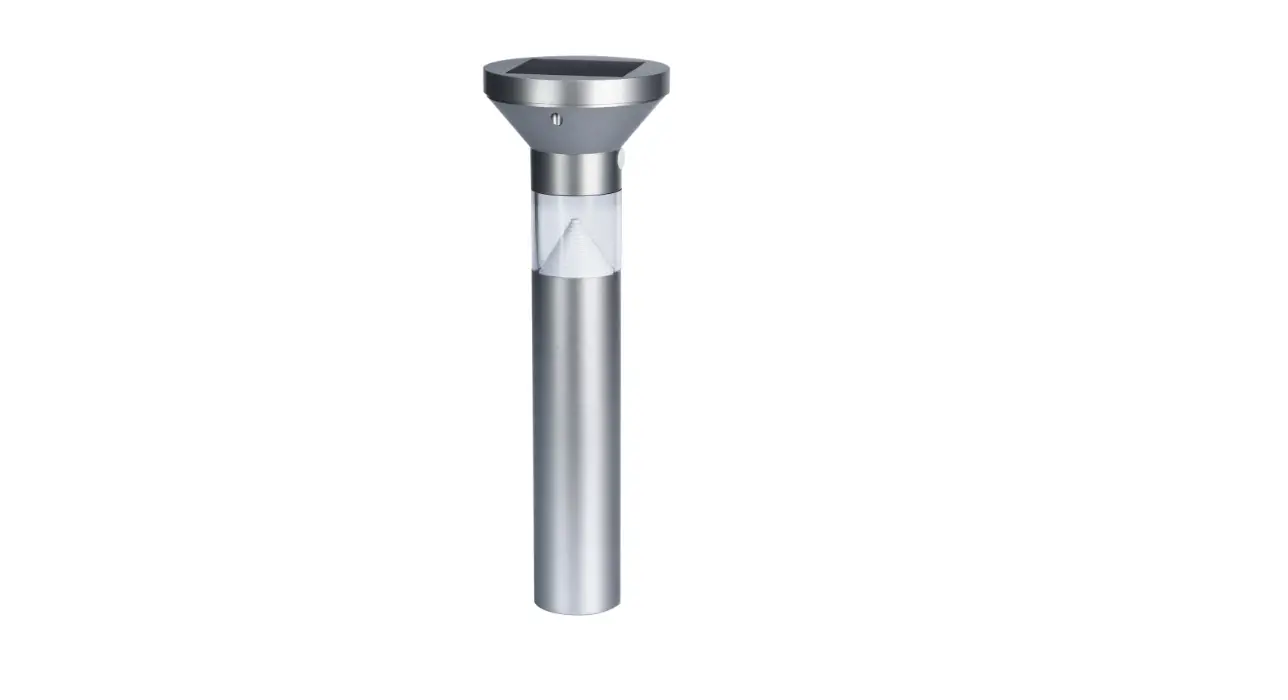
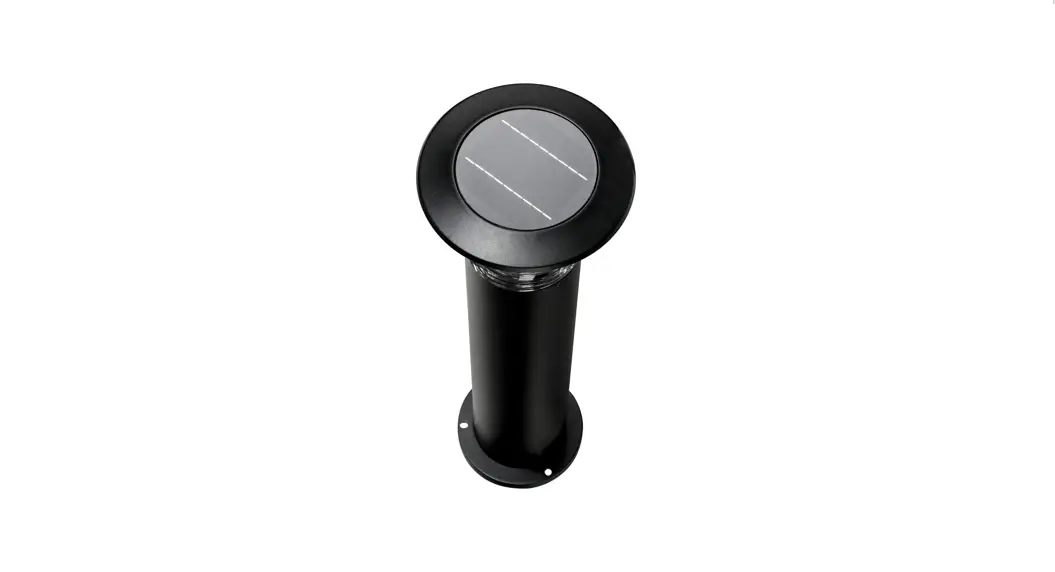
Commercial Bollards
Model No.SLDBL002-BLK/SLDBL007/SLDBL2602
INSTALLATION METHOD
- Remove contents from packaging
Note: The light will blink when exposed to daylight indicating the light is now on and in Auto Day-Night operation Mode. If this doesn’t happen remove the grommet as per Figure 1 below and hold the red power button for approx 3 seconds to activate the light. - Temporarily cover the solar panel with a solid surface for testing purposes only – Light should illuminate
- Remove the solid surface & the light will turn off. The light is now in Dusk to Dawn Mode and ready to use
Models with Dual Colour Technology
In order to change the color of the LED output from Warm White/Cool White:
- Repeat Step 2 above
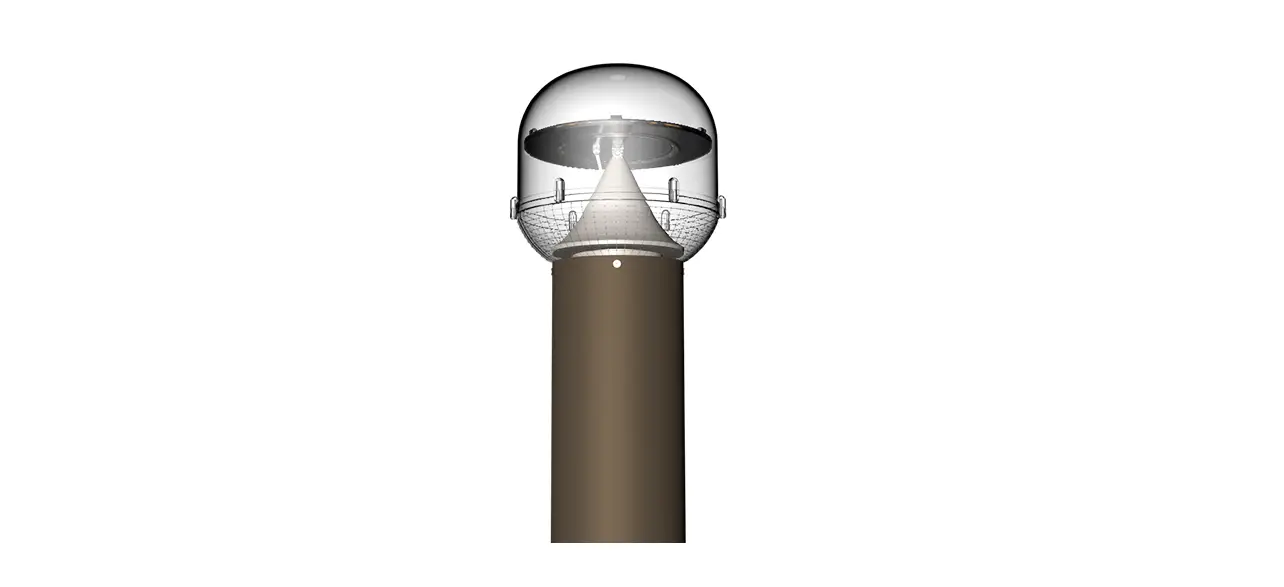
- Locate and remove the rubber grommet towards the top of the bollard (See in FIGURE 1)(location varies on each bollard)
- Use an appropriate size tool (i.e. screwdriver) and gently insert it into the space and find the red press button
- Pushing this button momentarily will allow you to alternate between warm white and cool white
- Once you have set your chosen color the light will automatically turn back on in this setting
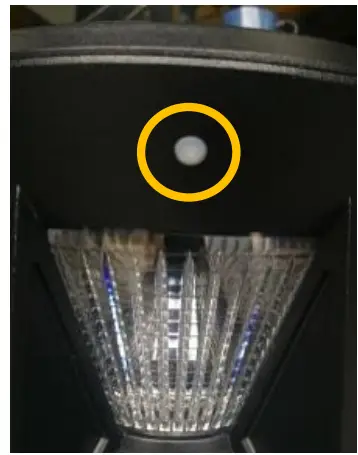
FIGURE 1
Installation Tips
- Make sure you select the best area where the solar panel of your light will receive the most direct sunlight during the day
- We recommend you put your solar panel in the sun for 2 days before installation
IMPORTANT NOTES
- Please ensure you place your solar panel in a location where it can achieve a minimum of 6HRS DIRECT SUNIGHT
- Be aware that on overcast/cloudy days, the solar panel will still charge. However, not as efficient as on a sunny day, so the battery may not reach full capacity. Therefore turning it off earlier than specified
- It’s best not to install these lights underneath a street light, porch light, etc. because this may stop the automatic day-night sensor triggering and result in your lights not turning on
TROUBLESHOOTING
| Phenomenon | Cause | Inspection Method | Solution |
| The light won’t turn on | The switch hasn’t been turned on | Detect what position the switch is in | Turn the switch on |
| The battery has run out | Long rainy days or installation site doesn’t provide enough light | Charge the light in direct sunlight for 1- 2 days then check again | |
| Short lighting time | Low Battery | 1. Bad installation site for the light 2. Dust and leaves are covering the panel 3. Long periods of rainy days | 1. Charge the battery in direct sunlight for 1-2 days with the switch off, then check again 2. Clean the solar panel |
| Battery Failure | 1. Access the light and check if the battery has moved or if it has been damaged 2. Battery has matured and requires replacing | Contact us to replace your battery |
Customer Service Number: 1300 135 911
www.solarlightingdirect.com.au
 Solar Lighting Direct - Australia's Premium Solar Powered LED Lighting