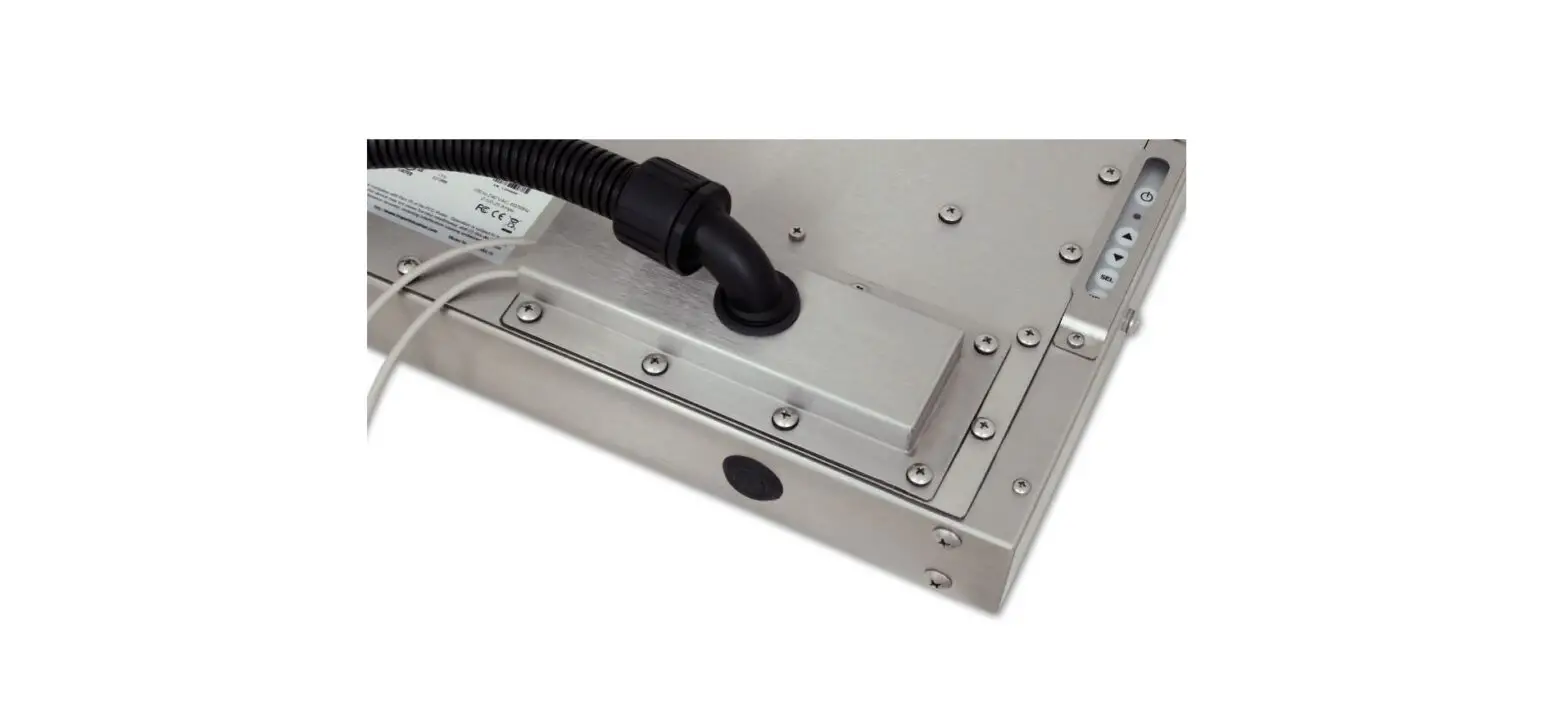
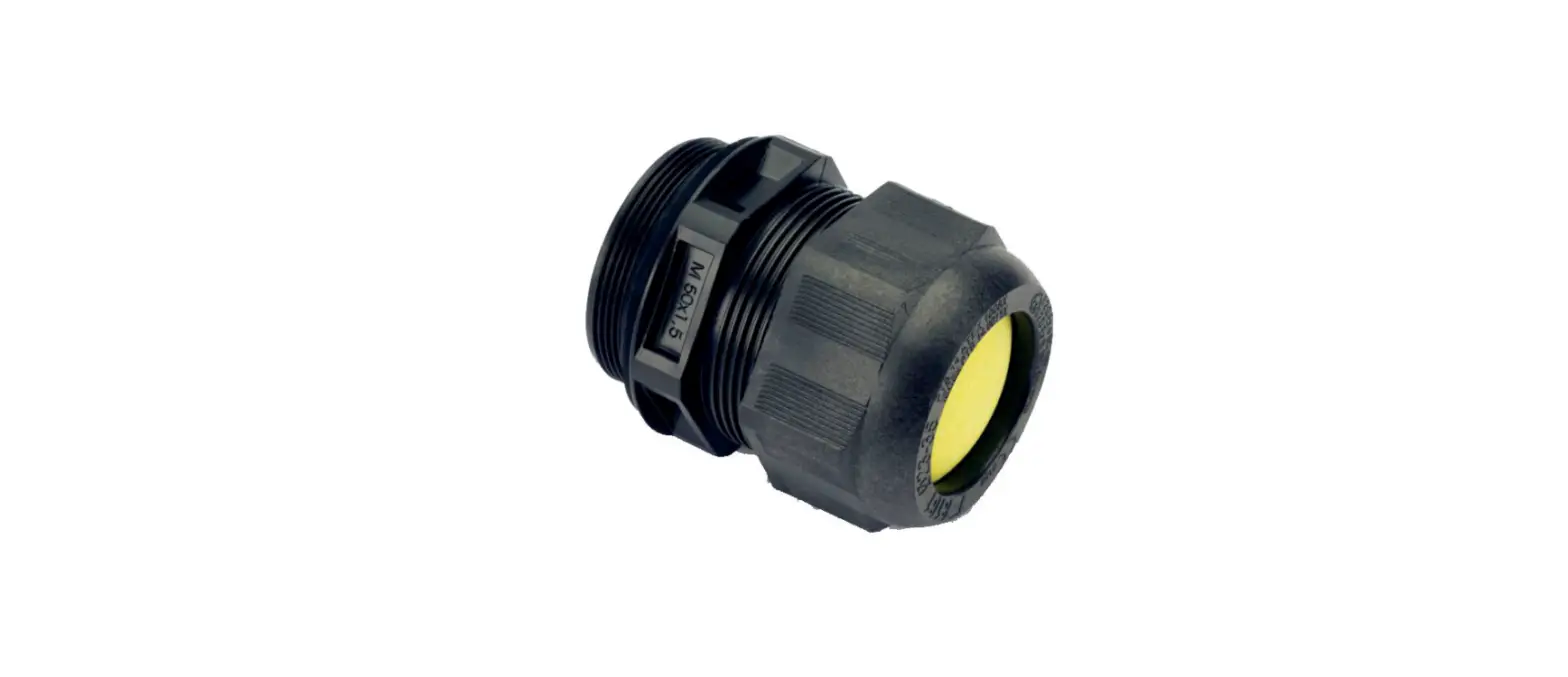
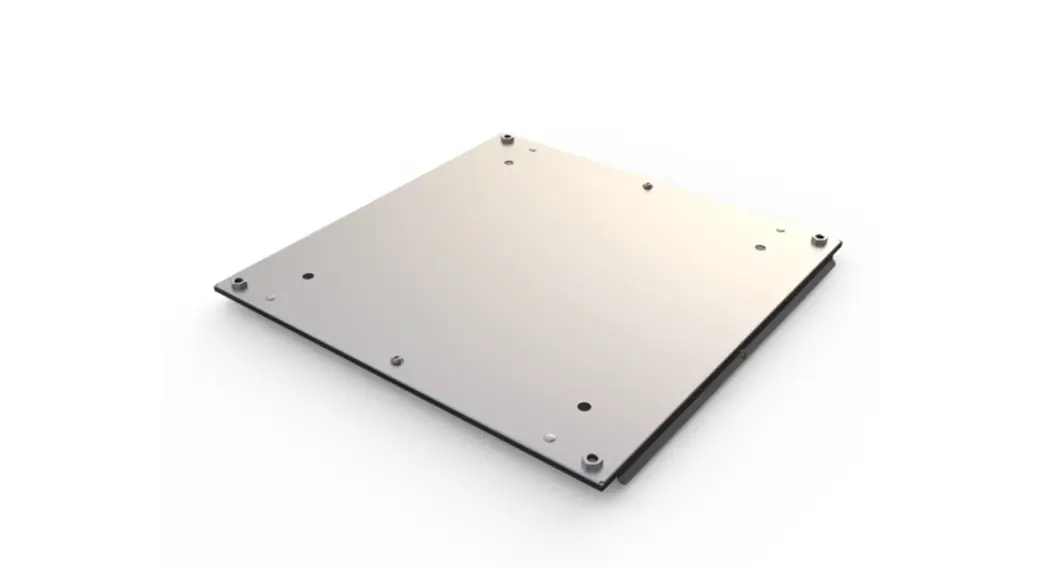
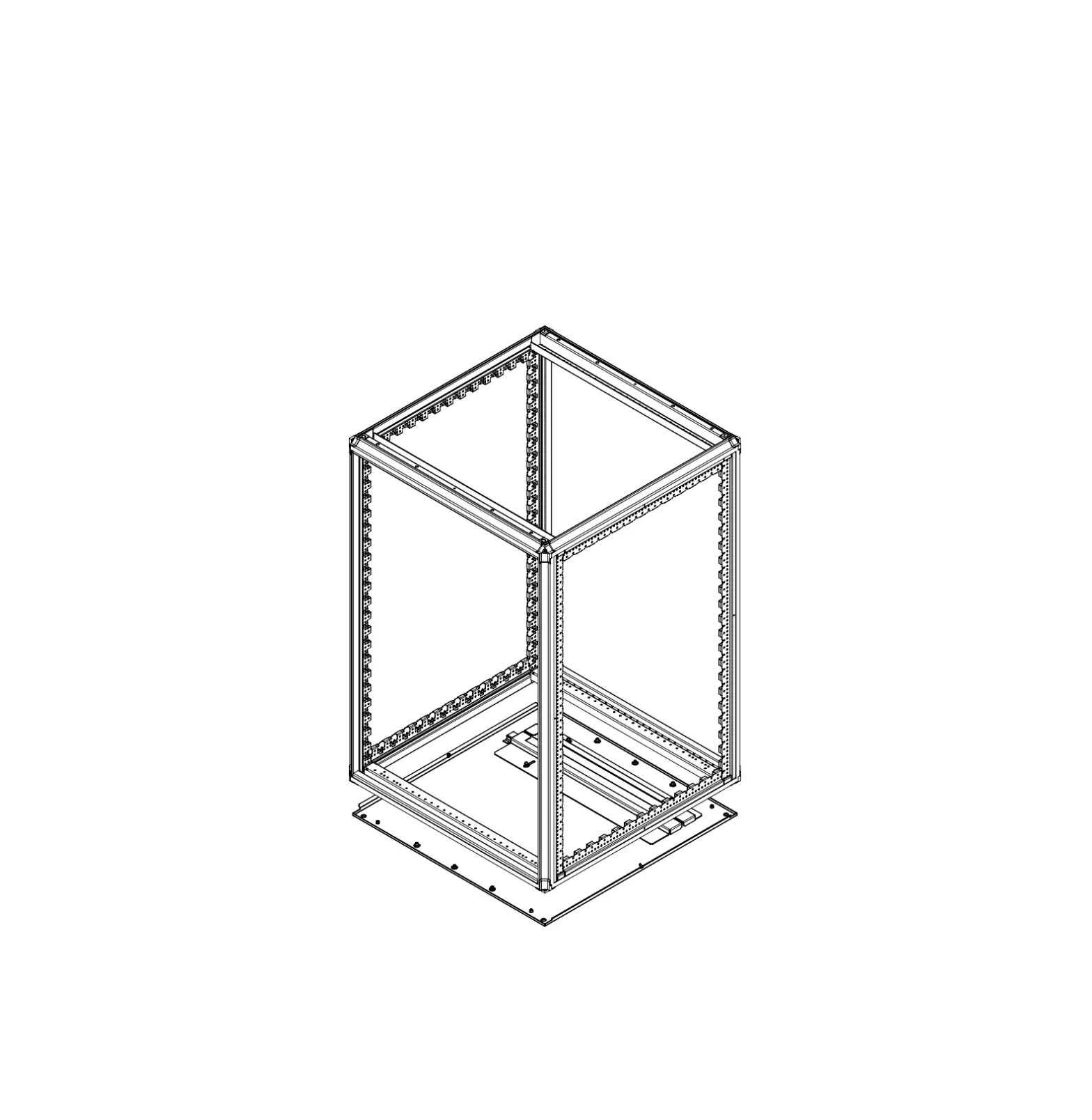
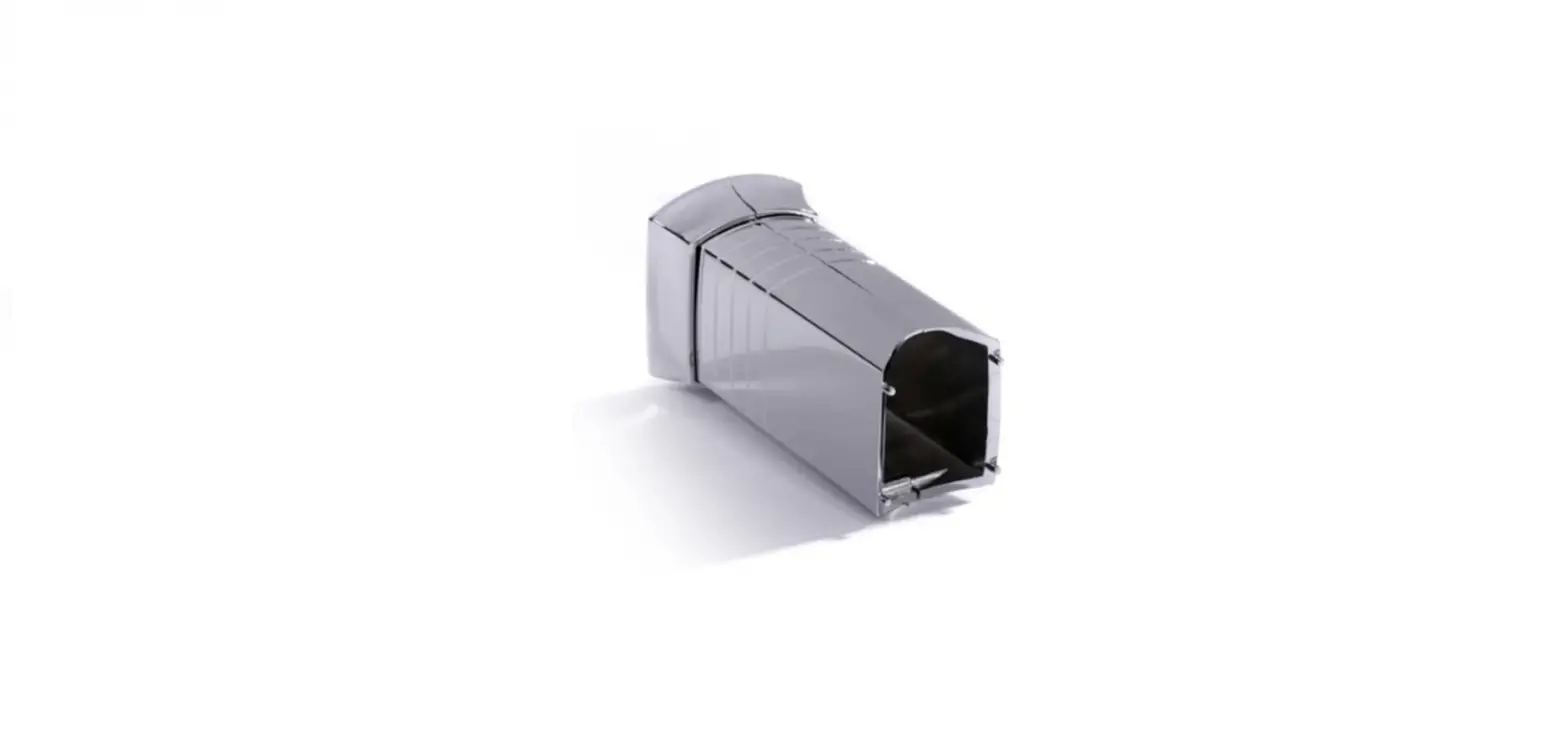
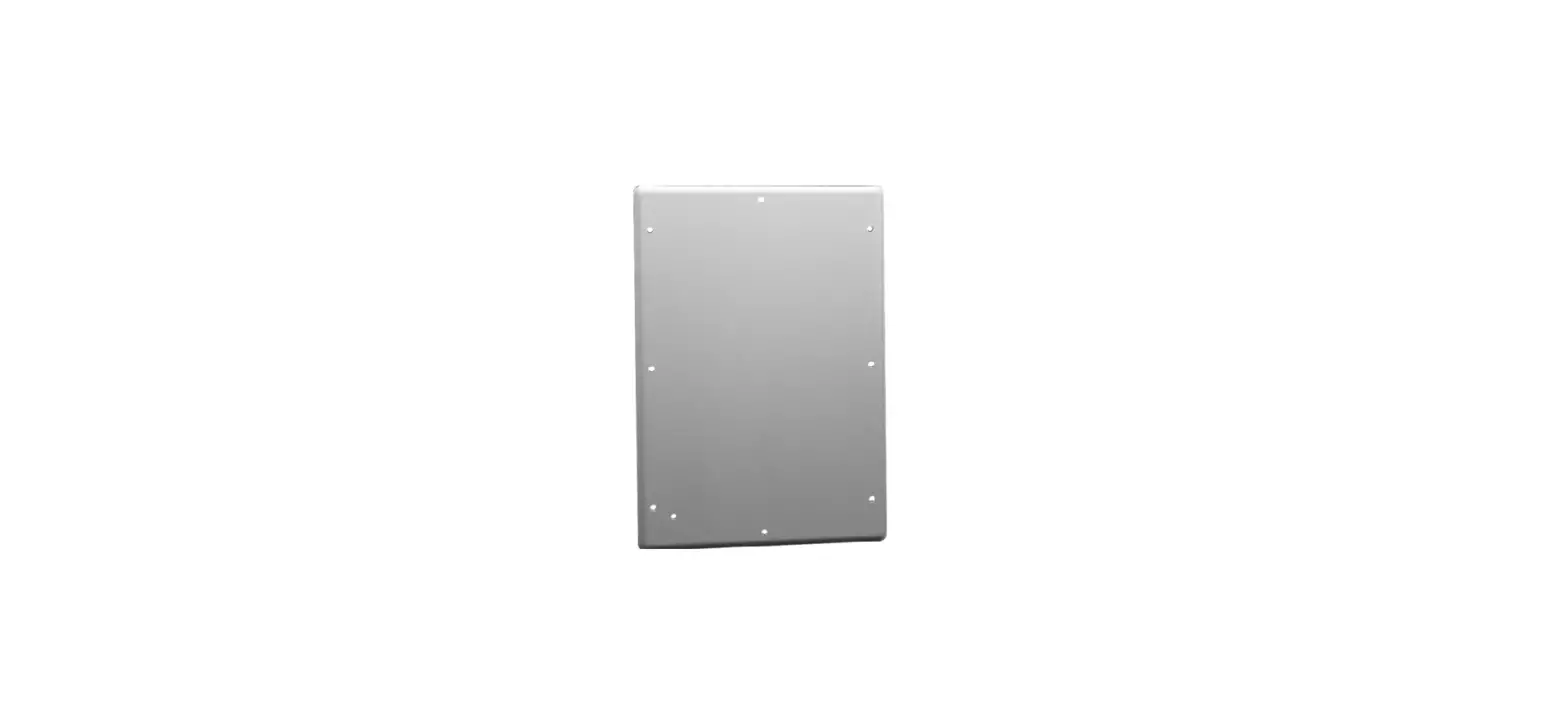
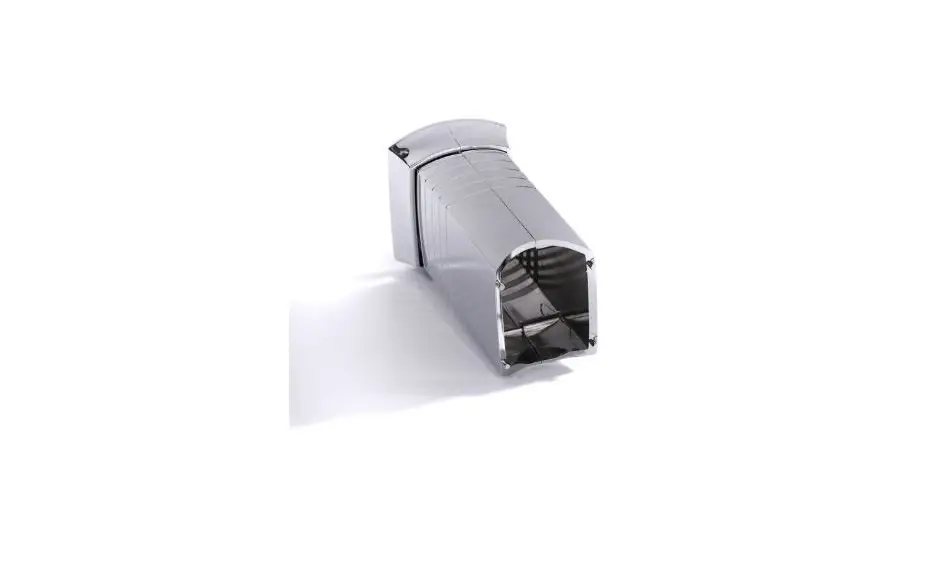
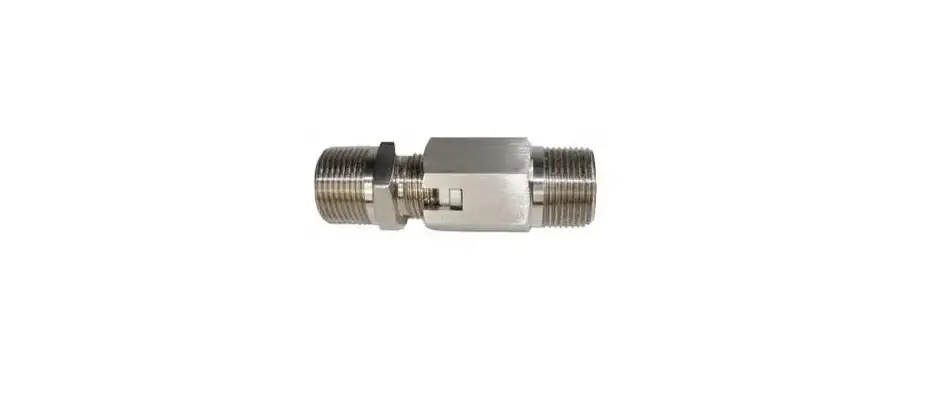
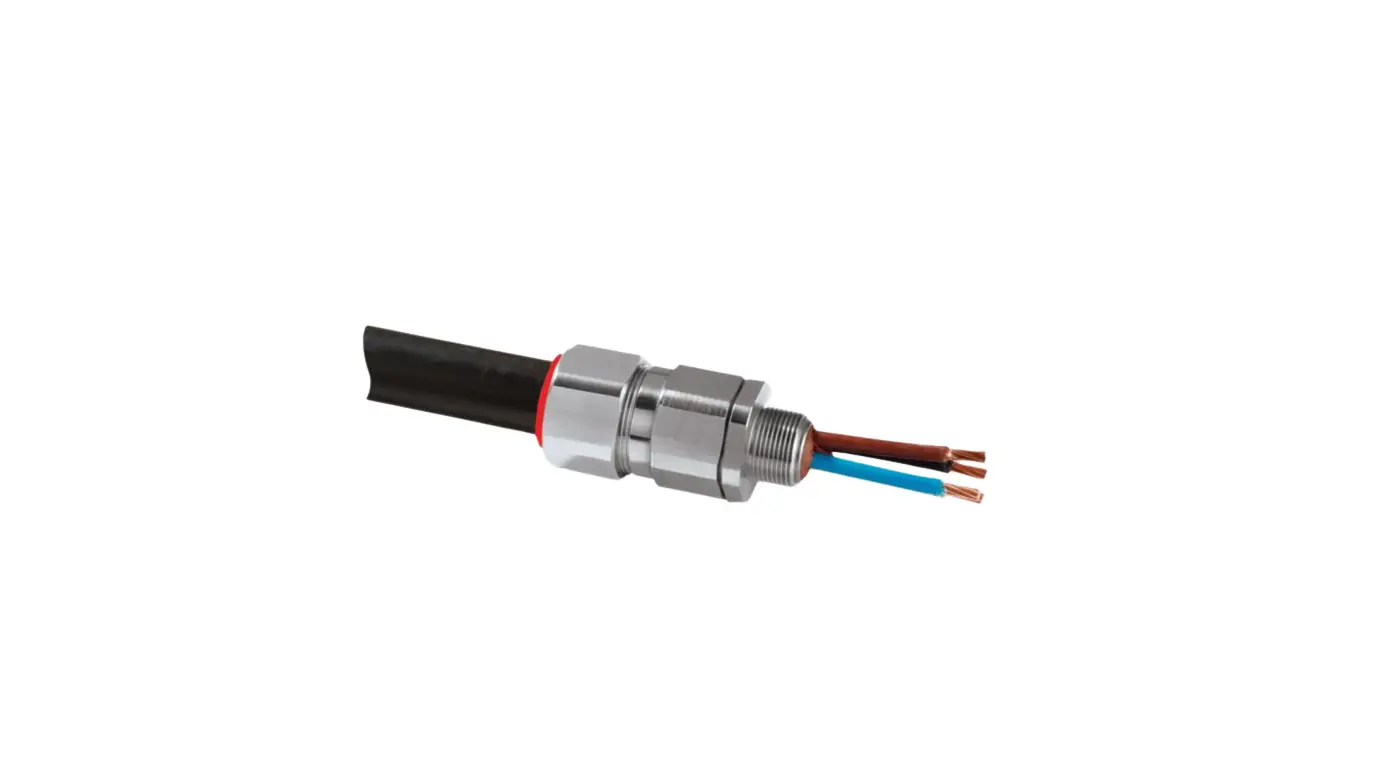
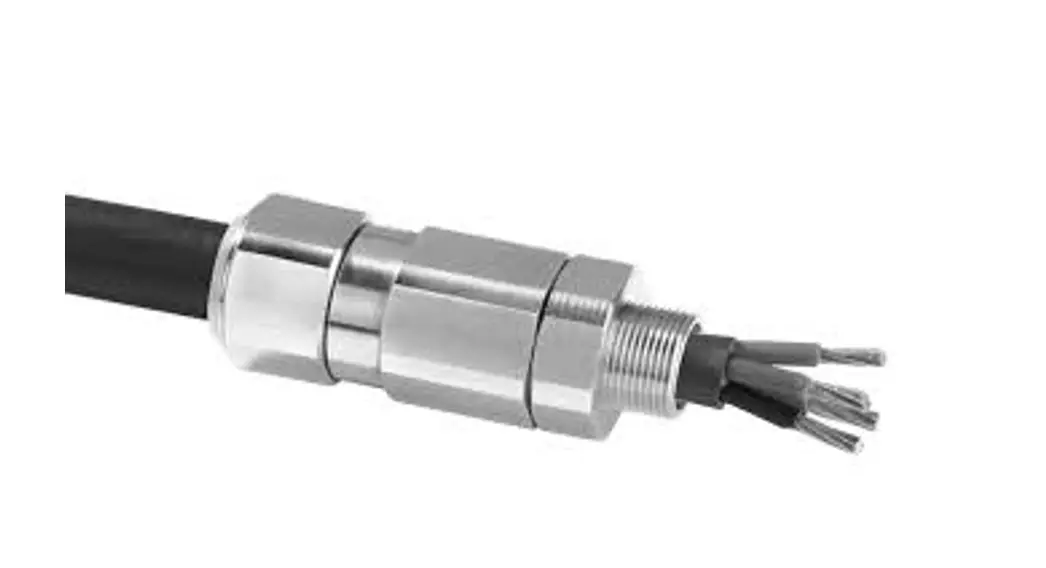
CP-RG2-CON Series Cover Plate with Compression Gland and Conduit Cable Exit
CP-RG2-CON Series Cover Plate with Compression Gland and
Conduit Cable Exit
The CP-RG2-CON Series Cover Plate with Compression Gland and
Conduit Cable Exit is designed to create a watertight NEMA 12/4/4X,
IP65/66 seal for cables provided by Hope Industrial Systems. It is
important to follow the installation instructions carefully to
avoid water damage and voiding the warranty. The cover plate is
suitable for power, video/CATx, touch, and keyboard cables with
minimum and maximum cable diameters as specified below:
| Cable Type | Minimum Cable Diameter | Maximum Cable Diameter |
|---|---|---|
| Power (Top Opening) | 6.6 mm (0.26″) | 7.8 mm (0.31″) |
| Video/CATx (Second Opening) | 7.9 mm (0.31″) | 9.1 mm (0.36″) |
| Touch and Keyboard (Other Openings) | 3.6 mm (0.14″) | 4.8 mm (0.19″) |
Installation Instructions
- Connect all cables to the monitor and secure them with strain
relief screw locks and USB strain relief clip (for USB
cables). - Insert cables into the gland openings as required, making sure
the slits on the gland are facing up and the opening for the power
cable is at the top. If any of the cable openings will not be used,
keep the plug in place to maintain a watertight seal. - Position the cover plate on the rear cover to trap the gland
and install the provided eight sealing screws evenly until the
gasket on the cover plate is 1.6 mm to 2.4 mm (1/16″ to 3/32″)
thick. - Position and install the Compression Plate to hold all cables
snugly. - Install the other conduit end in an equipment enclosure
suitably rated for its environment. The hole for the conduit elbow
should be 28 mm (1-3/32″) diameter.
Conduit Fitting Removal and Reinstallation
To remove the conduit fitting:
- Firmly hold the elbow twist grip with one hand.
- Insert a slotted screwdriver into the slot on the elbow twist
grip and twist it to the OFF position. - Pull the conduit out from the elbow.
To reinstall the conduit fitting:
- Ensure the slot on the elbow twist grip is in the ON
position. - Firmly insert the conduit with seal over end into the
elbow.
Shortening Conduit Length
To shorten conduit length, follow the instructions above for
removing the conduit fitting at the end of the conduit that will be
shortened. Then, pull back seal off the end of the conduit.
Installation Instructions
CP-RG2-CON Series Cover Plate with Compression Gland and Conduit Cable Exit
IMPORTANT!
Follow these instructions carefully in order to get a watertight NEMA 12/4/4X, IP65/66 seal. Failure to follow these instructions could void the warranty if water damage occurs.
The Gland is designed to work with cables provided by Hope Industrial Systems. If using your own cables, see the chart at the end of this Page for acceptable cable diameters.
Install in compliance with all applicable local electrical codes.
Cable
Power (Top Opening) Video/CATx (Second Opening) Touch and Keyboard (other openings)
Minimum Cable Diameter
6.6 mm (0.26″) 7.9 mm (0.31″) 3.6 mm (0.14″)
Maximum Cable Diameter
7.8 mm (0.31″) 9.1 mm (0.36″) 4.8 mm (0.19″)
! Using cable sizes outside of these ranges will compromise the watertight seal created by this gland!
Cover Plate Installation
1. Refer to Figure 1. Connect all cables to the monitor. Secure cables by completely turning all strain relief screw locks. Use the USB strain relief clip to secure USB cables. Secure AC power cable with supplied retaining clip.
Conduit assembly may include all possible cables that might be needed. If not all cables are needed, they may be cut and removed from the conduit before installation.
2. Insert cables as required into the gland openings as shown in Figures 2 and 3. The slits on the gland should be facing up, with the opening for the power cable at the top.
NOTE: If any of the cable openings will not be used, keep the plug in place to maintain a watertight seal.
3. Position the cover plate on the rear cover to trap the gland as shown in Figure 4 (on page 2). Install the provided eight sealing screws and tighten evenly until the gasket on the cover plate is 1.6 mm to 2.4 mm (1/16″ to 3/32″) thick.
FIGURE 1
Power Video/CATx
Other
Gland Monitor
FIGURE 2
Cover Plate
Compression Plate
FIGURE 3
99178A · December 20, 2022 · www.HopeIndustrial.com · International: +1 (678) 762-9790 · UK: +44 (0) 20 7193 2618 · © 2023 Hope Industrial Systems, Inc. · Page 1 of 3
CP-RG2-CON Series Cable Exit Installation Instructions (continued)
4. Position and install the Compression Plate as shown in Figures 5 and 6. Install the two screws and tighten evenly until all cables are held snugly.
5. Other conduit end must be installed in an equipment enclosure suitably rated for its environment. The hole for the conduit elbow should be 28 mm (1-3/32″) diameter.
FIGURE 4
FIGURE 5
FIGURE 6
Conduit Fitting Removal and Reinstallation
Removal Instructions 1. Firmly hold the elbow twist grip with one hand.
2. Refer to Figure 7. Insert a slotted screwdriver into the slot on the elbow twist grip and twist the elbow twist grip to the “OFF” position.
3. Pull the conduit out from the elbow.
Reinstallation Instructions
1. Ensure the slot on the elbow twist grip is in the “ON” position as shown in Figure 8.
2. Firmly insert the conduit with seal over end into the elbow as shown in Figure 9.
FIGURE 7
NOTE: There should be approximately 25 mm (1″) of conduit inside the elbow when inserted correctly.
FIGURE 8
FIGURE 9
99178A · December 20, 2022 · www.HopeIndustrial.com · International: +1 (678) 762-9790 · UK: +44 (0) 20 7193 2618 · © 2023 Hope Industrial Systems, Inc. · Page 2 of 3
CP-RG2-CON Series Cable Exit Installation Instructions (continued)
Shortening Conduit Length
1. Follow instructions above for removing the conduit fitting at the end of the conduit that will be shortened.
2. Pull back seal off the end of the conduit.
3. Refer to Figure 10. Use industrial shears to cut conduit lengthwise to desired length, being careful to avoid internal cables.
4. Refer to Figure 11. Further cut around conduit in between ribs of conduit, being careful to avoid internal cables.
5. Discard cut end of the conduit and reinstall seal onto the end of the conduit, following the reinstallation instructions above.
FIGURE 10
FIGURE 11
99178A · December 20, 2022 · www.HopeIndustrial.com · International: +1 (678) 762-9790 · UK: +44 (0) 20 7193 2618 · © 2023 Hope Industrial Systems, Inc. · Page 3 of 3
 Industrial Monitors & Touch Screens - Hope Industrial Systems