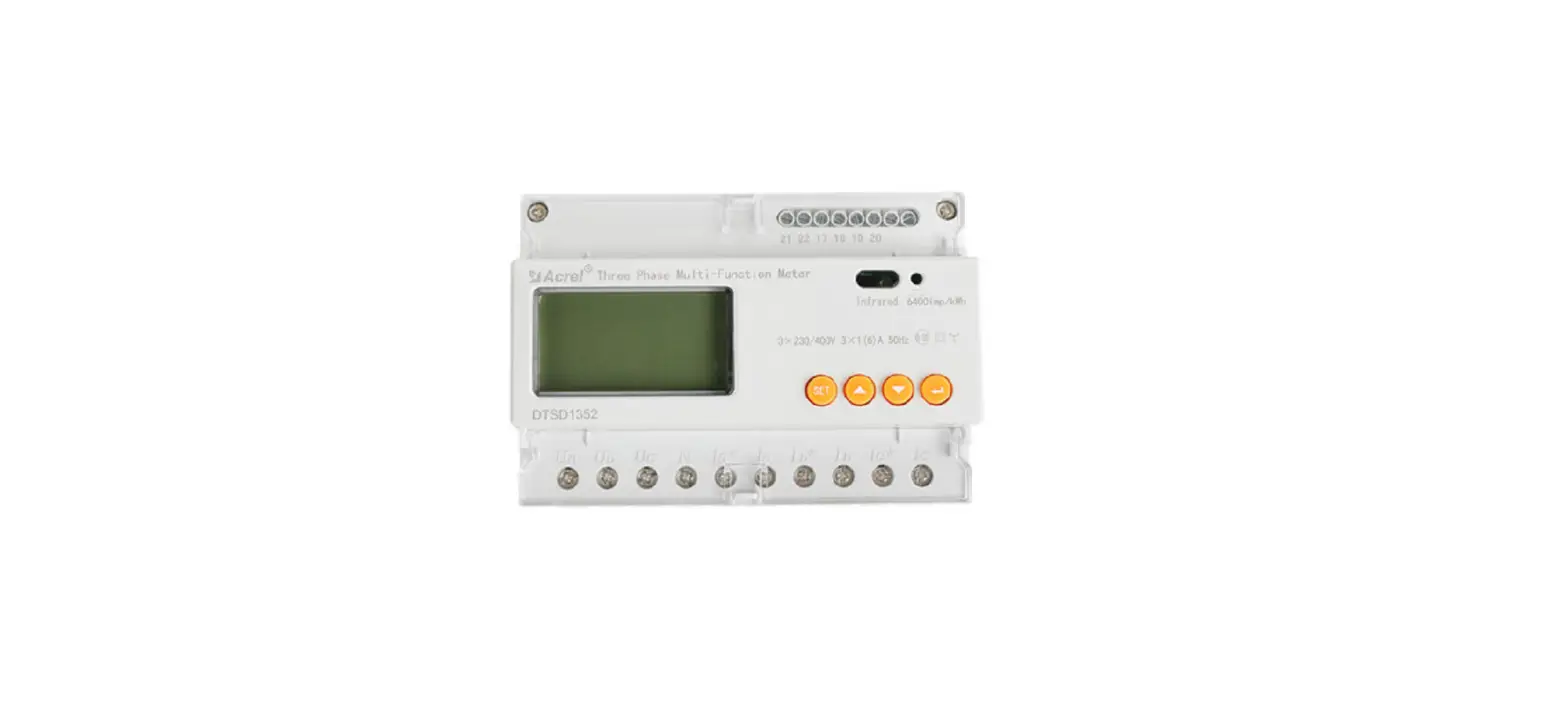
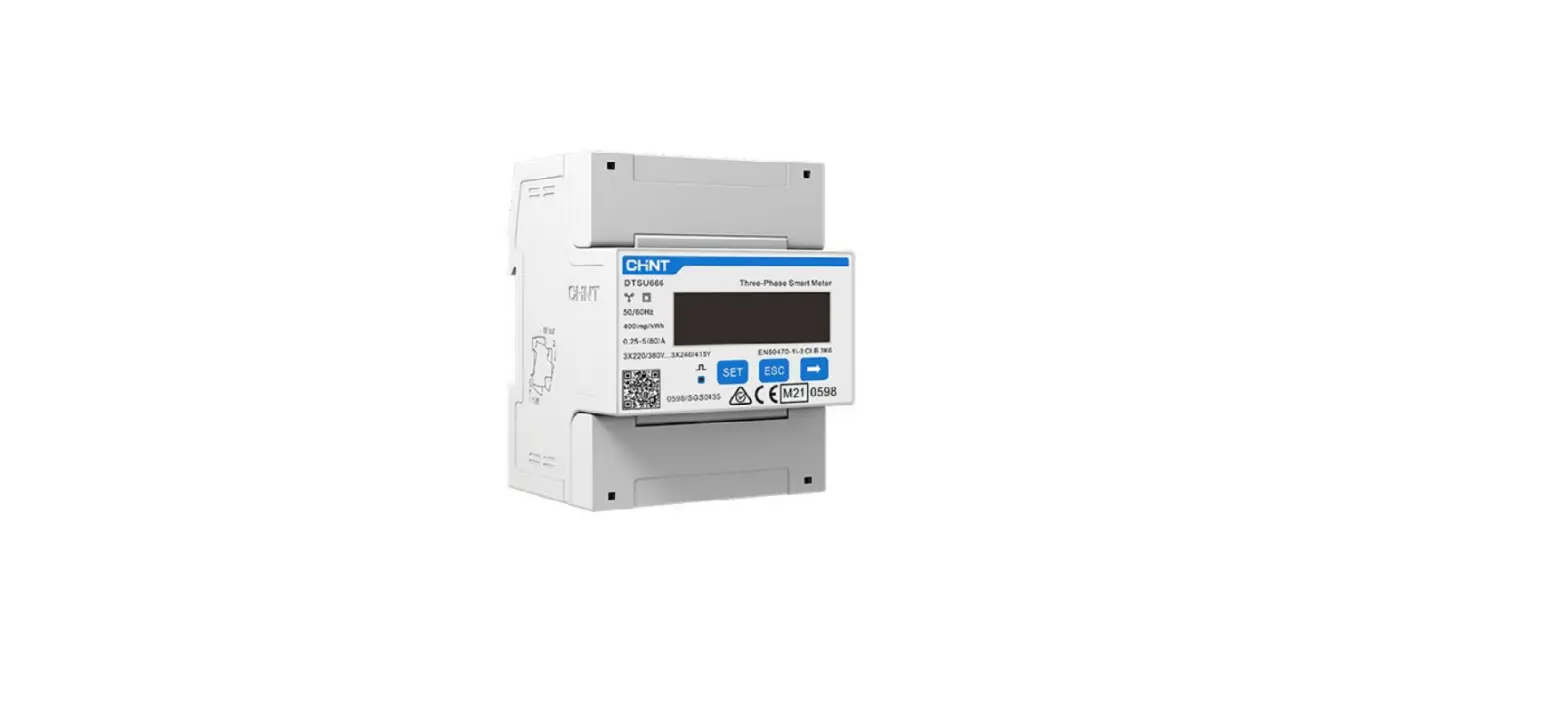
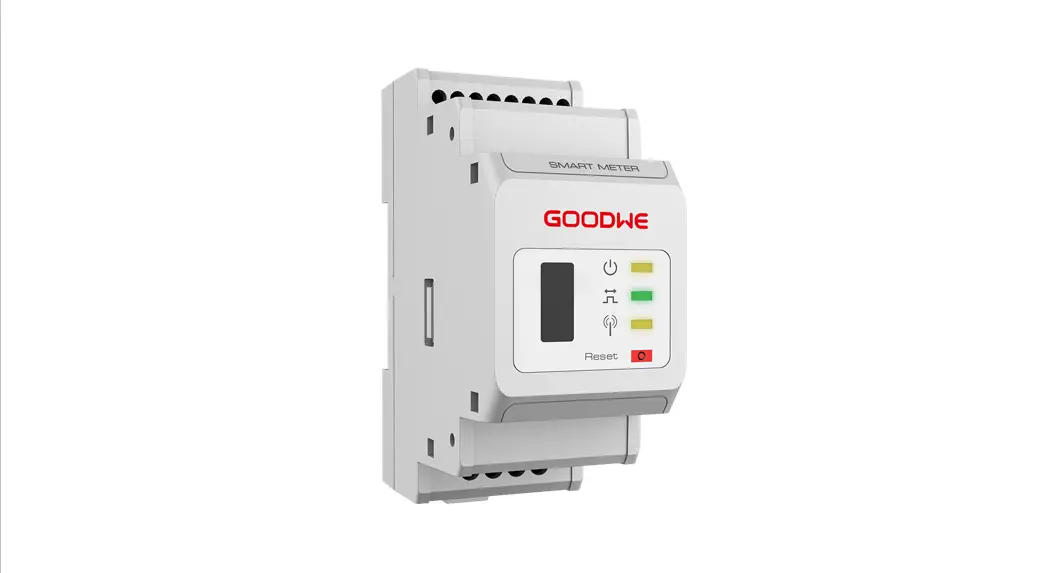
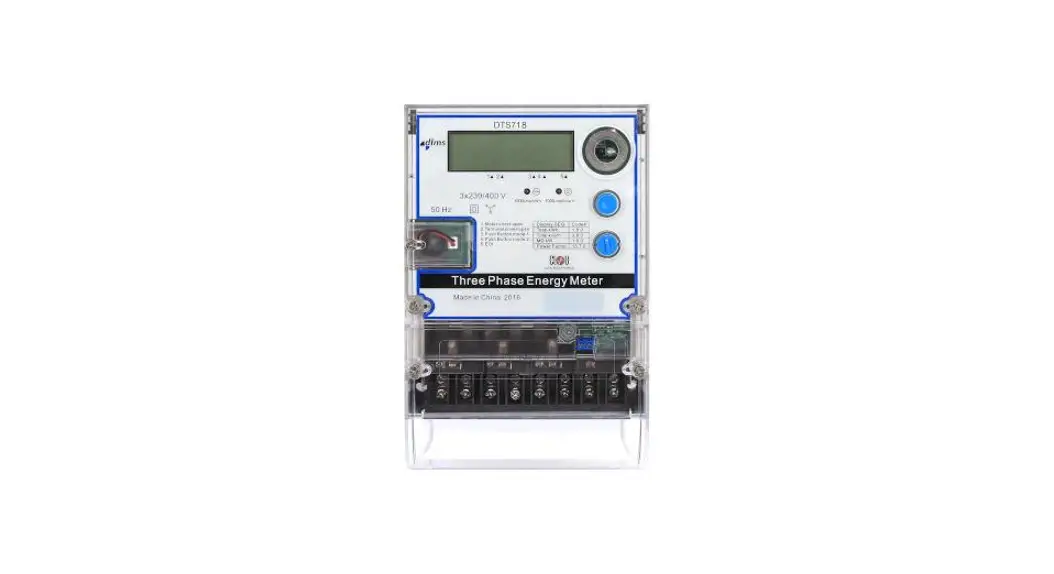
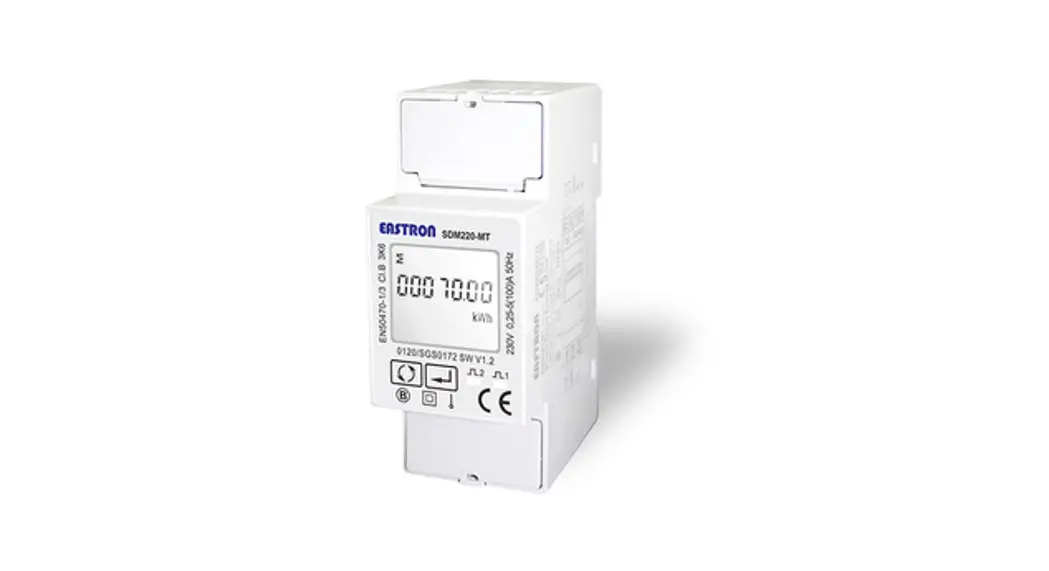
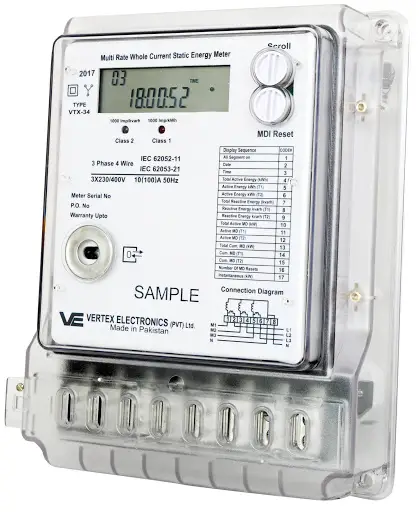
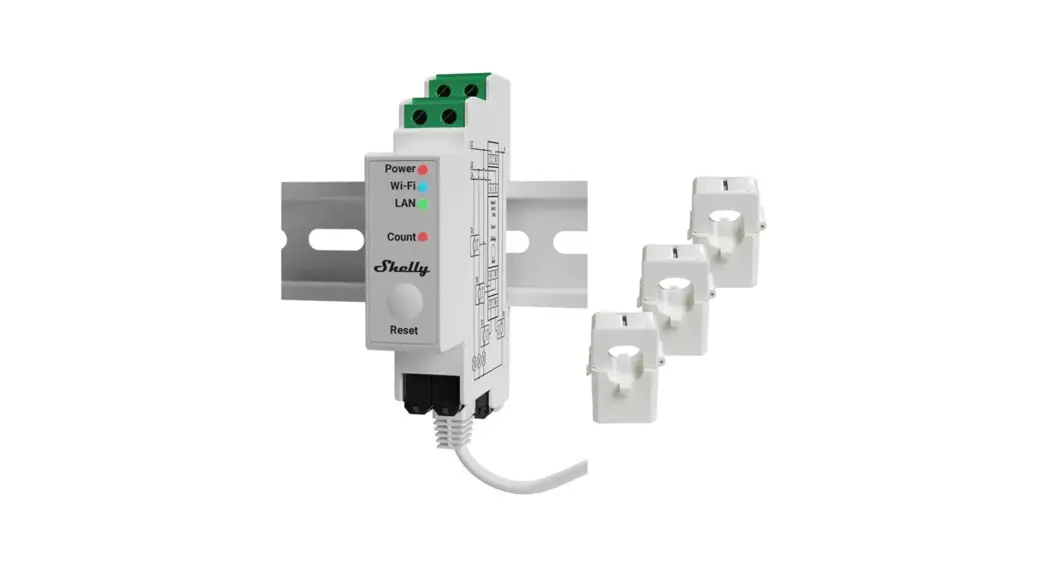
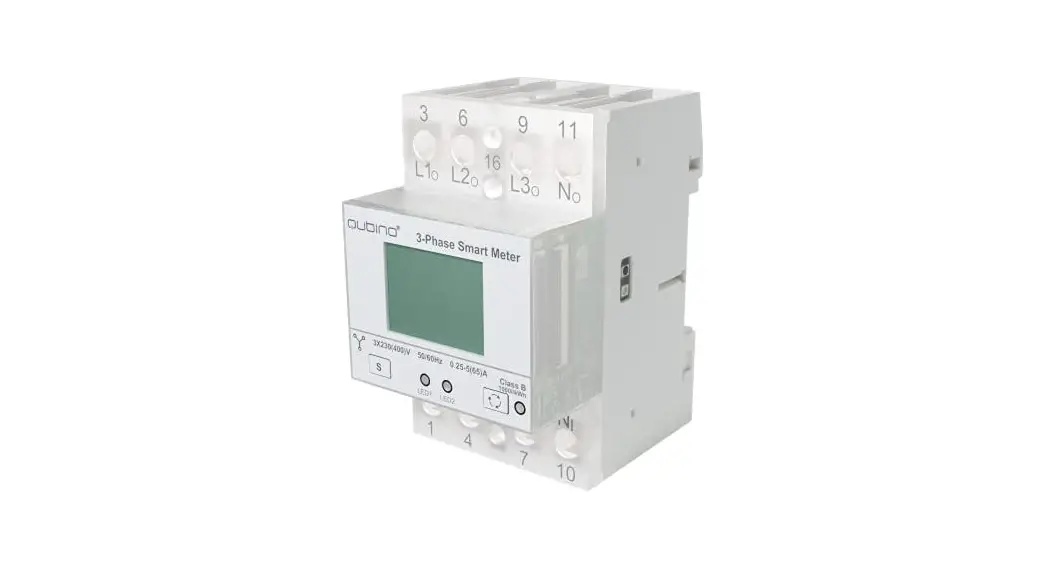
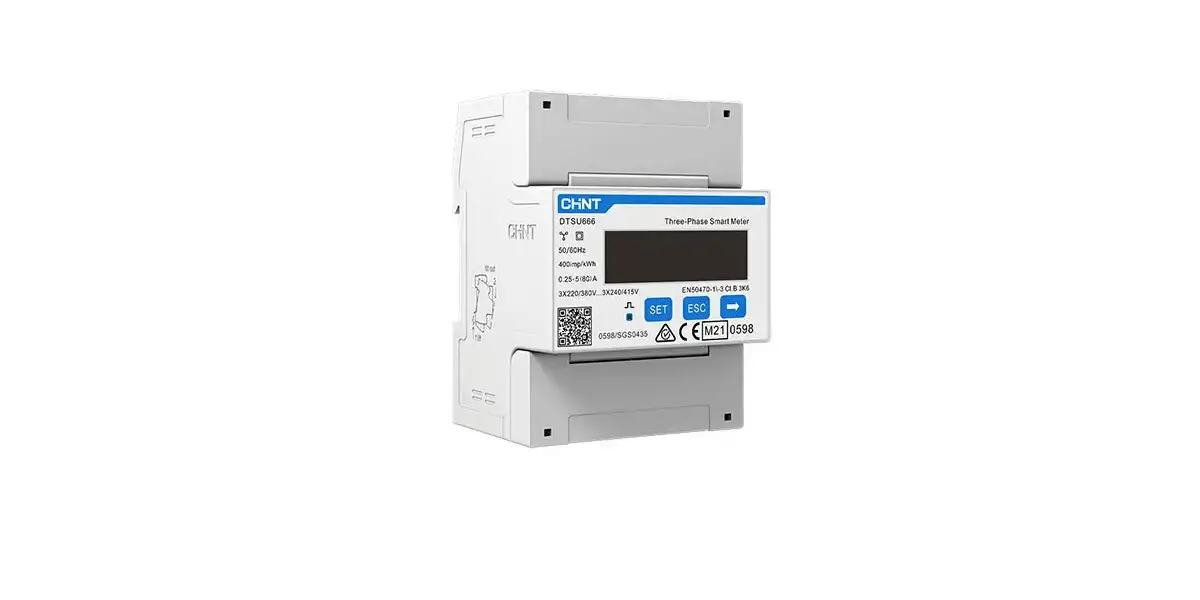
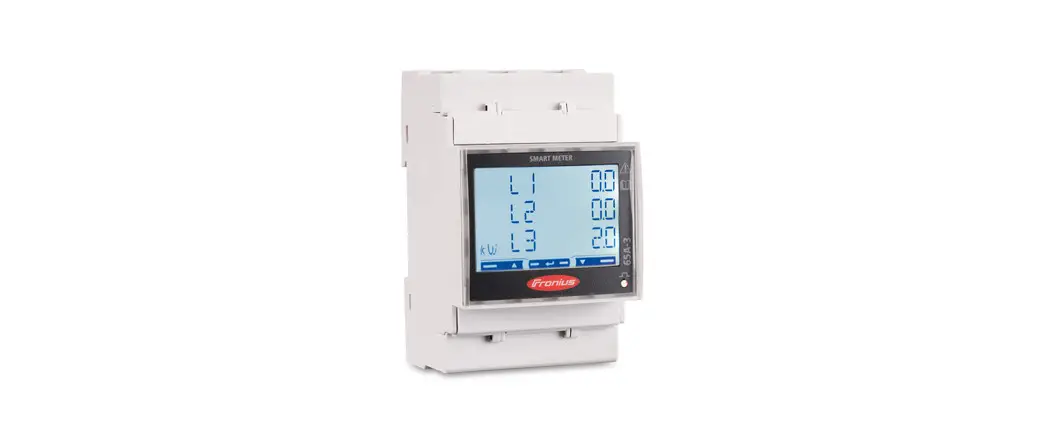
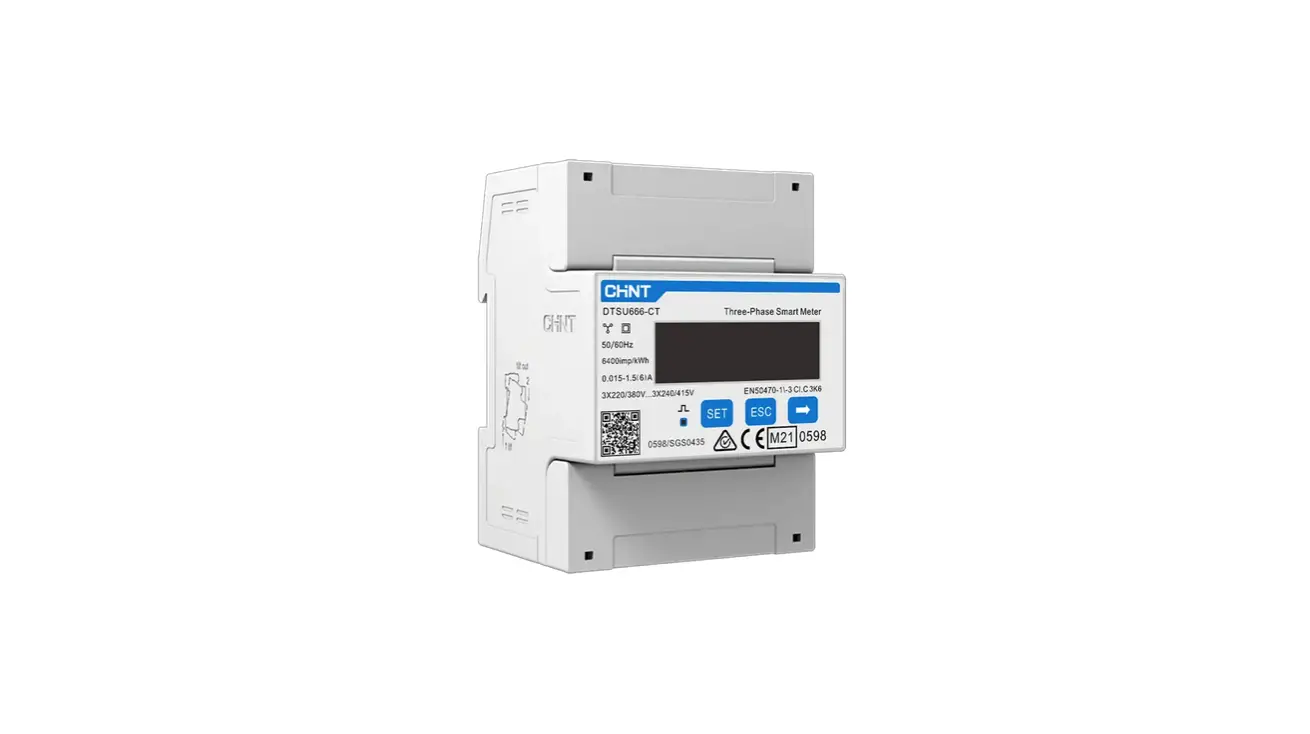
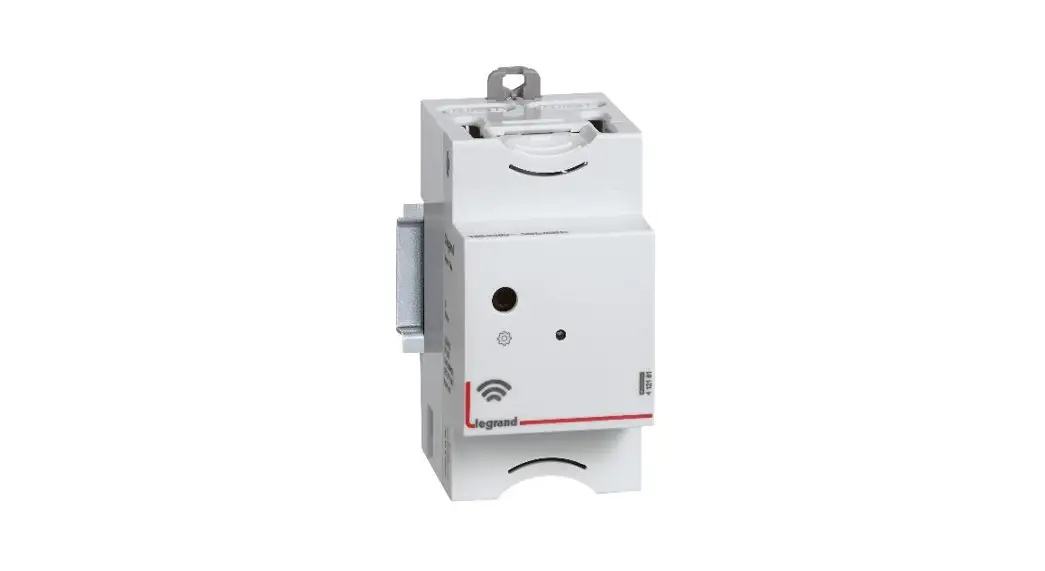
DTSU666-20 Three-Phase Smart Energy Meter
Product Information: Three-Phase Smart Energy Meter
The Three-Phase Smart Energy Meter, model DTSU666-20, is a
versatile device designed for monitoring and measuring energy
consumption in three-phase electrical systems. It is suitable for
use in various applications, including solar switch, PV strings,
hybrid inverter, load switch, and network metering. The meter
features a compact design with dimensions of 118mm (width) x 72mm
(height) x 65.5mm (depth) and is equipped with advanced
functionality to ensure accurate energy measurement.
Technical Data:
- Nominal voltage: 3X57.7/100V…3X240/415V
- Input voltage range: V…3X240/415V
- Current Transformer: CT1:*/0.333V, CT2:*/0.333V
- Grid frequency: 50/60Hz
- Operating temperature: -20°C to +55°C
- Relative humidity: Up to 95% (non-condensing)
- Dimensions (W x H x D): 118mm x 72mm x 65.5mm
Delivery Contents:
- Three-Phase Smart Energy Meter (DTSU666-20)
- RS485 cable
- Quick installation guide
Product Usage Instructions: Three-Phase Smart Energy Meter
Installation:
- Mount the Smart Energy Meter to a 35 mm DIN rail.
- Hook the meter into the top edge of the rail.
- Press down firmly until the meter snaps into place.
Note: Ensure that the meter is securely installed to prevent any
potential hazards or damage.
Usage:
The Three-Phase Smart Energy Meter is designed to accurately
measure and monitor energy consumption in three-phase electrical
systems. Follow the steps below to use the meter:
- Ensure that the meter is properly installed and connected to
the electrical system. - Check the LCD display on the meter for active energy, reactive
energy, and other relevant information. - Use the keys on the meter to navigate through menus and make
selections. - Press the SET key to confirm selections or settings.
- Press the ESC key to return to a previous menu or cancel
settings. - Use the increase key to adjust setting values as required.
- Refer to the user manual for detailed instructions on specific
functions and features of the meter.
Caution: Only qualified personnel with training in the
installation and commissioning of electrical systems should perform
the work described in this document. Familiarize yourself with the
country/regional standards and specifications, and strictly adhere
to the instructions provided in the manual and related
documents.
If you encounter any issues or require further assistance,
please contact SUNGROW or the distributor for support.
Three-Phase Smart Energy Meter Quick Installation Guide
DTSU666-20
DTSU666-20-QIEN-Ver11-202208
Applicability
This manual is applicable to Sungrow Three-phase Smart Energy Meter. DTSU666-20
Keep the manual in a convenient place for future reference. The latest manual can be acquired at support.sungrowpower.com.
Target Group
Only qualified personnel with the following skills are allowed to perform the work described in this document: Training in the installation and commissioning of the electrical systems. Capable of coping with the dangerous and emergency situations during the installation and commissioning. Familiar with the country/regional standards and specifications. Knowledge of and compliance with this manual and other related documents.
Intended Use
The Smart Energy Meter is designed for indoor use only. It is a measuring device detecting the electrical values at the grid-connected point. It cannot be used for billing purposes. The data collected by the Smart Energy Meter on the PV power generation may differ from the data of the main Smart Energy Meter. Any use other than those described in this document does not qualify as appropriate usage and is prohibited. Do not make any modifications to the product. Damage or destruction may be caused to the Smart Energy Meter due to inappropriate usage. The Smart Energy Meter must not be operated beyond the values specified in the technical data. The following figure shows an application example of the Smart Energy Meter in the PV system. The inverter figure is for your reference only.
Solar switch
PV strings
Hybrid Inverter
Load switch
CT1 Main switch Main fuse/breaker
A
Network meter Meter
Utility grid
PV strings PV strings
CT2 PV Inverter
Load
Solar switch
Inverter
Load switch
CT
Main switch Main fuse/breaker
A
Network meter
Utility grid
Meter
Load
DANGER Lethal voltages and danger to life due to electric shock!
Only use the Smart Energy Meter in a dry environment and keep it away from liquids. Install the Smart Energy Meter in the switch cabinet only and ensure that the connection areas for the line and the neutral conductors are behind an insulating cover or have contact protection. Install an external disconnect switch between the Smart Energy Meter and the grid-connection point. The external disconnector must be close to the Smart Energy Meter and easily accessible. Disconnect the Smart Energy Meter from voltage sources before cleaning. The Smart Energy Meter must be cleaned with a dry cloth only.
WARNING Fire hazard !
If a fuse is missing or incorrect, a fire may be caused when a fault occurs. This can result in death or serious injury.
Technical Data
Parameters Nominal voltage Input voltage range Current Transformer Grid frequency Operating temperature Relative humidity Dimensions (W x H x D)
Delivery Contents
Related components in the scope of delivery: Smart Energy Meter RS485 cable * Quick installation guide
DTSU666-20
230/400Vac 320Vac … 460Vac ***/0.333V 50Hz/60Hz -25 ¥ … +70 ¥ < 75%cnon-condensing
118 x 72 x 65.5 mm
DTSU666 1
FN
1
2 COMM Smart Meter
A C C
C 3X57.7/100 T1:*/0.333V T2:*/0.333V
V…3X240/415
V 50/60Hz 1.2W
SET ESC UL 61010-1:2012,
A
M
D
1:2
01
9
801681
A B
A B
DTSU666-20
RS485 cable
Quick guide
* The RS485 cable is included in the accessories of the meter or the inverter.
NOTICE Contact SUNGROW or the distributor in case of any damaged or missing components.
Three-phase Smart Energy Meter dimensions 72 mm
65.5 mm 53 mm 37 mm
DTSU666 1
1
2 COMM
FN
Smart Meter
AC 3X57.7/100V…3X240/415V 50/60Hz 1.2W
CT1:*/0.333V
CT2:*/0.333V
SET ESC
801681 UL 61010-1:2012, AMD1:2019
118 mm 98 mm 45 mm 35 mm
100 A CT dimensions
35.5 mm 29.8 mm 15.5 mm
Left elevation 19 mm
250 A CT dimensions
51 mm 43.5 mm
24 mm
Left elevation 21.1 mm
47 mm
GRID
26.5 mm
LOAD
32 mm
24.9 mm
22 mm
Current Transformer CTF24-5K-250 In: 250A
ZTY6.176.484.2
77.2 mm
GRID
LOAD
32.7 mm 42 mm
* The current transformer (CT) is shipped separately or with the inverter.
Three-phase Smart Energy Meter and its terminals
F G
B
DTSU666 1
1
2 COMM
FN
Smart Meter
AC 3X57.7/100V…3X240/415V 50/60Hz 1.2W
CT1:*/0.333V
CT2:*/0.333V
SET ESC
801681 UL 61010-1:2012, AMD1:2019
E D
C
A
Designation
A
2, 5, 8, 10
B
LCD display
C
Key
D
A, B
E
1, 3, 4, 6, 7, 9
F
31, 33, 34, 36, 37, 39
G
91
Description Output terminals to the load side
Displays active energy and reactive energy, etc
SET: confirm the selection or settings ESC: return to a previous menu or cancel the settings : increase the setting value Communication terminals
CT1 Current Input CT2 Current Input Power supply of Rogowski coil (5V)
Installation
Mount the Smart Energy Meter to a 35 mm DIN rail. Hook it into the top edge of the rail and press down until it snaps into place.
Cable Connection
The line conductor L1 supplies power to the Smart Energy Meter. The line conductor L1 and neutral conductor must be connected to the terminal 2 and terminal 10 of the Smart Energy Meter respectively. If there is only L1(to terminal 2), or L2 (to terminal 5), or L3 (to terminal 8), and the neutral conductor (to terminal 10), then the three-phase Smart Energy Meter can be used as a single-phase Smart Energy Meter. Step 1 Turn off solar switch, load switch, main switch and other power switches, and secure them against
reconnection. Step 2 Take out the RS485 cable from inverter’s packaging or Smart Energy Meter’s packaging .
A B
A B
Step 3 Connect the plugs A and B to terminals A and B on the Smart Energy Meter.
DTSU666 1
1
2 COMM
FN
Smart Meter
AC 3X57.7/100V…3X240/415V 50/60Hz 1.2W
CT1:*/0.333V
CT2:*/0.333V
SET ESC
801681
UL 61010-1:2012, AMD1:2019
$ #
Step 4 Strip the insulation from the power wires by 10 mm. Then connect wires to the terminals on the Smart Energy Meter, as shown below. ( Cross-section: 1mm to 6mm)
Retrofit (Three-phase hybrid inverter + Three-phase PV inverter + Three-phase grid)
)TKF
Hybrid Inverter
Load
DTSU666 1
1
2 COMM
FN
Smart Meter
AC 3X57.7/100V…3X240/415V 50/60Hz 1.2W
CT1:*/0.333V
CT2:*/0.333V
SET ESC
801681 UL 61010-1:2012, AMD1:2019
fuse
PV Inverter
Retrofit (Three-phase hybrid inverter + Single-phase PV inverter + Three-phase grid)
)TKF
Hybrid Inverter
Load
PV Inverter
DTSU666 1
1
2 COMM
FN
Smart Meter
AC 3X57.7/100V…3X240/415V 50/60Hz 1.2W
CT1:*/0.333V
CT2:*/0.333V
SET ESC
801681 UL 61010-1:2012, AMD1:2019
fuse
Retrofit (Single-phase hybrid inverter + Single-phase PV inverter + Single-phase grid)
Note: Connect CT1 to terminal 1 and terminal 3 of the smart energy meter, and CT2 to terminal 31 and terminal 33.
)TKF
Hybrid Inverter
Load
DTSU666 1
1
2 COMM
FN
Smart Meter
AC 3X57.7/100V…3X240/415V 50/60Hz 1.2W
CT1:*/0.333V
CT2:*/0.333V
SET ESC
801681 UL 61010-1:2012, AMD1:2019
fuse
PV Inverter
For details about the installation direction and cable connection of the current transformer, please refer to the information on the side of the current transformer.
NOTICE The CT direction must be consistent with the arrow direction as shown in the preceding figure. The maximum torque of 2, 5, 8 and 10 terminal screws is 1.7N.m, and the recommended torque is (1.0 ± 0.1) N.m; The maximum torque of 13, 14, 16, 17, 19, 21, 24 and 25 terminal screws is 0.4N.m, and the recommended torque is (0.20 ± 0.05) N.m.
Step 5 For inverter cable connection, refer to the user manual of the corresponding inverter. Step 6 Cover the Smart Energy Meter with the insulating cover or contact protection of the sub-distribution. Switch on the power supply to the sub-distribution.
Displayed function
From the displayed interface, the electrical parameter and energy data are all primary side data (that is, the multiplied by current and voltage ratios). The energy measuring value will be displayed seven bits, with the displaying range from 0.00kWh to 9999999MWh.
No.
Display interface
Instruction No. Display interface Instruction
Protocol:
First channel
1
Modbus-RTU 16 address=001
Combined phase power factor
Baudrate=9600
PFc=-0.500
None parity,
Second channel
2
1 stop bits
17
Phase A voltage
=220.0V
First channel
Second channel
3
Phase A voltage 18
Phase A voltage
=220.0V
=220.1V
First channel
Second channel
4
Phase A voltage 19
Phase A voltage
=220.1V
=220.2V
First channel
Second channel
5
Phase A voltage 20
Phase A voltage
=220.2V
=5.000A
First channel
Second channel
6
Phase A voltage 21
Phase A voltage
=5.000A
=5.001A
First channel
Second channel
7
Phase A voltage 22
Phase A voltage
=5.001A
=5.002A
8
First channel Phase A voltage 23
=5.002A
Second channel Combined phase active power =3.291kW
First channel
Second channel
9
Combined phase 24 active power
Combined phase active power
=3.291kW
=1.090kW
First channel
Second channel
10
Combined phase active power
25
Combined phase active power
=1.090kW
=1.101kW
First channel
Second channel
11
Combined phase 26 active power
Combined phase active power
=1.101kW
=1.100kW
First channel
Second channel
12
Combined phase active power
27
Combined phase power factor
=1.100kW
PFt=0.500
First channel
Second channel
13
Combined phase power factor
28
Combined phase power factor
PFt=0.500
PFa=1.000
First channel
Second channel
14
Combined phase power factor 29
Combined phase power factor
PFa=1.000
PFb=0.500
First channel
Second channel
15
Combined phase 30 power factor
Combined phase power factor
PFb=0.500
PFc=-0.500
The communication address of Modbus protocol is 1 decimal data (1 ~ 254), and the factory default baud rate is 9600bps, N.8.1; E1 means even check one stop bit, O1 means odd check one stop bit, N2 means two stop bits without check, N1 means one stop bits without check.
When RS485 communicating, the telephone sign will flashes.
Programming function
The meter parameters have been set before delivery. It can be installed directly after acception and there is no need to set parameters again.
Programming Parameter
Parameter Value range
Description
1 ~ 88
1CT01:100A/333mV 3CT03:400A/333mV 5RS01:1000A/333mV 7RS03:3000A/333mV
2CT02:250A/333mV 4CT04:500A/333mV 6RS02:2000A/333mV 8RS04:4000A/333mV
0.1 ~ 1.0
Voltage ratio, used for setting the voltage ratio of the input loop. When the voltage is connected to the line via the transformer, Pt= the rated voltage of the primary loop / the rated voltage of the secondary circuit. When the voltage is directly connected to the line, Pt shall be set as 1.0.
1: 645 2: n.2 3: n.1 4: E.1 5: O.1
Settings for communication stop bit and Parity: bits 1: 645mode 2: None parity, 2 stop bits, n.2 3: None parity, 1 stop bit, n.1 4: Even parity, 1 stop bit, E.1 5: Odd parity, 1 stop bit, O.1
0: 1.200 1: 2.400 2: 4.800 3: 9.600 1 ~ 254 0: n.34 1: n.33
0: P0 1: P1
0 ~ 30
0 ~ 30
Communication baud rate: 0: 1.200 bps 1: 2.400 bps 2: 4.800 bps 3: 9.600 bps
Communication address
Option for wiring mode: 0: n.34 represents three phase four wire 1: n.33 represents three phase three wire
Pulse output: P0First channel actsive energy pulse P1: Second channel actsive energy pulse Display in turns(second) 0: Timely display 1 ~ 30: Time interval of actual display Backlight lighting time control(minute) 0: Normally light 1 ~ 30: Backlight lighting time without button operation
Programming Parameter
Button description: “SET” represents “confirm” or “cursor shift” (when input digits), “ESC” represents “exit”, and “” represents “add”. The password is 701 by default.
When input digits, ” SET ” can be used as cursor ” – “motion button, ” “is “add” button, ” ESC “is Exit the programming operation interface or switch to the character interface from digit modification interface, add from the beginning after setting the digit to the maximum value.
Troubleshooting
Fault phenomenon
No display after the instrument being powered on
Reason analysis
Elimination method
1. Incorrect wiring mode. 2. Abnormal voltage supplied for the
instrument.
1. If the wiring mode is incorrect, please connect based on the correct wiring mode.
2. If the supplied voltage is abnormal, please supply the voltage on the instrument specification.
Abnormal RS485 communication
Power metering inaccuracy
1. The RS485 communication cable is disconnected, short circuit or reversely connected.
2. The address, baud rate, data bit and parity bit of the instrument is not in accordance with the inverter.
1. If any problems for the communication cable, please change the cable.
2. Set the address, baud rate, data bit and parity bit of the instrument to be the same as the inverter through buttons and so as the “parameter setting”.
1. Wrong wiring, please check whether the corresponding phase sequence of voltage and current is correct.
2. Check whether the high and low ends of the current transformer inlet are reversely connected. Pa, Pb , and Pc are abnormal if the values are negative.
1. For wrong wiring, please connect based on the correct wiring mode.
2. If a negative value is displayed, change the cable connection mode of the current transformer to ensure that the high and low ends are connected properly.
 support.sungrowpower.com