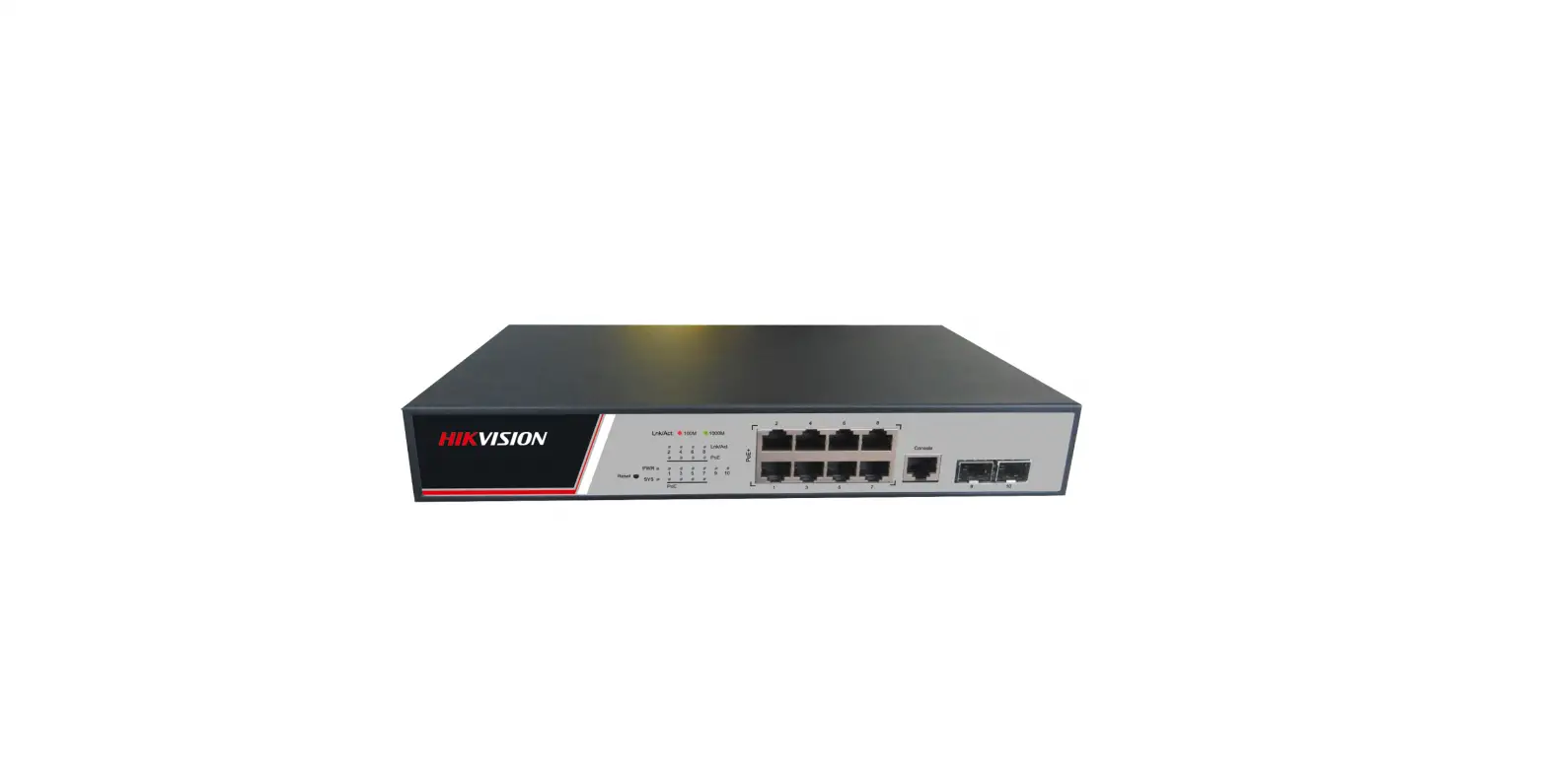
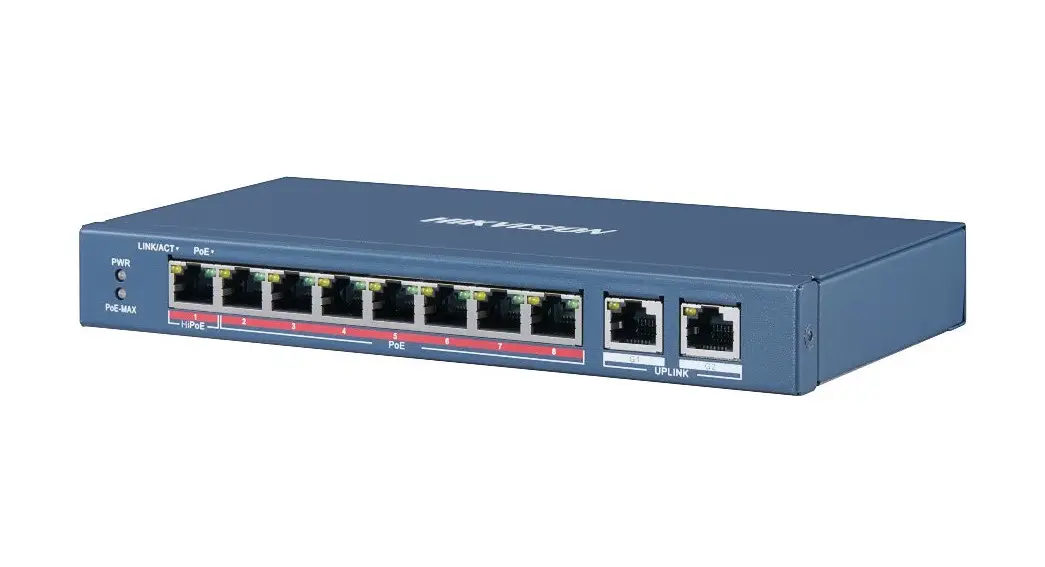
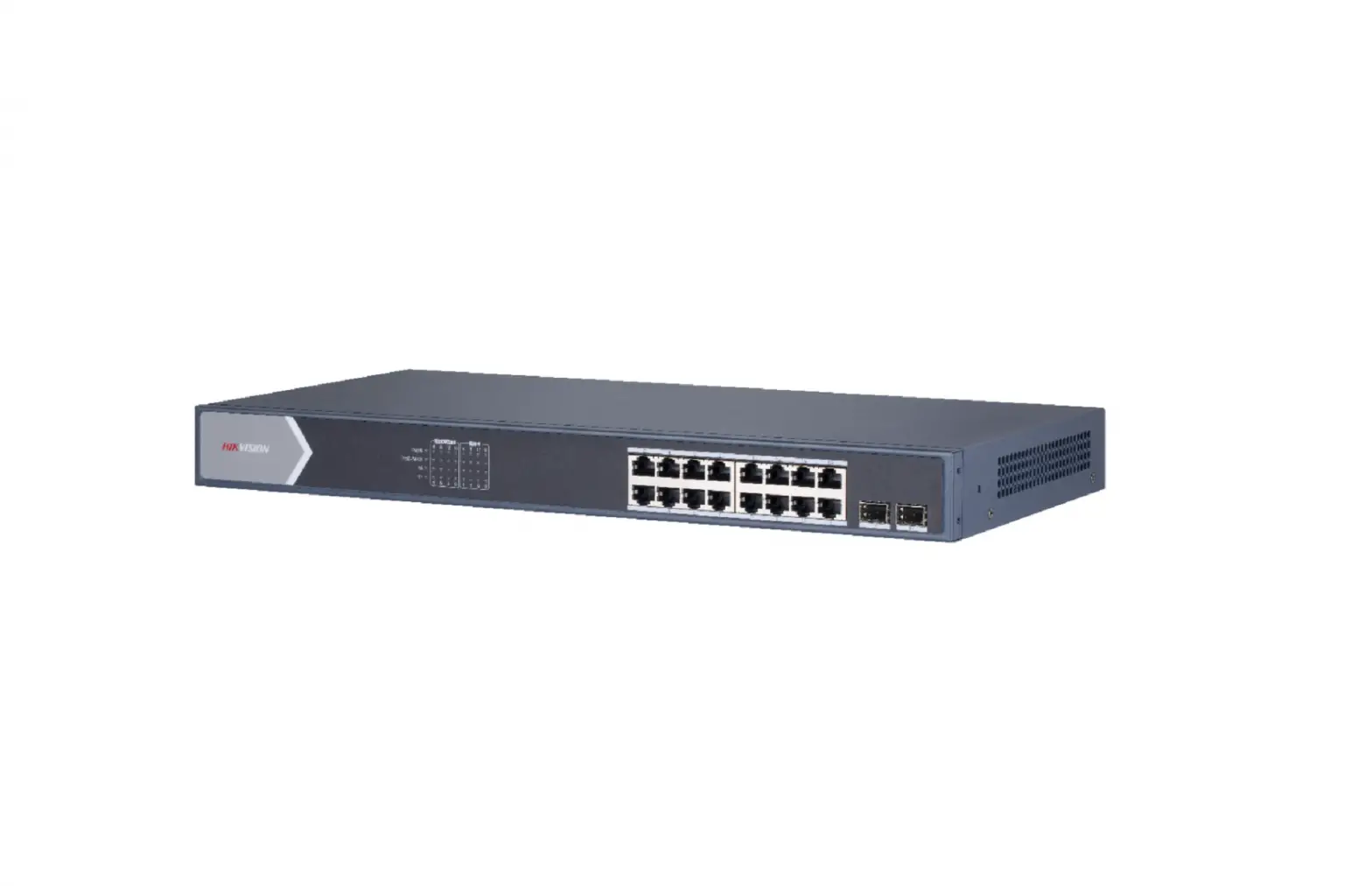
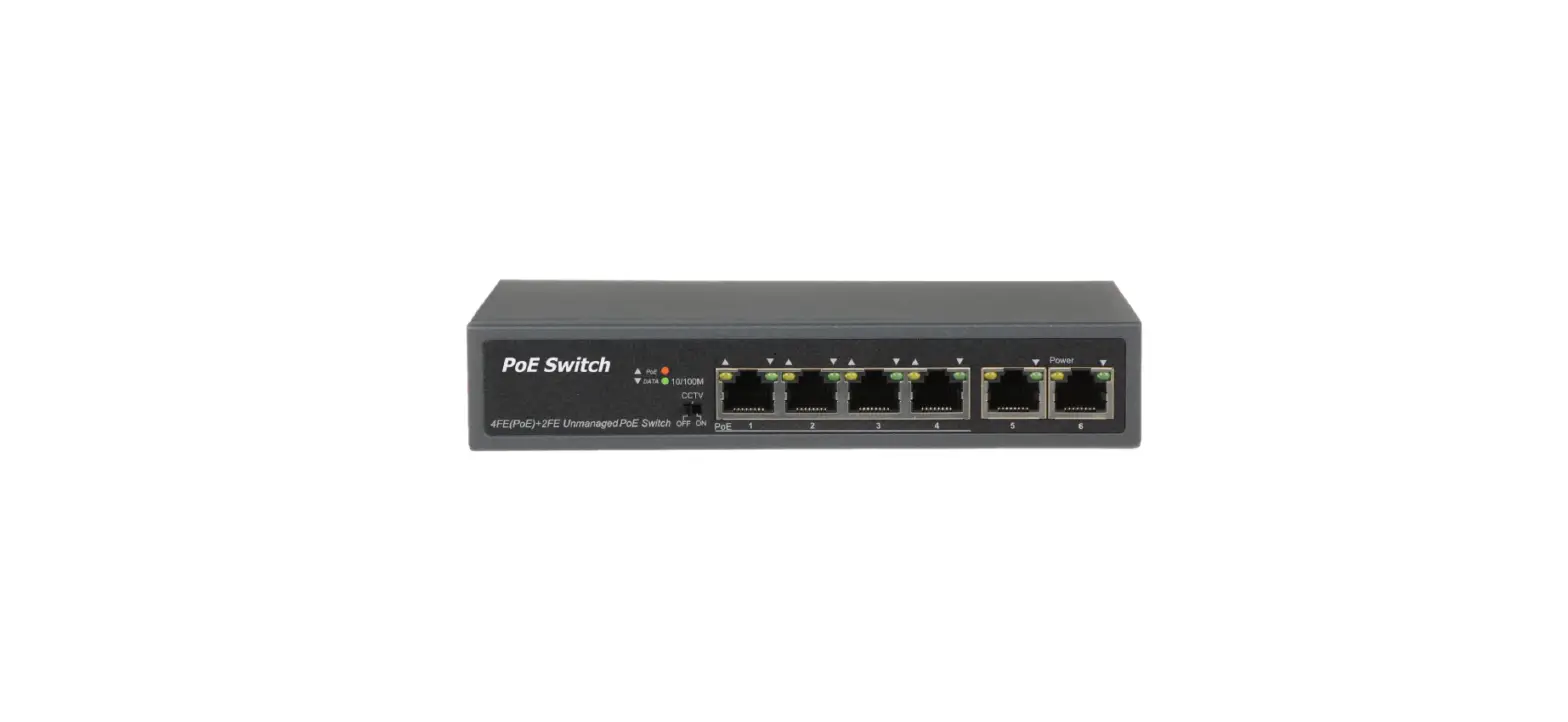
DS-3E0106HP 4-Port 100 Mbps Long-Range PoE Switch
Product Information
The DS-3E0106HP series is a 100 Mbps Long-Range PoE switch. It
is designed to provide power and network connectivity to PoE
devices such as IP cameras and PTZ cameras. The switch comes with
various indicator lights and interfaces to facilitate easy
installation and usage.
Applicable Models
This manual is applicable to DS-3E0106HP series 100 Mbps
Long-Range PoE switch.
Symbol Conventions
The symbols used in this document are defined as follows:
- Symbol: Provides additional information to emphasize or
supplement important points of the main text. - Indicates a potentially hazardous situation: If not
avoided, could result in equipment damage, data loss, performance
degradation, or unexpected results. - Indicates a hazard with a high level of risk: If not
avoided, will result in death or serious injury.
Packing List
- Switch x 1
- Power Adapter x 1
- Power Cord x 1
- Quick Start Guide x 1
If any accessories are damaged or lost, keep the package intact
and contact your dealer for replacement.
Interfaces
Front Panel
- PoE-MAX Indicator
- LINK/ACT Indicator
- PoE Indicator
- PWR Indicator
- PoE Ports
- RJ45 Ports
- Hi-PoE Port
- 1/2 Ports
- PoE Ports
- RJ45 Ports
The Hi-PoE port is used for connecting Hi-PoE PTZ cameras, with
a maximum power of 60 W. The 1/2 ports are high priority ports for
guaranteed and stable transmission. The PoE ports are used for
connecting other PoE devices, and the RJ45 ports are used for
device connection via network cables.
Rear Panel
- DIP Switch
- Grounding Terminal
- Power Supply
The DIP switch can be set to either Extend mode or Standard
mode. In Extend mode, ports 1-4 support network transmission of up
to 300 m at a speed rate of 10 Mbps. In Standard mode, the network
transmission of PoE ports is up to 100 m at a speed rate of 100
Mbps. The grounding terminal is used to connect to the ground cable
for lightning protection. Use the attached power cord to connect
the switch to a socket for power supply.
Device Connection
Connect your devices according to your actual networking
requirements. The switch supports various connections such as data,
router, NVR, power+data (PoE), internet, Hi-PoE PTZ, IP camera, and
dual uplink ports for CCTV scenarios.
Power-On Checking
Check the indicator status to ensure proper connection of your
devices. The PWR indicator should be solid, indicating that the
switch is powered on normally. The Link/Act indicator should be
solid or flashing, indicating data transmission. The PoE indicator
should be solid, indicating normal power supply to PD (powered
devices). The PoE-MAX indicator should be solid, indicating that
the output power of the switch is about to reach or has reached the
upper limit. If more devices are connected, the power supply may be
abnormal. Refer to the manual for more detailed
troubleshooting.
Product Usage Instructions
- Ensure that all the necessary accessories are included in the
packing list. - Connect the switch to a power source using the provided power
cord. - Refer to the front panel and rear panel descriptions to
identify the various interfaces and indicators. - Based on your networking requirements, connect your devices to
the appropriate ports (data, router, NVR, power+data, etc.). - If using PoE devices, connect them to the PoE ports.
- If using Hi-PoE PTZ cameras, connect them to the Hi-PoE
port. - If needed, set the DIP switch to either Extend mode or Standard
mode based on your transmission requirements. - Check the indicator lights to ensure proper power supply and
data transmission.
For further troubleshooting or detailed instructions, refer to
the user manual or contact your dealer.
Applicable Models This manual is applicable to DS-3E0106HP series 100 Mbps Long-Range PoE switch. Symbol Conventions The symbols that may be found in this document are defined as follows.
Symbol
Description Provides additional information to emphasize or supplement important points of the main text.
Indicates a potentially hazardous situation, which if not avoided, could result in equipment damage, data loss, performance degradation, or unexpected results.
Indicates a hazard with a high level of risk, which if not avoided, will result in death or serious injury.
· During the installation and utilization of the device, please strictly conform to electrical safety rules in different nations and regions.
· Use the attached power adaptor only and not to change the adaptor randomly. Please refer to specification table for specific requirements of power adaptor.
· Never attempt to disassemble the device yourself. (We shall not assume any responsibility for problems caused by unauthorized repair or maintenance.)
· The device must be installed in machine room only, and only maintenance staff or qualified person should access to the device.
· Do not touch the upper cover area of the device that may be overheated. · Power must be shut down during cable connection, device installation and
dismantlement. · You shall acknowledge that the use of the device with Internet access might be under
network security risks, please strengthen protection for your personal information and data security. If you find the device might be under network security risks, please contact with us. · Proper configuration of all passports and other security settings is the responsibility of the installer, and you shall keep user name and passports properly. · Please keep all original packing materials properly. If the product does not work properly, pack the switch in its original packing materials for shipping. We shall not assume any responsibility for damages caused by improper packing materials during shipping. · Ensure that your devices powered via the PoE port have their shells protected and fire-proofed, because the switches are not compliant with the Limited Power Source (LPS) standard. · This is a class A product and may cause radio interference in which case the user may be required to take adequate measures.
1
Packing List
Switch x 1
Power Adapter x 1 Power Cord x 1 Quick Start Guide x 1
If any accessories are damaged or lost, keep the package intact and contact your dealer for replacement.
Interfaces
Front Panel
PoE-MAX Indicator LINK/ACT PoE
LINK/ACT
PWR
Indicator Indicator Indicator
Indicator PoE Ports
RJ45 Ports
Hi-PoE
PoE
UPLINK
Hi-PoE Port Hi-PoE port is used for other Hi-PoE PTZ cameras connection, and the max. power is 60 W. 1/2 Ports High priority ports, can guarantee prior and stable transmission. PoE Ports 100 Mbps PoE ports are used for other PoE devices connection. RJ45 Ports 100 Mbps RJ45 ports are used for device connection via network cables.
2
Rear Panel
DIP Switch
OFF ON Extend PORT 1-4
Grounding Power Terminal Supply
PWR
DC 48V
DIP Switch ON: Extend mode, ports 1-4 support network transmission of up to 300 m, and the speed rate of the port is 10 Mbps. OFF: Standard mode, the network transmission of PoE ports is up to 100 m, and the speed rate of the port is 100 Mbps.
Grounding Terminal The grounding terminal is used to connect to the ground cable to
protect the switch from lightning.
Power Supply Use the attached power cord to connect the switch to socket.
3
Device Connection
Connect your devices according to your actual networking requirements.
Data
Router
NVR
Power+Data(PoE)
Internet
802.3bt Hi-PoE
Hi-PoE PTZ (port 1)
4-Port 10/100M PoE 10/100M Unmanaged PoE Pro-Series
4
IP Camera
Dual uplink ports for CCTV scenario
Up to 300 meters (Port 1-4)
6 KV Surge Protection
5
Power-On Checking
See the following table and check whether your devices are correctly connected. After proper connection, you can use your switch without doing any settings.
Please use the attached power cord in package to power up the switch. Indicator Status Description
Solid PWR
Unlit
Solid
Link/Act Flashing
Unlit
PoE
Solid
Unlit
Solid PoE-MAX
Unlit
The switch is powered on normally.
No power supply connected or power supply is abnormal.
The port is connected.
The port is transmitting data. The port is disconnected or connection is abnormal.
The switch provides power supply to PD normally. The switch is disconnected to PD, or provides power supply to PD abnormally. The output power of the switch is about to reach or already reaches the upper limit. The power supply may be abnormal if more devices are connected.
The switch provides power supply to PD normally.
The switch supports auto MDI/MDIX of ports, you can use straight-through cable or crossover cable to connect the switch and opposite Ethernet devices.
6
Quick Start Guide COPYRIGHT ©2019 Hangzhou Hikvision Digital Technology Co., Ltd. ALL RIGHTS RESERVED. Any and all information, including, among others, wordings, pictures, graphs are the properties of Hangzhou Hikvision Digital Technology Co., Ltd. or its subsidiaries (hereinafter referred to be “Hikvision”). This user manual (hereinafter referred to be “the Manual”) cannot be reproduced, changed, translated, or distributed, partially or wholly, by any means, without the prior written permission of Hikvision. Unless otherwise stipulated, Hikvision does not make any warranties, guarantees or representations, express or implied, regarding to the Manual. About this Manual The Manual includes instructions for using and managing the product. Pictures, charts, images and all other information hereinafter are for description and explanation only. The information contained in the Manual is subject to change, without notice, due to firmware updates or other reasons. Please find the latest version in the company website (http://overseas.hikvision.com/en/). Please use this user manual under the guidance of professionals. Trademarks Acknowledgement
and other Hikvision’s trademarks and logos are the properties of Hikvision in various jurisdictions. Other trademarks and logos mentioned below are the properties of their respective owners. Legal Disclaimer TO THE MAXIMUM EXTENT PERMITTED BY APPLICABLE LAW, THE PRODUCT DESCRIBED, WITH ITS HARDWARE, SOFTWARE AND FIRMWARE, IS PROVIDED “AS IS”, WITH ALL FAULTS AND ERRORS, AND HIKVISION MAKES NO WARRANTIES, EXPRESS OR IMPLIED, INCLUDING WITHOUT LIMITATION, MERCHANTABILITY, SATISFACTORY QUALITY, FITNESS FOR A PARTICULAR PURPOSE, AND NON-INFRINGEMENT OF THIRD PARTY. IN NO EVENT WILL HIKVISION, ITS DIRECTORS, OFFICERS, EMPLOYEES, OR AGENTS BE LIABLE TO YOU FOR ANY SPECIAL, CONSEQUENTIAL, INCIDENTAL, OR INDIRECT DAMAGES, INCLUDING, AMONG OTHERS, DAMAGES FOR LOSS OF BUSINESS PROFITS, BUSINESS INTERRUPTION, OR LOSS OF DATA OR DOCUMENTATION, IN CONNECTION WITH THE USE OF THIS PRODUCT, EVEN IF HIKVISION HAS BEEN ADVISED OF THE POSSIBILITY OF SUCH DAMAGES. REGARDING TO THE PRODUCT WITH INTERNET ACCESS, THE USE OF PRODUCT SHALL BE WHOLLY AT YOUR OWN RISKS. HIKVISION SHALL NOT TAKE ANY RESPONSIBILITES FOR ABNORMAL OPERATION, PRIVACY LEAKAGE OR OTHER DAMAGES RESULTING FROM CYBER ATTACK, HACKER ATTACK, VIRUS INSPECTION, OR OTHER INTERNET SECURITY RISKS; HOWEVER, HIKVISION WILL PROVIDE TIMELY TECHNICAL SUPPORT IF REQUIRED. SURVEILLANCE LAWS VARY BY JURISDICTION. PLEASE CHECK ALL RELEVANT LAWS IN YOUR JURISDICTION BEFORE USING THIS PRODUCT IN ORDER TO ENSURE THAT YOUR USE CONFORMS THE APPLICABLE LAW. HIKVISION SHALL NOT BE LIABLE IN THE EVENT THAT THIS PRODUCT IS USED WITH ILLEGITIMATE PURPOSES. IN THE EVENT OF ANY CONFLICTS BETWEEN THIS MANUAL AND THE APPLICABLE LAW, THE LATER PREVAILS.
7
Regulatory Information FCC Information Please take attention that changes or modification not expressly approved by the party responsible for compliance could void the user’s authority to operate the equipment. FCC compliance: This equipment has been tested and found to comply with the limits for a Class A digital device, pursuant to part 15 of the FCC Rules. These limits are designed to provide reasonable protection against harmful interference when the equipment is operated in a commercial environment. This equipment generates, uses, and can radiate radio frequency energy and, if not installed and used in accordance with the instruction manual, may cause harmful interference to radio communications. Operation of this equipment in a residential area is likely to cause harmful interference in which case the user will be required to correct the interference at his own expense. FCC Conditions This device complies with part 15 of the FCC Rules. Operation is subject to the following two conditions: 1. This device may not cause harmful interference. 2. This device must accept any interference received, including interference that may cause undesired operation. EU Conformity Statement
This product and – if applicable – the supplied accessories too are marked with “CE” and comply therefore with the applicable harmonized European standards listed under the EMC Directive 2014/30/EU, the LVD Directive 2014/35/EU, the RoHS Directive 2011/65/EU. 2012/19/EU (WEEE directive): Products marked with this symbol cannot be disposed of as unsorted municipal waste in the European Union. For proper recycling, return this product to your local supplier upon the purchase of equivalent new equipment, or dispose of it at designated collection points. For more information see: www.recyclethis.info 2006/66/EC (battery directive): This product contains a battery that cannot be disposed of as unsorted municipal waste in the European Union. See the product documentation for specific battery information. The battery is marked with this symbol, which may include lettering to indicate cadmium (Cd), lead (Pb), or mercury (Hg). For proper recycling, return the battery to your supplier or to a designated collection point. For more information see: www.recyclethis.info Industry Canada ICES-003 Compliance This device meets the CAN ICES-3 (A)/NMB-3(A) standards requirements.
8
DS-3E0106HP 4-Port 100 Mbps Long-Range PoE Switch
Quick Start Guide
UD13637B-A
 HOME
HOME