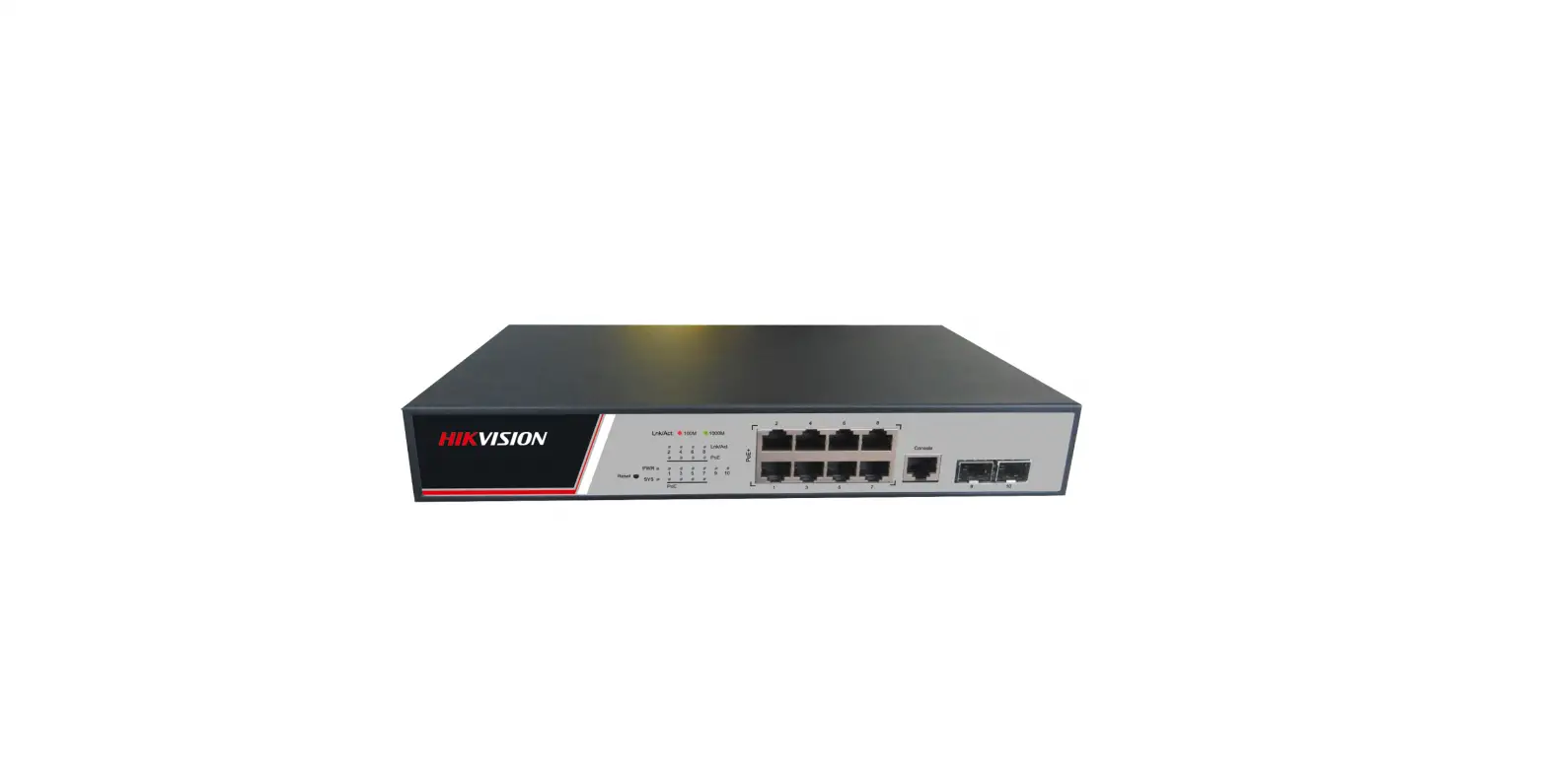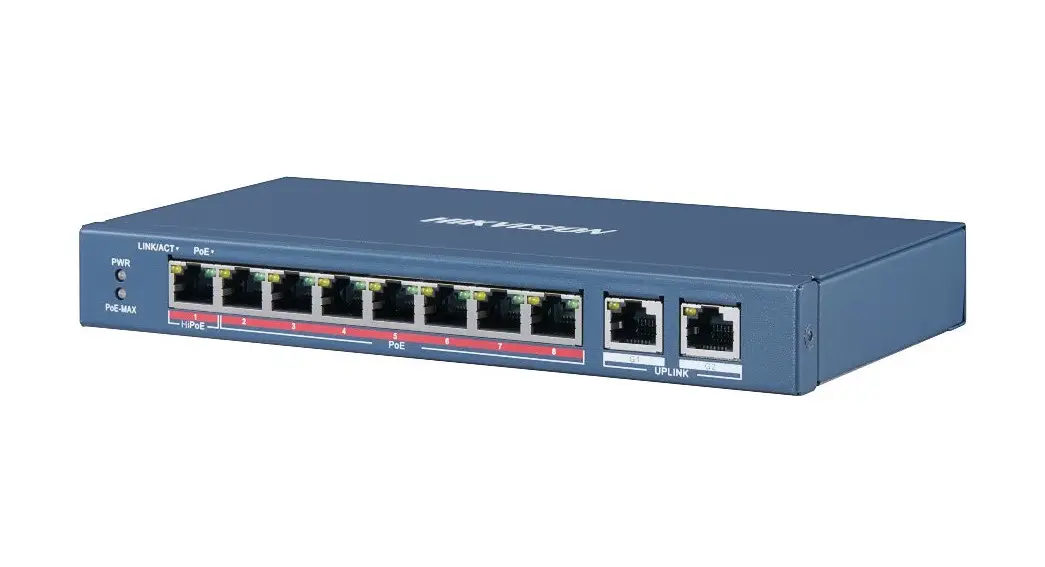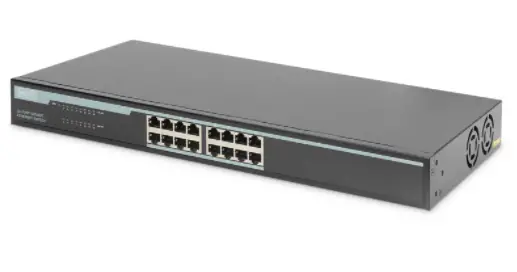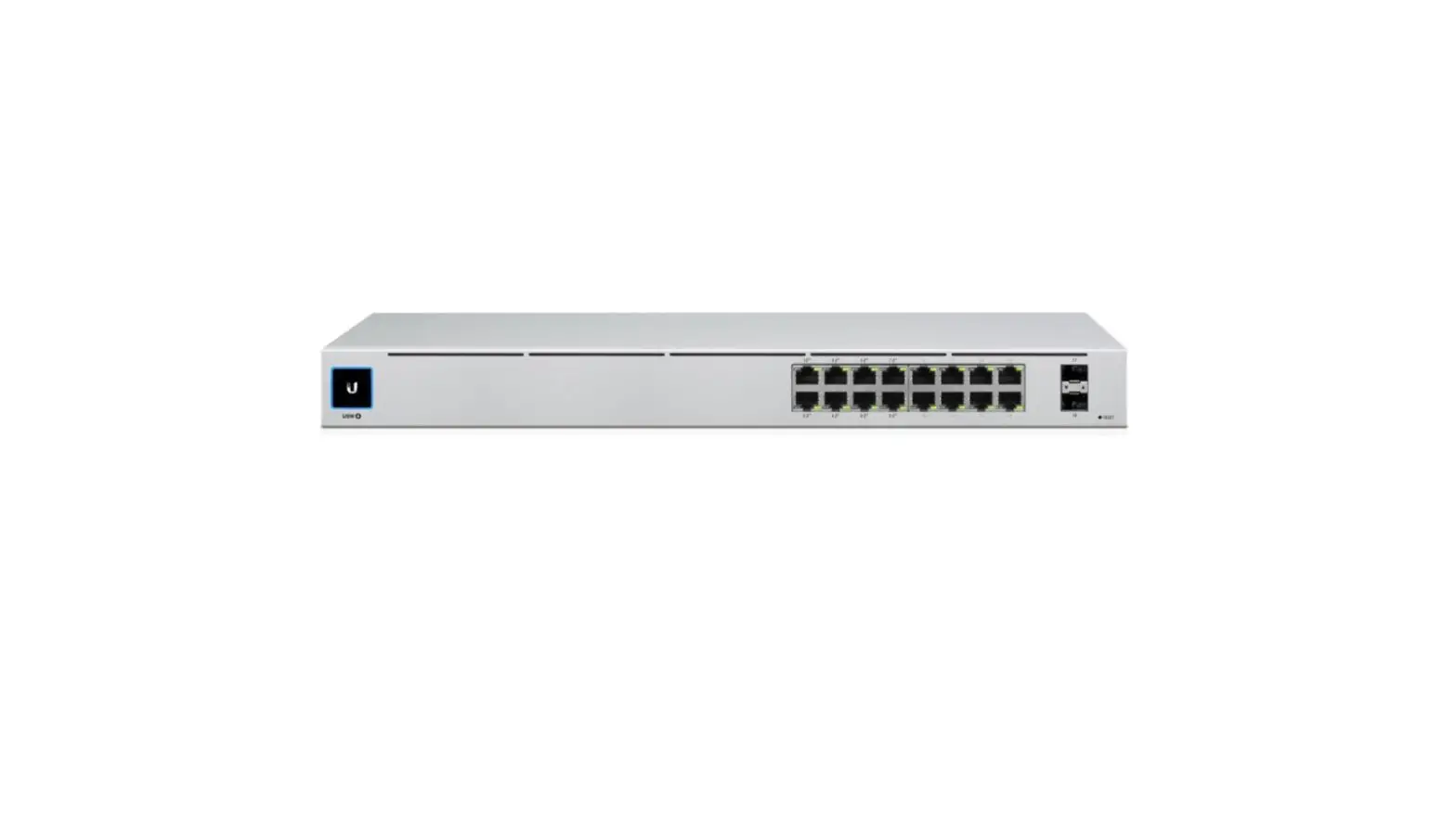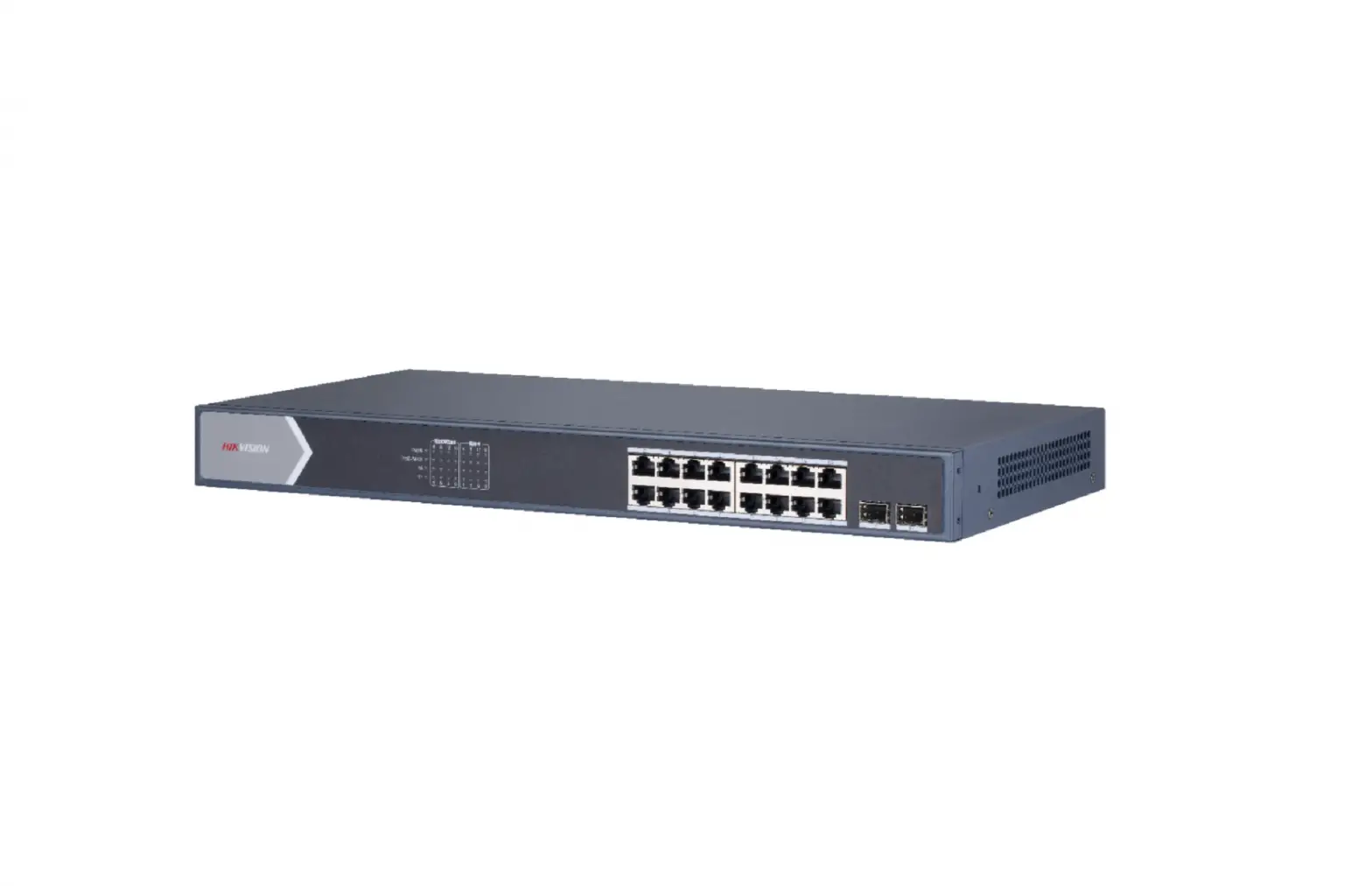
HIKVISION DS-3E1518P-SI Smart Managed 16-Port Gigabit PoE Switch User Guide
Smart managed switches are developed by Hikvision, featuring in easy management and maintenance. You can easily deploy, monitor and expand your security system anytime and anywhere with our software platforms. You can view the network topology, monitor the health of the network and receive device alarms in real time, which greatly reduces the cost of network operation and maintenance.
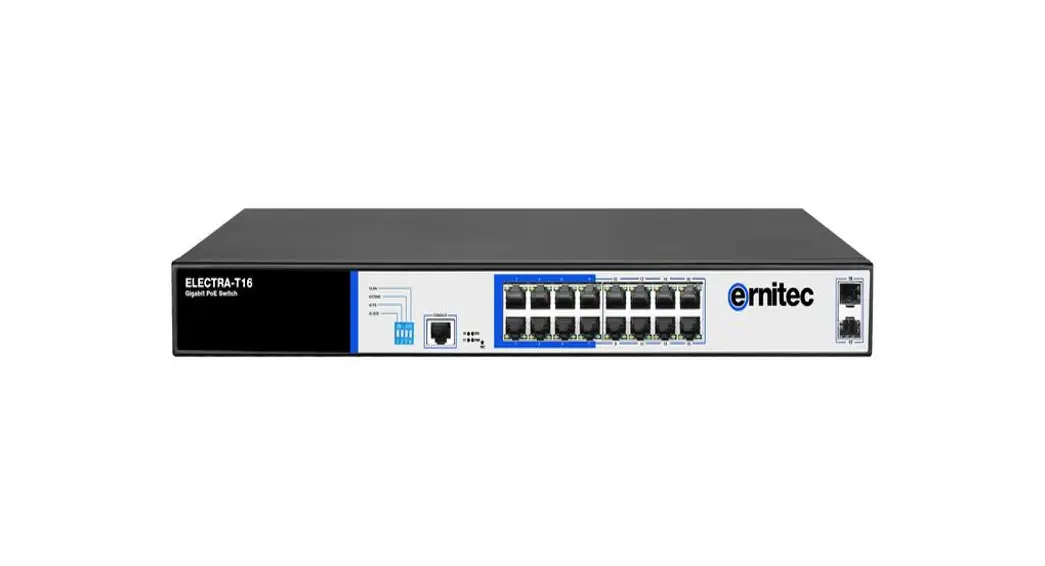
- 16 × gigabit PoE ports, and 2 × gigabit fiber optical ports.
- EEE 802.3at/af standard for PoE ports.
- Network topology management, alarm push, network health monitor.
- 6 KV surge protection for PoE ports.
- AF/AT camera can reach up to 300 m in extend mode.
- PoE watchdog to auto detect and restart the cameras that do not respond.
- Various layer 2 management protocols such as STP/RSTP, VLAN, link aggregation, SNMP, QoS and so on.
Specification
Approval EMC
Model | DS-3E1518P-SI | |
| PoE Power Supply | PoE Standard | IEEE 802.3af, IEEE 802.3at |
| PoE Power Pin | End-span: 1/2(-), 3/6(+) Mid-span: 4/5(+), 7/8(-) 8-pin power: 1/2(-), 3/6(+), 4/5(+), 7/8(-) | |
| PoE Port | PoE: Ports 1 to 16 | |
| Max. Port Power | Port 1 to 16: 30 W | |
| PoE Power Budget | 225 W | |
| Network Parameters | Port Number | 16 × gigabit PoE port, and 2 × gigabit fiber optical port |
| Port Type | RJ45 port, full duplex, MDI/MDI-X adaptive | |
| Standard | IEEE 802.3, IEEE 802.3u, IEEE 802.3x, IEEE 802.3ab, and IEEE 802.3z | |
| Forwarding Mode | Store-and-forward switching | |
| Working Mode | Standard mode (default) Extend mode | |
| MAC Address Table | 8 K | |
| Switching Capacity | 36 Gbps | |
| Packet Forwarding Rate | 26.784 Mpps | |
| Internal Cache | 4.1 Mbits | |
| Software Function | Device Maintenance | Remote upgrade, default parameters recovery, logs viewing, basic network parameters configuration, import and export configuration, time sync |
| Port Configuration | Port rate configuration, flow control, and ports enabling | |
| Long Range | Up to 300 m transmission | |
| PoE Configuration | PoE watchdog: Ports 1 to 16 auto detect and restart the cameras that do not respond. PoE enabling: Support | |
| Port Rate-Limiting | Rate-limiting for ingress and egress ports | |
| Storm Control | Storm control of unknown unicast, multicast and broadcast | |
| Port Mirroring | Support | |
| Link Aggregation | Static link aggregation supported | |
| Port Isolation | Ports in isolation group cannot communicate with each other. | |
| QoS | WRR and SP scheduling and port priority | |
| VLAN | 4094 VLANs | |
| STP | STP and RSTP protocols | |
| SNMP | SNMPv1 and SNMPv2c supported for obtaining node information of the system and interfaces | |
| LLDP | LLDP protocol supported for port configuration, global configuration and neighbor discovery | |
| General | Shell | Metal material |
| Net Weight | 2.735 kg (6.03 lb) | |
| Gross Weight | 3.31 kg (7.30 lb) | |
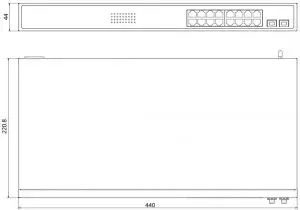
| Dimension (W × H × D) | 440 mm × 220.8 mm × 44 mm (17.32” × 8.69” × 1.73”) | |
| Operating Temperature | -10°C to 55°C (14°F to 131°F) | |
| Storage Temperature | -40°C to 85°C (-40°F to 185°F) | |
| Operating Humidity | 5% to 95% (no condensation) | |
| Relative Humidity | 5% to 95% (no condensation) | |
| Power Supply | 100 to 240 VAC, 50/60 Hz, Max. 4 A. 250 W | |
| Max. Power Consumption | 250 W | |
| Power Consumption in Idle | 25 W | |
| FCC (47 CFR Part 15, Subpart B); CE-EMC (EN 55032: 2015, EN IEC 61000-3-2: 2019, EN 61000-3-3: 2013+A1: 2019, EN 50130-4: 2011 +A1: 2014, EN 55035: 2017); IC (ICES-003: Issue 6); RCM (AS/NZS CISPR 32: 2015) | ||
| Safety | UL (UL 60950-1); CB (IEC 60950-1:2005, AMD1:2009, AMD2:2013, IEC 62368-1: 2014 (Second Edition); CE-LVD (EN 60950-1: 2006 + A11: 2009 +A1: 2010+A12: 2011+A2: 2013, EN 62368-1: 2014+A11: 2017) | |
| Chemistry | CE-RoHS (2011/65/EU); WEEE (2012/19/EU); Reach (Regulation (EC) No.1907/2006) | |
Available Model
- DS-3E1518P-SI
Physical Interface
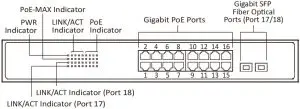
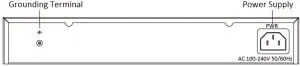
Dimension (unit: mm)
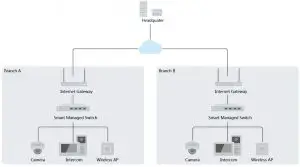
Typical Application
Headquarters
No.SSS Oianmo Road, Binjiang District,
Hangzhou 310051, China
T 46-571-8807-5998
[email protected]
Hikvision USA
T +1-909-895-0400
sales.usa©hikvision.com
Hikvision Australia
T +61-2-8599-11233
salesau©hikvision.com
Hlkvlsion India
T +91-22-281469900
sales©pramahikvision.com
Hikvision Canada
T +1-866-200-6690
[email protected]
Hikvision Thailand
T +662-275-9949
sales.thailand©hikvision.com
Hikvision Europe
T +31-23-5542770
[email protected]
Hikvision Italy
T +39-0438-6902
[email protected]
Envision Brazil
T +55 11 3318-0050
[email protected]
Hikvision Turkey
T +90 (2161521 7070- 7074
[email protected]
Hikvision Malaysia
T +601-7652-2413
[email protected]
Hlkvlslon UK S Ireland
T +01628-9021110
[email protected]
Hlkvlslon South Africa
Tel: +27(10)0351172
[email protected]
HIkvIslon France
T +331011-85-330-450
infolr©hikvision.com
HIkvIslon Kazakhstan
T +7-727-9730667
nikia.panfilov©hikvision.ru
Hlkvlslon Vietnam
T +84-9714270888
[email protected]
Hikvision UAE
T +971-4-4432090
[email protected]
Hikvision Singapore
T +65-6684-4718
[email protected]
Hikvision Spain
T +34-91-737-16-55
[email protected]
Hikvision Tashkent
T +99-87-1238-9438
[email protected]
Hikvision Hong Kong
T +852-2151-1761
[email protected]
Hikvision Russia
T +7-495-669-67-99
[email protected]
Hikvision Korea
T +82-10131-731-8817
sales.korea©hilosision.com
Hikvision Poland
T +48-22-460-01-50
[email protected]
Hikvision Indonesia
T +62-21-2933759
[email protected]
Hikvision Colombia
[email protected]

 Hikvision DS-3E1518P-SI Smart Managed 16 Port Gigabit PoE Switch