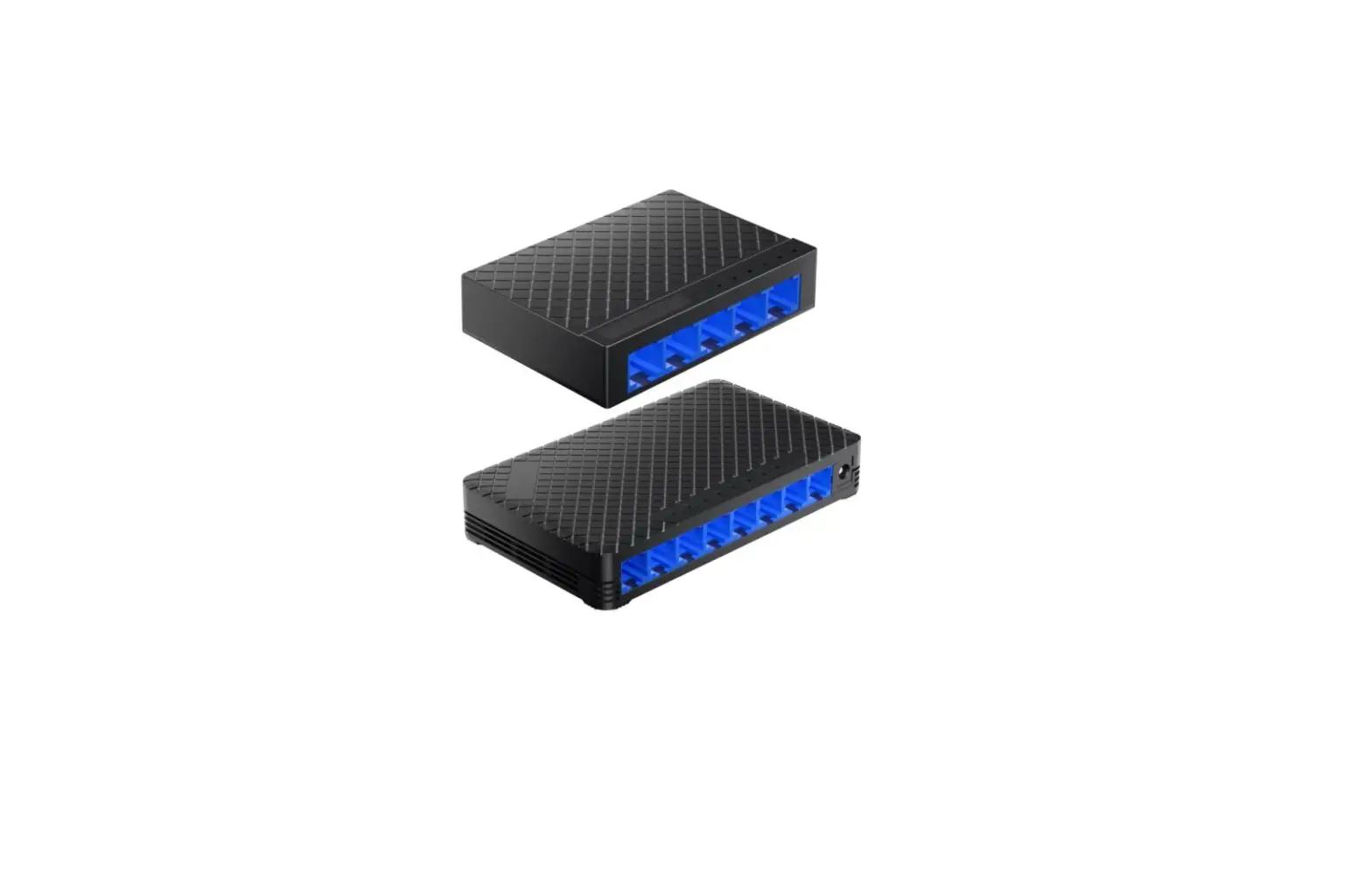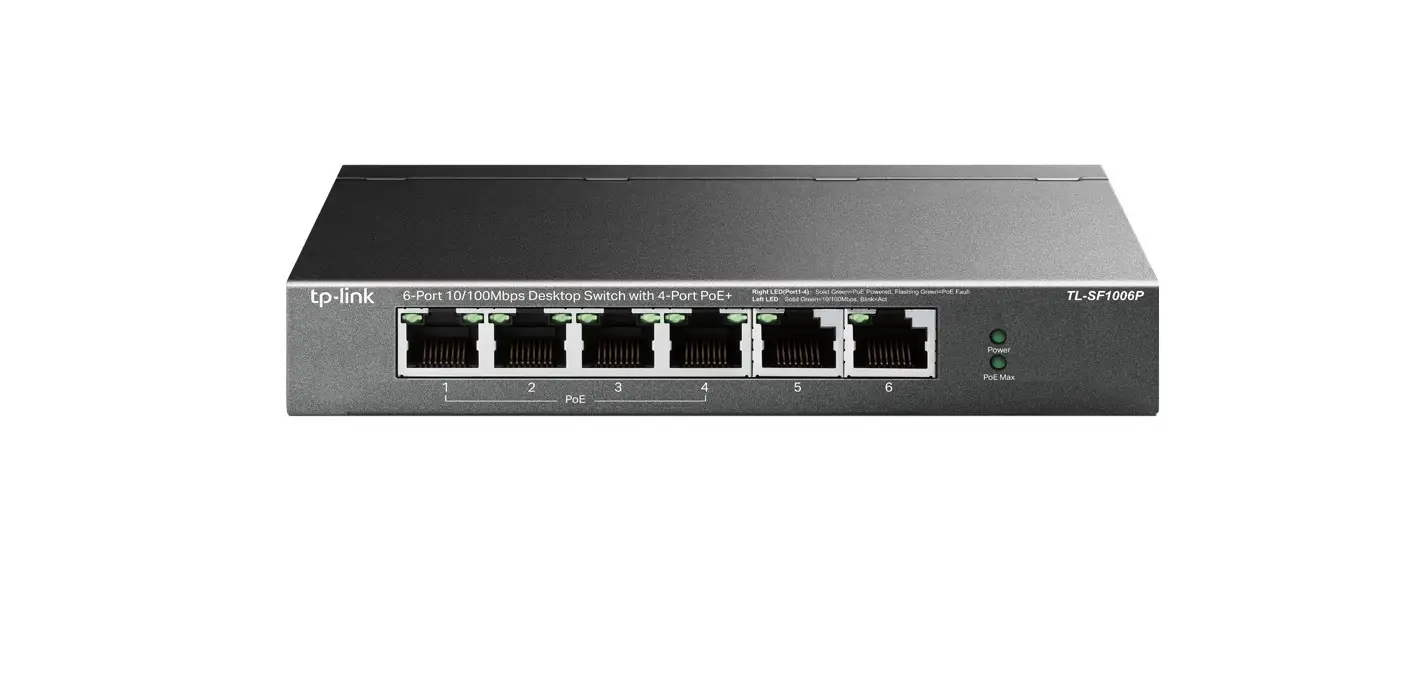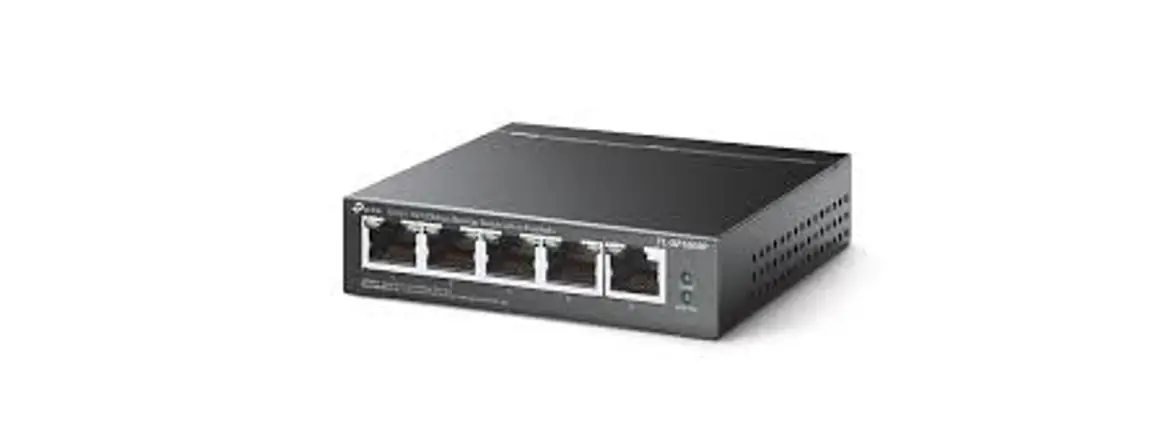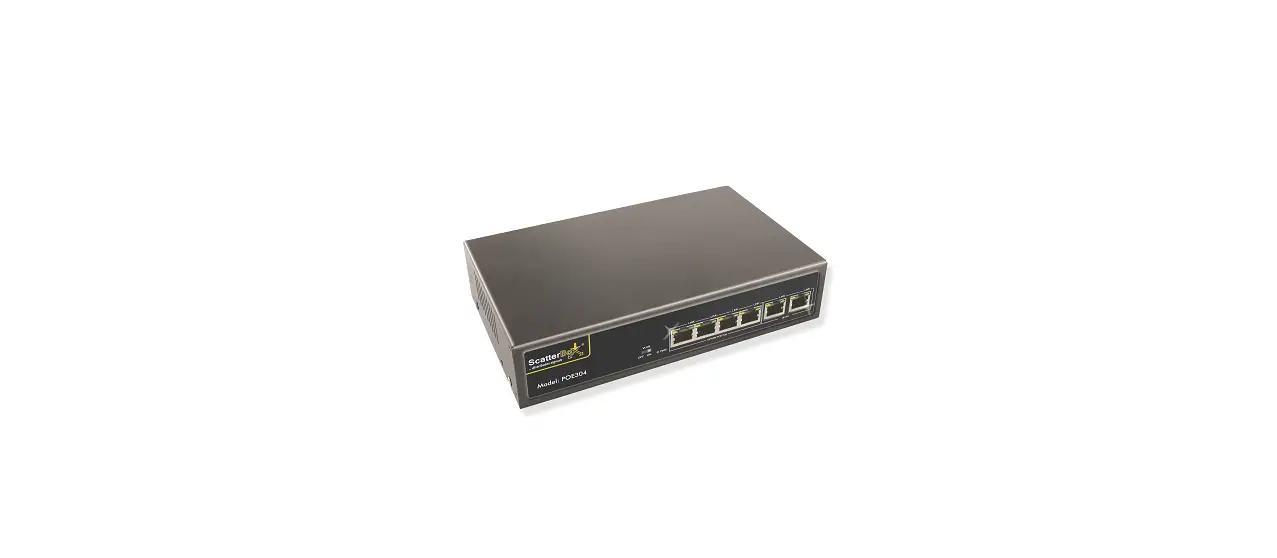

TELRAN 4*10-100Mbps+2FE PoE Switch
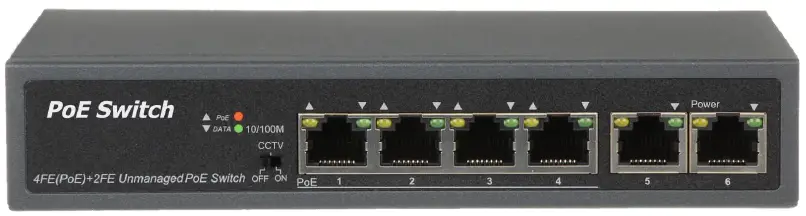
Package Contents Check the following contents of your package:
- PoE Switch x 1
- User Guide x 1
- Power Cord x 1
- Accessories(Feet*4)
If any part is lost and damaged, please contact your local agent immediately.
Introduction
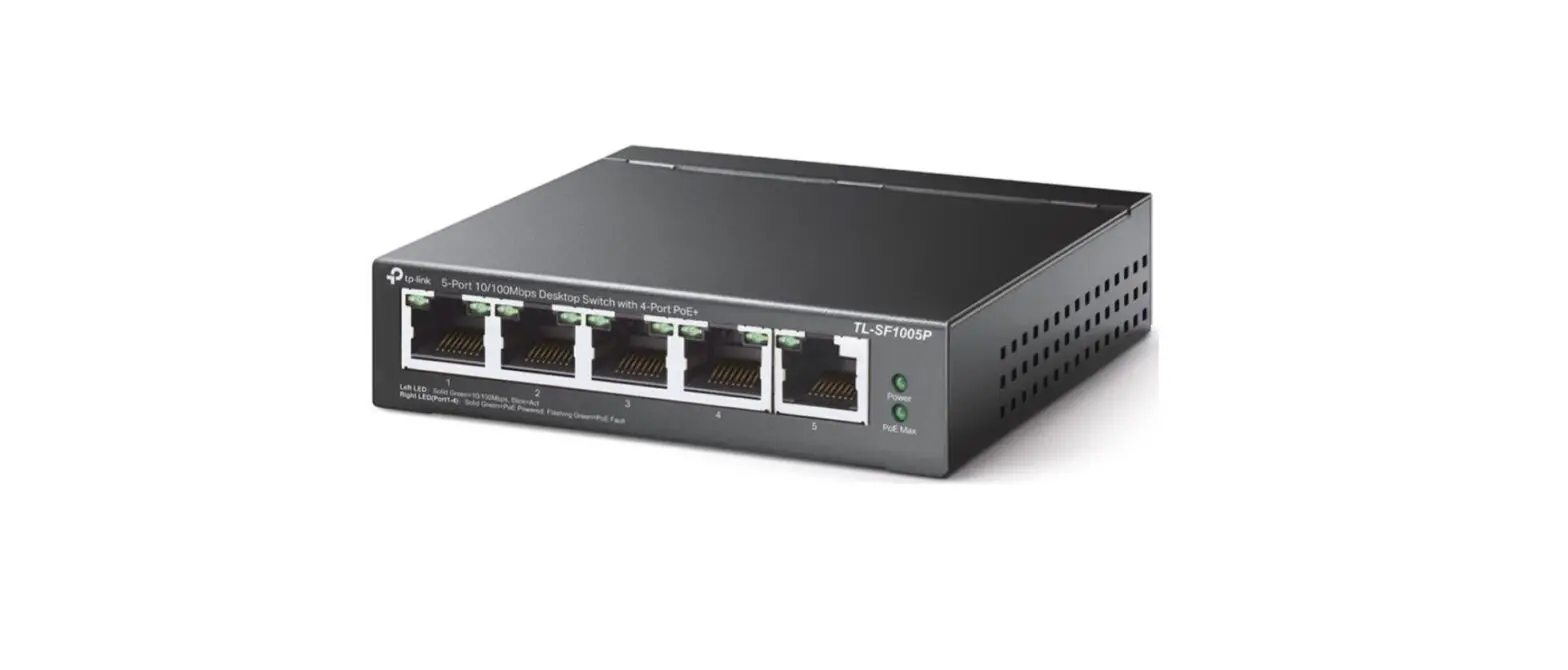
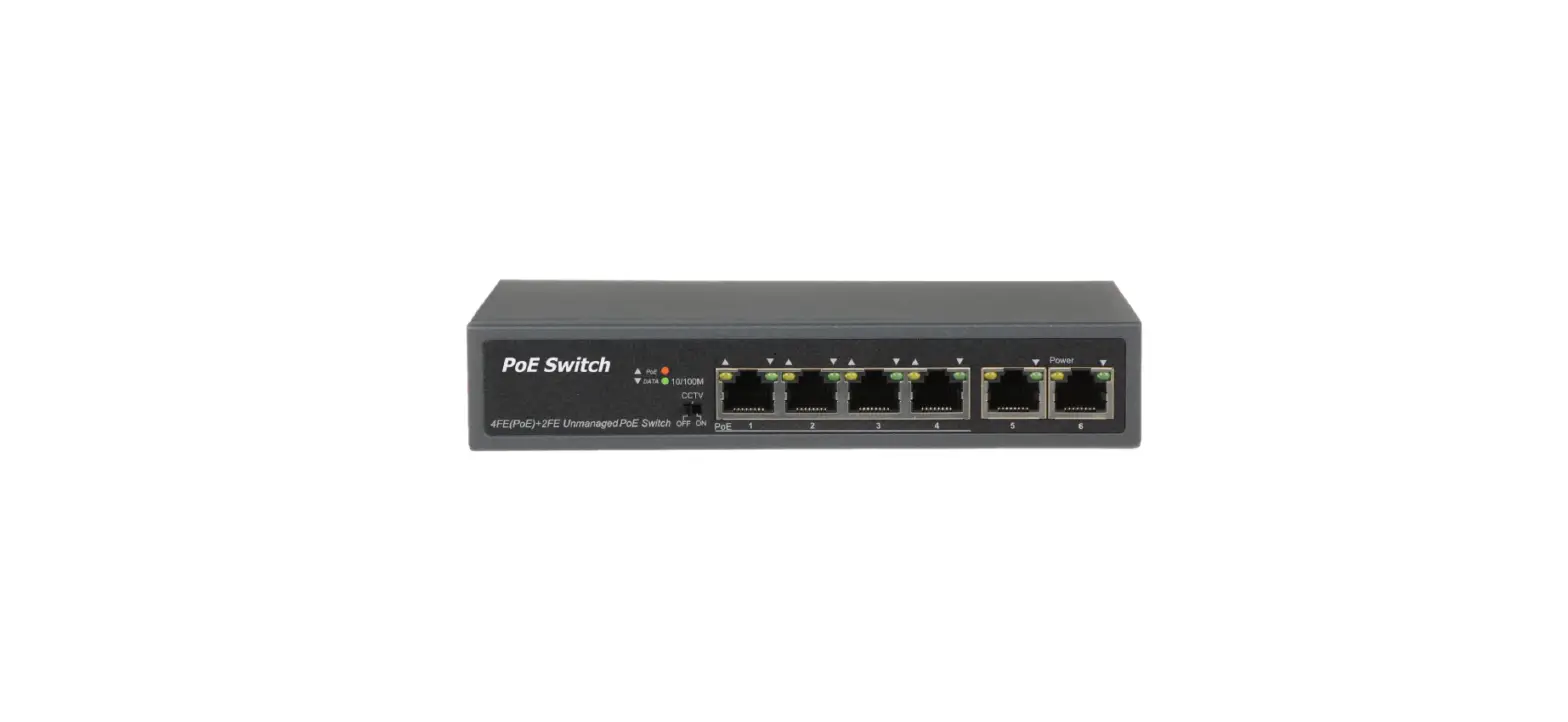
4+2 100Mbps Provides a seamless network connection. The PoE ports (Port1~4) can automatically detect and supply power with those IEEE 802.3af/at compliant Powered Devices (PD). The electrical power is transmitted along with data in one single cable allowing you to expand your network where there are no power lines or outlets, where you wish to fix devices such as AP, IP Cameras or IP Phones, etc. It is easy to install and doesn’t need to configure. With outstanding performance and quality, the 6-port 10/100Mbps desktop PoE switch is an ideal choice for expanding your home or office network.
Hardware Description
Front Panel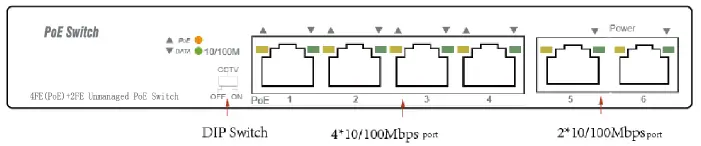
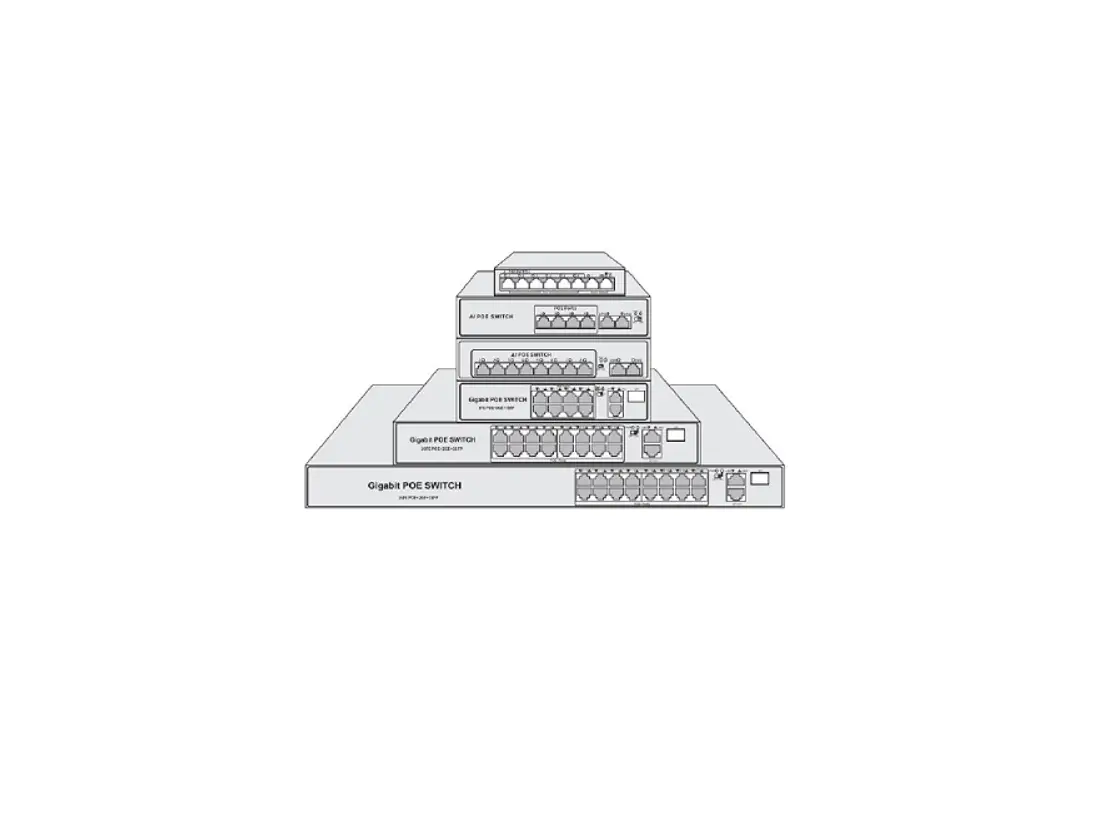
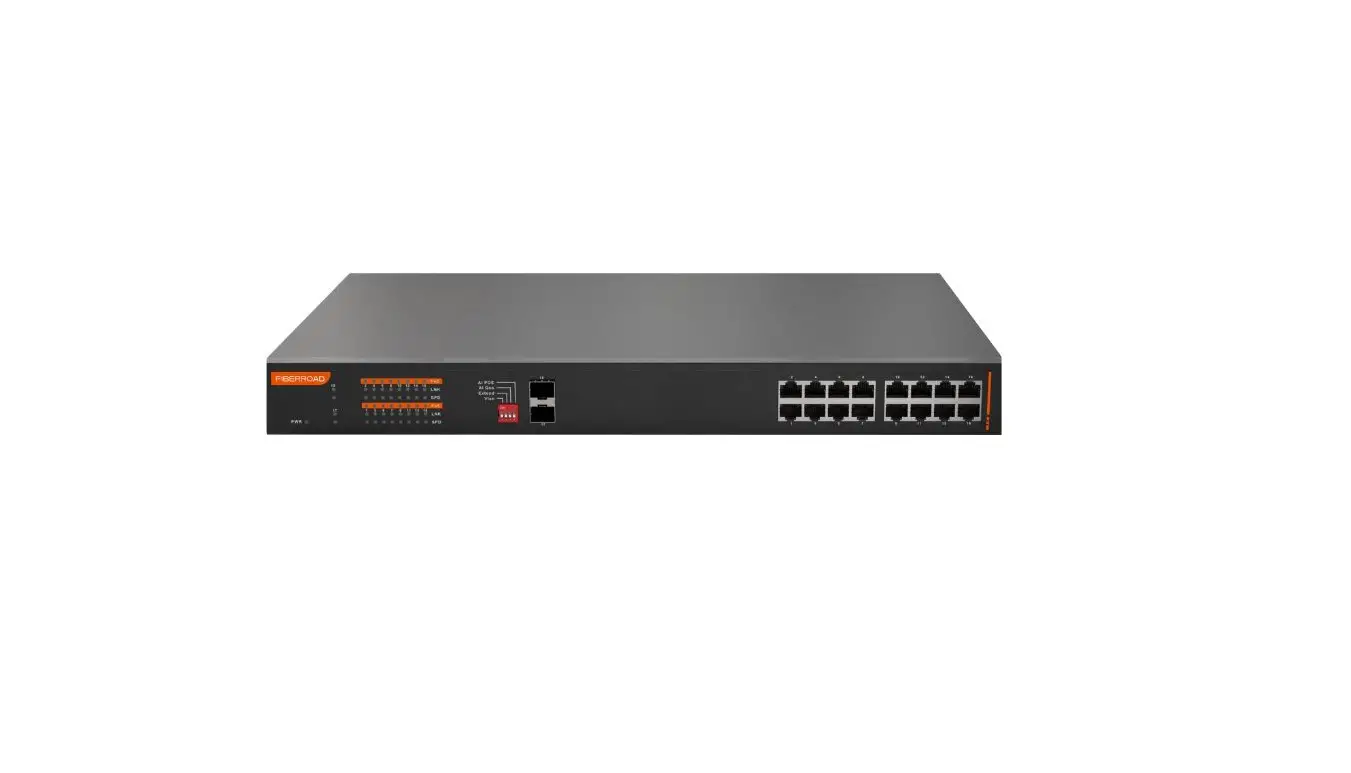
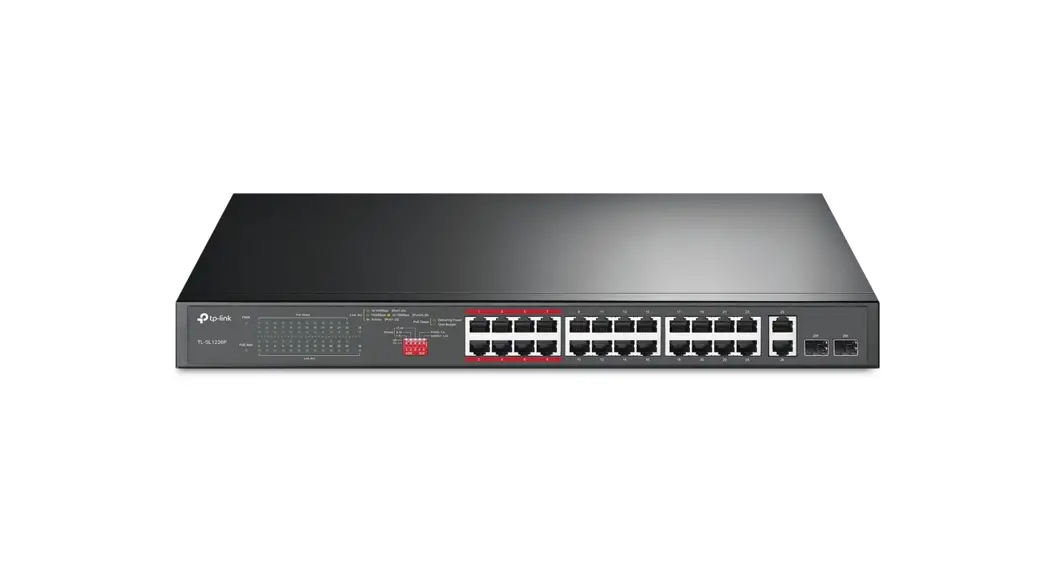
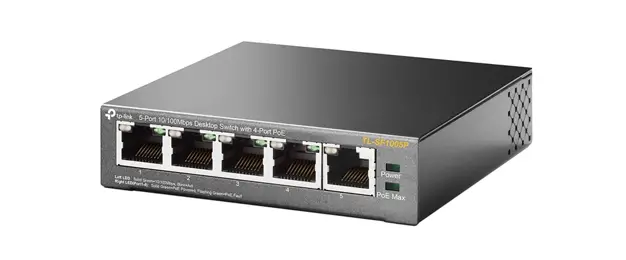
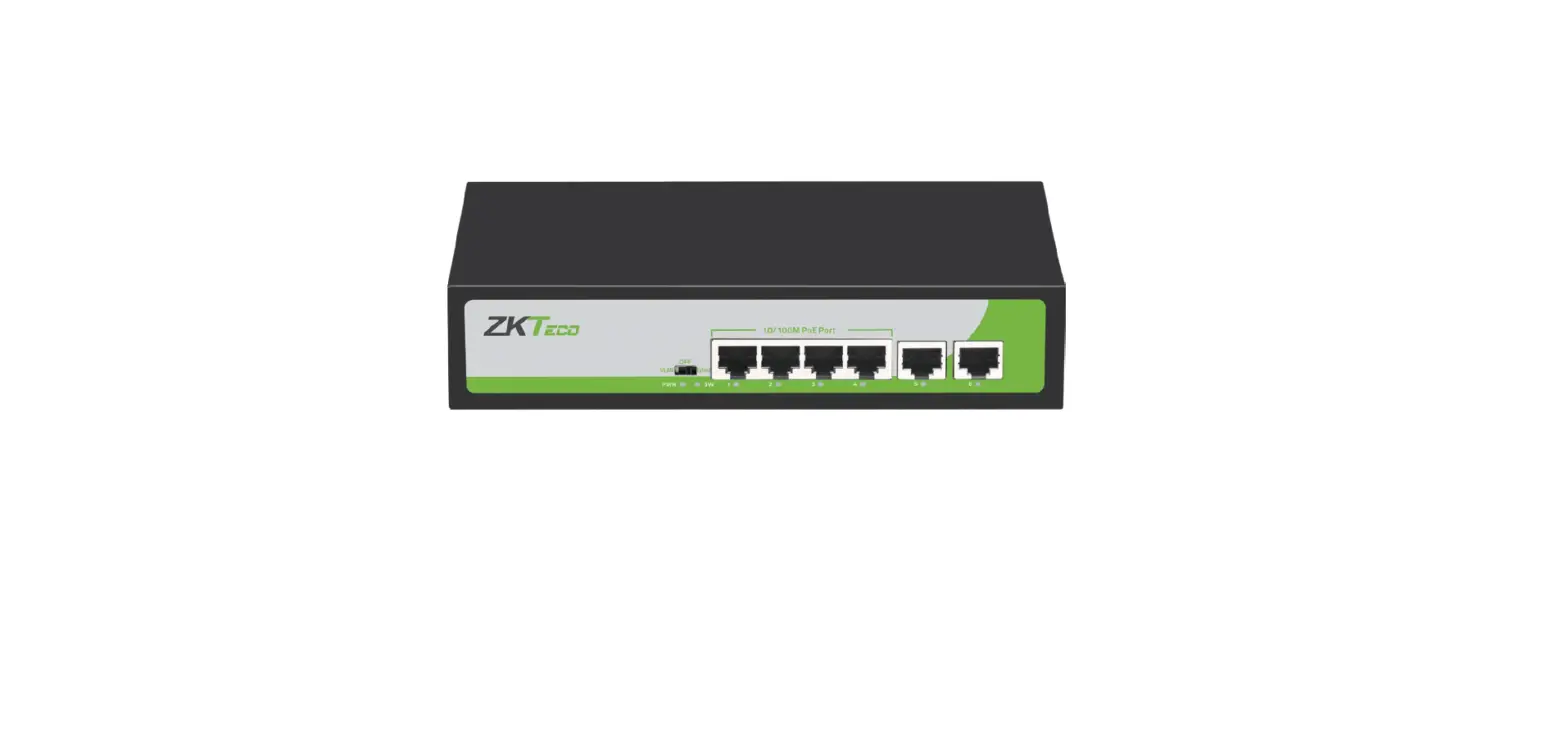
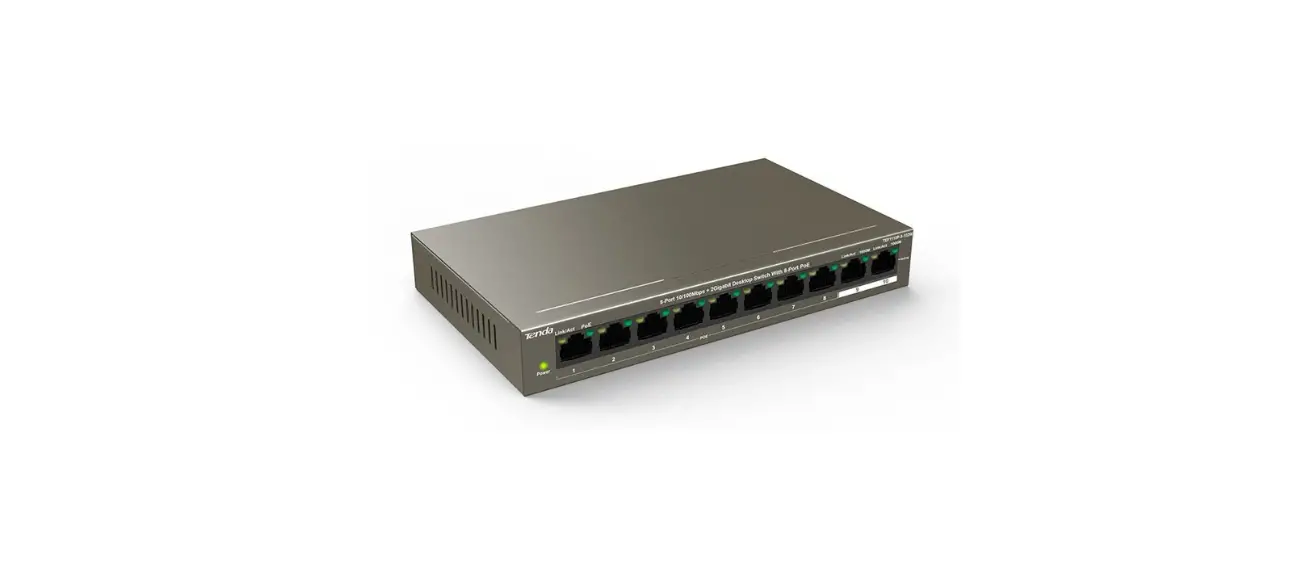
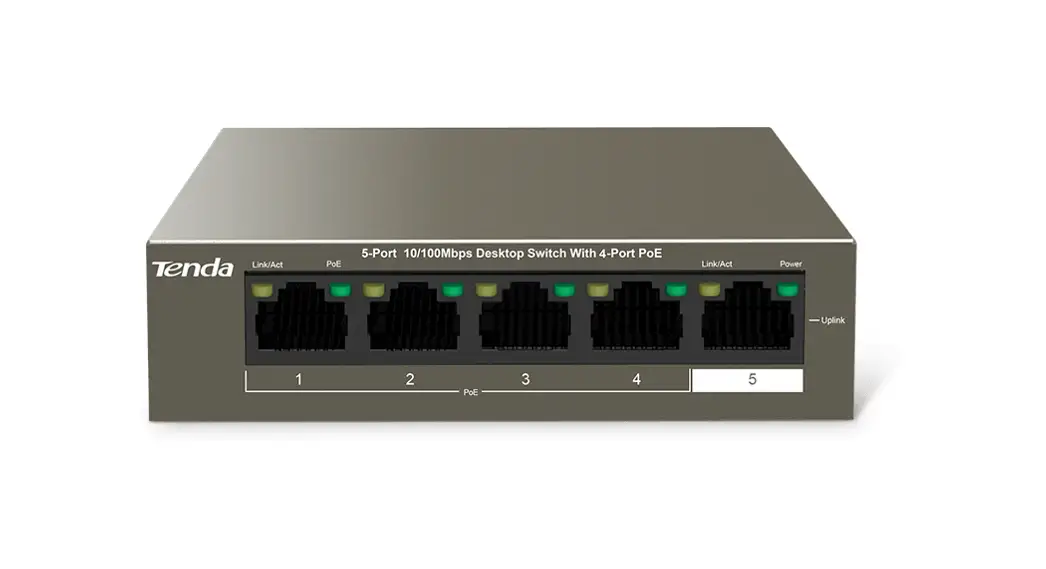
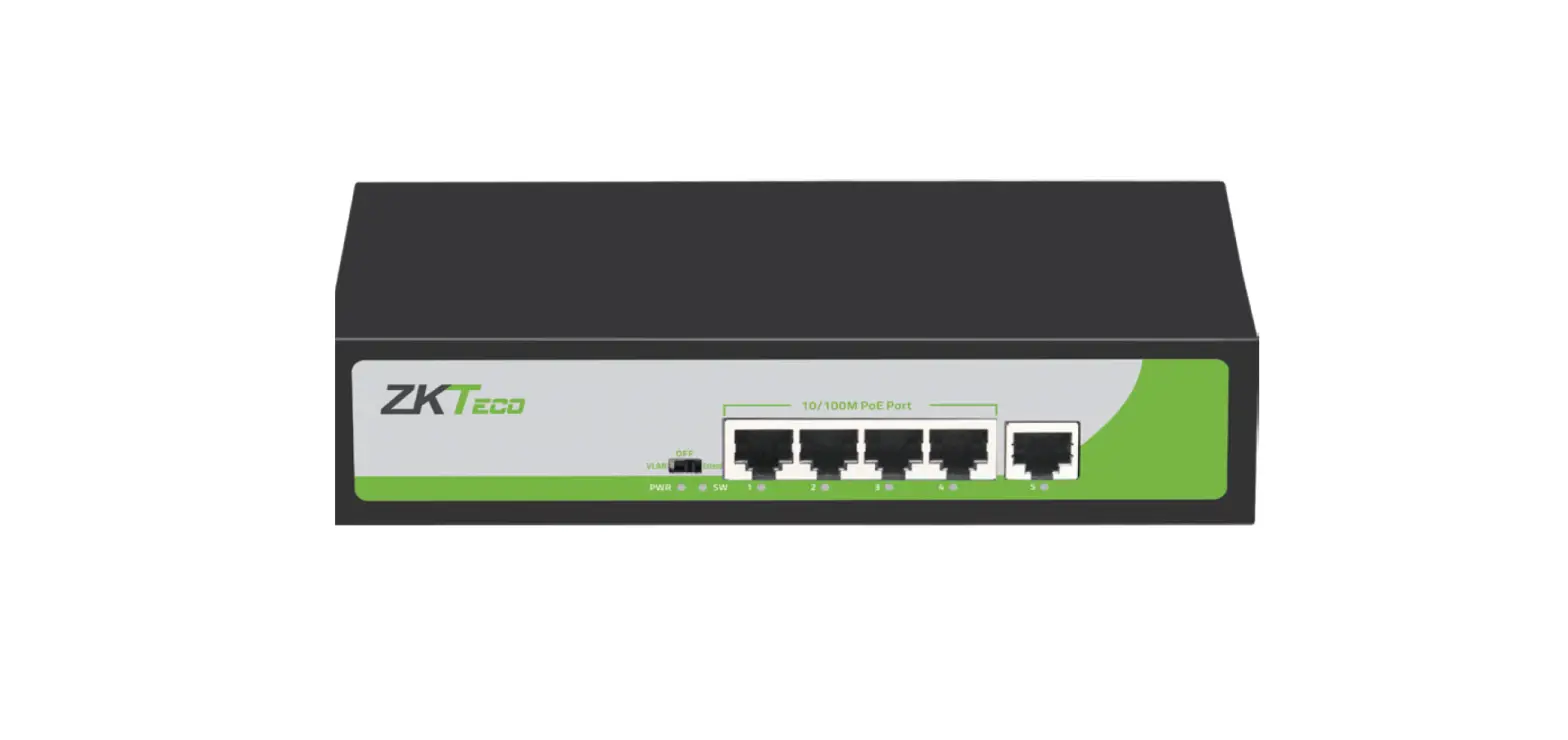
The Front Panel of 4+2 100Mbps Consists of 6-Port 10/100Mbps Ethernet RJ45 Ports. The LED indicators are also located on the panel.
DIP Switch
The DIP switch is located on the left panel. Default mode: when CCTV is closed the factory default mode can normal communication between ports 1~6. CCTV mode: 1-4 ports can be isolated from each other but 1-4 ports can connect to 5, 6 ports after open CCTV to stop broadcast storm to increase the forwarding rate of the frame. The CCTV mode, Up to 250m PoE distance allows you to expand your network via Ethernet cable to where there is no power line or outlet but where you want to fix devices such as IP Cameras. Note: After changing the mode, in order to make the corresponding configuration take effect you need to manually restart the PoE switch.
LED indicator
| LED | Color | Function |
| PWR | Orange | Off: No Power supply. Light: Indicates the switch has power. |
|
DATA |
Green | Off: No device is connected to the corresponding port. Light: Indicates the link through that port is successfully established at 10/100Mbps. Blink: Indicates that the Switch is actively sending or receiving data over that port. |
| PoE | Orange | Off: No PoE powered device (PD) connected. Light: There is a PoE PD connected to be port, which supply power successfully. Blink: Indicates port abnormal power supply. |
Rear Panel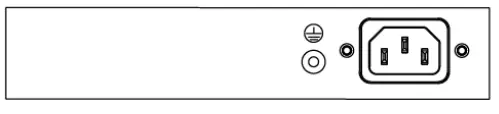
The rear panel of 4+2 100Mbps indicates AC inlet power socket.
Installation the Switch
This part describes how to install your Ethernet Switch and make connections to it. Please follow the following instructions in avoid of incorrect installation causing device damage and security threat.
- Before cleaning the switch, unplug the power plug of the switch first. Do not clean the switch with wet cloth or liquid;
- Do not place the switch near water or any damp area. Prevent water or moisture from entering the switch chassis;
- Do not place the switch on an unstable case or desk. The switch might be damaged severely in case of a fall;
- Ensure proper ventilation of the equipment room and keep the ventilation vents of the switch free of obstruction;
- Make sure that the operating voltage is the same one labeled on the switch;
- Do not open the chassis while the switch is operating or when electrical hazards are present to avoid electrical shocks.
Desktop Installation
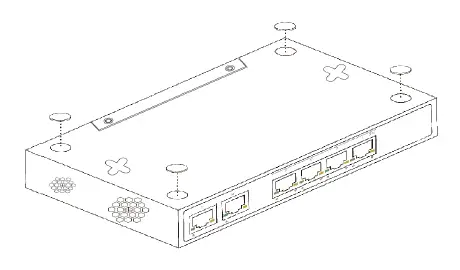
Install the Switch on a desktop, please attach these cushioning rubber feet provided on the bottom at each corner of the Switch in case of the external vibration. Allow adequate space for ventilation between the device and the objects around it.
Wall-mounted installation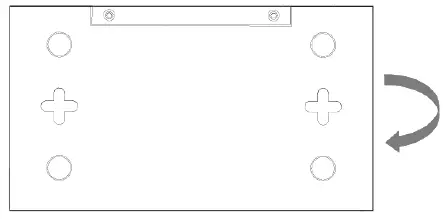
In the first two fixed screw on the wall as shown in the figure below Aim at the two fixed hole switches, and the machine smoothly on the screw
Turn on the switch
The PoE switch can be used with AC power supply. Powering on the switch, it will automatically initialize and its LED indicators will respond as follows: Firstly, the Power LED indicator will light up. Then, the data LED indicators will flash momentarily for one second, which represents a resetting of the system.
Specifications
| Model | 4+2 100Mbps |
| Standard | IEEE802.3, IEEE802.3u, IEEE802.3x, IEEE802.3af, IEEE802.3at |
| Network Media(Cable) | 10BASE-T: UTP category 3,4,5 cable (100m) 100BASE-TX: UTP category 5 cable (100m) |
| MAC Address Table | 2K, Auto-learning, Auto-aging |
| Transfer mode | Store-and-Forward |
| Frame Forward Rate | 10Base-T: 14881pps/Port 100Base-TX: 148810pps/Port |
| Switching Capacity | 1.2G |
| Dimensions (L*W*H) | 168*93*32mm |
| Fan | Fanless |
| Power Supply | 65W built-in |
| PoE Port | Port1~4 |
| PoE Power on RJ45 | Mode A 1/2(+),3/6(-) |
| PoE Output | 30W(Max) |
| Temperature | Operating Temperature: 0°C ~ 40 °C (32 °F ~104°F ) Storage Temperature: -40 °C ~ 70 °C (-40 °F ~158°F ) |
| Humidity | Operating Humidity: 10% ~ 90% non-condensing Storage Humidity: 5% ~ 90% non-condensing |
Fax: 03-5214524 [email protected]
Phone: 03-5575110 www.telran.co.il