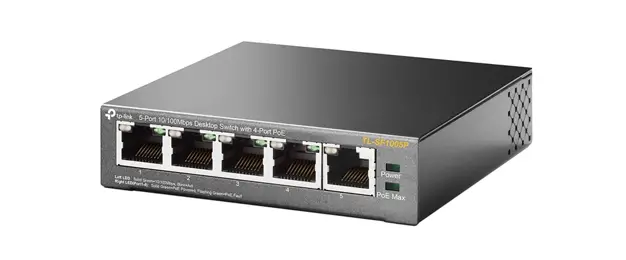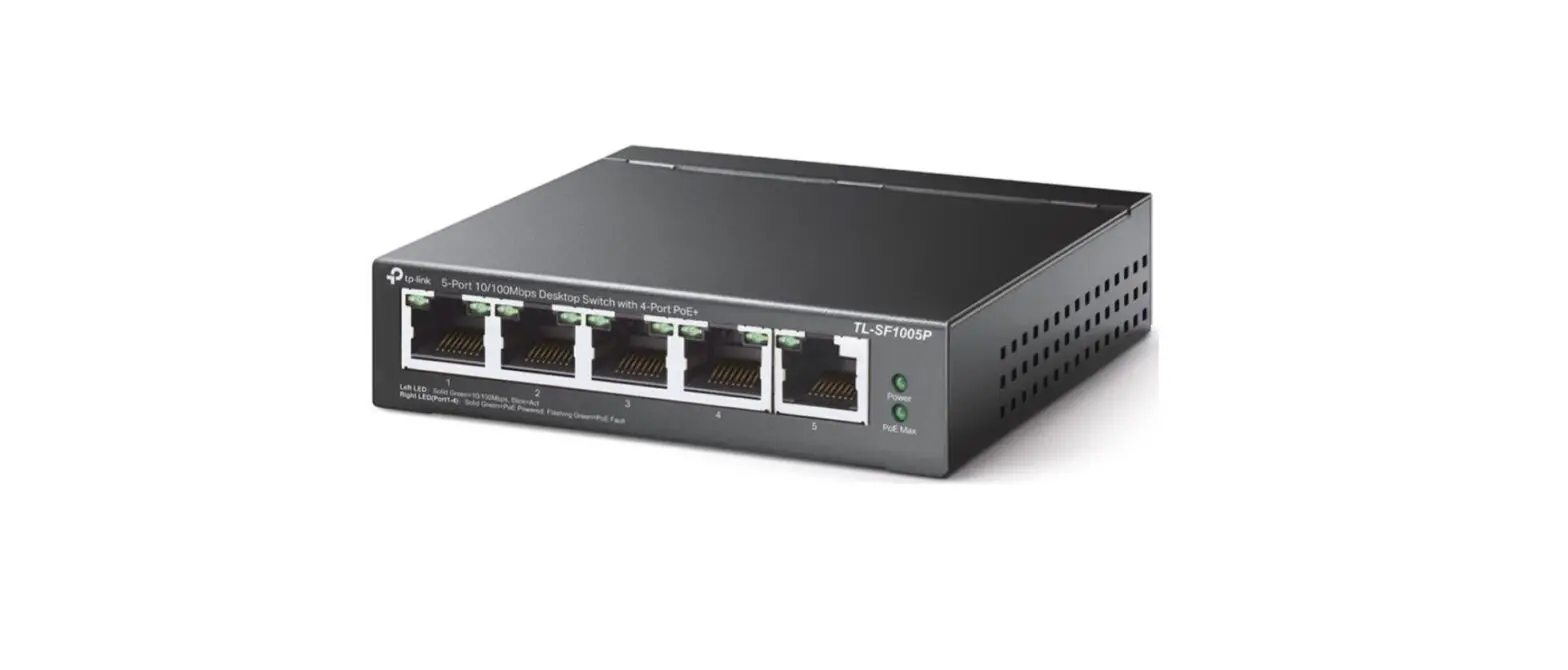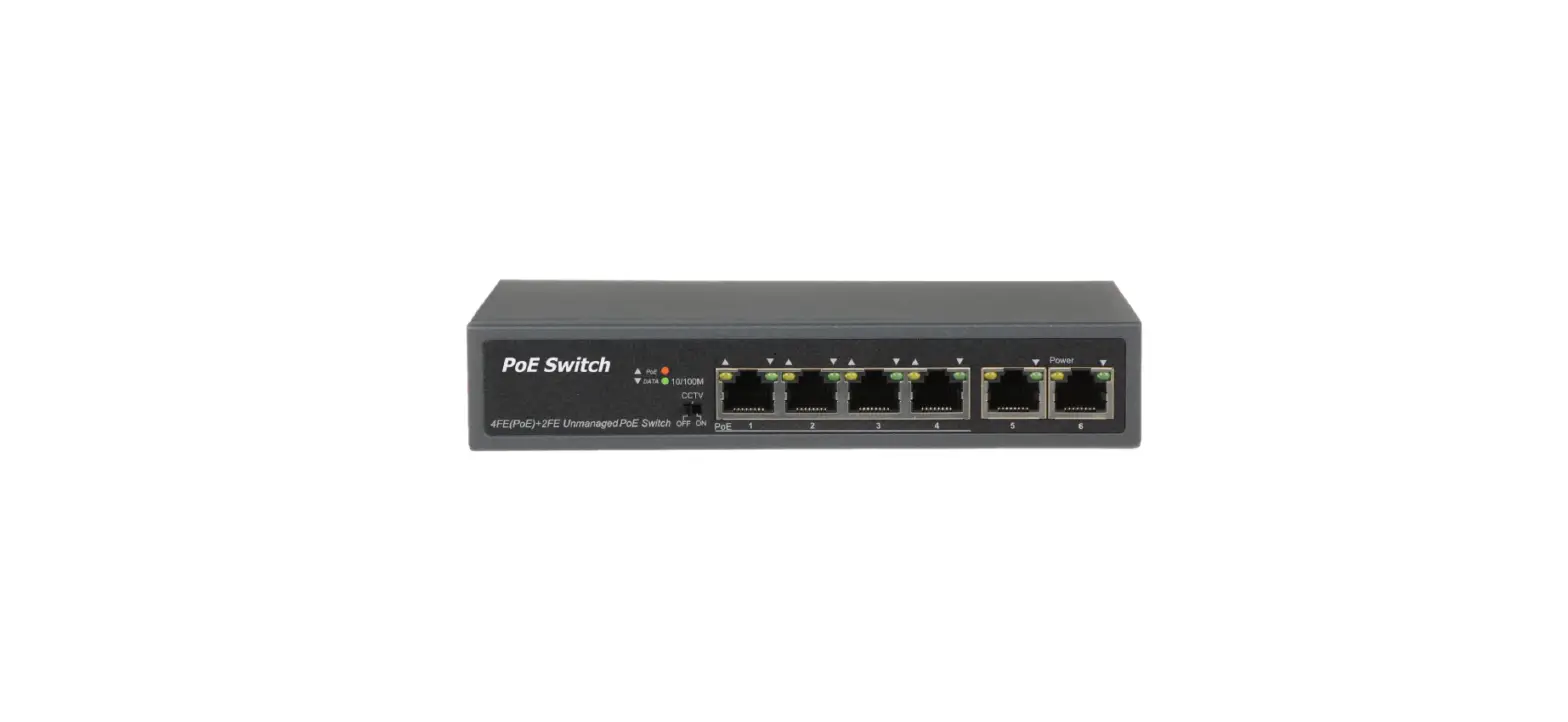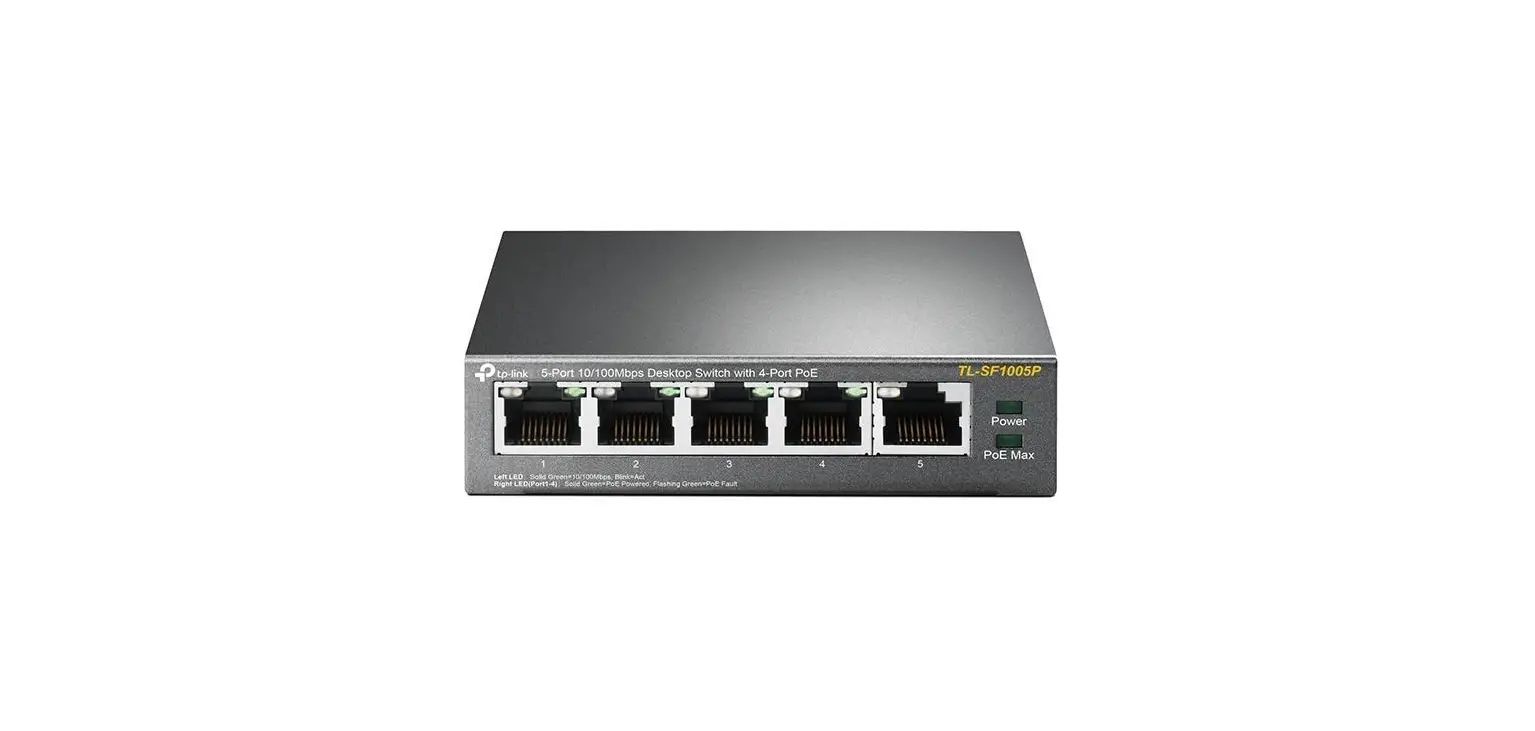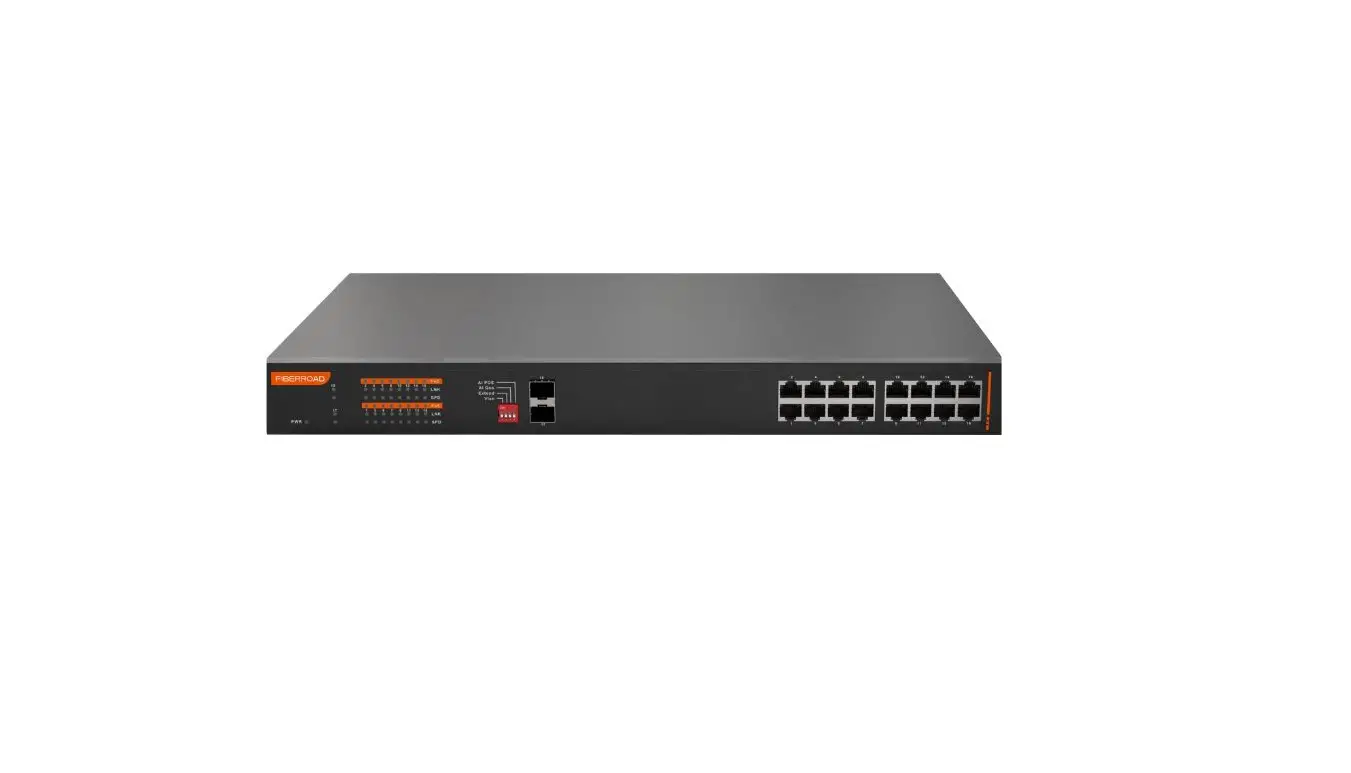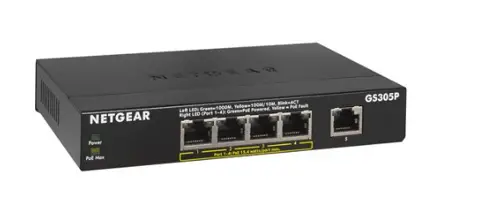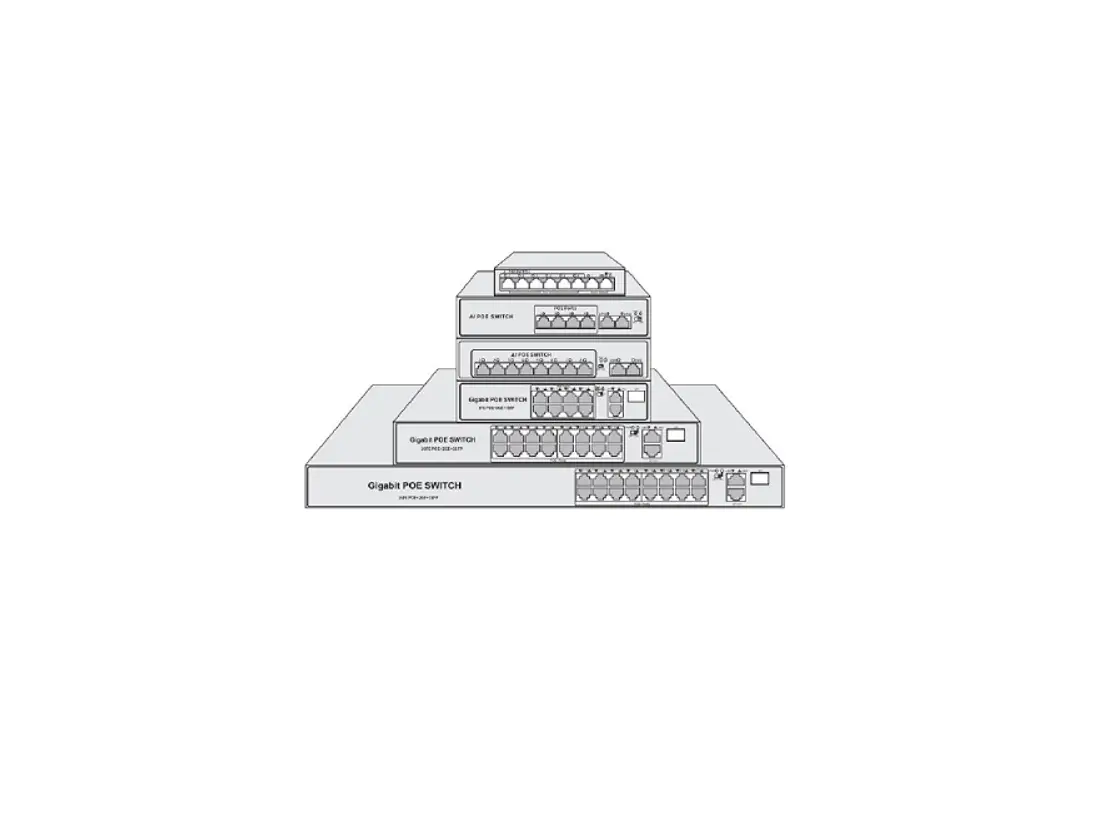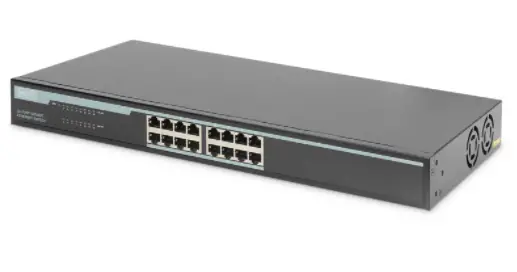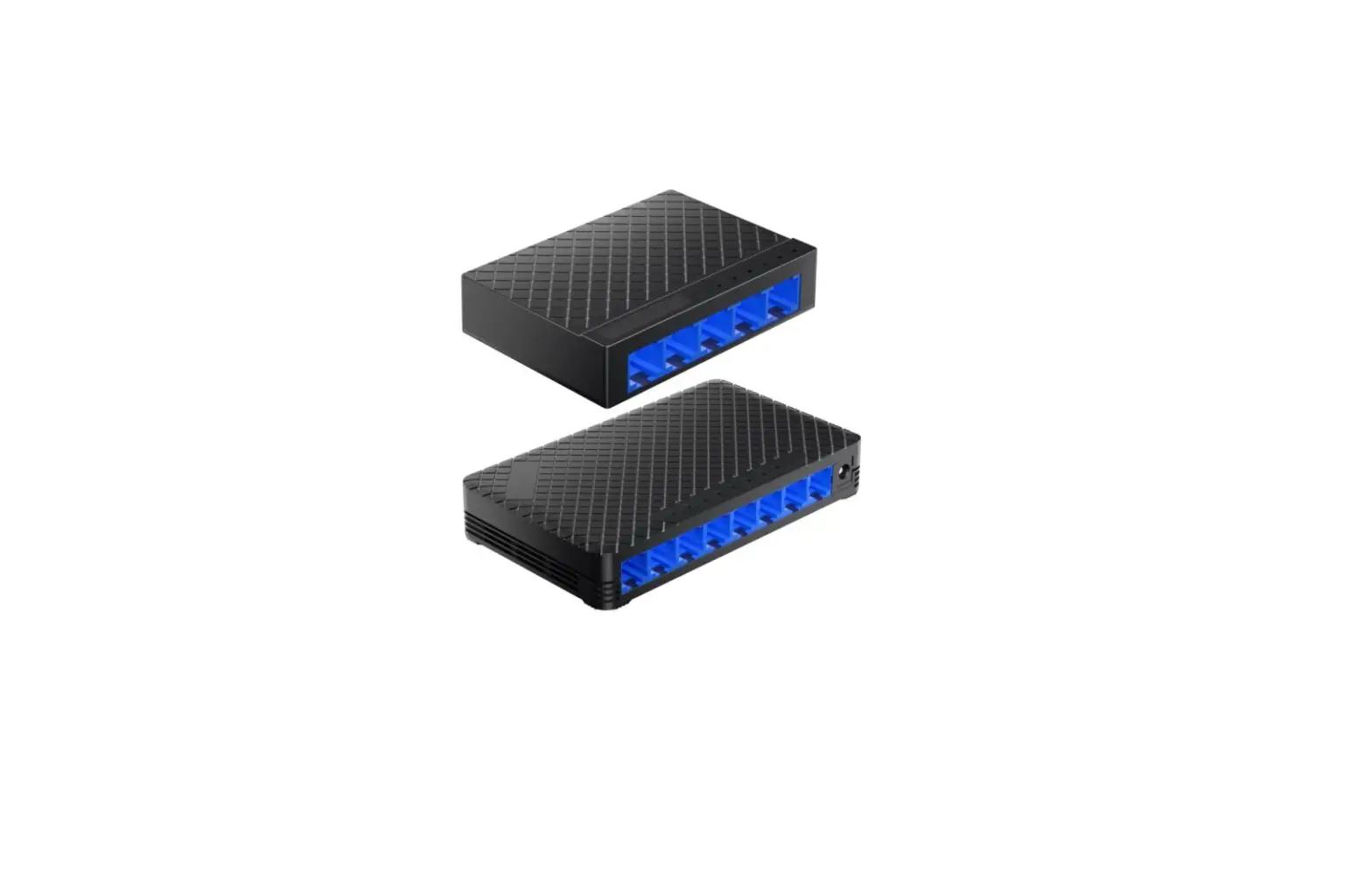
ZIP NET105 Non PoE 100Mbps Switches User Guide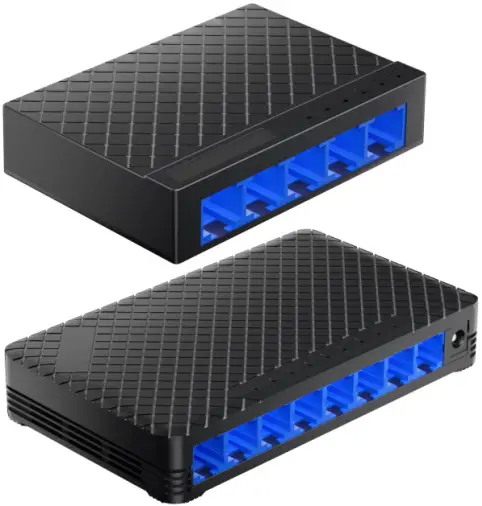
User Information
- The switch must be installed in a clean, dry environment where it will not be exposed to high temperatures, moisture or excessive dust.
- Do not touch the switch or any of its connections with wet hands.
- Ensure the power is switched off if the switch is not in use for a long period of time.
- There are no user serviceable parts in the switch and opening or attempting to repair the product will void the warranty.
- Do not use the device if the power cable is damaged.
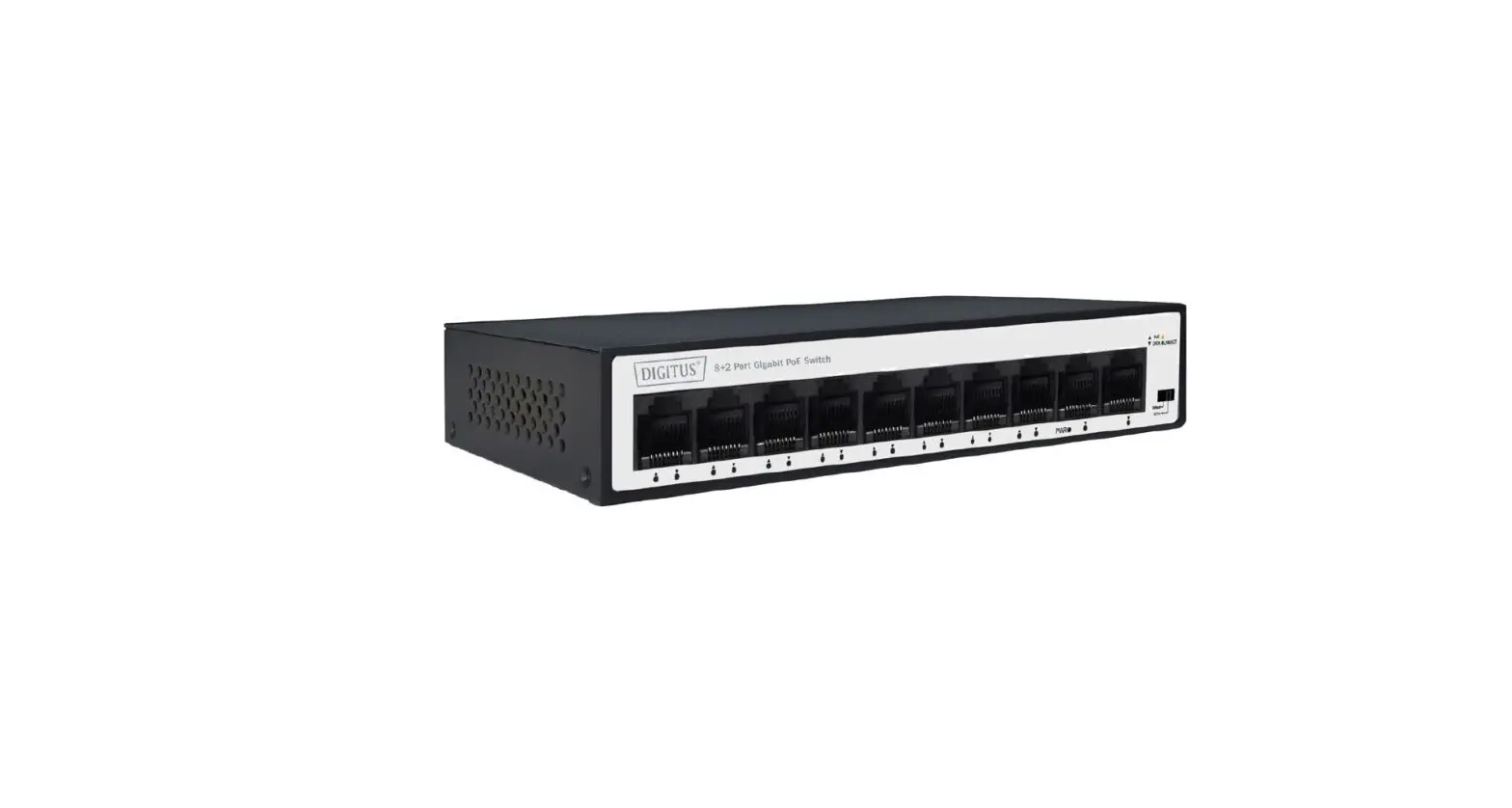
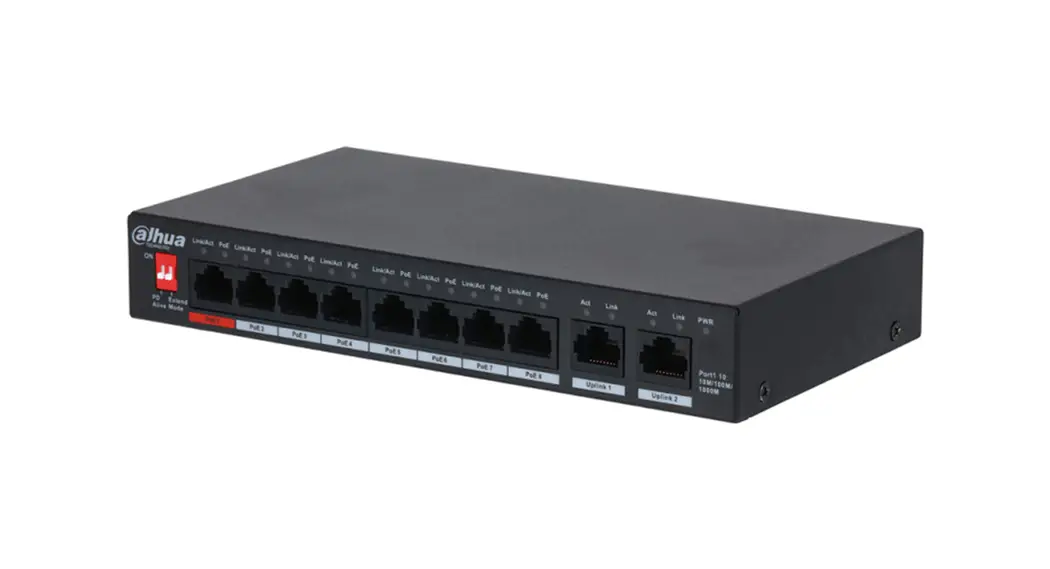
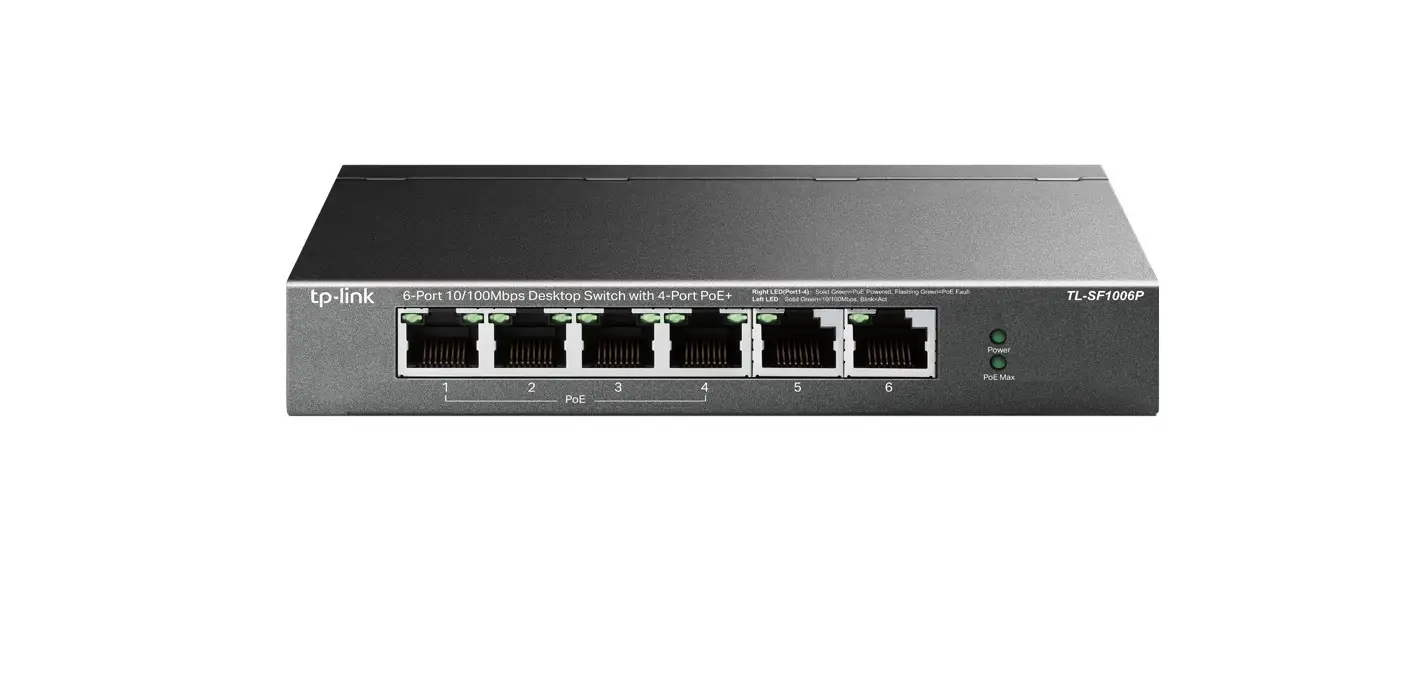
The switch will auto detect connected devices, simply plug and play for network switching.
The units add extra flexibility to a network infrastructure thanks to 100 metre run capabilities both in and out.
The switch has different uses and setup options, providing network access to devices like computers or recorders.
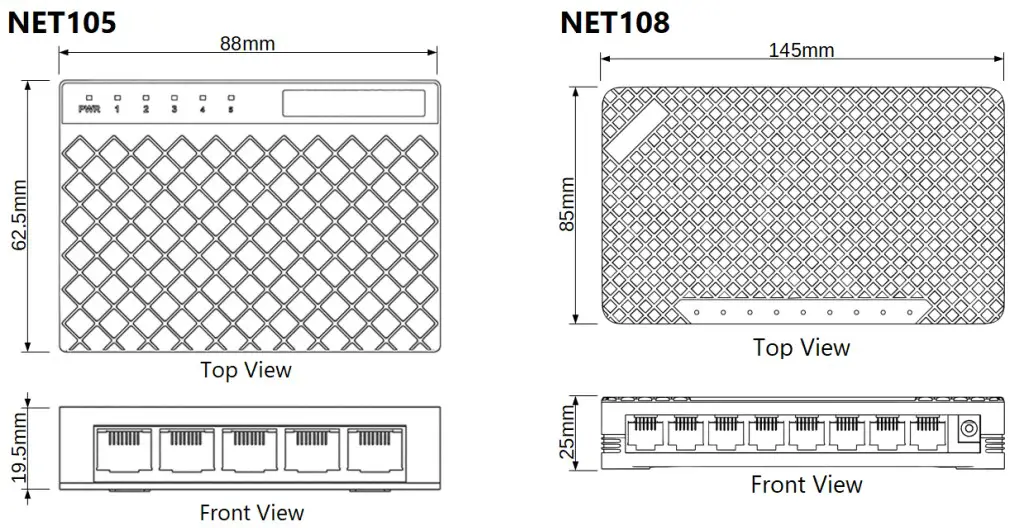
Dimension
LED Status Indicators
| LED Status Indicators | Condition | Status |
| Power |  On On | The switch is receiving power |
 Off Off | The switch is not receiving power | |
| Ports 1-8 | Flashing | The port is connected and transmitting or receiving data |
| Off | No connection in the port |
Troubleshooting
| Troubleshooting | Possible Cause | Solution |
| No Power light on Switch | No power to the device | Check power to device from external source. Check that the power supply plugged into the switch. |
| Loose connection | Check that the power lead is plugged in to the PSU and the PSU is plugged into the switch. | |
| Network light not flashing | Poor quality cable or termination | Check the Ethernet cabling to your device is of good quality and is terminated correctly. |
| Slow flashing LEDs, No network on load devices | Faulty cable or device | Turn the power off to the switch & unplug the load devices (Check Ethernet cabling to load devices). Leave turned off for 10 seconds, then power back up, plug each device back into switch individually to help troubleshoot the suspect cable. |
Specifications
| Specifications | NET105 | NET108 |
| Switch Ports | 5 x RJ45 10/100Base-T | 8 x RJ45 10/100Base-T |
| Bandwidth | 10Mbps / 100Mbp | |
| Use | Internal Use Only | |
| Working Temperature | -10°C ~ 55°C | |
| Input Voltage | DC 5V 200mA Max (2.5mm Power Adaptor Provided) | |
| Dimensions | (w)88 x (d)62.5 x (h)19.5mm | (w)145 x (d)85 x (h)25mm |
All specifications are approximate. System Q Ltd reserves the right to change product specifications or features without notice. Whilst every effort is made to ensure that these instructions are complete and accurate, System Q Ltd cannot be held responsible for any losses, no matter how they arise, from errors or omissions in these instructions, or the performance or non-performance of the equipment refered to.
Document ref: qNET105 , qNET108
© 2023 System Q Ltd
This symbol indicates that equipment must not be mixed with general household waste. For treatment, recovery and recycling please return to your local designated
WEE/CG0783SS collection point as defined by your local council.
 ZipNVR: Home