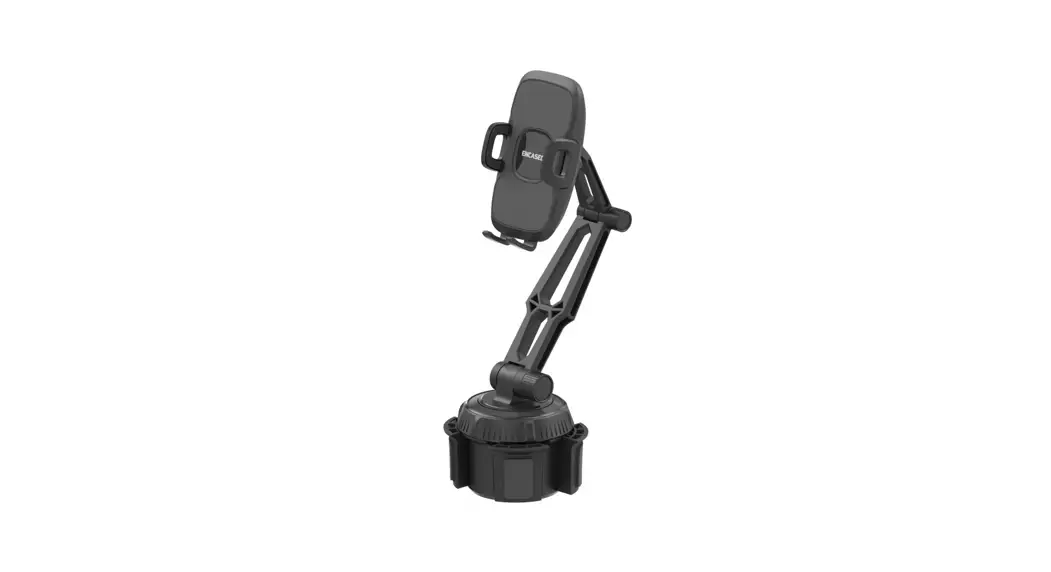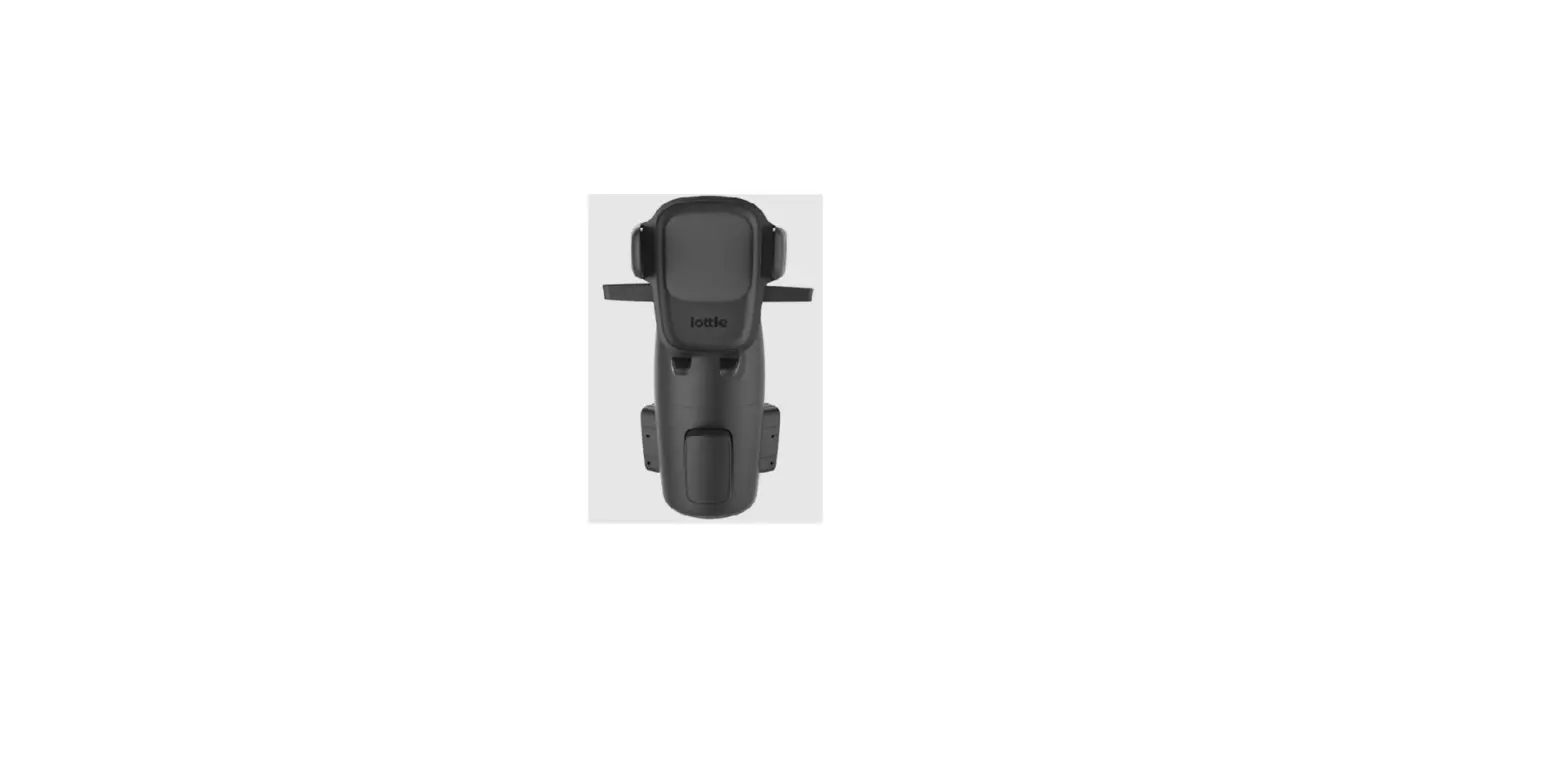
Easy One Touch 5
Cupholder Mount
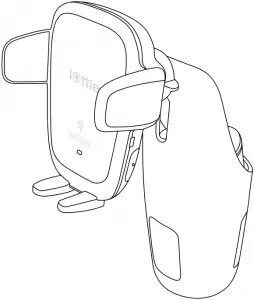
Manual






Getting Started
For optimal mounting and charging, please follow the detailed instructions within this manual when using the Auto Sense Wireless Charging Mount. iOttie is not liable for possible damages due to product misuse.
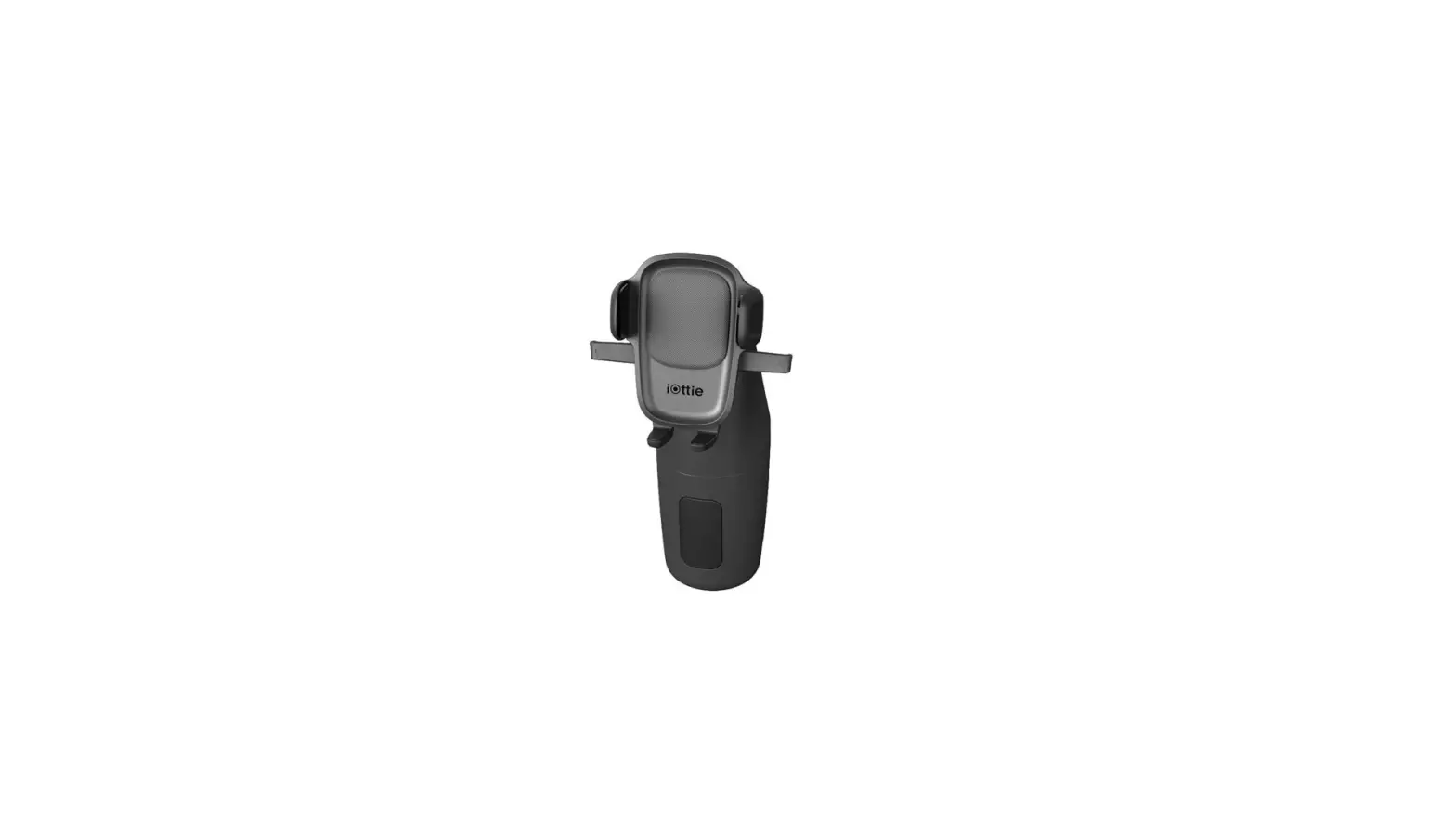
• Mount should be aligned so that all 3 spacers contact the inner wall of the cup holder.
• Twist dial to extend spacers so they securely contact the inner wall of the cup holder.
Critical Information
Mounting at a perpendicular angle to the mount works best with the proximity sensor.

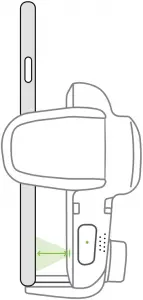
If mounting at an angle, phone will need to be very close to sensor for arms to open.

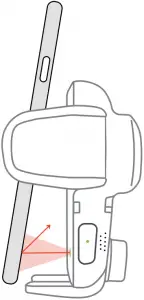
 Smartphone cases

Reflective Smartphone cases work best. Dark colored or textured cases do not reflect light well, making it difficult for the Proximity Sensor to detect phone. If using a dark colored or textured case, the phone will have to be very close to mount for arms to open automatically.
Compatibility
Before using product, make sure your device is Qi Wireless compatible. Compatible devices include iPhone X, iPhone Xs, iPhone XR, Samsung Galaxy S10, S10+, Note9+, and Google Pixel 3.
Qi Wireless Charging in Vehicle
Use the included iOttie Car Charger and Micro USB Cable. If you do use a third party car charger, use a Qualcomm Quick Charge 2.0 or equivalent adapter to receive a wireless charge (with compatible devices).
At a Glance
Back View
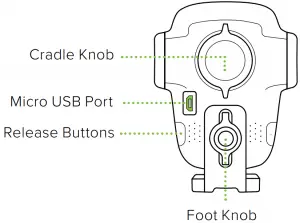
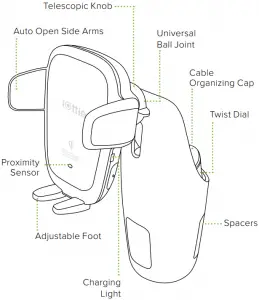

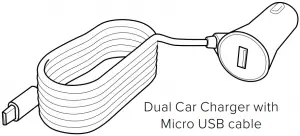
Connecting Power
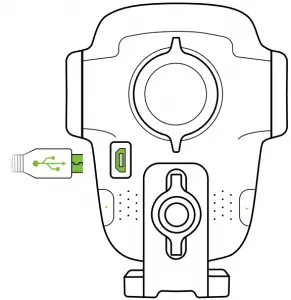
1. Plug the micro-USB cable into the USB port on the back of the Mounting Head.
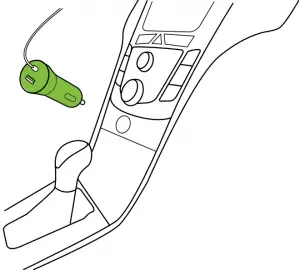
2. Insert Car Charger into your vehicle’s power port.
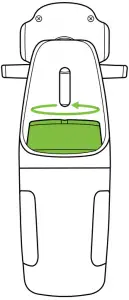
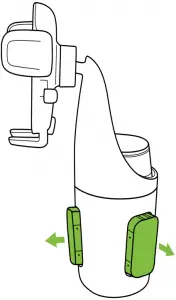
3. Twist Dial to ensure spacers are secure in the cup holder walls.
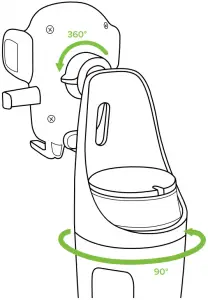
 Top half of mount rotates 90 degrees for optimal viewing. Mount rotates 360 degrees for optimal viewing angles.
Adjusting the Mount
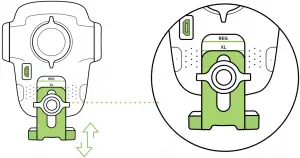
Move the knob down until laser etching is aligned appropriately as shown in line drawing.
1. Foot Knob
Out of box, the foot knob is set to regular sized phones. Foot will need to be adjusted for plus sized phones or cases with thicker bottoms.
Using the Auto Sense Mechanism
Once it is unplugged or car is turned off, the Auto Sense’s internal battery keeps a charge for up to one hour.
Mounting and Charging
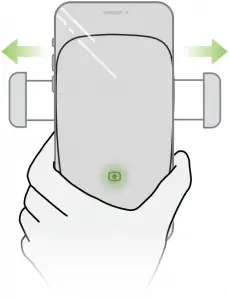
1. Side arms on mount automatically open via silent step motor for one second when phone is detected in front of Proximity Sensor on mount.
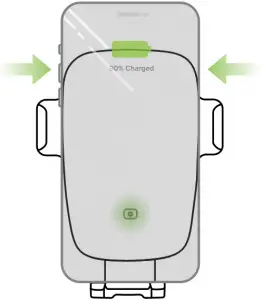
2. Once phone is placed in mount, arms will automatically close after one second. Qi wireless charging will start immediately.
Releasing Device
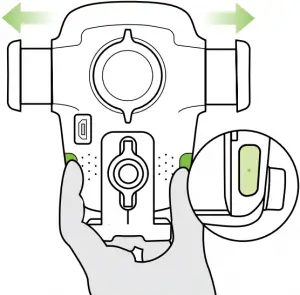
3. Buttons under the light on both sides of device can also open and close the arms. One or both buttons can be pressed.
• The Auto Sense is powered via a micro-USB cable and coil cell battery. There is no on/off switch on the device. Once it is plugged in, the device will remain on unless the vehicle shuts off power when in parking mode.
Qi Alignment Guide
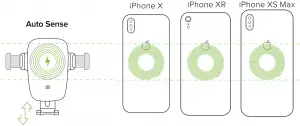
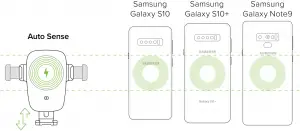
The Qi Receiver Coil is usually located in the center area of the phone. Check with your phone’s manufacturer for Qi coil location. Below are some examples for commonly used phones.
For larger/plus phones or larger cases, knob on mount will need to be adjusted as indicated by laser etching on back for proper alignment with Qi coils.
The Qi coil on the mount is located at the top, above the iOttie logo. Please follow the guide below to line up your phone with the device for an optimal wireless charging.
Wireless Charger Specifications
| INPUT | DC 9.0V-1.67A DC 5.0V-2.0A |
| CHARGING PORT | MICRO USB |
| LENGTH | 2.96″ |
| WIDTH | 2.75″ |
| HEIGHT | 3.74″ (Foot not extended) |
| WEIGHT | 4.16oz |
Car Charger Specifications
| MODEL NUMBER | CHY-CC-U2CQ3C |
| INPUT | DC 12V~24V |
| OUTPUT | DC 5V – 3A DC 9V – 2A DC 12V – 1.5A |
| MICRO USB CABLE LENGTH | 120MM |
Charging Indicator
| Solid Green Light | Smartphone charging. |
| Blinking Red Light | Smartphone not charging. Foreign object detected or overheating of mount or smartphone. |