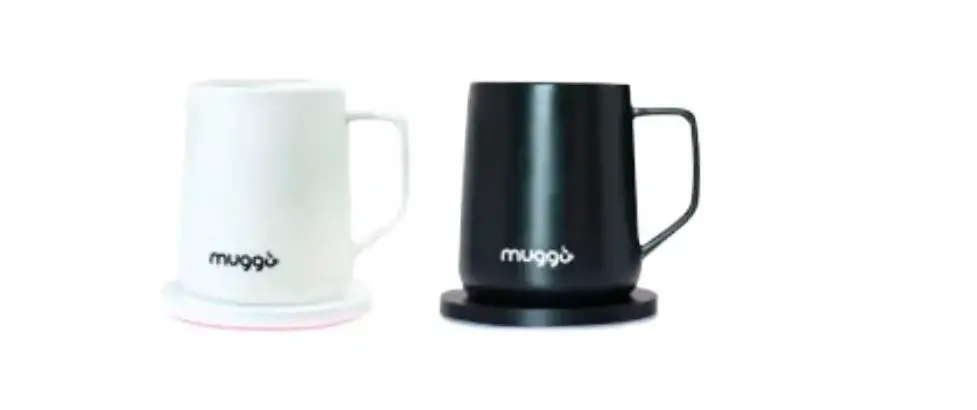
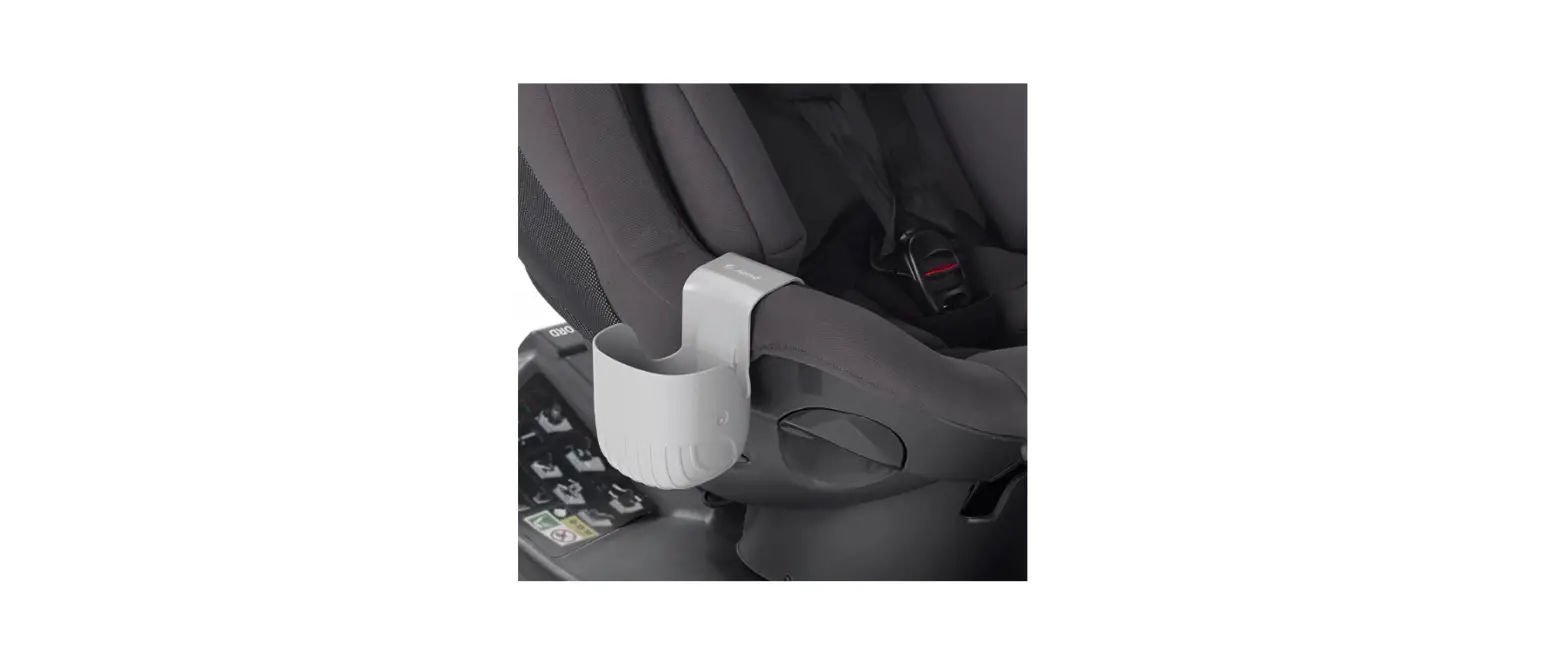
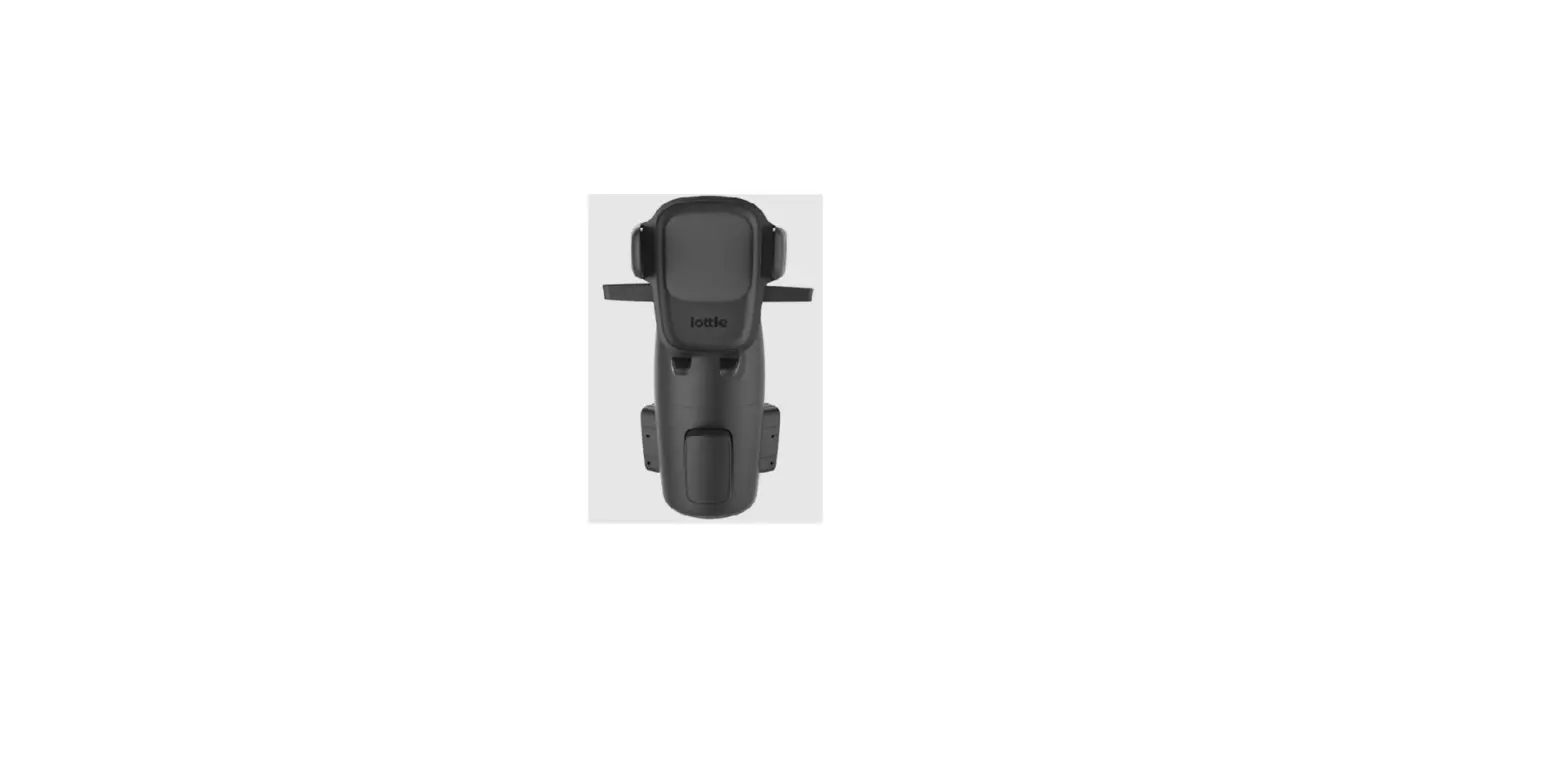
E201TRW Q-CUP Cupholder
Product Information
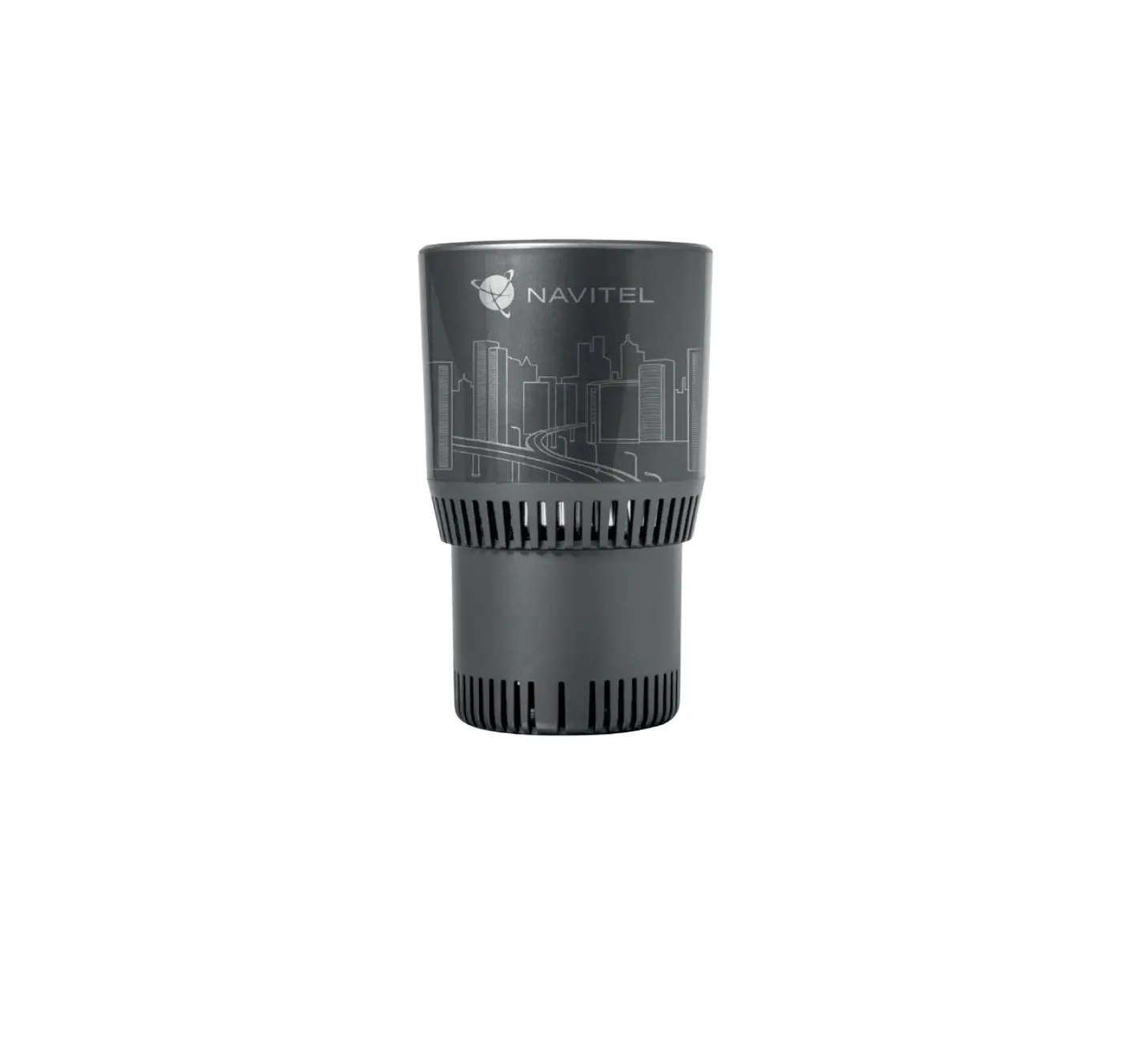
The E201TRW Q-CUP is a wireless charging cup designed for
charging cellphones with wireless charging capabilities. It
features a touch-sensitive control system and various adjustable
functions such as reclining the chair, lifting the head-rest, and
retracting the lumbar support. The cup is intended for indoor use
only and should be kept away from sunlight, moisture, and extreme
temperatures. It operates on an input voltage of 100 ~ 240V with a
power rating of 58W. The wireless charging output is 10W.
Product Usage Instructions
- For your safety, carefully read the user manual before using
the product. - Check the specification of the power supply before plugging in
to protect against fire and electric shock. - Avoid pressing the lip of the Q-CUP too hard to prevent damage
to the product. - Avoid placing heavy objects on the lip of the Q-CUP as it is
not designed to support heavy substances. - Keep metals away from the cup as they may interfere with the
control system. - Avoid exposing the cup to sunlight, moisture, and extreme
temperatures. - Avoid placing your cellphone on or near the touch button to
prevent interference with the control system. - Avoid touching the bottom of the cup when it heats up to avoid
scald burns. - Children under 13 years old should be supervised by adults when
using the product. - If any problems occur, refer to the troubleshooting section in
the manual or contact customer service. - Do not attempt to repair the product yourself or by an
unauthorized agent as it will void the warranty. - Note that the product may be upgraded or improved at any time,
and the user manual will be updated accordingly without
notice.
Operation:
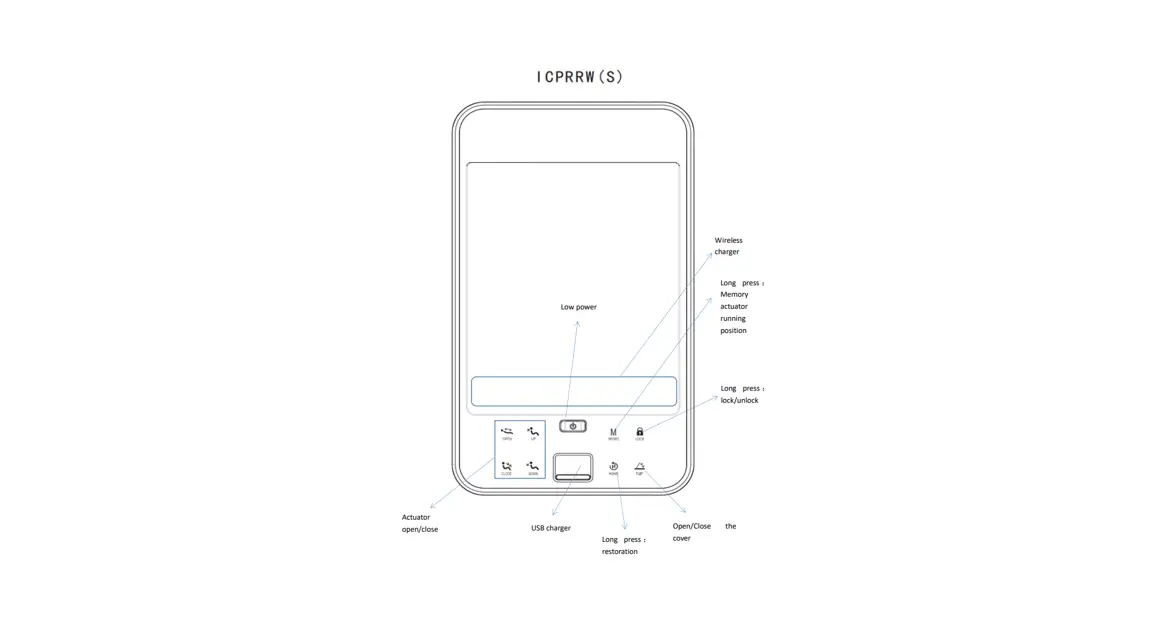
- Once power is supplied, all buttons will turn white and the
indicator will flash red. - Connect a wireless receiver to your cellphone and place the
cellphone onto the cup lip until the wireless receiver aligns with
the logo on the Q-CUP. If your cellphone has a wireless charging
function, place it onto the cup lip, making sure the wireless
charging receiving module is aligned with the logo. - If charging is successful, the indicator will turn blue. If the
indicator flashes or does not light up, adjust the cellphone
position until it charges successfully. - To open the cover, press gently and release. It will open
automatically. - Touch and hold to recline the chair.
- Touch and hold to retract the chair.
- Touch and hold to lift the head-rest.
- Touch and hold to retract the head-rest.
- Touch and hold to lift the lumbar support.
- Touch and hold to retract the lumbar support.
Frequently Asked Questions:
No response:
- The socket is useless. Change to a useful socket.
- There is a collective problem with the device. Check all
connectors and reconnect them if necessary.
Stops working suddenly or stops working during
operation:
- The device shuts down automatically as it reaches the maximum
working time. - There is a collective problem with the device. Check all
connectors and reconnect them if necessary. - There is a strong interference source nearby. Check around and
move the interference source away.
Wireless charging does not work:
- The cellphone does not have wireless charging function.
- The cellphone isn’t placed on the correct wireless charging
area. - The wireless charging receiver is useless. Change to a useful
wireless charging receiver.
TM TM
E201TRW Q- CUP
user Manual
user Manual
In consideration of your safety please read this manual carefully bef re using then use the product correctly.
safetywarning
To protect you from the dangers off re and e ectric shock please checkthe specifcation ofthe power supply bef re plugging Avoid to press the lip of Q-cup too hard since it may cause a damage to the product.
Avoid to place heayob ects on the lip of Q-Cup since it is not designed to support heavy substance. keep the metals away from the cup since it may rise a interference to the control system. lndoor use only, avoid to expose in sunlight, moisture and extreme temperatures. Avoid to place your cellphone on or nearby the touch button because there maybe a interference to
the control system. Avoid to touch the bottom ofthe cup when it heats because it may cause a scald burn to you.
children under 13years should be under the supervision ofadults when use it. P ease shoot down the trouble as Trouble shooting in this manual if problem occurs. please contact
with the customer service ifthe problem is not mentioned. Repair by yourself or a illegal agent will cause a void warranty. To better sever for customers, the product maybe upgraded or improved at anytime, the user Manual will be updated accordingly without notice, please kingly acknowledge.
operation
once power is supplied, all buttons will turn whi and the indicator will flash red. connect a wire ess receiver to your cellphone, place the cellphone onto the cup lip until the wireless
receiver is aligned with the logo on Q-cup .(fyour cellphone has a wireless charging function place it onto the cup lip, make sure your cellphone’s wireess charging receiving modu e is aligned with the logo ).when it charges successfu ly the indicator will turn blue. I f the indicator flashes or it doesn’t light up,that means you have to adjust the cellphone until it charges successfully. press gently then release, the cover will open automatically. Touch and hold to recline the chair
Touch and hold to retract the chair Touch and hold to lift the head-rest
Touch and hold to retreact the head-rest
Touch and hold to lift the lumbar
Touch and hold to retract the lumbar
specifcation
Rating input voltage: 100 ~ 240V 1 . 5A Rating power 58W wireless charging output: 10W
Frequently asked questions
probable cause
No response
1 .The socket is useless.
2 .There is a collective problem with the device.
3
Troubleshooting
1 change a useful socket. 2 .check all connectors and reconnect them if it’s
necessary
stops working suddenly or stops working during n
peration
1 .shuts down automatically as it reaches the maximum working time.
2 .There is a collective problem with the device.
3 .There is a strong interference source ne rby.
1 . Re-strat the function. 2 .check all connectors and reconnect them if it’s
necessary 3 . check around and move the interference source away.
wireless charging does not work
1 . The cellphone does not have wire ess charging function.
2 t isn’t placed on the correct wire ess charging area .
3 .The wireless charging receiver is useless
1 .connect a wire ess charg ng rece ver to y ur cellphone. 2 · Move your cellphone until your celphone S Wireess
chargin9 receiving module is aligned with the logo 3 . change a useful wire ess charging receiver.
NOTE: This equipment has been tested and found to comply with the limits for a Class B digital device, pursuant to Part 15 of the FCC Rules . These limits are designed to provide reasonable protection against harmful interference in a residential installation . This equipment generates , uses and can radiate radio frequency energy and , if not installed and used in accordance with the instructions , may cause harmful interference to radio communications . However, there is no guarantee that interference will not occur in a particular installation. If this equipment does cause harmful interference to radio or television reception , which can be determined by turning the equipment off and on , the user is encouraged to try to correct the interference by one or more of the following measures:
-Reorient or relocate the receiving antenna . – Increase the separation between the equipment and receiver. -Connect the equipment into an outlet on a circuit different from that to which the receiver is connected. -Consult the dealer or an experienced radio/TV technician for help .
This device complies with part 15 of the FCC Rules .Operation is subject to the following two conditions: ( 1)This device may not cause harmful interference and 2) this device must accept any interference received including interference that may cause undesired operation changes or modifications not expressly approved by the party responsible for compliance could void the user’s authority to operate the equipment .
FCC RF waning statement: the device has been evaluated to meet general RF exposure requirement , The distance between user and products should be no less than 20cm.