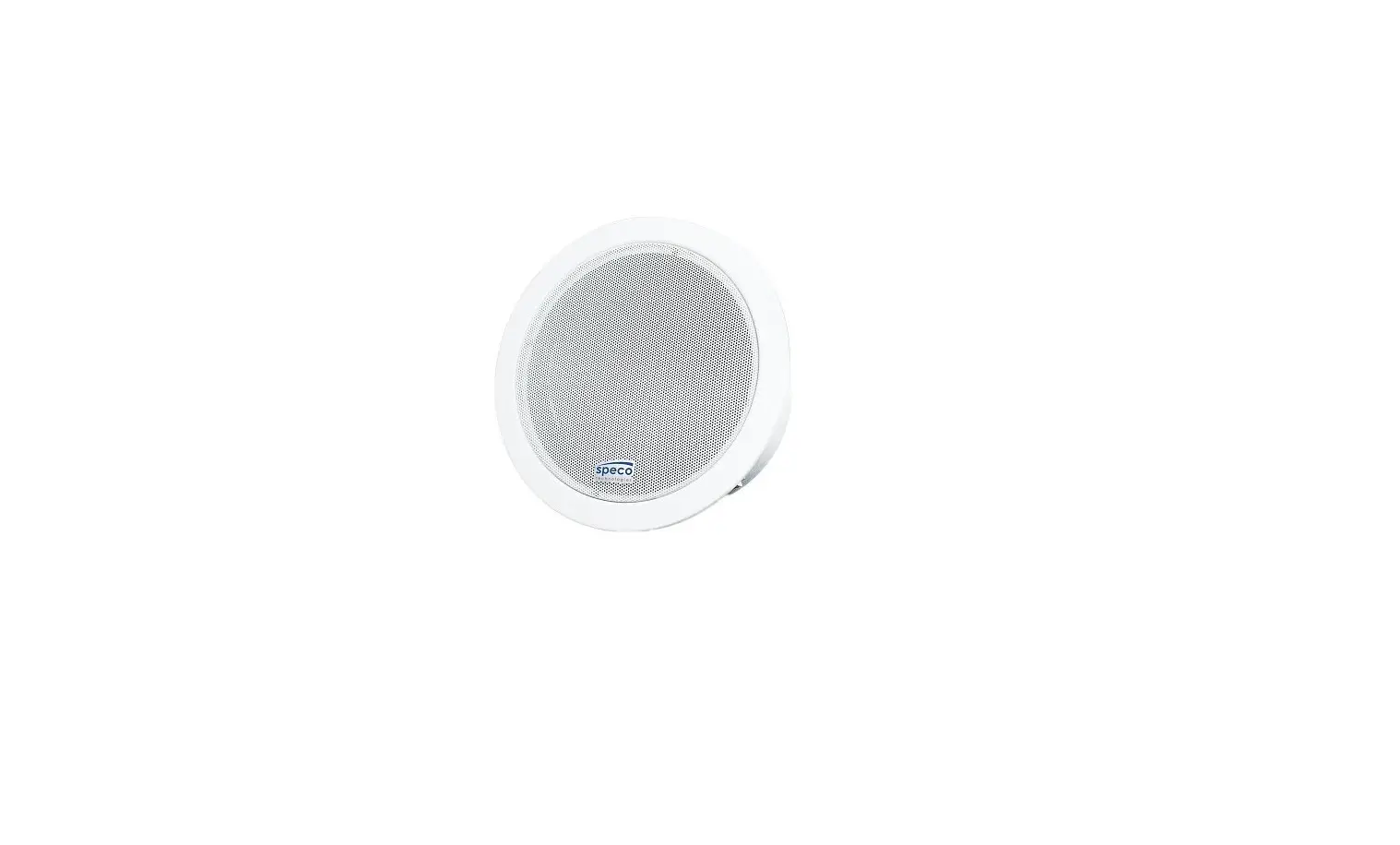
IPD-RS-EZ Series 6.5 Inch IP-Addressable Dante-Enabled Speaker
Product Information:
- Product Name: IPD-RS-EZ series
- Models: IPD-RS62-EZ, IPD-RS82-EZ, and IPD-HP82-EZ
- Manufacturer: SoundTube Entertainment
- Contact Information:
- Phone: 1.435.647.9555 / 800.647.TUBE
- Website: www.soundtube.com
Important Safety Instructions:
- Read these instructions.
- Keep these instructions.
- Heed all warnings.
- Follow all instructions.
- Do not use this apparatus near water.
- Clean only with a dry cloth.
- Do not block any ventilation openings. Install in accordance
with the manufacturer’s instructions. - Do not install near any heat sources such as radiators, heat
registers, stoves, or other apparatus (including amplifiers) that
produce heat. - Only use the attachments/accessories specified by the
manufacturer. - Unplug this apparatus during lightning storms or when unused
for long periods of time. - Refer all servicing to qualified service personnel. Servicing
is required when the apparatus has been damaged in any way, such as
power-supply cord or plug is damaged, the apparatus has been
exposed to rain or moisture, does not operate normally, or has been
dropped.
Product Usage Instructions:
- Unpack the speaker and SpeedClampTM mounting hardware.
- Thread the hanging or safety cable through the SpeedClampTM
mechanisms as shown. - Attach the hanging cable to the structure by securing it and
the safety cable through the SpeedClampTM mechanisms as shown. - Adjust the speaker hanging height with the SpeedClampTM
mechanism. Pull to tighten and press the button on SpeedClamp to
loosen or adjust. - Slide the cover plate over the hanging and safety cables and
run the RJ45 signal wire through the center hole. - Attach the hanging cable by inserting it into the side of the
mounting bracket and rotating it to align with the center slot in
the hanging bracket. - Once aligned with the central slot, pull the cable up into the
slot to secure. Repeat steps 7a and 7b with the secondary safety
cable into one of the side slots. - Extra slot and 2 holes are provided for additional safety
cables where needed. - Plug the RJ45 connector into the speaker. If local power is
required at the speaker (non-POE installation), connect the
appropriate DC power supply to the barrel connector on the speaker
input panel.
Note: It is strongly recommended that SoundTube
speakers are installed by a professional audio
installer/contractor. For safety and optimum audio performance,
installers must follow all directions issued by SoundTube
Entertainment.
Warning: Do not install the speaker near a
support beam, ventilation duct, or any other structure that may
interfere with speaker function or dispersion. To reduce the risk
of fire or electric shock, do not expose this apparatus to rain or
moisture.
IPD-RS-EZ series Install Instructions For: IPD-RS62-EZ, IPD-RS82-EZ and IPD-HP82-EZ
3/8″ NPT Wire Gland
Cover Plate Screws (4)
3/4″ to 3/8″ NPT Adapter Weather plug
Box contents
1 Speaker 1 Cover Plate w/ 4 screws 1 Rubber weather plug 1 Hanging kit 1 3/8″ NPT Wire Gland 1 3/4″ to 3/8″ NPT Adapter
Hanging Bracket RJ45 Input
Speaker
Cover Plate Hanging Hardware
Warning
SoundTube speakers must be installed by a professional audio installer/contractor. For safety and for optimum audio performance, installer must follow all directions issued by SoundTube Entertainment.
1.435.647.9555 | 800.647.TUBE | www.soundtube.com
© 2017 SoundTube Entertainment, Inc. All rights reserved. PN INS-IPD-RS-EZ Rev 07.11.19
Warning
Do not spec or install speaker near support beam, ventilation duct or other structure that may interfere with speaker function or dispersion.
IPD-RS-EZ series
1.435.647.9555 | 800.647.TUBE | www.soundtube.com
Install Instructions For:
IPD-RS62-EZ, IPD-RS82-EZ and IPD-HP82-EZ
Important Safety Instructions
1) Read these instructions.
2) Keep these instructions.
3) Heed all warnings.
4) Follow all instructions.
5) Do not use this apparatus near water.
6) Clean only with dry cloth.
7) Do not block any ventilation openings. Install in accordance with the manufacturer’s instructions.
8) Do not install near any heat sources such as radiators, heat registers, stoves, or other apparatus (including amplifiers) that produce heat.
9) Only use the attachments/accessories specified by the manufacturer.
10) Unplug this apparatus during lightning storms or when unused for long periods of time.
11) Refer all servicing to qualified service personnel. Servicing is required when the apparatus has been damaged in any way, such as power-supply cord or plug is damaged, the apparatus has been exposed to rain or moisture, does not operate normally, or has been dropped.
Warning
To reduce the risk of fire or electric shock, do not expose this apparatus to rain or moisture.
Consignes de sécurité importantes
1) Lisez ces instructions.
2) Conservez ces instructions.
3) Respectez tous les avertissements.
4) Suivez toutes les instructions.
5) Ne pas utiliser cet appareil près de l’eau.
6) Nettoyer seulement avec un chiffon sec.
7) Ne pas bloquer les ouvertures de ventilation. Installer conformément aux instructions du fabricant.
8) Ne pas installer près de sources de chaleur telles que des radiateurs, registres de chaleur, poêles ou autres appareils (incluant les amplificateurs) qui produisent de la chaleur.
9) Utiliser uniquement les fixations / accessoires spécifiés par le fabricant.
10) Débranchez cet appareil pendant les orages ou si inutilisé pendant de longues périodes de temps.
11) Confiez toute réparation à un personnel qualifié. Une réparation est nécessaire lorsque l’appareil a été endommagé de quelque façon que ce cordon d’alimentation ou la fiche est endommagé, l’appareil a été exposé à la pluie ou à l’humidité, s’il ne fonctionne pas normalement ou s’il est tombé.
Avis
Pour réduire les risques d’incendie ou de choc électrique n’exposez pas cet appareil à la pluie ou à l’humidité.
IPD-RS-EZ series
1.435.647.9555 | 800.647.TUBE | www.soundtube.com
Install Instructions For:
IPD-RS62-EZ, IPD-RS82-EZ and IPD-HP82-EZ
1. Unpack speaker and SpeedClampTM mounting hardware.
2. Thread hanging or safety 3. Attach the hanging cable 4. Thread cable end(s)
cable through SpeedClampTM by securing it and safety through SpeedClampTM
mechanisms as shown.
cable to structure as
mechanisms as shown.
shown.
1.
2.
5. Adjust speaker hanging 6. Slide cover plate over height with SpeedClampTM hanging and safety cables mechanism. Pull to tighten & and run RJ45 signal wire press button on SpeedClamp through center hole.
as shown to loosen or adjust.
7a. Attach hanging cable by (1) inserting into side of mounting bracket and (2) rotating to align with center slot in hanging bracket.
7b. Once aligned with central slot, pull cable up into slot to secure. Repeat steps 7a and 7b with secondary safety cable into one of the side slots.
8. Extra slot and 2 holes provided for additional safety cables where needed.
9. Plug RJ45 connector into speaker. If local power* is required at speaker (non-POE installation), connect appropriate DC power supply to barrel connector on speaker input panel.
10. Place cover plate onto top of speaker and rotate clockwise until alignment indicators meet.
11. Tighten all four (4) screws to lock cover plate in place.
12. Install rubber weather plug by sliding slit over the wire, then pressing snuggly into hole in cover plate.
13. Done.
*Contact SoundTube for questions about installations requiring local power.
1.435.647.9555 | 800.647.TUBE | www.soundtube.com
IPD-RS-EZ series Install Instructions For: IPD-RS62-EZ, IPD-RS82-EZ and IPD-HP82-EZ Conduit Installation:
1. Unpack speaker from box.
1.
2. Securely mount conduit to 3. Thread cover plate on to structure. Conduit must have conduit until secure. 3/4″ NPT thread to accomodate RS-EZ speaker.
4. Run RJ45 signal wire and at least one safety cable through conduit.
2.
5. Attach safety cable by first inserting into side of mounting bracket.
6. Align safety cable with center slot and pull up to secure.
7. Plug RJ45 connector into speaker. If local power* is required at speaker (non-POE installation), connect appropriate DC power supply to barrel connector on speaker input panel.
8. Line speaker up with cover plate and rotate to lock in to place. Alignment marks will meet when secured.
9. Tighten all four (4) screws 10. Done. to lock speaker in to cover plate.
Water Tight Gland Installation: For installations requiring a water tight seal.
1. Thread the 3/4″ to 3/8″ NPT adapter into the the top plate of the speaker in the hole provided. Make sure to tighten securely to ensure a water tight fit.
2. Thread the 3/8″ NPT wire 3. Thread the speaker secu-
gland into the 3/4″ to 3/8″ rity cable and ethernet cable,
NPT adapter. Make sure to prior to terminating the RJ45
tighten securely to ensure a connector, through the 3/8″
water tight fit.
NPT wire gland and attach to
the back of the speaker as
noted in previous instructions.
4. Tighten the top of 3/8″ NPT wire gland such that the rubber grommet is tight around the cable. This may require a wrench.
*Contact SoundTube for questions about installations requiring local power.
 SoundTube Entertainment - Home | MSE Audio - MSE Audio