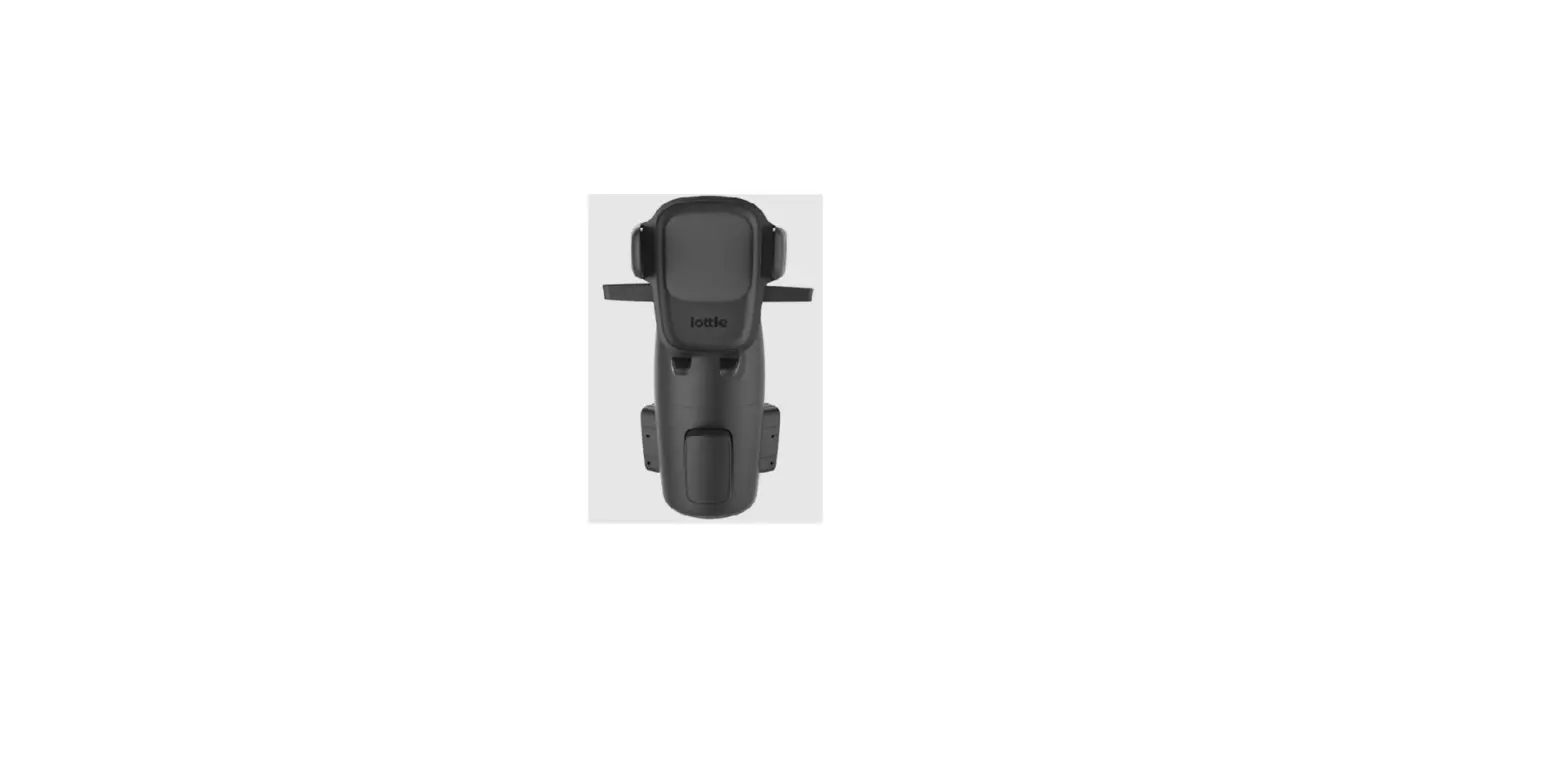
iOttie Terus Monitor Mount for iPhone User Manual
Index
For optimal mounting, please follow the detailed instructions within this manual when using the Terus Monitor Mount for iPhone.
01 Product Information
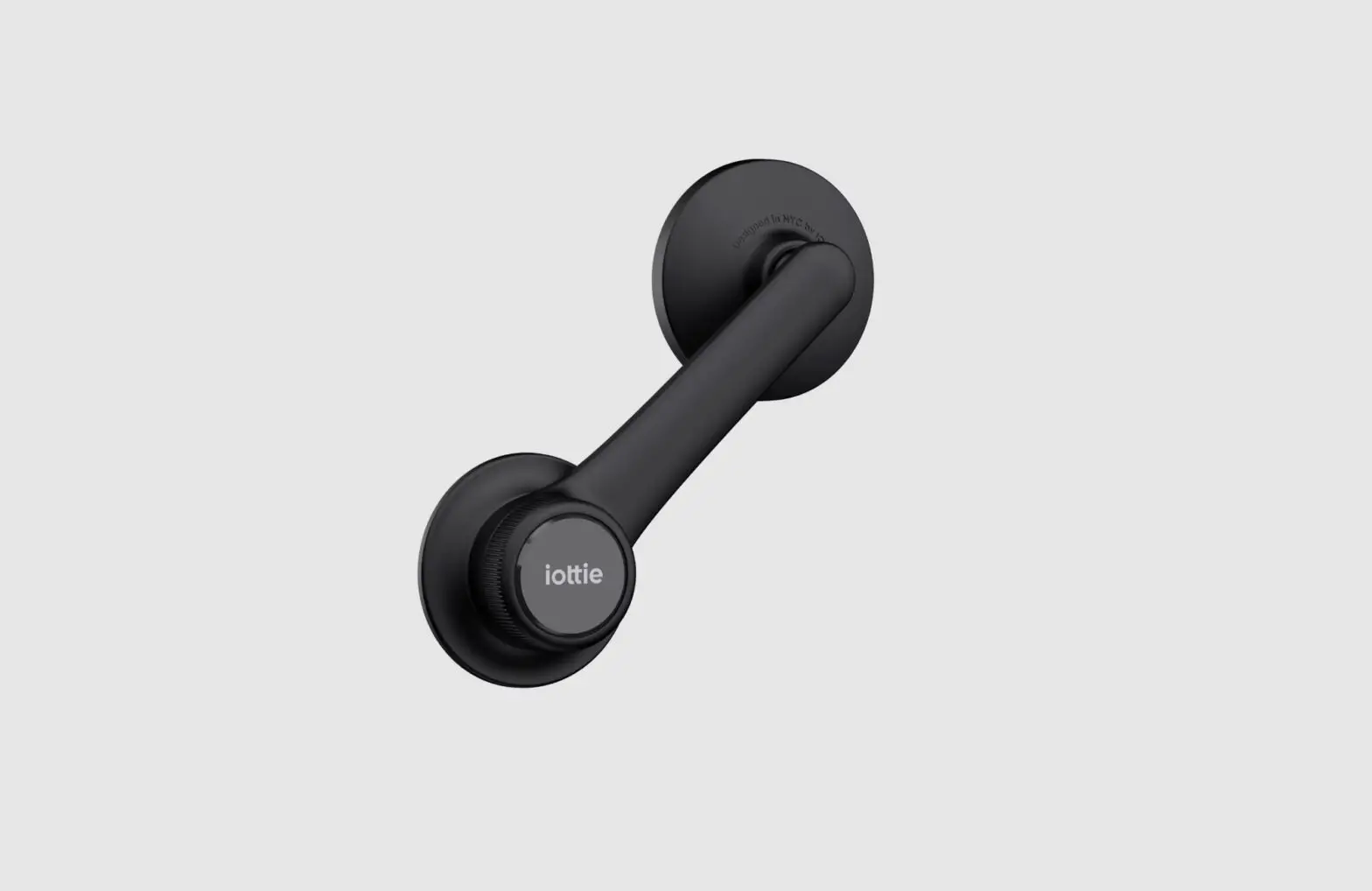
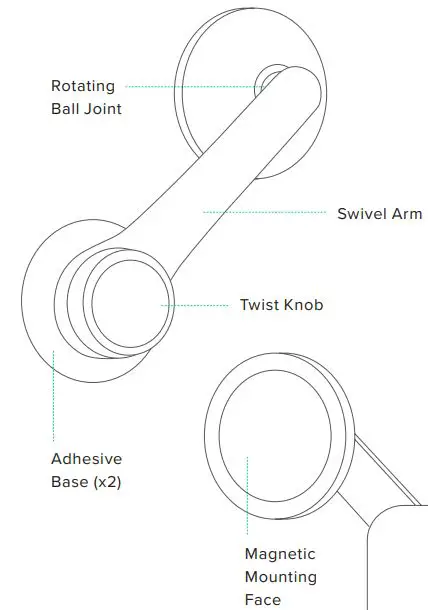
At a Glance
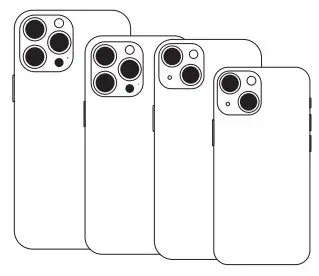
Device Compatibility
This product is designed for use with MagSafe compatible iPhones and cases. Compatible devices include iPhone 12 series and later.
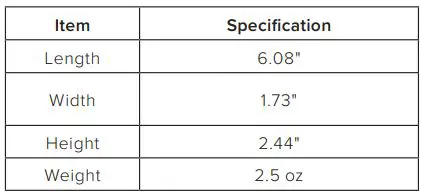
Product Specifications
02 Product Setup
Attaching the Monitor Mount
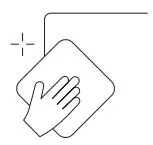
- Choose a mounting location on the back of your monitor and wipe the surface clean.

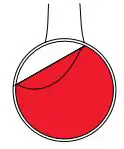
- Peel off the film on the base of the monitor mount.

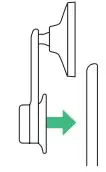
- Press the monitor mount firmly onto the desired installation location for 30 seconds.

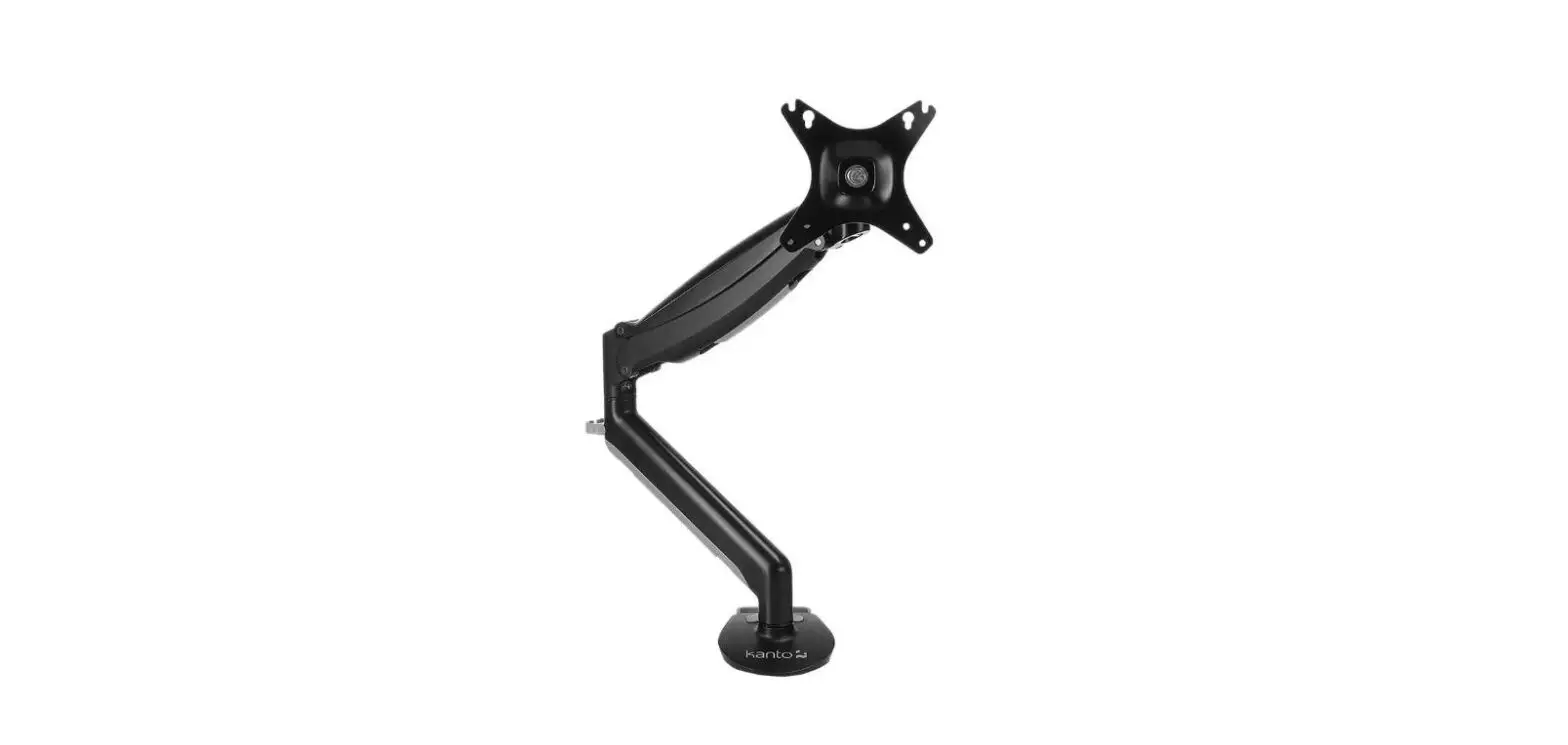
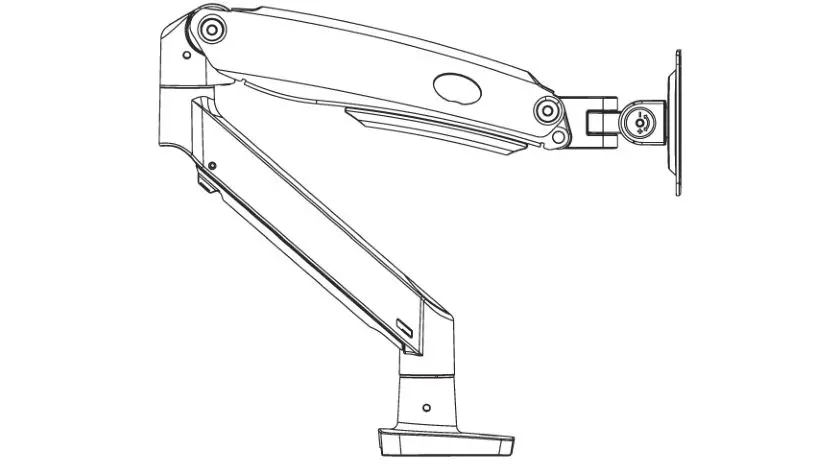
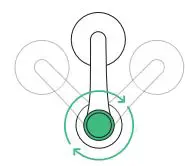
- To adjust the swivel arm, loosen the twist knob and move the arm into the desired position before retightening.
Notes
The adhesive base is detachable from the mount arm and features one-time use, semi-permanent tape. If the mount is removed, it cannot be re-mounted. For this reason, an extra adhesive base is included for your convenience.
When mounting, it is recommended that the surface and product be above 40°F.
When removing the monitor mount, please use caution. We recommend first removing the swivel arm from the adhesive base and then slowly removing the base from the edge to avoid damage.
If you have trouble removing the base, we recommend using a putty knife, library card, or credit card (with caution).
* iOttie is not liable for possible damages due to product misuse.
Mounting Your iPhone
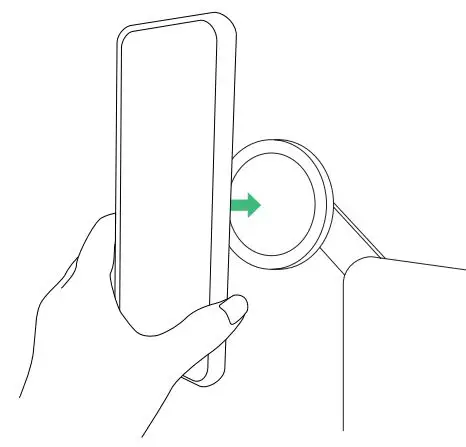
Simply tap your MagSafe iPhone against the mounting face and the magnets will hold it in place.
The Terus Monitor Mount is backed by a 2 year warranty.