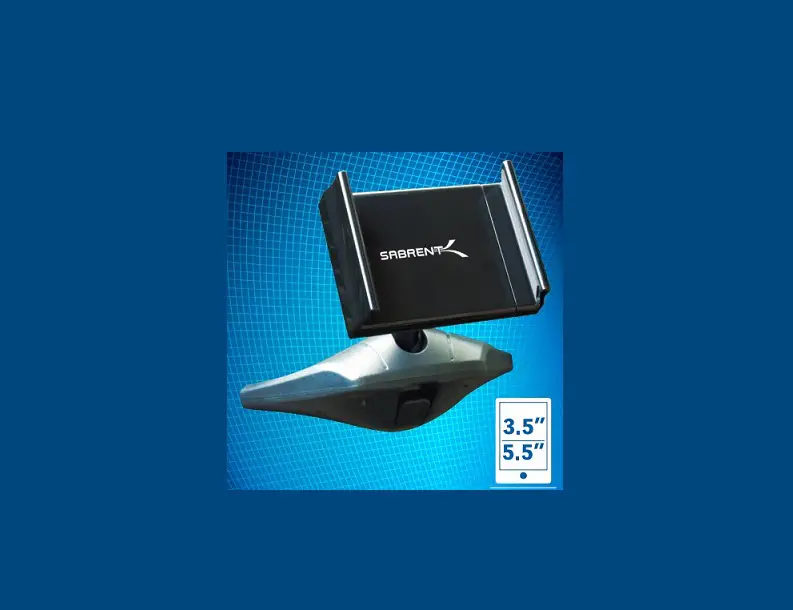
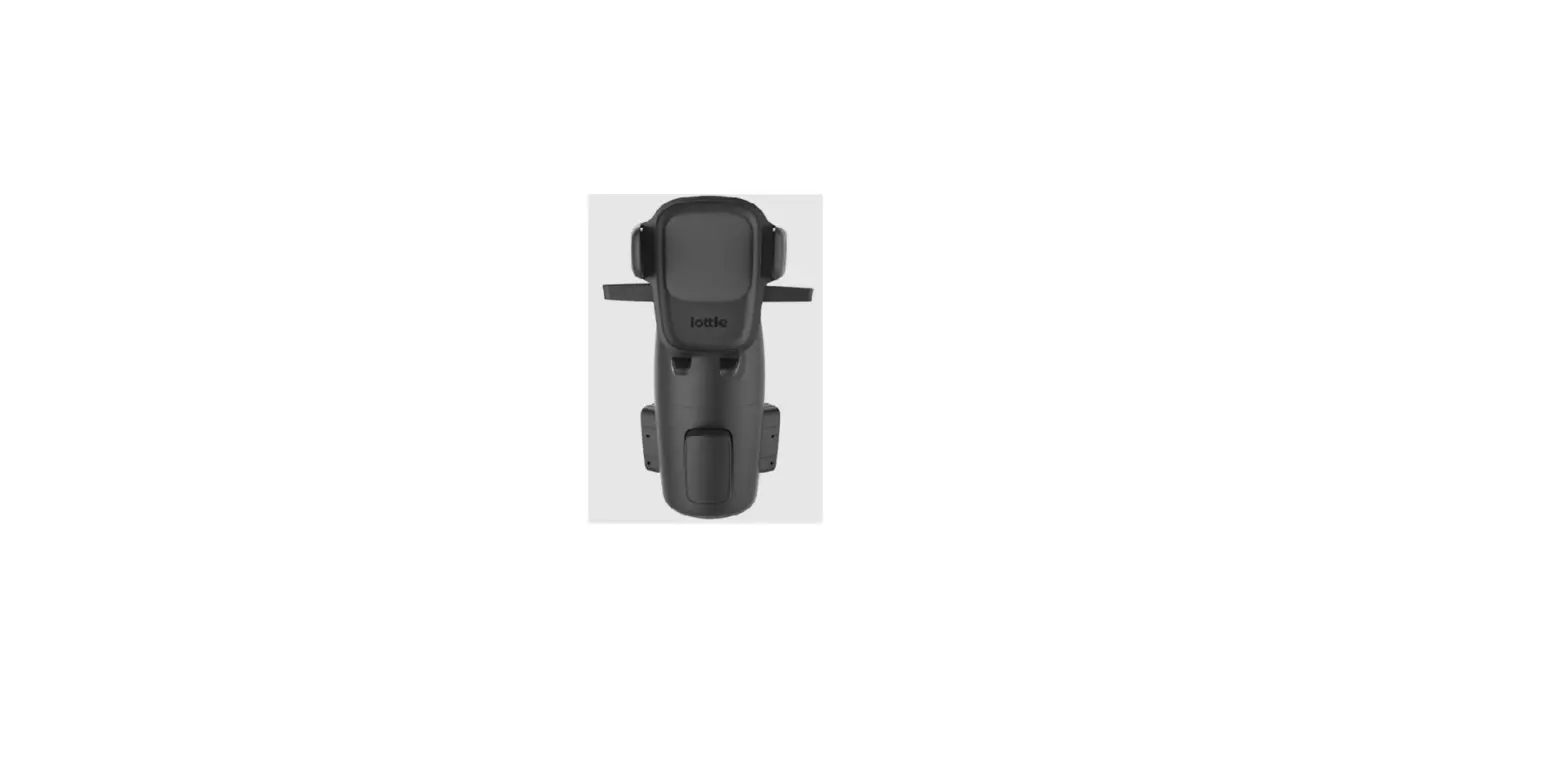
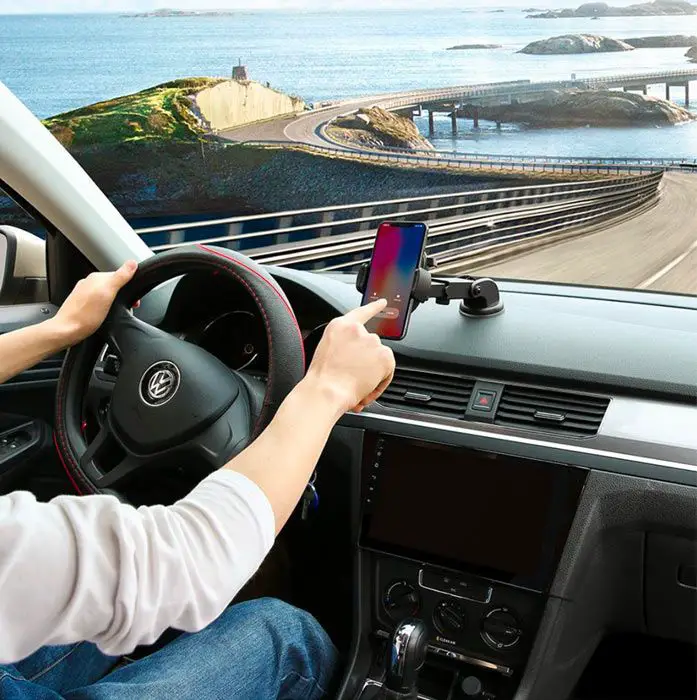
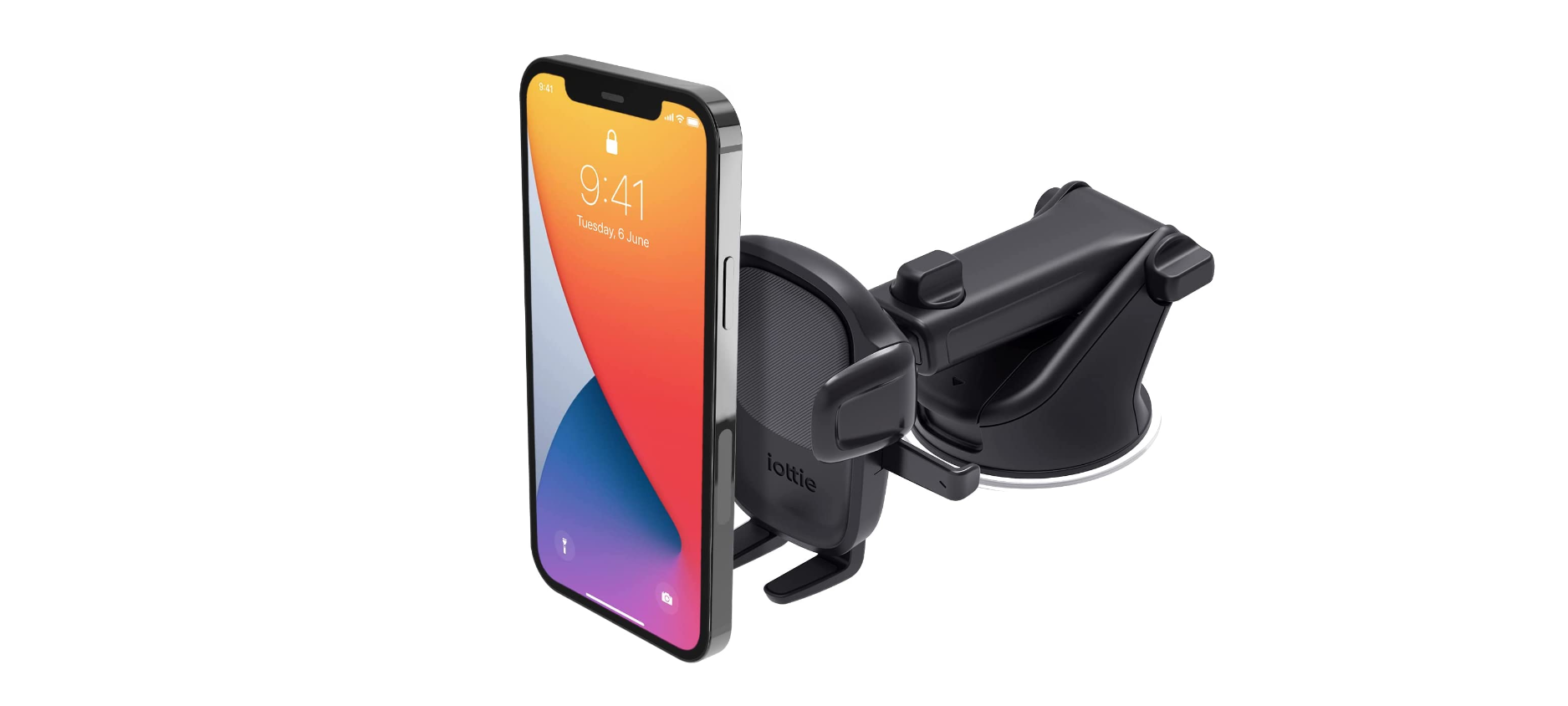
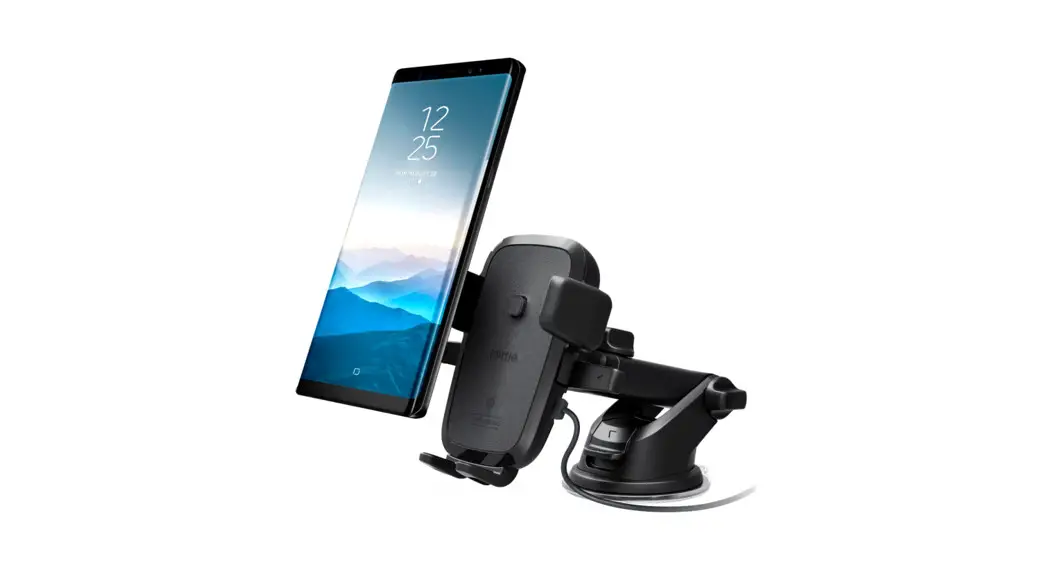
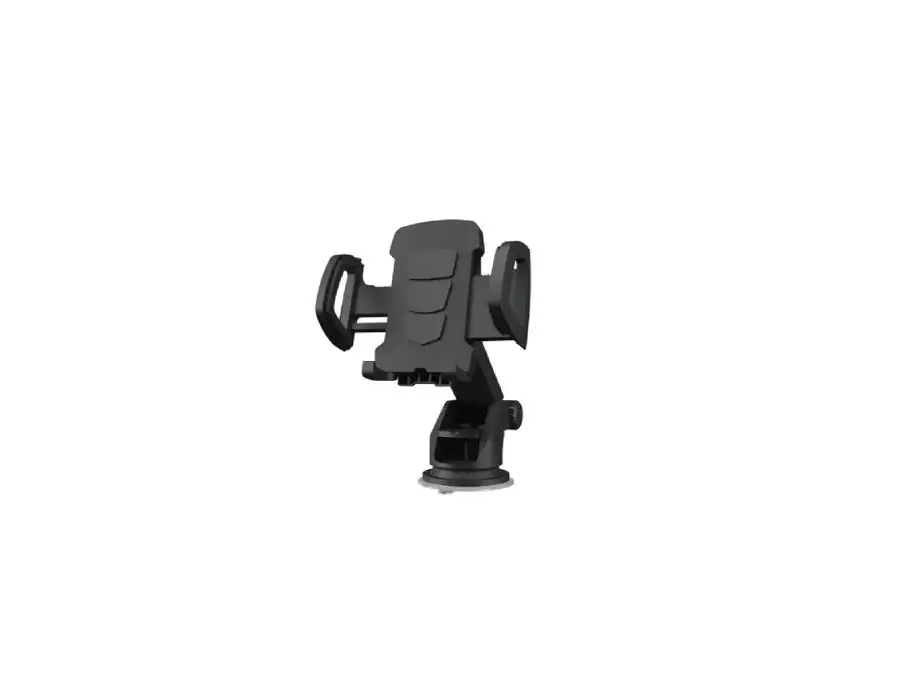
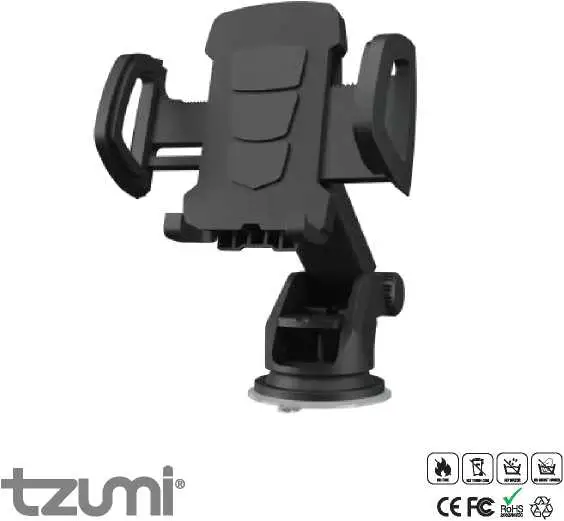
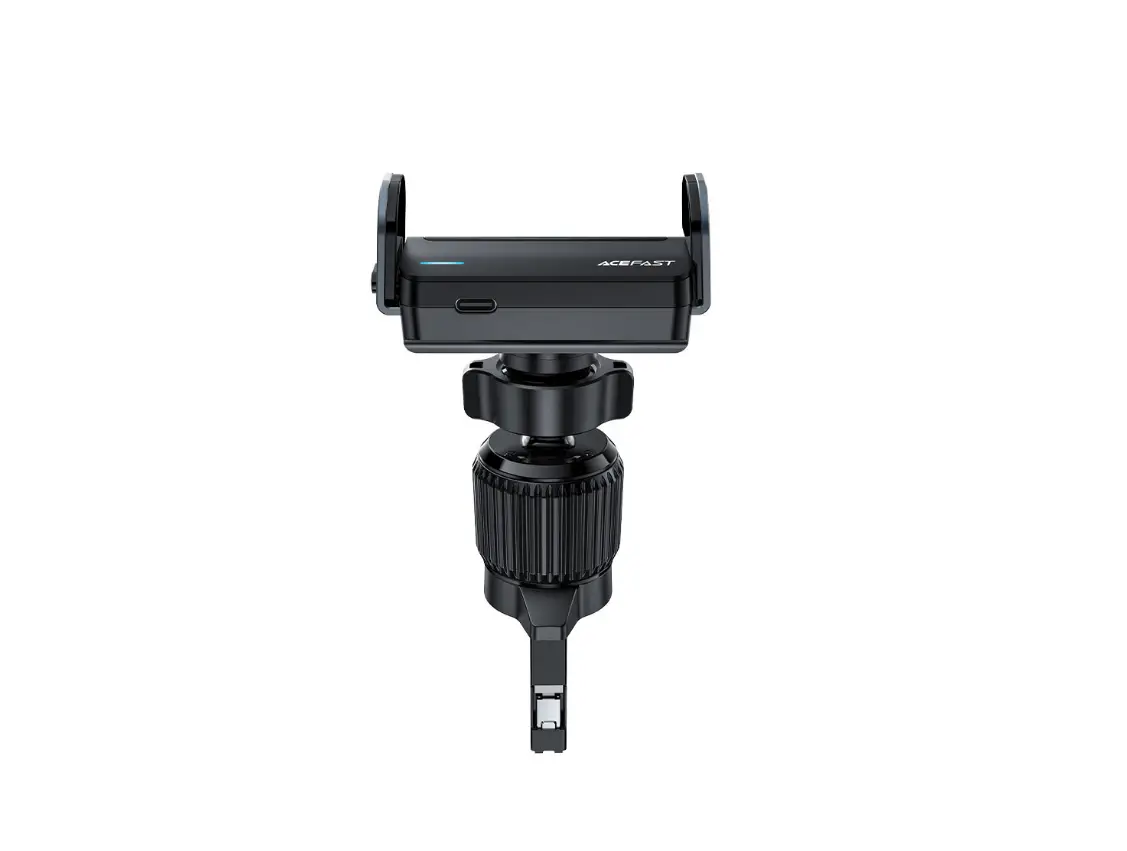
Easy One Touch 6 CD Slot Mount
Product Information
At a Glance
- Cradle Knob
- Cord Organizer
- Easy One Touch Trigger Button
- CD Slot Connector
- Locking Side Arms
- Foot
- Rotating Ball Joint
- Release Bars
Product Specifications
| Item | Length | Width | Height | Weight |
|---|---|---|---|---|
| MAX | 3.5 | 4.1 | 4.31 | 3.57 oz |
| MIN | 2.3 | – | – | – |
Product Usage Instructions
Installation
Attaching the Mount
Remember to remove all CDs from the CD player before using your
Easy One Touch 6 to avoid possible damage to the product and your
vehicle.
- Connect the mount cradle to the CD slot connector, then tighten
the cradle knob. - Insert the mount into the CD slot.
Note: The CD slot connector is designed to bend slightly. You
may need to press down on the top rubber support when inserting the
mount into your vehicle’s CD slot.
Adjusting the Mount
To rotate the cradle, loosen the cradle knob. Tighten to lock
into the desired position. To adjust the bottom foot, pull it down
or push it up. There are 5 total height settings.
Easy One Touch Mechanism
The Easy One Touch lock and release mechanism makes it simple to
mount and retrieve your smartphone in seconds.
- Mounting: Squeeze the release bars. Press your
device against the Easy One Touch trigger button. The mount’s arms
will automatically close on contact. - Releasing: Squeeze the release bars again to
release your device.
Easy One Touch 6
CD Slot Mount
User Manual
Easy One Touch 6
CD Slot Mount
User Manual
English
04
French
10
Italian
16
German
22
Spanish
28
Index
For optimal mounting, please follow the detailed instructions within this manual when using the Easy One Touch 6. iOttie is not liable for damages due to product misuse.
01
Product Information
At a Glance
Product Specifications
02 Installation Attaching the Mount Adjusting the Mount Easy One Touch Mechanism
01 Product Information
At a Glance
Cradle Knob
Cord Organizer
Easy One Touch Trigger Button
CD Slot Connector
Locking Side Arms
Foot
Rotating Ball Joint
Release Bars
5
Product Specifications
Item Length Width Height Weight
MAX 3.5″
Specification 4.1″ 4.31″ 4″
3.57 oz
Universal design fits all smartphone and case combinations.
MIN 2.3″
Mount rotates 360º for optimal viewing angles.
6 EN
02 Installation
Assembling the Mount
Remember to remove all CDs from the CD player before using your Easy One Touch 6 to avoid possible damage to the product and your vehicle.
1. Connect the mount cradle to the CD slot connector, then tighten the cradle knob.
2. Insert the mount into the CD slot.
Note: The CD slot connector is designed to bend slightly. You may need to press down on the top rubber support when inserting the mount into your vehicle’s CD slot.
7
Adjusting the Mount
Cradle Knob To rotate the cradle, loosen the cradle knob. Tighten to lock into desired position.
Bottom Foot To adjust the bottom foot, pull it down or push it up. There are 5 total height settings.
8 EN
Easy One Touch Mechanism
The Easy One Touch lock and release mechanism makes it simply to mount and retrieve your smartphone in seconds.
[ Mounting ]
1. Squeeze the release bars.
2. Press your device against the Easy One Touch trigger button. The mount’s arms will automatically close on contact.
[ Releasing ]
Squeeze the release bars again to release your device.
9
Indice
Pour un montage optimal, veuillez suivre les instructions détaillées de ce manuel lorsque vous utilisez l’Easy One Touch 6. iOttie n’est pas responsable des dommages éventuels causés par une mauvaise utilisation du produit.
01
Informations du produit
Aperçu
Caractéristiques du produit
02 Installation Fixation du support Ajustement de l’assemblage Mécanisme Easy One Touch
01 Informations du produit
Aperçu
Vis de support
Organisateur de câble
Bouton de déclenchement Easy One Touch
Connecteur de lecteur de CD
Verrouillage de bras latéraux
Pied
Joint à rotule rotatif
Barres de relâchement
11
Caractéristiques du produit
Article Longueur
Largeur Hauteur
Poids
MAX 8.9 cm
Caractéristique
10.41 cm
10.95 cm
10.16 cm
101.21 g
La conception universelle s’adapte à toutes les combinaisons de smartphones et d’étuis.
MIN 5.8 cm
L’axe pivote à 360° pour une visualization optimale des angles.
12 FR
02 Installation
Fixation du support
N’oubliez pas de retirer tous les CD de leur emplacement avant d’utiliser votre Easy One Touch 6.
1. Connectez le support de montage au connecteur de la fente pour CD, puis serrez le bouton du support.
2. Insérez le montage dans la fente du CD.
Remarque : Le connecteur de la fente pour CD est conçu pour se plier légèrement. Vous devrez peut-être appuyer sur le support en caoutchouc supérieur lors de l’insertion du support dans la fente pour CD de votre véhicule.
13
Ajustement de l’assemblage
Vis de support Pour faire pivoter le support, desserrez la vis de support. Serrez pour verrouiller dans la position désirée.
Bas du pied Pour régler le pied inférieur, tirez-le vers le bas ou poussez-le vers le haut. Il y a 5 réglages de hauteur.
14 FR
Mécanisme Easy One Touch
Le mécanisme de verrouillage et de dégagement Easy One Touch facilite le montage et le retrait rapide des smartphones.
[ Montage ]
1. Appuyez sur les bras de relâchement latéraux.
2. Appuyez votre appareil contre le bouton d’enclenchement Easy One Touch. Les bras de montage se ferment automatiquement au contact et maintiendront l’appareil au cours de la conduite.
[ Libération ]
Appuyez sur les bras de relâchement latéraux avec une main et récupérez l’appareil.
15
Indice
Per un montaggio ottimale, si prega di seguire le istruzioni dettagliate all’interno di questo manuale cuando si usa il Easy One Touch 6. iOttie non è responsabile per eventuali danni causati da un uso improprio del prodotto.
01
Informazioni del prodotto
Sommario
Specifiche del prodotto
02 Installation Collegare il supporto Regolazione del supporto Meccanismo Easy One Touch
01 Informazioni del prodotto
Sommario
Manopola della base
Organizzatore di cavi
Pulsante di attivazione Easy One Touch
Connettore per slot CD
Bracci laterali di bloccaggio
Piede
Glunto rotativo
Le barre di rilascio
17
Specifiche del prodotto
Descrizione Lunghezza Larghezza
Altezza Peso
MAX 8.9 cm
Specifiche
10.41 cm
10.95 cm
10.16 cm 101.21 g
Il design universale si adatta a tutte le combinazioni di smartphone e custodia.
MIN 5.8 cm
Il supporto ruota 360° per angoli di visione ottimali.
18 IT
02 Installation
Collegare il supporto
Ricordarsi di rimuovere tutti i CD dallo slot dei CD prima di utilizzare il Easy One Touch 6 per evitare possibili danni al prodotto e al veicolo.
1. Collegare la base di montaggio allo slot per CD connettore, quindi serrare la manopola della culla.
2. Inserire il montaggio nello slot del CD.
Nota: il slot per CD connettore è progettato per piegare leggermente. Potrebbe essere necessario premere sul supporto in gomma superiore quando si inserisce il supporto nello slot per CD del veicolo.
19
Regolazione del Supporto
Manopola della base Per ruotare la base, allentare la manopola della base. Serrare per bloccare nella posizione desiderata.
Piede inferiore Per regolare il piedino inferiore, tiralo verso il basso o spingilo verso l’alto. Ci sono 5 impostazioni di altezza.
20 IT
Meccanismo Easy One Touch
Il meccanismo di blocco e rilascio Easy One Touch semplifica il montaggio e il recupero degli smartphone in pochi secondi.
[ Il montaggio ]
1. Premere i bracci laterali di rilascio.
2. Premere il dispositivo contro il pulsante di attivazione Easy One Touch. I bracci del supporto chiuderanno automaticamente al contatto e terranno il dispositivo durante il viaggio.
[ Il rilascio ]
Premere i bracci laterali di rilascio con una mano e recuperare il dispositivo.
21
Index
Befolgen Sie für einen optimalen Einbau die detaillierten Anweisungen in diesem Handbuch, wenn Sie das Easy One Touch 6 verwenden. iOttie haftet nicht fücht mögliche Schäden, die auf Grund einer unsachgemäßen Verwendung des Produkts entstehen.
01 Produktinformationen
Auf einen Blick
Wiegeknopf
Kabelorganisator
Easy-One-Touch Auslösetaste
CD-Slot-Anschluss
01
Produktinformationen
Auf einen Blick
Produktspezifikationen
02 Installation Befestigung der Halterung Einstellung der Halterung Easy-One-Touch Mechanismus
Verriegelung der Seitenarme
Fuß
Drehbares Kugelgelenk
Auslösungstafein
23
Produktspezifikationen
Daten Länge Breite Höhe Gewicht
MAX 8.9 cm
Spezifikation
10.41 cm
10.95 cm
10.16 cm 101.21 g
Das universelle Design passt zu allen Smartphoneund Hüllen Kombinationen.
MIN 5.8 cm
Die Halterung lässt sich für optimale Betrachtungswinkel um 360° drehen.
24 DE
02 Installation
Befestigung der Halterung
Denken Sie daran, alle CDs aus dem CD-Slot zu entfernen, bevor Sie lhre Easy One Touch 6 verwenden, um mogliche Schaden am Produkt und lhrem Fahrzeug zu vermeiden.
1. Verbinden Sie die Halterung mit dem CD-Steckplatz Stecker, und ziehen Sie dann den Wiegenknopf fest.
2. Setzen Sie die Halterung in den CDSchlitz ein.
Hinweis: Der CD-Steckplatz Stecker ist so konzipiert, dass er sich leicht biegen lässt. Möglicherweise müssen Sie die obere Gummihalterung nach unten drücken, wenn Sie die Halterung in den CD-Schlitz Ihres Fahrzeugs einsetzen.
25
Einstellung der Halterung
Wiegeknopf Um die Wiege zu drehen, lösen Sie den Wiegesknopf. Anziehen, um in der gewünschten Position zu arretieren.
Unterer Fuß Um den unteren Fuß einzustellen, ziehen Sie ihn nach unten oder schieben Sie ihn nach oben. Es gibt 5 Höheneinstellungen.
26 DE
Easy-One-Touch Mechanismus
Mit dem Easy-One-Touch-Verriegelungs- und Freigabemechanismus können Sie Ihr Smartphone in Sekundenschnelle montieren und abholen.
[ Einbau ]
1. Drücken Sie die Auslösungstafein ein.
2. Drücken Sie Ihr Gerät gegen die Easy-OneTouch-Auslösetaste. Die Arme der Halterung schlieben sich bei Berührung automatisch und halten das Gerät während der Fahrt.
Drücken Sie die
Auslösungstafein
mit einer Hand und
holen Sie das Gerät
ab.
27
Índice
Para conseguir una fijación ideal, siga atentamente las instrucciones que se incluyen en este manual al usar el Easy One Touch 6. iOttie no es responsable por posibles daños debidos al uso incorrecto del producto.
01
Información del producto
A simple vista
Especificaciones del producto
02 Instalación Instalando el soporte Ajuste del soporte Mecanismo Easy One Touch
01 Información del producto
A simple vista
Perilla de la horquilla
Organizadora de cable
Botón de activación del Easy One Touch
Montura para Rantura CD
Brazos de bloqueo
Base
Articulación de rótula giratoria
Barras de liberación
29
Especificaciones del producto
Elemento Longitud
Ancho Altura Peso
MAX 8.9 cm
Especificación
10.41 cm
10.95 cm
10.16 cm
101.21 g
El diseño universal se adapta a todas las combinaciones de teléfonos inteligentes y estuches.
MIN 5.8 cm
El soporte gira 360° para obtener ángulos de visión óptimos.
30 ES
02 Instalación
Instalando el soporte
Recordar eliminar todos los CD de la ranura de CD antes de usar su Easy One Touch 6.
1. Conecte la base del soporte a la ranura para CD conector, luego apriete la perilla de la cuna.
2. Inserte el montaje en la ranura para CD.
Nota: La ranura para CD conector está diseñada para doblar ligeramente. Es posible que deba presionar hacia abajo el soporte de goma superior cuando inserte el soporte en la ranura para CD de su vehículo.
31
Ajuste del soporte
Perilla de la horquilla Para girar la horquilla, afloja la perilla de la horquilla. Apriete para bloquear en la posición deseada.
Pie inferior Para ajustar el pie inferior, tire de él hacia abajo o empújelo hacia arriba. Hay 5 ajustes de altura.
32 ES
Mecanismo Easy One Touch
El mecanismo de bloqueo y desenganche Easy One Touch hace que sea fácil colocar y retirar teléfonos inteligentes en cuestión de segundos.
[ Colocación ]
1. Presione las barras de liberación.
2. Presione su dispositivo contra el botón de activación del Easy One Touch. Los brazos de la montura se cerrarán automáticamente al entrar en contacto y sujetarán el dispositivo durante el viaje.
[ Retirar ]
Presione las barras de liberación con una mano y retire el dispositivo.
33
The Easy One Touch 6 CD Slot Mount is backed by a 2 year warranty.