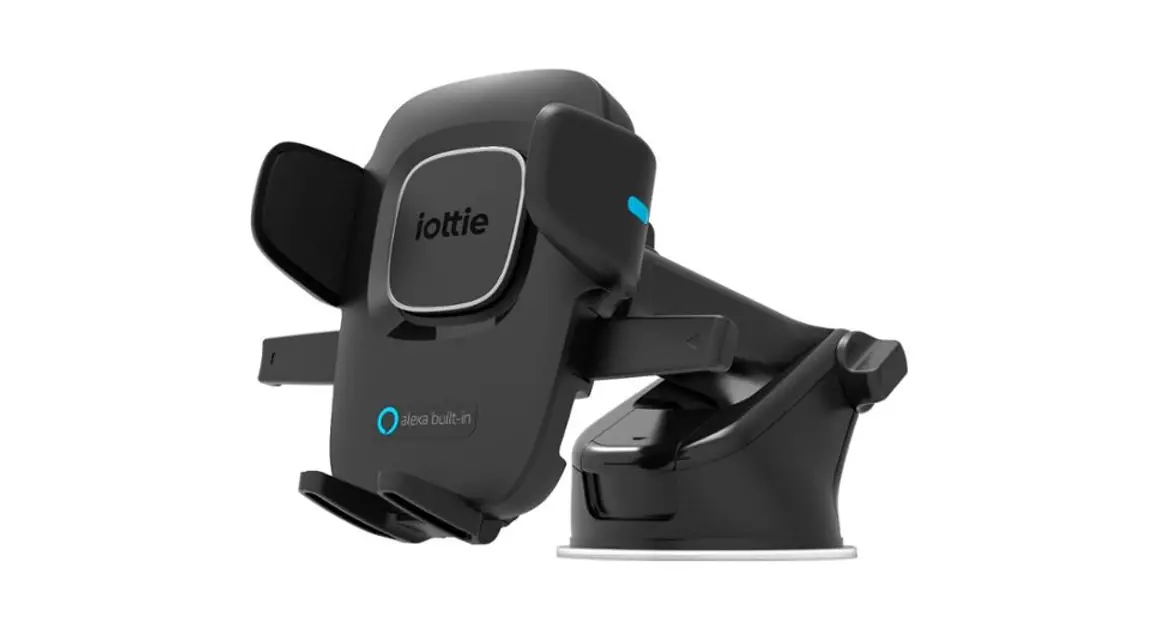
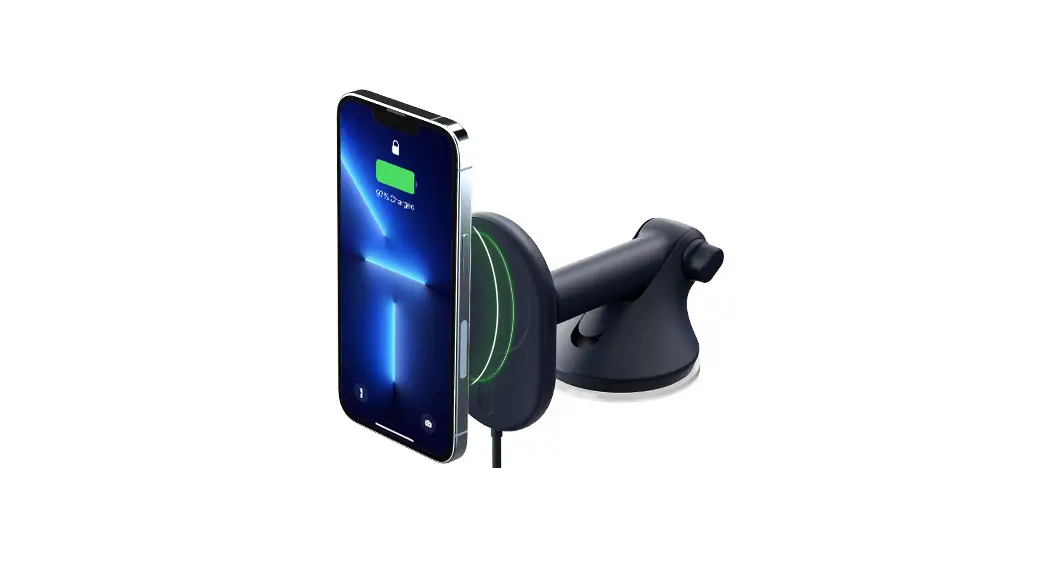
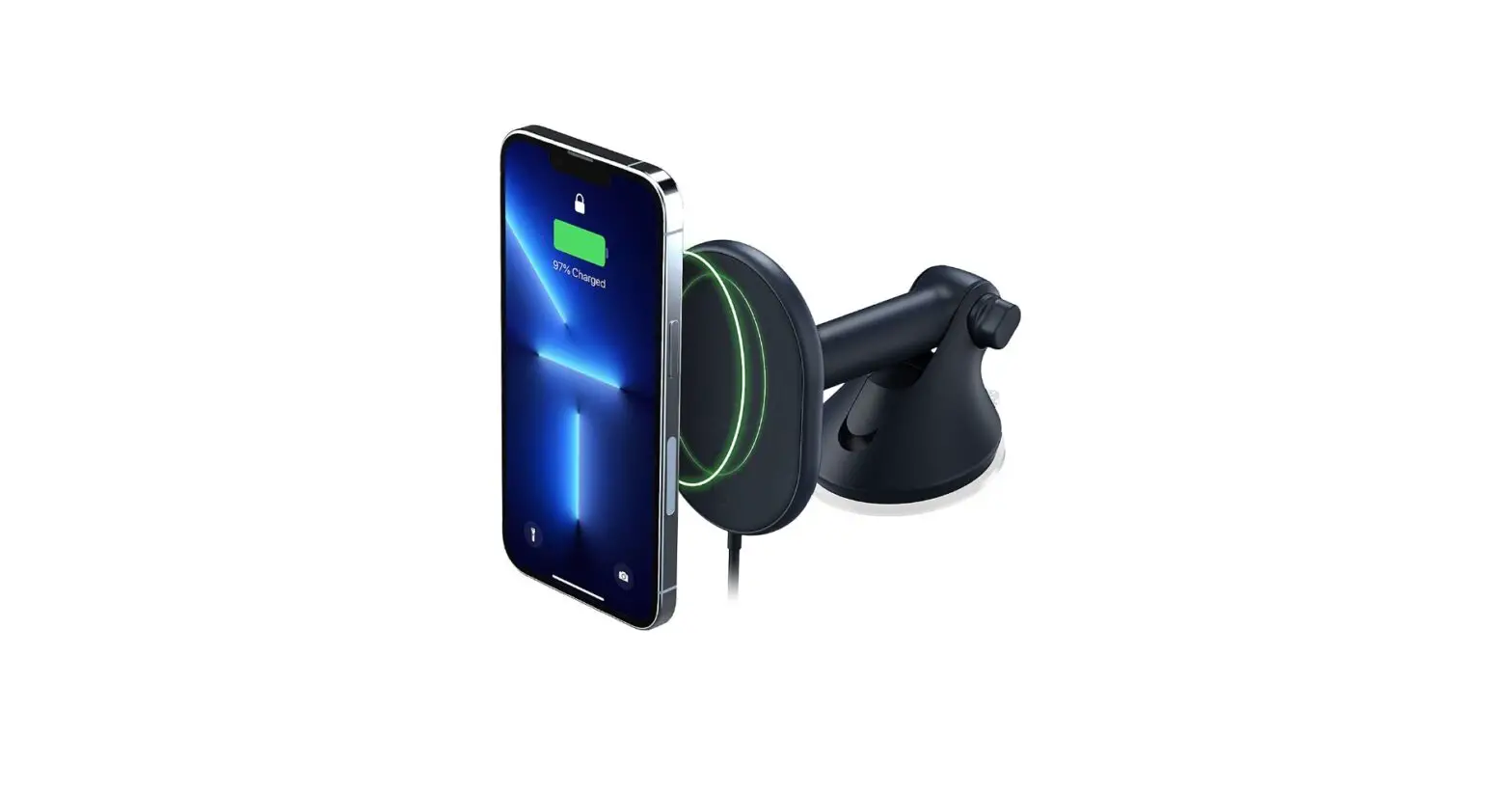
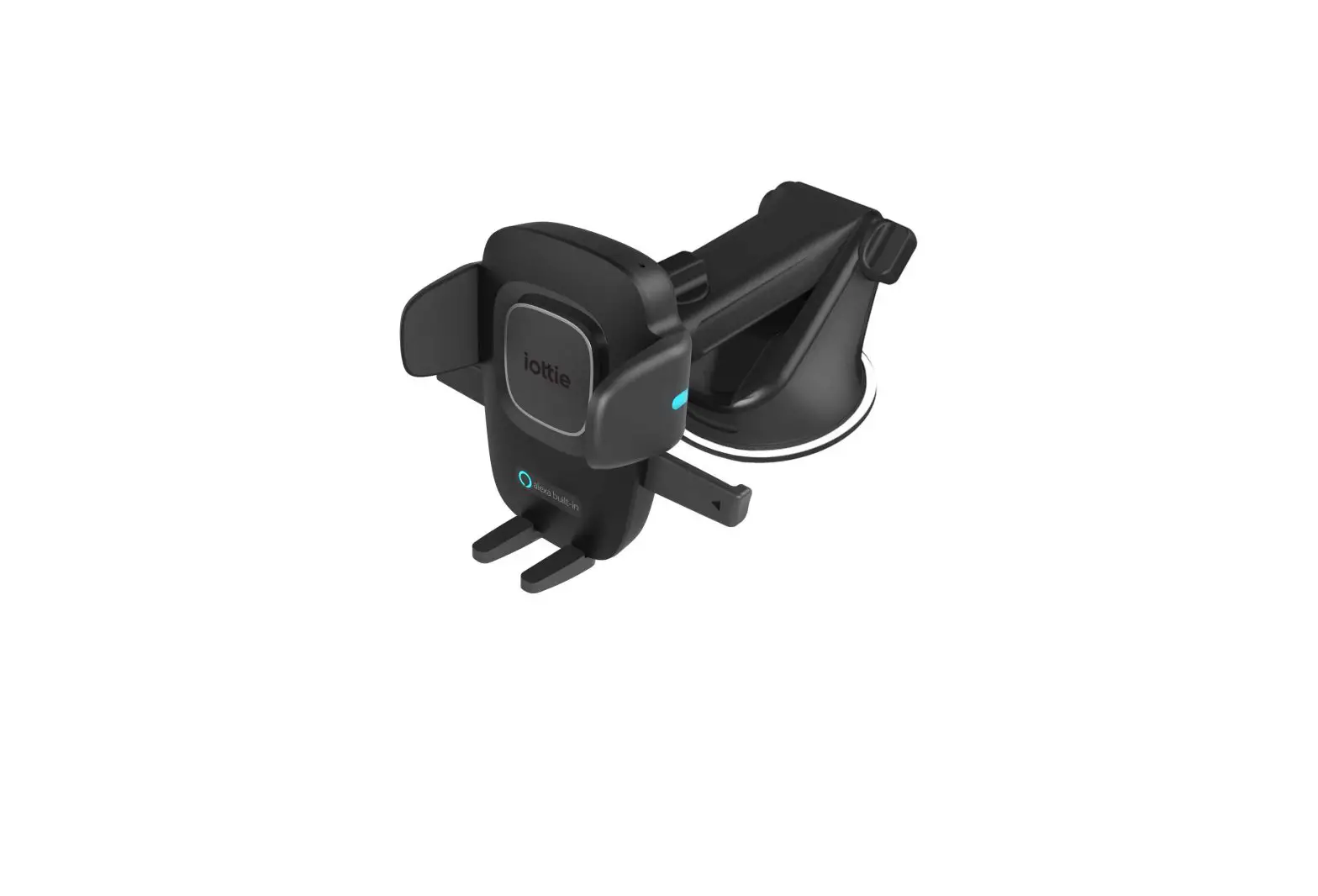
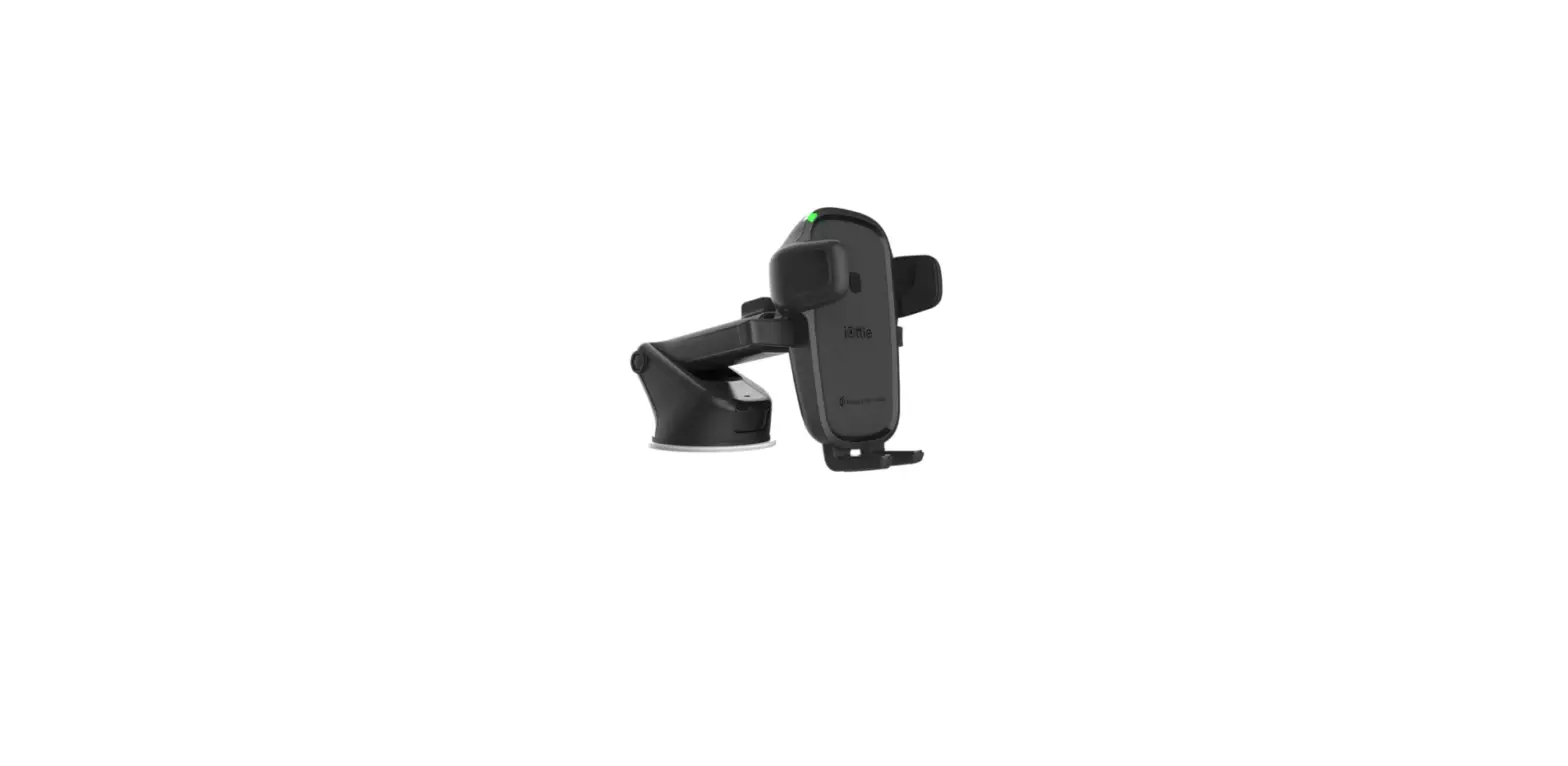
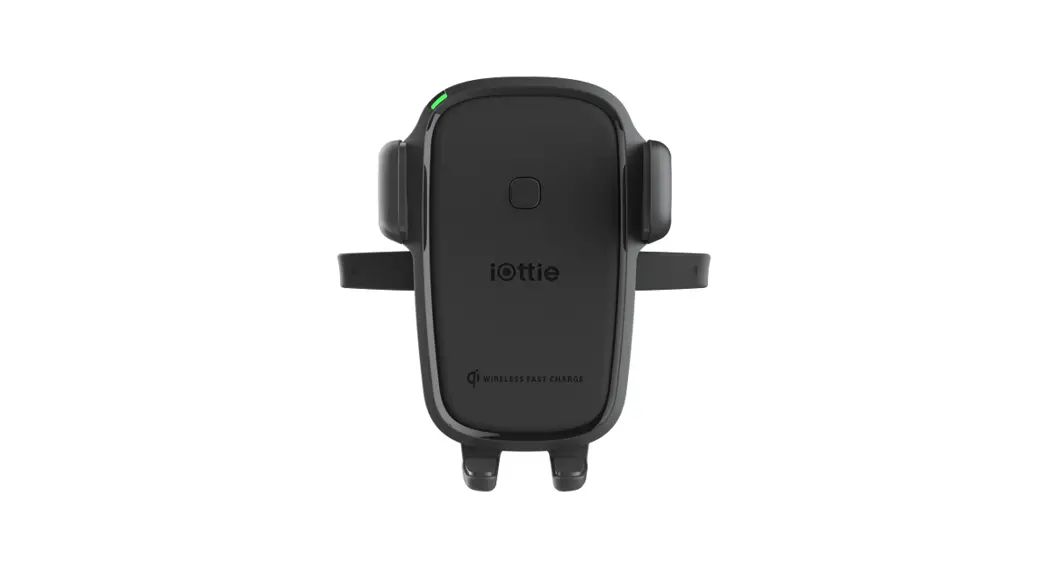
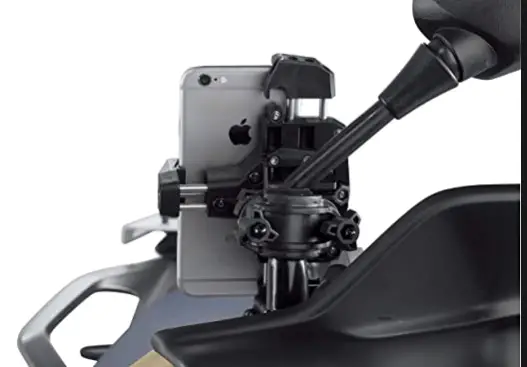
One Touch Wireless 2 Dash and Windshield Mount
Product Information: Easy One Touch Wireless 2
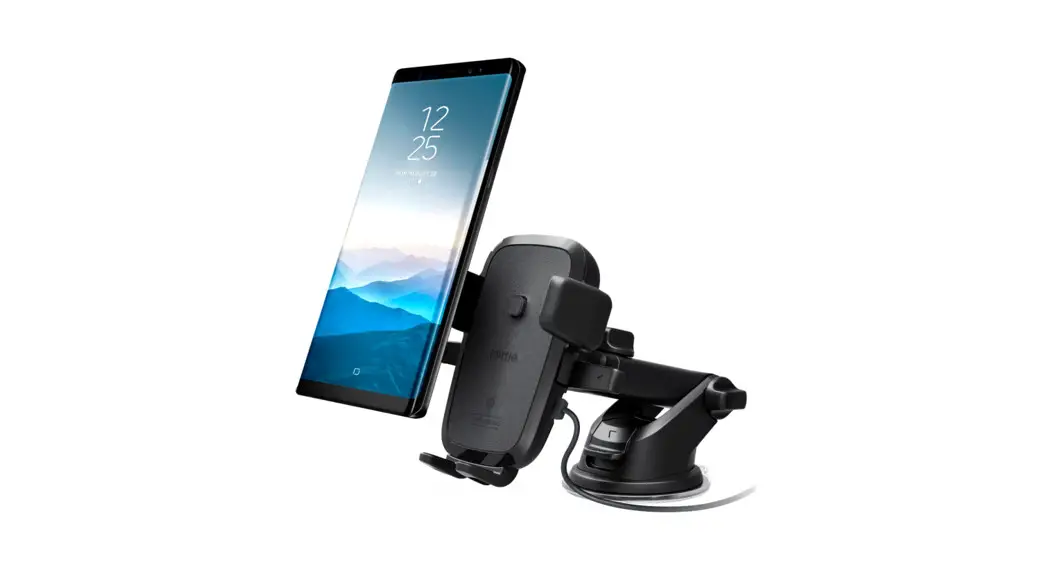
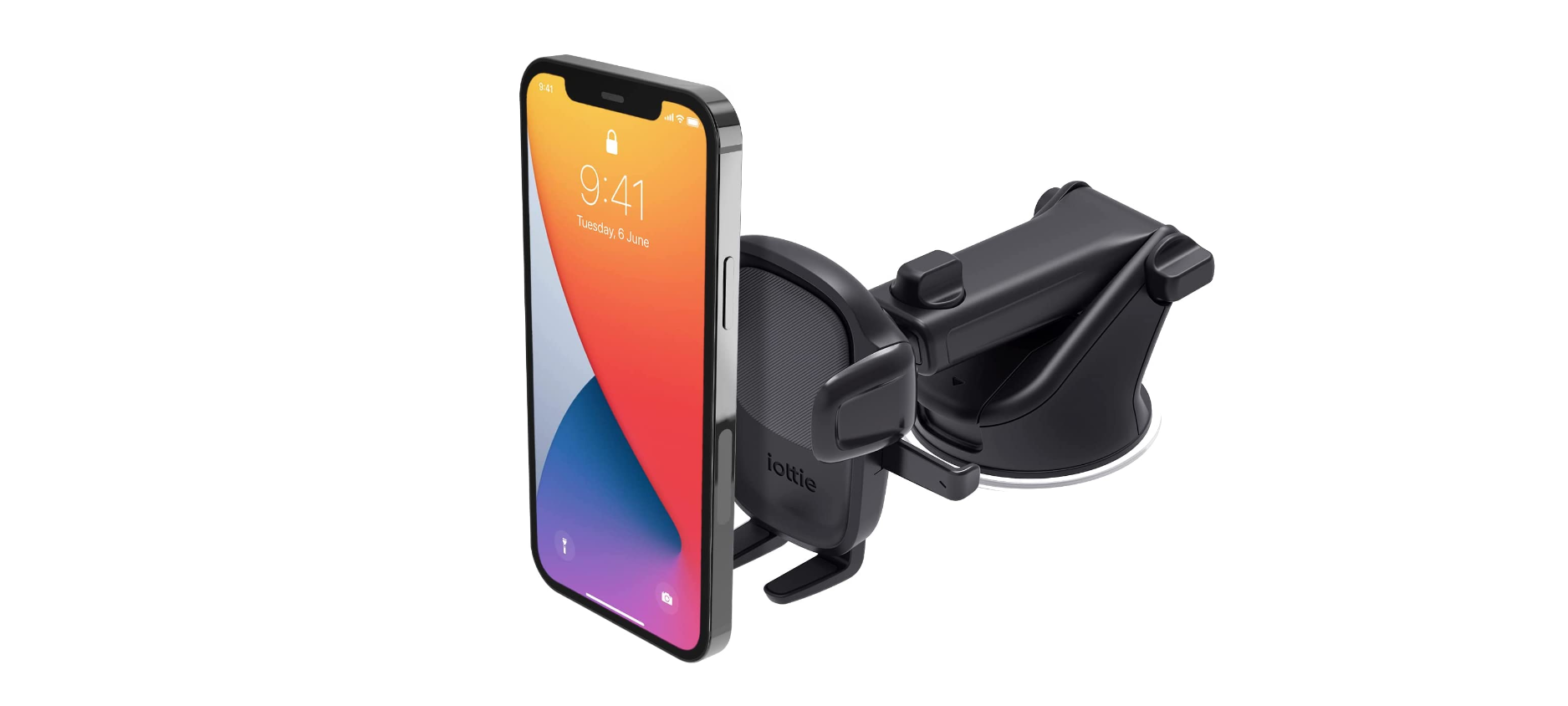
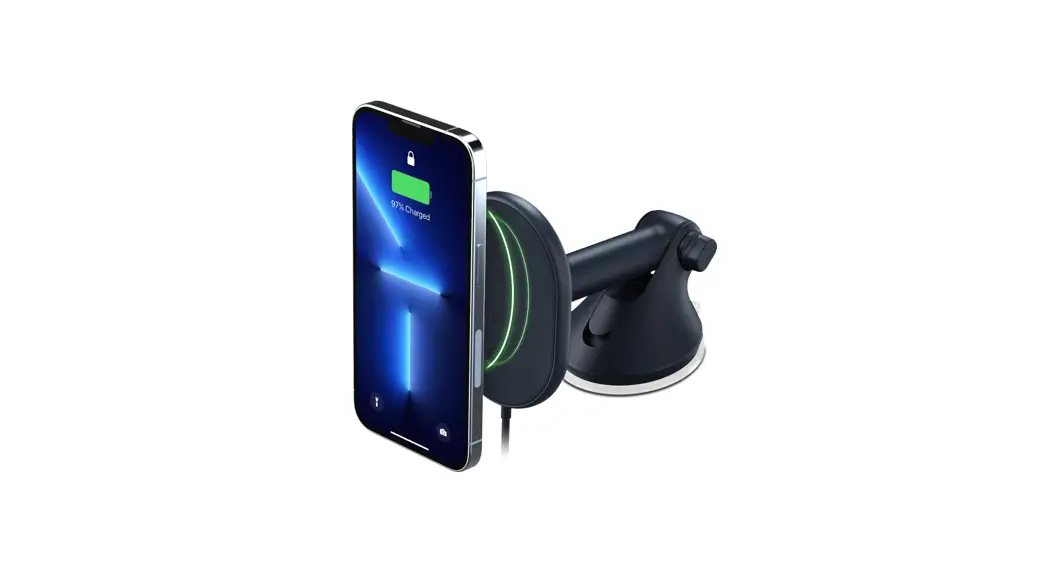
The Easy One Touch Wireless 2 is a charging mount that allows
you to charge your Qi-enabled smartphone wirelessly while driving.
It comes with a CD slot and air vent mount options for easy
installation in your vehicle. The mount is powered by a micro USB
cable and includes a dual car charger with a micro USB cable, a Qi
alignment guide, and an adjustable foot release button. The Easy
One Touch Wireless 2 is compatible with all Qi-enabled smartphones
including Google, Apple, & Samsung devices.
Critical Information
- The Easy One Touch Wireless 2 is compatible with all Qi-enabled
smartphones including Google, Apple, & Samsung devices.
(Wireless charging speed is dependent on phone make and
model.) - Use the included iOttie car charger and micro USB cable for
wireless charging in the vehicle. If you use a third party car
charger, make sure that it is Qualcomm Quick Charge 2.0 or
above. - The Easy One Touch Wireless 2’s signal may interfere with your
vehicle’s TPMS (tire pressure monitoring system). If you notice
that your TPMS light turns on, reposition the mount to prevent the
signals from interacting.
At a Glance
- Dual Car Charger with Micro USB Cable
- Qi Alignment Guide
Adjusting the Mount
- Cradle knob: When switching between landscape and portrait
mode, loosen the cradle knob to rotate the cradle. Tighten the knob
to lock the mount in your desired position. - Foot release button: The foot can be adjusted to 3 different
height settings to accommodate different phone sizes. Once setup is
chosen, the foot is designed to align with the center of the side
arms for optimal Qi wireless charging.
Installation
CD Slot Mount
- Attach the CD mount to the cradle. Tighten using the adjustment
knob. - Put the mount into the CD slot and pull the lever to lock it
into place. - Align your smartphone in the center of the Easy One Touch
trigger button. The indicator light will turn on when the phone is
successfully charging.
Air Vent Mount
- Attach the air vent mount to the cradle. Tighten using the
adjustment knob. - Loosen the twist lock and push the mount completely onto the
air vent blade. - Slowly tighten the twist lock to ensure a secure connection to
the air vent blade. Please use caution when adjusting the twist
lock on the air vent blade. - Align the smartphone in the center of the Easy One Touch
trigger button. The indicator light will turn on when the phone is
successfully charging.
Please use caution when adjusting and installing the mount to
avoid possible damage to the product and your vehicle. Remember to
remove all CDs from the CD slot before using your Easy One Touch
Wireless 2. iOttie is not liable for damage due to misuse.
Using the Easy One Touch Mechanism
To use the Easy One Touch mechanism, simply align your
smartphone in the center of the Easy One Touch trigger button. The
indicator light will turn on when the phone is successfully
charging.
Easy One Touch Wireless 2
CD Slot + Air Vent Mount · Fente pour CD et support de grille d’aération · Slot per CD e porta sfiato · CD-Schlitz und
Lüftungshalter · Ranura para CD y soporte de ventilación
Easy One Touch Wireless 2
CD Slot + Air Vent Mount
User Manual
English
04
French
12
Italian
20
German
28
Spanish
36
Getting Started
For optimal mounting and charging, please follow the detailed instructions within this manual when using the Easy One Touch Wireless 2 Charging Mount. iOttie is not liable for possible damages due to product misuse.
Critical Information
Compatibility The Easy One Touch Wireless 2 is compatible with all Qi-enabled smartphones including Google, Apple, & Samsung devices. (Wireless charging speed is dependent on phone make and model.)
Qi Wireless Charging in Vehicle Use the included iOttie car charger and micro USB cable. If you use a third party car charger, make sure that it is Qualcomm Quick Charge 2.0 or above.
The Easy One Touch Wireless 2’s signal may interfere with your vehicle’s TPMS (tire pressure monitoring system). If you notice that your TPMS light turns on, reposition the mount to prevent the signals from interacting.
At a Glance
Dual Car Charger with Micro USB Cable
Qi Alignment Guide
The Qi receiver coil is usually located in the center area of the phone. Check with your phone’s manufacturer for Qi coil location. Below are some examples for commonly used phones.
Adjusting the Mount
Cradle knob
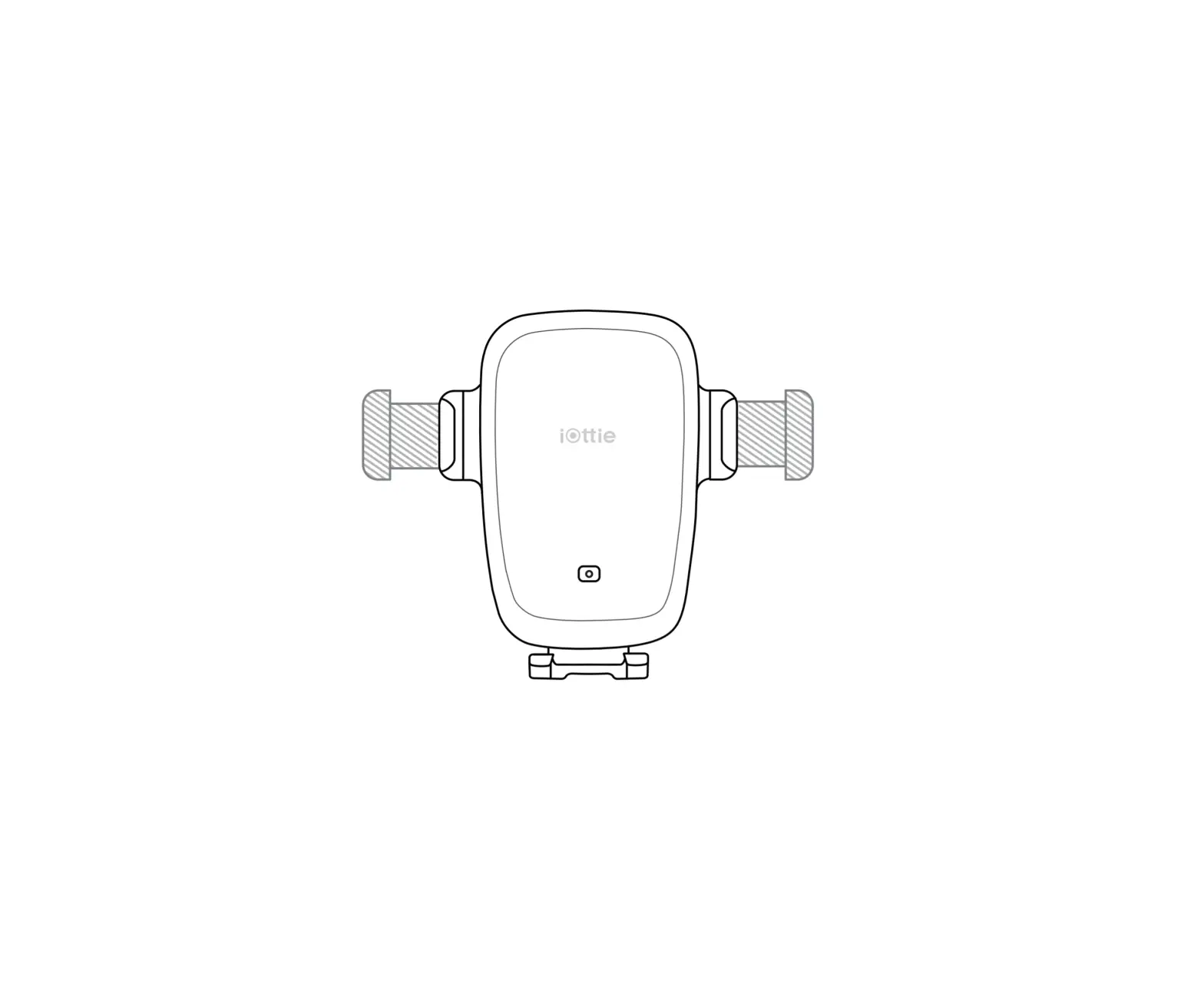
When switching between landscape and portrait mode, loosen the cradle knob to rotate the cradle. Tighten the knob to lock the mount in your desired position.
Foot release button
The foot can be adjusted to 3 different height settings to accommodate different phone sizes. Once setup is chosen, the foot is designed to align with the center of the side arms for optimal Qi wireless charging.
Connecting to Power
For optimal wireless charging, please make sure your smartphone and mount’s Qi coils are aligned.
The Easy One Touch Wireless 2 is powered by a micro USB cable. There is no on/off switch on the mount. Once it is plugged in, the mount will remain on until the vehicle is turned off.
Installation
CD Slot Mount
Air Vent Mount
1. Attach the CD mount to the cradle. Tighten using the adjustment knob.
2. Put the mount into the CD slot and pull the lever to lock it into place.
1. Attach the air vent mount to the cradle. Tighten using the adjustment knob.
2. Loosen the twist lock and push the mount completely onto the air vent blade.
3. Test to make sure the mount is secure. Insert bracket only if needed.
* If using the bracket, make sure the arrow is pointing inward.
4. Align your smartphone in the center of the Easy One Touch trigger button. The indicator light will turn on when the phone is successfully charging.
To avoid possible damage to the product and your vehicle, remember to remove all CDs from the CD slot before using your Easy One Touch Wireless 2. iOttie is not liable for damage due to misuse.
3. Slowly tighten the twist lock to ensure a secure connection to the air vent blade.
4. Align the smartphone in the center of the Easy One Touch trigger button. The indicator light will turn on when the phone is successfully charging.
Please use caution when adjusting the twist lock on the air vent blade.
Using the Easy One Touch Mechanism
The Easy One Touch lock and release mechanism makes it simple to mount & retrieve smartphones in seconds.
Mounting 1. Squeeze the release bars on
either side of the mount to open the locking side arms.
2. Press your device against the Easy One Touch trigger button. The mount’s arms will automatically close on contact for a secure hold.
Releasing Press the release bars. The arms will open so you can retrieve your device.
Wireless Charger Specifications
INPUT OUTPUT
DC 5V/3A DC 9V/2A DC 12V/1.5A
10W (ANDROID), 7.5W (APPLE)
CHARGING PORT
MICRO USB
LENGTH
4.3″
WIDTH
2.4″
HEIGHT
4.5″
WEIGHT
3.6 oz
Car Charger Specifications
INPUT OUTPUT
Charging Indicator
12V~24V
DC 5V/3A 9V/2A 12V/1.5A
SOLID GREEN LIGHT
Smartphone is charging.
BLINKING RED LIGHT
Smartphone is not charging.
Foreign object detected, or the smartphone or mount is overheating.
Commencer
Pour un montage optimal, veuillez suivre les instructions détaillées de ce manuel lorsque vous utilisez l’Easy one Touch Wireless 2. iOttie n’est pas responsable des dommages éventuels causés par une mauvaise utilisation du produit.
Information critique
Compatibilité Compatible avec la charge rapide sans fil Apple, Google & Samsung. Le « Easy One Touch Wireless 2 » offre une charge rapide sans fil 4 tous les smartphones compatibles avec Qi (la vitesse Qi dépend de la marque et du modéle du téléphone).
Chargement sans fil Qi dans un véhicule Use the included iOttie Car Charger and Micro USB Cable. If you douse a third party car charger, use a Qualcomm Quick Charge 2.0 or equivalent adapter to receive a wireless charge (with compatible devices).
Le signal du montage de charge sans fil de l’Easy One Touch peut éventuellement interferer avec le système de surveillance de pression (SSP). Si vous remarquez que le voyant SSP s’allume, veuillez essayer d’utiliser votre assemblage dans différents endroits afin d’éviter l’interférence entre signaux.
Aperçu
Guide d’alignement des Qi
La bobine du récepteur Qi est généralement située dans la partie centrale du téléphone. Consultez le fabricant de votre téléphone pour connaître l’emplacement de la bobine Qi. Vous trouverez ci-dessous quelques exemples de téléphones couramment utilisés.
Ajustement de l’assemblage
Pour une charge sans fil optimale, assurez-vous que les bobines Qi de votre smartphone et de votre montage sont alignées.
Bouton du berceau
Lors du montage en mode paysage, relâchez le bouton du berceau pour faire pivoter le support. Resserrer-le the bouton pour verrouiller dans la position désirée.
Bouton de dégagement au pied
Le pied peut être réglé sur 3 hauteurs différentes pour s’adapter à différentes tailles de téléphone. Une fois la configuration choisie, le pied est conçu pour s’aligner sur le centre des bras latéraux pour une charge optimale sans fil Qi.
Connexion de l’alimentation
L’Easy One Touch Wireless 2 est alimenté via un câble micro-USB. L’Easy One Touch Wireless 2 n’a pas d’interrupteur marche/arrêt. Une fois que l’appareil est branché à la source d’alimentation, il reste allumé.
Installation
Fente cd
Évent
1. Fixez le support de CD à le berceau. Serrer à l’aide du bouton de réglage.
2. Connectez le connecteur de lecteur de CD au lecteur de CD. Tirez sur le levier pour verrouiller le support en place.
1. Pressez simultanément sur le support et l’évent, resserrez la vis du support.
2. Desserrer le verrou tournant et poussez le support complètement sur la grille d’aération.
3. Tester pour vérifier que le Support 4. Alignez directement l’arrière
est bien attaché et insérer une
du smartphone sur le centre
Équerre si nécessaire.
du bouton de déclenchement
* Si vous utilisez le support, assurez- de l’Easy One Touch. Le voyant
vous que la flèche pointe vers
s’allumera lorsque la connexion
l’intérieur.
de charge aura été trouvée.
N’oubliez pas de retirer tous les CD de leur emplacement avant d’utiliser votre Easy One Touch Wireless 2. Support de lecteur de CD sans fil pour éviter d’endommager le produit et votre véhicule.
3. Serrez lentement le verrou tournant pour obtenir une connexion sécurisée à la grille d’aération.
4. Alignez directement l’arrière du smartphone sur le centre du bouton de déclenchement de l’Easy One Touch. Le voyant s’allumera lorsque la connexion de charge aura été trouvée.
Faites attention lorsque vous ajustez le verrou tournant sur la grille d’aération. iOttie n’est pas responsable des dommages éventuels causés par une mauvaise utilisation du produit.
Utilisation du mécanisme Easy One Touch
Le mécanisme de verrouillage et de dégagement Easy One Touch facilite le montage et le retrait rapide des smartphones.
Montage 1. Appuyez sur les bras de
verrouillage latéraux.
2. Appuyez votre appareil contre le bouton d’enclenchement Easy One Touch. Les bras de montage se fermeront automatiquement au contact et maintiendront l’appareil au cours de la conduite.
Libération Appuyez sur les bras de verrouillages latéraux avec une main et récupérez l’appareil.
Spécifications pour un chargeur sans fil
ÉNTREE SORTIE
DC 5V/3A DC 9V/2A DC 12V/1.5A
10W (ANDROID), 7.5W (APPLE)
PORT DE CHARGE
MICRO USB
LONGUEUR
4.3″
LARGEUR
2.4″
HAUTEUR
4.5″
POIDS
3.6 oz
Spécifications pour un chargeur de voiture
ÉNTREE SORTIE
12V~24V
DC 5V/3A 9V/2A 12V/1.5A
Indicateur de charge
LUMIÈRE VERTE CONTINUE
LUMIÈRE ROUGE CLIGNOTANTE
Chargement du téléphone intelligent.
Le téléphone intelligent est hors de charge. Un objet étranger a été détecté ou bien il y a surchauffe du support ou du téléphone intelligent.
Iniziamo
Per un montaggio ottimale, si prega di seguire le istruzioni dettagliate all’interno di questo manuale cuando si usa il Easy One Touch Wireless 2. iOttie non è responsabile per eventuali danni causati da un uso improprio del prodotto.
Informazioni critiche
Compatibilità Compatibili per ricarica veloce wireless con Google, Apple & Samsung. Easy One Touch Wireless 2 permette una ricarica wireless veloce di tutti gli smartphone con tecnologia Qi (la velocita Qi dipende dalla marca e dal modello di telefono).
Caricabatteria Wireless Qi per auto Utilizzare il caricabatteria per auto e il cavo Micro USB di iOttie in dotazione. Se si utilizza un caricabatteria per auto di terzi, utilizzare un Qualcomm Quick Charge 2.0 o un adattatore equivalente per ricevere una ricarica wireless (con dispositivi compatibili).
TIl segnale del supporto di ricarica wireless Easy One Touch potrebbe interferire con il TPMS (il sistema di monitoraggio della pressione). Se noti che la luce del tuo TPMS si accende, prova a utilizzare il supporto in posizioni diverse per eviatre che i segnali interferiscano l’uno con l’altro.
A prima vista
Guida di allineamento della Qi
La bobina del ricevitore del Qi si trova di solito nella parte centrale del telefono. Verifica con il produttore del telefono la posizione della bobina Qi. Di seguito sono riportati alcuni esempi dei telefoni più usati.
Regolazione del Supporto
Manopola della base
Per montare in modalità orizzontale, allentare la manopola della base per ruotare la base. Stringere per bloccare nella posizione desiderata.
Pulsante di rilascio del piede
Il piedino può essere regolato su 3 diverse altezze per adattarsi alle diverse dimensioni del telefono. Una volta scelta la configurazione, il piedino è progettato per allinearsi con il centro dei bracci laterali per una ricarica Qi Wireless ottimale.
Per una ricarica wireless ottimale, assicurarsi che lo smartphone e le bobine Qi montate siano allineate.
Collegamento di energia
Il Easy One Touch Wireless 2 non ha un interruttore on/off. Una volta collegato il dispositivo alla fonte di alimentazione, rimarrà acceso.
Installazione
Slot CD
Bocchetta d’aria
1. Premere insieme il supporto dello slot per CD e la base e serrare la manopola della base.
2. Collegare il connettore dello slot dei CD allo slot dei CD. Tirare la leva per bloccare il supporto in posizione.
1. Premere insieme il supporte dello sfogo e la base, stringere la manopola del base.
2. Allentare il twist lock e spingere completamente il supporto delle palette della bocchetta.
3. Test per assicurarsi che la montatura sia sicura e per inserire il supporto, se necessario.
* Se si utilizza la staffa, assicurarsi che la freccia sia rivolta verso l’interno.
4. Allineare la parte posteriore dello smartphone direttamente al centro del pulsante di attivazione Easy One Touch del supporto. La spia si accende quando si trova la connessione di ricarica.
Ricordarsi di rimuovere tutti i CD dallo slot dei CD prima di utilizzare Easy One Touch Wireless 2 supporto per slot per CD per evitare possibili danni al prodotto e al veicolo. iOttie is not liable for possible damages due to misuse.
3. Stringere lentamente il twist lock per una presa sicura alla bocchetta d’aria.
4. Allineare la parte posteriore dello smartphone direttamente al centro del pulsante di attivazione Easy One Touch del supporto. La spia si accende quando si trova la connessione di ricarica.
Si prega di prestare attenzione quando si regola il twist lock sulla bocchetta d’aria. iOttie non è responsabile per eventuali danni causati da un uso improprio del prodotto.
Utilizzo del meccanismo Easy One Touch
Il meccanismo di blocco e rilascio Easy One Touch semplifica il montaggio e il recupero degli smartphone in pochi secondi.
Il montaggio 1. Premere i bracci laterali
di bloccaggio.
2. Premere il dispositivo contro il pulsante di attivazione Easy One Touch. I bracci del supporto chiuderanno automaticamente al contatto e terranno il dispositivo durante il viaggio.
Il Rilascio Premere i bracci laterali di bloccaggio con una mano e recuperare il dispositivo.
Specifiche del Caricatore Wireless
INGRESSO PRODUZIONE
DC 5V/3A DC 9V/2A DC 12V/1.5A
10W (ANDROID), 7.5W (APPLE)
PORTA DEL CARICATORE
MICRO USB
LUNGHEZZA
4.3″
LARGHEZZA
2.4″
ALTEZZA
4.5″
PESO
3.6 oz
Specifiche del Caricatore per la Macchina
INGRESSO PRODUZIONE
12V~24V
DC 5V/3A 9V/2A 12V/1.5A
Indicatore di Carica
LUCE VERDE FISSA
Telefono in carica
LUCE ROSSA LAMPEGGIANTE
Telefono non in carica.
Oggetto estraneo rilevato o surriscaldamento del supporto o smartphone.
Erste Schritte
Befolgen Sie für einen optimalen Einbau die detaillierten Anweisungen in diesem Handbuch, wenn Sie das Easy One Touch Wireless 2 verwenden. iOttie haftet nicht für mögliche Schäden, die auf Grund einer unsachgemäßen Verwendung des Produkts entstehen.
Kritische Information
Kompatibilität Kompatibel mit Google, Apple und Samsung kabellosen Schnellladern. Das Easy One Touch Wireless 2 bietet kabelloses Schnellladen fur alle Qi-fahigen Smartphones (die Qi-Geschwindigkeit hangt von der Marke und dem Modell des Telefons ab).
Aufladen im Fahrzeug mit Qi Wireless Verwenden Sie das mitgelieferte iOttie-Autoladegerät und das MicroUSB-Kabel. Wenn Sie ein Autoladegerät eines Drittanbieters verwenden sollten, verwenden Sie bitte einen Qualcomm Schnelllader 2.0 oder einen gleichwertigen Adapter, um eine drahtlose Ladung zu empfangen (mit kompatiblen Geräten).
Das Signal der kabellosen Ladestation von Easy One Touch kann das TPMS (das Drucküberwachungssystem) stören. Wenn Sie bemerken, dass Ihre TPMS-Anzeige aufleuchtet, versuchen Sie bitte, Ihre Halterung an verschiedenen Orten zu verwenden, um zu vermeiden, dass die Signale sich gegenseitig stören.
Auf einen Blick
Qi-Ausrichtungshilfe
Die Qi-Empfängerspule befindet sich in der Regel im mittleren Bereich des Telefons. Informieren Sie sich beim Hersteller Ihres Mobiltelefons über die Position der Qi-Spule. Nachfolgend finden Sie einige Beispiele für häufig verwendete Mobiltelefone.
Einstellung der Halterung
Wiegeknopf
Wenn Sie im Querformat montieren, lösen Sie die Wiege, um sie zu drehen. Ziehen Sie sie fest, um die gewünschte Position festzulegen.
Fuß Entriegelungsknopf
Der Fuß kann auf 3 verschiedene Höheneinstellungen eingestellt werden, um verschiedenen Telefongrößen Rechnung zu tragen. Sobald die Einstellung ausgewählt ist, ist der Fuß so ausgelegt, dass er zur Mitte der Seitenarme ausgerichtet ist, um ein optimales Aufladen mit Qi Wireless zu ermöglichen.
Anschließen der Stromversorgung
Stellen Sie für ein optimales drahtloses Laden sicher, dass die Qi-Spulen Ihres Smartphones und der Halterung ausgerichtet sind.
Das Easy One Touch Wireless 2 wird über ein Micro-USB-Kabel mit Strom versorgt. Easy One Touch Wireless verfügt nicht über einen Ein-/Ausschalter. Sobald das Gerät an die Stromquelle angeschlossen ist, bleibt es eingeschaltet.
Installationsanweisungen
CD-Schlitz
Entlüftung
1. Bringen Sie die CD-Halterung an die Wiege. Mit dem Einstellknopf festziehen.
2. Verbinden Sie den CD-SlotAnschluss mit dem CD-Slot. Ziehen Sie den Hebel, um die Halterung zu sichern.
1. Drücken Sie die Entlüftungshalterung und die Wiege zusammen, und ziehen Sie den Wiegeknopf fest.
2. Lösen Sie die Drehverriegelung und drücken Sie die Halterung vollständig auf die Lamelle des Lüftungsschlitzes.
3. Testen Sie, ob die Halterung sicher 4. Richten Sie die Rückseite des
ist, und setzen Sie nötigenfalls eine Smartphones direkt auf der
Sicherheitsklammer ein.
Easy One Touch-Auslösetaste des
* Achten Sie bei Verwendung der
Mount aus. Die Kontrollleuchte
Halterung darauf, dass der Pfeil
leuchtet auf, wenn die
nach innen zeigt.
Ladeverbindung gefunden wird.
Denken Sie daran, alle CDs aus dem CD-Slot zu entfernen, bevor Sie Ihre drahtlose CD-Slot-Halterung verwenden, um mögliche Schäden am Produkt und Ihrem Fahrzeug zu vermeiden.
3. Ziehen Sie die Drehverriegelung 4. Richten Sie die Rückseite des
langsam an, um eine sichere
Smartphones direkt auf der
Verbindung mit dem Lüftungsschlitz Easy One Touch-Auslösetaste des
zu gewährleisten.
Mount aus. Die Kontrollleuchte
leuchtet auf, wenn die
Ladeverbindung gefunden wird.
Seien Sie vorsichtig beim Einstellen der Drehverriegelung am Lüftungsschlitz. Üben Sie keinen übermäßigen Druck auf die Drehverriegelung aus, da dies die Lamellen der Lüftungsschlitze beschädigen kann.
Verwenden von Easy-One-Touch Mechanismus
Mit dem Easy-One-Touch-Verriegelungs- und Freigabemechanismus können Sie Ihr Smartphone in Sekundenschnelle montieren und abholen.
Einbau 1. Drücken Sie die
Verriegelungsseitenarme ein.
2. Drücken Sie Ihr Gerät gegen die Easy-One-TouchAuslösetaste. Die Arme der Halterung schließen sich bei Berührung automatisch und halten das Gerät während der Fahrt.
Freigabe Drücken Sie die Verriegelungsseitenarme mit einer Hand und holen Sie das Gerät ab.
Drahtloses Ladegerät-Spezifikationen
EINGABE
DC 5V/3A DC 9V/2A DC 12V/1.5A
AUSGABE
10W (ANDROID), 7.5W (APPLE)
LADEANSCHLUSS
MICRO USB
LÄNGE
4.3″
BREITE
2.4″
HÖHE
4.5″
GEWICHT
3.6 oz
Auto-Ladegerät-Spezifikationen
EINGABE AUSGABE
12V~24V
DC 5V/3A 9V/2A 12V/1.5A
Ladezustandsanzeige
KONSTANTES GRÜNES LICHT
Smartphone wird aufgeladen.
BLINKENDES ROTES LICHT
Smartphone wird nicht aufgeladen.
Fremdkörper erkannt oder Überhitzung der Halterung oder des Smartphones.
Empezando
Para conseguir un fijación ideal, siga atentamente las instrucciones que se incluyen en este manual al usar el Easy One Touch Wireless 2. iOttie no es responsable por posibles daños debidos al uso incorrecto del producto.
Información importante
Compatibilidad Compatible con carga inalambrica de Google, Apple y Samsung. El Easy One Touch Wireless 2 ofrece carga rapida inalambrica para todos los teléfonos inteligentes habilitados para carga Qi (la velocidad de Qi depende de la marca y modelo del teléfono).
Carga inalámbrica Qi en el vehículo Utilice el iOttie Car Charger y el cable micro USB incluidos. Si usa un cargador de vehículo móvil de terceros, use un Qualcomm Quick Charge 2.0 o un adaptador equivalente para recibir una carga inalámbrica (con dispositivos compatibles).
La señal de carga inalámbrica del Easy One Touch podría llegar a interferir con su TPMS (el sistema de monitoreo de presión). Si nota que su luz de TPMS se enciende, por favor intente usar su soporte en otro lugar para evitar que las señales interfieran unas con otras.
De un vistazo
Guía de alineación de Qi
La bobina del receptor Qi generalmente se encuentra en el área central del teléfono. Verifique con el fabricante de su teléfono la ubicación de la bobina Qi. A continuación, algunos ejemplos de teléfonos de uso común.
Ajuste del soporte
Perilla de la horquilla
Cuando lo instale en modo horizontal, afloje la perilla para girar la horquilla. Apriétela para fijarla en la posición deseada.
Botón de liberación del pie
El pie se puede ajustar a 3 configuraciones de altura diferentes para adaptarse a diferentes tamaños de teléfono. Una vez que se elige la configuración, el pie está diseñado para alinearse con el centro de los brazos laterales para una carga inalámbrica Qi óptima.
Conexión a la corriente
Para una carga inalámbrica óptima, por favor, asegúrese que su teléfono y el receptor Qi de la montura están perfectamente alineados.
El Easy One Touch Wireless 2 no tiene un interruptor de encendido/apagado, y se alimenta via cable micro-USB. Una vez que el dispositivo esté conectado a la fuente de alimentación, permanecerá encendido.
Instalación
Ranura para CD
Salida de aire
1. Presione el soporte de CD y la horquilla y apriete la perilla de la horquilla.
2. Conecte el conector de la ranura para CD a la ranura para CD. Tire de la palanca para fijar el soporte en su sitio.
1. Presione el soporte de ventilación y la horquilla y apriete la perilla de la horquilla.
2. Aflojar el cierre de giro y empuje el montaje completamente sobre la hoja de ventilación.
3. Compruebe que la montura esté 4. Alinee la parte posterior del
firme y, de ser necesario, inserte
teléfono inteligente directamente
el soporte.
en el centro del botón de
* Si usa el soporte, asegúrese de que activación del Easy One Touch.
la flecha apunte hacia adentro.
La luz de indicación se encenderá
cuando se encuentre la conexión
de carga.
Tenga en cuenta que es necesario sacar todos los CD de la ranura de CD antes de usar su soporte de ranura para CD inalámbrico para evitar posibles daños al producto y a su vehículo. iOttie no es responsable por daños causados por el mal uso del producto.
3. Apriete lentamente el cierre de 4. Alinee la parte posterior del
giro para una conexión segura a la teléfono inteligente directamente
salida de aire.
en el centro del botón de
activación del Easy One Touch.
La luz de indicación se encenderá
cuando se encuentre la conexión
de carga.
Tenga cuidado al ajustar el cierre de giro en la rejilla de ventilación. No aplique presión excesiva sobre el cierre de giro ya que esto puede dañar las rejillas. iOttie no es responsable por posibles daños debidos al uso incorrecto del producto.
Uso del mecanismo Easy One Touch
El mecanismo de bloqueo y desenganche Easy One Touch hace que sea fácil colocar y retirar teléfonos inteligentes en cuestión de segundos. Colocación 1. Presione los brazos de bloqueo.
2. Presione su dispositivo contra el botón de activación del Easy One Touch. Los brazos de la montura se cerrarán automáticamente al entrar en contacto y sujetarán el dispositivo durante el viaje.
Retirar Presione los brazos de bloqueo con una mano y retire el dispositivo.
Especificaciones del Cargador Inalámbrico
ENTRADA SALIDA
DC 5V/3A DC 9V/2A DC 12V/1.5A
10W (ANDROID), 7.5W (APPLE)
PUERTO DE CARGA
MICRO USB
LARGO
4.3″
ANCHO
2.4″
ALTURA
4.5″
PESO
3.6 oz
Especificaciones del cargador de coche
ENTRADA SALIDA
12V~24V
DC 5V/3A 9V/2A 12V/1.5A
Indicador de Carga
LUZ VERDE SÓLIDA
Teléfono inteligente en carga.
LUZ ROJA PARPADEANTE
El teléfono inteligente no se está cargando.
Objeto extraño detectado, sobrecalentamiento de la montura o el teléfono.
EU Declaration
Hereby, iOttie declares that the radio equipment type HLCRIO143 is in compliance with Directive 2014/53/EU. The full text of the EU Declaration of Conformity is available at the following web address: https://www.iottie.com/wp-content/uploads/2023/05/doc-hlcrio142_143_144.pdf Hiermit erklärt iOttie, dass der Funkanlagentyp HLCRIO143 der Richtlinie 2014/53/EU entspricht. Der vollständige Text der EU-Konformitätserklärung ist unter der folgenden Internetadresse verfügbar: https://www.iottie.com/wp-content/uploads/2023/05/doc-hlcrio142_143_144.pdf
https://www.iottie.com/support/customerservice
 Warranty Request - iOttie