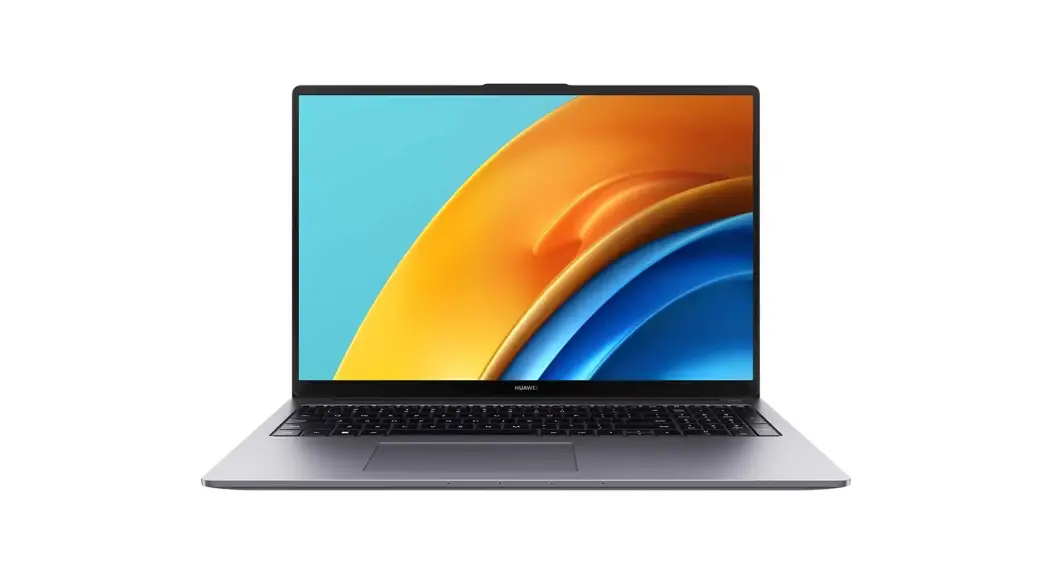
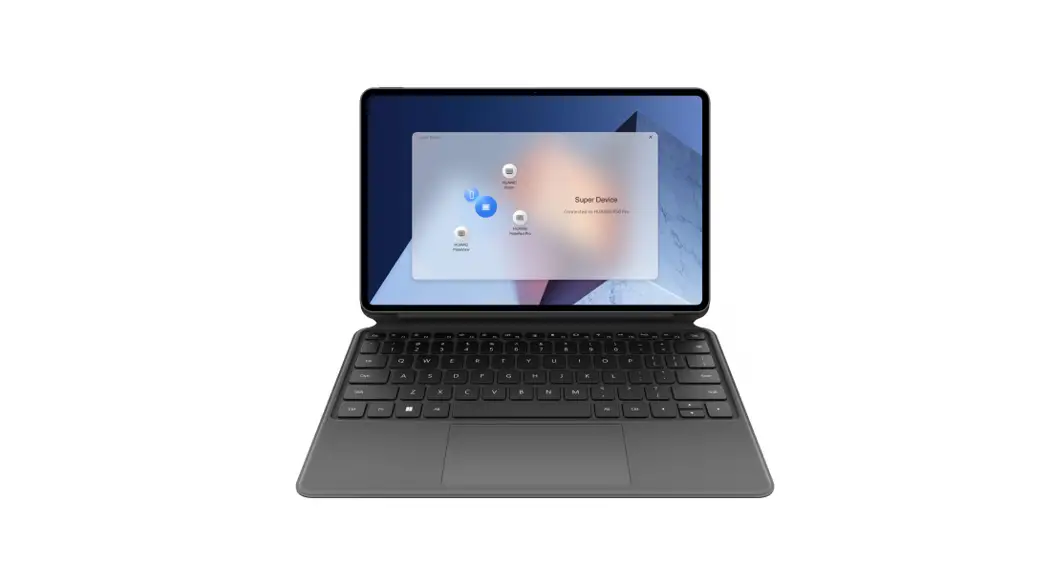
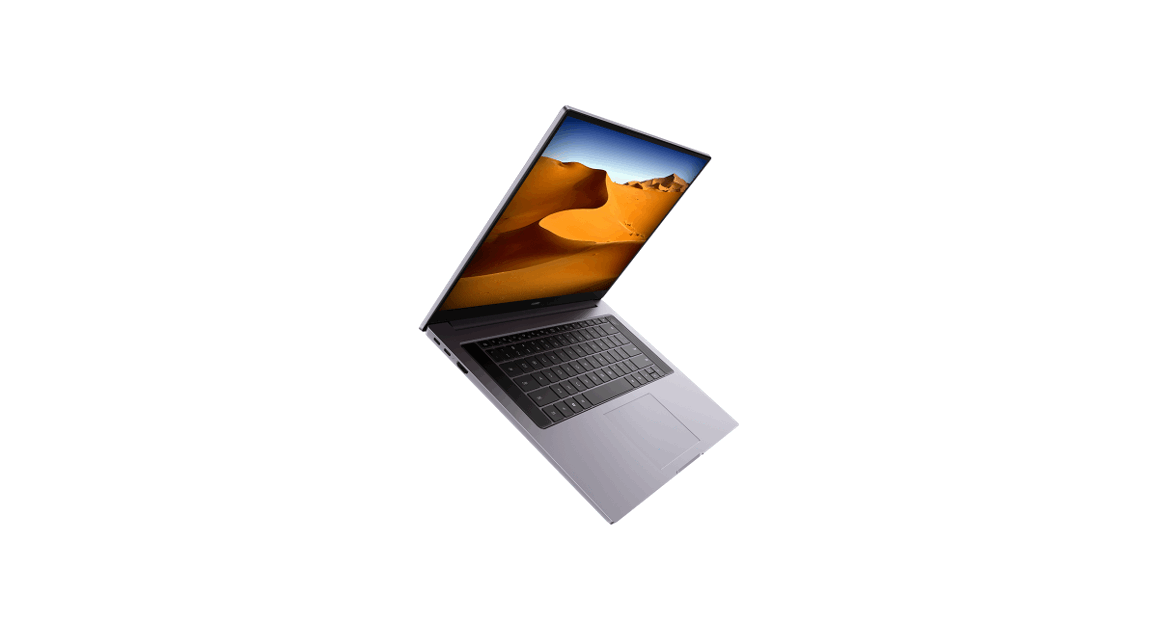
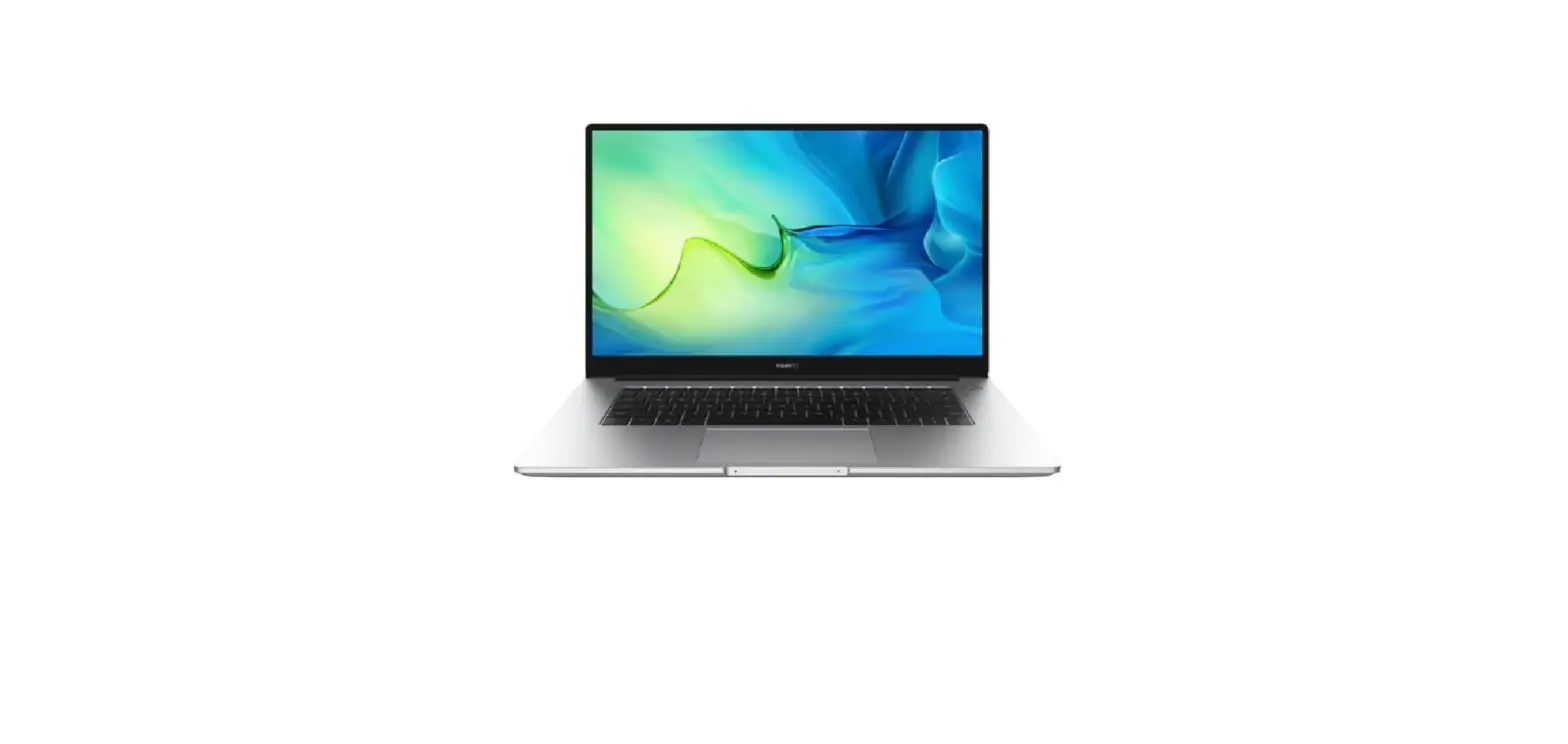
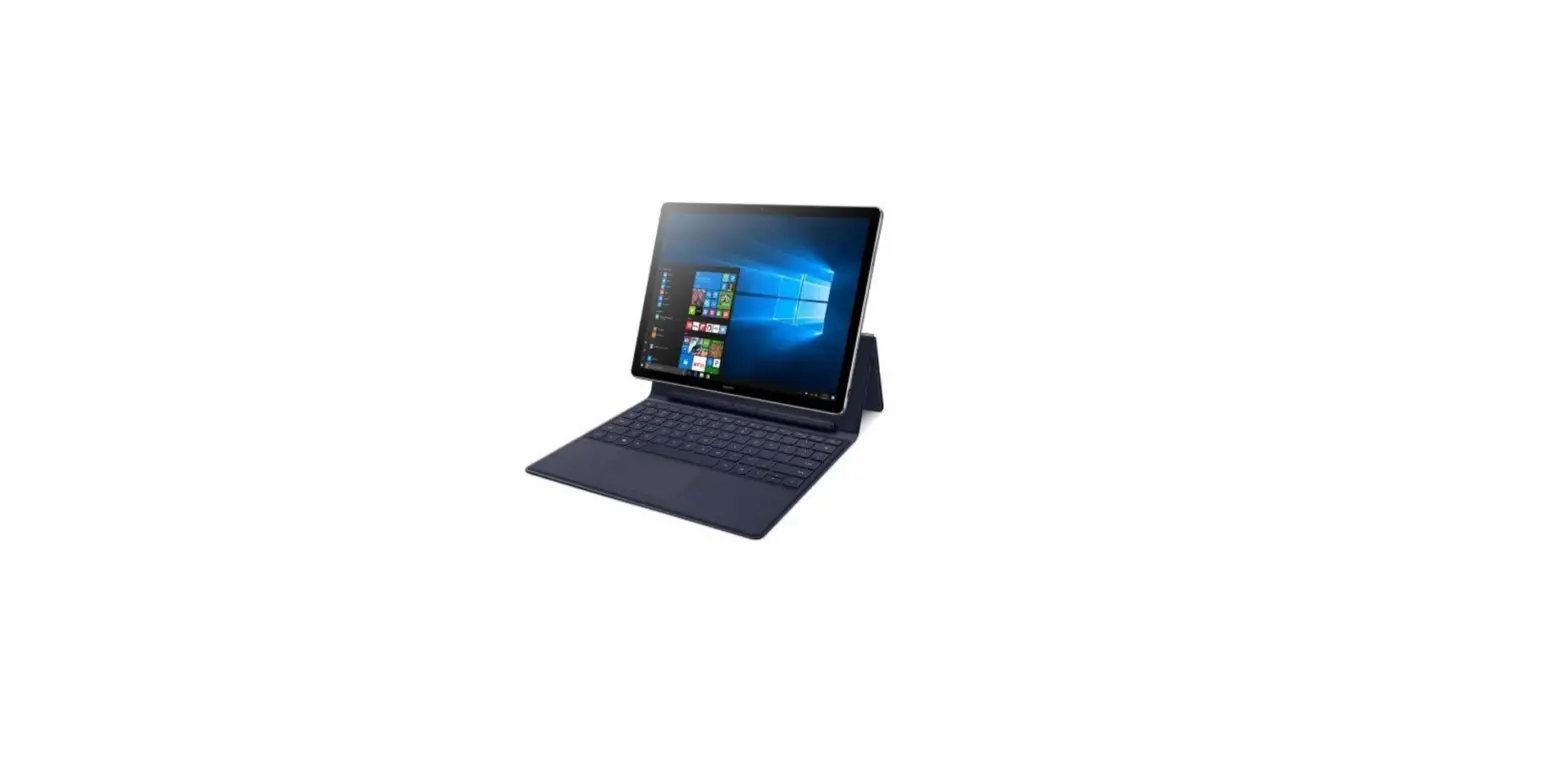
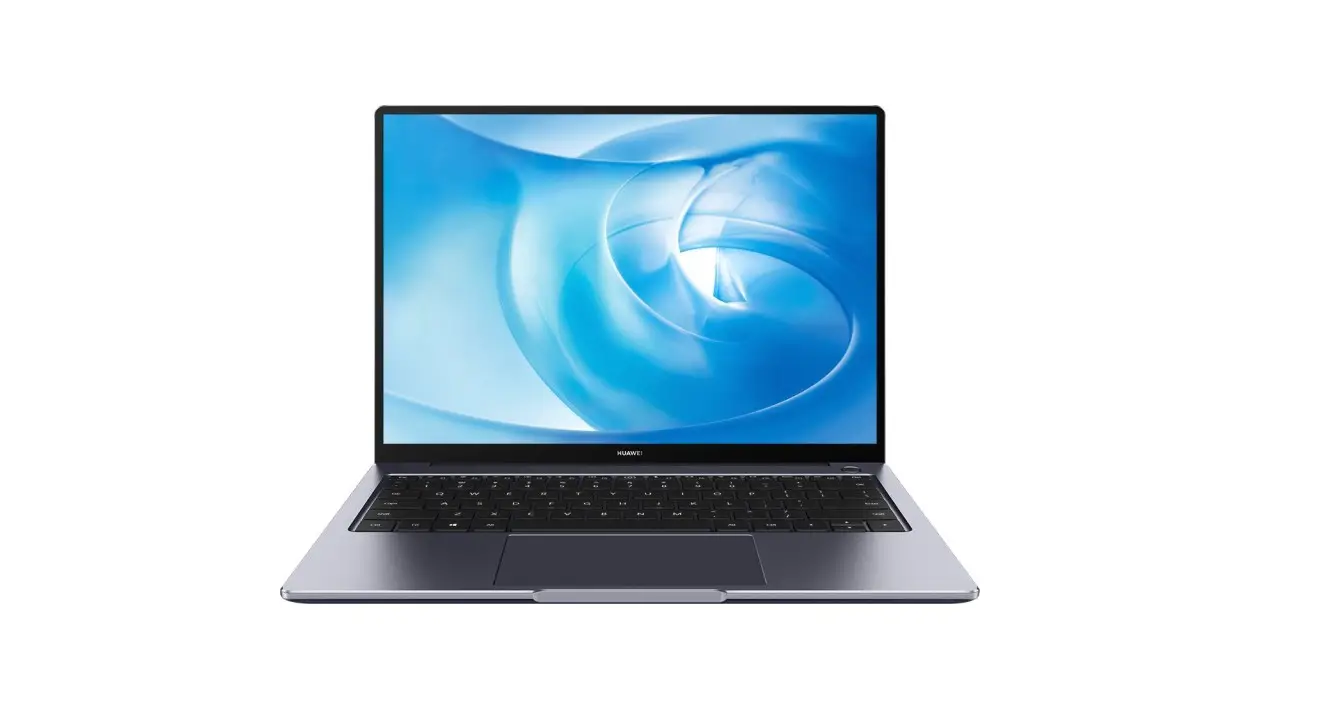
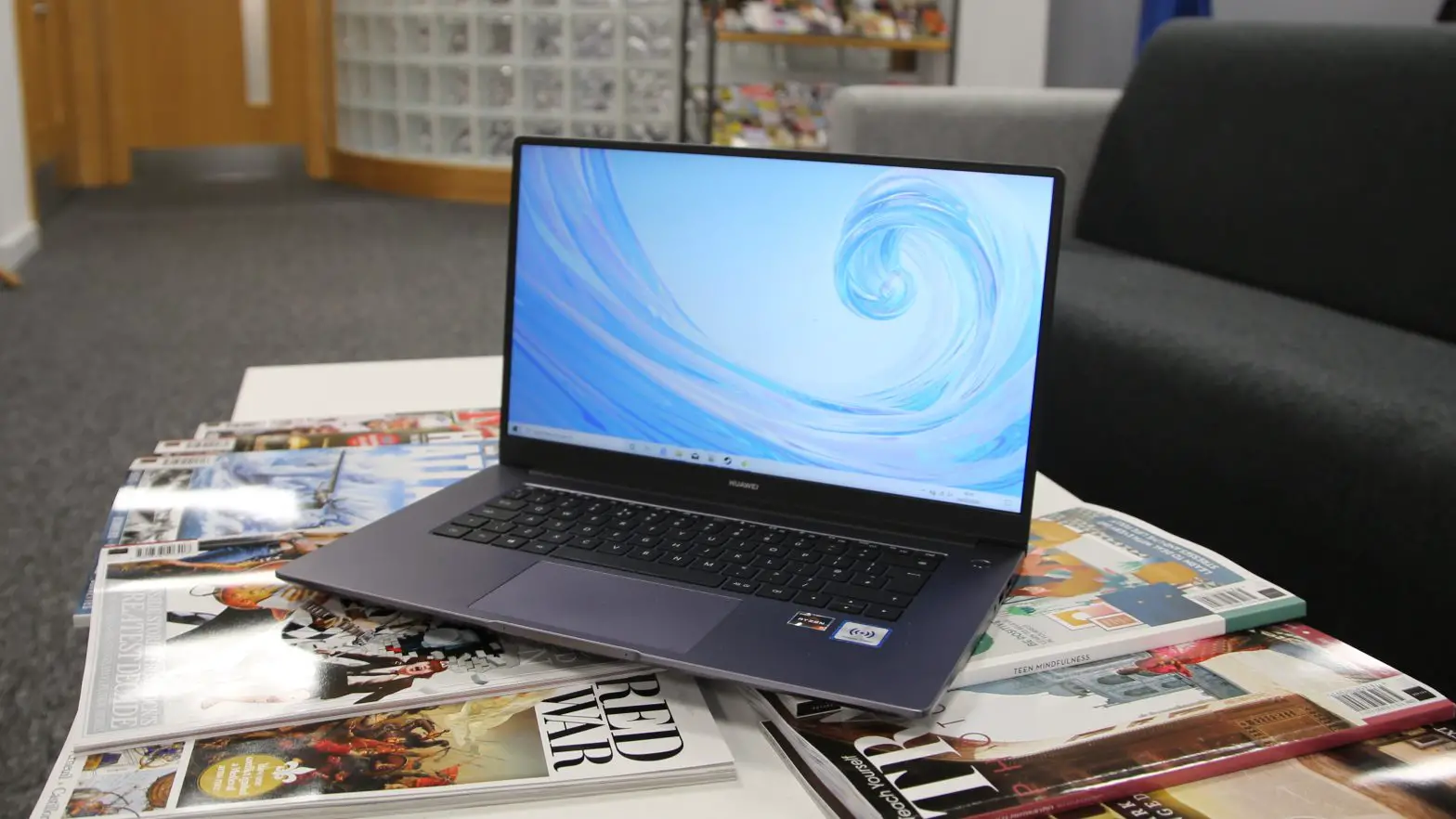
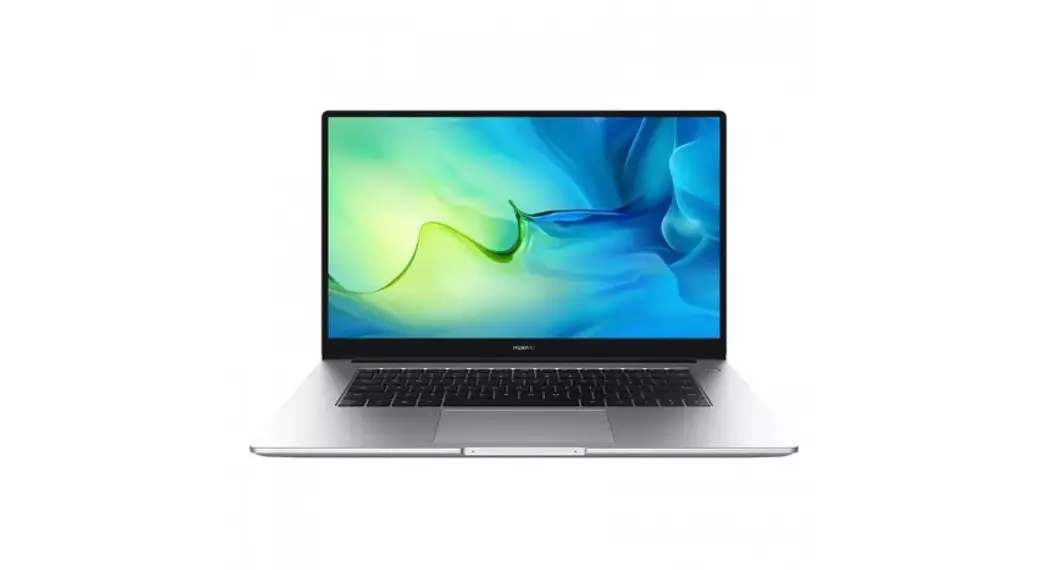
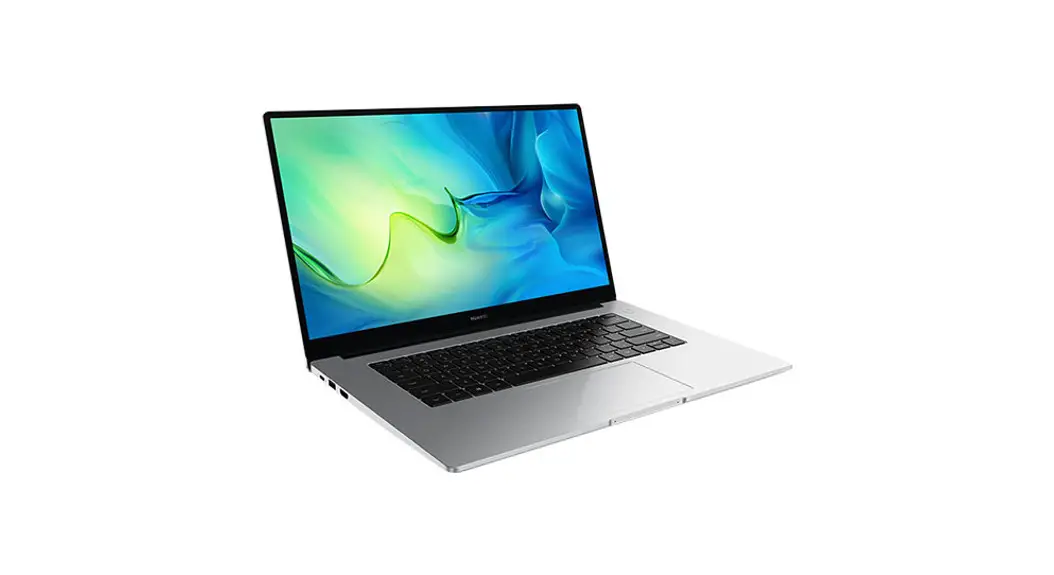
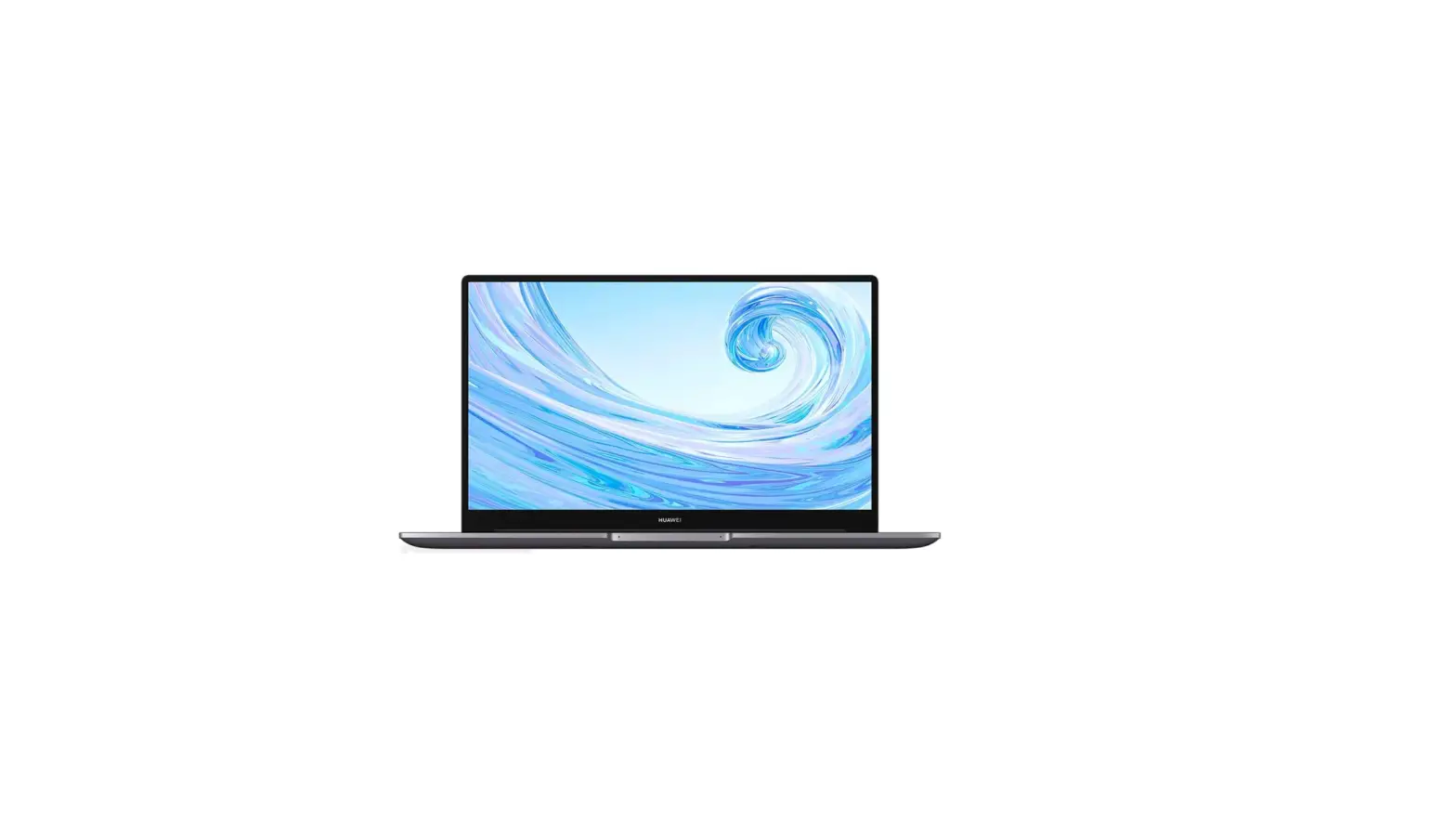
RLEF-X Matebook Core i7 Laptop
Product Information:
- Product Name: RLEF-X
- Manufacturer: Huawei Device Co., Ltd.
- Contact Information:
- Address: Huawei Device Co., Ltd., Bantian, Longgang District,
Shenzhen, 523808, China - Phone: +86-755-28780808
- Website: https://consumer.huawei.com/en/
- Address: Huawei Device Co., Ltd., Bantian, Longgang District,
- Power Adapter Specifications:
- Input: 100-240 V AC, 50/60 Hz
- Output: USB-C 65 W
- Wireless Specifications:
- Wi-Fi 2.4GHz: 20 dBm
- Bluetooth 2.4GHz: 13 dBm
- Wi-Fi 5GHz: 5150-5350 MHz: 20 dBm, 5650-5725 MHz: 20 dBm,
5725-5850 MHz: 14 dBm
Product Usage Instructions:
- Check whether the package contains the product warranty card.
If not, please scan the QR code to download. - Do not disassemble, modify, throw or squeeze the built-in
battery in your device. Do not insert foreign objects into it,
submerge it in liquids, or expose it to external force or pressure,
as this may cause it to leak, overheat, catch fire, or even
explode. Improper battery use may lead to fire, explosion, or other
hazards. The built-in battery in your device should be serviced by
Huawei or an authorized service provider. - Dispose of the product in accordance with local regulations.
For more information, visit the website
https://consumer.huawei.com/en/ or
https://consumer.huawei.com/certification. - Connect the power adapter to the device using the USB-C
port. - To turn on the device, press and hold the power button until
the Huawei logo appears on the screen. - Follow the on-screen instructions to set up your device.
- To connect to the internet, use Wi-Fi or a wired network
connection. For more information, refer to the user manual or visit
the website https://consumer.huawei.com/en/support/pc-manager/ to
download HUAWEI PC Manager. - To update your operating system, visit the Microsoft website
(https://www.microsoft.com/software-download) for Windows updates.
You can also use HUAWEI PC Manager to check for updates and
download them. - For more information on how to use your device, refer to the
user manual or visit the website
https://consumer.huawei.com/en/support/pc-manager/ to download
HUAWEI PC Manager.
CAUTION: Risk of fire or explosion if the
battery is replaced by an incorrect type.
Quick Start Guide Ghid de pornire rapid
RLEF-X
Check whether the package contains the product warranty card. If not, please scan the QR code to download.
Controleer of het pakket de productgarantiekaart bevat. Zo niet, scan dan de QR-code om te downloaden. QR
Vérifiez si l’emballage contient la carte de garantie du produit. Si non, veuillez scanner le QR code pour télécharger.
Überprüfe, ob die Verpackung die Produktgarantiekarte enthält. Wenn nicht, scanne bitte zum Herunterladen den QR-Code.
Verifica che la confezione contenga il certificato di garanzia del prodotto. In caso contrario, esegui la scansione del codice QR per il download.
. QR .
Verifique se a embalagem contém o cartão de garantia do produto. Caso contrário, efetue a leitura do código QR para efetuar a transferência.
, . , QR- .
Comprueba si el paquete contiene la tarjeta de garantía del producto. De no ser así, escanea el código QR para descargarla.
QR Kim tra xem gói hàng có cha th bo hành sn phm hay không. Nu không, vui lòng quét mã QR ti xung.
. QR .
. QR .
English……………………………………………………………………………………………………………………………. 1 Român……………………………………………………………………………………………………………………………2 …………………………………………………………………………………………………………………………. 4 ………………………………………………………………………………………………………………………… 8
i
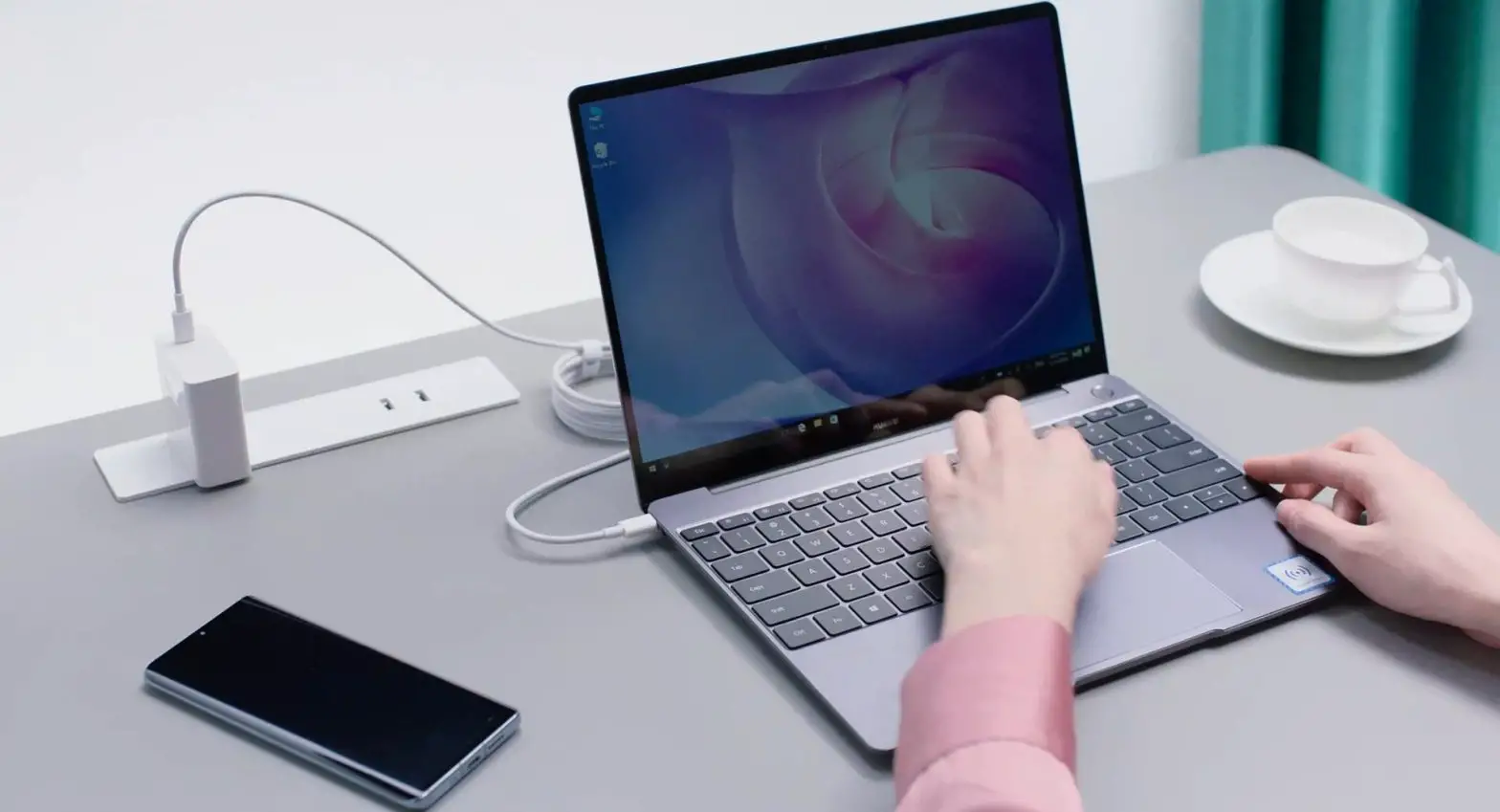
English Powering on and charging When using your computer for the first time, just plug it in to a power supply and it will turn on. When you turn on your computer again, press and hold the power button until the keyboard lights up. Your computer has a built-in rechargeable battery, and you can charge it using the adapter and charging cable that came with it. The indicator blinks white during charging. Force shutdown: Press and hold the power button for more than 10 seconds. Do note that this will result in loss of any unsaved data.
Safety Information · Please consult your doctor and the device manufacturer to determine if using your device may interfere with the
operation of your medical device. · Avoid using the device in a dusty, damp, or dirty place, or near a magnetic field.
· Ideal temperatures: 0°C to 35°C for operating, -10°C to +45°C for storage.
· The power plug is used as the disconnect device. For pluggable equipment, the socket-outlet shall be easily accessible.
· Ensure that the power adapter meets the requirements of IEC/EN 62368-1 and has been tested and approved according to national or local standards.
· The USB-A port can provide 5 V DC/2 A power to other equipments. The USB-C port can provide 5 V DC/2 A
power to other equipments. · Do not cover ventilation openings. This device is not intended to be used on soft support (like beddings, blankets
etc.). · Unplug the charger from electrical outlets and the device if the device is not used for a long time.
·
CAUTION: Risk of fire or explosion if the battery is replaced by an incorrect type.
· Keep the battery away from fire, excessive heat, and direct sunlight. Do not place it on or in heating devices. Do not
disassemble, modify, throw, or squeeze it. Do not insert foreign objects into it, submerge it in liquids, or expose it to
external force or pressure, as this may cause it to leak, overheat, catch fire, or even explode.
· Do not attempt to replace the battery yourself — you may damage the battery, which could cause overheating, fire,
and injury. The built-in battery in your device should be serviced by Huawei or an authorized service provider.
· Dispose of this device, the battery, and accessories according to local regulations. They should not be disposed of
in normal household waste. Improper battery use may lead to fire, explosion, or other hazards.
Disposal and recycling information
The symbol on the product, battery, literature, or packaging means that the products and batteries should be taken to separate waste collection points designated by local authorities at the end of the lifespan. This will ensure that EEE waste is recycled and treated in a manner that conserves valuable materials and protects human health and the environment. For more information, please contact your local authorities, retailer, or household waste disposal service or visit the website https://consumer.huawei.com/en/. Reduction of hazardous substances This device and its electrical accessories comply with local applicable rules on the restriction of the use of certain hazardous substances in electrical and electronic equipment, such as EU REACH regulation, RoHS and Batteries (where included) directive. For declarations of conformity about REACH and RoHS, please visit the website https://consumer.huawei.com/certification. RF Exposure Information For the countries that adopt the SAR limit of 2.0 W/kg over 10 grams of tissue. The device complies with RF specifications when used at a distance of 0.0 cm from your body. The highest reported SAR value: body SAR: 0.24 W/kg. EU Regulatory Conformance Hereby, Huawei Device Co., Ltd. declares that this device RLEF-X is in compliance with the following Directive: RED 2014/53/EU, RoHS 2011/65/EU, ErP 2009/125/EC. The full text of the EU declaration of conformity, the detailed ErP information and most recent information about accessories & software are available at the following internet address: https://consumer.huawei.com/certification. Restrictions in the 5 GHz band:
1
The 5150 to 5350 MHz frequency range is restricted to indoor use in: AT, BE, BG, CH, CY, CZ, DE, DK, EE, EL, ES, FI, FR, HR, HU, IE, IS, IT, LI, LT, LU, LV, MT, NL, NO, PL, PT, RO, SE, SI, SK, TR, UK(NI). In accordance with the relevant statutory requirements in the UK, the 5150 to 5350 MHz frequency range is restricted to indoor use in the United Kingdom. Frequency Bands and Power Wi-Fi 2.4GHz: 20 dBm, Bluetooth 2.4GHz: 13 dBm, Wi-Fi 5GHz: 5150-5350MHz: 23 dBm, 5470-5725MHz: 23 dBm, 5725-5850MHz: 14 dBm Software Information Factory configuration: Comes without an operating system installed. Make sure that you have installed the official operating system before using the product. The product has been adapted to Windows 10 and Windows 11. To access the full range of features, it is recommended that you purchase and install an official Windows operating system. Microsoft and Windows are trademarks of the Microsoft group of companies. Use another computer connected to the network to download a Windows system by visiting the Microsoft official website at https://www.microsoft.com/software-download. After you have created and installed a boot disk, install the Windows system on this computer. Then, visit the Huawei official website at https://consumer.huawei.com/en/support/pc-manager/ to download HUAWEI PC Manager, and update and install Huawei drivers via HUAWEI PC Manager. Legal Notice Copyright © 2023 Huawei Device Co., Ltd. All Rights Reserved. The product described in this manual may include copyrighted software of Huawei and possible licensors. Customers shall not in any manner reproduce, distribute, modify, decompile, disassemble, decrypt, extract, reverse engineer, lease, assign, or sublicense the said software, unless such restrictions are prohibited by applicable laws or such actions are approved by respective copyright holders. DISCLAIMER ALL CONTENTS OF THIS MANUAL ARE PROVIDED “AS IS”. EXCEPT AS REQUIRED BY APPLICABLE LAWS, NO WARRANTIES OF ANY KIND, EITHER EXPRESS OR IMPLIED, INCLUDING BUT NOT LIMITED TO, THE IMPLIED WARRANTIES OF MERCHANTABILITY AND FITNESS FOR A PARTICULAR PURPOSE, ARE MADE IN RELATION TO THE ACCURACY, RELIABILITY OR CONTENTS OF THIS MANUAL. TO THE MAXIMUM EXTENT PERMITTED BY APPLICABLE LAW, IN NO EVENT SHALL HUAWEI BE LIABLE FOR ANY SPECIAL, INCIDENTAL, INDIRECT, OR CONSEQUENTIAL DAMAGES, OR LOSS OF PROFITS, BUSINESS, REVENUE, DATA, GOODWILL SAVINGS OR ANTICIPATED SAVINGS REGARDLESS OF WHETHER SUCH LOSSES ARE FORESEEABLE OR NOT. THE MAXIMUM LIABILITY (THIS LIMITATION SHALL NOT APPLY TO LIABILITY FOR PERSONAL INJURY TO THE EXTENT APPLICABLE LAW PROHIBITS SUCH A LIMITATION) OF HUAWEI ARISING FROM THE USE OF THE PRODUCT DESCRIBED IN THIS MANUAL SHALL BE LIMITED TO THE AMOUNT PAID BY CUSTOMERS FOR THE PURCHASE OF THIS PRODUCT. Notice Huawei reserves the right to change or modify any information or specifications contained in this manual without prior notice and without any liability. Import and Export Regulations Customers shall comply with all applicable export or import laws and regulations and be responsible to obtain all necessary governmental permits and licenses in order to export, re-export or import the product mentioned in this manual including the software and technical data therein. Privacy Policy To better understand how we protect your personal information, please see the privacy policy at https://consumer.huawei.com/privacy-policy. ALL PICTURES AND ILLUSTRATIONS IN THIS GUIDE, INCLUDING BUT NOT LIMITED TO THE DEVICE COLOR, SIZE, AND DISPLAY CONTENT, ARE FOR YOUR REFERENCE ONLY. THE ACTUAL DEVICE MAY VARY. NOTHING IN THIS GUIDE CONSTITUTES A WARRANTY OF ANY KIND, EXPRESS OR IMPLIED.
Român
Pornirea i încrcarea Când utilizai computerul pentru prima dat, trebuie doar s îl conectai la o surs de alimentare i acesta va porni. Ulterior, când vei porni computerul din nou, apsai lung butonul de alimentare pân când se aprinde tastatura.
2
Computerul dvs. are o baterie reîncrcabil încorporat pe care o putei încrca utilizând adaptorul i cablul de încrcare furnizate. Indicatorul lumineaz alb intermitent în timpul încrcrii. Oprire forat: Apsai lung butonul de alimentare timp de peste 10 secunde. Reinei c aceasta va determina pierderea datelor nesalvate.
Informaii privind sigurana · Discutai cu doctorul dvs. i cu productorul dispozitivului pentru a afla dac utilizarea dispozitivului poate
perturba funcionarea dispozitivului dvs. medical. · Evitai utilizarea dispozitivului în medii cu praf, umezeal, mizerie sau în apropierea câmpurilor magnetice.
· Temperaturi ideale: între 0 °C i 35 °C pentru funcionare, între -10 °C i +45 °C pentru depozitare.
· Fia de reea se utilizeaz ca dispozitiv pentru deconectare. În cazul echipamentelor conectabile, priza de alimentare trebuie s fie uor accesibil.
· Asigurai-v c alimentatorul respect cerinele IEC/EN 62368-1 i c a fost testat i aprobat în conformitate cu standardele locale sau naionale.
· Portul USB-A poate furniza 5 V DC/2 A pentru alimentarea altor dispozitive. Portul USB-C poate furniza 5 V DC/2 A pentru alimentarea altor dispozitive.
· Nu obturai orificiile de aerisire. Dispozitivul nu este conceput pentru a fi utilizat pe suprafee moi (pturi, perne, canapele etc.).
· Scoatei încrctorul din priza electric i din dispozitiv dac dispozitivul nu este utilizat o perioad lung de timp.
·
ATENIE: În cazul înlocuirii bateriei cu una de un tip incorect, exist riscul declanrii unui incendiu sau a
unei explozii.
· Nu expunei bateria la foc, cldur excesiv sau la lumina direct a soarelui. Nu introducei bateria în
dispozitive de înclzit. Nu dezasamblai, modificai, strivii sau aruncai bateria împreun cu gunoiul menajer.
Nu introducei obiecte strine în baterie, nu o scufundai în ap sau alte lichide i nu o expunei la presiune sau
fore externe, deoarece riscai s provocai scurgeri de electrolit, supraînclzirea, aprinderea sau chiar explozia
bateriei.
· Nu încercai s înlocuii dvs. bateria. Riscai s deteriorai bateria, supraînclzind-o i provocând un incendiu sau
accidentându-v. Bateria incorporat în dispozitivul dvs. trebuie înlocuit sau depanat la o reprezentan
Huawei sau la un centru de service autorizat.
· Eliminai acest dispozitiv, bateria i accesoriile conform reglementrilor locale. Acestea nu trebuie eliminate
împreun cu deeurile menajere normale. Folosirea necorespunztoare a bateriei poate produce incendii,
explozii sau alte situaii periculoase.
Informaii referitoare la eliminare i reciclare
Acest simbol de pe produs, baterie, documentaie sau ambalaj înseamn c, la sfâritul duratei de via, produsele i bateriile trebuie predate la punctele de colectare separat a deeurilor indicate de autoritile locale. Acest lucru va asigura reciclarea i tratarea deeurilor EEE într-un mod prin care s se recupereze materiale valoroase i s se protejeze sntatea uman i mediul înconjurtor. Pentru mai multe informaii, contactai autoritile locale, distribuitorul sau serviciul de eliminare a deeurilor menajere sau s vizitai site-ul web
https://consumer.huawei.com/en/.
Reducerea cantitii de substane periculoase Acest dispozitiv i accesoriile sale electrice respect regulile locale aplicabile privind restricionarea utilizrii anumitor substane periculoase în cadrul echipamentelor electrice i electronice, precum REACH UE, RoHS i Directiva privind bateriile (dac sunt incluse). Pentru declaraii de conformitate despre REACH i RoHS, v rugm
s vizitai site-ul web https://consumer.huawei.com/certification.
Informaii privind expunerea la radiofrecven Pentru rile care adopt limita SAR de 2,0 W/kg pentru mai mult de 10 grame de esut. Dispozitivul respect specificaiile RF atunci când este folosit la o distan de 0,0 cm fa de corp. Cea mai mare valoare SAR raportat: SAR la nivelul corpului: 0,24 W/kg. Conformitatea cu reglementrile UE Prin prezenta, Huawei Device Co., Ltd. declar c acest dispozitiv RLEF-X este în conformitate cu urmtoarele Directive: RED 2014/53/UE, RoHS 2011/65/UE, ErP 2009/125/CE. Textul complet al Declaraiei de conformitate pentru UE, informaiile ErP detaliate i cele mai recente informaii despre accesorii i software sunt disponibile la
urmtoarea adres internet: https://consumer.huawei.com/certification. 3
Restricii în banda de 5 GHz: Intervalul de frecven de la 5150 la 5350 MHz este limitat la utilizarea interioar în: AT, BE, BG, CH, CY, CZ, DE, DK, EE, EL, ES, FI, FR, HR, HU, IE, IS, IT, LI, LT, LU, LV, MT, NL, NO, PL, PT, RO, SE, SI, SK, TR, UK(NI). Benzi de frecven i putere Wi-Fi 2.4GHz: 20 dBm, Bluetooth 2.4GHz: 13 dBm, Wi-Fi 5GHz: 5150-5350MHz: 23 dBm, 5470-5725MHz: 23 dBm, 5725-5850MHz: 14 dBm Informaii despre software Configuraie din fabric: Este livrat fr un sistem de operare instalat. Asigurai-v c ai instalat sistemul de operare oficial înainte de a utiliza produsul. Produsul a fost adaptat pentru Windows 10 i Windows 11. Pentru a accesa întreaga gam de funcii, v recomandm s achiziionai i s instalai un sistem de operare Windows oficial. Microsoft i Windows sunt mrci comerciale ale grupului de companii Microsoft. Utilizai un alt computer conectat la reea pentru a descrca un sistem Windows, accesând site-ul web oficial Microsoft la https://www.microsoft.com/software-download. Dup ce ai creat i instalat un disc de încrcare, instalai sistemul Windows pe acest computer. Apoi accesai site-ul web oficial Huawei la https://consumer.huawei.com/en/support/pc-manager/ pentru a descrca Manager PC HUAWEI i pentru a actualiza i instala driverele Huawei prin Manager PC HUAWEI. Aviz juridic Drepturi de autor © 2023 Huawei Device Co., Ltd. Toate drepturile rezervate. Produsul descris în acest manual include software protejat prin legea drepturilor de autor aparinând Huawei i posibililor liceniatori. Clienii nu vor reproduce, distribui, modifica, decompila, dezasambla, decripta, extrage, decodifica, închiria, atribui sau sublicenia, în niciun fel, respectivul software, în afara cazului în care astfel de restricii sunt interzise de legile aplicabile sau dac astfel de aciuni sunt aprobate de respectivii deintori de drepturi de autor. DECLINAREA RSPUNDERII TOT CONINUTUL ACESTUI MANUAL ESTE FURNIZAT ,,CA ATARE”. CU EXCEPIA SITUAIILOR IMPUSE DE LEGILE ÎN VIGOARE, NU SE ACORD NICIO GARANIE, DE NICIUN FEL, EXPLICITE SAU IMPLICITE, INCLUSIV, DAR FR A SE LIMITA LA, GARANIILE IMPLICITE DE VANDABILITATE I CONFORMITATE PENTRU UN ANUMIT SCOP CU PRIVIRE LA ACURATEEA, FIABILITATEA SAU CONINUTUL ACESTUI MANUAL. ÎN LIMITELE MAXIME PERMISE PRIN LEGISLAIA APLICABIL, HUAWEI NU VA FI RSPUNZTOARE ÎN NICIUN CAZ PENTRU DAUNE SPECIALE, INCIDENTALE, INDIRECTE SAU SUBSECVENTE SAU PENTRU PIERDERI DE PROFIT, AFACERI, VENITURI, DATE, ÎNCREDERE SAU ECONOMII ANTICIPATE, INDIFERENT DAC ACESTE PIERDERI POT FI ANTICIPATE SAU NU. RESPONSABILITATEA MAXIM A HUAWEI (ACEAST LIMITARE NU SE VA APLICA LA RESPONSABILITATEA PENTRU RNIRE ÎN LIMITA APLICABIL ÎN CARE LEGEA INTERZICE O ASTFEL DE LIMITARE) CARE REZULT DIN UTILIZAREA PRODUSULUI DESCRIS ÎN PREZENTUL MANUAL VA FI LIMITAT LA SUMA PLTIT DE CLIENI PENTRU ACHIZIIONAREA ACESTUI PRODUS. Not Huawei îi rezerv dreptul de a modifica orice informaii sau specificaii din prezentul manual fr notificare prealabil sau fr obligaii. Reglementri privind importul i exportul Clientul se oblig s respecte toate reglementrile i legile aplicabile privind importul i exportul i se oblig s obin toate autorizaiile i licenele de stat necesare în scopul de a exporta, reexporta sau importa produsul menionat în prezentul manual, inclusiv produsele software i datele tehnice pe care le conine. Politica de confidenialitate Pentru a înelege cum protejm informaiile personale, consultai politica de confidenialitate la https://consumer.huawei.com/privacy-policy. TOATE IMAGINILE I ILUSTRAIILE DIN ACEST GHID, INCLUSIV (DAR FR A SE LIMITA LA) CULOAREA I DIMENSIUNEA DISPOZITIVULUI I CONINUTUL ECRANULUI, SUNT OFERITE DOAR ÎN SCOP EXEMPLIFICATIV. DISPOZITIVUL REAL AR PUTEA FI DIFERIT. NICIO PREVEDERE DIN PREZENTUL GHID NU CONSTITUIE NICIO GARANIE DE NICIUN FEL, EXPLICIT SAU IMPLICIT.
. .
4
, . , , . . : 10 . . · : 0 °C 35 °C , -10 °C +45 °C .
: -10 °C +40 °C , -40 °C +70 °C . . · , 15 . · . . · , . · . , , . · , IEC/EN 62368-1, .
· USB-A 5 V DC/2 A . USB-C
5 V DC/2 A . · .
( , . .). · ,
.
·
!
.
· (,
, )
.
.
· ,
. .
, , .
, , ,
, , .
· ,
.
, , .
.
, .
.
.
·
.
· , .
· . — !
. , .
.
.
· .
, , .
5
Huawei . · . · , . , . , .
, , , , , ( , USB-) . , . , , , – https://consumer.huawei.com/en/. , , (EU REACH), (RoHS) ( ). REACH RoHS – https://consumer.huawei.com/certification. , 2,0 / 10 . , 0,0 . : : 0,24 /. Huawei Device Co., Ltd. , RLEF-X : RED 2014/53/EU, RoHS 2011/65/EU, ErP 2009/125/EC. , ErP -: https://consumer.huawei.com/certification. 5 51505350 : AT, BE, BG, CH, CY, CZ, DE, DK, EE, EL, ES, FI, FR, HR, HU, IE, IS, IT, LI, LT, LU, LV, MT, NL, NO, PL, PT, RO, SE, SI, SK, TR, UK(NI). Wi-Fi 2.4GHz: 20 dBm, Bluetooth 2.4GHz: 13 dBm, Wi-Fi 5GHz: 5150-5350 MHz: 20 dBm, 5650-5725 MHz: 20 dBm, 5725-5850 MHz: 14 dBm . : . , . Windows 10 Windows 11. Windows. Microsoft Windows . , , Windows – Microsoft https://www.microsoft.com/software-download. Windows . – Huawei
6
https://consumer.huawei.com/en/support/pc-manager/ , HUAWEI PC Manager,
Huawei.
Copyright © Huawei Device Co., Ltd., 2023. . Huawei . , , , , , , , , , , .
” “. , HUAWEI , , , . HUAWEI , , , , , , , . ( , ) HUAWEI, , , , .
Huawei , , .
, , , .
, Huawei ,
https://consumer.huawei.com/privacy-policy.
, , , . . , .
020/2011 « »; 037/2016 « ».
c 004/2011 « »; 020/2011 « »; 037/2016 « ».
Huawei Device Co., Ltd. ., . , 523808, . , , 2. .: +86-755-28780808
,
: « », : , , , , 210, 1, 050051, Huawei: 6530.
7
HUAWEI MateBook : RLEF-X — , .
: USB-C 65 : : 100-240 , 50 / 60 . : 20 /3,25 , 15 /3 , 12 /2 , 9 /2 , 5 /2 .
– 1 .; – 1 .; USB-C – 1 .; . * .
: , « », : , , , , 210, 1, 050051, Huawei: 6530.
Huawei Device Co., Ltd. ., . , 523808, . , , 2. .: +86-755-28780808
, , . , , . . . : 10 . . · : 0 35°C , -10 +45°C
. : -10 +40°C , -40 +70°C . . · 15 . · . . · , .
· . .
· IEC/EN 62368-1 .
· USB-A 5 V DC/2 A . USB-C
5 V DC/2 A . · . (- , ,
.. ) . · , .
·
: , .
8
· (: , ) , . .
· , . . , , . , , , , .
· . , . . , . . , , .
· .
· . · .
. . . . . · , , , . Huawei . · . · , – . . , .
, , , , ( /, USB ) . EEE . , https://consumer.huawei.com/en/ – . – REACH , RoHS ( ) . REACH RoHS https://consumer.huawei.com/certification – . 10 2,0 / . 0.0 RF . : : 0.24 /. , Huawei Device Co., Ltd. RLEF-X : RED 2014/53/EU, RoHS 2011/65/EU, ErP 2009/125/EC. , ErP – : https://consumer.huawei.com/certification. 5 : 5150-5350 : AT, BE, BG, CH, CY, CZ, DE, DK, EE, EL, ES, FI, FR, HR, HU, IE, IS, IT, LI, LT, LU, LV, MT, NL, NO, PL, PT, RO, SE, SI, SK, TR, UK(NI).
9
Wi-Fi 2.4GHz: 20 dBm, Bluetooth 2.4GHz: 13 dBm, Wi-Fi 5GHz: 5150-5350 MHz: 20 dBm, 5650-5725 MHz: 20 dBm, 5725-5850 MHz: 14 dBm : . . Windows 10 Windows 11 . Windows , . Microsoft Windows — Microsoft . Microsoft – (https://www.microsoft.com/software-download) Windows . , Windows . HUAWEI PC Manager , HUAWEI PC Manager Huawei Huawei – (https://consumer.huawei.com/en/support/pc-manager/) .
© 2023 Huawei Device Co., Ltd. . Huawei . , , , , , , , , , . ” ” . , , , , , , , . HUAWEI , , , , , , , . HUAWEI ( ) . Huawei . , , . https://consumer.huawei.com/privacy-policy . , , . . : « », 050051, 210, “Grand Koktem”, 1- , , ., . Huawei : 6530.
10
 Certification | Legal | HUAWEI Global
 Software Download