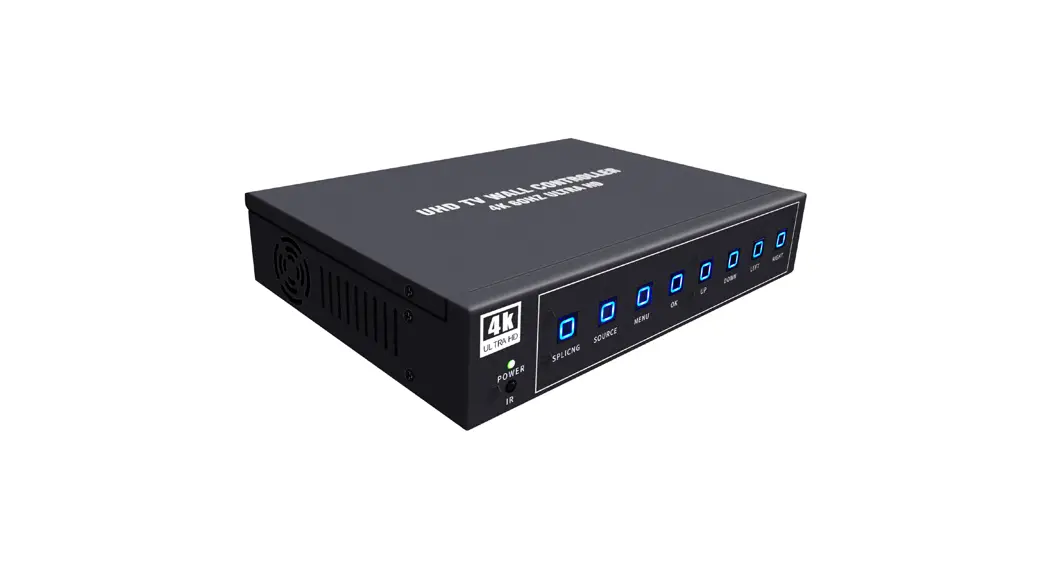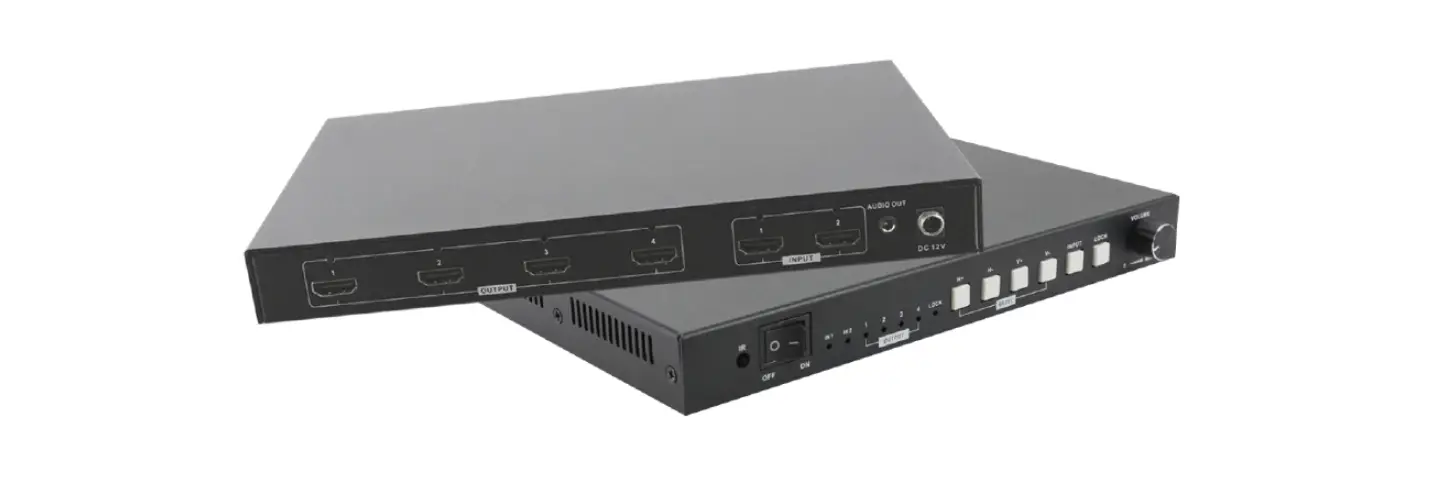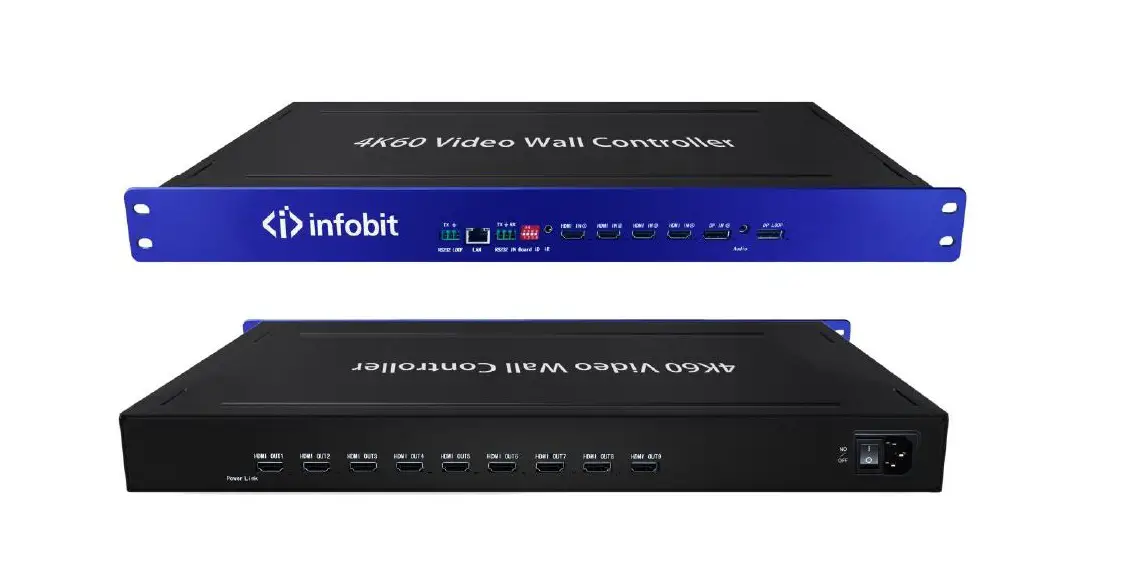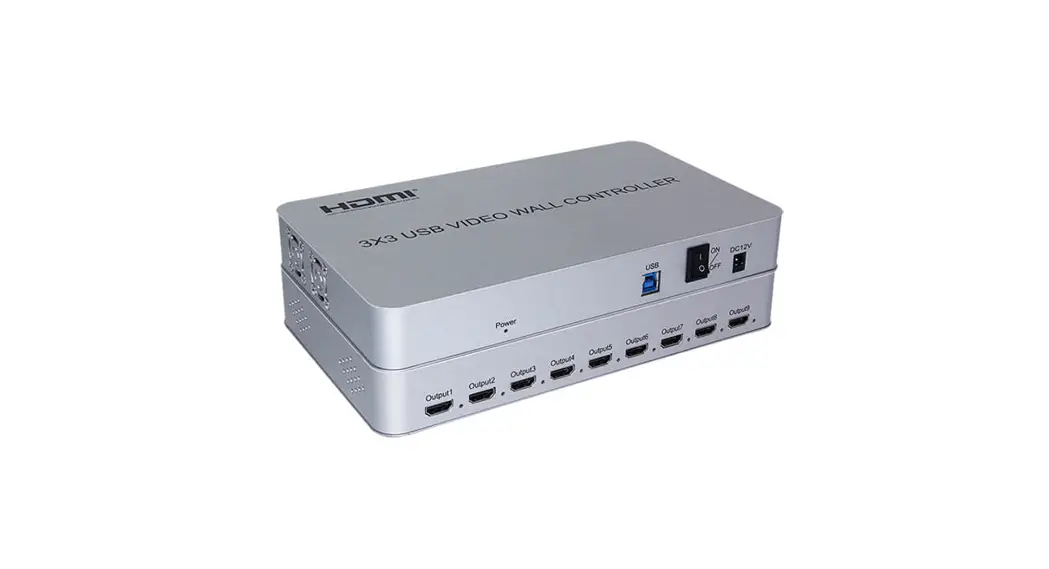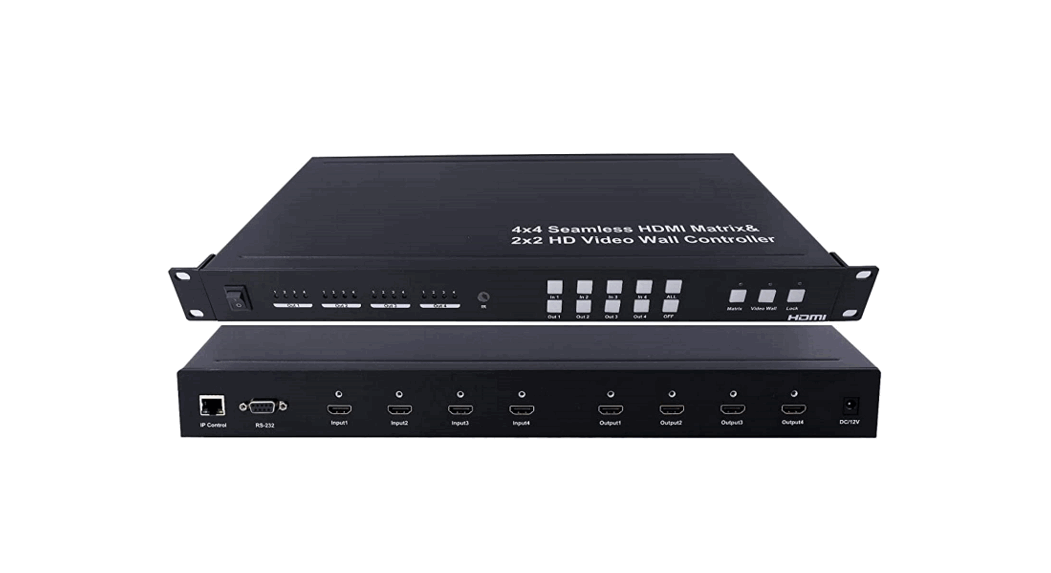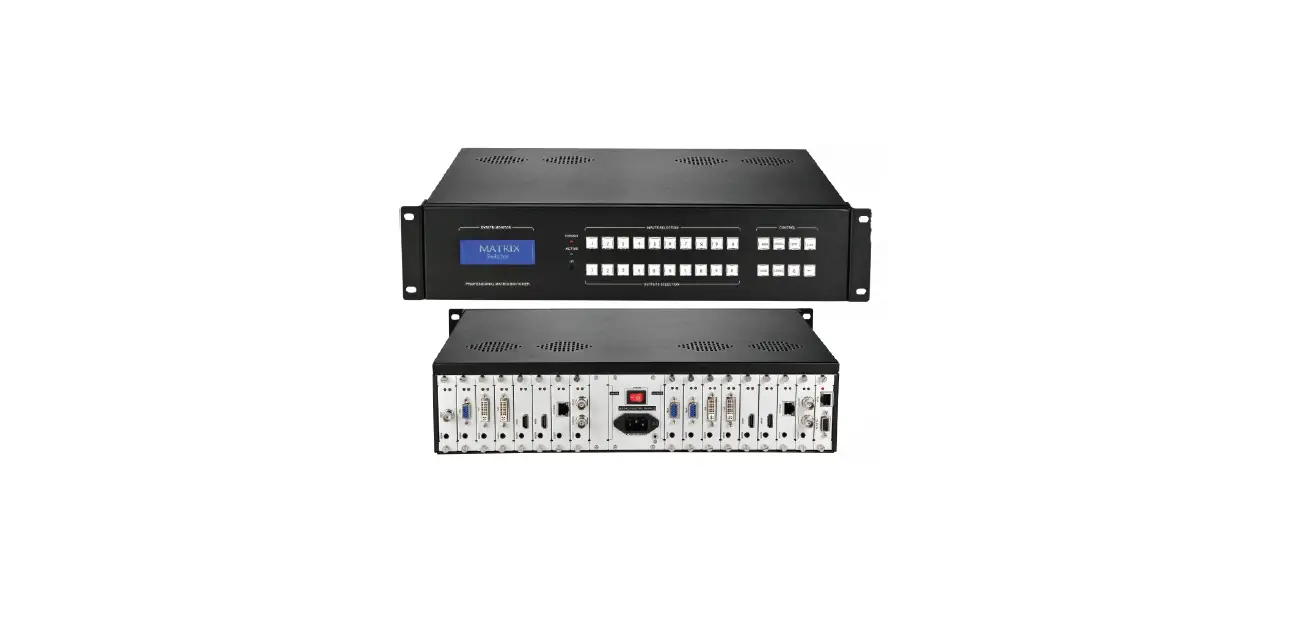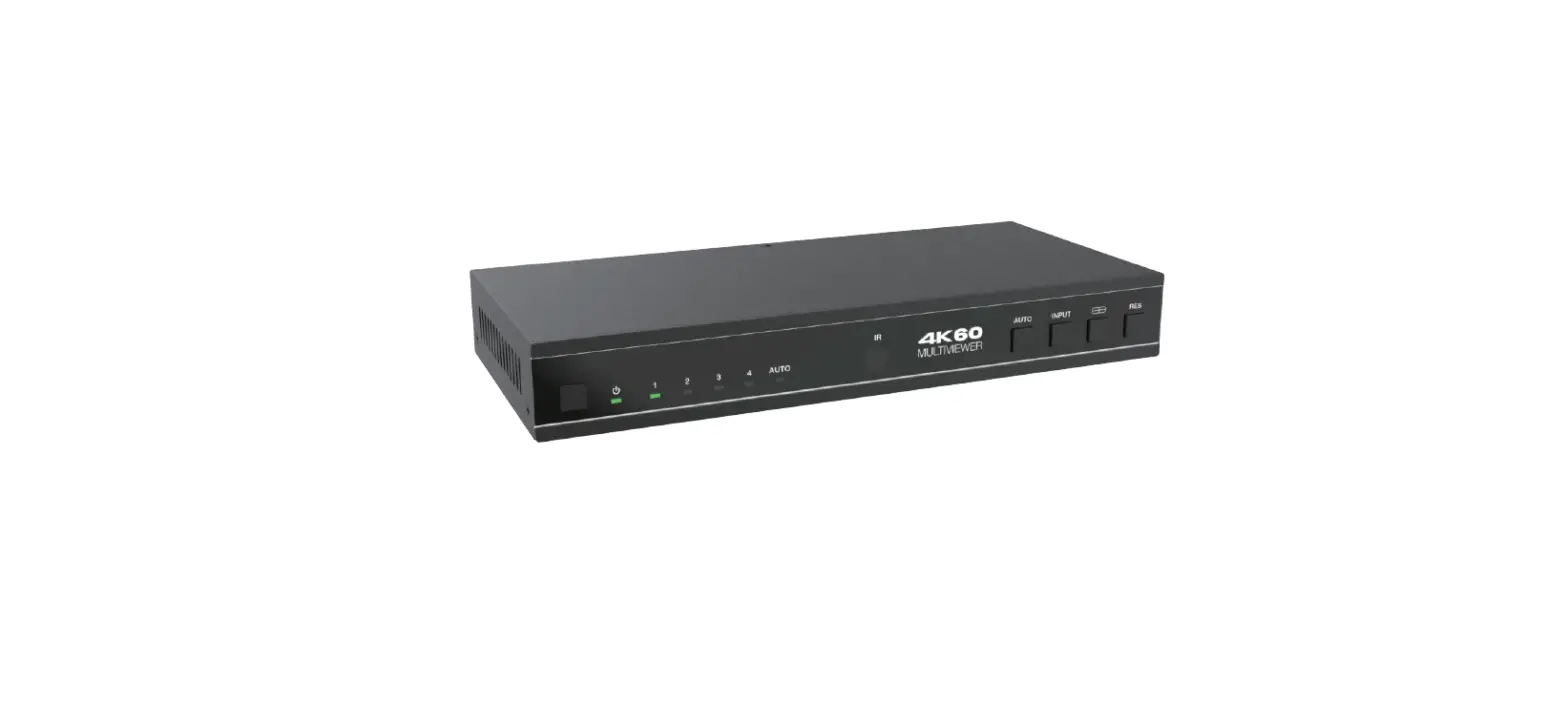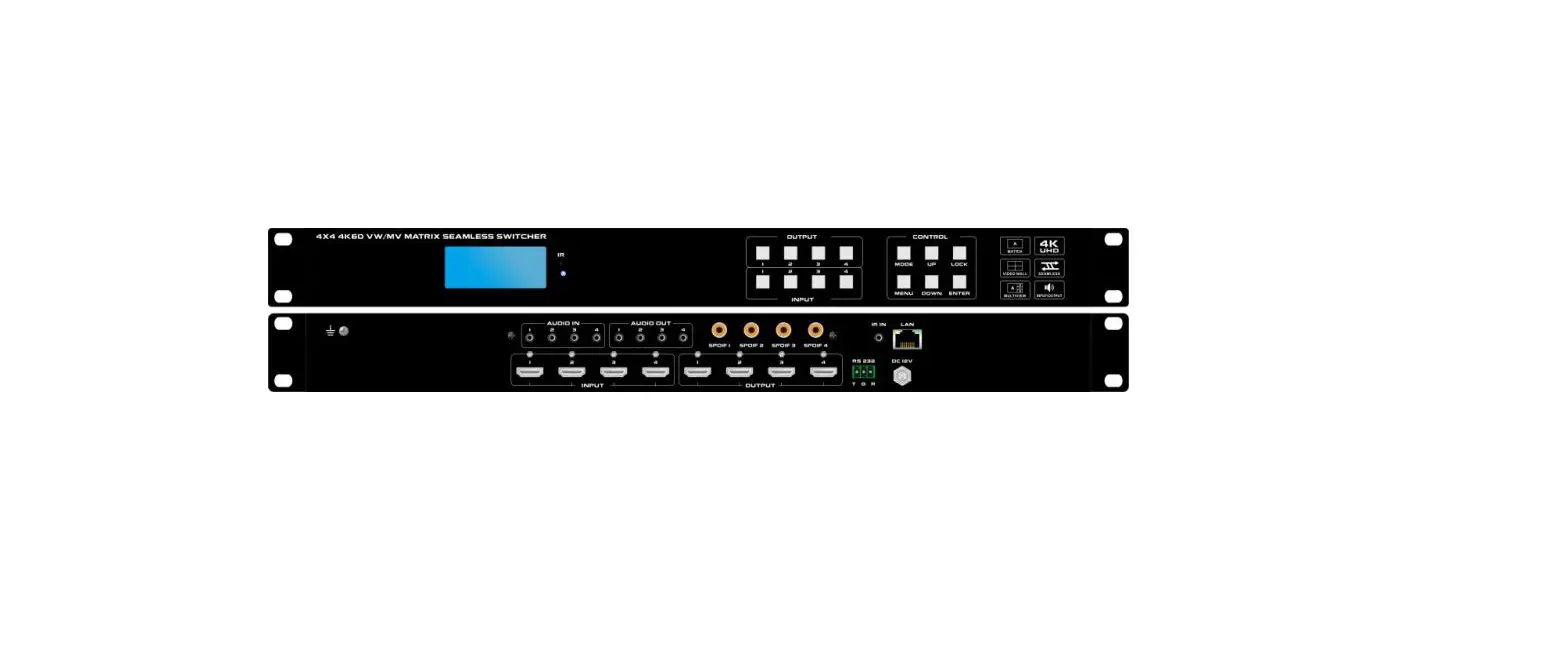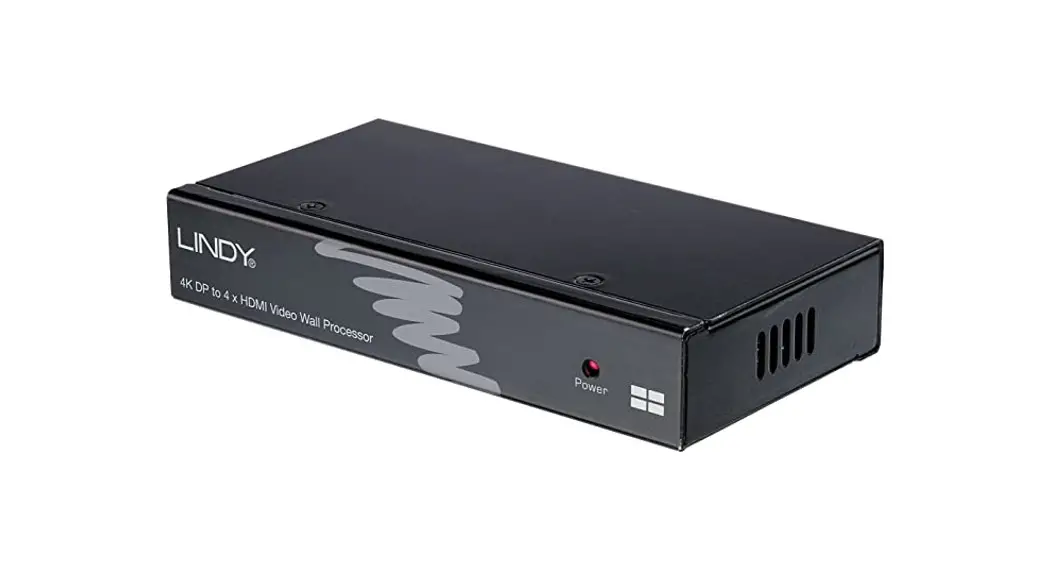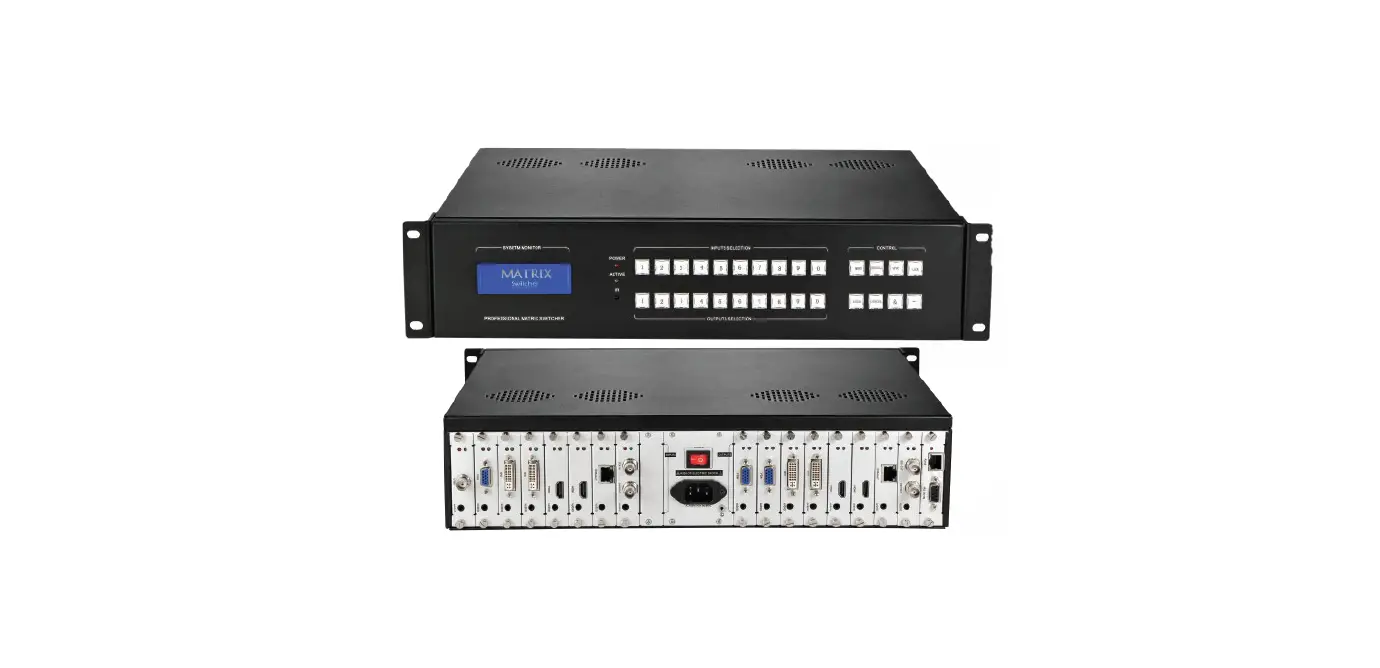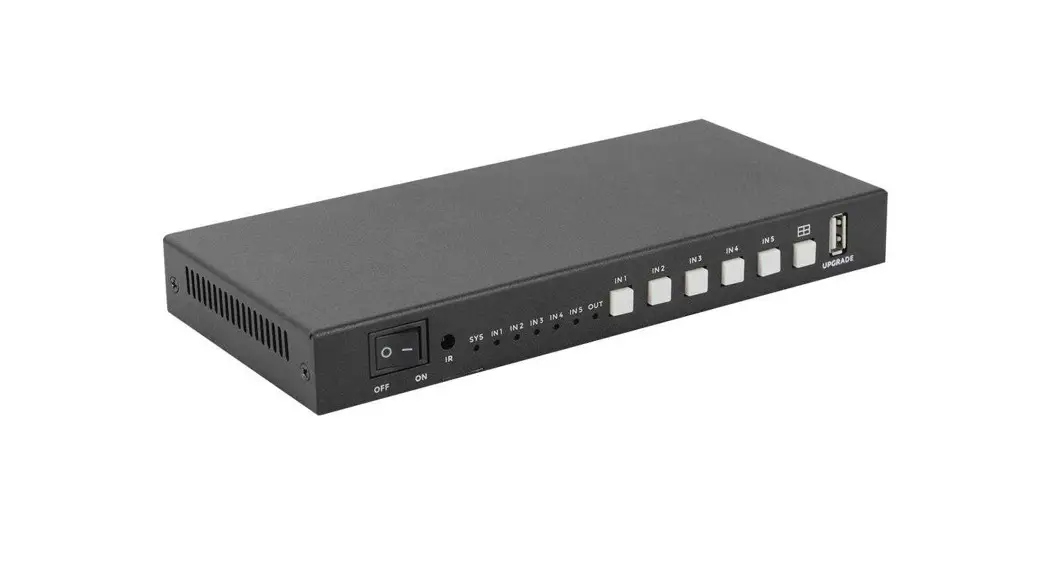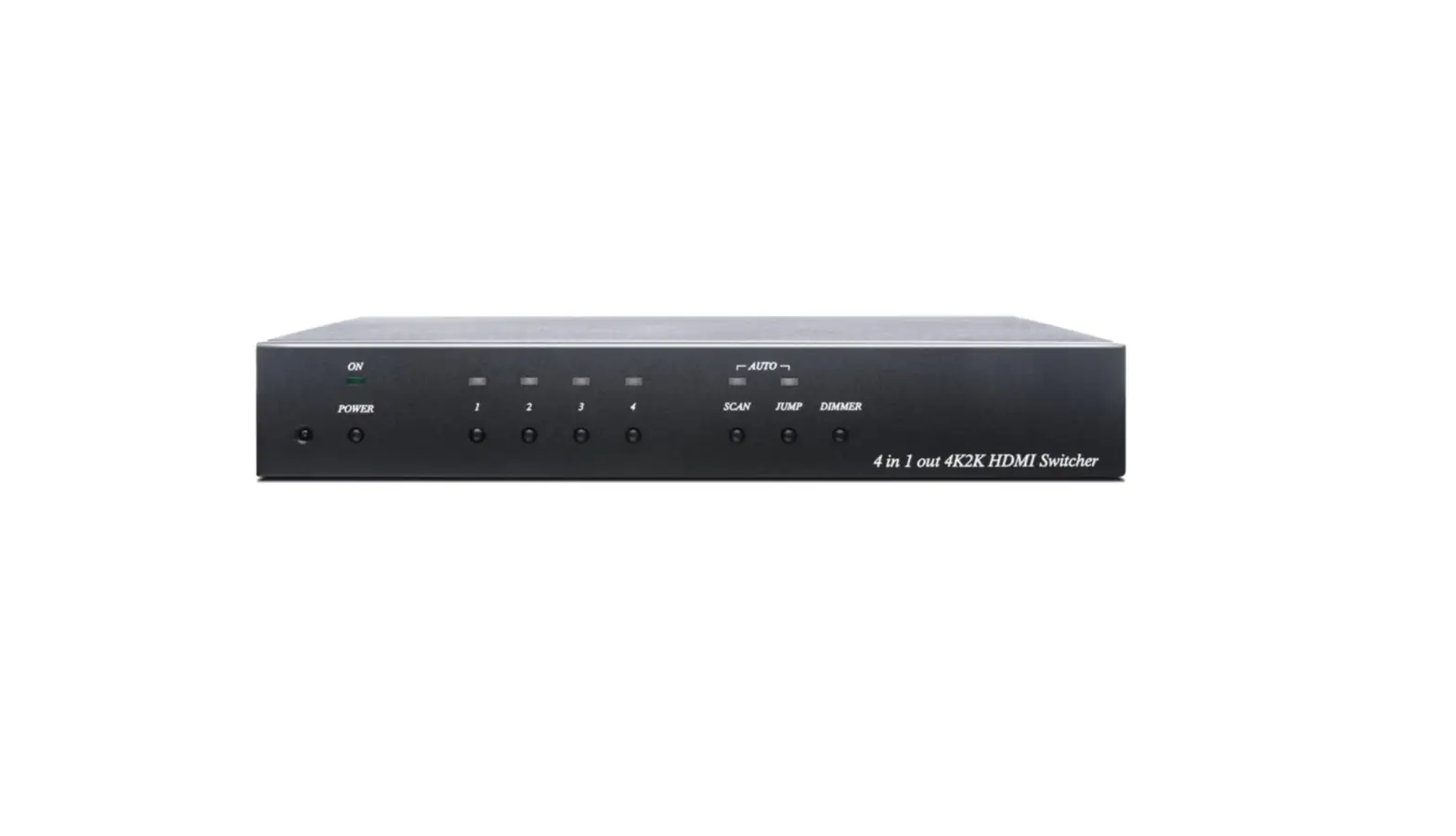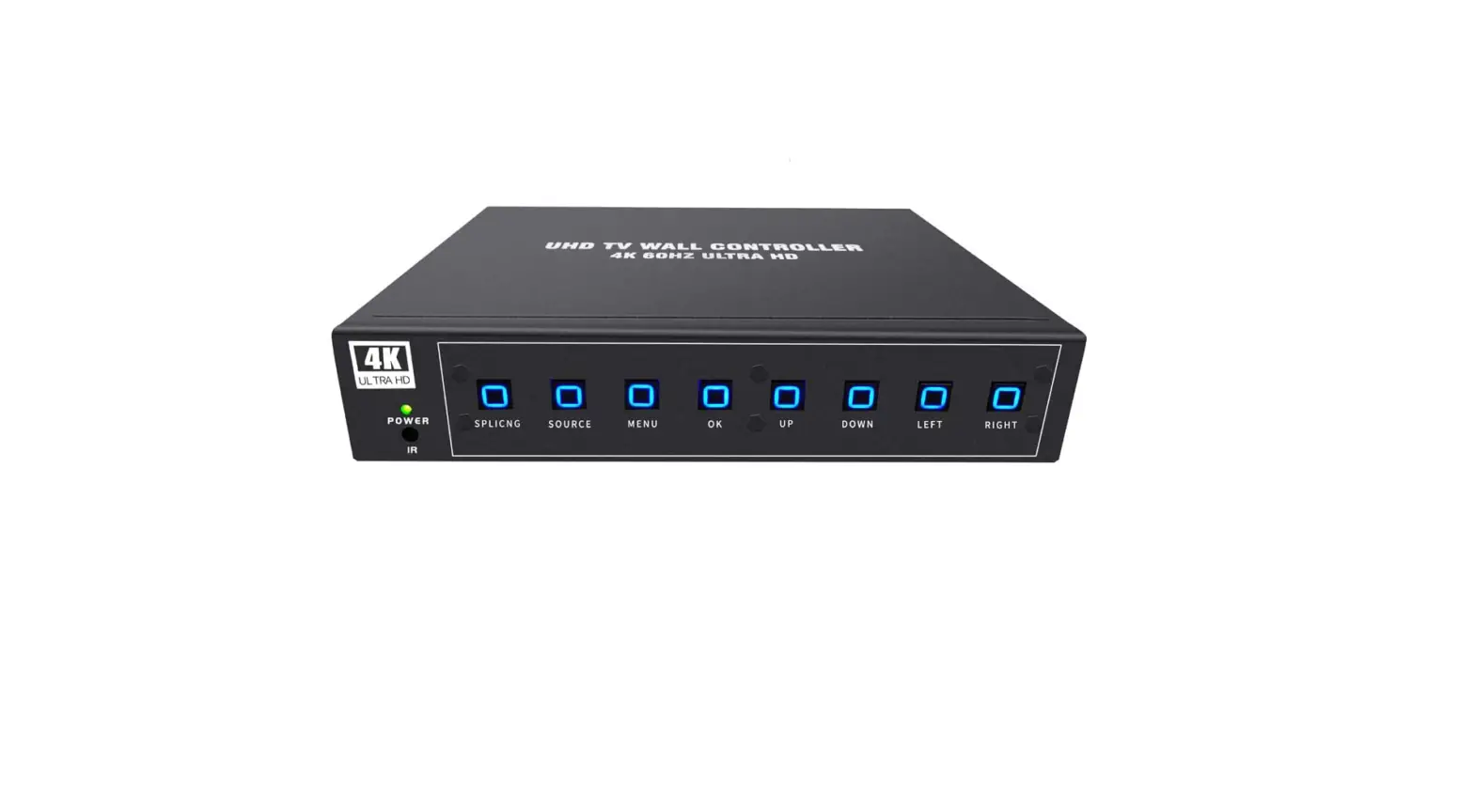

ISEEVY 4K60 UHD Video Wall Controller 2×2 1×2 2×1 1×3 3×1 1×4 4×1 TV Wall Controller for 4 TV Splicing Display Support
Specificaions
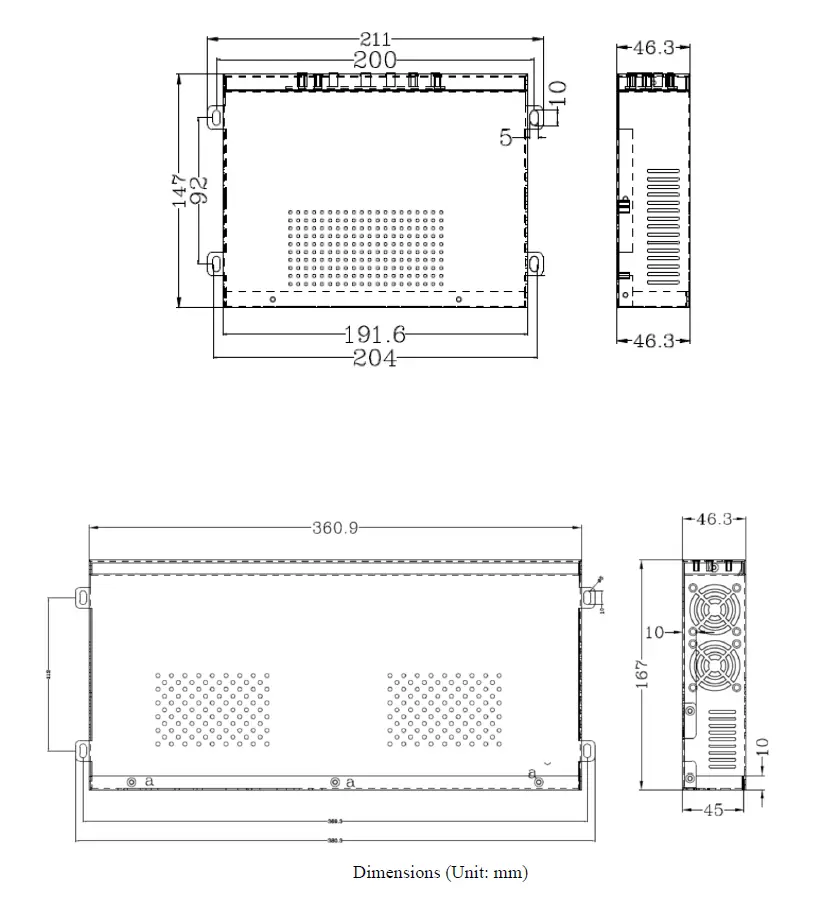
- DIMENSIONS: 210mm*160mm*45mm
- WEIGHT:2 kg
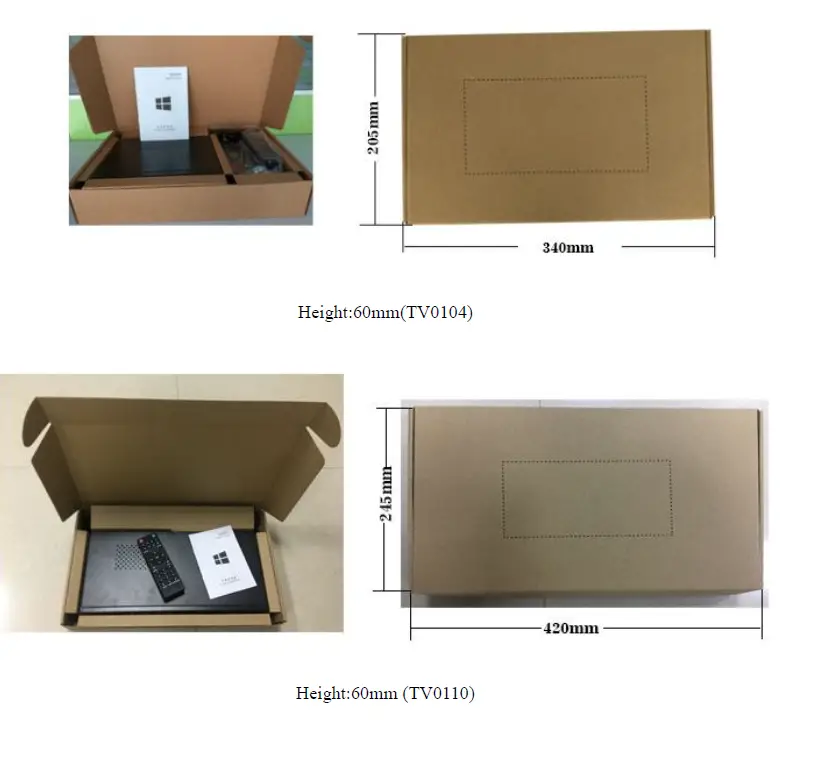
- PACKAGE SIZE: 380mm*227mm*102mm
- PACKAGE WEIGHT:9 kg
- SUPPORT: 1920*1080P*60Hz
- DISPLAY MODE: 1P, 2P LR, 2P TB, PIP, 4P
- ROTATING MODE: Rotate 90, 180, 270 degree
- POWER SUPPLY: DC12V 3A
- POWER CONSUMPTION: 24W
Inroduction
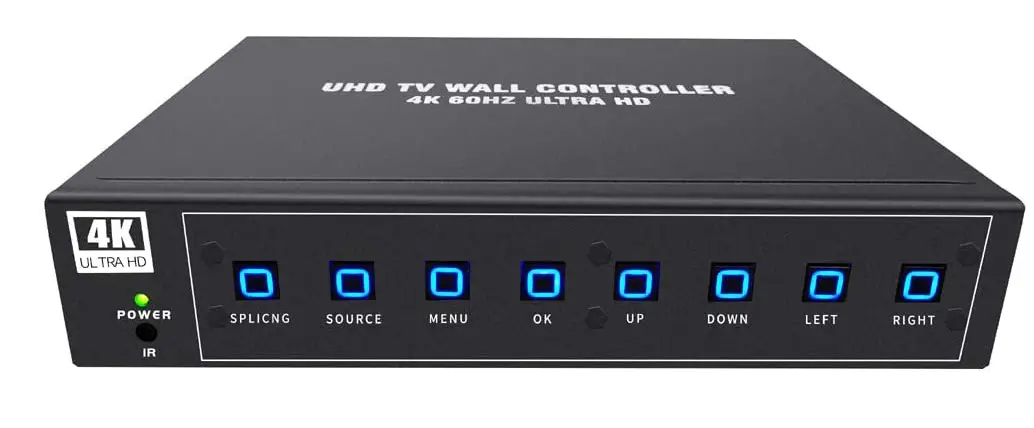
Iseevy video wall controller is a professional video wall processor which aims to distribute video signals to multiple TV monitors for splicing displays. This video wall controller supports HDMI 1.4, HDMI 2.0, and DP 1.2 multiple-input. It features a maximum input resolution of 3840*2160@60Hz. It can be connected to 4 TVs while realizing different splicing mode displays. It supports multiple display mode presets and requires a single key to call to switch displays. It also supports 90/180 and 270 degrees or mirror display and crop image and masking edge functions.
Installation instructions
For the safety of your equipment, please read the safety instructions carefully before using this device. If you are in doubt, please read this manual first. This manual list has a detailed description of the equipment operation. If you still have a question, please contact us, we will give you a satisfactory answer as soon as possible. If there is any change in the specification, Please forgive us for not informing you.
When equipment is installed, please note the following:
- Power
This equipment uses a 12V/5A external power supply, power supply supports 100-240V AC voltage input, please do not easily change other brand power supply. - Power off
Please make sure to power off when you connect cables or carry the equipment, and others. - Cables
Don’t squeeze the wire, Separate the power cables and signal cables, and Prevent interference. - Cooling hole
There is some cooling holes on the Equipment’s outside surface, do not plug these holes, so as to avoid heat accumulation, damage to equipment, or cause fire and other hazards. - Equipment placement
Should be reasonable placement equipment, such as the load standard rack, chassis, and cabinets, or placed in a solid flat on the table, to prevent the device from falling. - Environment
Equipment working environment should pay attention to dust, and moisture, in particular, to prevent liquid immersion and splashing into the device. - Repairs
All maintenance work should be done by professional maintenance personnel, and not try to repair the equipment without training. To prevent electric shock, do not open the shell.
Safety precautions
- The equipment has a high voltage power, non professional maintenance personnel shall not open the case, so as to avoid danger;
- No water or water splashing, It is strictly prohibited on the device to put any containers of liquid containers;
- In order to prevent the fire, the prohibition of equipment near the fire source;
- In order to fully ventilate, the front and rear panels should be kept at least 20cm from the gap;
- The equipment such as strange noise, smoke or smell, immediately unplug the power plug, by professional repair personnel;
- In the case of thunder and lightning, or not, please unplug the power plug;
- Do not plug into any object from the ventilation holes of the device, so as not to cause damage to equipment or electric shock;
- Do not put the equipment on water or other wet places;
- Not to be placed in the vicinity of the heat sink or other high temperatures;
- Please be careful to put the power line to prevent damage;
The following circumstances should unplug the power plug, by professional maintenance personnel:\- The plug power cord is damaged or worn out;
- The liquid is spilled into the device;
- when the equipment is dropped or the case is damaged;
- the device has a distinct function or performance change.
- check whether the normal operation of the fan, if the fan does not work should immediately unplug the power supply, by professional personnel;
This device is not suitable for non-professional operation and commissioning, users must receive professional training and guidance. Please read the instruction carefully before use, and the instruction should be kept for use.
Product overview
Overview
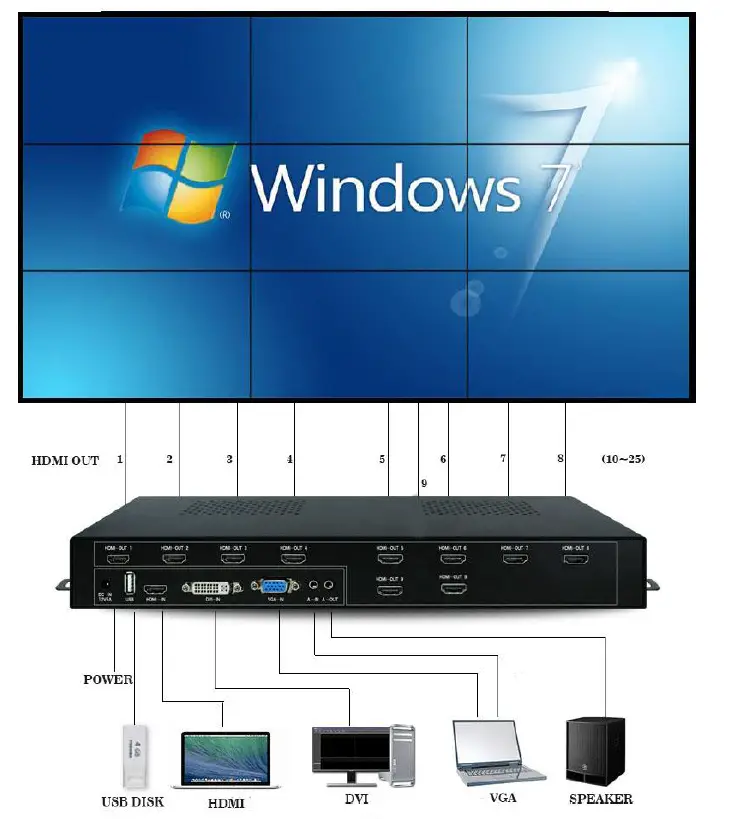
This video wall controller is for LCD TV, ultra-narrow side LCD screens, projector,s and so on, high-definition picture mosaic processor can be customized according to user needs 2 to 20 HDMI output splicing, for example, 1×2 mode, 1×3 mode 1×4 mode 1×11 mode, 2×1 mode, 2×2 mode, 2×3 mode, 2×4 mode, 2×5 mode, 2×7 mode, 3×1 mode, 3×2 mode, 3×3 mode, 3×6 mode, 4×1 mode, 4×2 mode 4×4 mode, 4×5 mode, 5×1 mode, 6×1 mode, 12×1 mode and so on. Products with high definition processing chip, support 1080P signal input and output, supports 1 composite video, 1 VGA, 1 USB model, 1 HDMI, 1 DVI input, all input signals can be switched to the large screen display, and audio and video synchronization output.
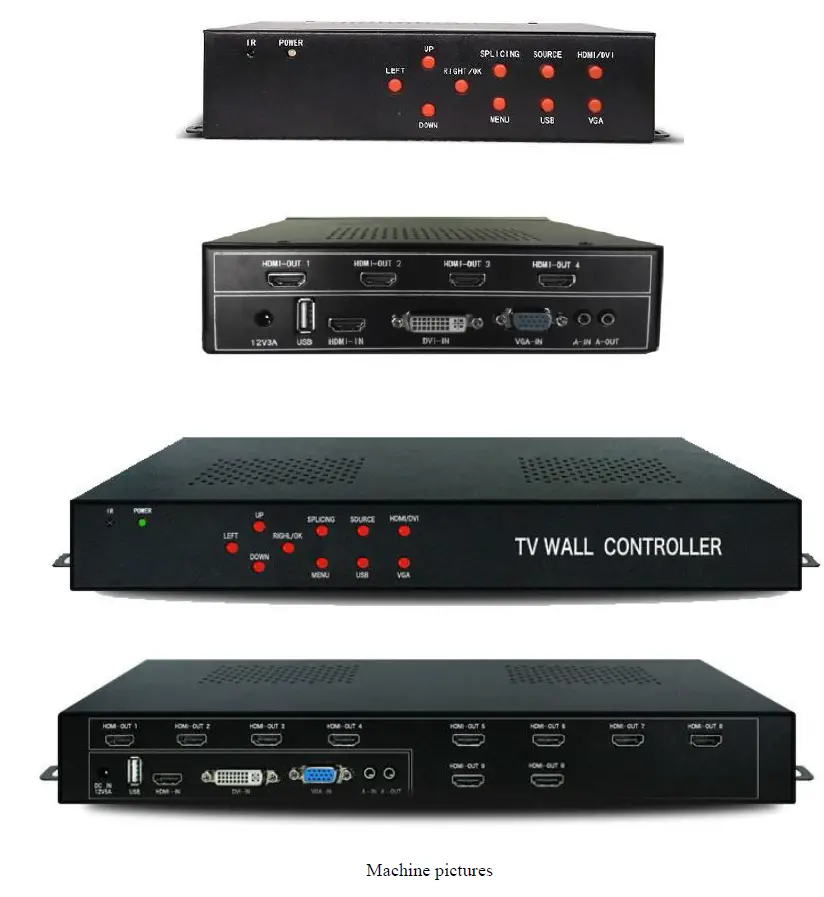
Product design infrared remote control, users operate the mosaic processor is more simple, intuitive.
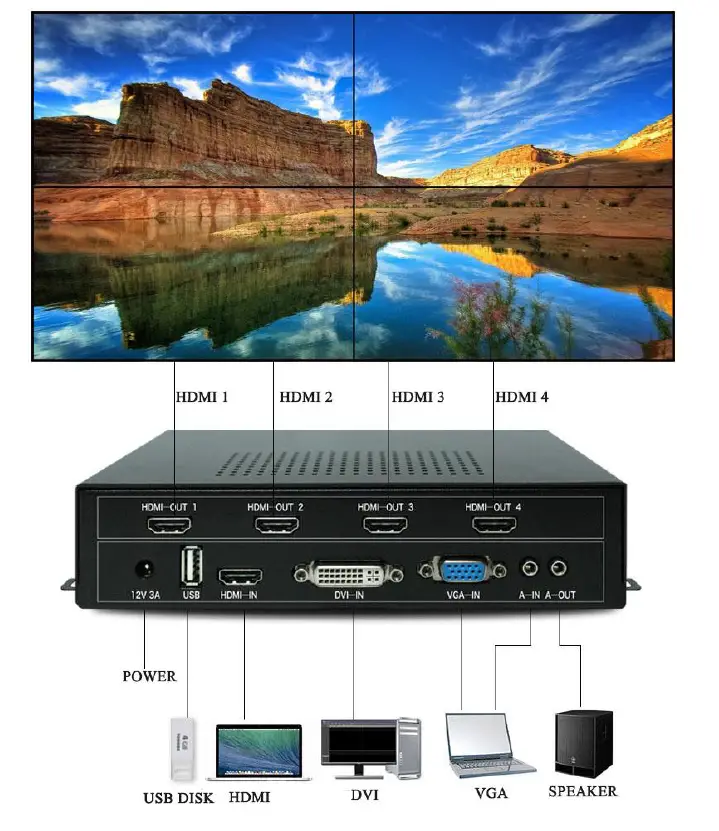
- System topology diagram
- Machine pictures and dimensions
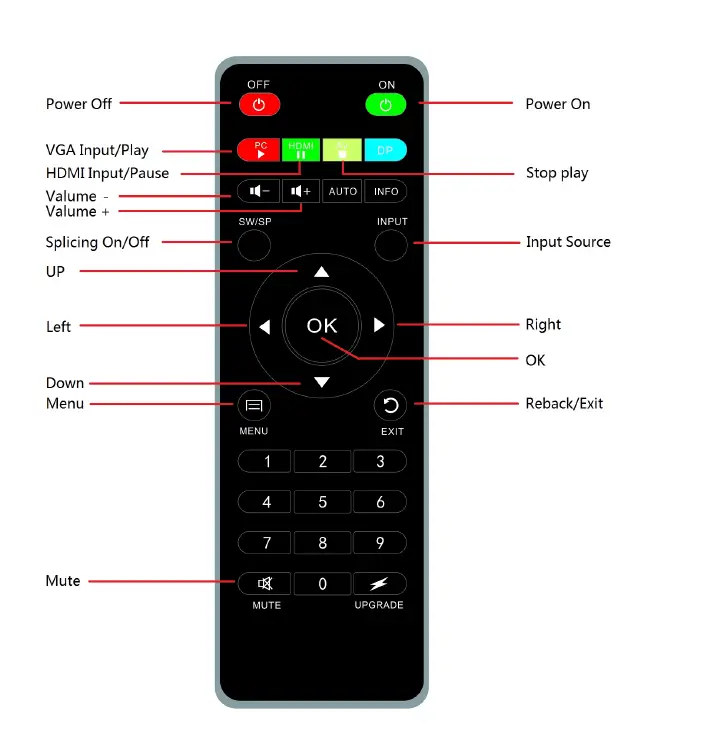
Remote control
- Remote control function
User operate the remote to control the mosaic screen, it can set full function by remote, like user operates remote for the TV, very easy and simple. - Remote control buttons function diagram:
Equipment installation
- Open the package
Check host and accessories. Including mainframe, power, remote control, warranty card, certificate, manual. - Installation machine
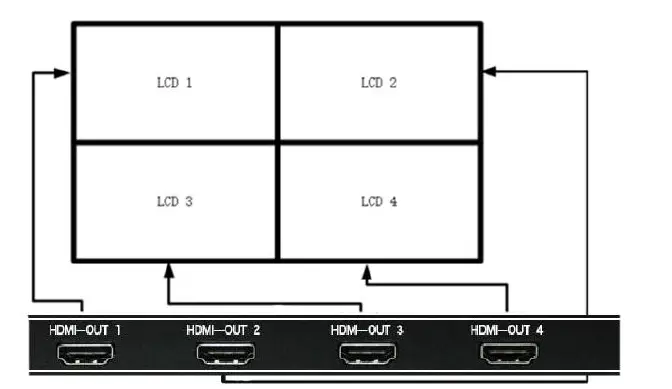
TV set: the LCD TV or other display device input signal is set into the corresponding HDMI channel; 2.2. HDMI Output and TV connection
HDMI1 connects to LCD1(Display 1);
HDMI2 connects to LCD2(Display 2);
HDMI3 connects to LCD3(Display 3);
HDMI4 connects to LCD4(Display 4);
as shown In the following diagram
Input signal interface
This machine support 1 USB, 1 HDMI, 1 VGA, 1 DVI input, all inputs are embedded or bound to audio input, user can access all the signals or access to some of the signal, the input interface such as:

USB interface
can be directly inserted into the USB disk, embedded audio, you can play video, pictures, TXT documents, MP3 inside of the USB disk ;
HDMI interface
can be connected to the computer, players, and other HDMI output devices, embedded audio;
VGA interface
a device that can be connected to a computer or other device with a VGA A-IN is an audio interface with a VGA binding;
DVI interface
can be connected to the computer, players, and other HDMI output devices, embedded audio;
Audio connection
A-OUT for the audio output of the machine, it can connect with an Audio amplifier.
Power on
After all, the cable is connected, and insert the AC power supply. The device indicator changed from red to blue, that the device is working.
Parameter setting
Completed splicing device installation and connection, the device will display a black image with no signal. If a black image appears, switch it to the corresponding signal source by remote controller or the setting buttons. When the image displays on the LCD screen, it is possible that some of the images are inverted or distorted caused by the screen outline frame. In this way, we need to configure the parameters of the mosaic through the menu keys (MENU), here are the steps:
Press the MENU key, and then press the left button t or right button to show the following menu:
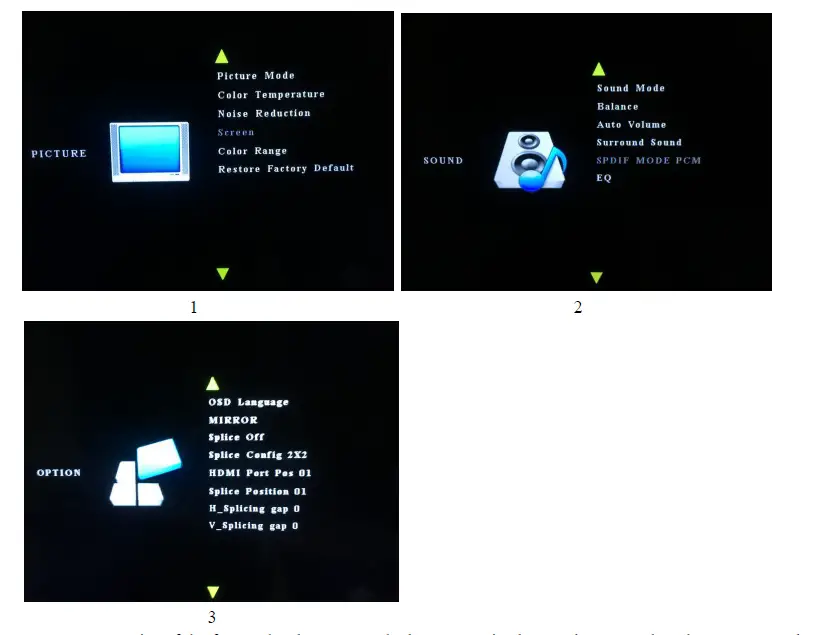
Menu 1, 2 categories of the factory have been set as the best-recognized state, do not need to change, we need only to set menu 3:
OSD Language
Move the cursor to OSD Language, press left or right, then the user can choose OSD language.
Splice on
Move the cursor to the Splice, press left or right to choose an open mosaic or off, same as switching on the remote.
Splice config.2X2
Press left or right to choose the different mosaic modes, like 1X2,1X3,1X4,2X1,2X2,3X1,4X1.such as 1X2 mode, this is meaning line 1 and row 2.
HDMI Port Pos
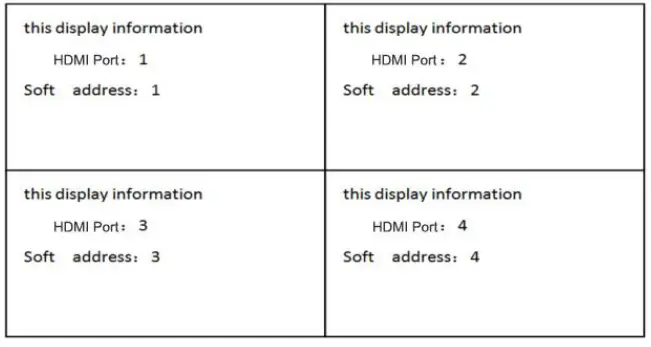
The HDMI port is the machine output interface, if this display unit is connected to the HDMI1 interface, the user moves the cursor to the HDMI port address and presses left or right, this display unit will display HDMI port address:1
Soft Address setting 1
This address can be changed, change the one display unit soft address, and the display unit displays a different video.
Such as 2*2 mode:
Mirror
That is the rotation of 180 degrees, a lot of LCD TV due to the narrow width of the border, a row when the wall is a row of flip upside down, through the mirror function can be individually set each screen is rotated 180 degrees. First set the cursor to the HDMI port of the corresponding screen, and then put the cursor to the mirror, and press the left or right to the rotation of the screen can be real.
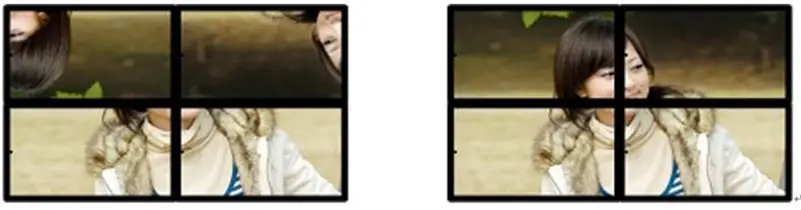
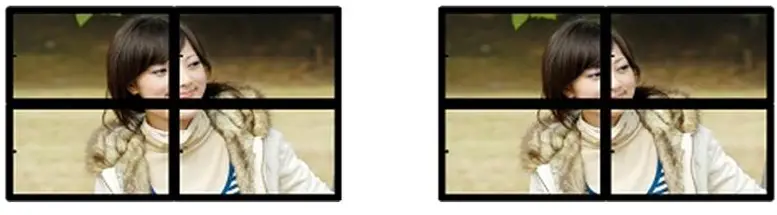
H_splicing gap and V_splicing gap Edge mask function
All display units have some physical border gap, the image will appear pull-apart on visually and unnatural if no edge shielding; After the edge mask processing is made,the image shows without deformation or stretching, but more natural and realistic. As contrast image shows of before and after handling the shield edge;
USB function
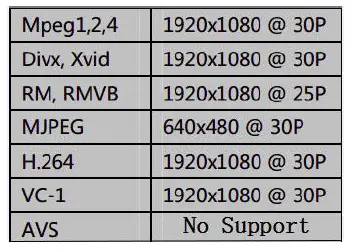
This video wall controller can decode video, audio, picture, and TXT file of USB disk signal Video decoding list as follow:
Audio: decoding MP3 and other formats audio files.
Photo: decoding JPG and others.
TXT: decoding ,TXT file. play all the videos or need to play the picture, TXT document, MP3 content, you can press the remote control to return the keys and then reenter the play folder, press the play/pause button to play all of the content, or through the navigation keys to select some of the contents of the OK. Normal playback state according to the remote OK key can be transferred out of the fast forward, slow progress, a song, a song pauses, image playback mode.
Packing List
- 1 x Main Unit. 2×2 Video Wall Controller
- 1 x Remote Controller
- 1 x Power Adapter
- 1 x User Manual
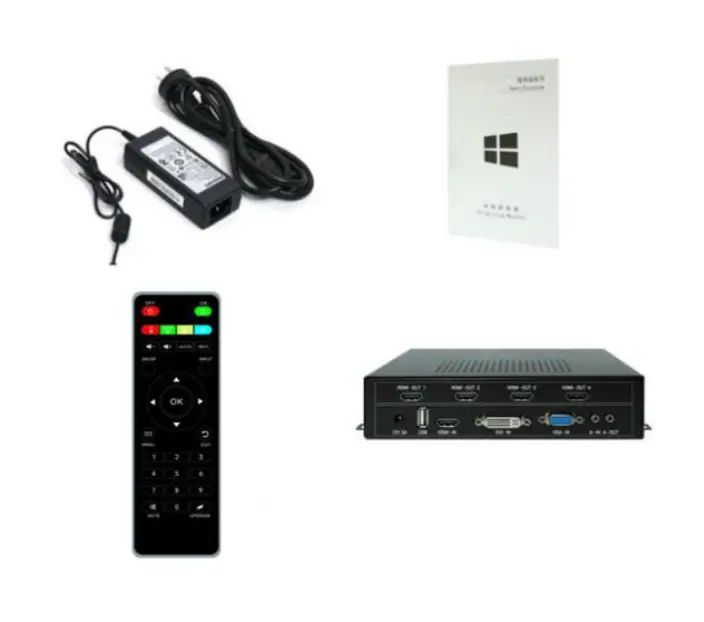
Package
FREQUENTLY ASKED QUESTIONS
- Does this support 4k output?
Each output has a maximum resolution of 1920 x 1080 @ 60 Hz. It can output 4 displays at a time with can in total reach 4K. - What exactly does this unit do?
This device is for splicing 4 TVs display as one big image. - Will this device support HDCP 2.2?
The device supports HDCP 1.4 and doesn’t support HDCP 2.2 - Does this device work with Samsung frame TV?
Yes, this device works with Samsung frame TV. - What does a video wall controller do?
The administration of content on numerous displays in a multi-monitor display or video wall as a single canvas is made possible by a piece of software known as a video wall processor, also known as a video wall controller - How does a video wall work?
A video wall is a group of displays that have been arranged in such a way that content can be continuously shown over the displays. The technology behind video walls allows for the uninterrupted projection of content. Software is also needed for this to help plan and set up the content.