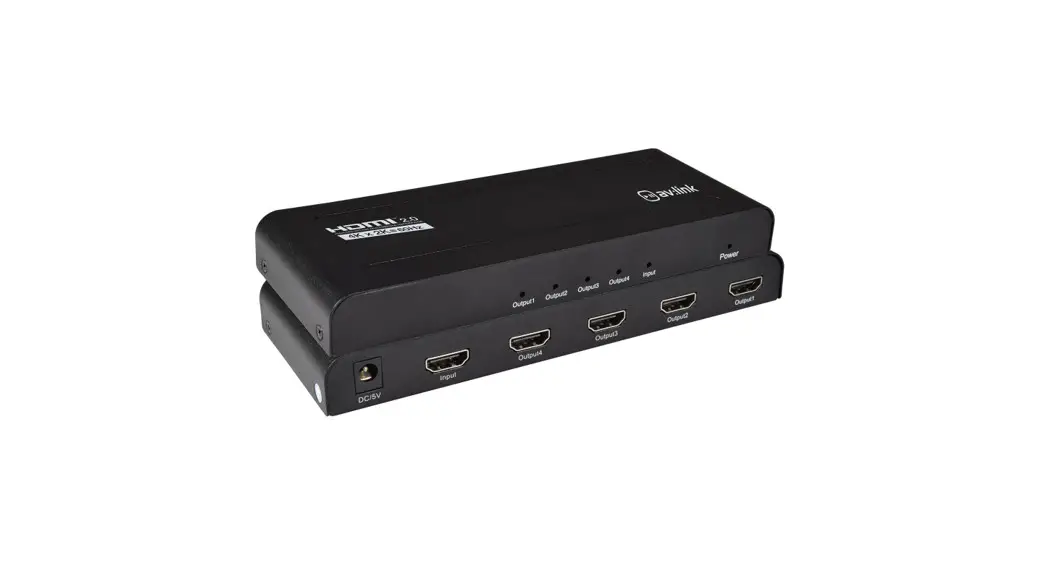
AC7830 1×4 HDMI Splitter 3D and 4K Support
Product Information
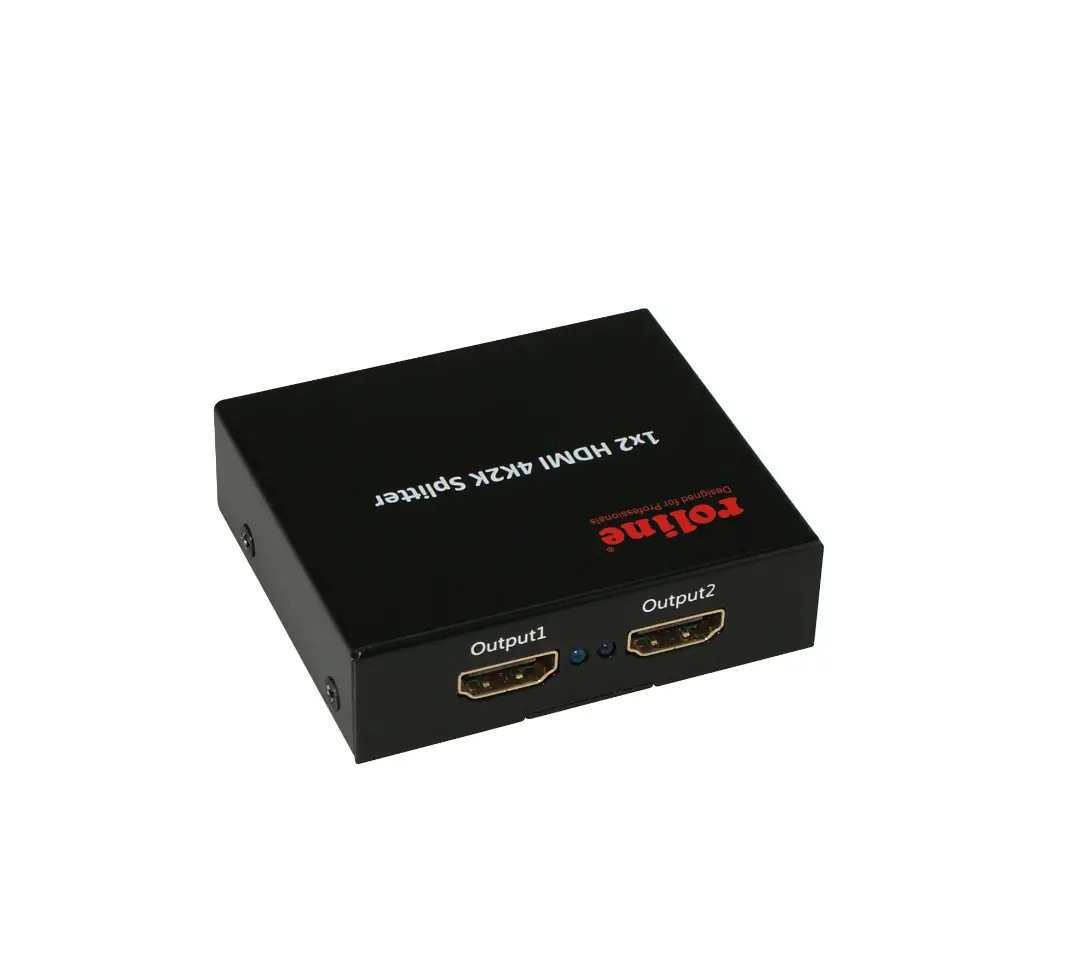
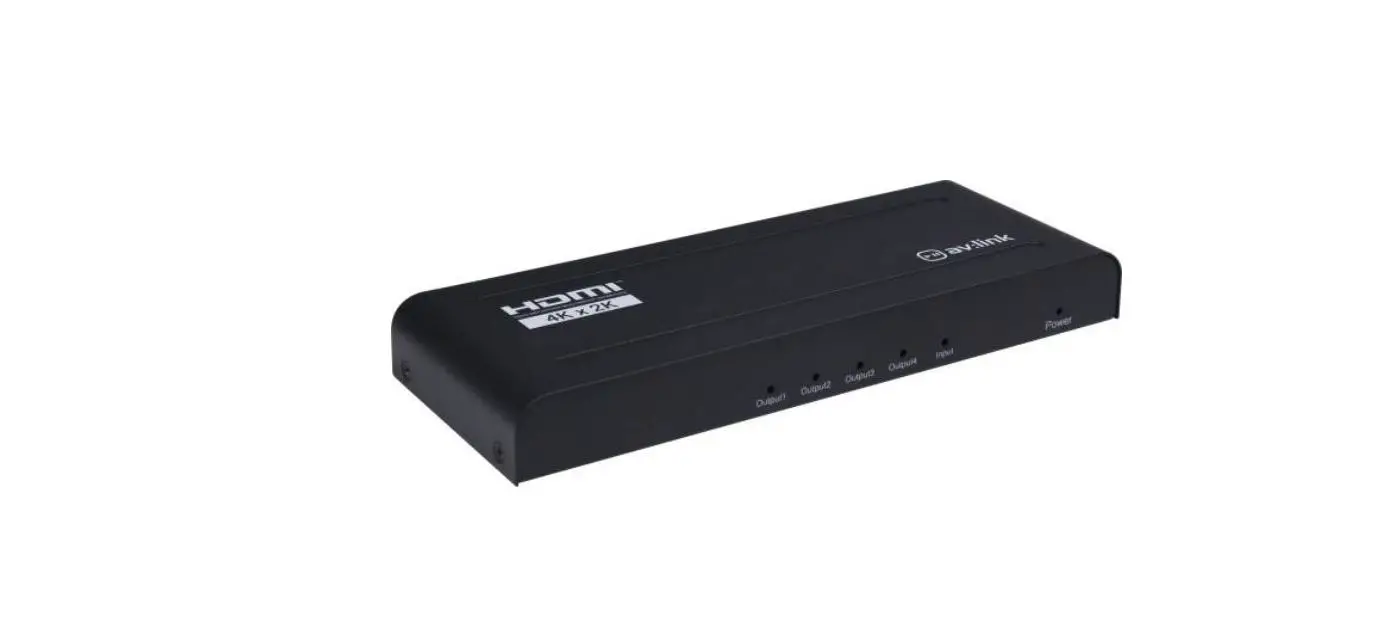
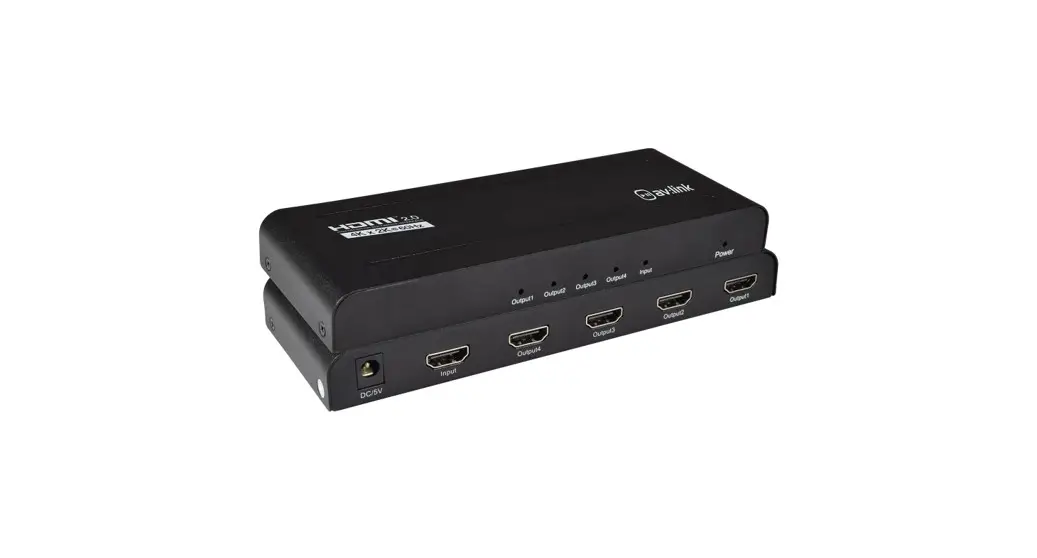
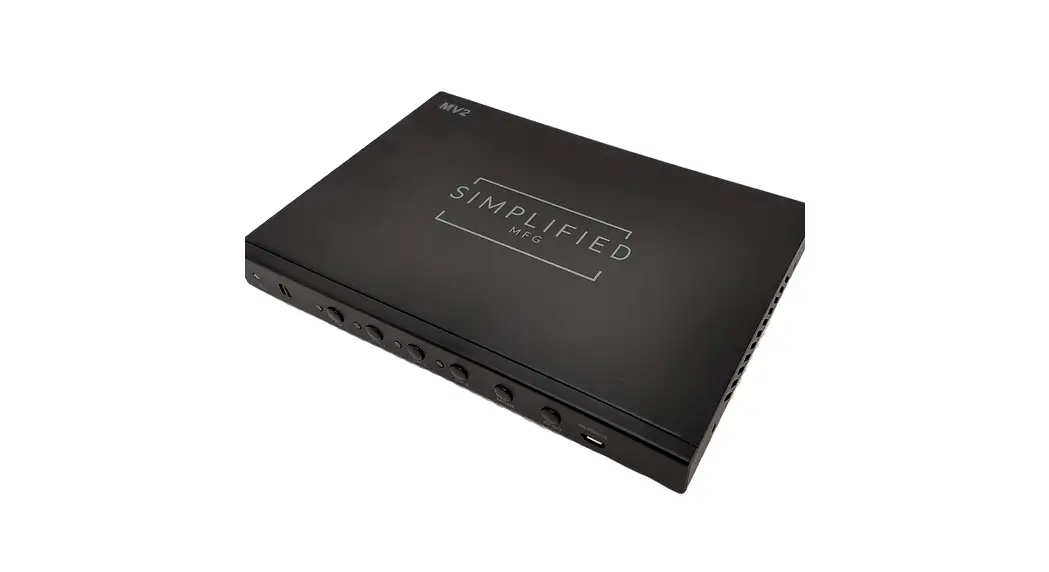
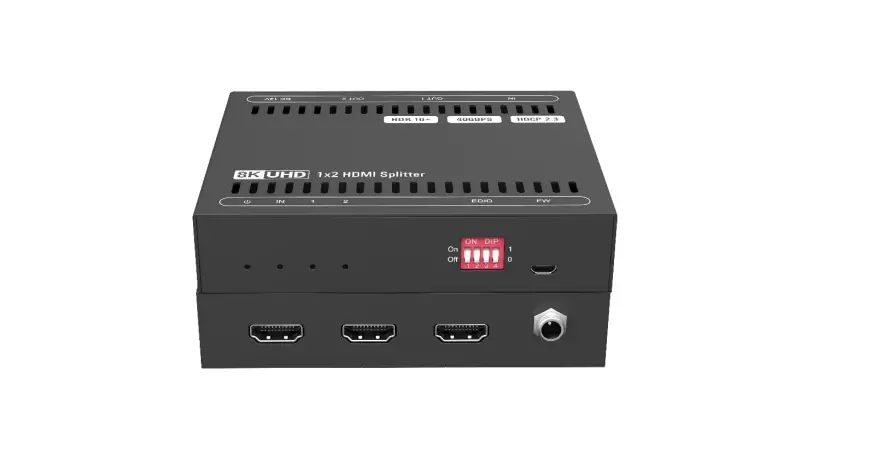
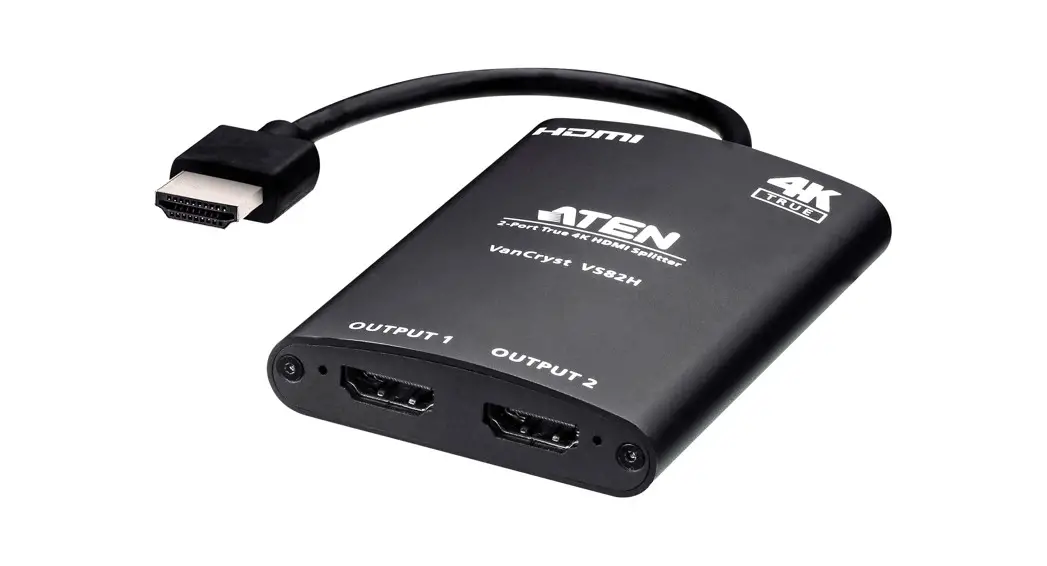
The Quick Install Guide AC7830 is a 1×4 HDMI Splitter that
supports 3D and 4K resolutions. It allows you to connect one HDMI
signal source to up to four HDMI display devices, such as HDTVs or
HD-LCDs. The splitter is equipped with an input HDMI port and four
output HDMI ports.
Input Power: 100-240V~50/60Hz, 0.3A Max.
Max Power Consumption: 5.0W
Manufacturer: ACT
Warranty: 5 Years
Manufacturer Address: Koolhovenstraat 1E, 3772 MT Barneveld, The
Netherlands
For safety information, please visit www.act-connectivity.com/safety
For service, manuals, firmware updates, and additional
information, please visit www.act-connectivity.com
Product Usage Instructions
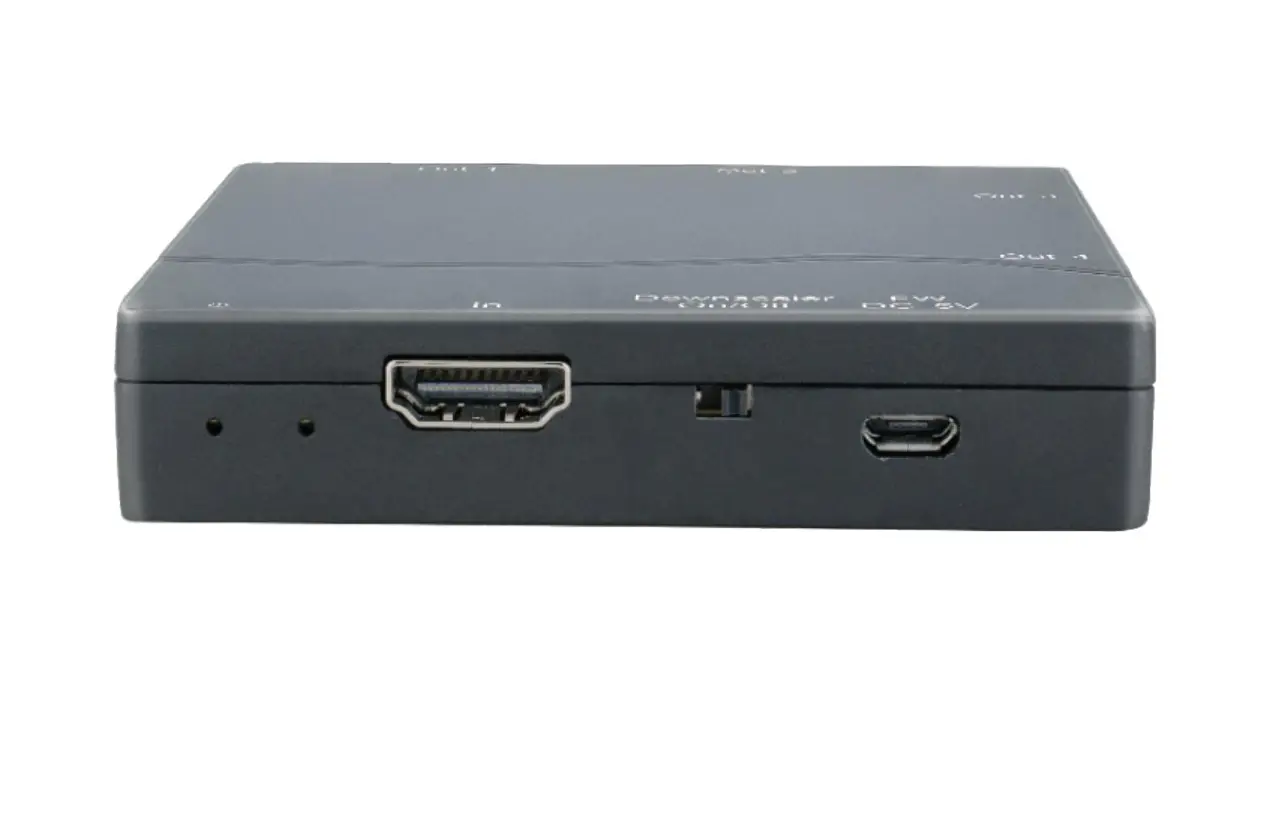
- Connect the HDMI signal source to the HDMI input port.
- Connect the HDMI display device (such as HDTV) to one of the
HDMI output ports. - Insert the DC 5V power supply into the Power input port on the
splitter. - Connect the AC side of the power supply to a wall outlet.
Safety Instructions:
- This product is for indoor use only.
- The socket-outlet for the power supply should be installed near
the equipment and easily accessible. - Ensure that the power supply meets the input power requirements
specified (100-240V~50/60Hz, 0.3A Max). - This product and its accessories can be recycled.
Made in China
Quick Install Guide AC7830
Snel installeren | Schnelle Installation | Installation rapide | Installazione rapida | Instalación rápida | Gyors telepítés | Guia de instalação rápida | Skrócona instrukcja instalacj
1×4 HDMI Splitter 3D and 4K Support
1
Connect the HDMI signal source to the HDMI input.
Sluit de HDMI bron aan op de HDMI input poort.
Connecter la source de signal HDMI à l’entrée HDMI.
Collegare la sorgente del segnale HDMI all’ingresso HDMI.
Verbinden Sie die HDMI Signalquelle zum HDMI Eingang.
Conecte la fuente de señal HDMI para la entrada HDMI.
Csatlakoztassa a HDMI jel forrást a HDMI bemenethez.
Conecte a fonte de sinal HDMI para a entrada HDMI.
Podlcz ródlo sygnalu HDMI do wejcia HDMI.
1 2
2
Connect the HDMI display device (such as HDTV) to the HDMI output port.
3
Sluit het HDMI display apparaat (zoals HDTV) aan één van de HDMI output poorten.
Connecter les dispositifs d’affichage HDMI (tels que LCD HD) à une des sorties HDMI.
Collegare i dispositivi display HDMI (per esempio HD-LCD) ad una delle uscite HDMI.
Verbinden Sie die HDMI Anzeigegeräte (wie z.B. HD-LCD) zu einem der HDMI Ausgänge.
Conecte los dispositivos de visualización HDMI (como HD-LCD) en una de las salidas HDMI.
Csatlakoztassa a HDMI kijelzs eszközt (mint pl. HD-LCD) egy HDMI kimenethez.
Conecte os dispositivos de vídeo HDMI (como o HD-LCD) em uma das saídas HDMI.
Podlcz urzdzenie wywietlajce HDMI (np. telewizor HD) do portu wyjciowego HDMI.
3
Insert the DC 5V power supply to the Power input from the splitter and then connect the AC side of the power supply into the wall outlet.
Sluit de DC kant van de 5V stroomadapter aan op de ingang voor de stroomadapter van de splitter en sluit daarna de AC kant van
de stroomadapter aan op uw stroomnet.
Insérer l’alimentation électrique CC 5 V dans l’entrée d’alimentation et connecter le côté CA de l’alimentation électrique dans la prise
murale.
Inserire l’estremità DC dell’alimentatore 5V nell’ingresso di alimentazione e l’estremità AC dell’alimentatore nella presa.
Stecken Sie das DC 5V Netzteil in dem Stromanschluss und Empfänger und stecken Sie dann die AC Seite des Netzteils in der
Steckdose.
Inserte la fuente de alimentación DC 5V en la entrada de alimentación y conecte el lado de CA de la fuente de alimentación en el
tomacorriente. Csatlakoztassa az egyenáramú 5V tápegységet az áramba és utána csatlakoztassa a tápegység váltóáramát a fali aljzatba.
Insira a fonte de alimentação de entrada de energia DC 5V e ligar o lado AC da fonte de alimentação na tomada.
Wló zasilacz DC 5V do wejcia Power z rozgalnika, a nastpnie podlcz stron AC zasilacza do gniazda ciennego.
EN You can find safety information at www.act-connectivity.com/safety
NL Kijk op www.act-connectivity.com/safety voor de veiligheidsinformatie FR Vous pouvez trouver des informations portant sur la sécurité sur www.act-connectivity.com/safety IT È possibile trovare informazioni sulla sicurezza sul sito www.act-connectivity.com/safety DE Sicherheitshinweise finden Sie unter www.act-connectivity.com/safety ES Puede encontrar información de seguridad en www.actconnectivity.com/safety PT Pode encontrar informações relativas a segurança em www.actconnectivity.com/safety HU A biztonsági információkat a www.act-connectivity.com/safety oldalon találhatja meg CZ Bezpecnostní informace mzete nalézt na adrese www.act-connectivity.com/safety DK Du kan finde sikkerhedsoplysningerne på www.act-connectivity.com/safety NO Du finner sikkerhetsinformasjon på www.act-connectivity.com/safety SE Du hittar säkerhetsinformation på www. act-connectivity.com/safety FI Turvallisuustiedot löytyvät osoitteesta www.act-connectivity.com/safety SI Varnostne informacije so na voljo na naslovu www.act-connectivity.com/safety GR www.act-connectivity.com/safety BG www.act-connectivity.com safety PL Informacje dotyczce bezpieczestwa znajduj si pod adresem www.act-connectivity.com/safety.
EN For service, manuals, firmware or updates visit www.act-connectivity.com
NL Voor service, handleidingen, firmware updates bezoekt u www.act-connectivity.com FR Pour l’entretien, les manuels, les mises à jour du firmware ou l’assistance, visitez www.act-connectivity. com IT Per servizi, manuali, aggiornamento firmware e supporto visitare www.act-connectivity.com DE Dienstleistungen, Handbücher, Firmware-Updates oder Support-Dienste werden unter www.actconnectivity.com angeboten ES Para obtener asistencia, manuales, actualizaciones de firmware o soporte, visite www.act-connectivity.com PT Para assistência, manuais, atualizações de firmware ou apoio técnico, visite www.act-connectivity.com HU Szerviz, kézikönyek, firmware-frissítések és támogatás ügyében látogasson el a következ oldalra: www.act-connectivity.com CZ Bezpecnostní informace mzete nalézt na adrese www.act-connectivity.com DK Du kan finde sikkerhedsoplysningerne på www.act-connectivity.com NO Du finner sikkerhetsinformasjon på www.act-connectivity.com SE Du hittar säkerhetsinformation på www.act-connectivity.com FI Turvallisuustiedot löytyvät osoitteesta www.act-connectivity.com SI Varnostne informacije so na voljo na naslovu www.act-connectivity.com BG www.act-connectivity.com GR www.act-connectivity.com PL Informacje dotyczce bezpieczestwa znajduj si pod adresem www.act-connectivity.com.
À DÉPOSER À DÉPOSER
FR Cet appareil et ses accessoires se recyclent
À DÉPOSER À DÉPOSER EN MAGASIN EN DÉCHÈTERIE
OU
Caution: For indoor use only
Safety Instruction:
EN For PLUGGABLE EQUIPMENT, the socket-outlet shall be installed near the equipment and shall be easily accessible
NL Zorg dat het stopcontact dichtbij en gemakkelijk bereikbaar is vanaf het apparaat FR Une prise électrique facilement accessible est nécessaire près de l’appareil IT É richiesta una presa di corrente, e pertanto è raccomandabile che questa sia nelle immediate vicinanze e facilmente raggiungibile DE Eine Steckdose wird benötigt, die in der Nähe und einfach vom Gerät aus zugänglich sein sollte ES Se necesita una toma de corriente que debe estar cerca y de fácil acceso desde el dispositivo HU Olyan konnektorra van szüksége, mely közel van és könnyen megközelíthet az eszköz számára PT Uma tomada deve estar perto e facilmente acessível a partir é necessário o dispositivo CZ V pípad zaízení, která se zapojují do elektrické zásuvky, by se mla elektrická zásuvka nacházet blízko k zaízení a být snadno pístupná DK På tilslutningsbart udstyr skal stikkontakten være i nærheden af udstyret og den skal være let tilgængelig NO Hvis utstyret har støpsel, skal stikkontakten monteres nært utstyret og være lett tilgjengelig SE För inkopplingsbar utrustning ska uttaget installeras nära utrustningen och vara lättåtkomligt FI Verkkovirtaan liitettävien laitteiden pistorasioiden on oltava asennettu lähelle laitetta helposti päästävään paikkaan SI Za vticno opremo je treba namestiti lahko dostopno vticnico blizu opreme BG , , GR , . PL Dla Podlczanych urzdze, gniazdo zasilania powinno by zainstalowane w pobliu u rzdzenia i powinno by latwo dostpne.
EN Made in China
NL Geproduceerd in China FR Fabriqué en Chine IT Prodotto in Cina DE Hergestellt in China ES Hecho en China PT Fabricado na China HU Kínában készült CZ Vyrobeno v Cín DK Fremstillet i Kina NO Laget i Kina SE Tillverkad i Kina FI Valmistettu Kiinassa SI Izdelano na Kitajskem BG GR PL Wyprodukowano w Chinach.
Input: 100-240V~50/60Hz, 0.3A Max. Power: 5.0W Max.
5 Year Warranty ACT, Koolhovenstraat 1E, 3772 MT Barneveld, The Netherlands
 Safety instructions | ACT
 Online Review & Business Listing Management | Connectivity
 Home | ACT