ULINE H-2267 Multi-Deck Paper Cutter Installation Guide
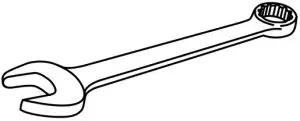
TOOL NEEDED
- 7/16″ Wrench

PARTS INCLUDED
- 1/4-20 x 1/” Hex Head Grade 5 Bolt x 4

- 1/4″ Flat Washer x 4

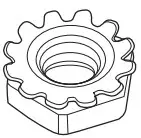
- 1/4-20 Keps Hex Nut x 4

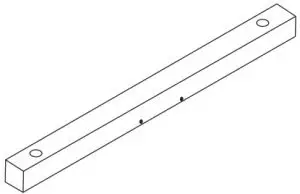
- Dowel x 2 (2-Roll Holder) x 3 (3-Roll Holder) x 4 (4-Roll Holder)

- Foot x 2




ASSEMBLY
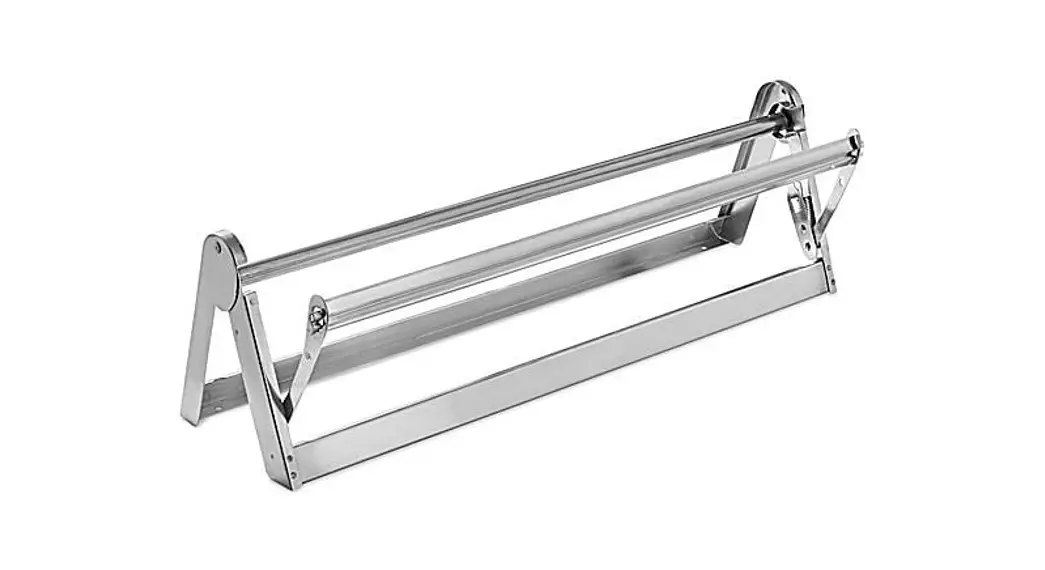
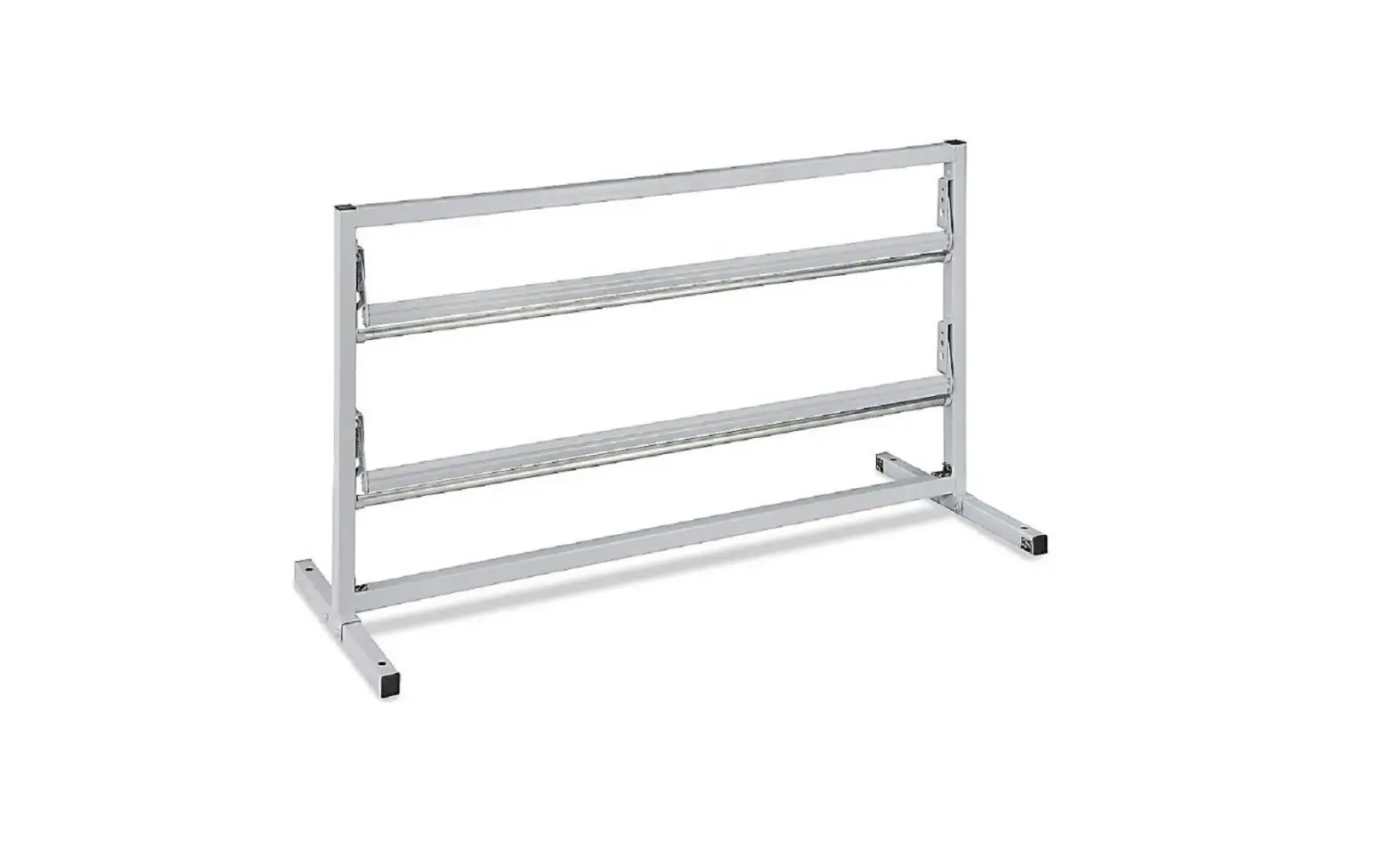
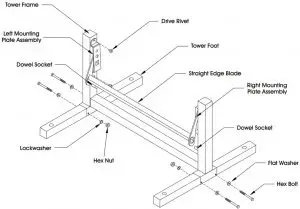
- Fasten the two feet onto the frame of the tower as shown in the illustration below by using four bolts, nuts, washers and lockwashers.
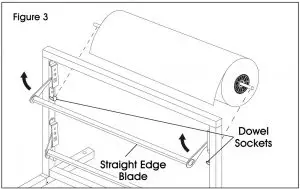
- Rest the dowels in the dowel sockets.

PAPER ROLL MOUNTING INSTRUCTIONS
HOW TO LOAD AND DISPENSE THE ROLL
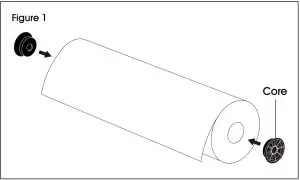
- Make sure both ends of the roll are plugged with cores. (See Figure 1)

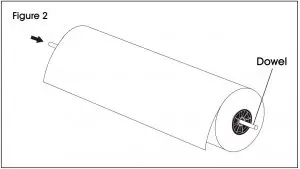
- Thread dowel through one end of the roll until it protrudes out of the other side. (See Figure 2)

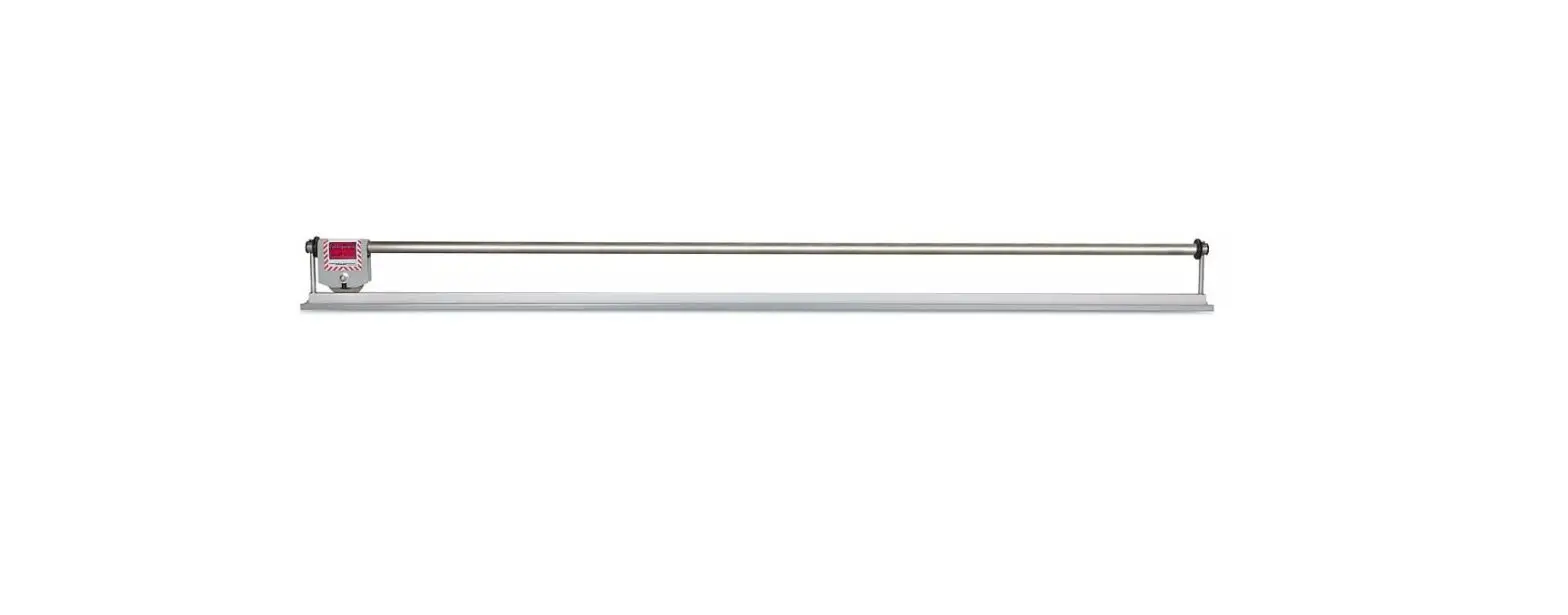
- To position roll on the paper cutter, rest the dowel in the dowel sockets with the roll unspooling downward under the straight edge blade. (See Figure 3)

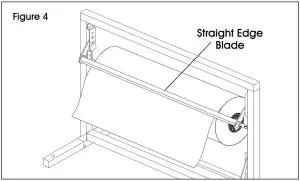
- Pull paper to the desired length and tear against the straight edge blade. (See Figure 4)

Contact Us
Phone: 1-800-295-5510
Web: uline.com