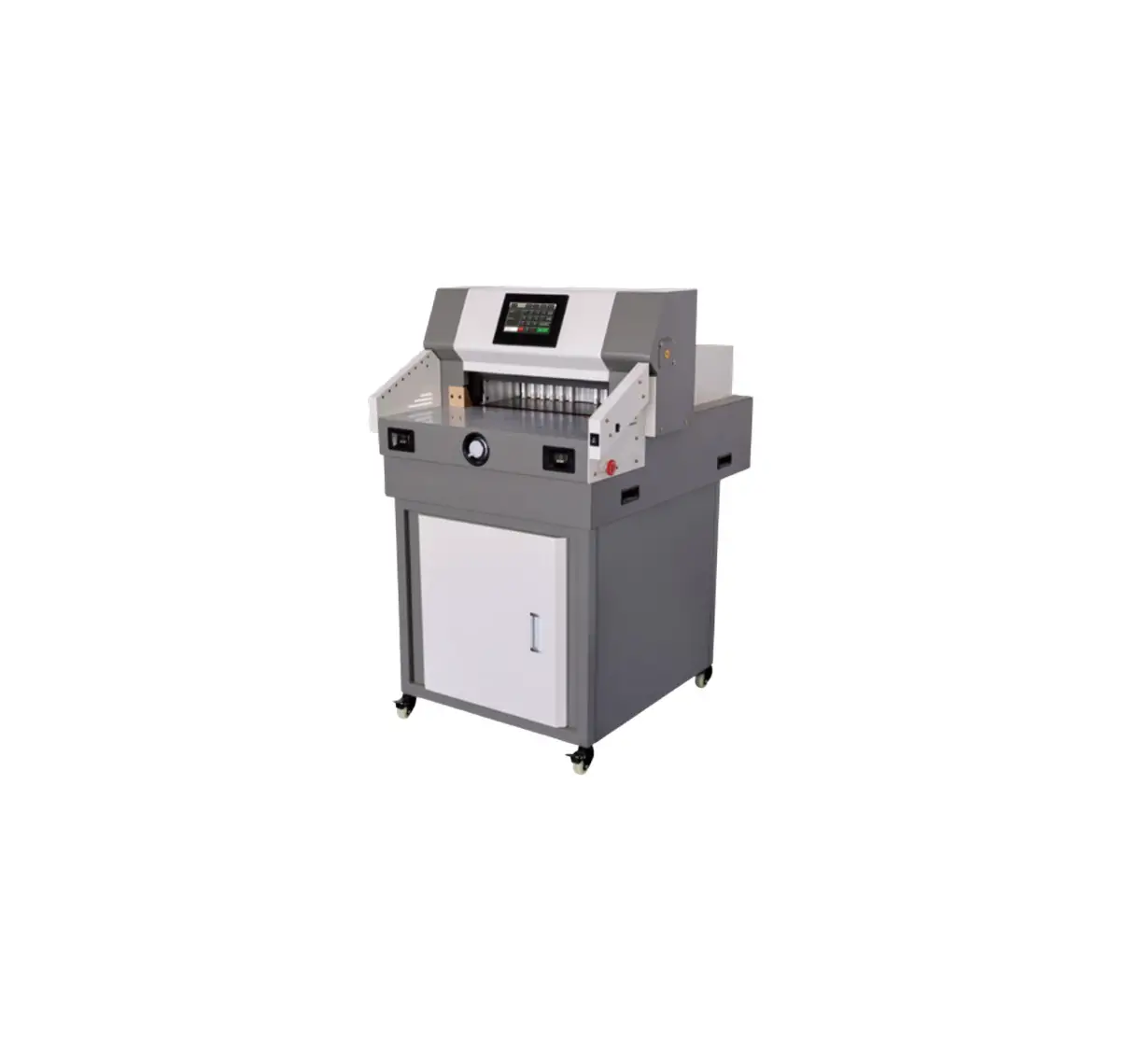
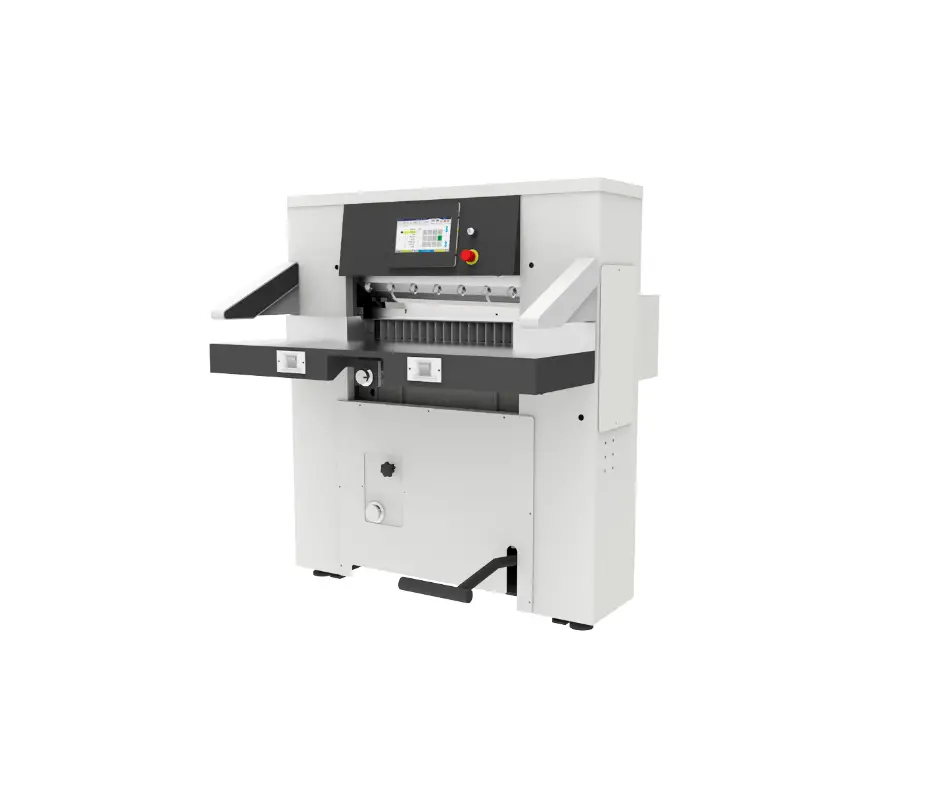
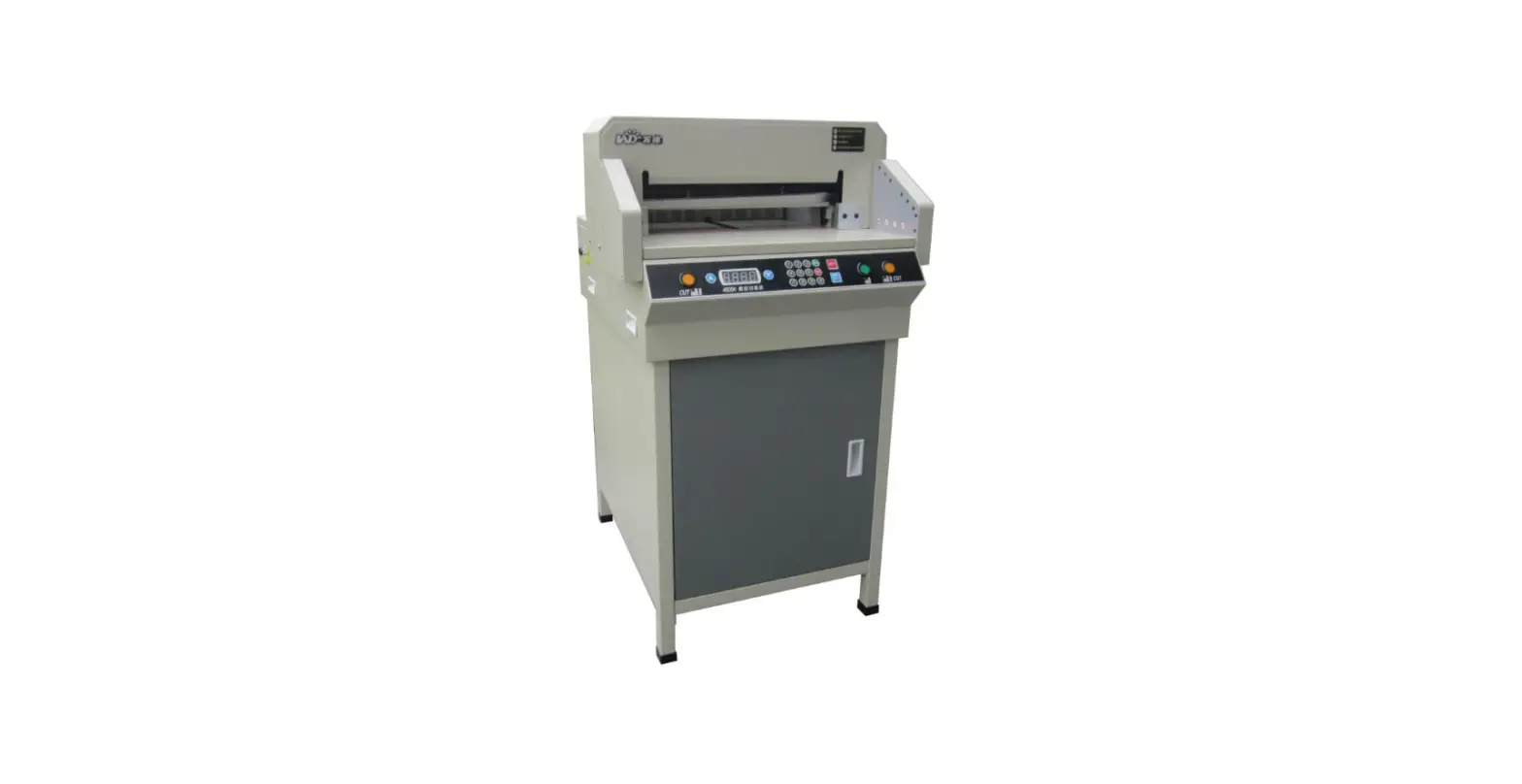
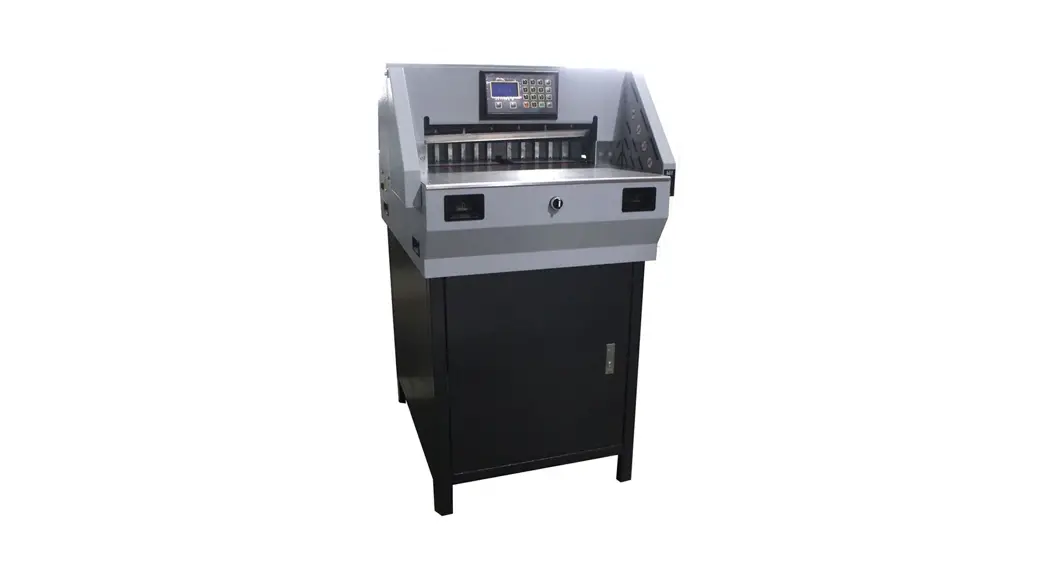
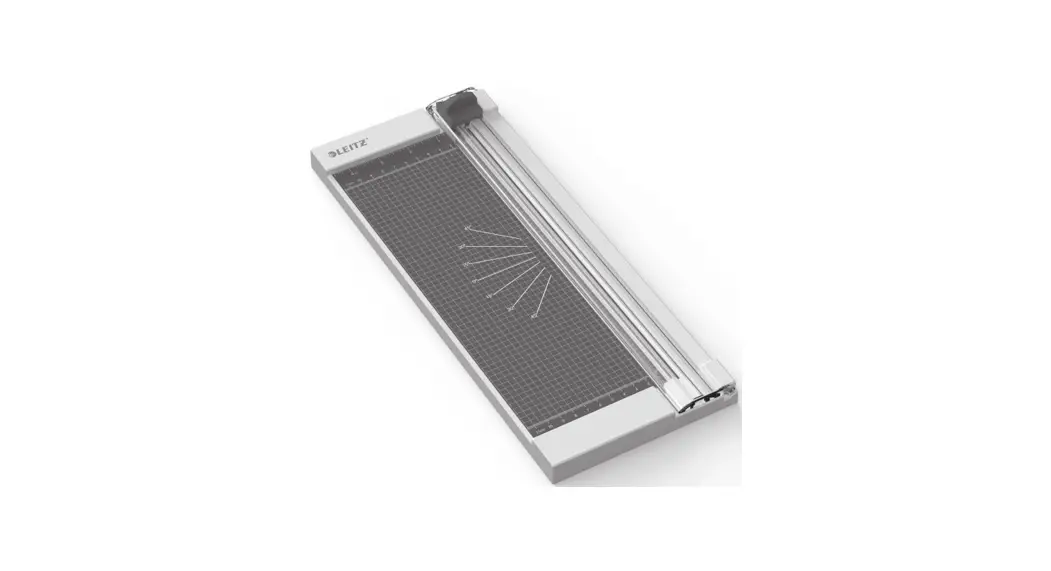
310M Paper Cutter
Product Information: 310M Paper Cutter
The 310M Paper Cutter is a machine used for cutting paper. It
comes with a safety manual that provides instructions on how to use
the machine safely. The machine has a blade and a clamp, which
should not be reached beneath. The machine can be transported over
short distances by two people lifting it up together carefully. For
longer distances, it should be packed in its original packaging.
The machine requires two AA batteries, which should be installed in
the battery holder located at the back of the machine.
Product Usage Instructions
- Safety & Warning: Before attempting to use
or service the machine, read and understand the safety manual.
Switch off all sources of electrical power before performing
maintenance on the machine. Do not operate the equipment when locks
are not in place. - Unboxing: Cut the tapes and packing belts
outside the box. Cut off the cable tie around the bag and place the
machine on a steady and strong working table. - Installation: Install two AA batteries into
the battery holder located at the back of the machine according to
the indication of the positive and negative electrodes. - Operation: Once the batteries are installed,
the machine is ready to use. Be familiar with the machine safety
rules and practices before operating it. Verify that all guards are
installed before operating the machine. Do not attempt to operate
or service the machine without reading and understanding the safety
manual. - Maintenance: Only trained staff should perform
maintenance on the machine. Blade replacement and cutting stick
replacement are described in the manual. - Troubleshooting: If you encounter any issues
with the machine, refer to the troubleshooting section in the
manual.
310M Paper Cutter
Operation Manual
±Please read this manual carefully before operating the machine.
Revision: 27/04/21
Table of Contents
1. Safety & Warning……………………………………………………….. 1 1.1 Safety Rules……………………………………………………… 1 1.2 Precautions……………………………………………………….. 1 1.3 Do’s And Don’ts…………………………………………………. 1 1.4 Safe Transport…………………………………………………… 2
2. Unboxing………………………………………………………………….. 2 3. Installation………………………………………………………………… 2 4. Description of Parts……………………………………………………. 2 5. Operation………………………………………………………………….. 3 6. Maintenance – for trained staff only!…………………………… 3~4
6.1 Blade Replacement………………………………………….3~4 6.2 Cutting Stick Replacement………………………………….. 4 7. Troubleshooting…………………………………………………………. 4
1. Safety & Warning
1.1 Safety Rules The machine has blade lock which make it a safe to operate. Regardless of your experience, safety instructions must be read carefully, completely understood, and applied to your daily work habits. If you do not understand or are confused by certain safety instructions presented in this manual, discuss them with your supervisor. Machine setup, cleanup, and maintenance operation will vary. Therefore, it is essential for all users to practice safe work habits. SAFE WORK HABITS PREVENT INJURIES. The main rule to follow is to ALWAYS make sure the blade is locked when performing setup, cleanup, adjustment and maintenance operations. The safety precautions in this manual provide guidelines for the protection and for that of fellow workers.
1.2 Precautions Before any maintenance is performed on the machine, switch off all sources of electrical; do not operate the equipment when locks are not in place. Failure to observe this warning could result in personal injury.
1.3 Do’s And Don’ts
Warning: do not reach beneath the blade and clamp!
DO
DO NOT
1. Read and understand this manual before 1. Do not attempt to operate or service
attempting to operate or service the
the machine without reading and
machine.
understanding this manual.
2. Be familiar with the machine safety rules 2. Do not remove the safety devices. and practices.
3. Warn others of an intended action that may endanger them.
3. Do not clean or lubricate moving parts of a machine that is running.
4. Perform lubrication and oiling of the machine only when power is off.
4. Do not let unauthorized persons to operate the machinery.
5. Verify that all guards are installed before 5. Do not place tools on a machine
operating the machine.
that is running.
6. When working on electrical equipment, power must be shut off to all circuits before any work is attempted. Individual switches must be opened and the equipment circuits must be tested to make sure there is no power.
6. Do not reach into the machine to make adjustments while it is running.
7. Be sure all operators are aware of all areas and operations that require extra safety measures.
7. Do not allow horseplay in the work area.
1
1. Safety & Warning (Continued)
1.4 Safe Transport 1.4.1 For a short transport (few meters): Though this is a small machine, we suggest that two persons lift up the machine together carefully and move it to another place.
1.4.2 For more than a few meters: The machine should be packed again in the orginal packaging.
2. Unboxing
Cut the tapes and packing belts outside the box. Cut off the cable tie around the bag and place the machine on a steady and strong working table.
3. Installation
Install two AA batteries into the battery holder located at the back of the machine according to the indication of the positive and negative electrodes.
4. Description of Parts
1 Handle
2 Blade lock
3 Optical cutting line
4 Cutting stick
5 Cutting line switch
6 Backgauge
2
7 Side lay
5. Operation
Switch on 5 Cutting line switch. The cutting line appears. Adjust 6 Backgauge to the required position. Put the paper sheet in the machine. Align the paper against the backgauge and 7 Side lay. Push 2 Blade lock and press 1 Handle down to cut the paper sheet. Rlease the handle and make sure it is locked by the blade lock. Take out the paper sheet carefully.
Warning: do not reach beneath the blade and clamp!
6. Maintenance – for trained staff only!
6.1 Blade Replacement – switch off cutting line and put on gloves. Follow below steps.
Warning: do not reach beneath the blade and clamp!
6.1.1 Remove two screws on the back of the machine top cover using an allen wrench.
6.1.2 Remove the top cover carefully.
6.1.3 Pull up and turn over two handles 6.1.4 Push the blade lock and press
to release two springs on the sides of
the knife down. Remove the screw and
the machine.
spring on the back of the machine using
Warning: DO NOT reach beneath the blade and clamp! a phillip screwdriver.
6.1.5 Remove two screws on sides
6.1.6 Pull out the old blade from the
of the knife using a phillip screwdriver.
machine carefully and put it aside but
3 with special attention. Caution: Sharp blade!
6. Maintenance (Continued)
6.1 Blade Replacement – continued Warning: do not reach beneath the blade and clamp!
6.1.7 Take off the blade cover from the new blade.
Caution: Sharp blade!
6.1.8 Use both hands to insert the new blade into the machine carefully.
6.1.9 Cover the old blade with the blade cover carefully.
Caution: Sharp blade!
6.2 Cutting Stick Replacement Switch off the 5 Cutting line switch. Make sure the 1 Handle is locked. Take out the current 4 Cutting stick from the left side of the machine and turn it to another side or insert a new one. Note: Cutting sticks can be used repeatedly by turning to different surfaces.
7. Troubleshooting
Sympton Paper cannot be cut through.
Cutting line is weak or no cutting line.
Solution
The knife is blunt. Sharpen the knife or replace a new knife.
Replace two AA batteries.
4