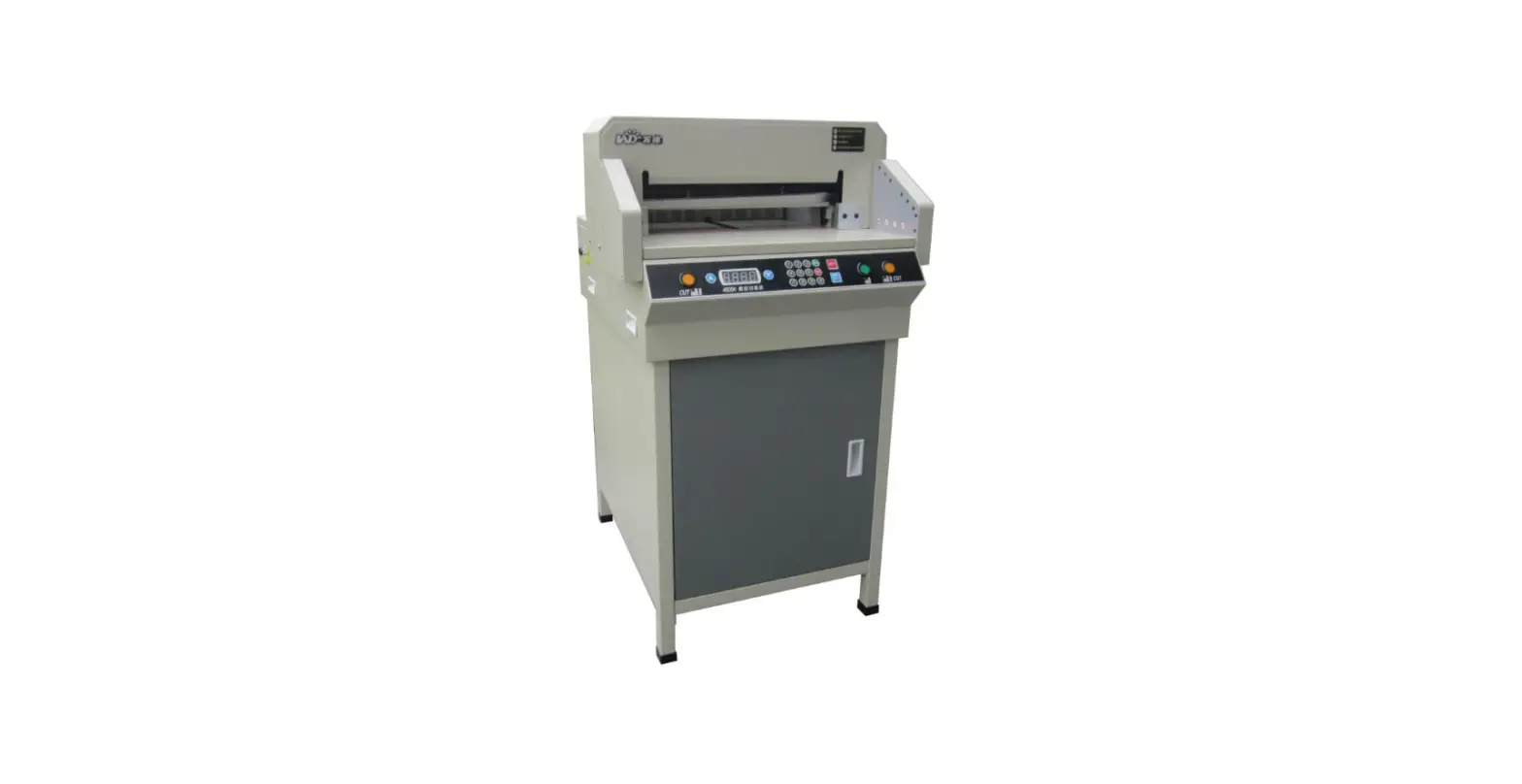
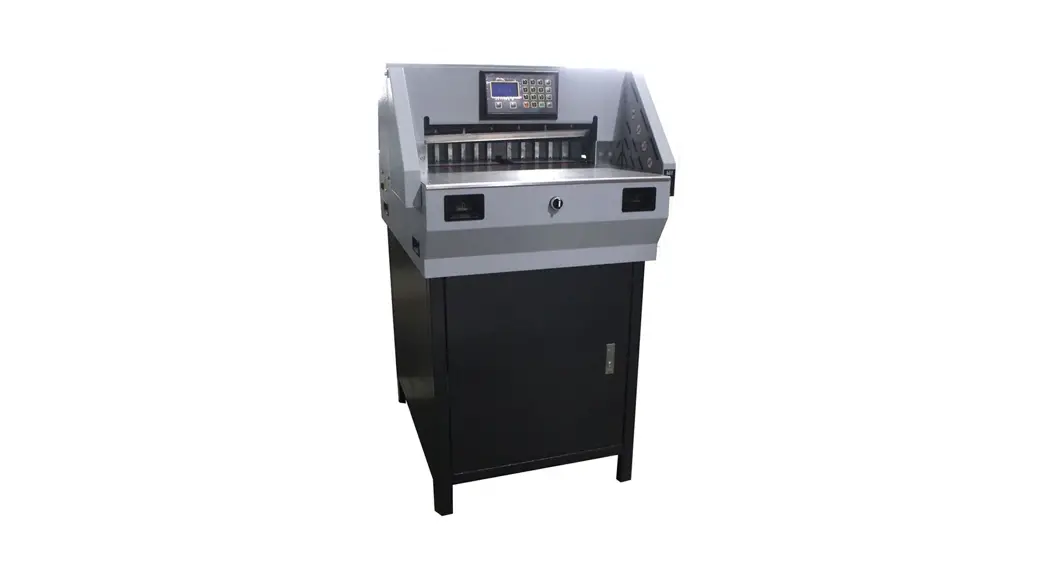
A320 Desktop Auto Paper Cutter
Product Information:
- Model: FTLUPQVUP1BQFS
- Product Type: DVUUFS
- Features:
- GJOFQPTJUJPO BEKVTUPS
- CBDLHBVHF
- MFGUTJEFMBZ
- MPDLGPSCBDLHBVHF QVMMBOENPWF
- DVUUJOHTUJDL
- UPQDPWFS
- PQUJDBMDVUUJOH MJOF
- GSPOUTBGFUZ HVBSE
- 4BGFUZLFZ TXJUDI
- QPXFSTXJUDI
- UXPIBOEFE DVUUJOHTZTUFN
Product Usage Instructions:
- Connect the device to a power source using the provided
cable. - Turn on the device by pressing the power button located on the
side of the device. - To access the menu options, press the menu button located on
the front of the device. - Use the navigation buttons to select the desired option and
press the select button to confirm. - To adjust the volume, use the volume buttons located on the
side of the device. - To play music, connect your device to the DVUUFS using a
compatible cable. - To record audio, press the record button located on the front
of the device. - To transfer files from the device to a computer, connect the
device to the computer using a compatible cable. - Use the file explorer on your computer to locate and transfer
files. - When finished, safely disconnect the device from the computer
and power off the device.
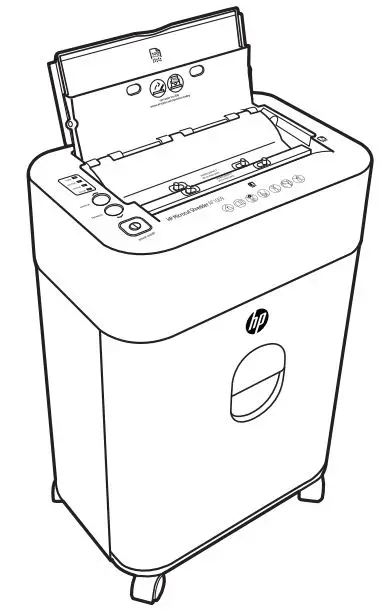
“%FTLUPQ”VUP1BQFS$VUUFS 0QFSBUJPO.BOVBM
2 ‘JOFQPTJUJPO BEKVTUPS
3 #BDLHBVHF 4 -FGUTJEFMBZ
1 -PDLGPSCBDLHBVHF QVMMBOENPWF
5 $VUUJOHTUJDL
11 5PQDPWFS
10 0QUJDBMDVUUJOH MJOF
9 ‘SPOUTBGFUZ HVBSE
8 4BGFUZLFZ TXJUDI
6 1PXFSTXJUDI
7 5XPIBOEFE DVUUJOHTZTUFN
0QFSBUJPO4UFQT
0QFO’SPOUTBGFUZHVBSEBOEMPBEUIFQBQFS
1VMM-PDLGPSCBDLHBVHFBOENPWFJUUPUIFEFTJSFEQPTJUJPOBOESFMFBTF6TF’JOFQPTJUJPO BEKVTUPSUPGJOFBEKVTUUIFCBDLHBVHF+PHUIFQBQFSBOEDMPTFUIF’SPOUTBGFUZHVBSE
5VSOPO1PXFSTXJUDI
BOE0QUJDBMDVUUJOHMJOFXJMMMJHIUVQ5VSOPO4BGFUZLFZTXJUDI /PUF’PSTBGFUZ
BMXBZTUVSOUIF4BGFUZLFZTXJUDIUPPGGQPTJUJPOXIFOUIFNBDIJOFJTOPUJOVTF
1SFTT5XPIBOEFEDVUUJOHTZTUFNVTJOHCPUIIBOETVOUJMUIFQBQFSJTDPNQMFUFMZDVUBOE UIFLOJGFHPFTCBDLUPJUTIPNFQPTJUJPO 4XJUDIPGGUIF4BGFUZLFZTXJUDI0QFO’SPOUTBGFUZHVBSEBOEUBLFPVUUIFDVUQBQFS
3FQMBDJOHUIFLOJGF5VSOUIF1PXFSTXJUDIPGG0QFO5PQDPWFSBOEMPPTFOUIFTDSFXT POUIFLOJGF3FQMBDFUIFPMELOJGFXJUIBOFXPOF5JHIUFOUIFTDSFXTCBDL
3FQMBDJOHUIFDVUUJOHTUJDL5BLFPVUUIFDVSSFOUDVUUJOHTUJDLGSPNUIFMFGUTJEFPGUIFNBDIJOF BOEUVSOJUUPBOPUIFSTJEFPSJOTFSUBOFXPOF /PUF$VUUJOHTUJDLTDBOCFVTFESFQFBUFEMZCZUVSOJOHUPEJGGFSFOUTVSGBDFT
4QFDJGJDBUJPOT
$VUUJOH8JEUI $VUUJOH$BQBDJUZ /BSSPX$VU $VUUJOH%FQUI 1PXFS 8FJHIU
%JNFOTJPOT %Y8Y)
NN
NN
NN
NN
7)[8 MCT LH
©Y©Y© YYNN