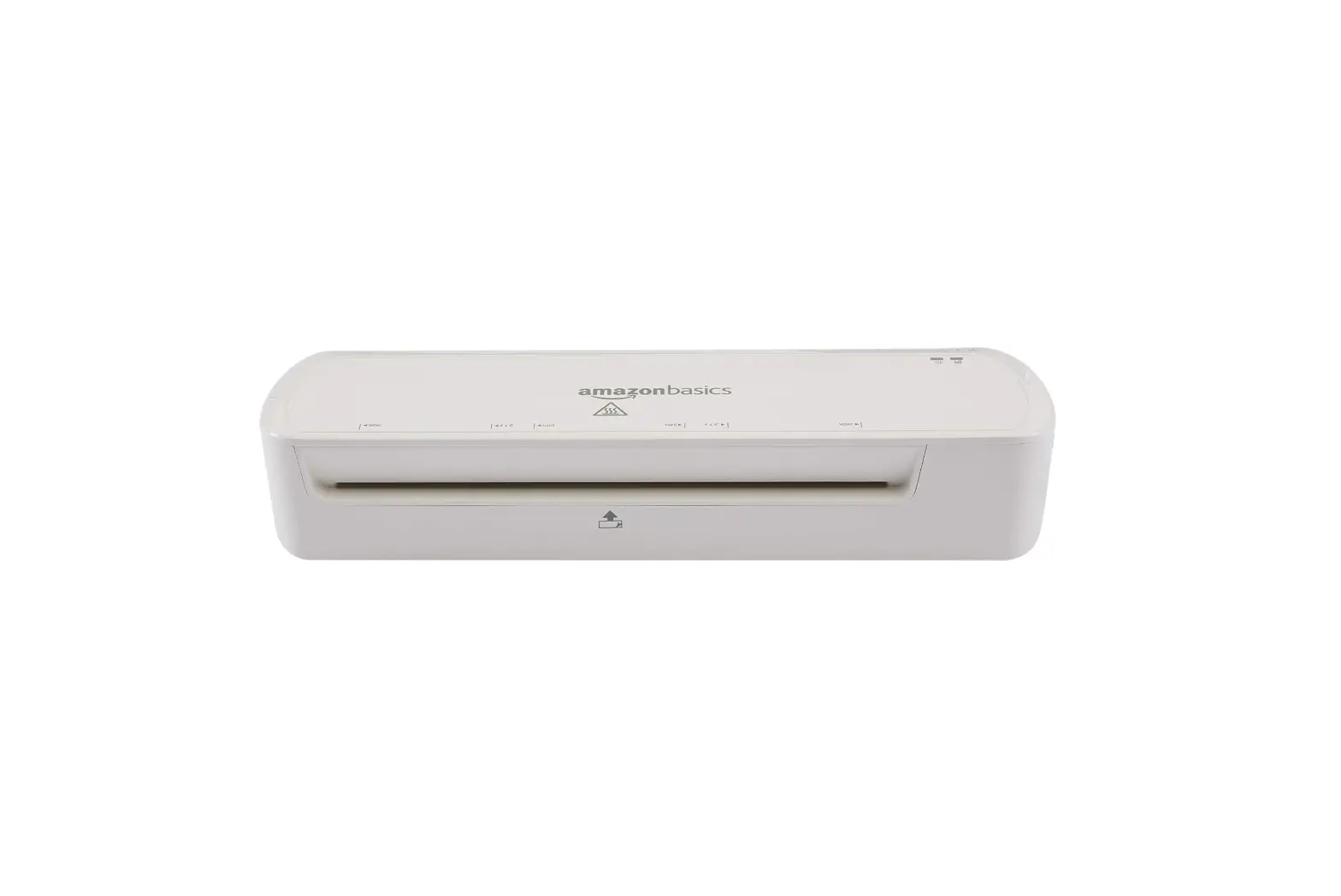
SRL-39E Semi-Pneumatic Laminator
SRL-39E Semi-Pneumatic Laminator
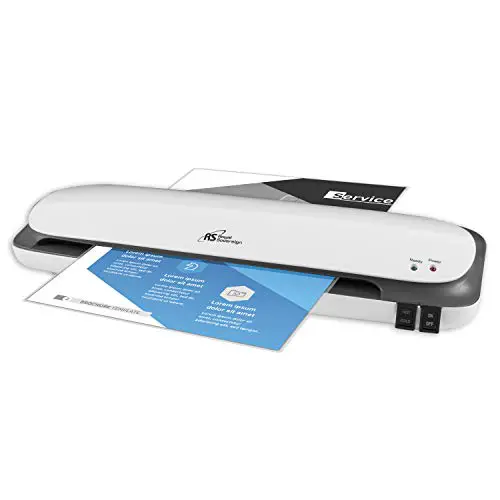
The SRL-39E Semi-Pneumatic Laminator is a hot and cold laminator
that comes with detailed operation steps and precautions in the
instruction manual. It is important to read the manual carefully
before use and keep it for future reference. The laminator is not
suitable for use with damaged, aged, or self-contained power cords
and must be used with the standard voltage of the mating power
plug. The machine should be placed on a level, stable surface in a
dry, clean place and should not be placed in a damp place or near
the exit of the cooling unit.
Usage Instructions:
- Ensure that you have read the instruction manual carefully
before use and keep it for future reference. - Place the laminator on a level, stable surface in a dry, clean
place. - Do not use damaged, aged, or self-contained power cords. Do not
overdo it Stretch, twist or wind the power cord to avoid fire and
electric shock. - Use only the standard voltage of the mating power plug to avoid
accidents involving fire and electric shock. The power plug used
must be well grounded. - Do not disassemble, renovate, or repair the laminator. In case
of any issue, press the Ejection button immediately. If there is no
effect, immediately turn off the power and contact your
dealer. - Avoid using items such as neckties, necklaces, and hair while
using the laminator. In case of any issue, press the release button
immediately. - Do not expose the power cord, plug, or machine to water or
other liquids. Do not operate the machine with wet hands. Do not
let the machine or heavy objects hold the voltage. When moving the
machine, turn off the power before moving. - Use high-quality laminating film for best results.
- Avoid laminating flammable materials, easily softened
materials, text and pictures printed on paper with thermal
induction, or changed after heating colored or deteriorated items,
wrinkled, damaged, wet or deformed items before cold lamination,
coins, copper or other hard objects. - When using the machine, please pay attention to the children
around you to avoid accidents. - Do not use the laminator outdoors. After the operation is
completed, please lift the rubber roller to cut off the power and
leave. - If the power supply is damaged or the machine malfunctions, do
not use it again. It should be sent to the dealer for repair ASAP.
Do not repair without authorization. - Do not hang the power cord at the table or counter.
SRL-39E Semi-Pneumatic Laminator
Operating Manual
Please read this instruction manual carefully before use.
Please read the manual carefully before use and keep it for future reference. This instruction manual describes the operation steps and precautions ofthis unit in detail. The laminator has the functions of hot lamination and cold lamination Thank you for purchasing and using our laminator
!
! Do not use damaged, aged, and self-contained power cords.Do not overdo it Stretch, twist or wind the power cord to avoid fire and electric shock
! Do not use a voltage other than the rated voltage ofthe power supply. Must use the standard voltage of the mating To avoid accidents involving fire and electric shock Power plug used The seat must be well grounded
No dismantling
! It is forbidden to disassemble, renovate and repair. In the unlikely event that an item is involved, press the Ejection button immediately. Ifthere is no effect, immediately turn off the power and contact your dealer
! Items such as neckties, necklaces, and hair should be avoided. In the unlikely event that an item is involved, press the release button immediately.
Involved Attention
Electric Shock Attention
High Temperature Attention
! Do not expose the power cord, plug, or machine to water or other liquids. Do not operate the machine with wet hands. Do not let the machine or heavy objects hold the voltage . When moving the machine, turn off the power before moving
! Do not insert flammable or softening materials into the machine to avoid them Melt in the machine and produce smoke
! Do not touch the rubber roller and other hot parts when the machine is working. To avoid burns
1
!
1The machine should be placed in a dry, clean place,
Place of
not in a damp place or Is near the exit ofthe cooling unit
Placement 2The machine should be placed on a level, stable surface. In front of and behind the machine The party should leave enough
space for the input and output ofthe original.
3Do not place goods on this machine.
Lamination Film 1Please use high-quality Film, in order to reflect the laminating effect.
Object
The laminator uses hot lamination technology, pay attention to the following items to avoid failure of lamination or Causing the film to be involved 1Flammable material, easy to soften material 2Text and pictures printed on paper with thermal induction,
or changed after heating Colored or deteriorated items 3Wrinkled, damaged, wet or deformed items before cold lamination
4Coins, copper or other hard objects
Mechanical Operation
Indicates that the exception can be used
when using the cold lamination function
1Except for the scope of use specified in the operation manual, no other use is allowed.
2Do not use outdoors. After the operation is completed, please lift the rubber roller to cut offthe power and leave.
3When the power supply is damaged or the machine malfunctions, please do not use it again. It should be sent to the dealer for repair ASAP. Do not repair without authorization
!
1When using the machine, please pay attention to the children around you to avoid accidents. 2Do not hang the power cord at the table, at the counter,
or wherever children can get it and easy to dump people 3Use of accessories not recommended or sold by
the manufacturer may cause damage to the machine 4Photographs or documents are permanent once
they have been lamination and cannot be opened again 5Collect precious items, or items that you wish to
remove in the future, do not lamination.
2
Trimming Cutter Roll Film 1 Overlap Cylinder Pressure Gauge Paper feeder pressure roller Touch Screen Paper Feeder Conveyor Belt
Location Bar
Location BarTensioning Rod
Dotted Knife Film Mounting Bracket Roll Film 2 Temperature runaway alarm
Anti-curl adjustment switch Discharging rubber roller upper/down handle
Paper Receiving tray Temperature control panel
Left side cover
Moving Casters
Right side cover
Dotted Knife Positioning knob
Thermometer
Guide wheel left and right position adjustment handle
Guide wheel direction adjustment
handle
Breaking Roller
Dotted Knife
Laminating traction roller upper/down handle
Control Panel
Breaking Guide wheel Paper Receiving Tray
Paper Stopper
Auto cutter switch Manual force breaking button
Adjusting knob ofpaper stopper
Paper Receiving tray support rod
Power Switch
Power Cord
3
Touch Screen Overlap Size
Count Parameter Setting Roller Up/Down
FWD/STP/REV.
Emergency
R
Paper Length
Enter the exact paper length size
Overlap ON/OFF indicator Break ON/OFF indicator
Overlap ON/OFF
Laminating Speed
Run /Overlap switch
Heating Indicator
Rubber roller actual temperature Set temperature
1. Press ” Set ” The zone of set temperature to flash 2. Press Set temperature 3. Then Press”Set” Finished set temperature
Heating Switch
Film Smoothing roller
Steel Roller
Film
Smoothing roller Traction Rubber Roller
Break rubber roller
Rubber Roller
Traction Rubber Roller Break rubber roller
Anti-curling adjustment Rod Anti-curling square tube
1.Check the appearance ofthe machine, confirm the working voltage and turn on the power.
2.Connect the air compressor tube (diameter ofthe tube is 10mm, set the air pressure to the maximum. (Generally the maximum pressure of air compressor is 0.7Mpa)
3. Set the temperature, the common film temperature is set between 100-110 degrees, press the heating button on the panel, the heating indicator is bright,
indicating that the machine is in the heating state After the actual temperature ofthe roller reaches the set temperature, the heating indicator is flashing and the preheating is completed
Attention: Since there is a certain difference in the temperature of each machine, the temperature is appropriately adjusted according to the actual laminating effect.
4. Install Lamination Film 1.The film can be install after the preheating is completed. Please turn offthe overlap function before install the film, run the machine, and guide the film into the roller while feeding the paper, until come out from all rollers
Film Install method reference Page 3 ( Install films diagrammatic drawing) 2.Adjust the left and right position of the paper feed bar or film, align the edge ofthe film and the paper, and after alignment, tighten the positioning bar adjustment rod or the fixing screw ofthe
film sleeve.Prevent displacement during lamination Attention: The width between the left and right paper feed positioning bars must be larger than the paper width. Ifthe width between the two is too small, it will cause paperjams or poor paper feeding. So as not to cause normal lamination. 5. Operation method of Overlap function
1.The machine must be stopped. 2.Enter the exact paper length: click on the paper length number to select the area, Enter the set interface, enter the exact paper length and size, and click enter to complete. 3.Set the size that needs to be overlap: Click the paper size number selection area to enter the setting interface, enter the size that needs to be overlap, and click Enter to complete. Reminder The input value is positive, the head and tail of the two sheets ofpaper will overlap,it is the overlap size, otherwise the value is negative, there will be a gap between the head and tail of the two sheets ofpaper, and the gap size is the entered value. 4.When using the overlap function for the first time , need to turn off the overlap function, so that the overlap cylinder is lifted, the paper is placed on the feeder conveyor belt, paper head is pressed against the paper feed roller 5.Turn the “FWD/STP/REV” switch to the FWD, and the speed control knob is at the low speed state 6.Press the button of “Overlap” ON,
Press the “Run” button, the motor runs, and the lamination begins Attention: At this time, the “Overlap ON/OFF indicator light” Green “ON”on the display it means the overlap function are in normal working state. On the contrary, the “Overlap ON/OFF indicator” is in pink “OFF”, indicating that the overlap function is not working properly.
6
Reminder In normal continuous lamination, the paper inserted in the next sheet only needs to be stacked on top ofthe previous sheet. It should be noted that it cannot be completely overlap, and the distance between the heads ofthe two sheets needs to be misaligned 10cm. Attention: The paper feeding platform ofthis machine has a paper measuring sensor, so it can not be interrupted when loading paper, and it will automatically stop when the sensor cannot detect the paper 6. Operation method of automatic breaking function 1.When using the automatic breaking function, the dotted knife must be placed correctly , otherwise it will not be automatically breaking. Place the dotted knife at a position 5 mm away from the edge of the films, and tighten the dotted knife positioning knob 2.Turn on “Breaking” function
1.Open the automatic breaking switch on the back ofthe machine 2.Click the “Break” button on the display..Green”On” means in normal working state 3.Adjust the left and right positions of the “Breaking Guide Wheel”, with the dotted knife as the reference. The breaking guide wheel needs to be biased to the side ofthe dotted knife and to paper edge 10cm . (As shown below) 4.Adjust the tilting direction of “Breaking Guide Wheel”, with the dotted knife as the reference, the breaking guide wheel needs to be slightly inclined to the side of dotted knife. (As shown below)
7
Trimming Cutter
Dotted Knife
Lamination Film
Breaking paper sensor
Traction rubber roller
Reference position for forced breaking Breaking Rubber roller
Guide wheel pressure adjustment knob
Appropriate pressure
Breaking guide wheel
Attention: There is a breaking paper sensor between the traction rubber roller and the breaking rubber roller. When the breaking function is activated, the first paper cannot cover the paper measuring sensor, otherwise it will cause inaccurate counting and cause a breaking error. Ifthe sensor has been covered, then the current two the seams of the paper are broken with the “manual force breaking button” when the traction rubber roller is passed, and can work normally after breaking.
7.Anti-curl adjustment method: the thinner the paper, the lower the adjustment needs to be pressed, and the thicker the paper The pole is adjusted appropriately, and the effect can be adjusted again.
8
Model Laminating Width Laminating Thickness Speed Temperature Display Motor Power supply
Power Weight
SRL-39E 490mm 500g 8m/Min 60 -140
LCD touch display 250W
AC220V/50,60Hz 2250W 230kgs