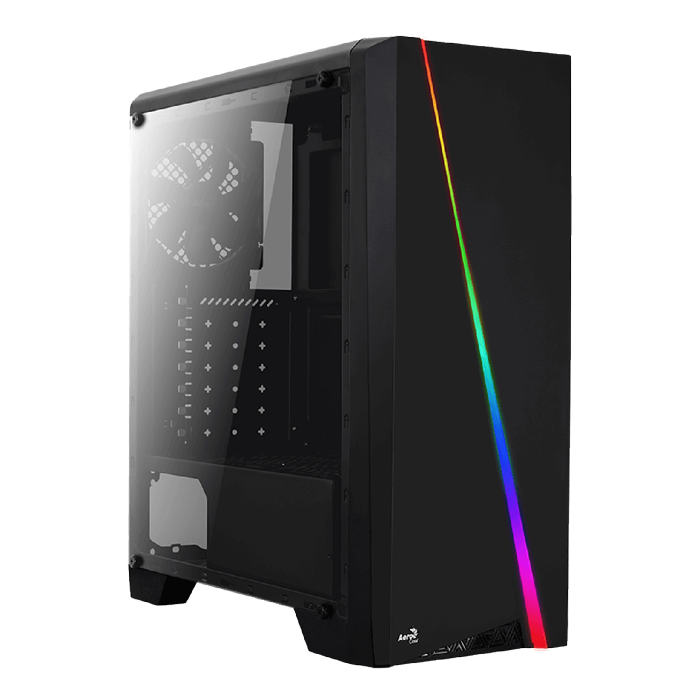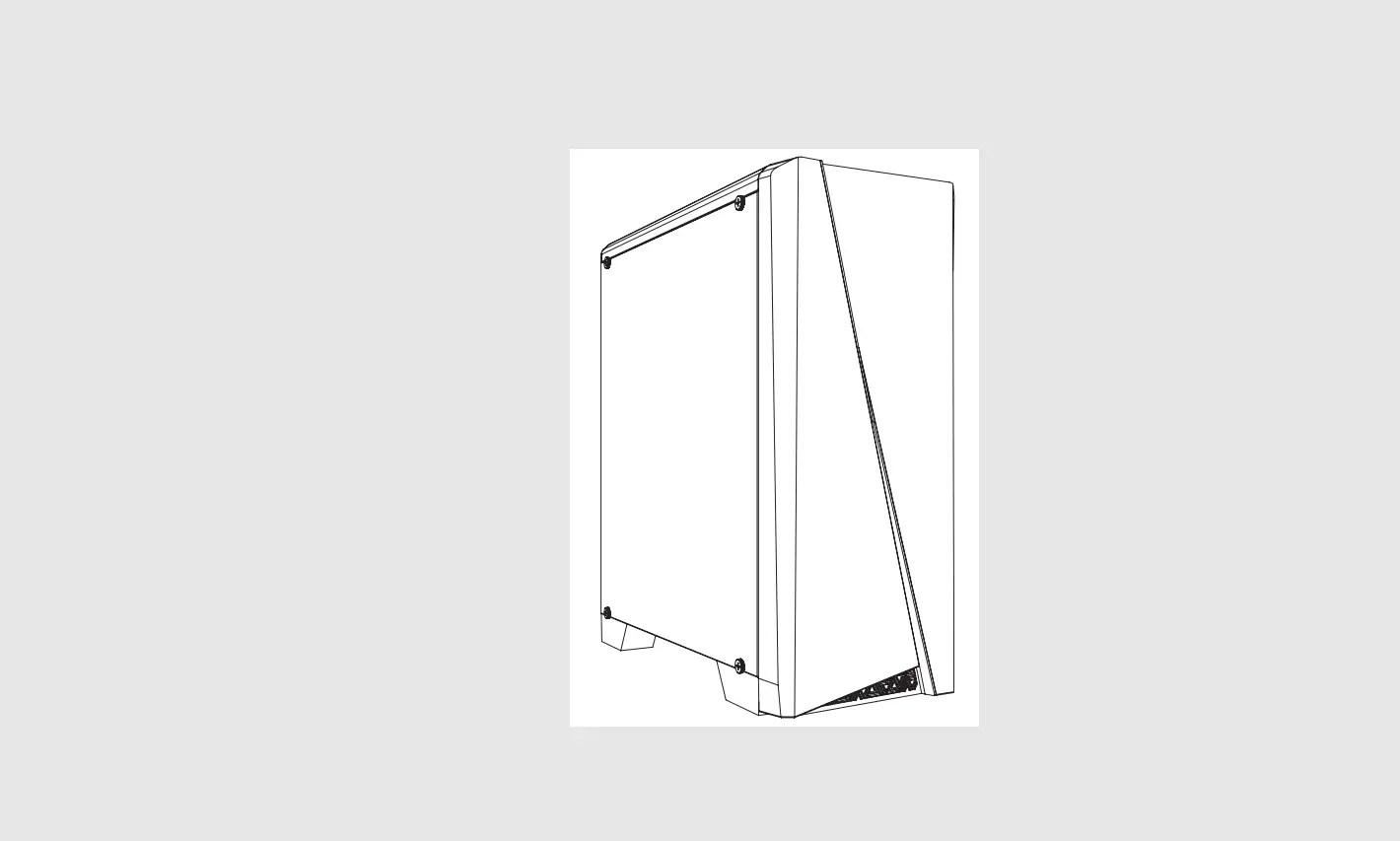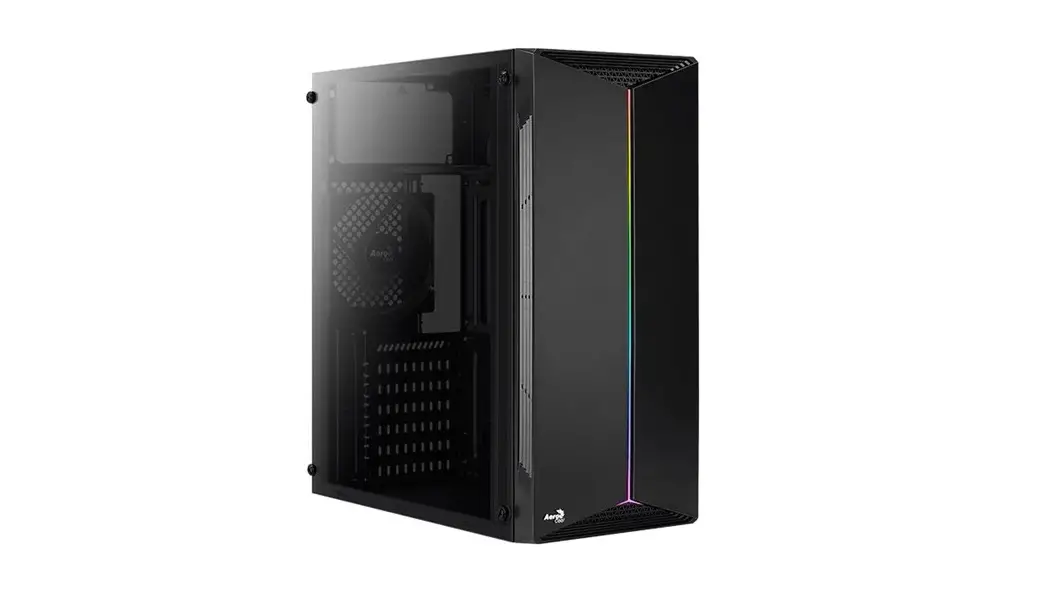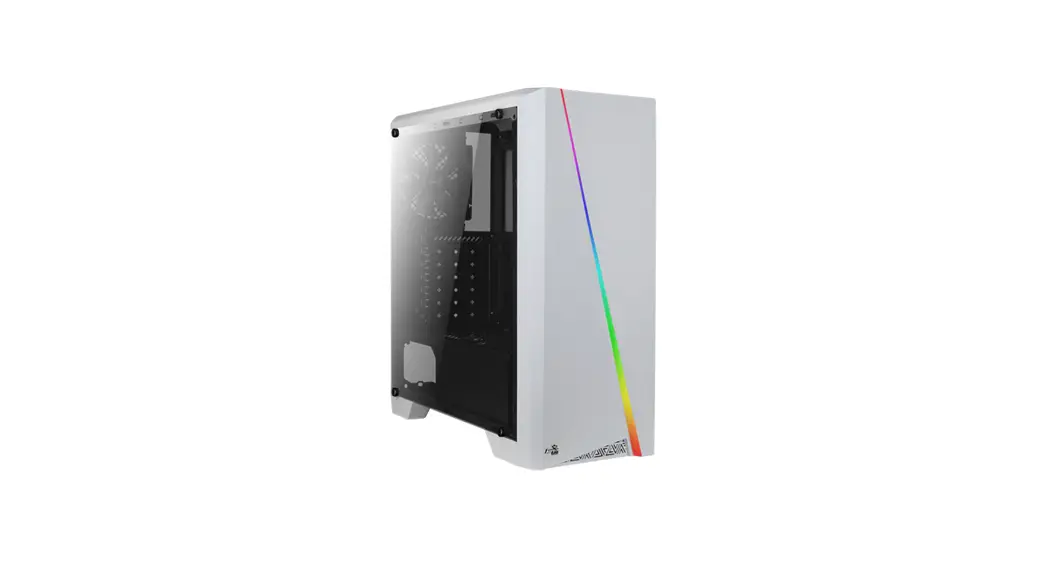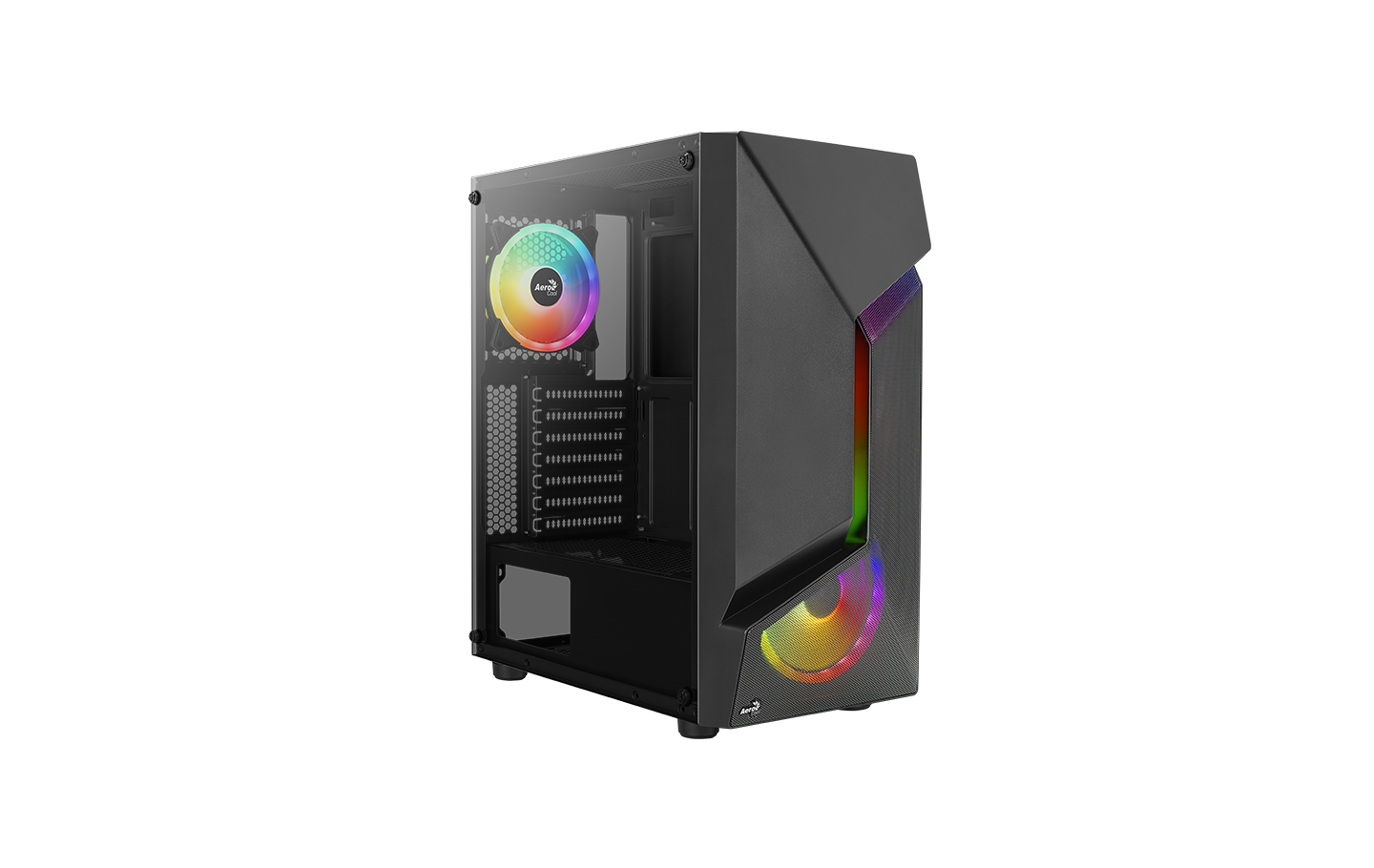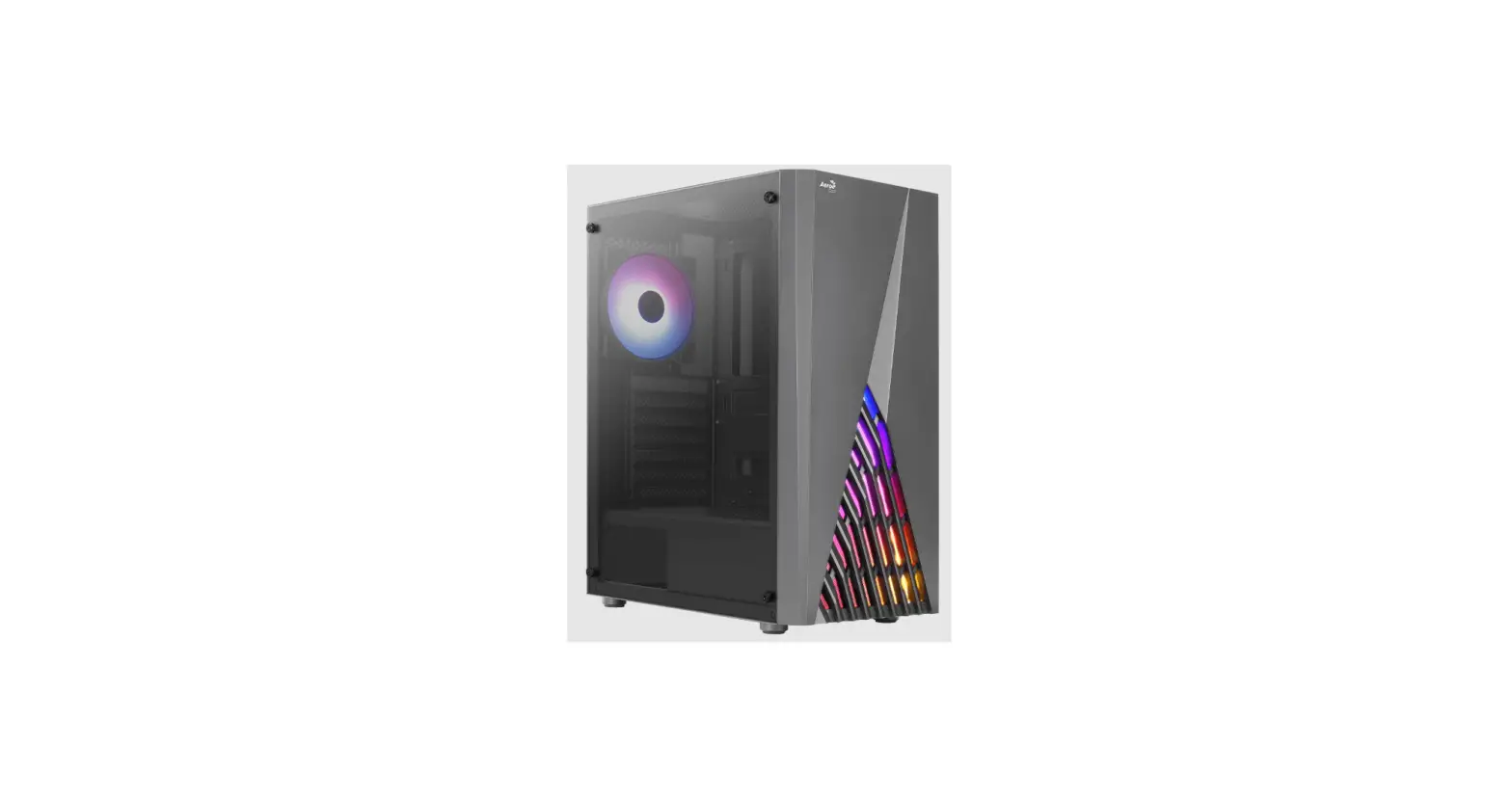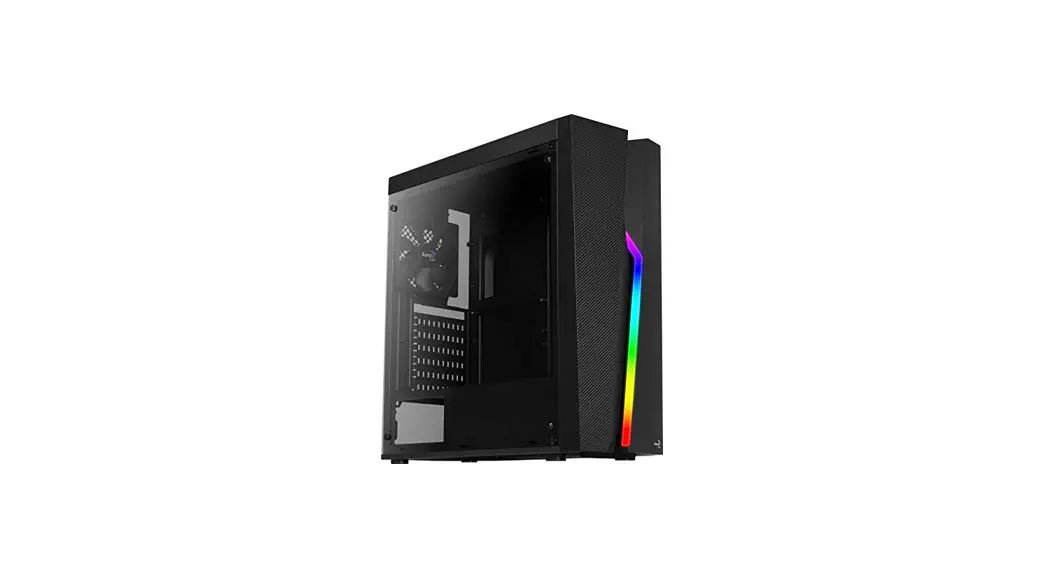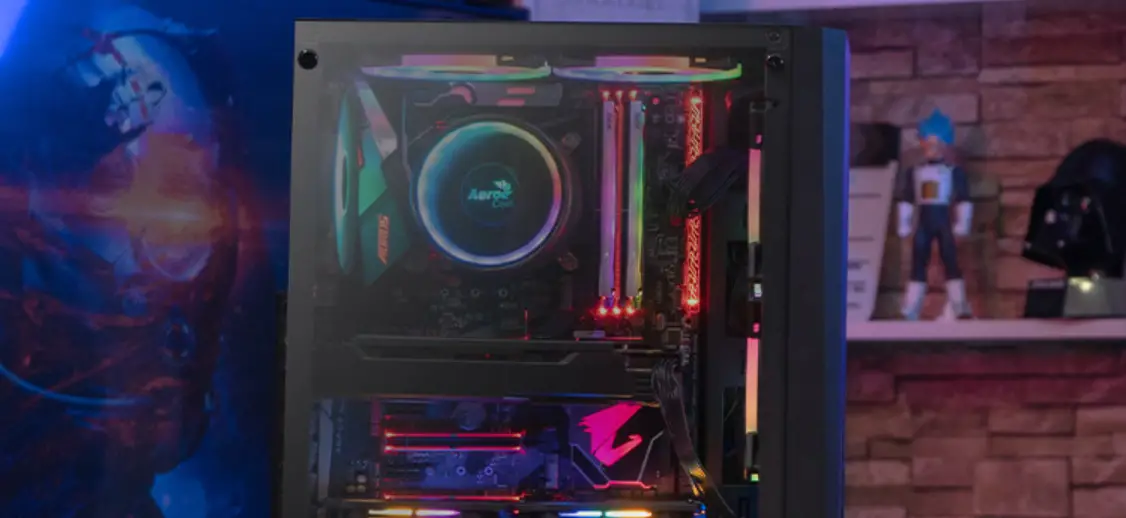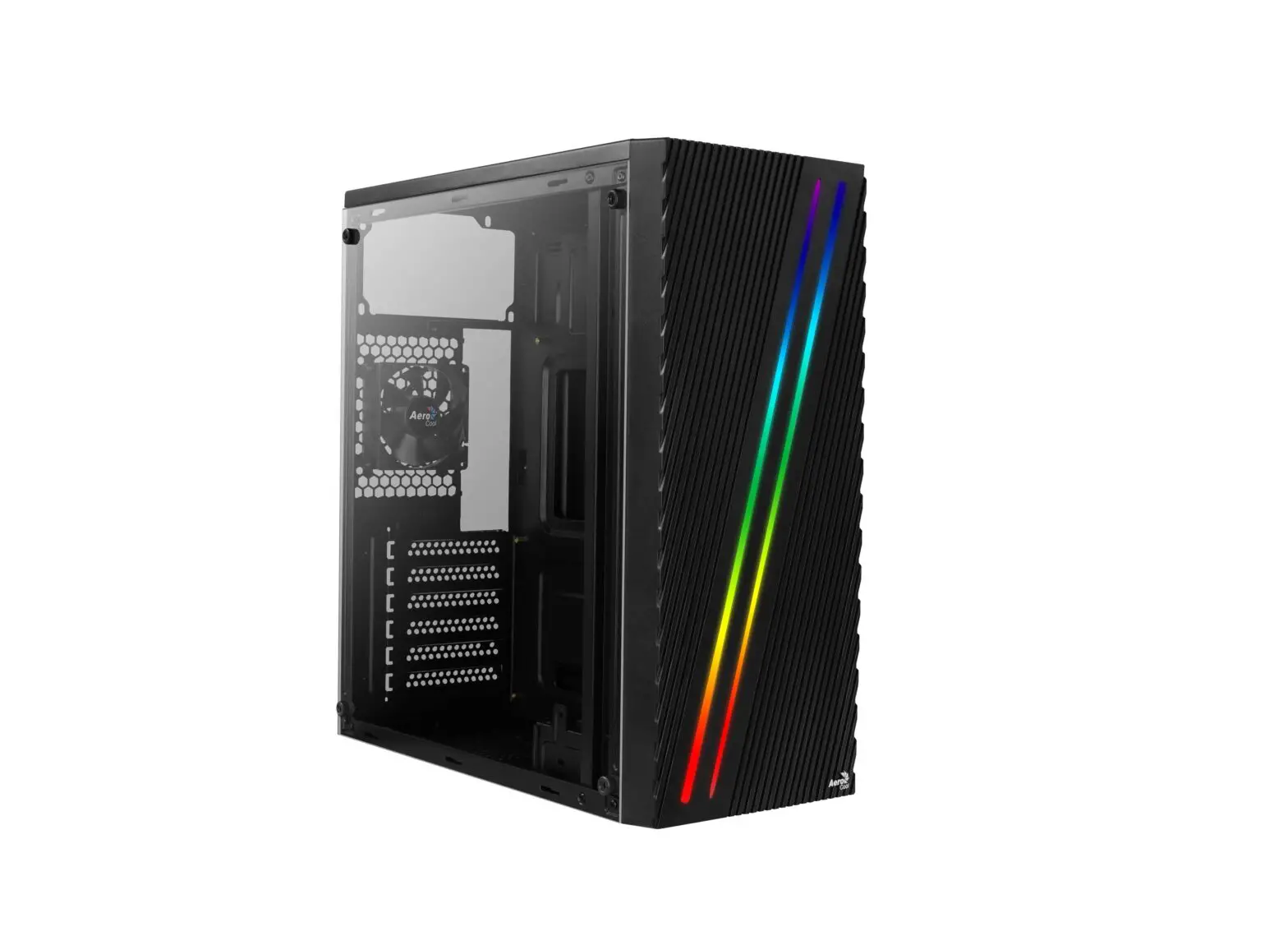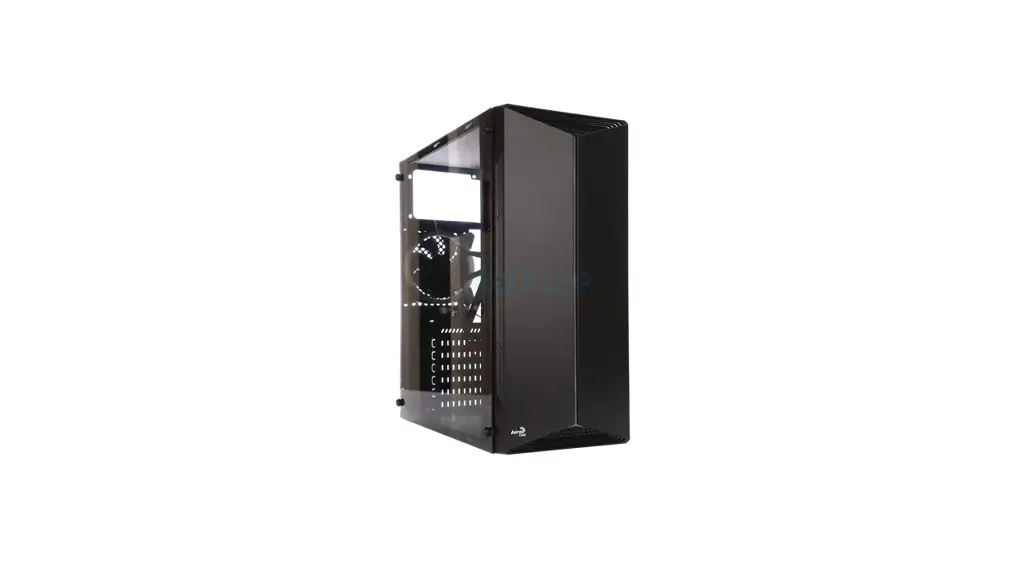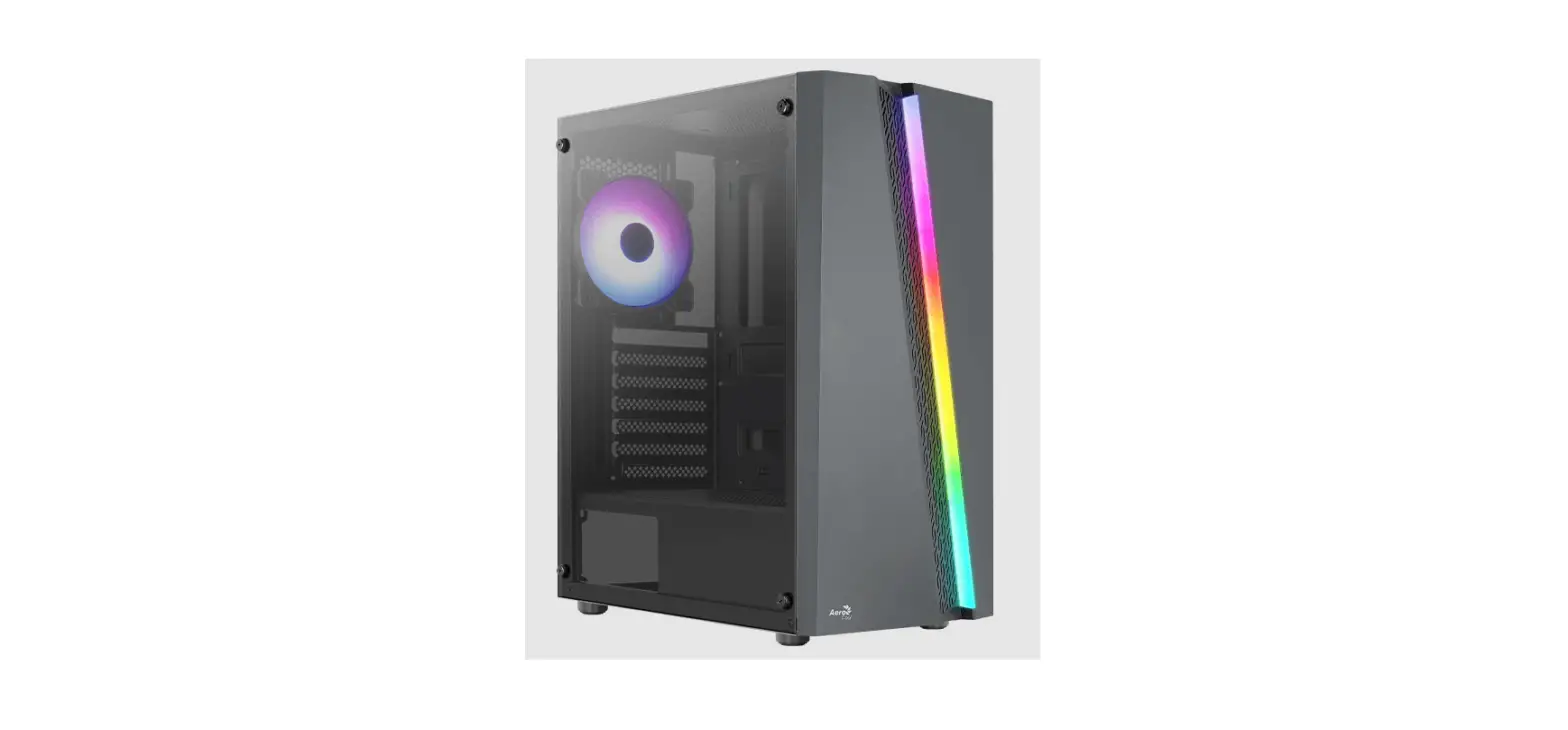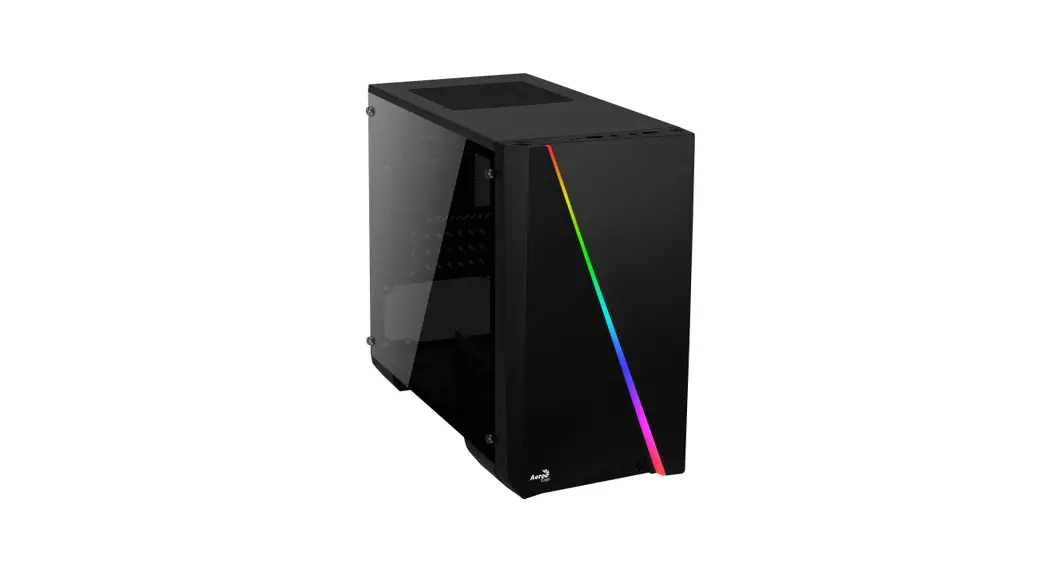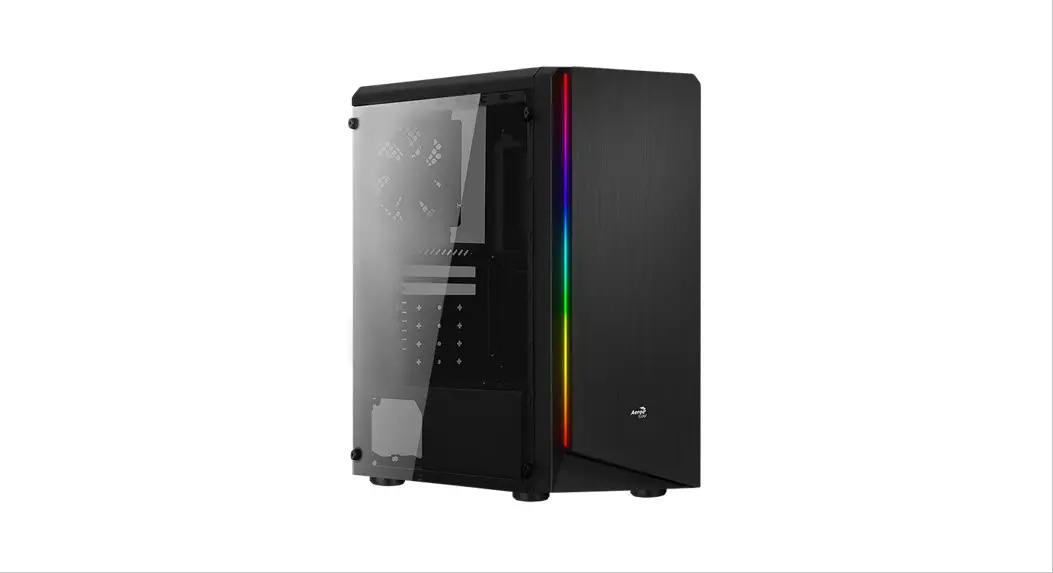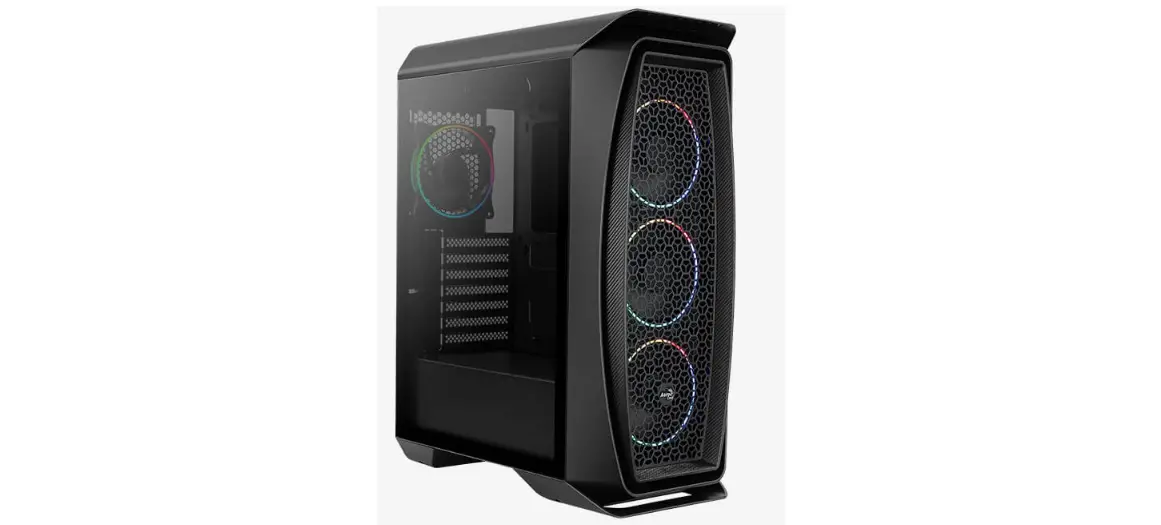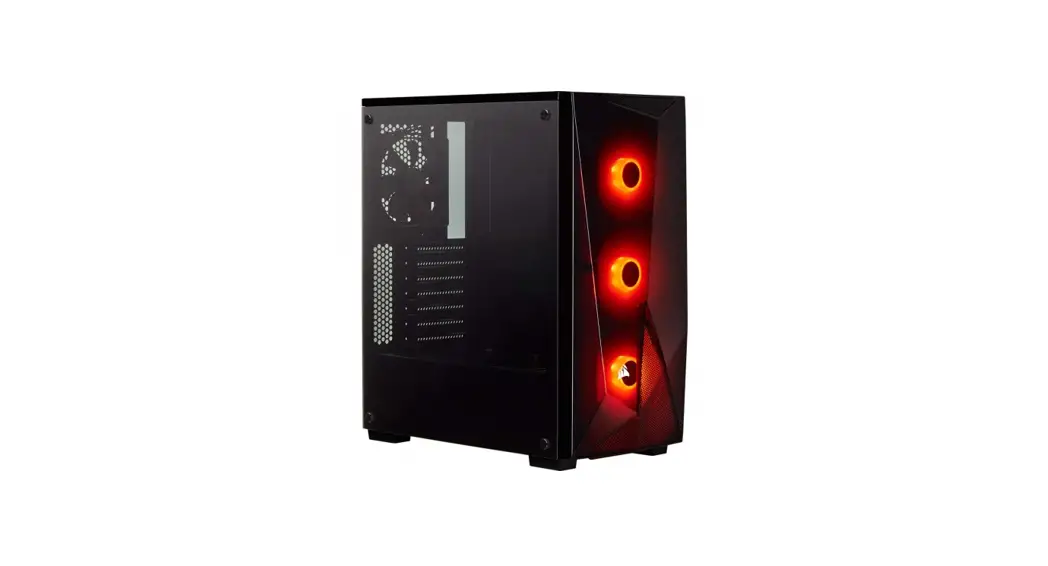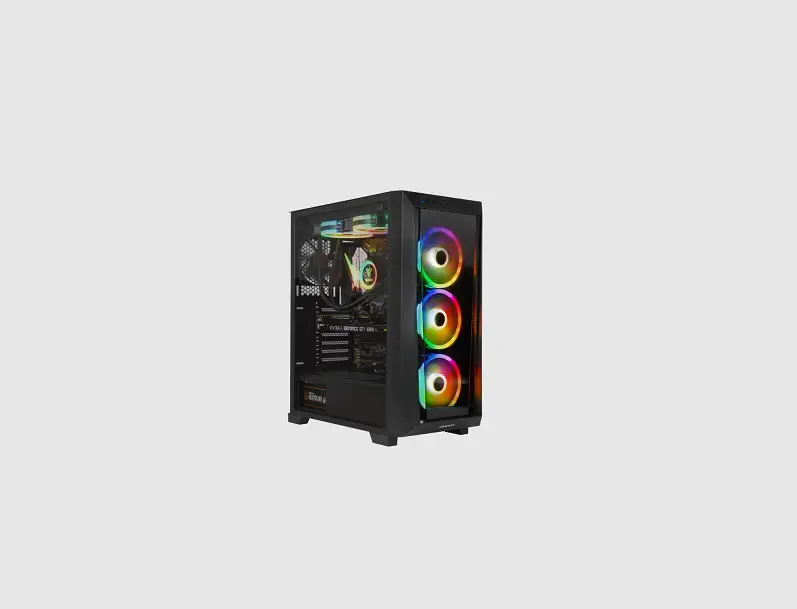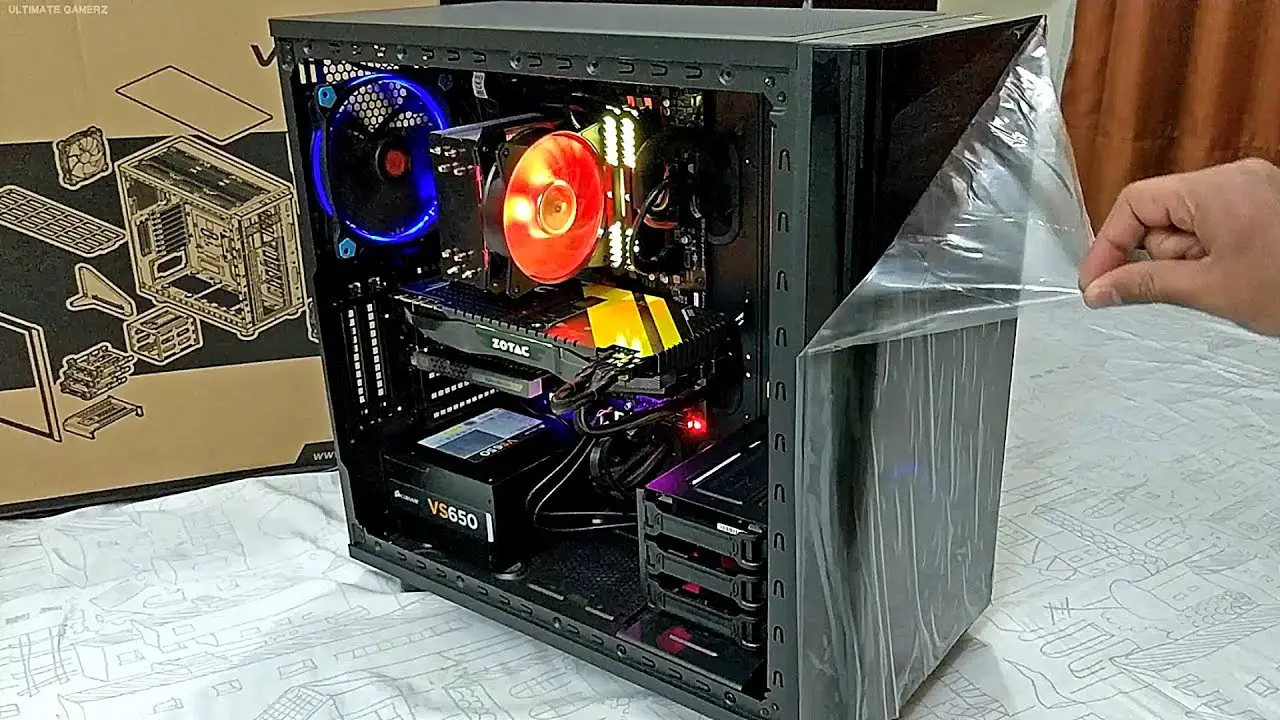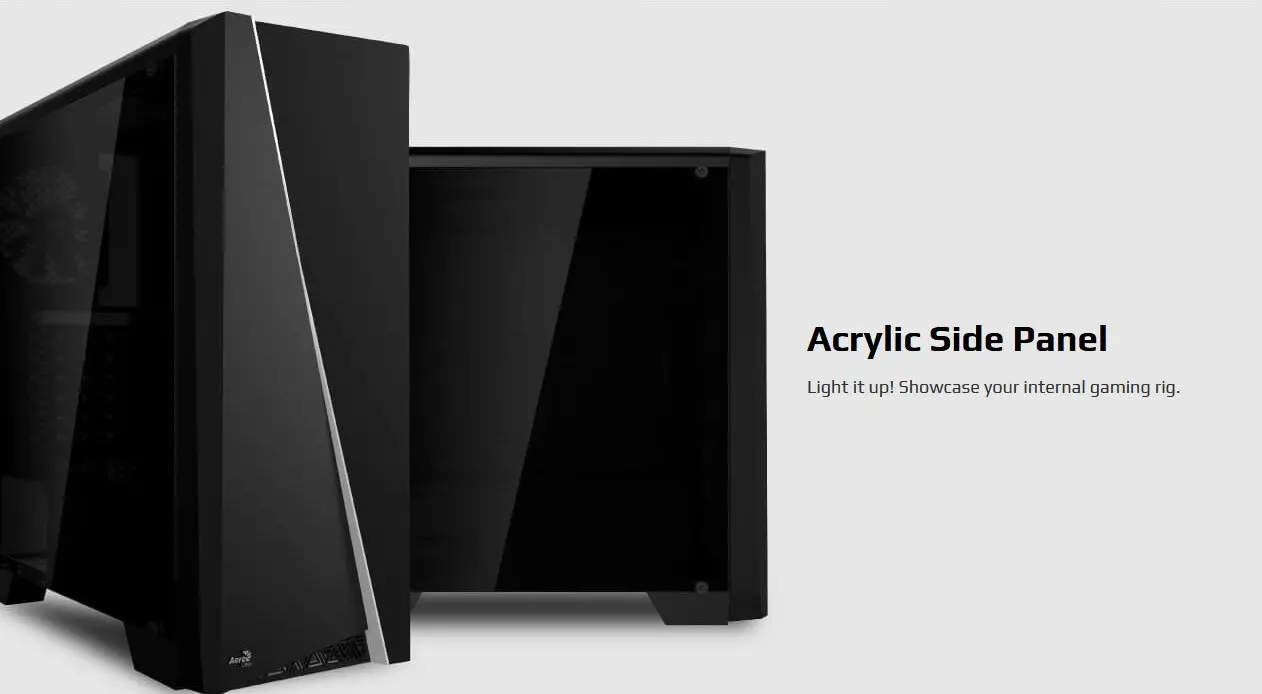
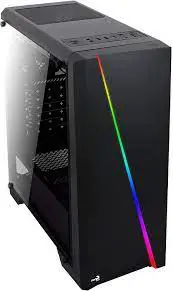
Cylon RGB Mid Tower with Acrylic Side Window
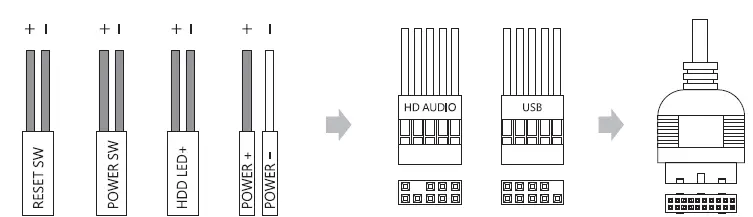
Front 1/0 Panel Cable Connection
(Please refer to the motherboard’s manual for further instructions}.
Front Panel Connector 
Motherboard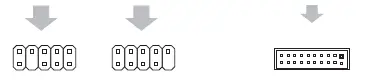
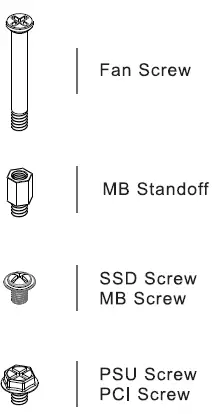
Accessory Bag Contents
How to Install Guide
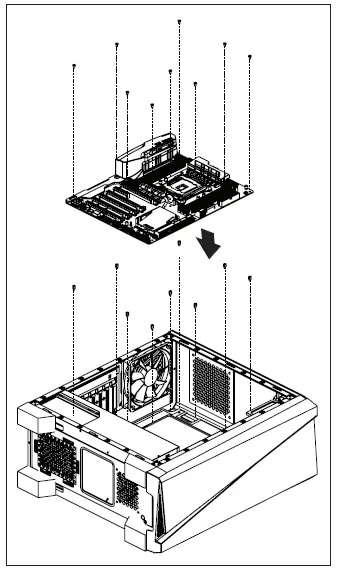
- Motherboard

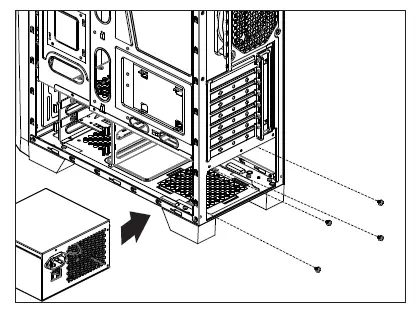
Install Motherboard. - PSU

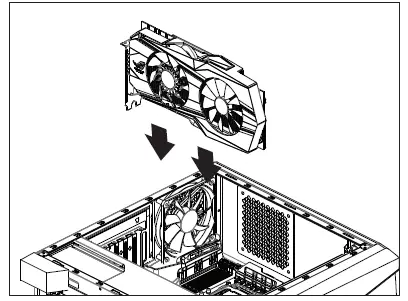
Install PSU. - Add on Card

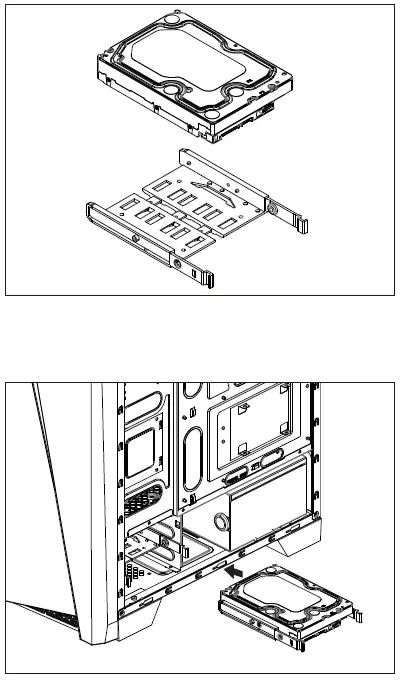
Install Add on Card. - 3.5″ HDD x 2

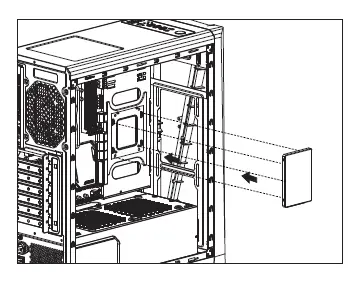
Install 3.5″ HDD. - 2.5″ SSD x 2

Install 2.5″ 55D. - Radiator

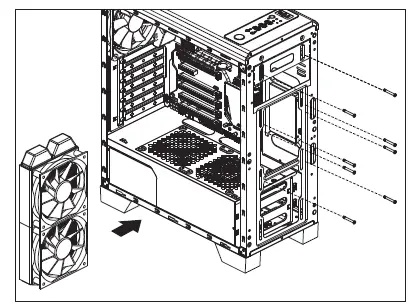
Install the fan and radiator. - Fan

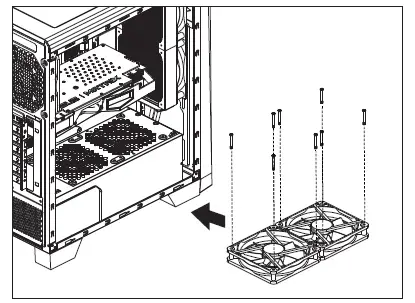
Install Fan.
LED Switch
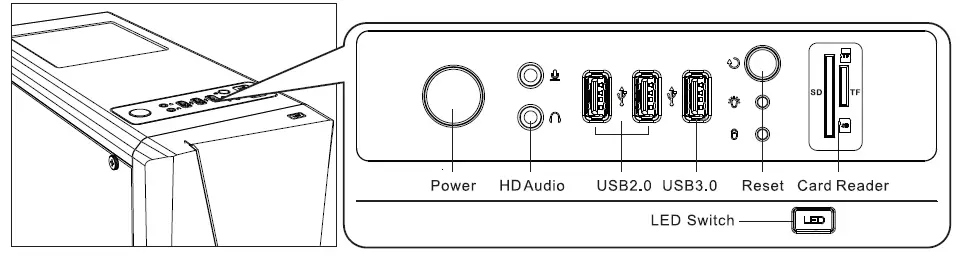
LED Mode Switch
( Hold switch for secs to turn off LED.