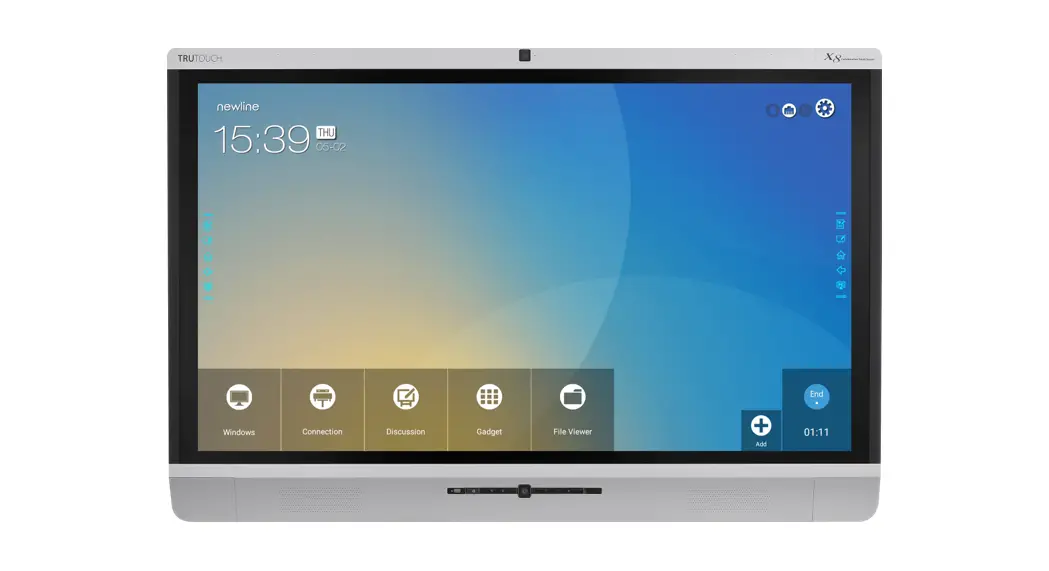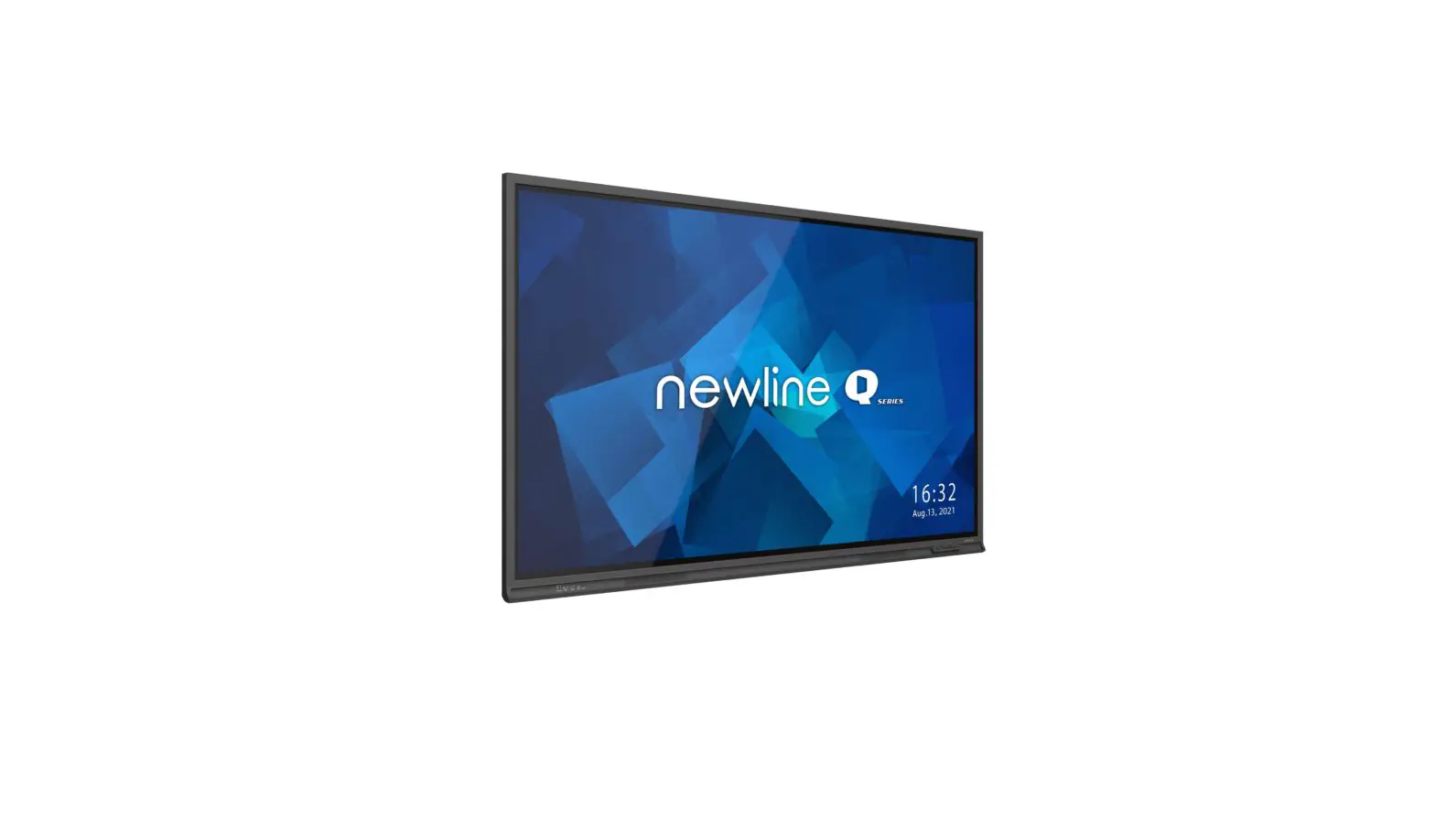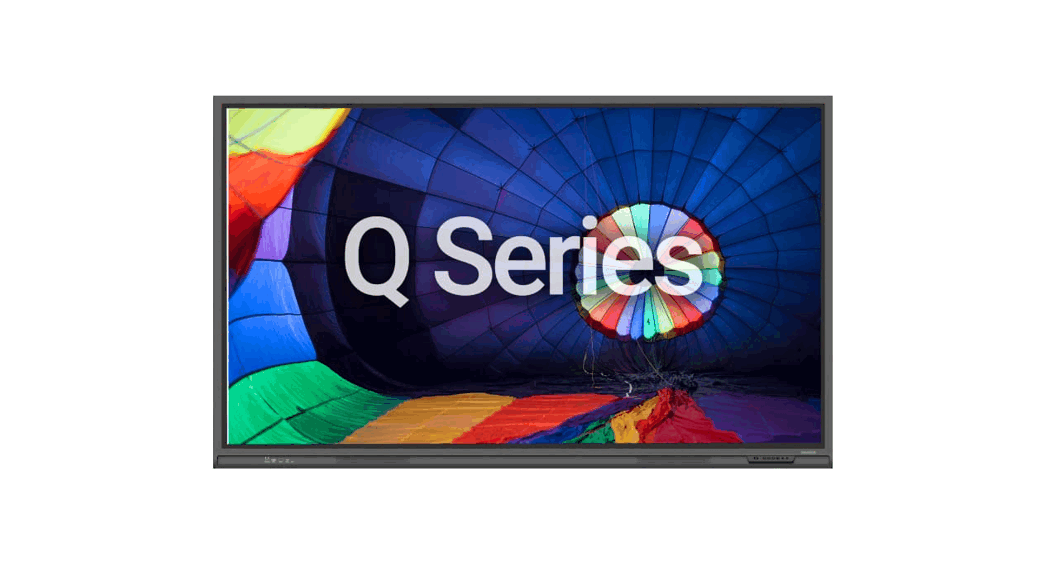
 Q Series High-Performance Interactive Display Solution
Installation Guide
How to Install Wi-Fi Modules
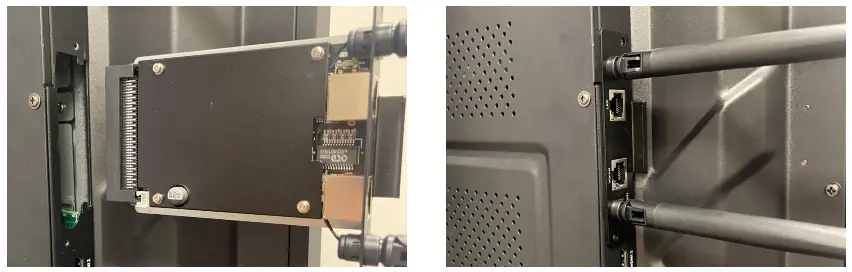
Perform the following steps to install the Wi-Fi Module on the Q Series.
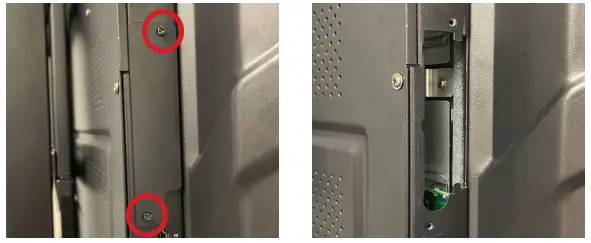
- Unscrew the 2 screws on the Wi-Fi Module port and remove the shielding cover.

- Insert the Wi-Fi Module into the port on the rear of the panel until firmly seated, using the 2 screws to secure it.

 Caution
The Wi-Fi Module does not support hot plugging. Therefore, you must insert or remove the Wi-Fi Module when the display is powered off.
Otherwise, the displays or Wi-Fi Module may be damaged.
Contact Us
Still, need additional assistance? Contact our Technical Support Team at 833-469-9520, ext 5000, or [email protected].
 DisplayNote
 Interactive - The Power of Communication - Interactive - The Power of Communication
 DisplayNote
 Newline - Global Leader in Interactive Displays