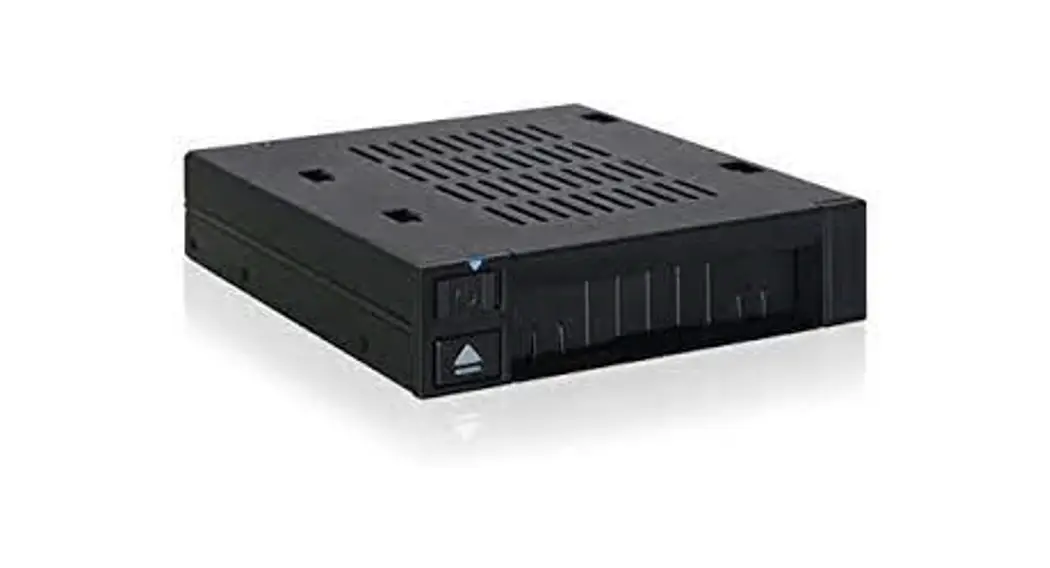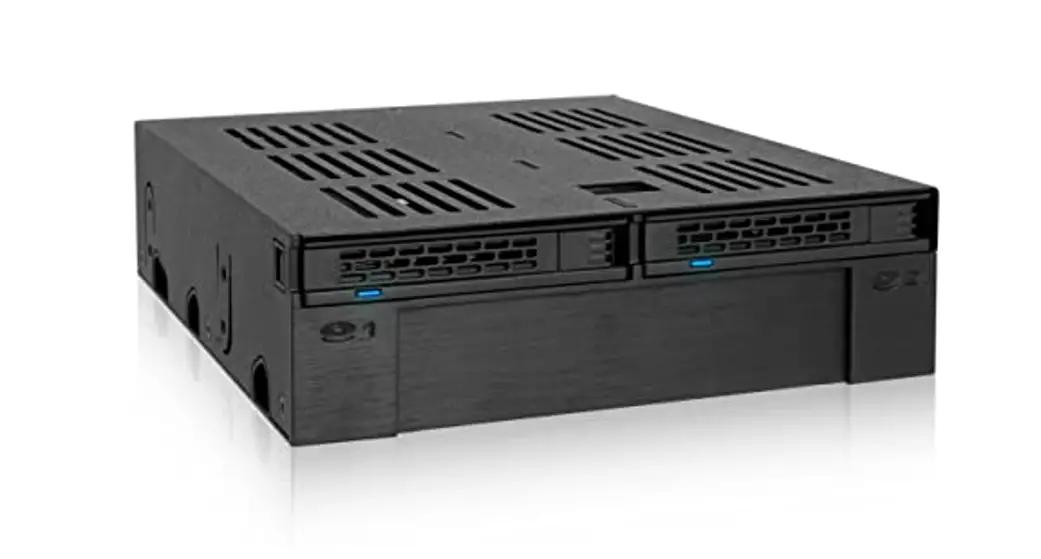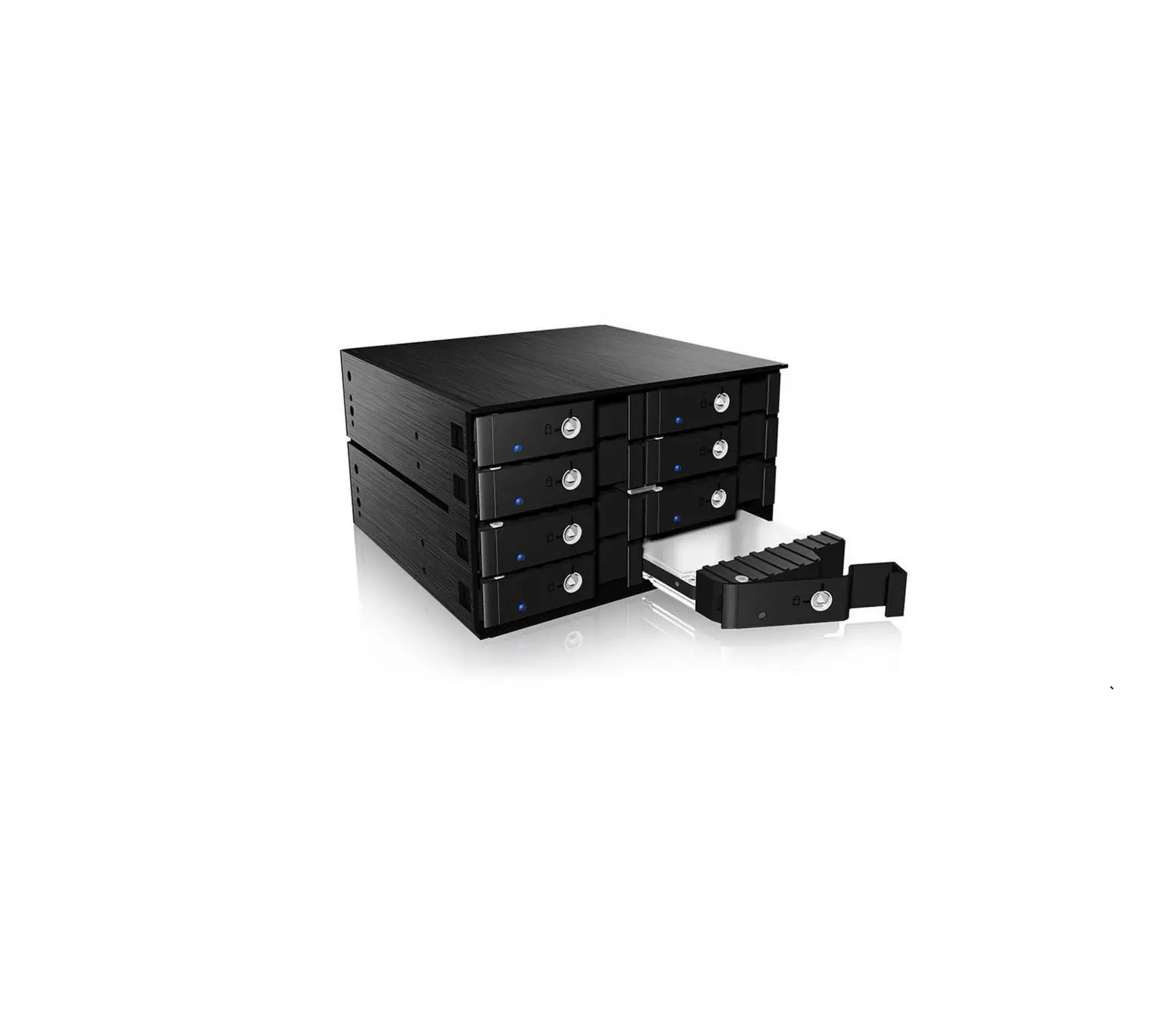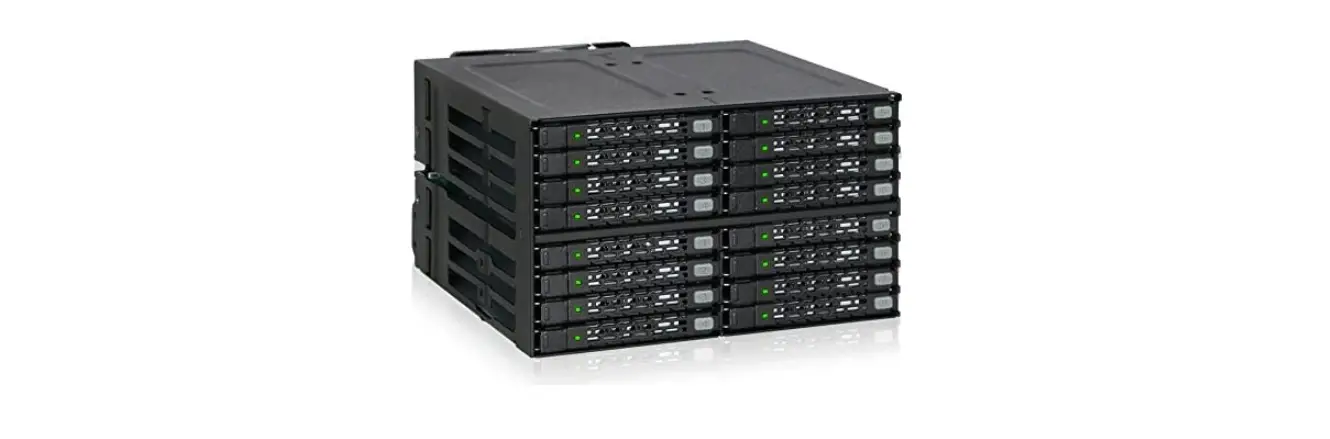

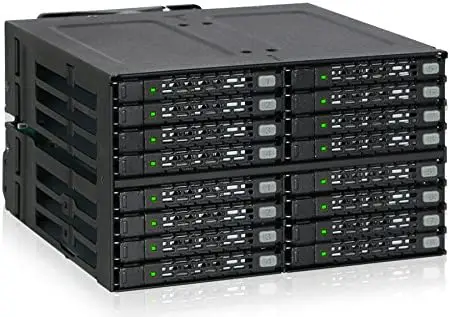
ICY DOCK ToughArmor Full Metal 4 Bay 2.5 Inch U.2 NVMe SSD Backplane Cage
Cremax Europe GmbH
Weidenweg 21H 47059 Duisburg, Germany
Email: [email protected]
Package Contents
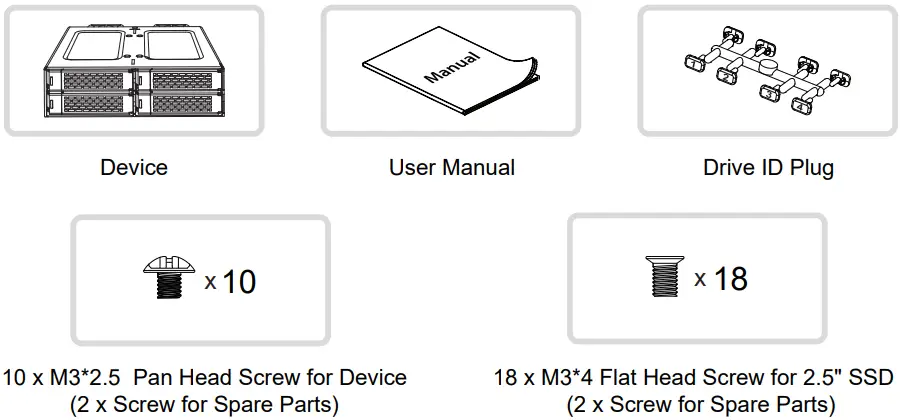
Note: Please use the included screws to secure the device and the drive(s)
Device Information
Front View
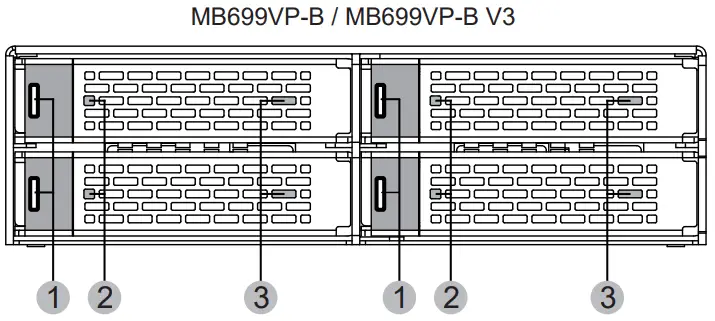
- Drive Tray Ejection Button
- LED Indicator (Power: Solid Green ; Drive Access: Flashing Green)
- Slot for Drive ID Plug
Rear View
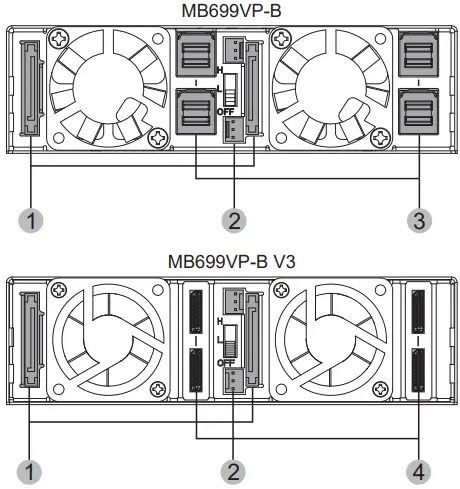
- 15 Pin Power Port
- 3 Pin Fan Header Port
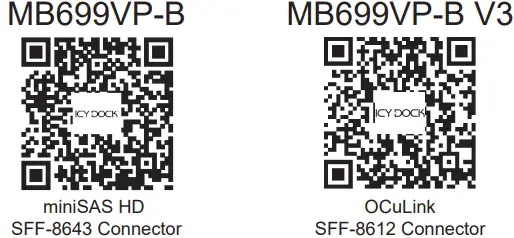
- miniSAS HD Connector Port
- OCuLink Connector Port
Installation Guide
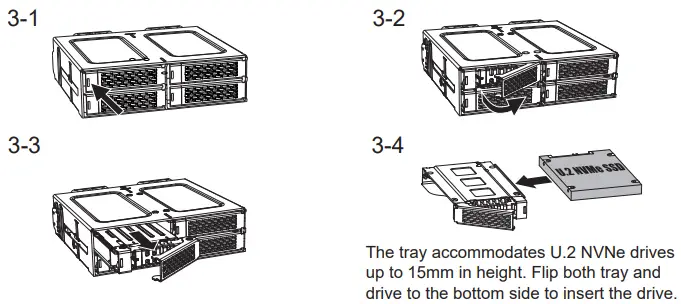
Align the four screw holes to the drive and use the included M3*4 screws to install.
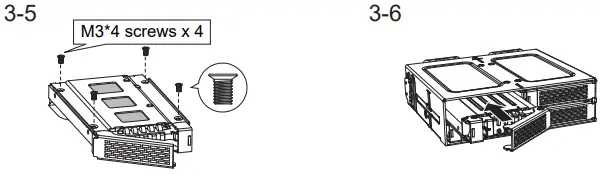
Insert the drive with tray back into the device to complete installation.
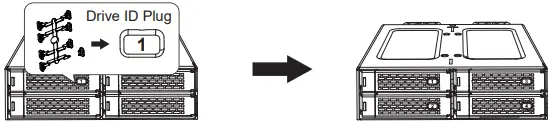
(Optional)
Insert the drive ID plug into the slot, according to your preference.
Device Installation
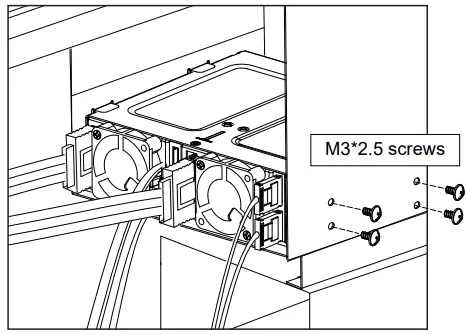
- Insert the device into external 5.25″ bay and use the included M3*2.5 screws to secure the device
- Connect miniSAS HD and OCuLink cables to the device to finish installation
For the warranty information, please visit www.icydock.com/warranty.php

 Warranty Policy_ICY DOCK manufacturer Removable enclosure, Screwless hard drive enclosure, SAS SATA Mobile Rack, DVR Surveillance Recording, Video Audio Editing, SATA portable hard drive enclosure