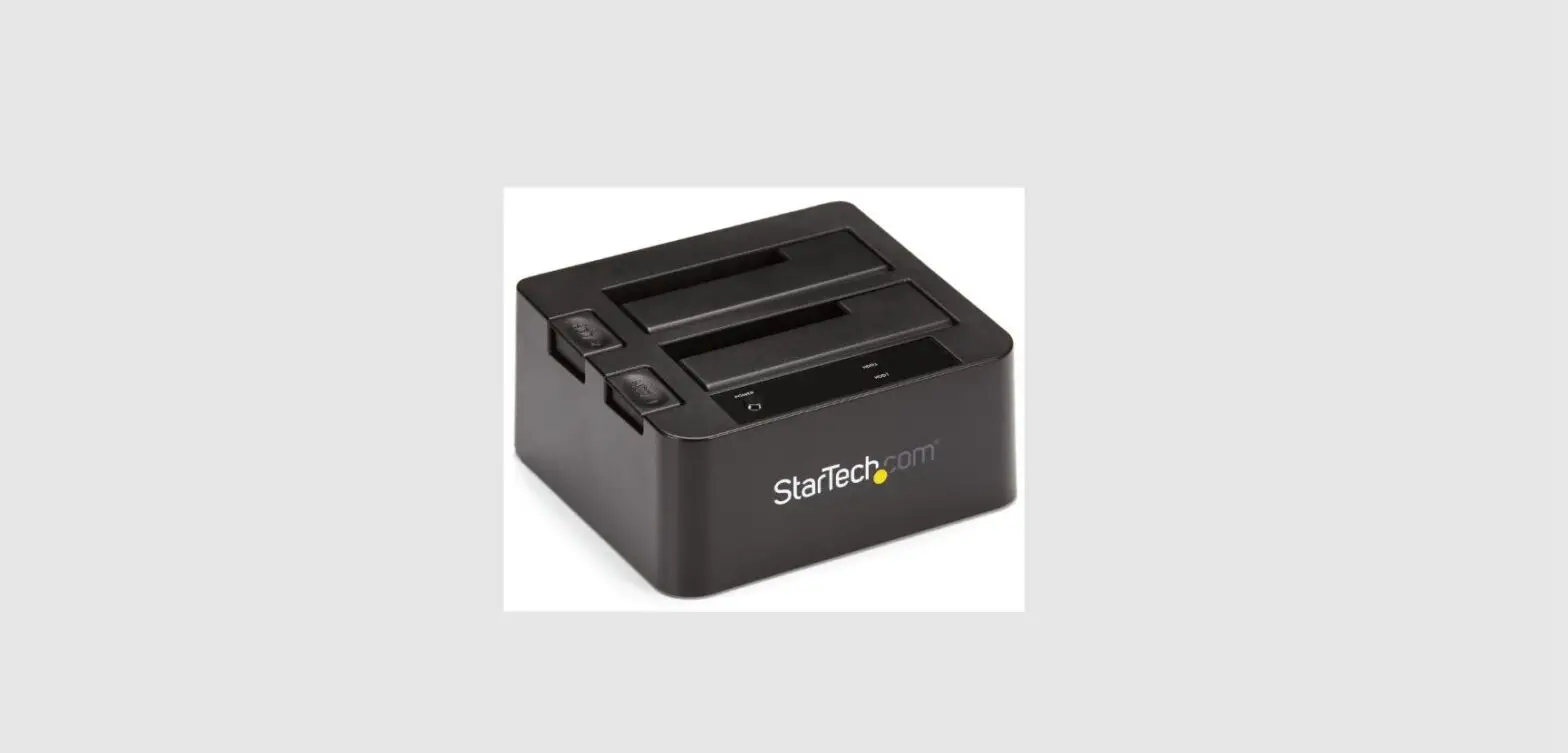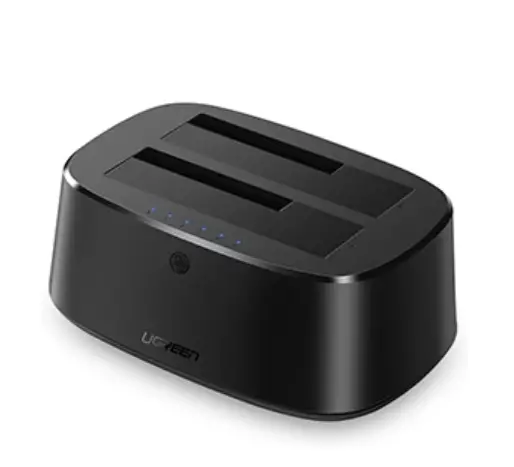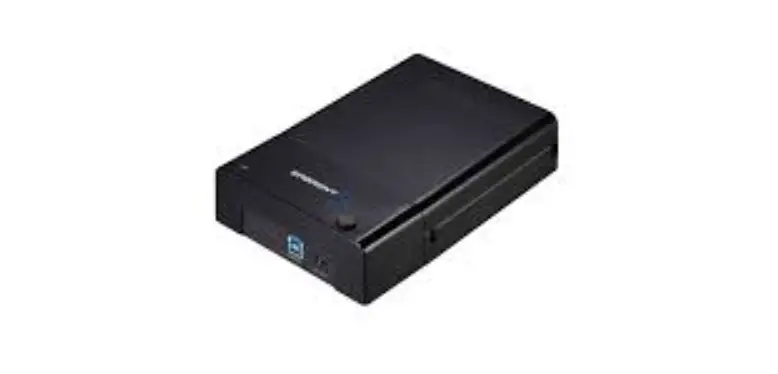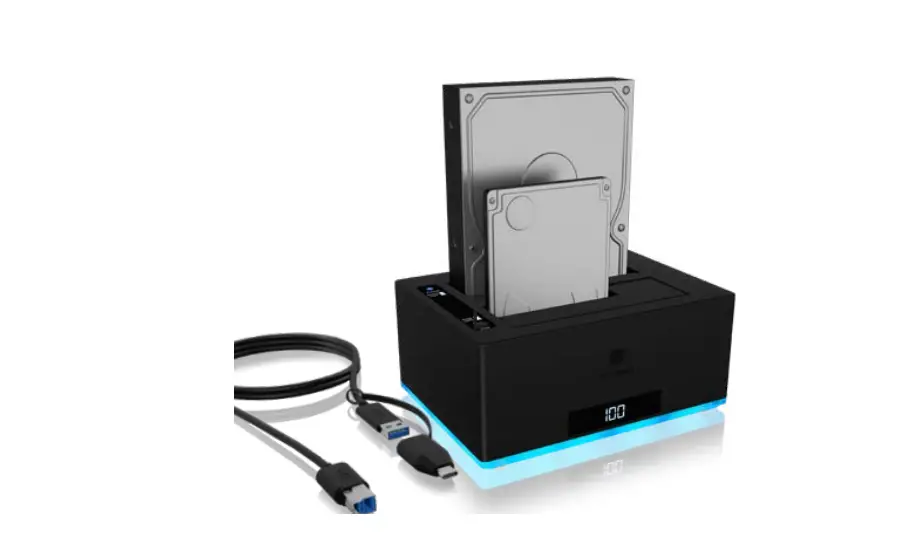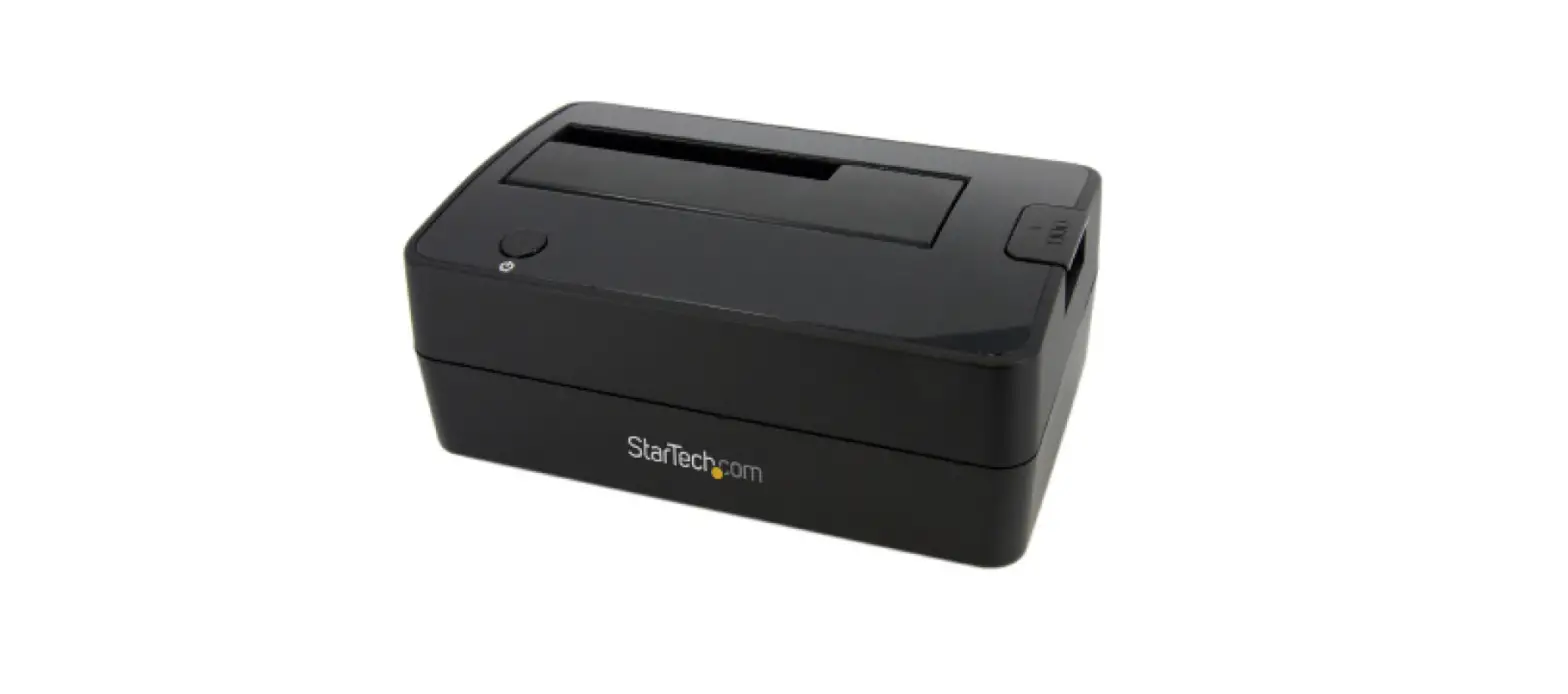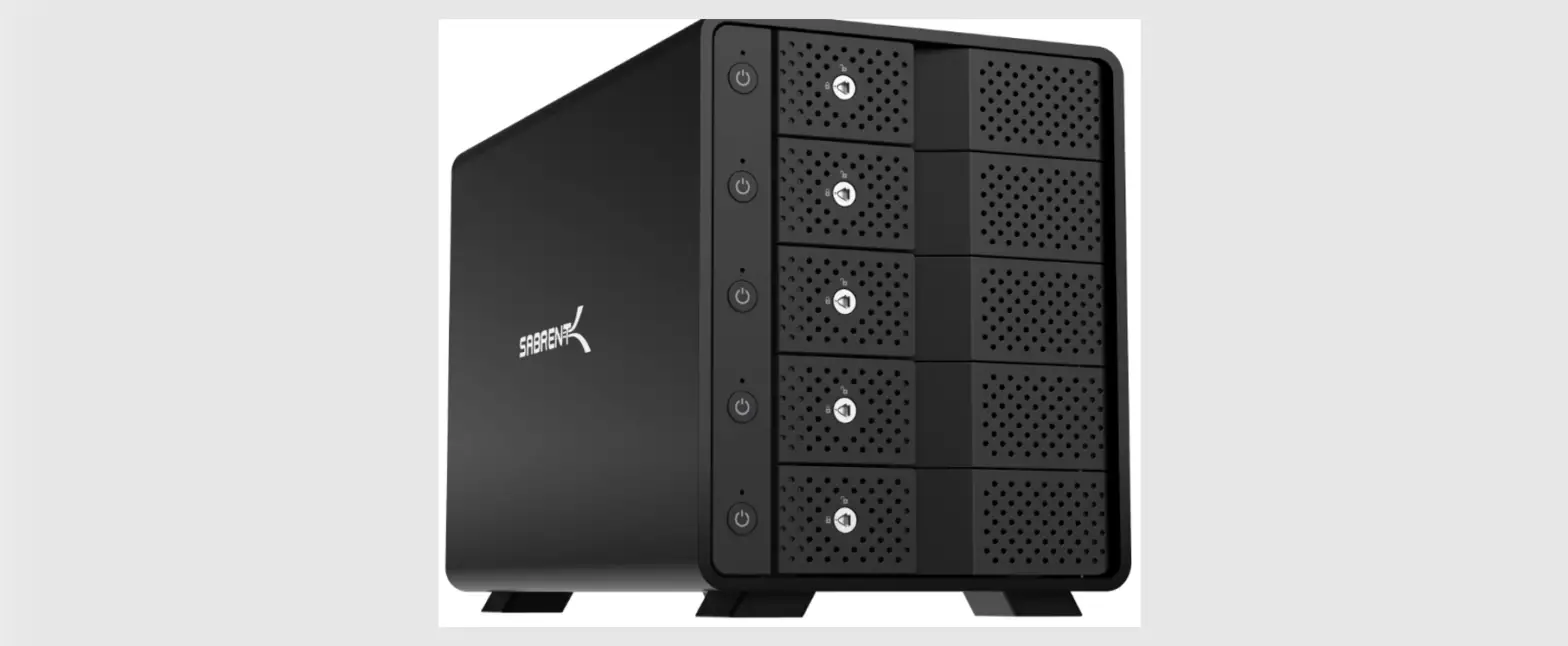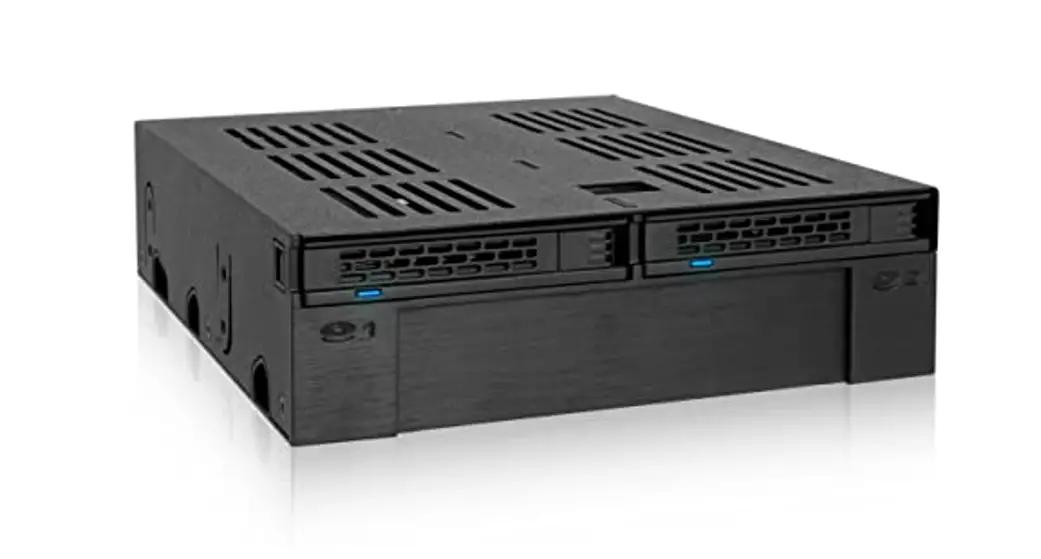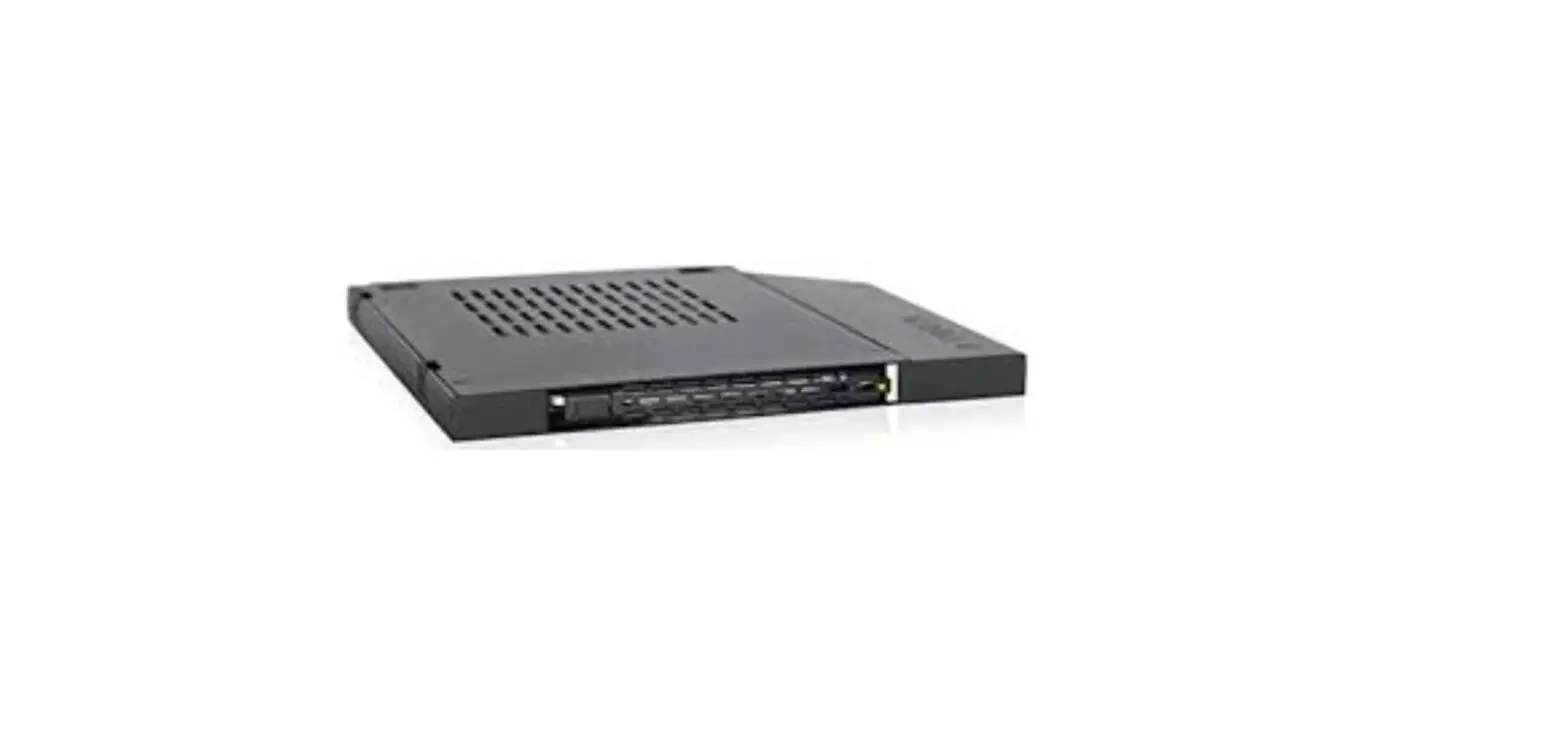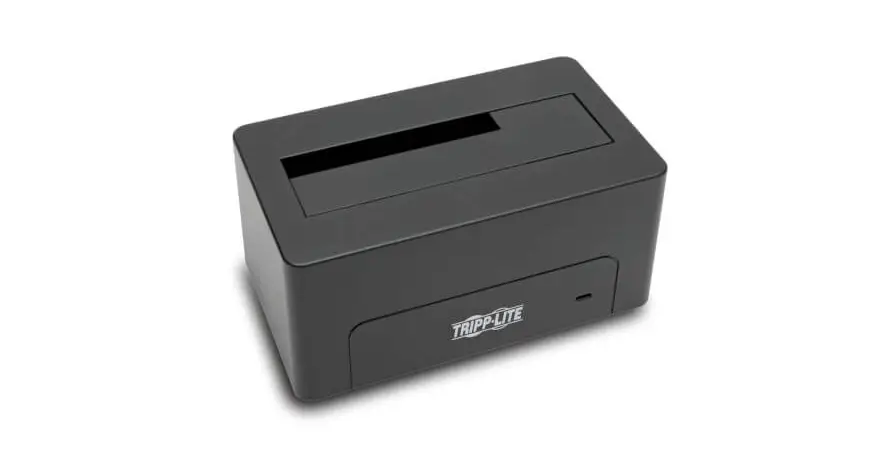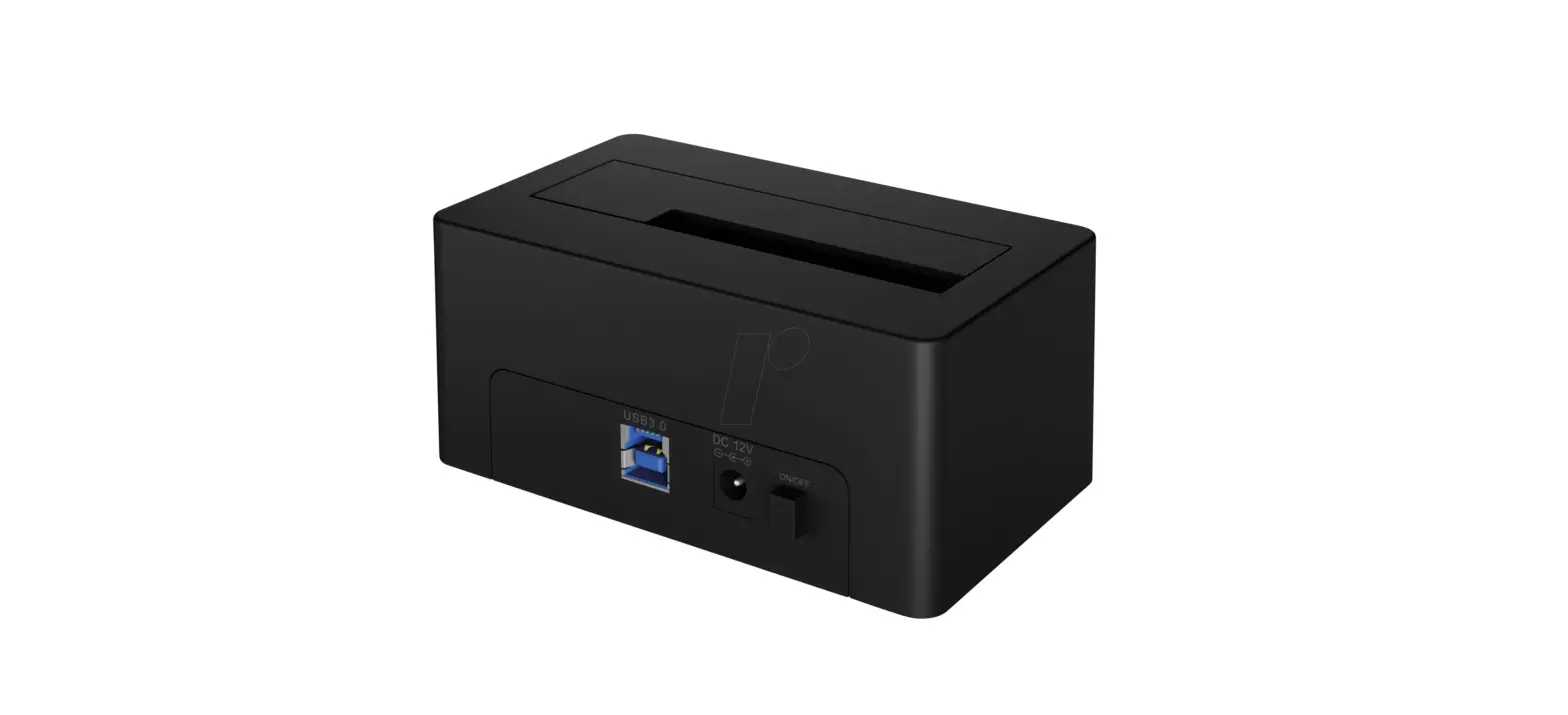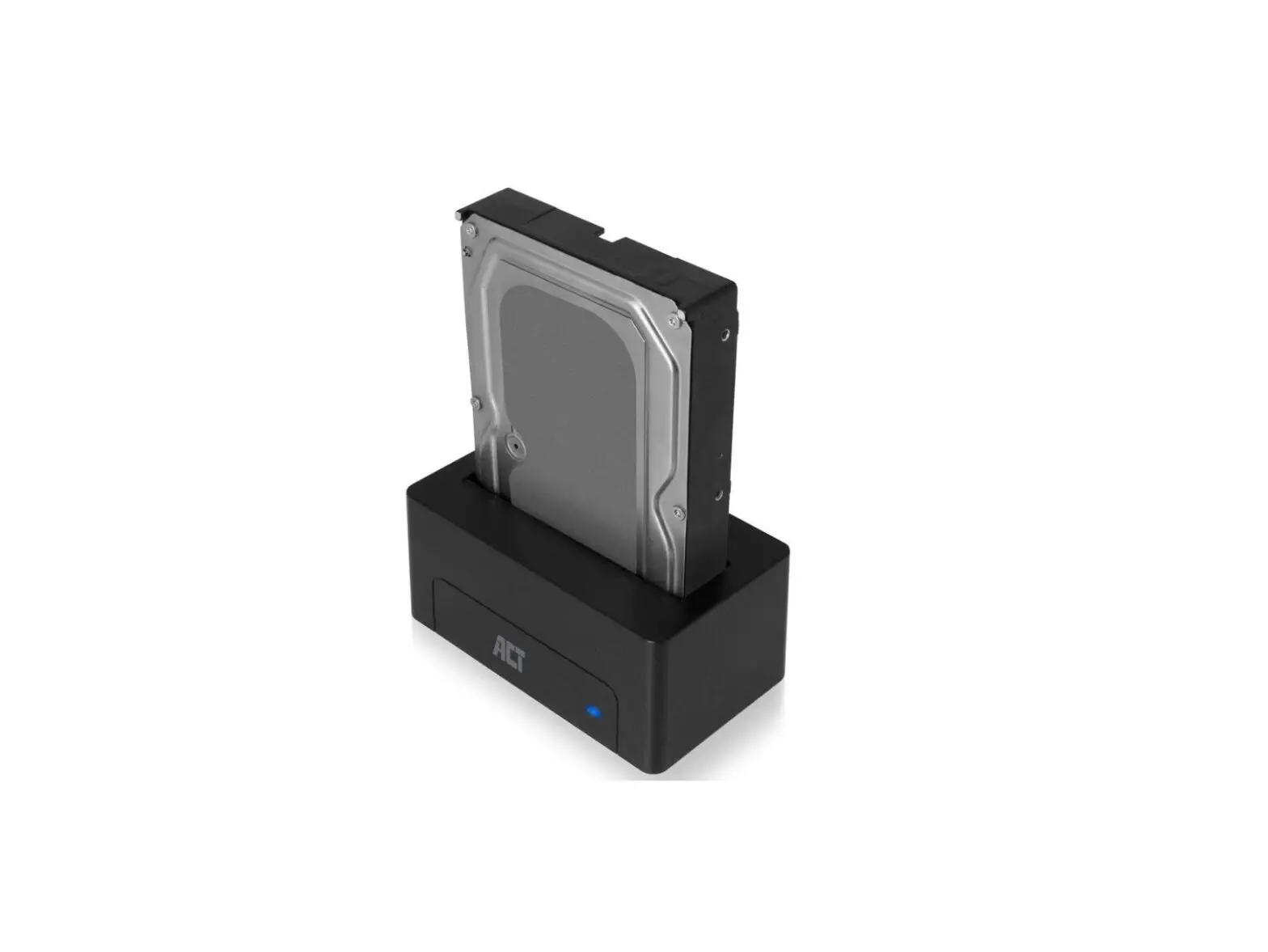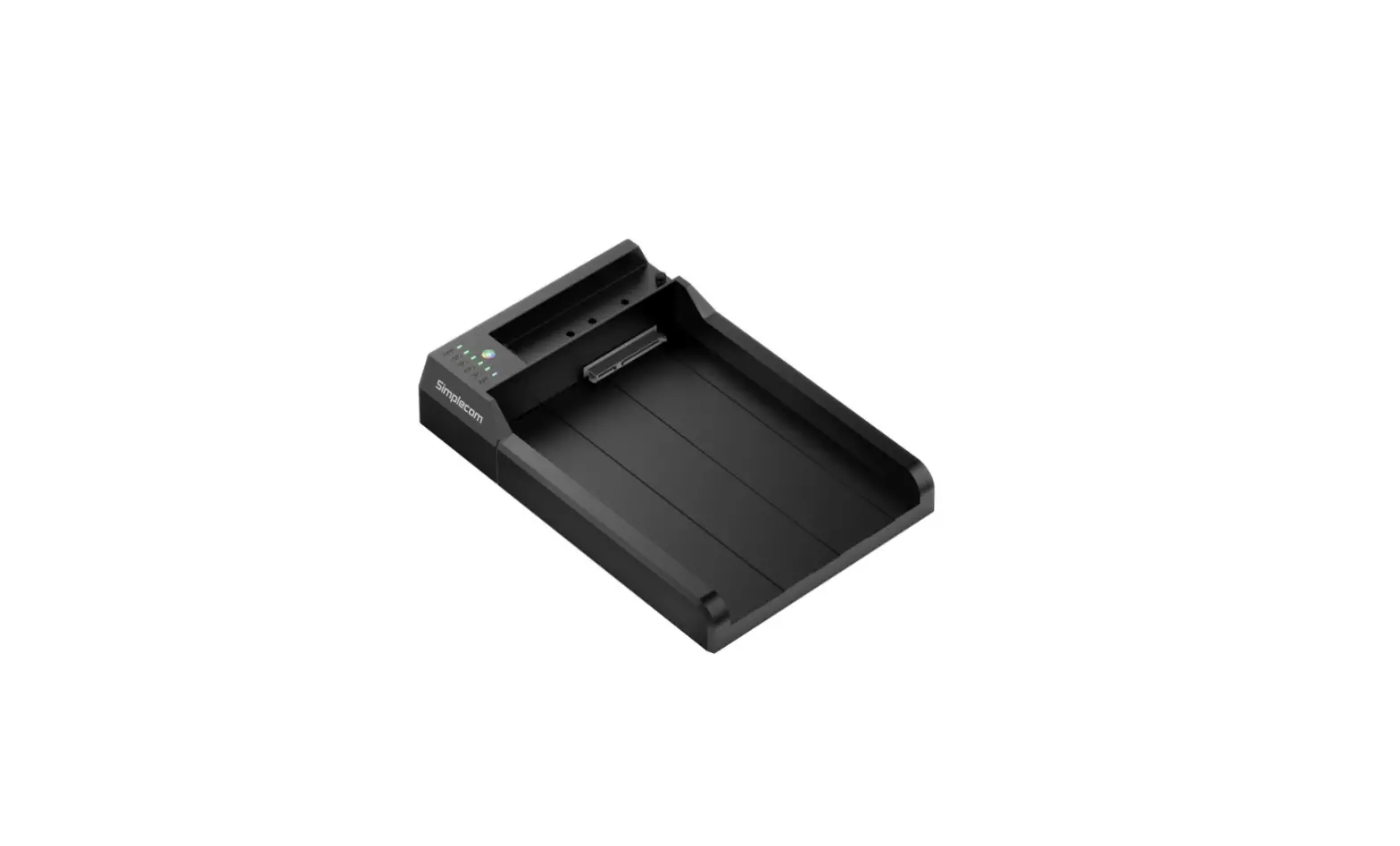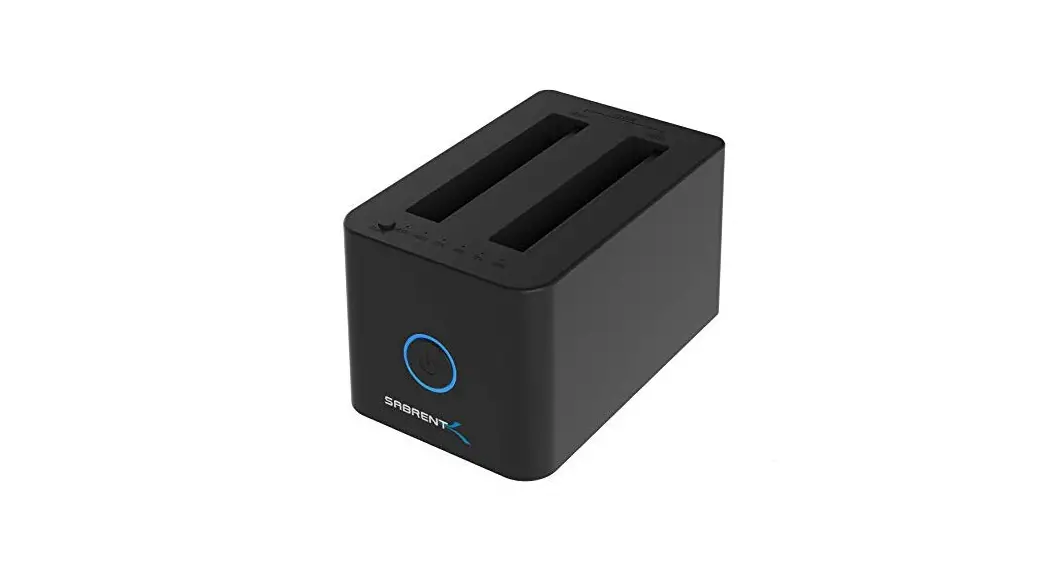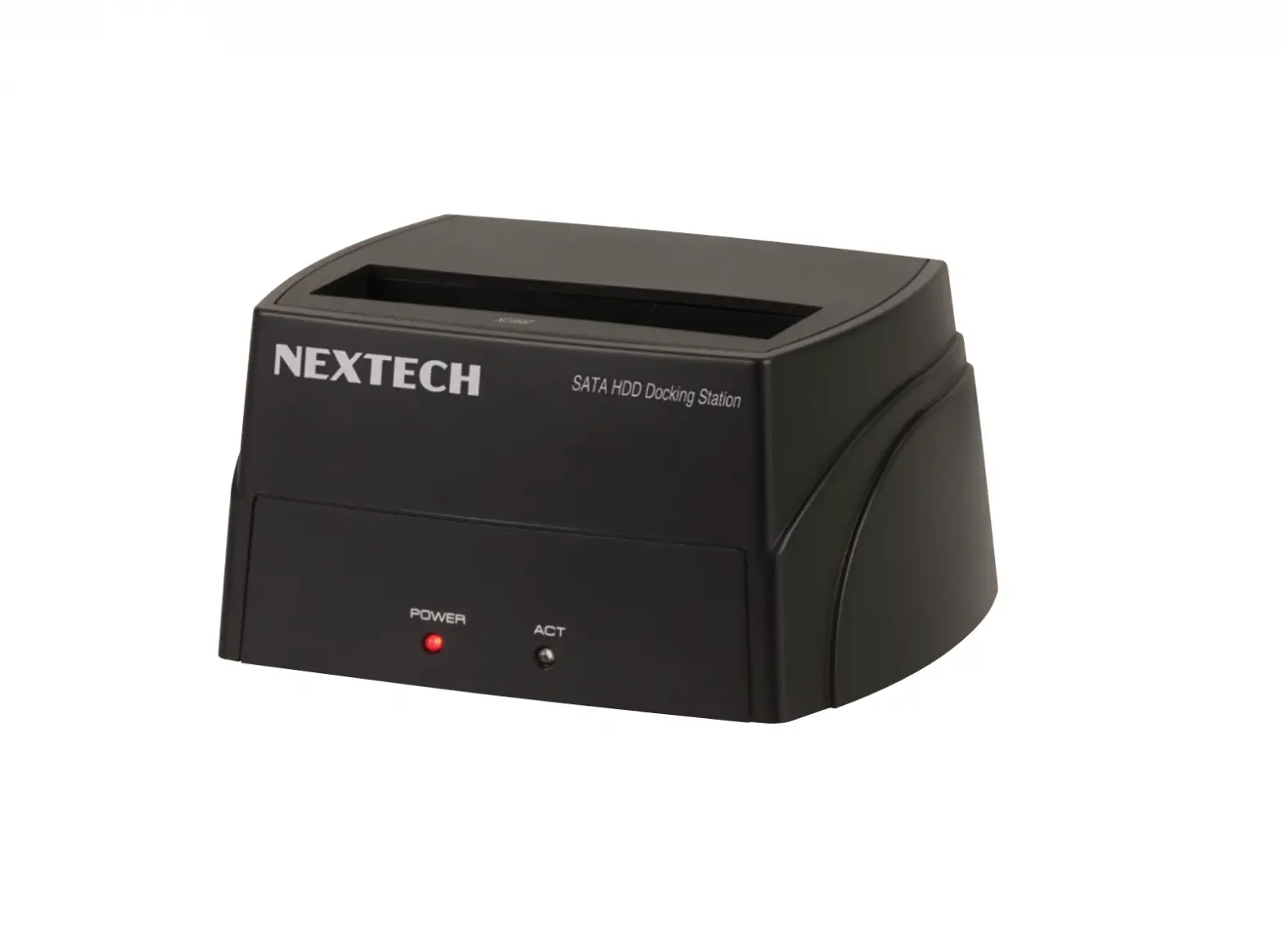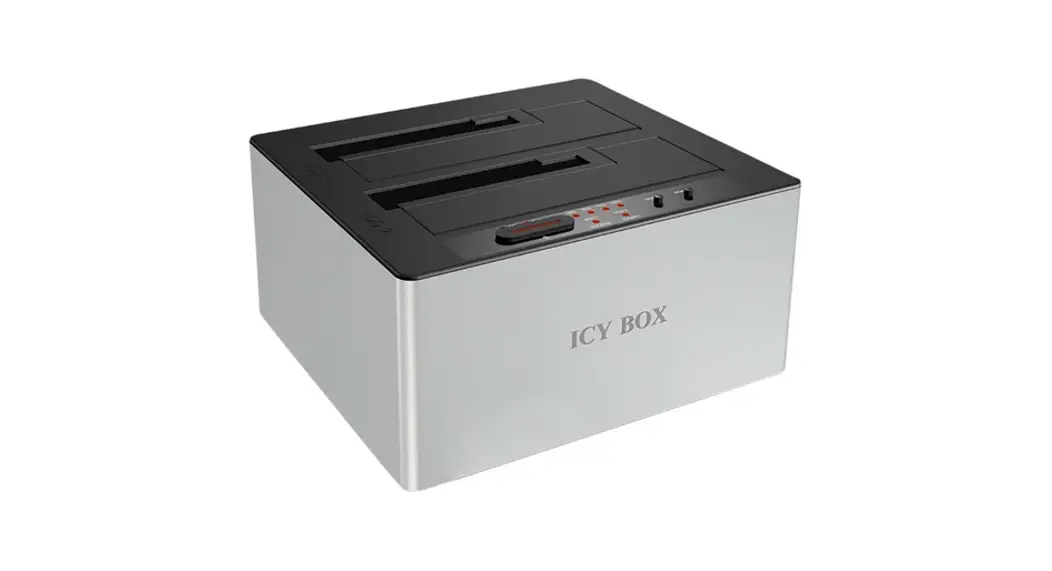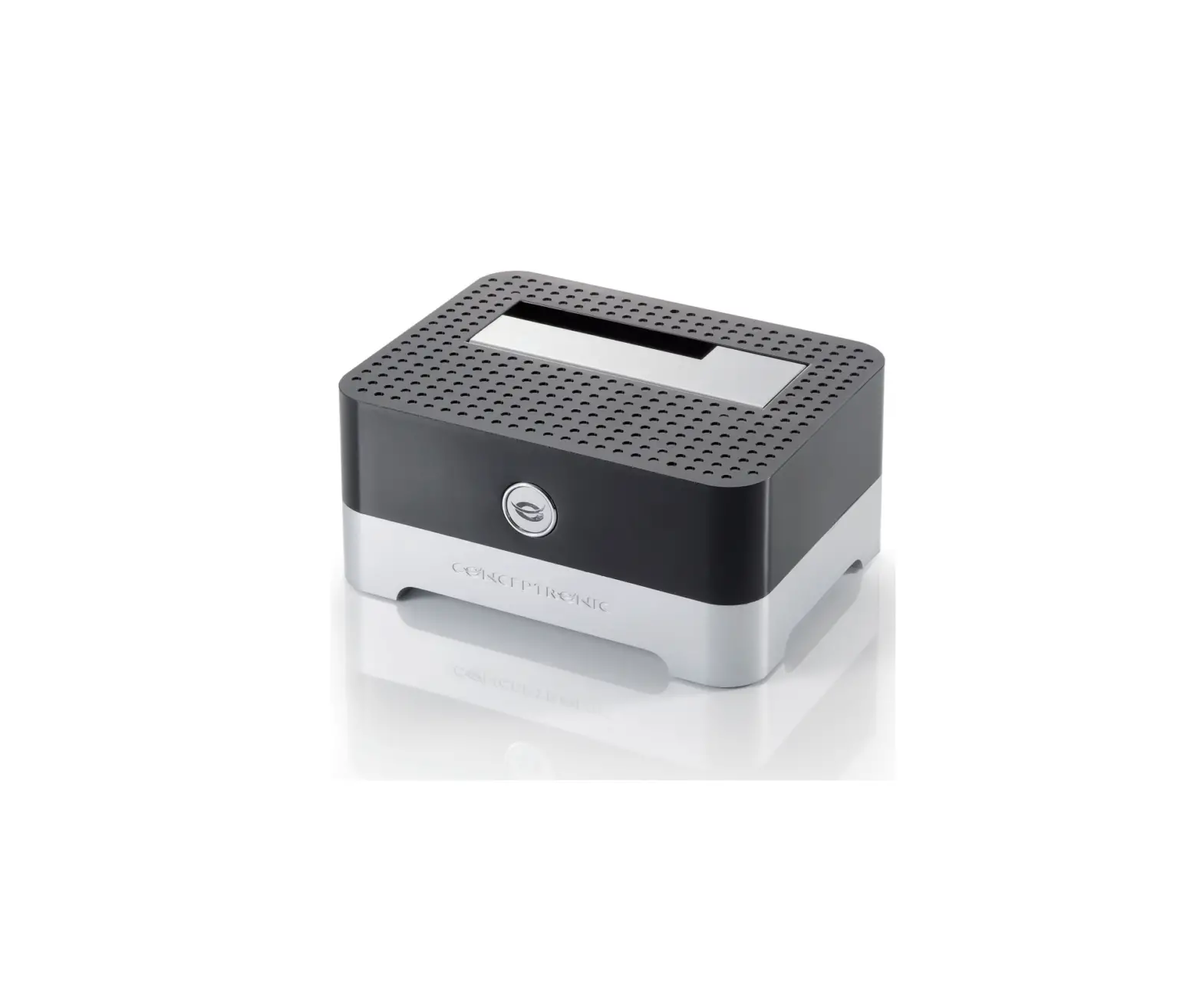
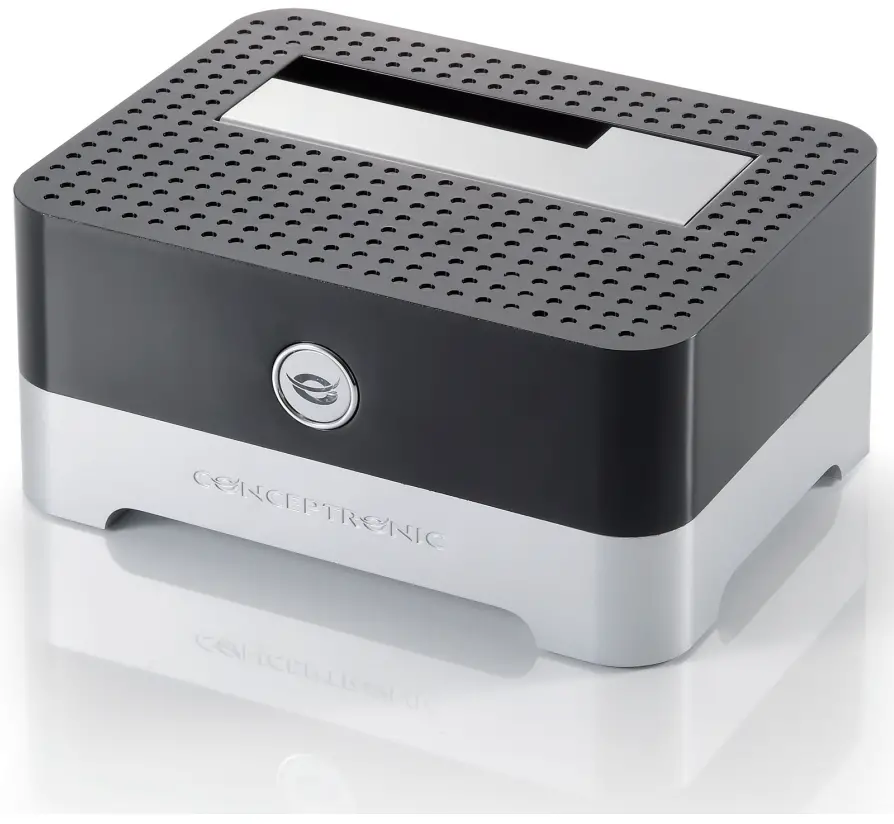
equip CHDDOCK Single Bay 2.5 Inch-3.5 Inch SATA Hard Drive Dock
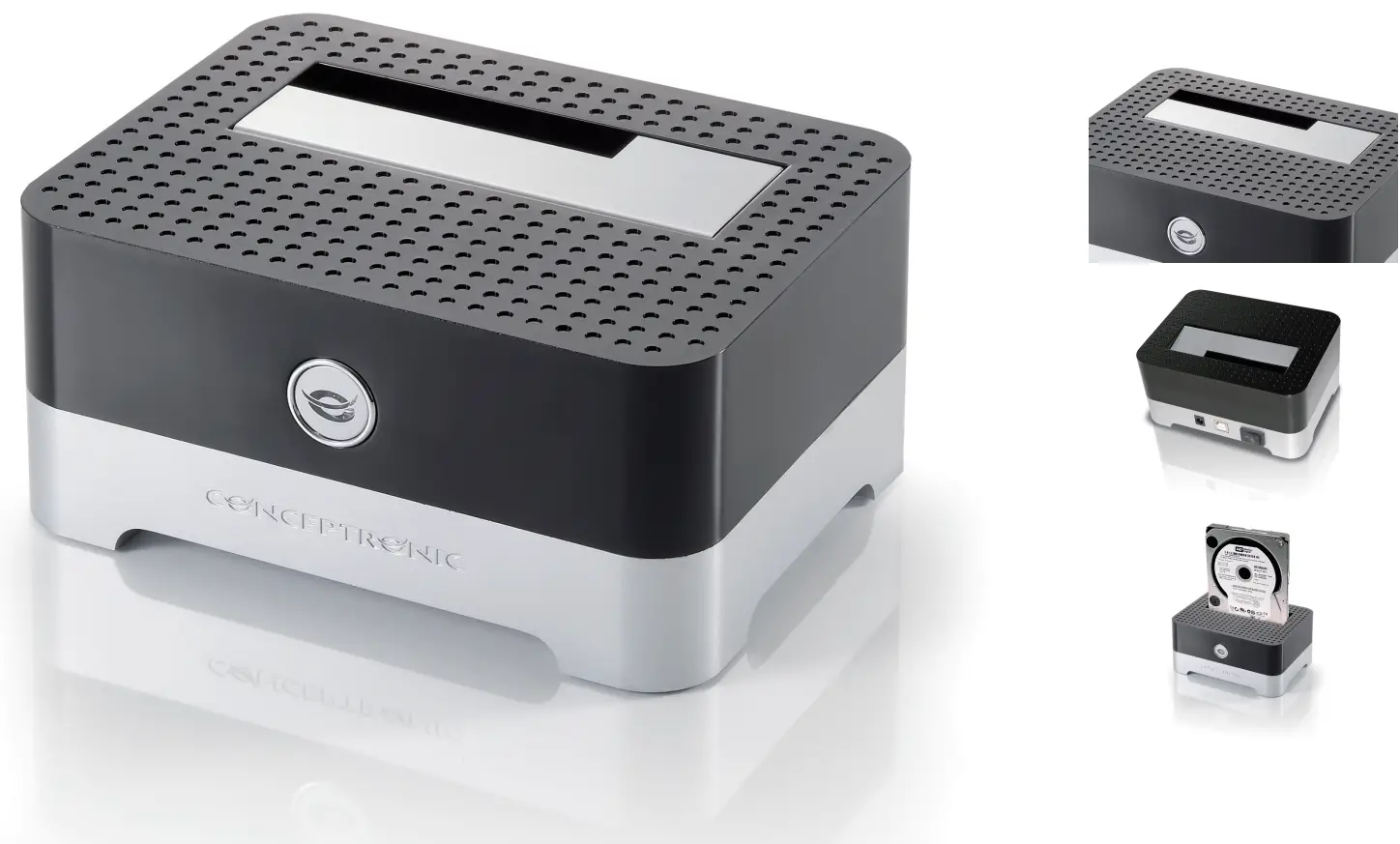
Product Images
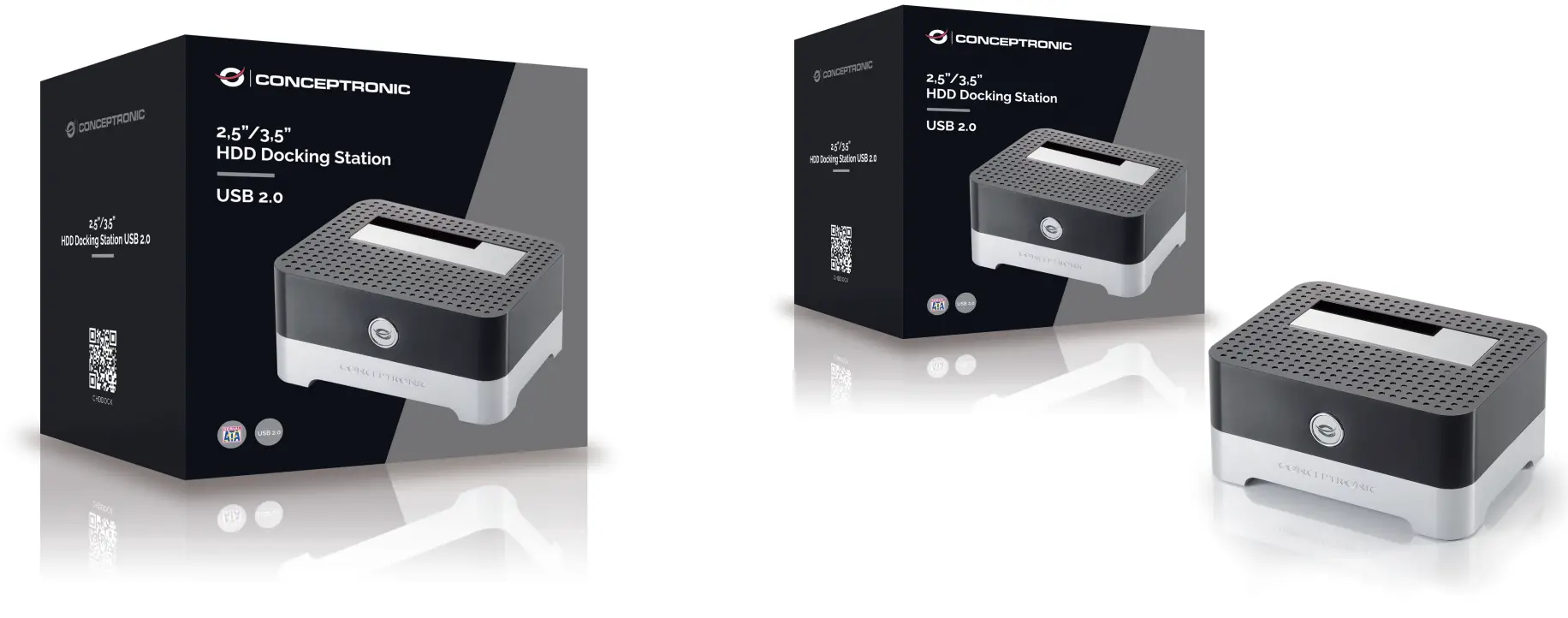
Short Description
- Easy to install (Plug and Play)
- USB 2.0 (compliant with USB 3.0 and 1.1)
- Compatible with all 2.5” (6,4cm) and 3.5” (8,9cm) SATA hard disks and SSDs
- Compact and luxurious design
Description
A safe and easy way to use your 2.5″ or 3.5″ SATA hard disk externally without a hard disk enclosure. You can easily insert and remove the hard disk from the docking station. The CHDDOCK doesn’t require any software installation and really works Plug and Play. The included USB 2.0 cable connects the docking station to your PC, notebook or netbook and the LED indicator clearly indicates its status.
Additional Information
| Drive compatibility | 3.5″ SATA HDD/SSD, 2.5″ SATA HDD/SSD |
| Compatible operating systems | Windows XP, Windows Vista, Windows 7, Windows 8, Win 10 |
| Color | Black |
| EAN | 8714909019682 |
| Model number | CHDDOCK |
| Package contents | CHDDOCK Multilingual quick installation guide Power adapter USB-A to USB-B cable |
| Host interface | USB Type B female |
| Product breadth (mm) | 70 |
| Product depth (mm) | 130 |
| Product height (mm) | 90 |
| Product weight (kg) | 0,24 |
| USB version | 2.0 |