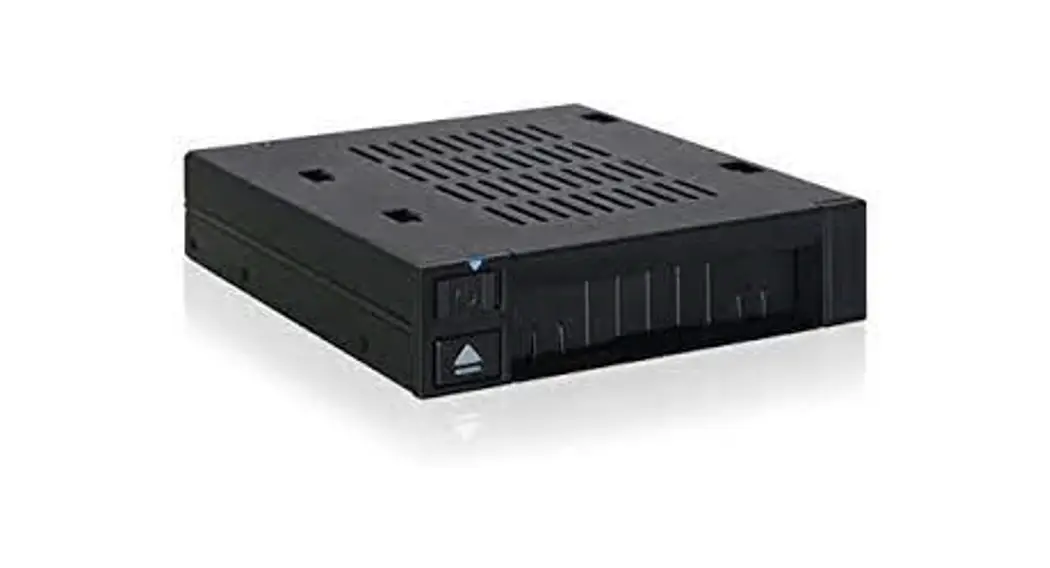

flexiDOCK
2.5″ U.2 NVMe SSD Docking Enclosure for External 3.5″ Drive Bay

https://www.icydock.com/goods.php?id=394
Scan the QR code for more product information
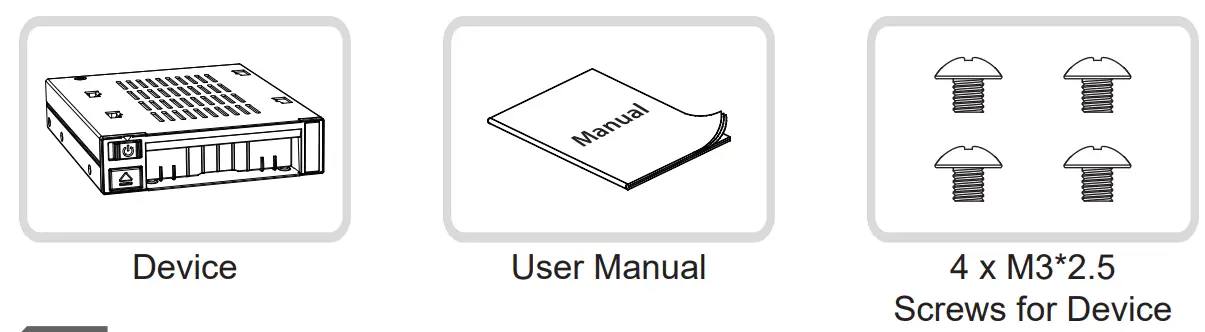
Package Contents
Device Information
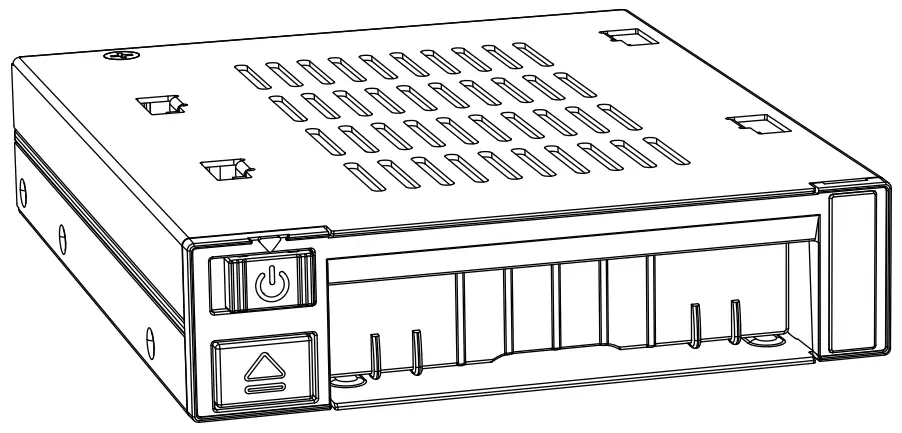
Front View
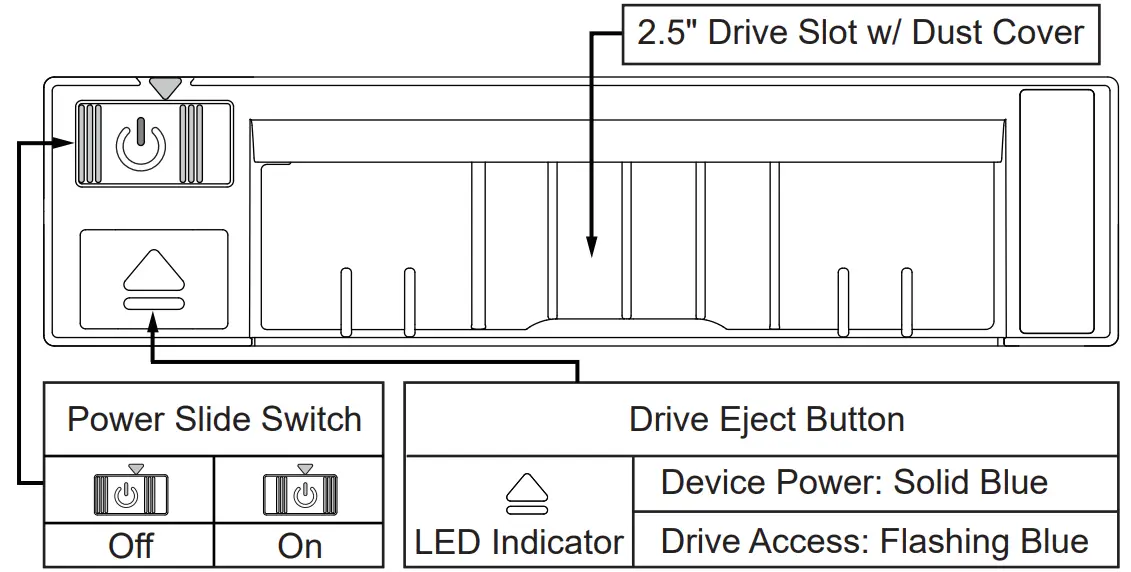
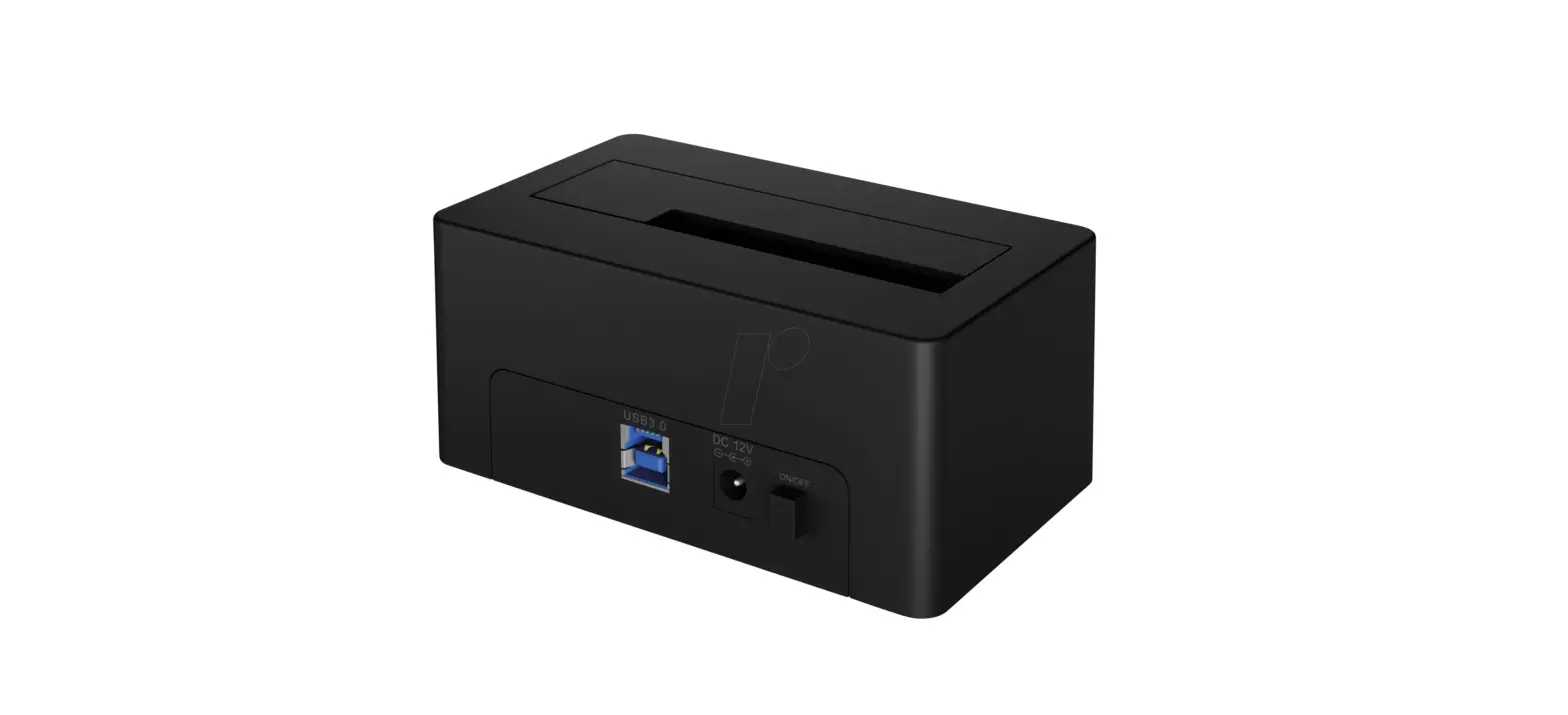
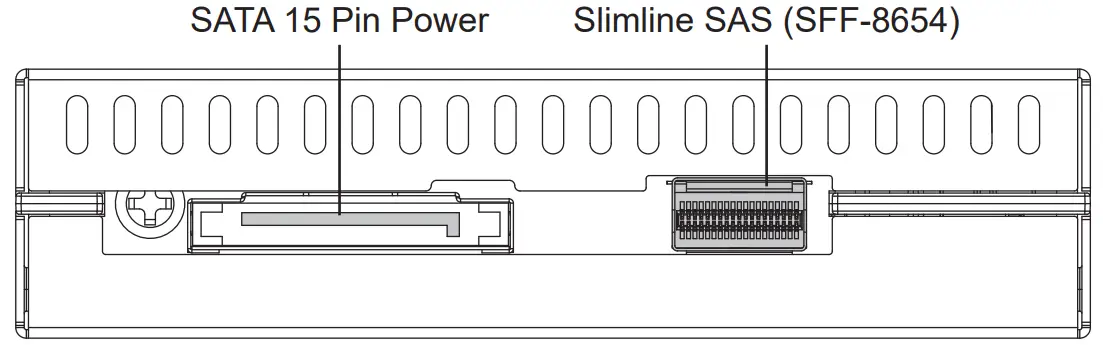
Rear View
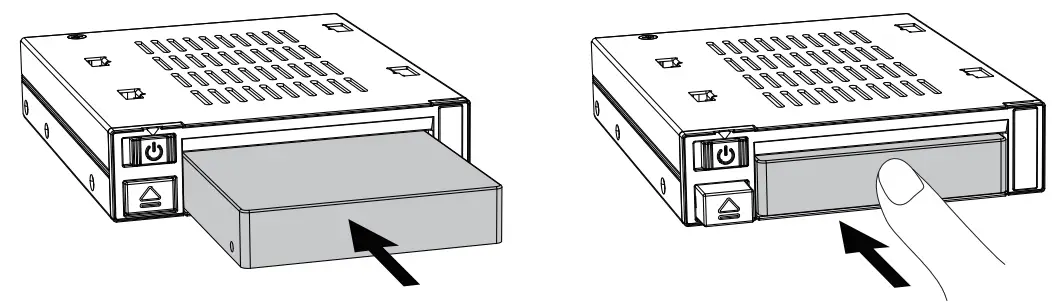
Installation Guide
- Installing 2.5″ U.2 SSD – Insert the 2.5″ U.2 SSD into the drive slot until it stops (the drive eject button will pop out). The drive slot supports 2.5″ U.2 SSD up to 15mm height.

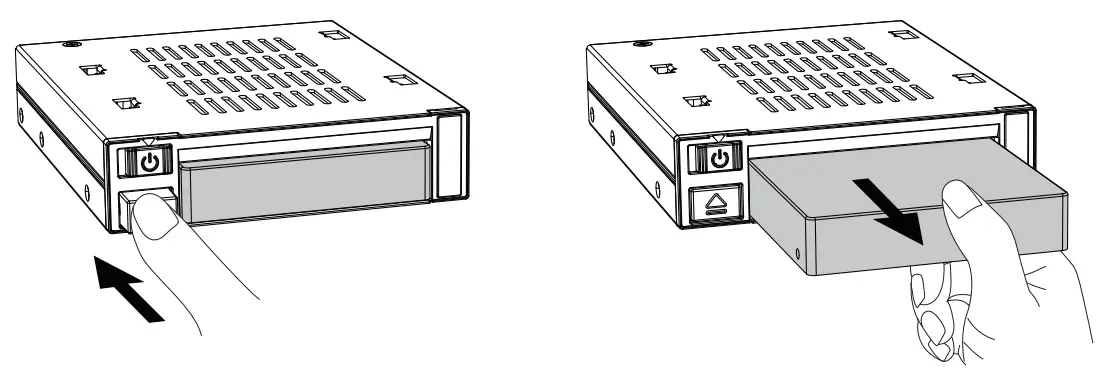
- Removing 2.5″ U.2 SSD – Press and push the drive eject button to eject the 2.5″ U.2 SSD from the connector and then remove it from the slot.

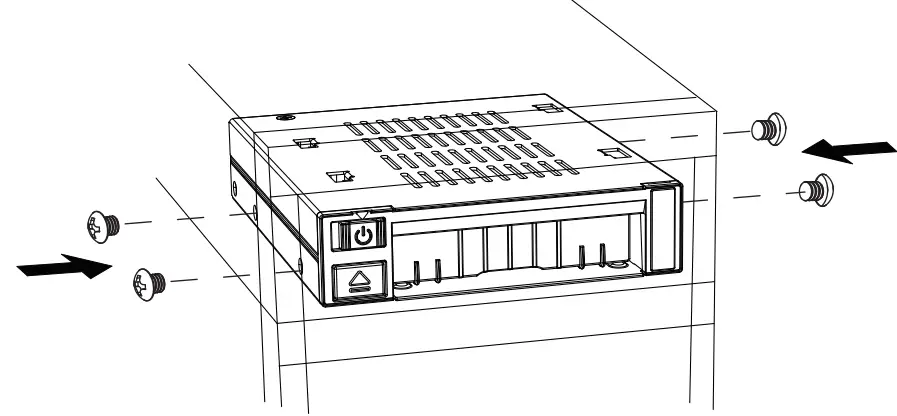
- Please use the included M3*2.5 screw to secure the device onto the external 3.5″ drive bay.
For the warranty information, please visit www.icydock.com/warranty.php
 Warranty Policy_ICY DOCK manufacturer Removable enclosure, Screwless hard drive enclosure, SAS SATA Mobile Rack, DVR Surveillance Recording, Video Audio Editing, SATA portable hard drive enclosure