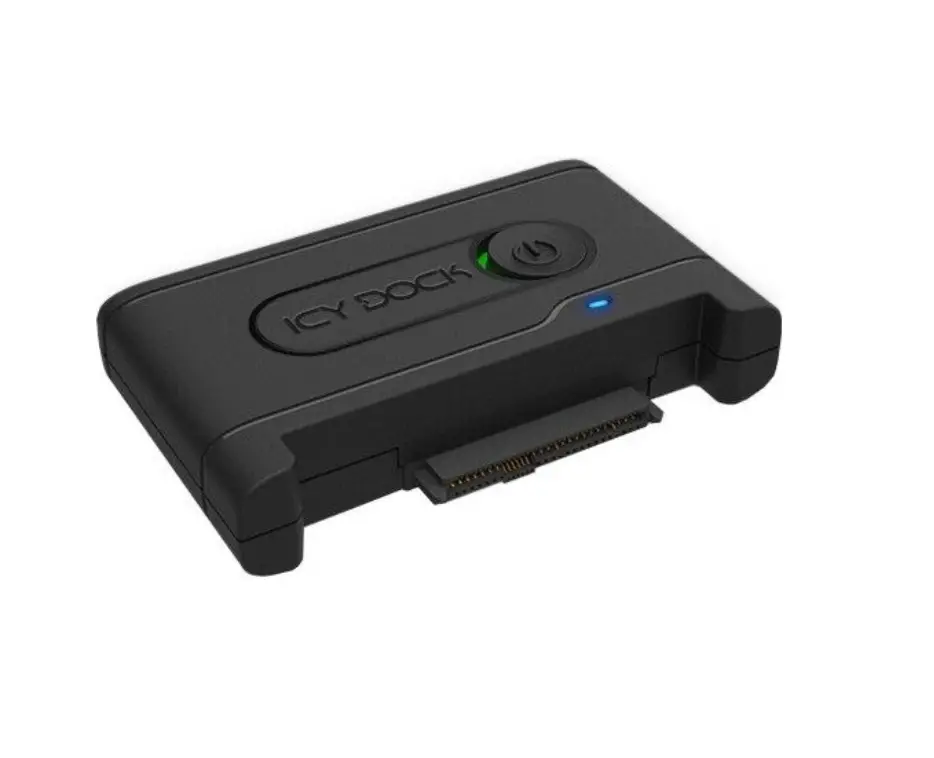
Icy Dock Flexidock Mb024sp-b 5.25 Inch Docking Enclosure User Manual

Icy Dock Flexidock Mb024sp-b 5.25 Inch Docking Enclosure User Manual

ICY DOCK-logo

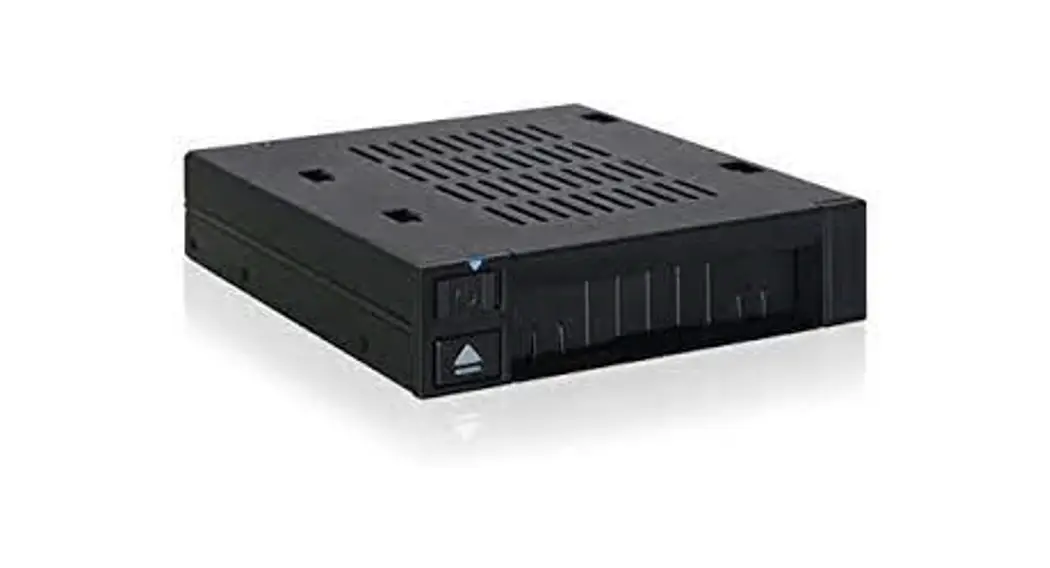
ICY DOCK flexiDOCK MB024SP-B 5.25 Inch Docking Enclosure
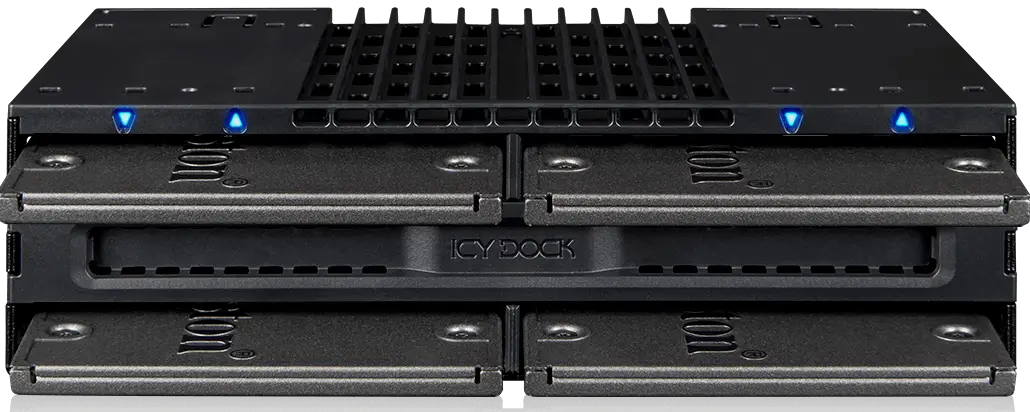
ICY DOCK flexiDOCK MB024SP-B 5.25 Inch Docking Enclosure-fig2

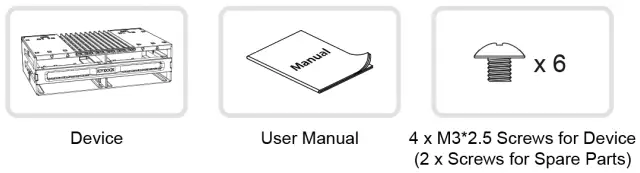
Package Contents

ICY DOCK flexiDOCK MB024SP-B 5.25 Inch Docking Enclosure-fig4

Note Please use the included screws to secure the device.

Device Information

FrontView
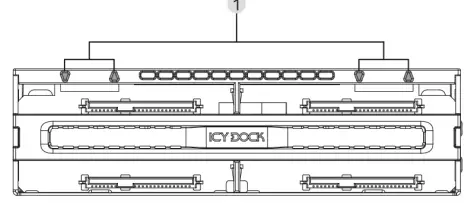
ICY DOCK flexiDOCK MB024SP-B 5.25 Inch Docking Enclosure-fig5

LED Indicator (Device Power: Solid Blue; Drive Access: Flashing Blue)

RearView
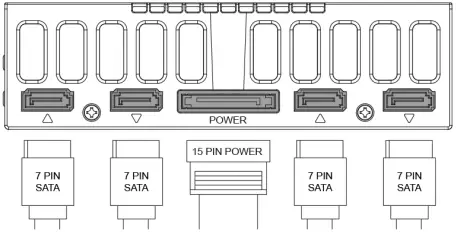
ICY DOCK flexiDOCK MB024SP-B 5.25 Inch Docking Enclosure-fig6

Installation Guide

  1. Installing 2.5″‘ Drives
    Insert the drive all the way into the slot

    ICY DOCK flexiDOCK MB024SP-B 5.25 Inch Docking Enclosure-fig7

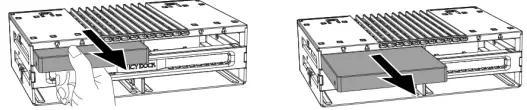
  2. Removing 2.5″‘ Drives
    Pull out the drive by holding it on its edges s image shown below.

    ICY DOCK flexiDOCK MB024SP-B 5.25 Inch Docking Enclosure-fig8

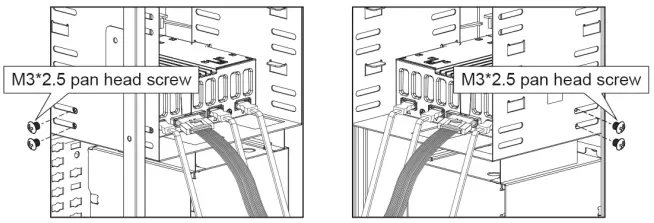
Device Installation

ICY DOCK flexiDOCK MB024SP-B 5.25 Inch Docking Enclosure-fig9

For best stability and smooth drive insertion and removal, please install two screws on each side of the case as image shown above.
www.icydock.com

Documents / Resouces

Download manual
Here you can download full pdf version of manual, it may contain additional safety instructions, warranty information, FCC rules, etc.


Related Manuals