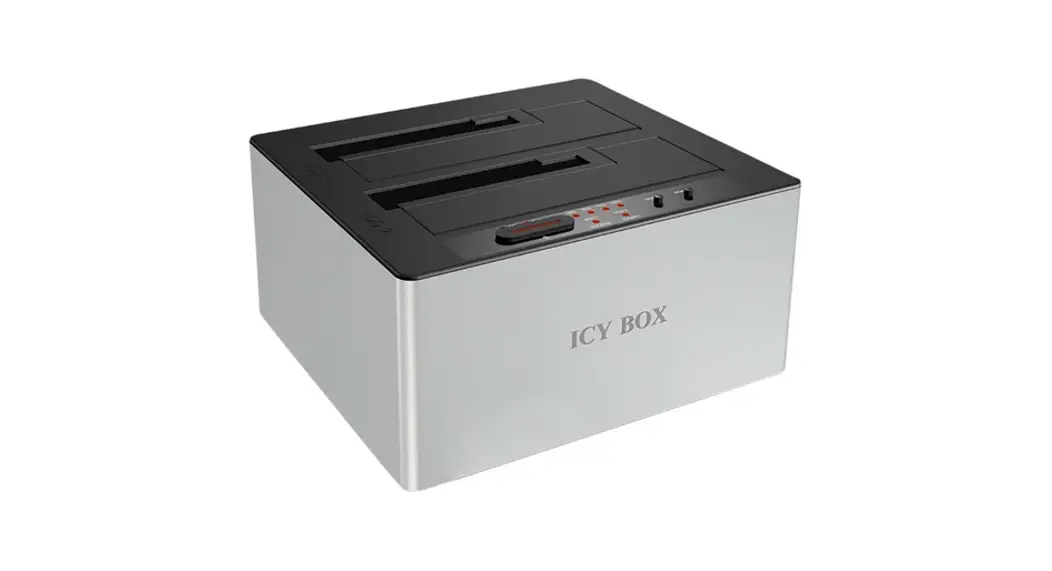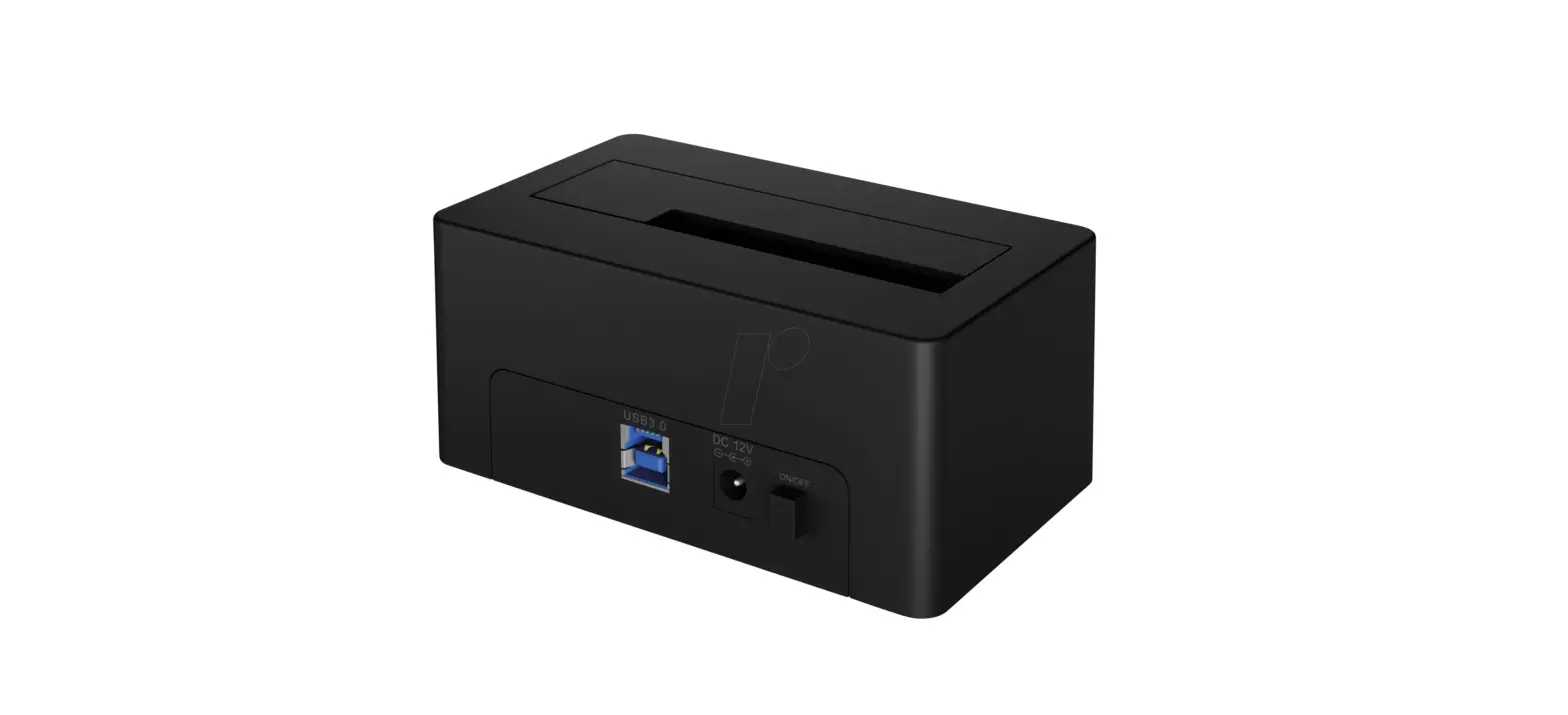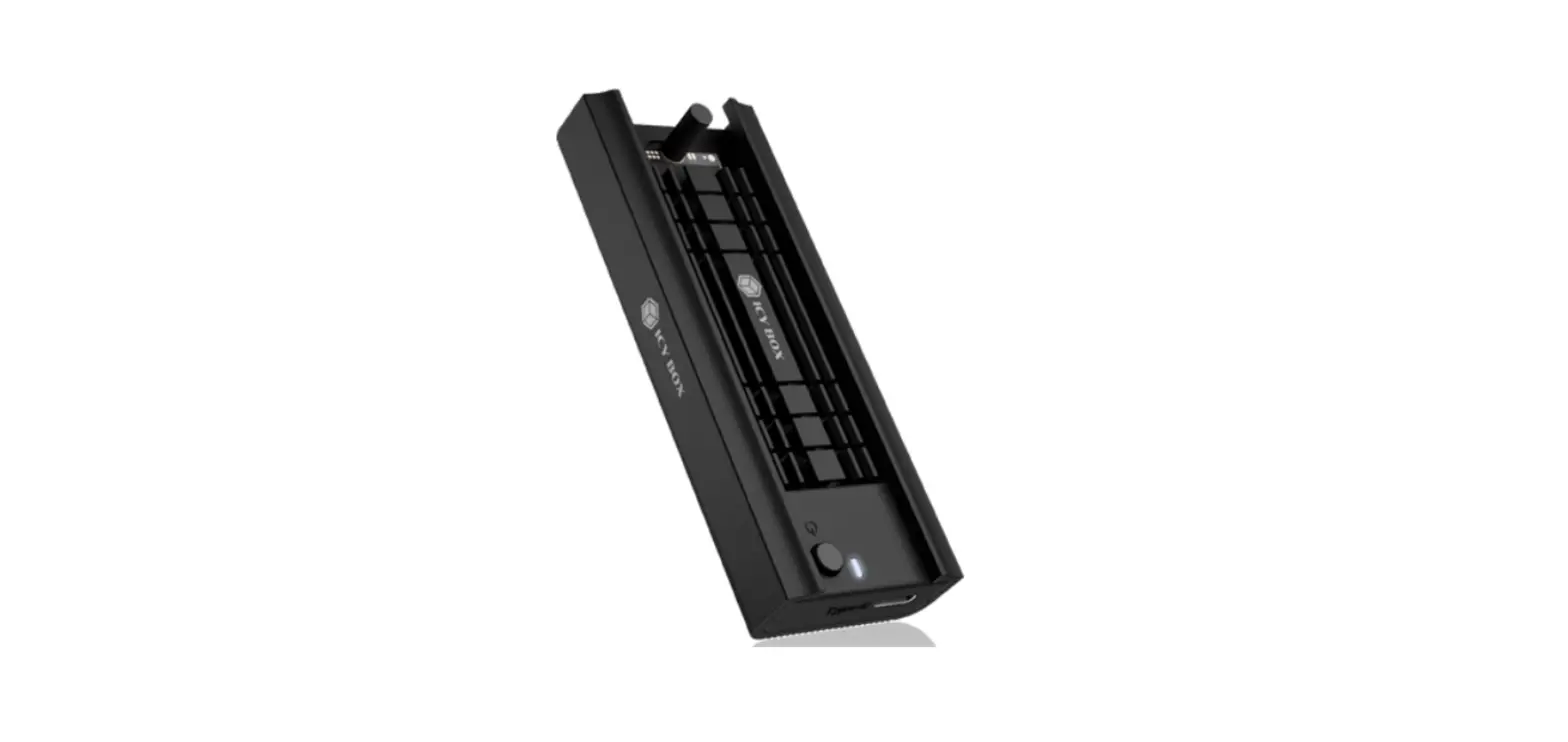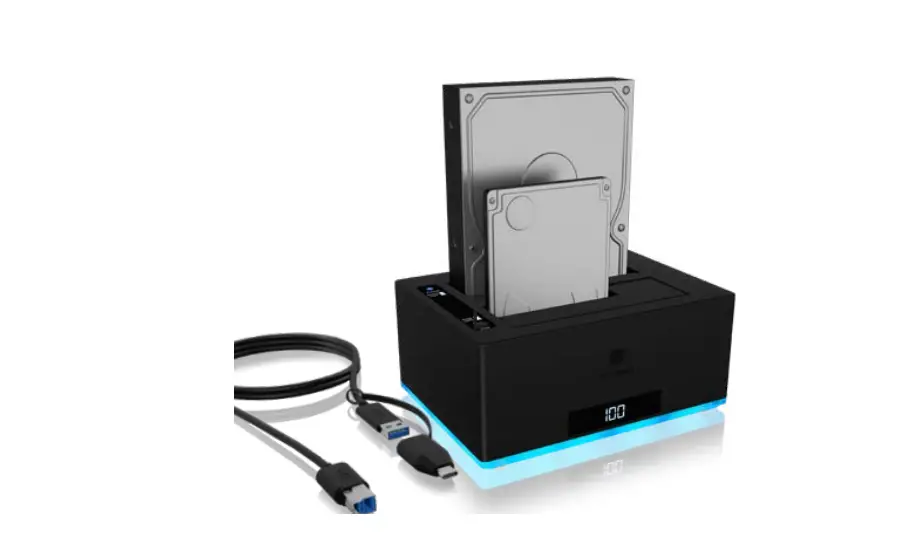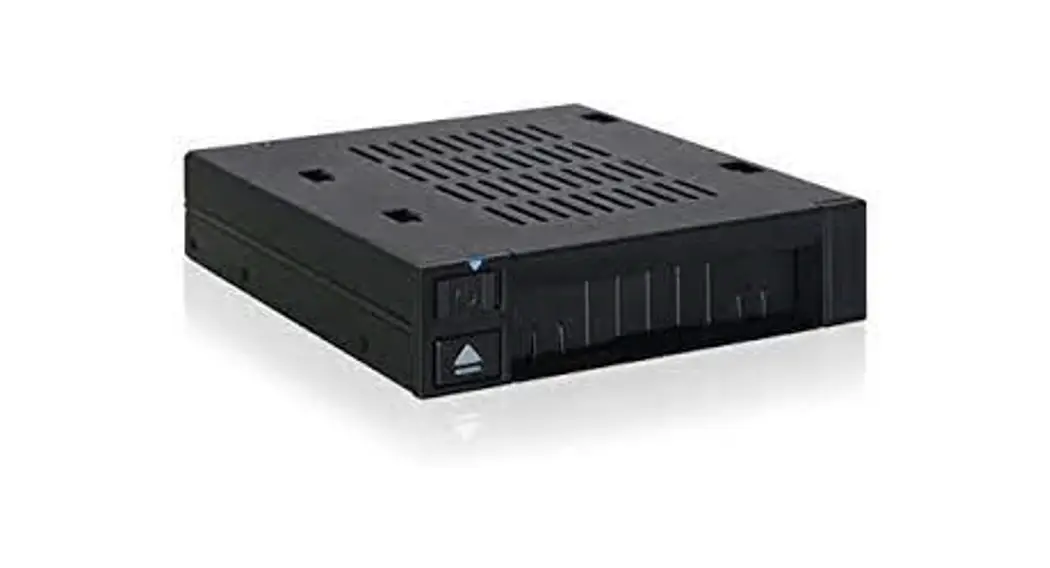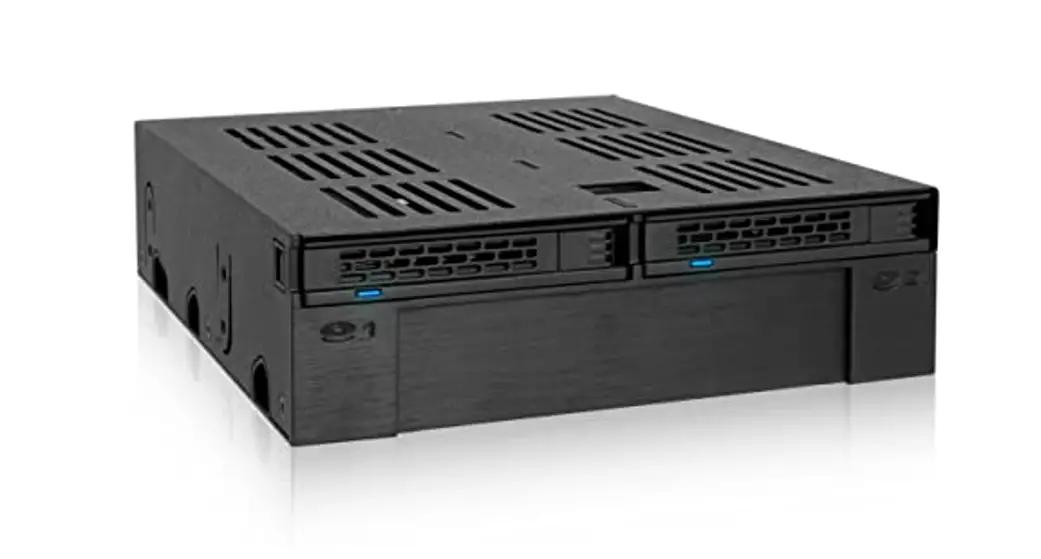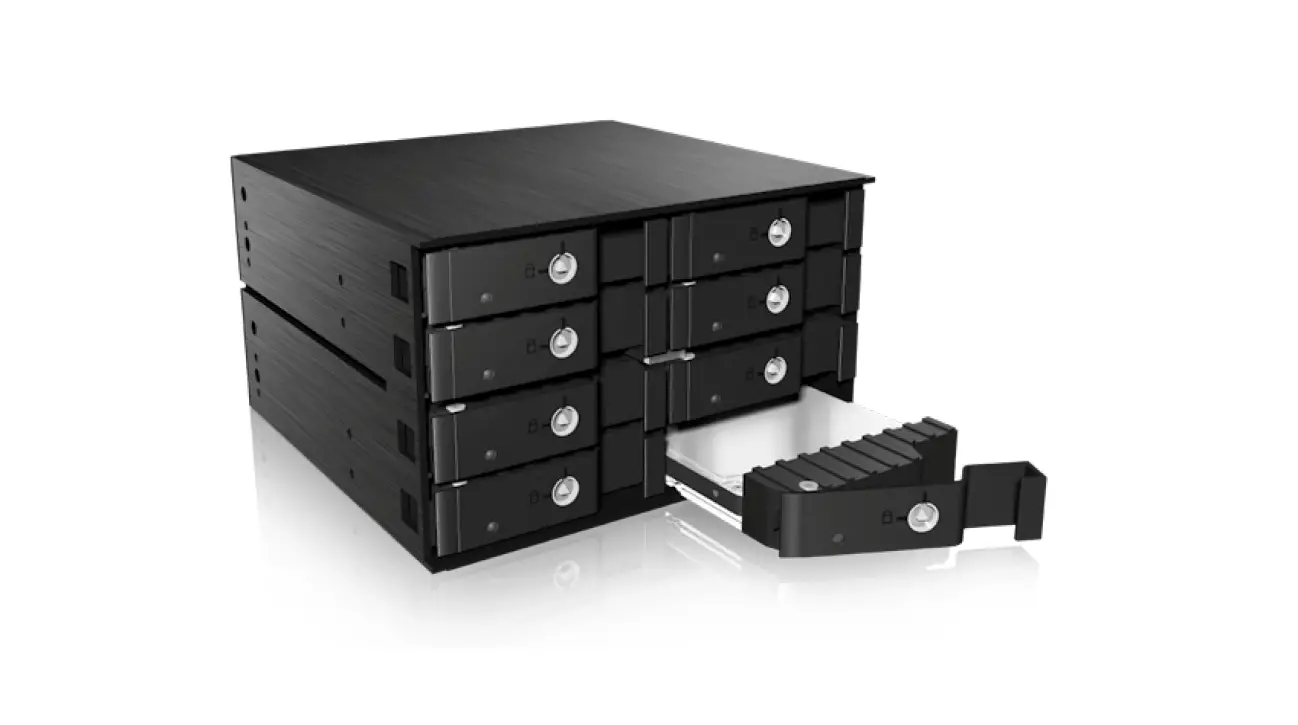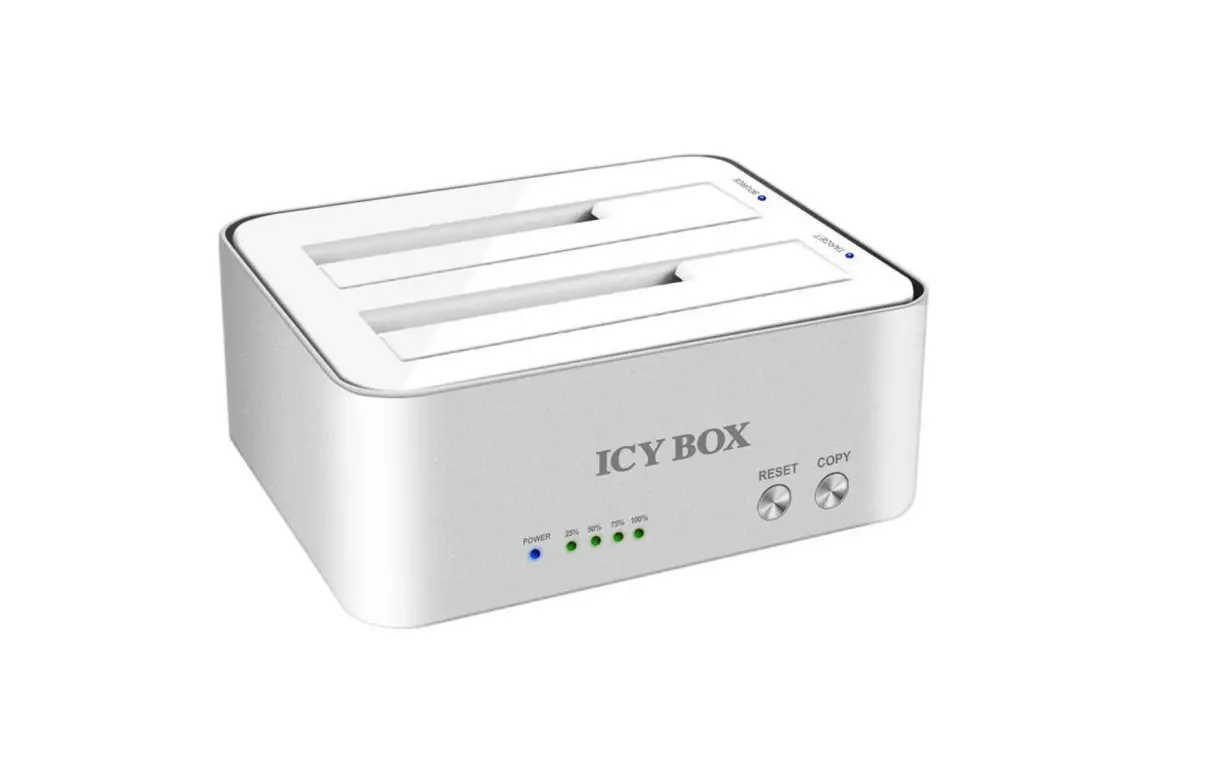

ICY BOX IB-PC1208 HDD-SSD Docking Station  Package contents
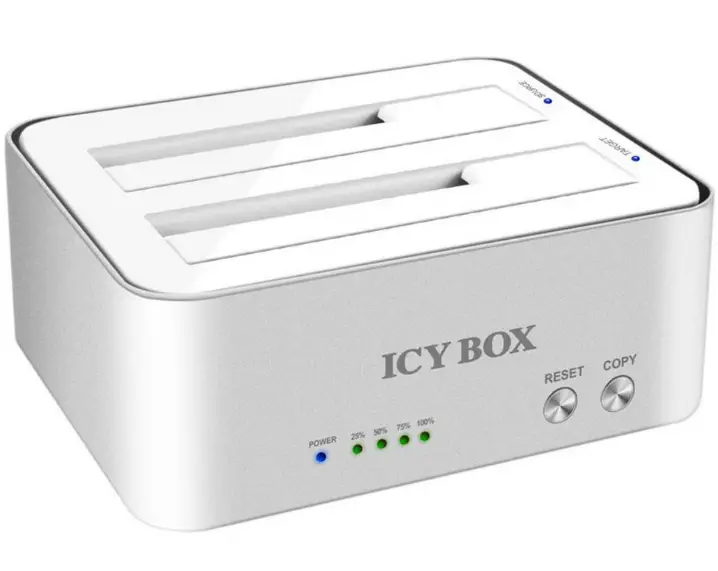 Package contents
- 1 x PCI cord,
- 1 x full profile Brockel,
- 1 x screw set,
- 1 x manual
Installation
- Mount the M.2 SSD with a slight angle into the M.2 slot.
(M.2 SSD with M-key or M+B Key based on PCle for PCle slot.) 2.2 Fasten the SSD module with the screw. - Make sure the computer is turned off and all power cables ore
disconnected from the system. - Open the computer case and plug the IB-PCl208 into on
available PCle slot. - Secure the bracket on the housing of the PC.
- Close the case and restart your PC.
Copyright by RoidSonic Technology GmbH, all Right, reserved