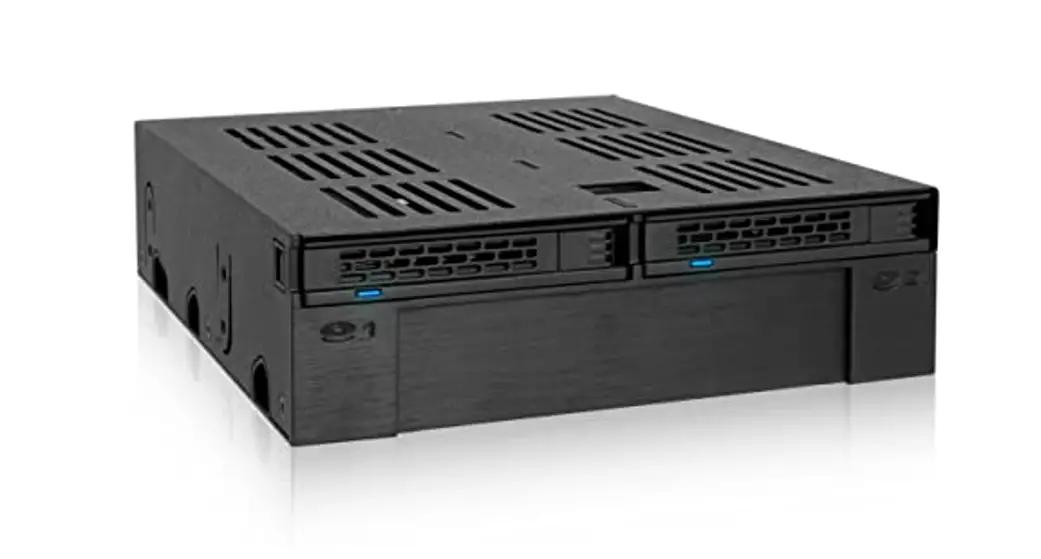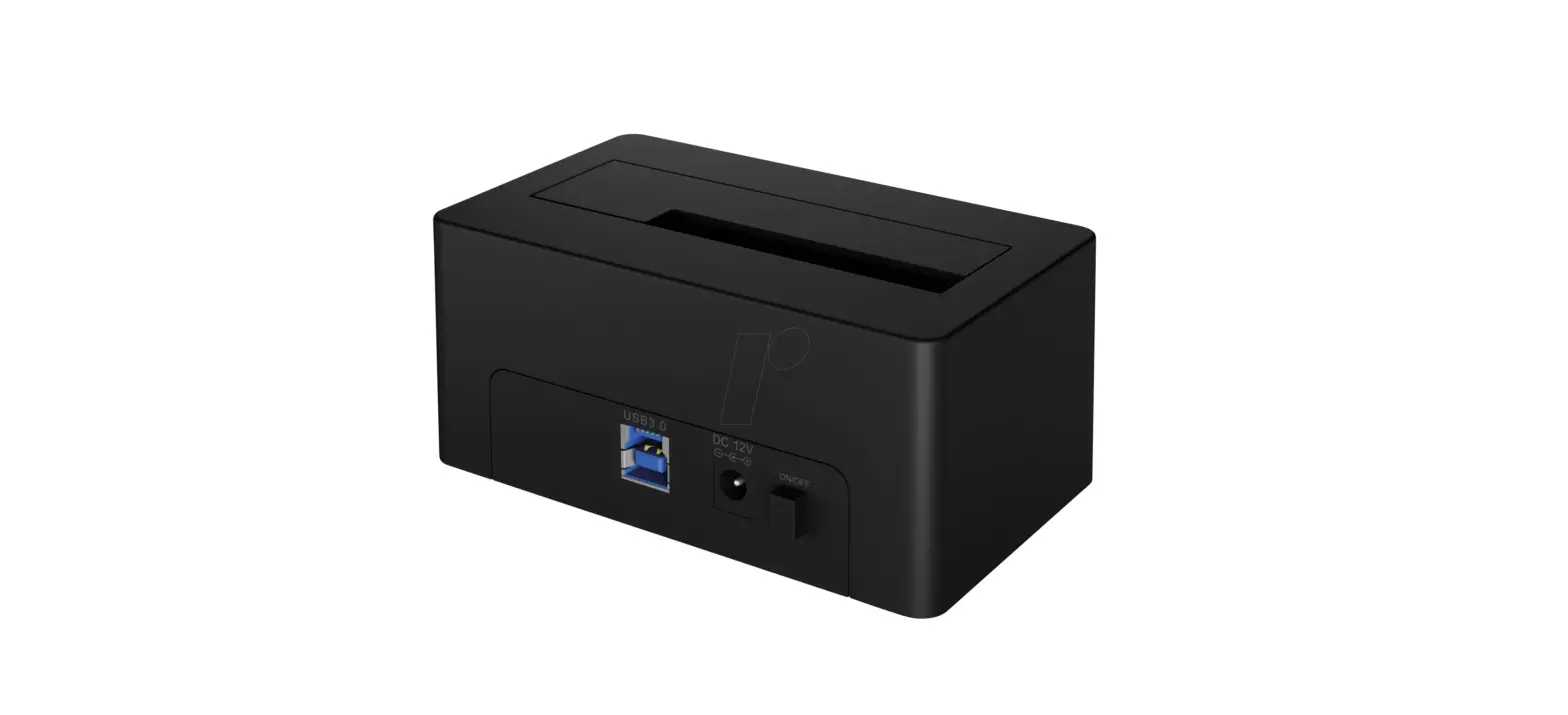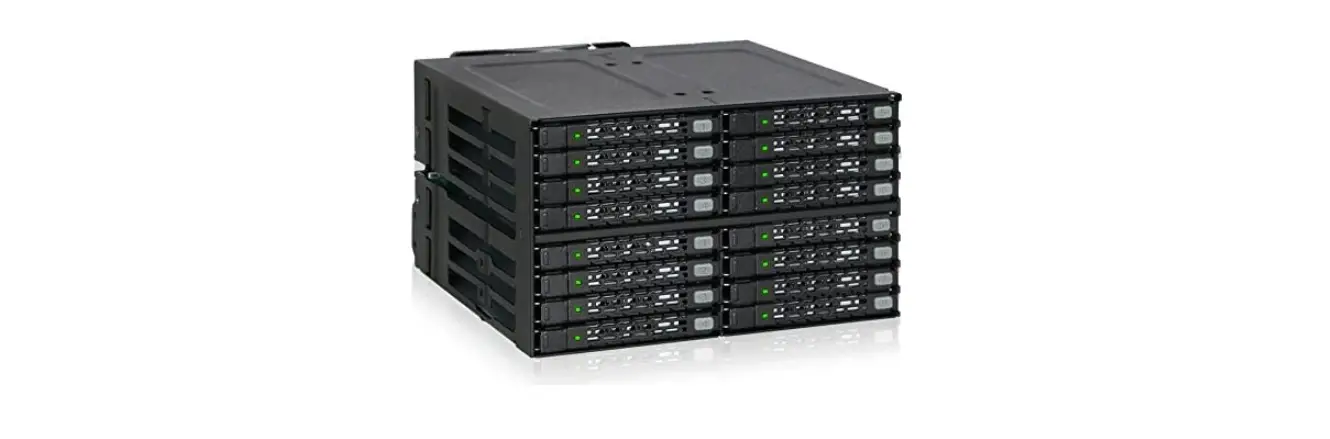

ICY BOX IB-2242SSK Quattro Backplane for 2.5 Inch HDD
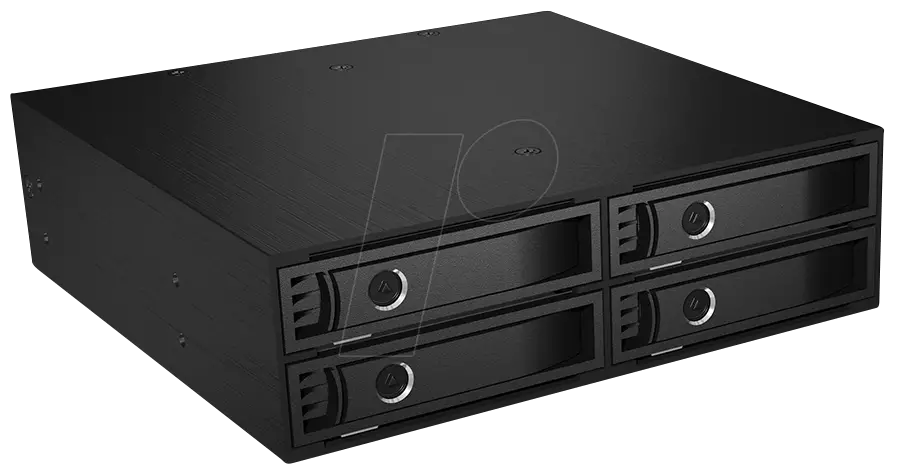
Manual IB-2242SSK
4x 2.5″ SATA/SAS HDD Backplane
Model – HDD – Host Interface – Colour

Package Content
- 1x IB-2242SSK,
- 2x keys,
- 16x HDD screws,
- 8x case srews,
- 4x Non-Scratch SATA Connector cable,
- 1x manual
Key Features
- 4x 2.5″ SATA or SAS HDD/SSD in 5.25″ bay
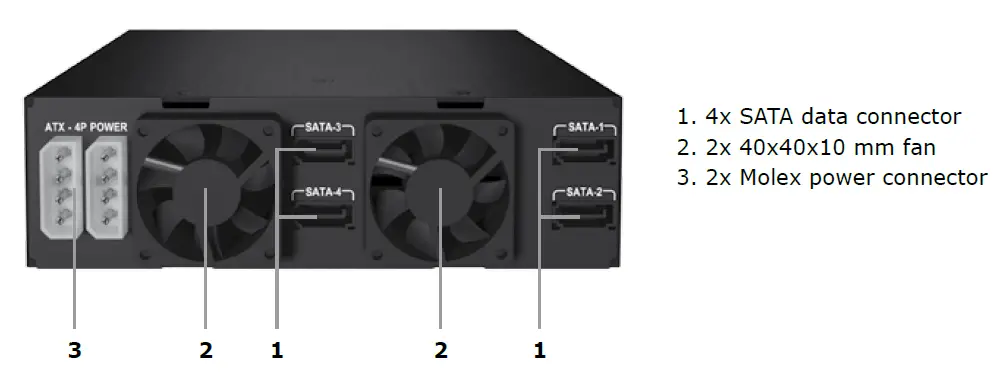
- 2x internal Molex 4pin power connector
- 4x non-scratch 7pinSATA-connecter with security clips
- Robust and stable industry design
- Full aluminium and metal
- HDD capacity not limited
- SATA I/II/III host interface 6.0 Gbit/s
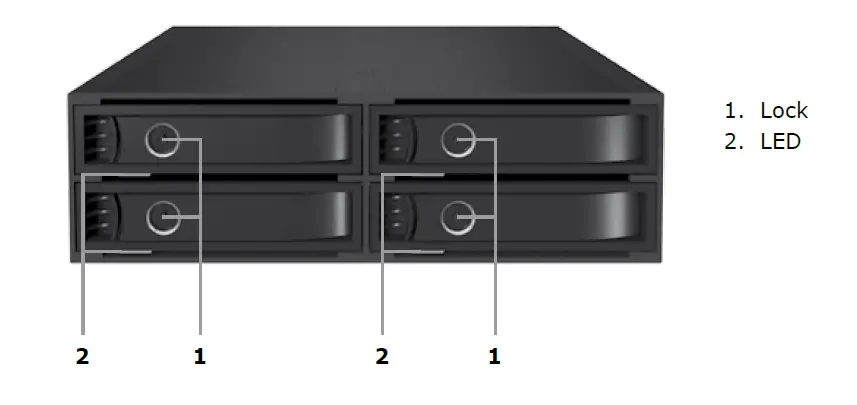
- Robust aluminium tray with key lock to secure the HDDs
- LED for power, HDD access, Fan status
- 2x 40x40x10mm cooling fans
- Hot Swap
- Fits for all 2,5″ drives up to 15mm
- Supports Windows and Mac
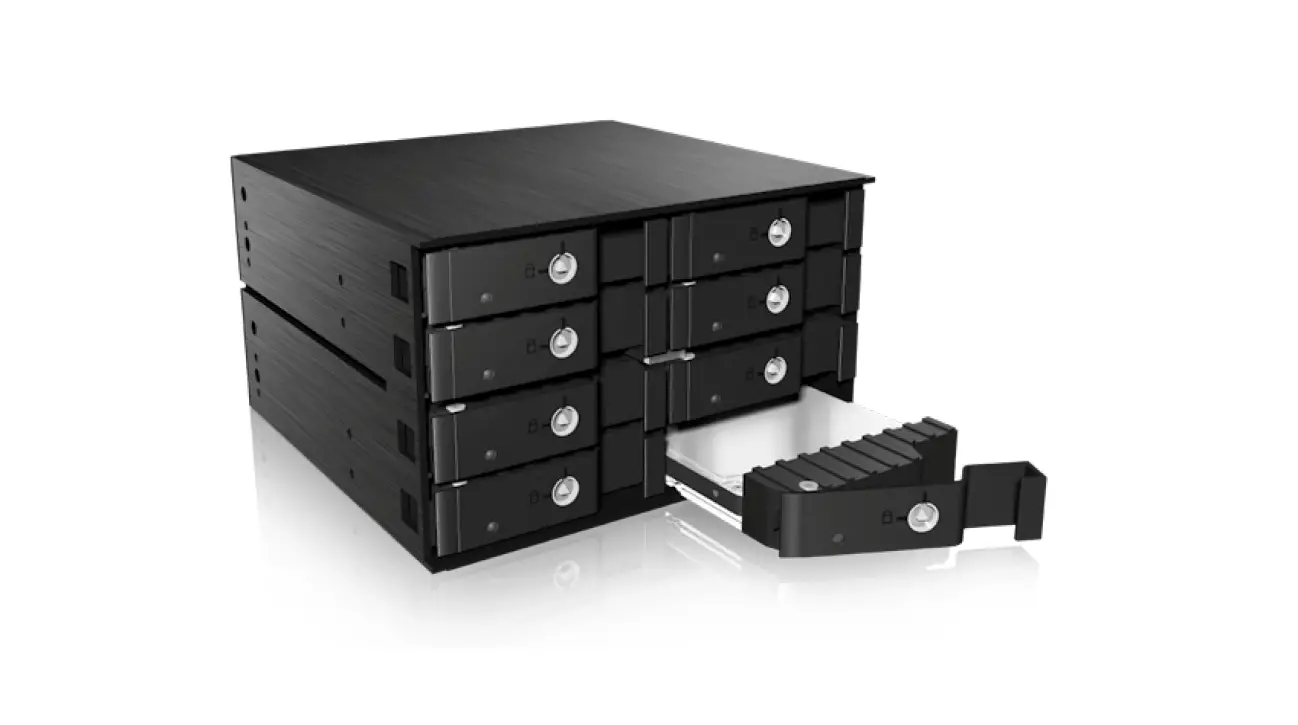
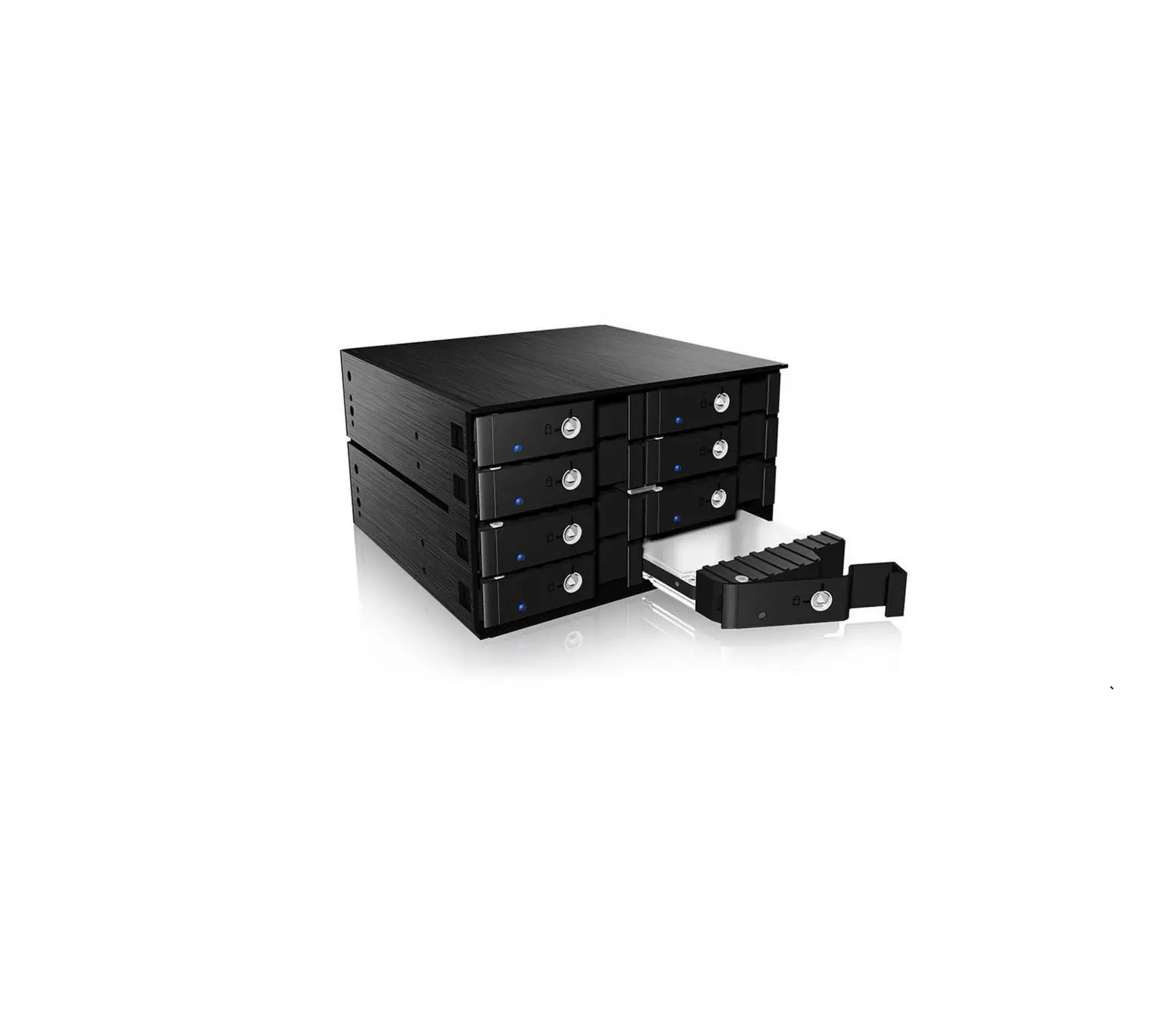
Front View
Rear View
Installation
- Turn OFF the power to your computer and any other connected peripheral devices.
- Unplug the power cord from the back of the computer and remove your computer’s cover.
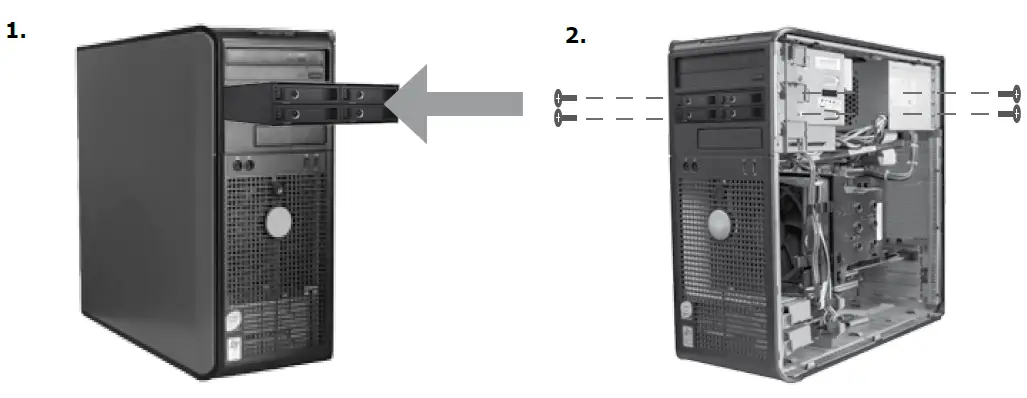
- Put the Backplane in one free 5.25″ bay and fix it with the screws.
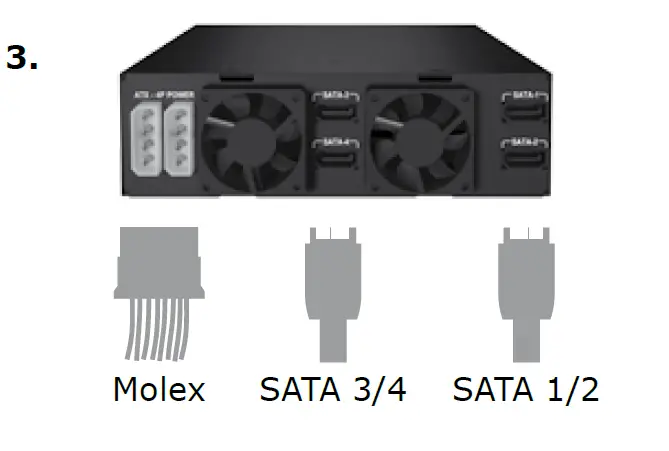
- Connect the 4x red SATA connectors to the referring connectors on the main board.
- Connect the 2x internal Molex power cables to the power supply of your PC. Replace the computer cover and reconnect the power cord.