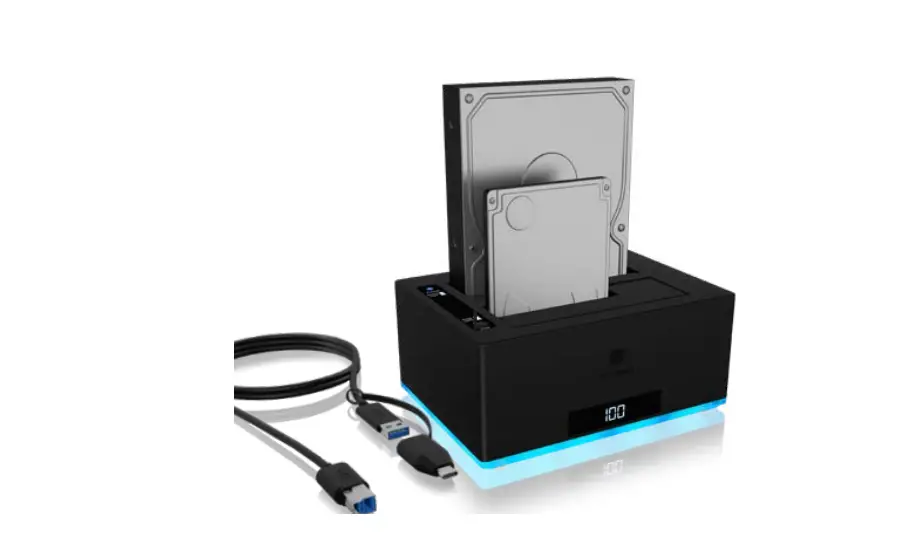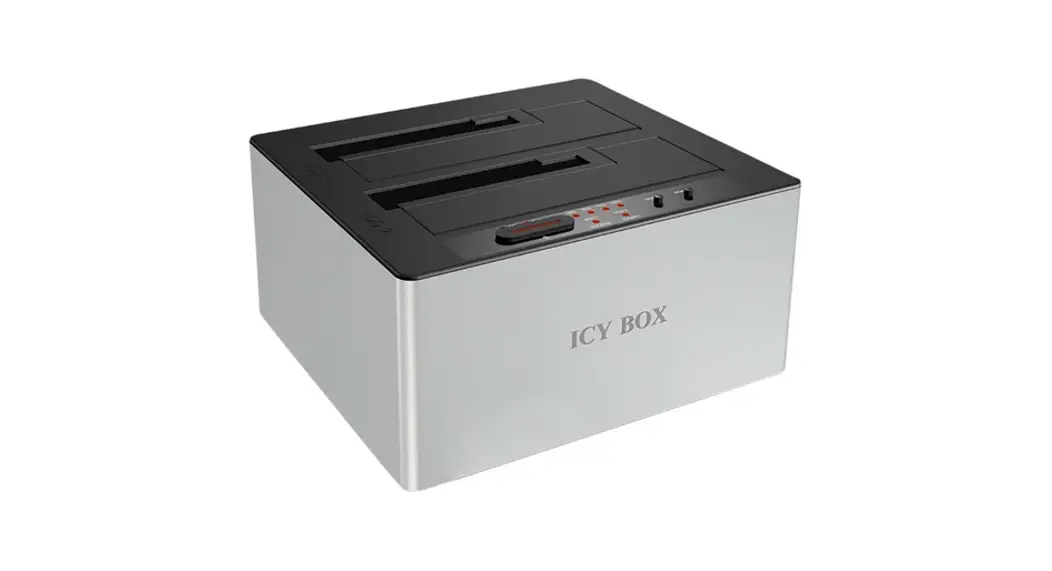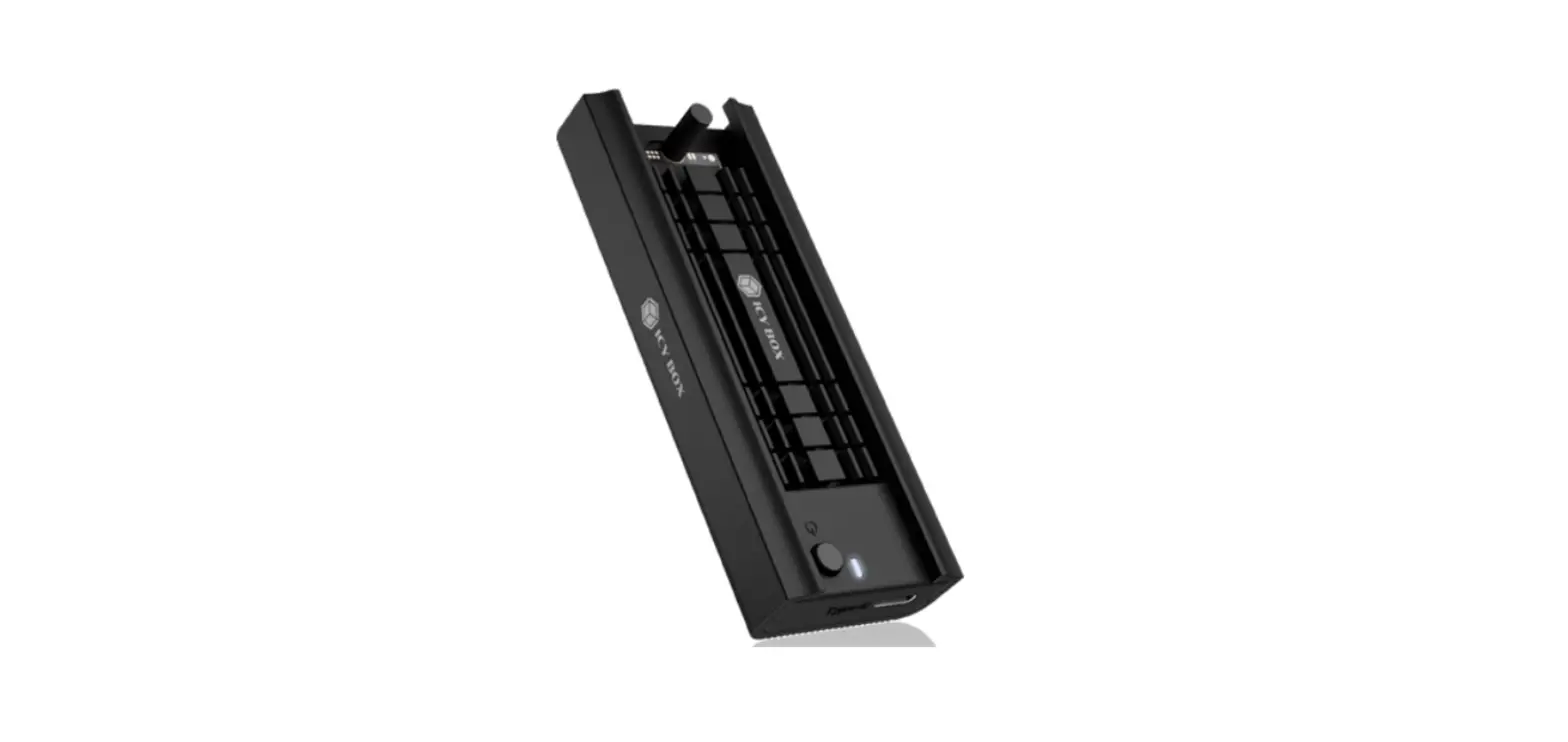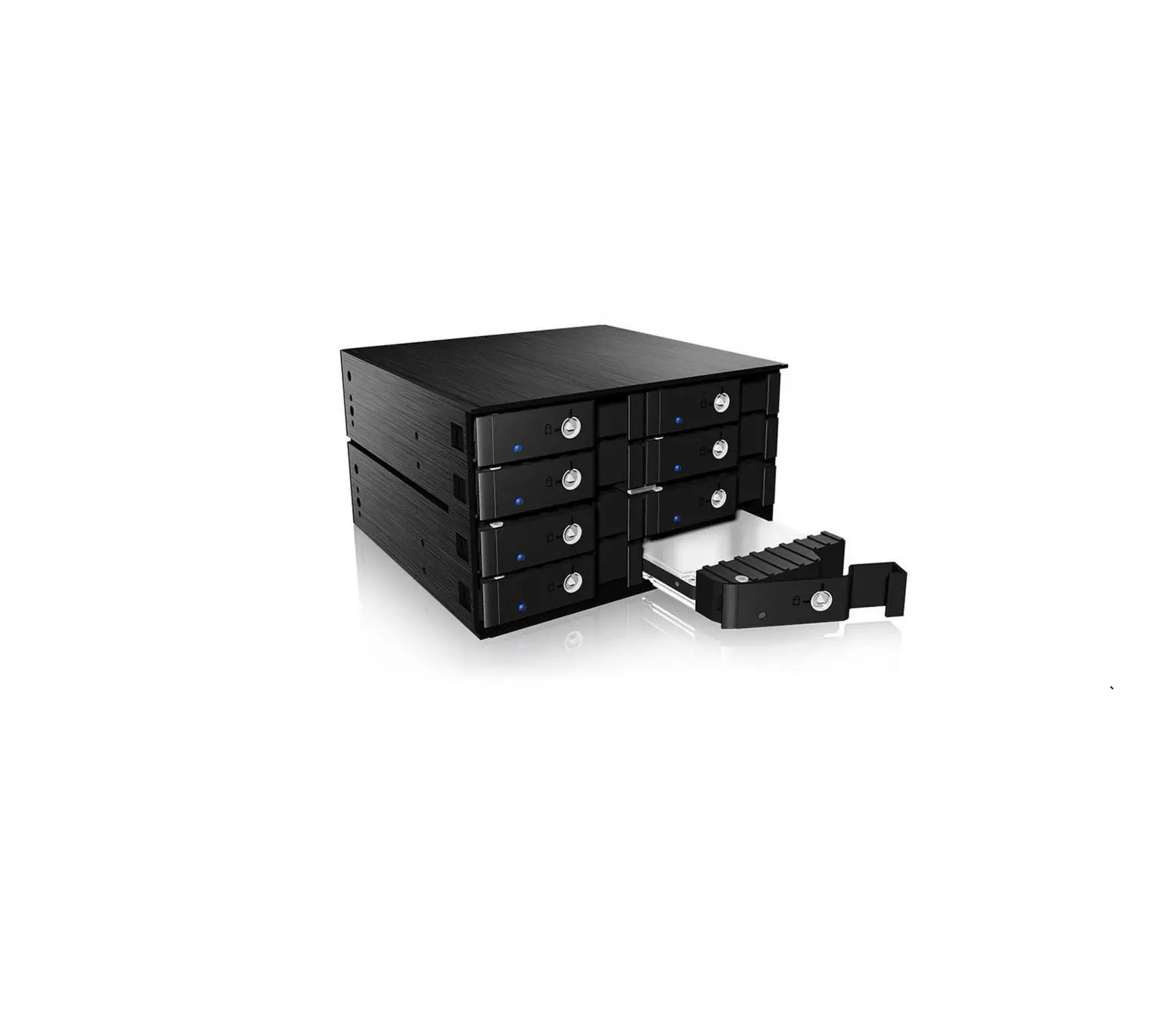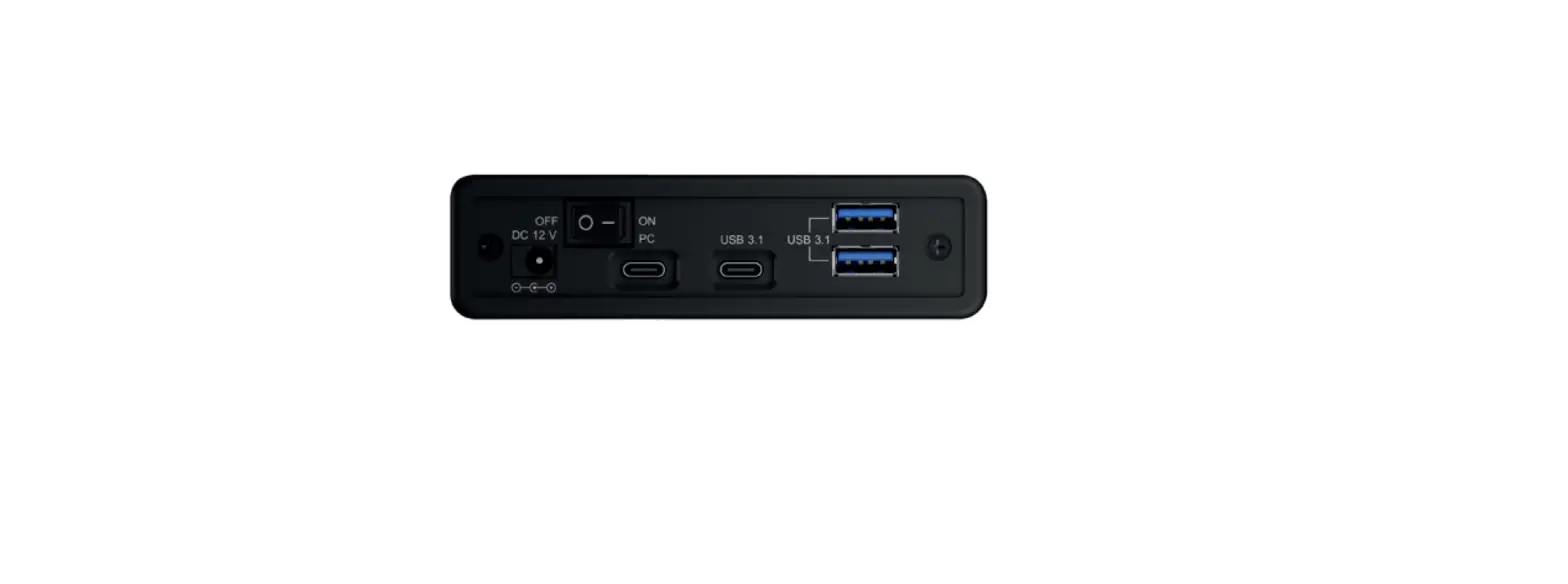
 ICY BOX IB-382H-C31 HDD Housing Photopoint
 ICY BOX IB-382H-C31 HDD Housing Photopoint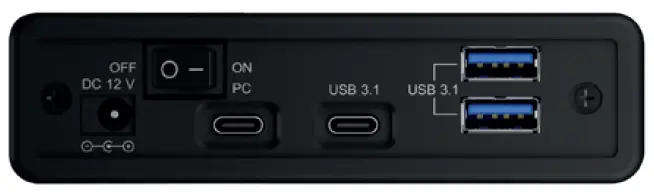
Quick installation
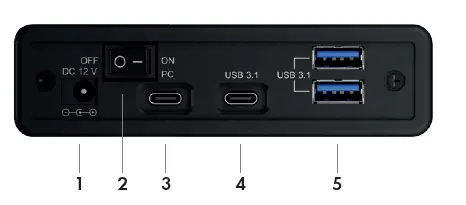
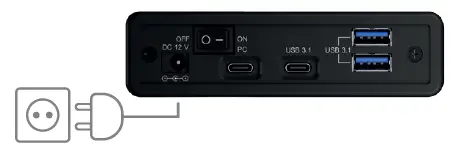
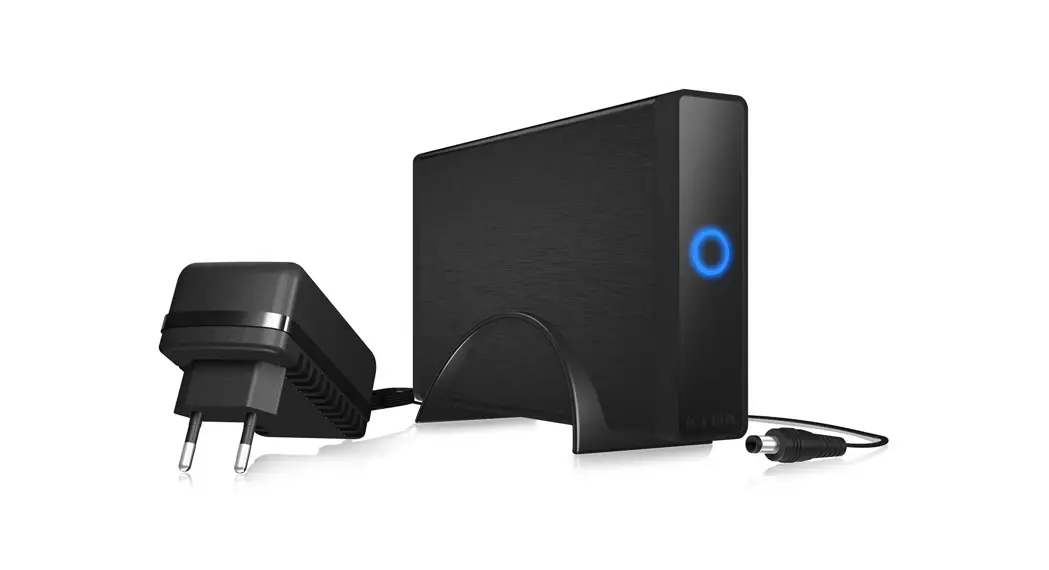
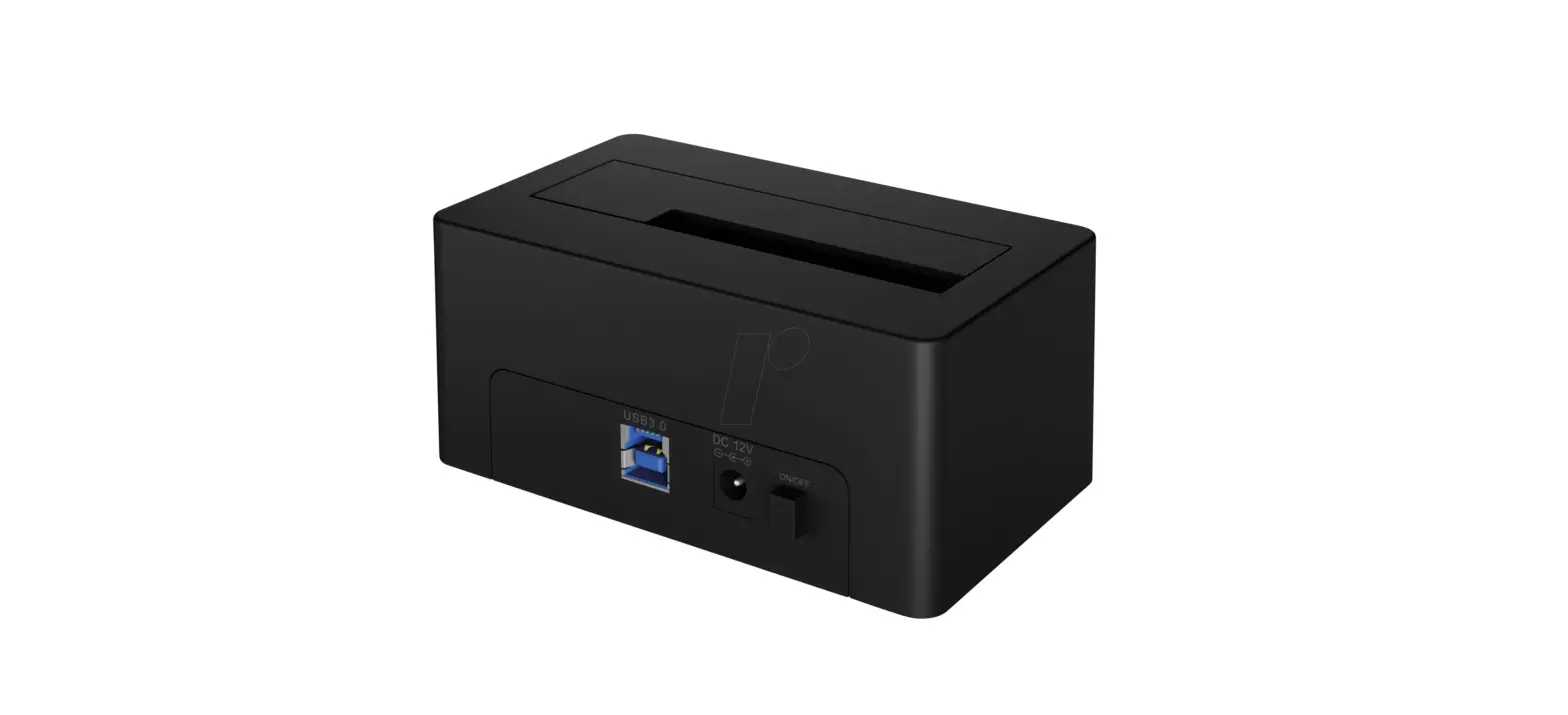
- Connect the power supply to the power supply connection (1.) of the IB-382H-C31.
- Connect the power supply of the IB-382H-C31 with a standard 230 V EU socket.

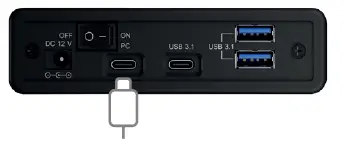
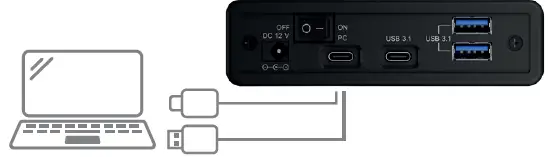
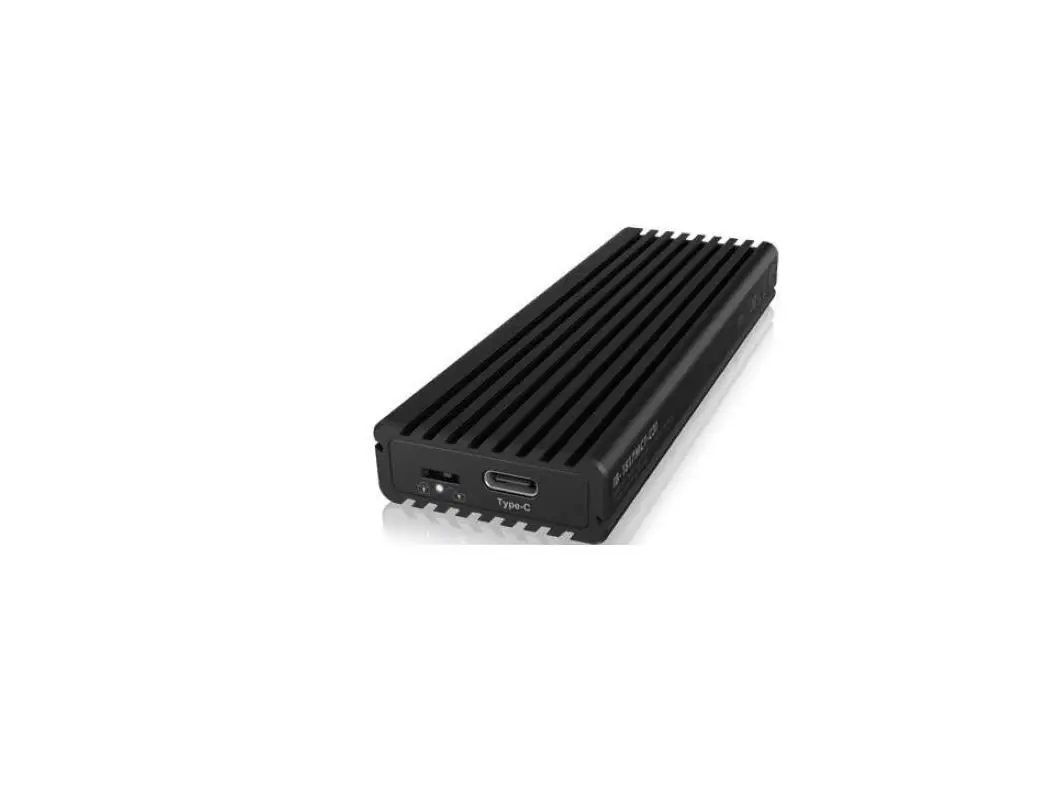
- Connect the USB Type-C® to USB Type-C® or the USB Type-C® to USB Type-A cable to the IB-382H-C31. Attention! The cable must be connected to the Type-C® connector (3.) of the enclosure marked „PC“.

- Connect the USB cable to your host computer.

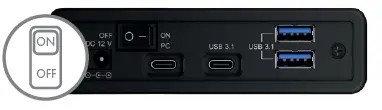
- Now set the ON/OFF switch (2.) to „ON“. The IB-382H-C31 including the installed HDD/SSD will now be automatically recognized by the operating system.

- Connect your USB devices to the 1x USB Type-C® (4.) and 2x USB Type-A (5.) connectors as required.