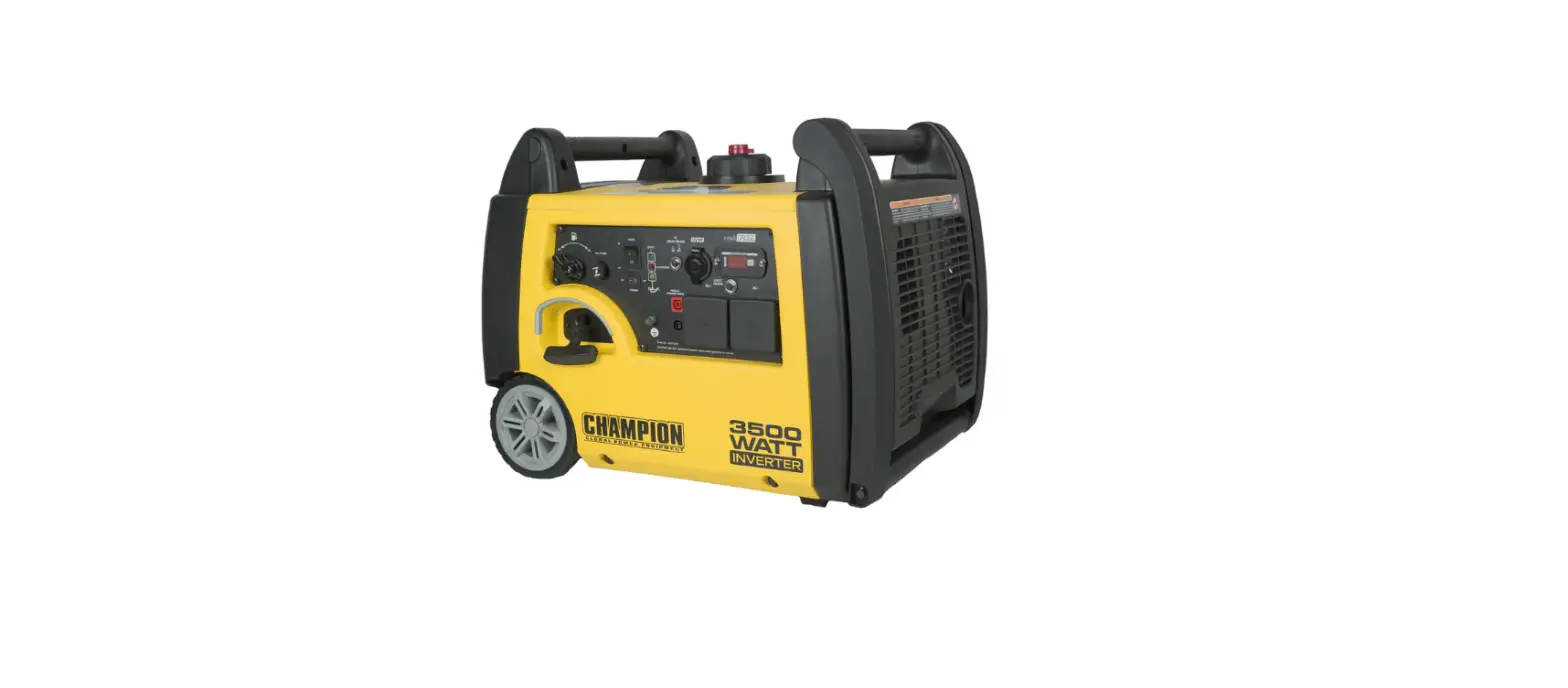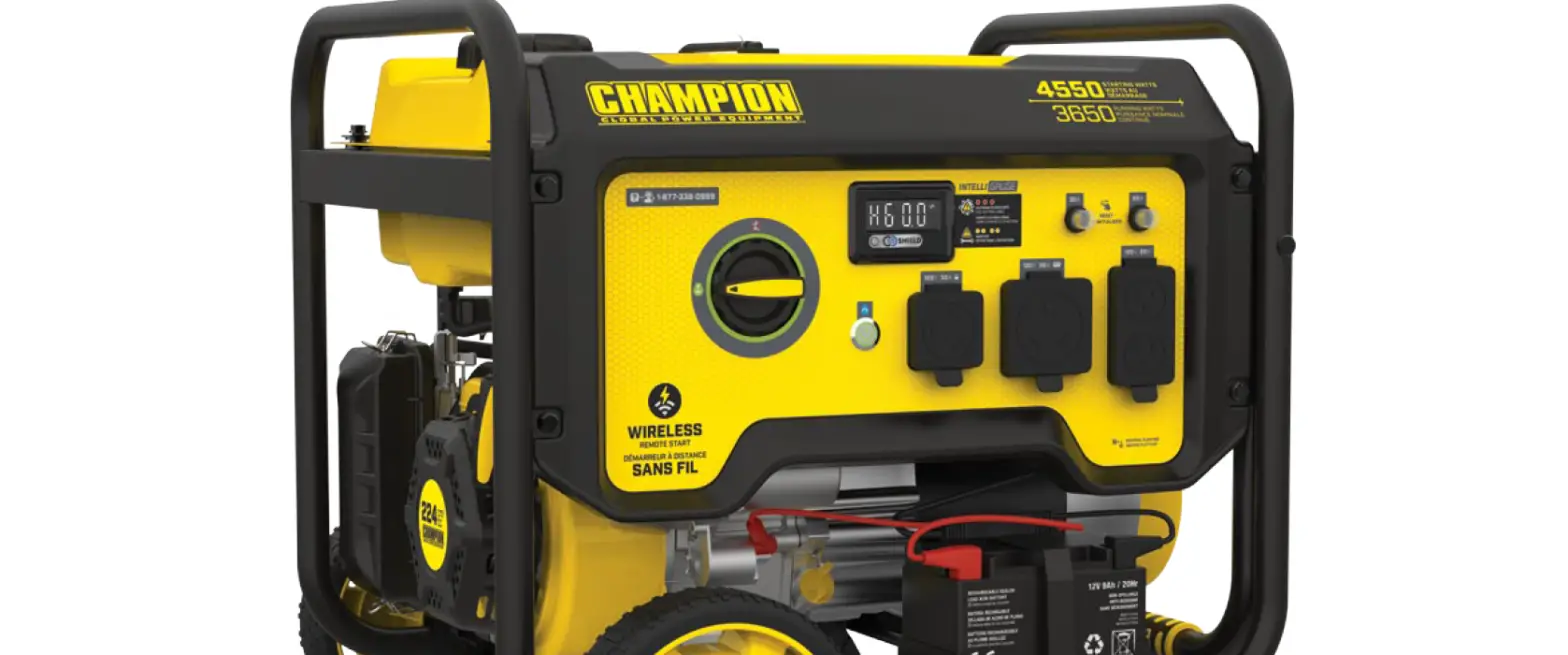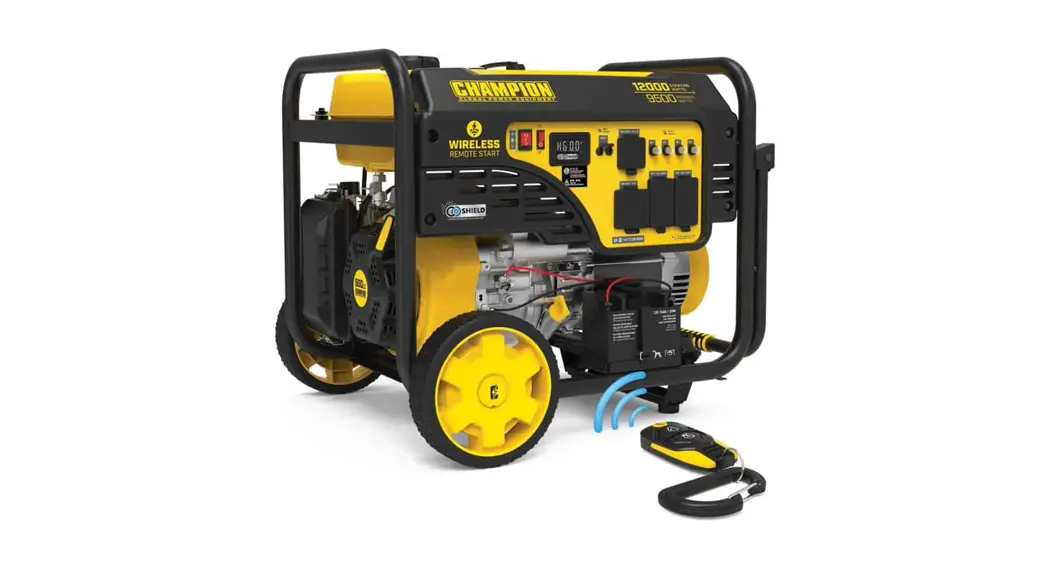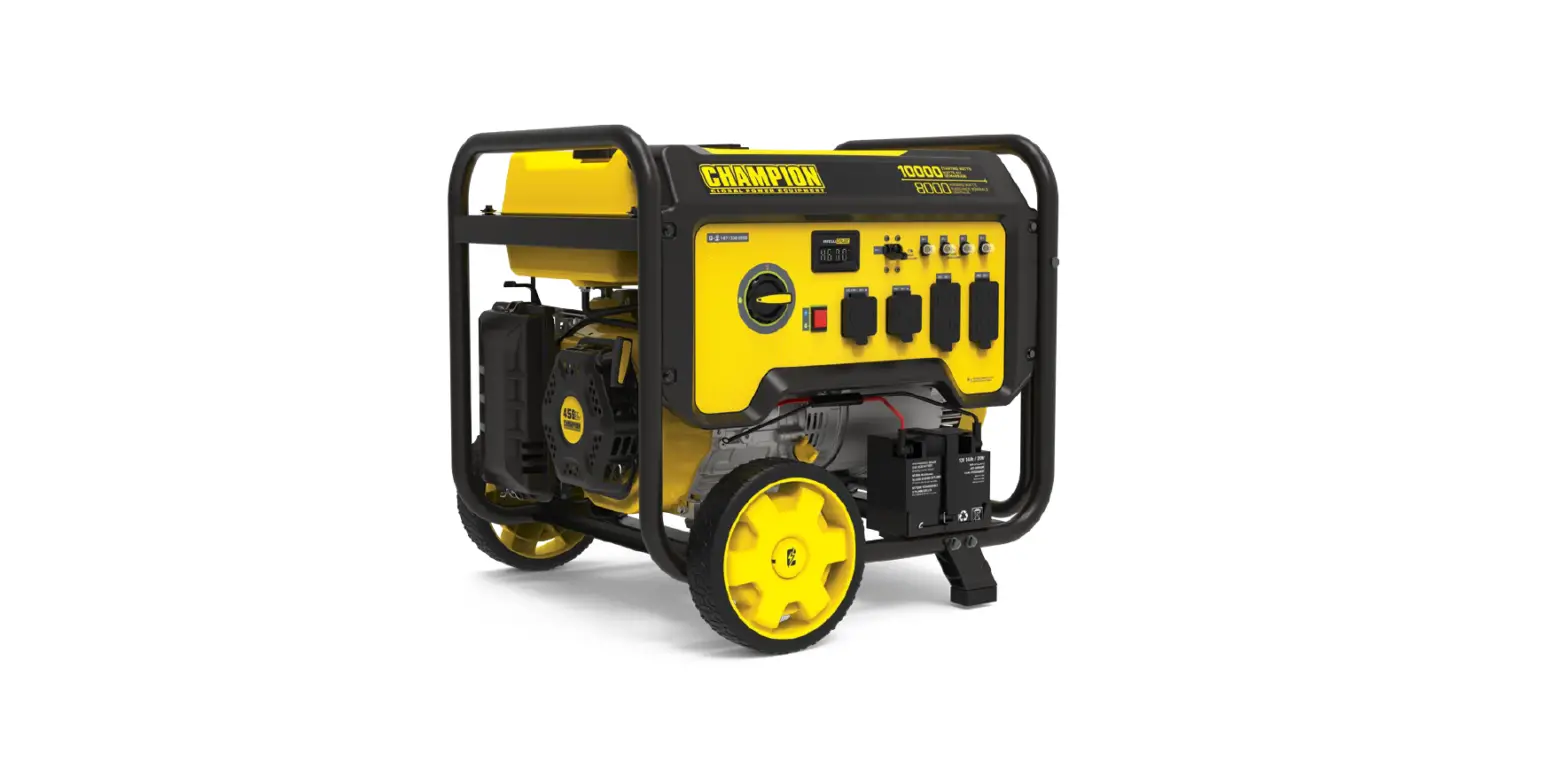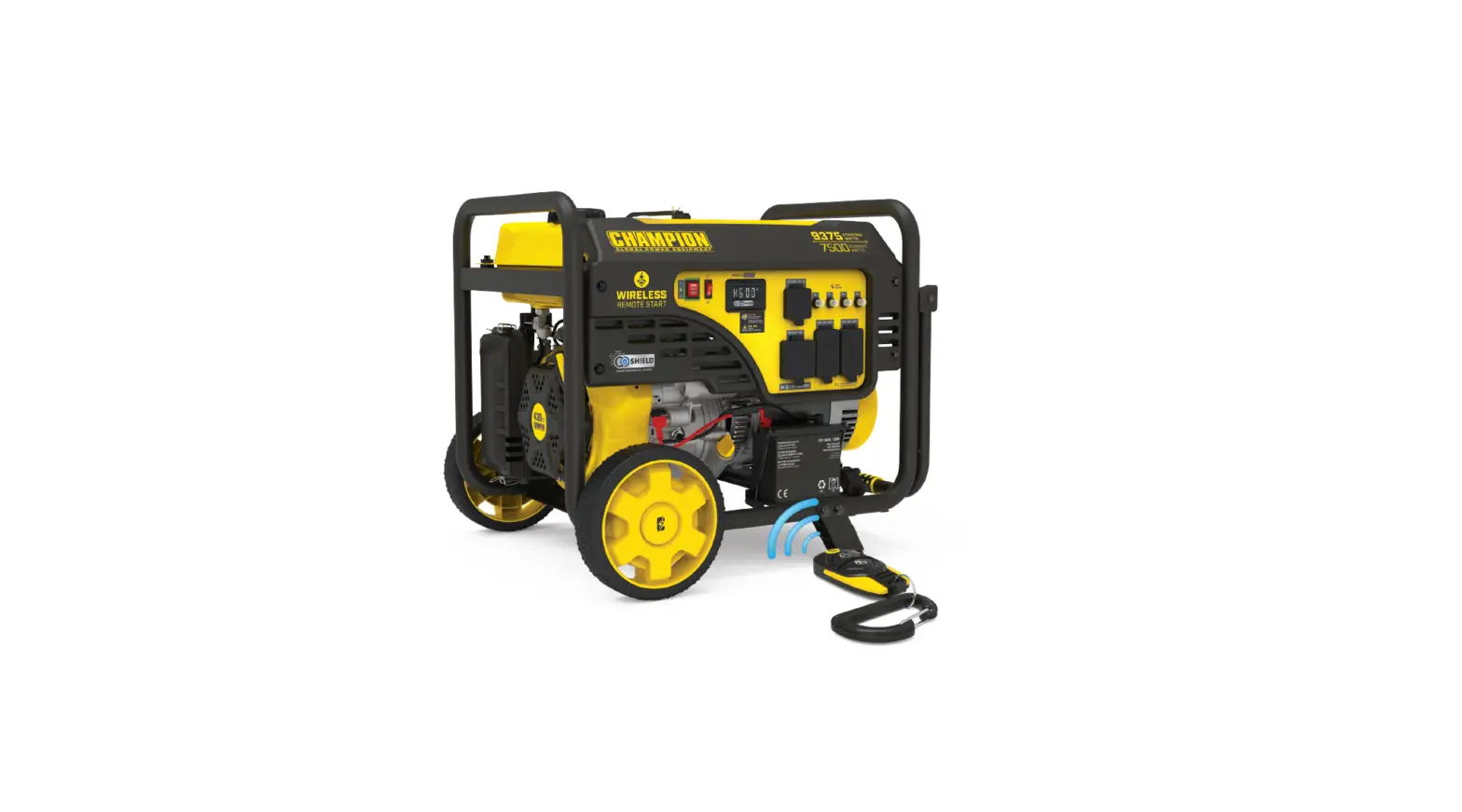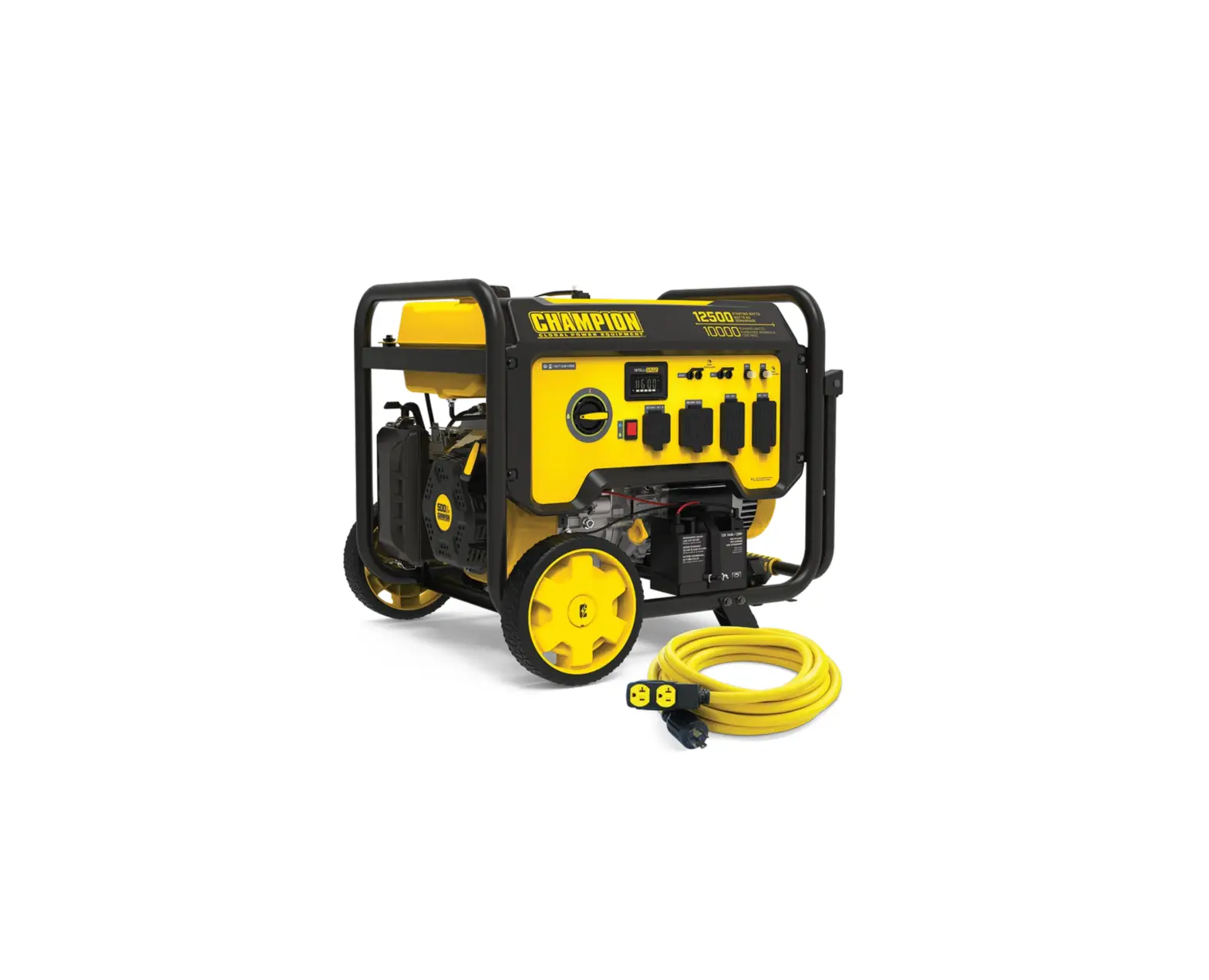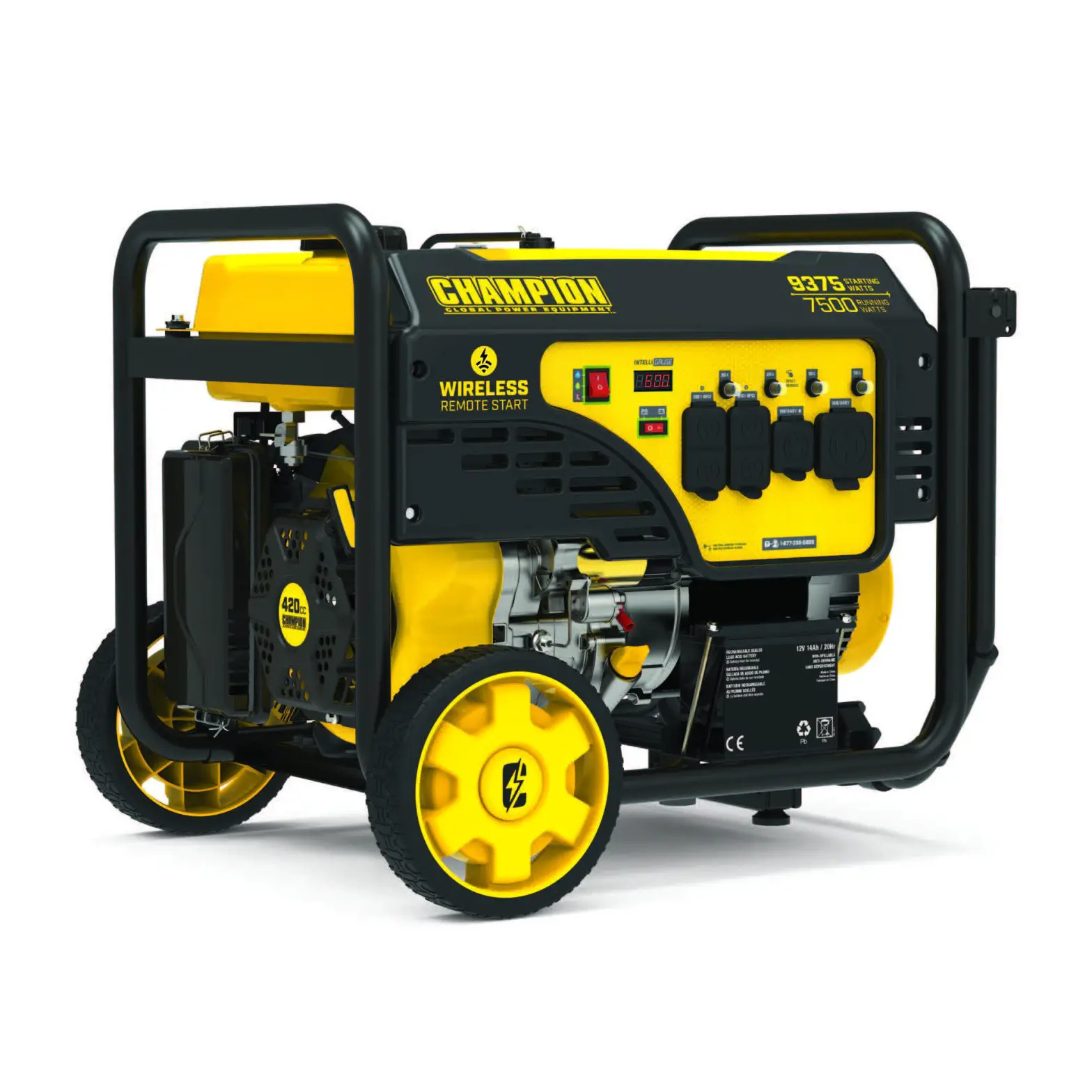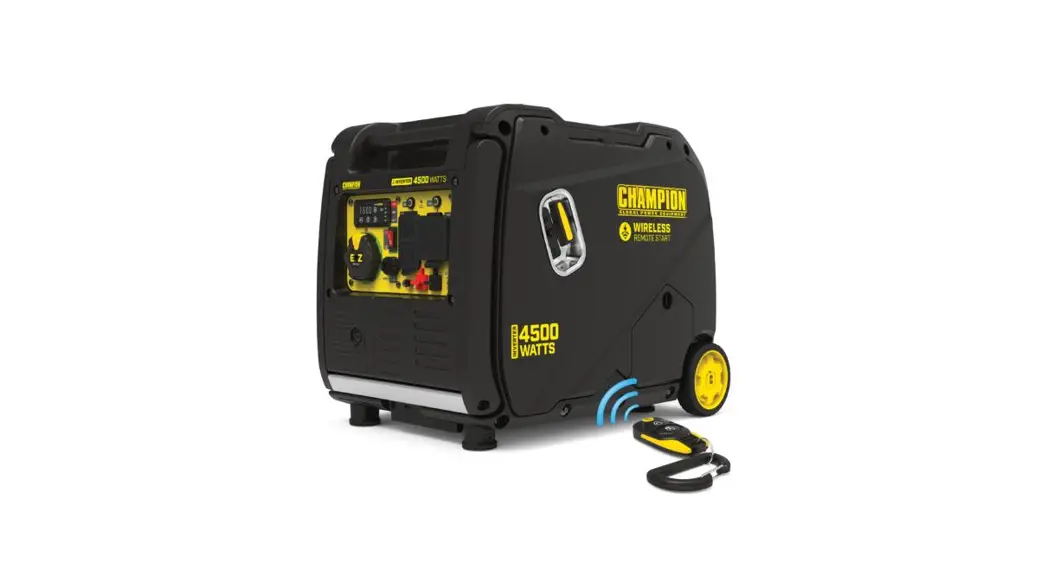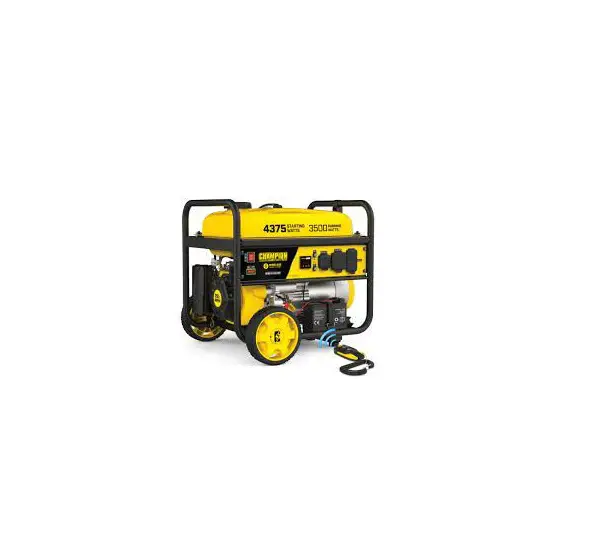
CHAMPION 200964 3500W Wireless Start Generator User Guide
WARNING:
Read the ENTIRE operator’s manual to become familiar with the
features of the product before operating.
Failure to operate the product correctly can result in damage to
the product, personal property and cause serious injury or even death.
Set Up
1: Open shipping carton.  Assembly > Unboxing
2: Remove brackets. Assembly > Remove Shipping Support Brackets.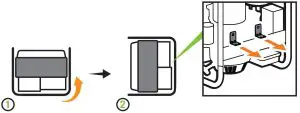
3: Attach wheel kit. Assembly > Install Wheel Kit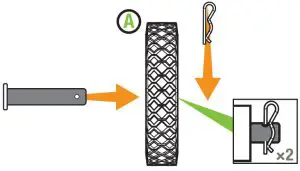
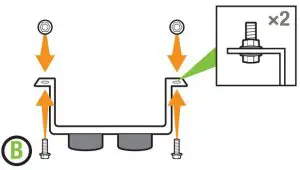
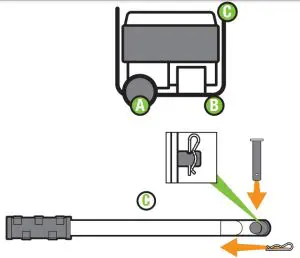
4: Connect the battery. Assembly > Connect the Battery.
Cut cable tie on each side of battery connector.
Push two halves of battery connector together tightly.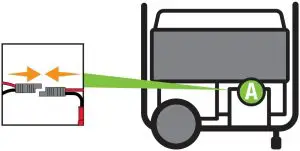
5: Add oil. Assembly > Add Engine Oil.
Recommended: 10W-30, up to 16.9 fl. oz. (500 ml). DO NOT overfill. MAKE SURE SHIPPING BRACKETS ARE REMOVED BEFORE ADDING OIL.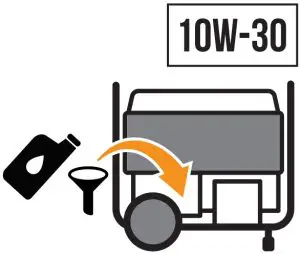
Start Up
6: Move the generator outdoors
Move generator to an open, outdoor area.
Point exhaust away. Never run generator in enclosed areas (e.g., not in house or garage).
Keep all objects at least 5 feet (1.5 m) from generator. Heat from the muffler and exhaust gas can ignite combustible materials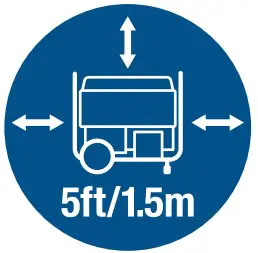
7: Add fuel. Assembly > Add Fuel
DO NOT use E15 or E85.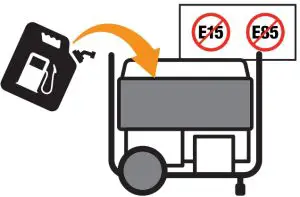
8: DO NOT plug in any electrical devices.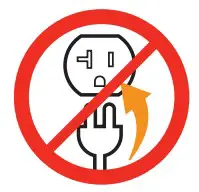 NEVER START OR STOP THE GENERATOR WITH ELECTRICAL DEVICES CONNECTED OR TURNED ON!
9: Turn the fuel valve “ON”.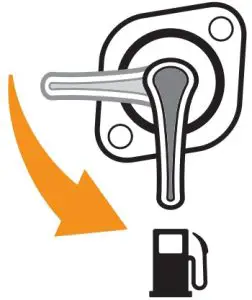
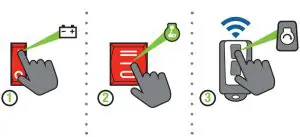
10: Wireless Start
- Push the battery switch to the “ON” position.
- Push the ignition switch to the “ON” position.
- Press and release the “START” button on the remote control.

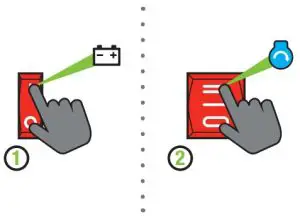
10a: Electric Start
- Push the battery switch to the “ON” position.
- Press and hold the ignition switch to the “START” position.

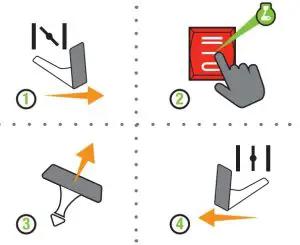
10b: Manual Start
- Move the choke lever to the “CHOKE” position.
- Push the ignition switch to the “ON” position.
- Pull the starter cord.
- Move the choke lever to the “RUN” position.

11: Plug in. Operation > Connecting Electrical Loads.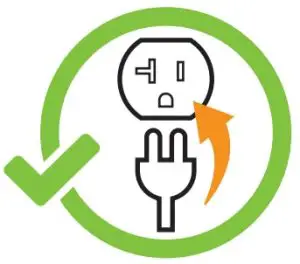
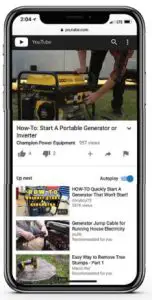
Visit our YouTube channel to watch our how-to videos and subscribe to view our latest videos on our Champion Power Equipment products!

NEED ASSISTANCE OR HAVE A QUESTION?
GIVE US A CALL. 1•877•338•0999
CHAMPIONPOWEREQUIPMENT.COM