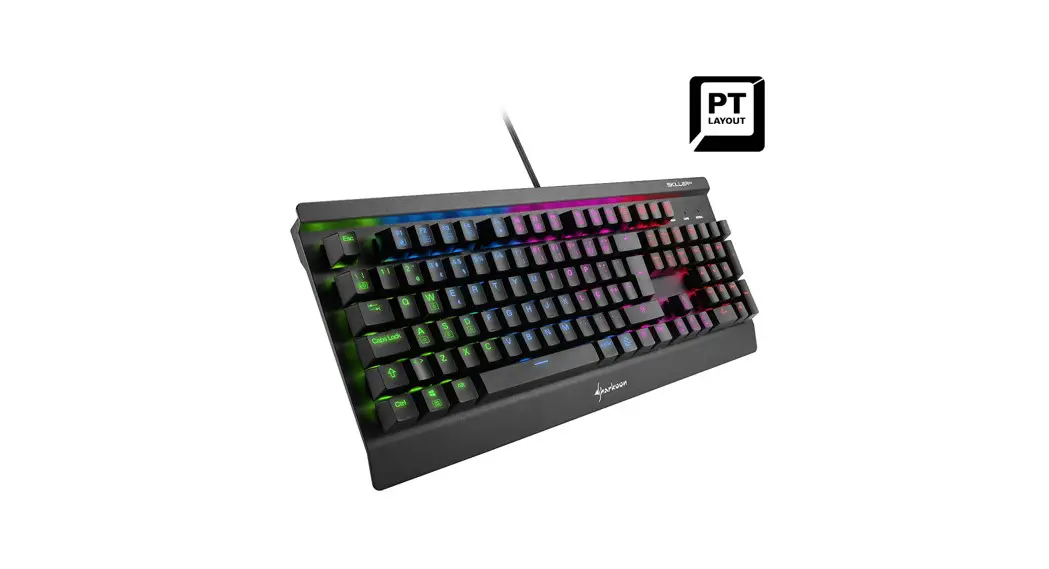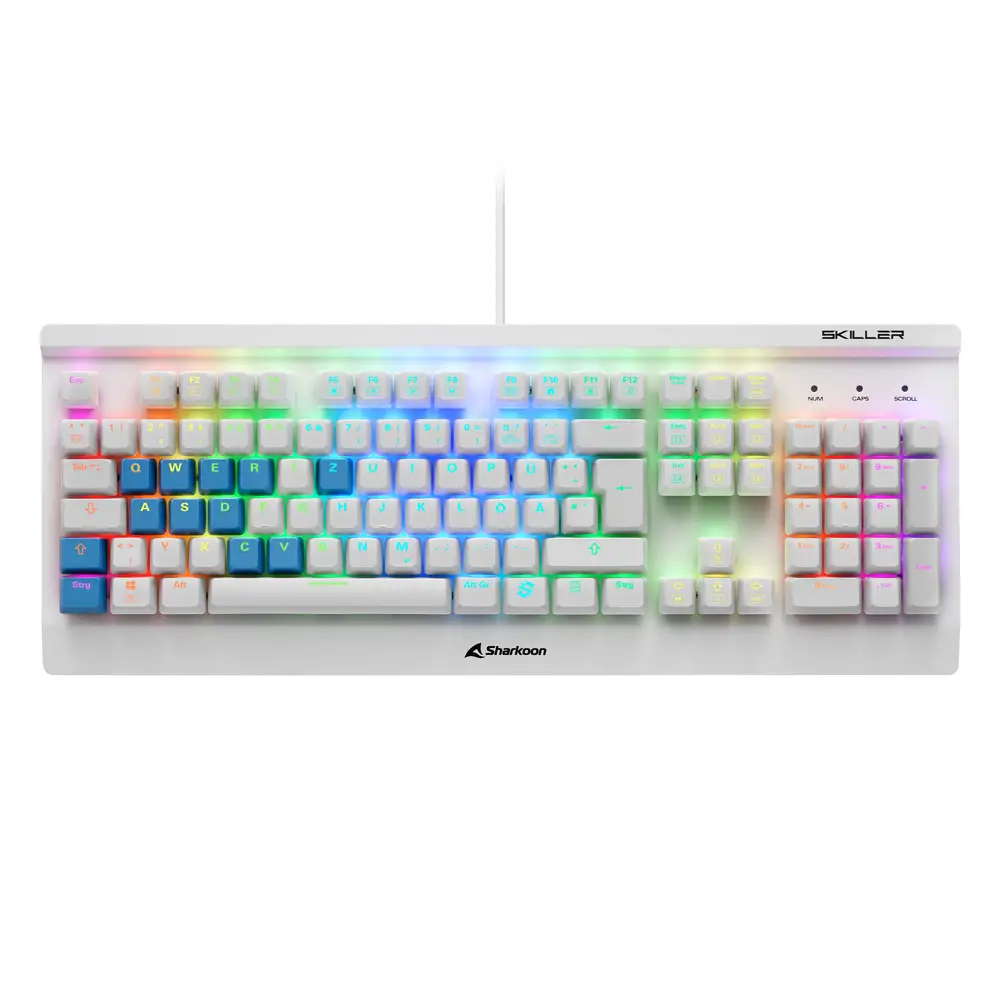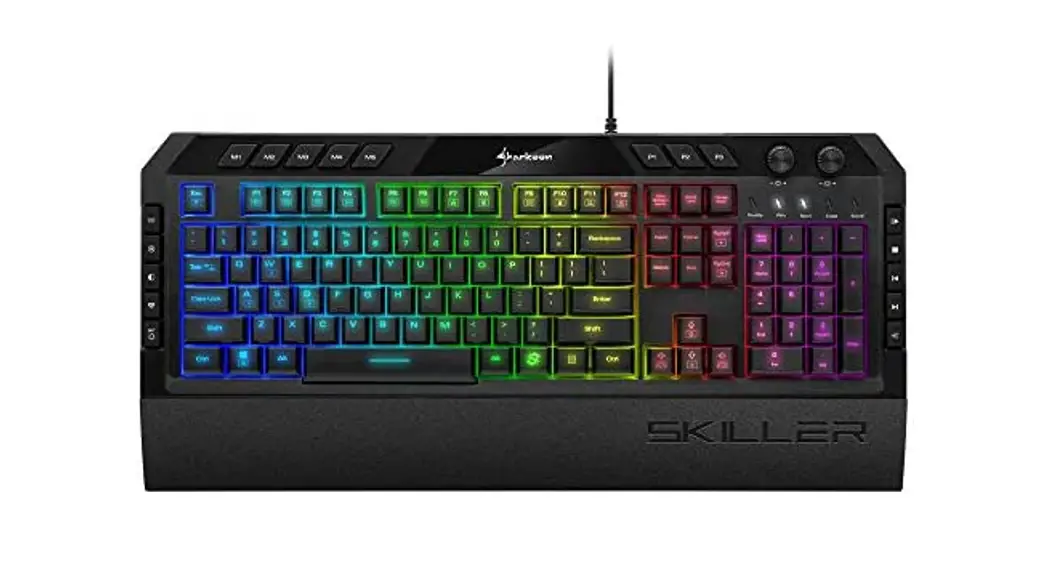


SKILLER
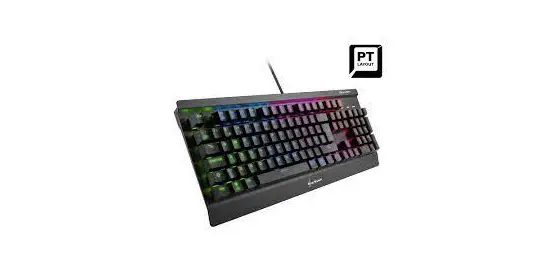
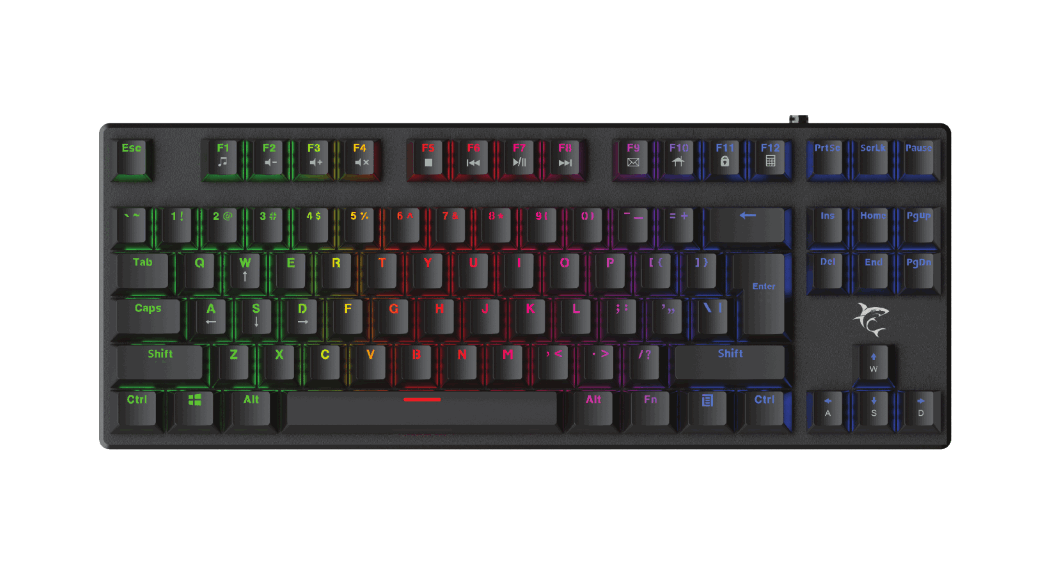
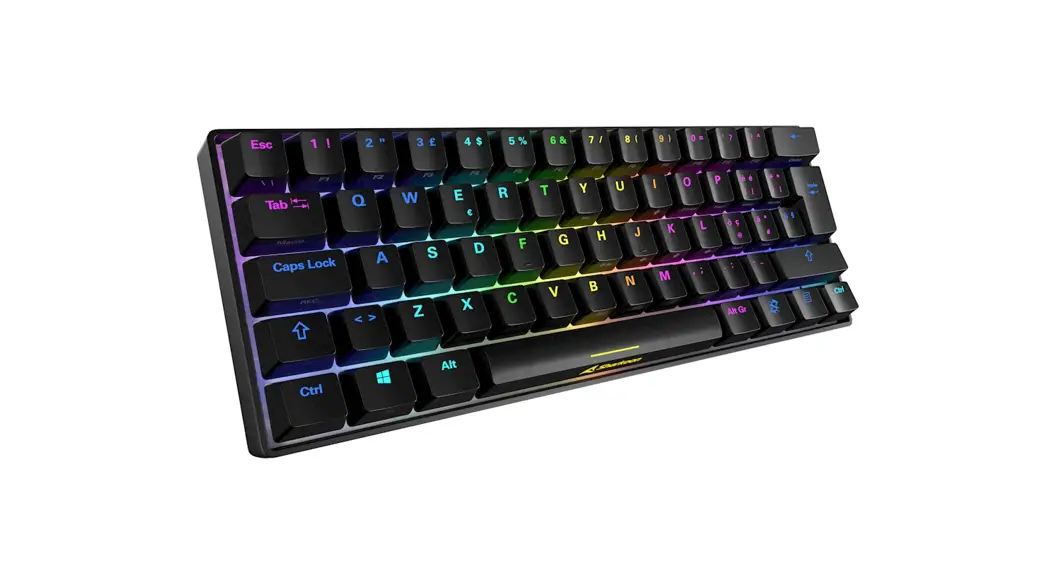
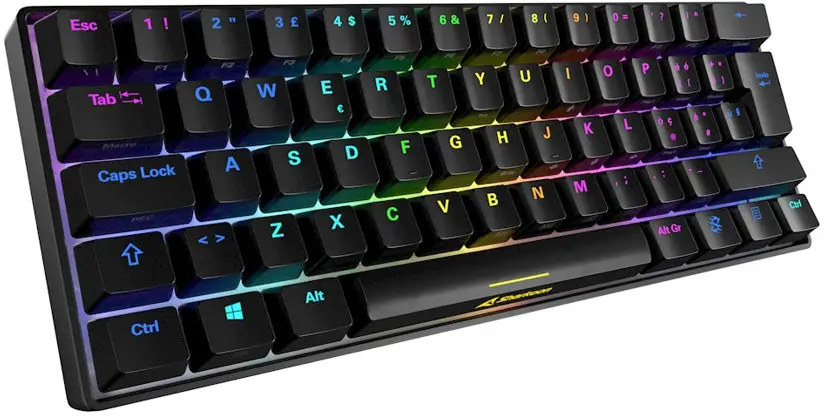
SGK50 S4
MECHANICAL GAMING KEYBOARD
Manual
REMOVE OF KEYCAPS
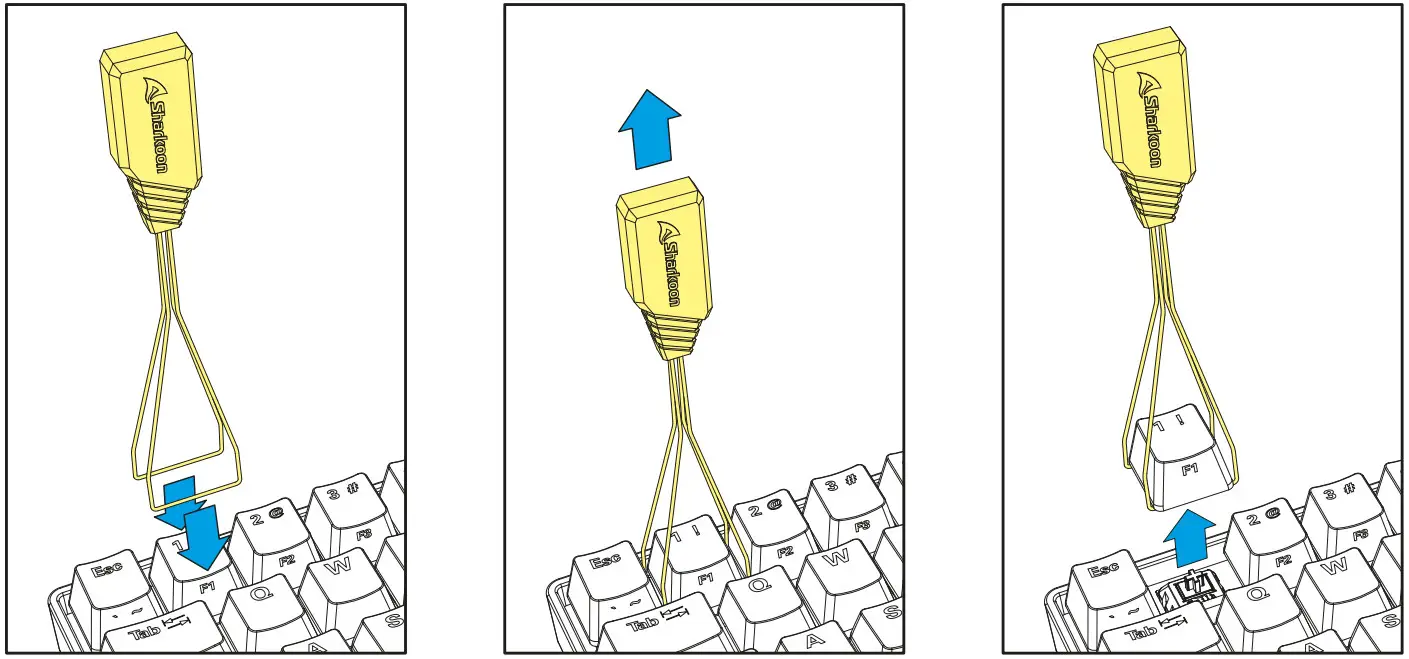
Before removing a switch, first remove the keycap. To do this, place the arms of the keycap puller tool either to the left and right or to the top and bottom of the keycap, and then pull the keycap upwards with careful but constant pressure. Whenever possible, avoid pulling the keycaps from the switch directly with your fingers, as this may damage the switch.
REMOVE OF SWITCHES
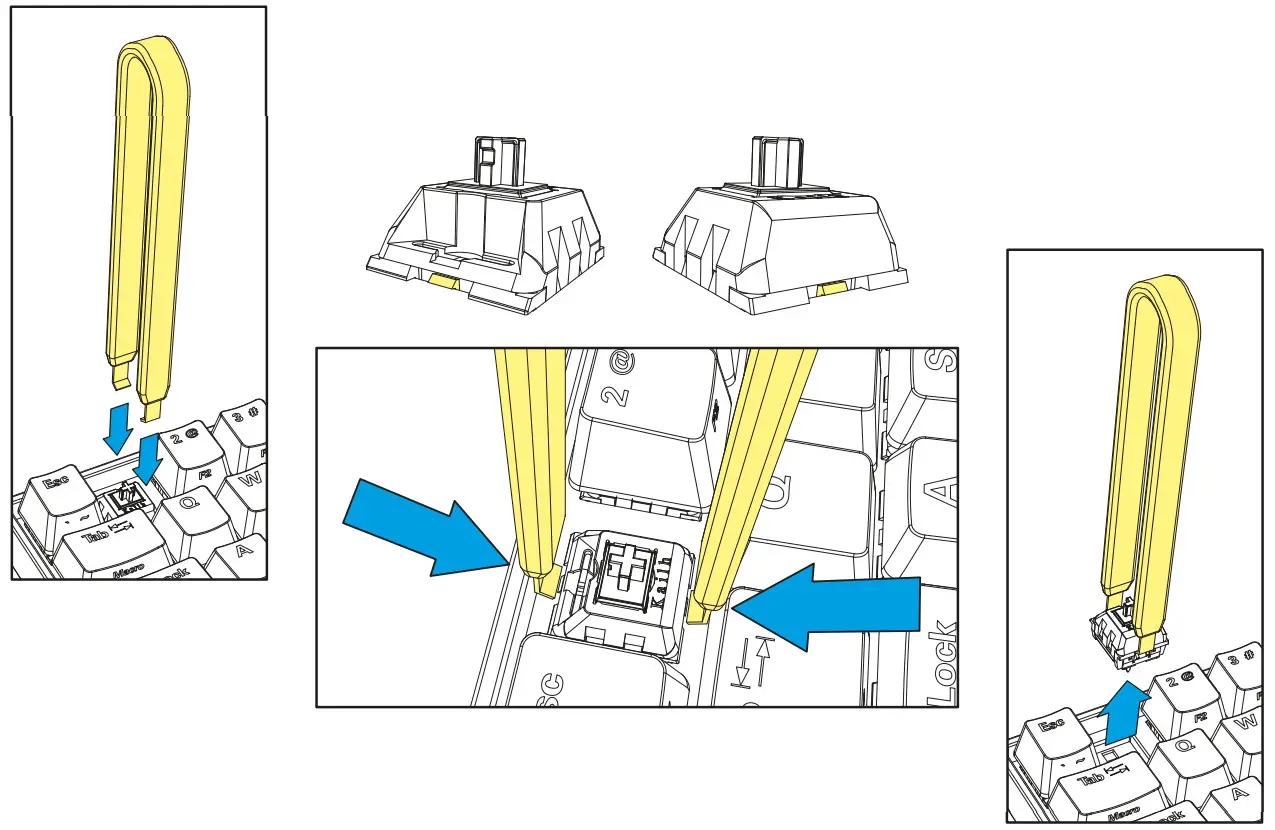
INSTALLATION OF SWITCHES
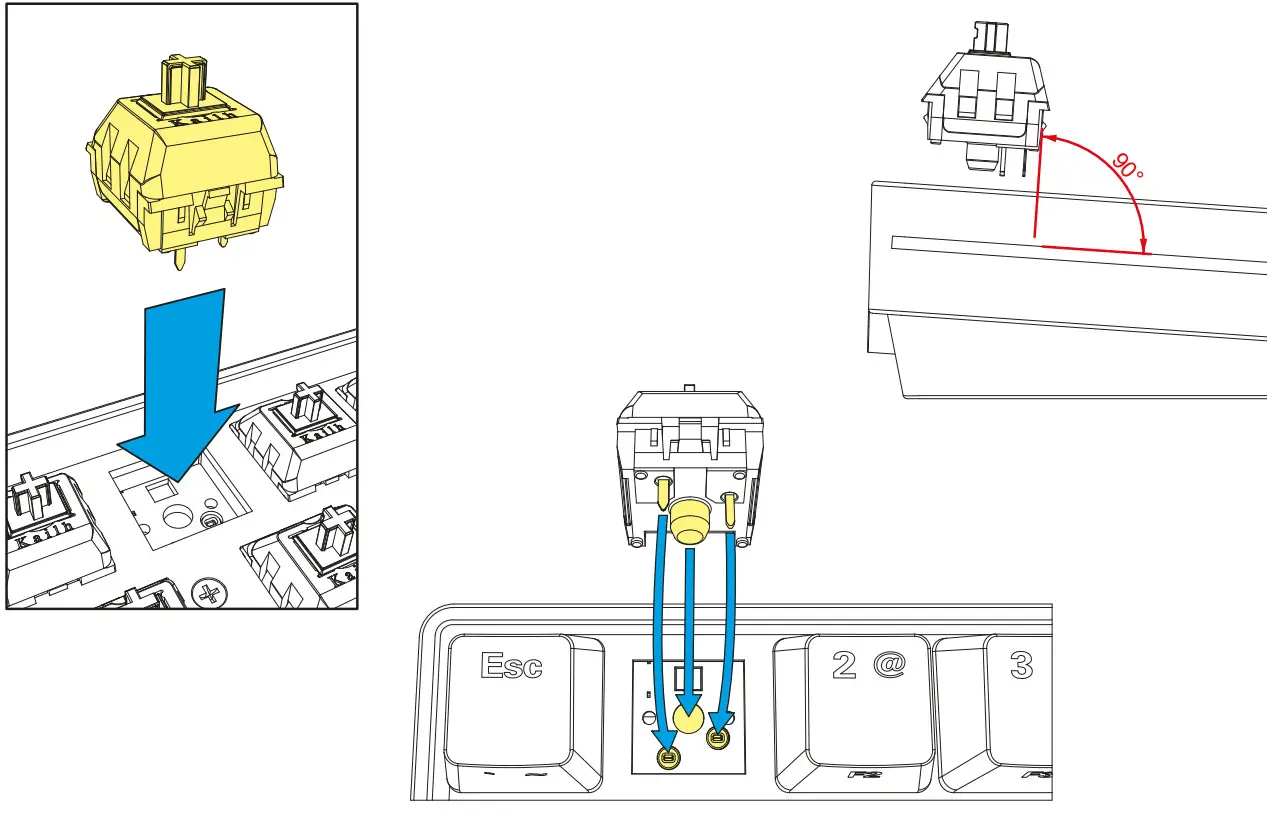
To install the switches, position the switch so that one tab is at the front and the other tab is at the back. Each pin on the underside of the switch should be pointing exactly to its relevant contact in the keyboard socket. Make sure that the switch is led vertically into the socket opening (at a 90-degree angle to the socket). Installing the switch incorrectly can lead to damage or malfunction of the switch. After you have placed the switch in its socket, push very gently on the switch to secure it in place. Make sure that you do not use too much force, as this can damage or destroy fragile components.
SPECIFICATIONS
| General: | SKILLER SGK50 S4 RED | SKILLER SGK50 S4 BROWN | SKILLER SGK50 S4 BLUE |
| ■ Type: | Gaming Keyboard | Gaming Keyboard | Gaming Keyboard |
| ■ Switch Technology: | Hot-Swap | Hot-Swap | Hot-Swap |
| ■ Illumination: | RGB | RGB | RGB |
| ■ Adjustable Illumination: | ✓ | ✓ | ✓ |
| ■ Lighting Effects: | ✓ | ✓ | ✓ |
| ■ Max. Polling Rate: | 1,000 Hz | 1,000 Hz | 1,000 Hz |
| ■ Block: | 60 % Layout | 60 % Layout | 60 % Layout |
| ■ Onboard Memory for Game Profiles: | ✓ | ✓ | ✓ |
| ■ The capacity of Onboard Memory: | 32 kB | 32 kB | 32 kB |
| ■ Detachable Cable: | ✓ | ✓ | ✓ |
| ■ Weight incl. / without Cable: | 648/588 g | 648/588 g | 648/588 g |
| ■ Dimensions (L x W x H): | 29.3 x 10.3 x 3.8 cm | 29.3 x 10.3 x 3.8 cm | 29.3 x 10.3 x 3.8 cm |
| ■ Supported Operating Systems: | Windows | Windows | Windows |
| Key Properties: | |||
| ■ Function Keys with | ✓ | ✓ | ✓ |
| ■ I. N-Key Rollover Support: | ✓ | ✓ | ✓ |
| ■ On-The-Fly Macro Recording: | ✓ | ✓ | ✓ |
| ■ Operating Force: | 50 g | 50 g | 50 g |
| ■ Switch Properties: | Linear | Tactile | Clicky |
| ■ Distance to Actuation Point: | 1.9 mm | 1.9 mm | 1.9 mm |
| ■ Operating Life Cycles of Keys: | Min. 70 Million Keystrokes | Min. 70 Million Keystrokes | Min. 70 Million Keystrokes |
| Cable and Connectors: | |||
| ■ Connector: | USB-C | USB-C | USB-C |
| ■ Spiral Cable: | ✓ | ✓ | ✓ |
| ■ Cable Length: | 180 cm | 180 cm | 180 cm |
| ■ Gold-Plated USB Plug: | ✓ | ✓ | ✓ |
| Package Contents: | |||
SKILLER SGK50 S4, Extra Keycaps, Keycap Puller Tool, Switch Puller Tool, Manual, USB Cable (180 cm) | |||
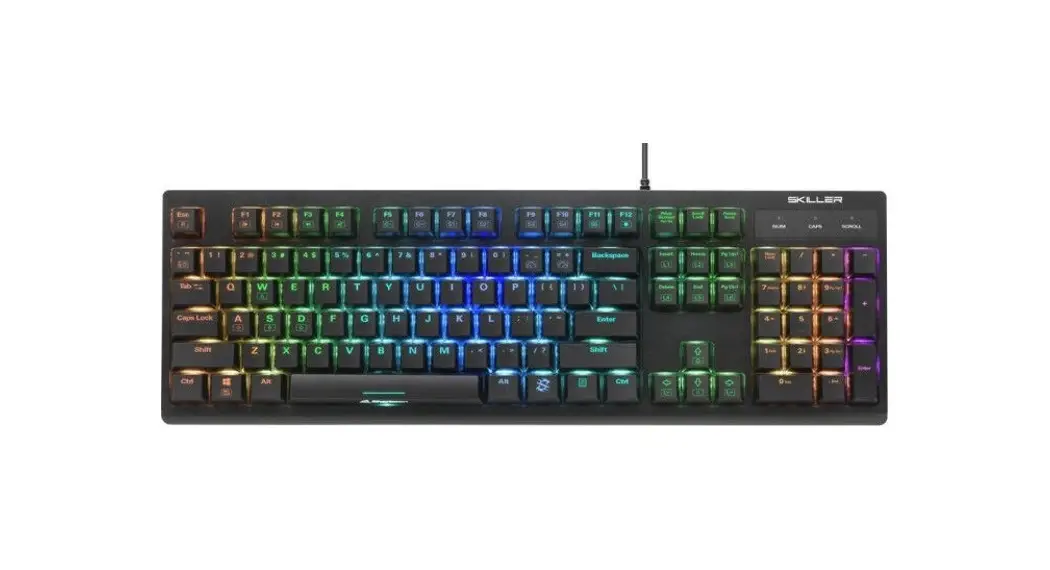
US LAYOUT
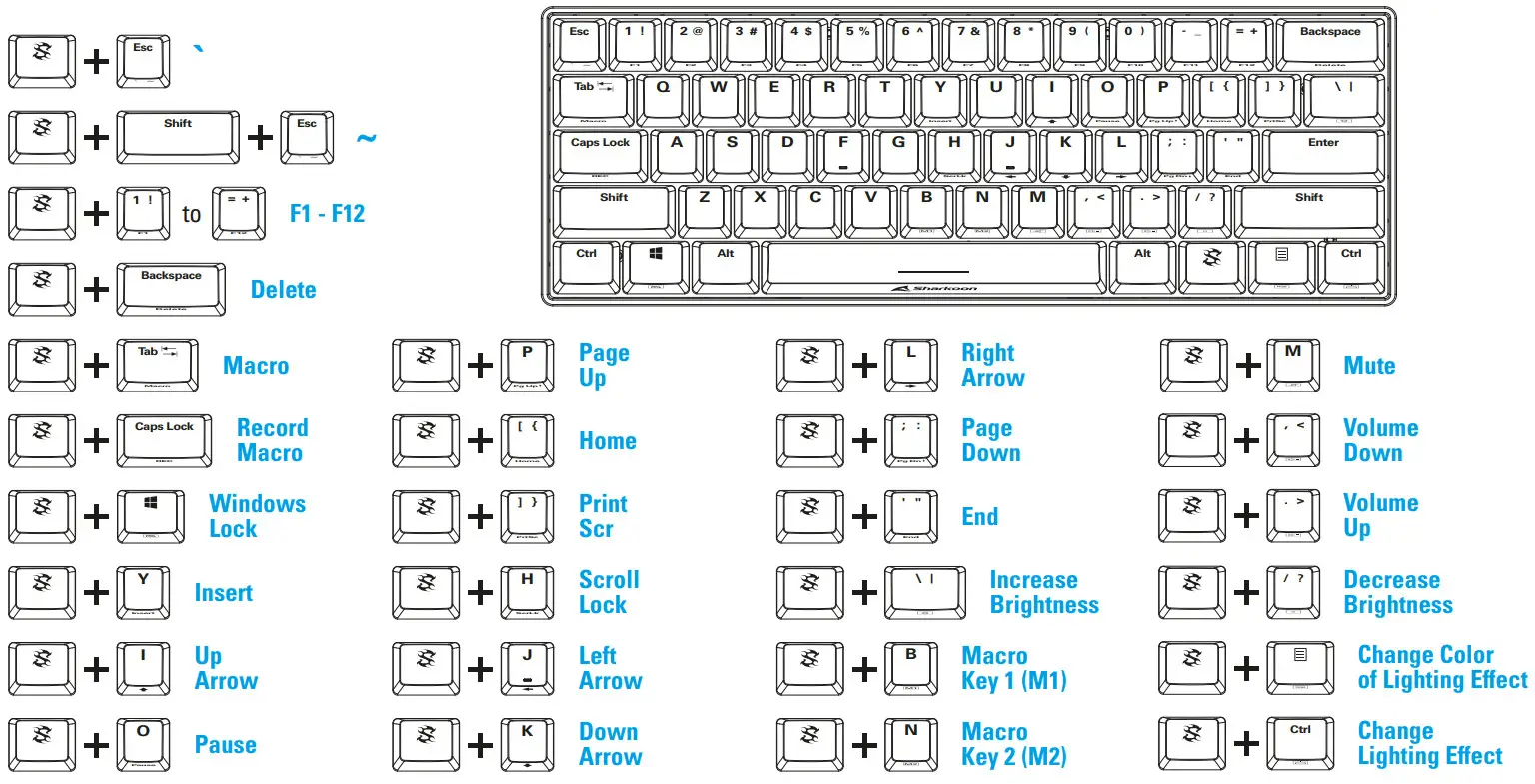
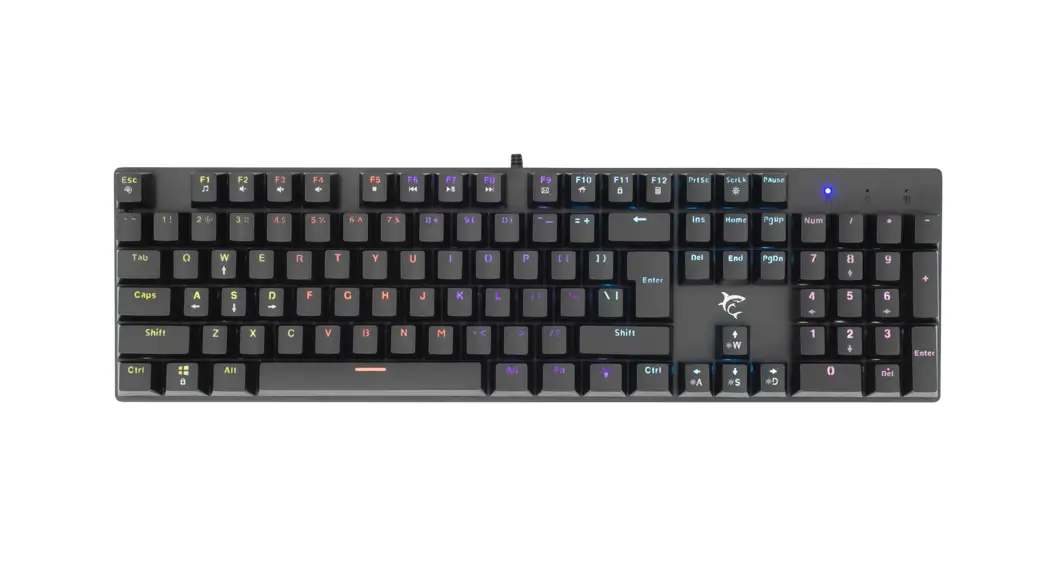
To set macros, first press and hold down the SKILLER function key and then press the Tab key. In the second step, first press and hold down the SKILLER function key and then press the Caps Lock key. Once you have done this, the two macro buttons – B (M1) and N (M2) – will start flashing. Press and hold down the SKILLER function key and press one of these two macro keys to select it for macro recording. The macro key you selected will now start to light up continuously, while the macro key that has not been selected stops flashing. You can now start entering your macro actions. You can enter up to 16 individual actions. When you have reached the maximum number of actions, the selected macro key starts to flash, and the recording is automatically ended. However, if you would like to end the recording before all 16 available macro actions have been entered, first press and hold down the SKILLER function key and then press the Caps Lock key to end the recording.
Legal Disclaimer
For potential loss of data, especially due to inappropriate handling, Sharkoon assumes no liability. All named products and descriptions are trademarks and/or registered trademarks of the respective manufacturers and are accepted as protected. As a continuing policy of product improvement at Sharkoon, the design and specifications are subject to change without prior notice. National product specifications may vary. All rights reserved especially (also in extracts) for translation, reprinting, reproduction by copying or other technical means. Infringements will lead to compensation. All rights reserved especially in case of assignation of patent or utility patent. Means of delivery and technical modifications reserved.
Disposal of your old products
Your product is designed and manufactured with high-quality materials and components, which can be recycled and reused. When this crossed-out wheeled bin symbol is attached to a product, it means the product is covered by the European Directive 2012/19/EU.
Please be informed about the local separate collection system for electrical and electronic products. Please act according to your local rules and do not dispose of your old products with your normal household waste. The correct disposal of your old product will help prevent potential negative consequences to the environment and human health.
 https://en.sharkoon.com/links/
Follow us on 
Sharkoon Technologies GmbH
Grüninger Weg 48
35415 Pohlheim
Germany
© Sharkoon Technologies 2021