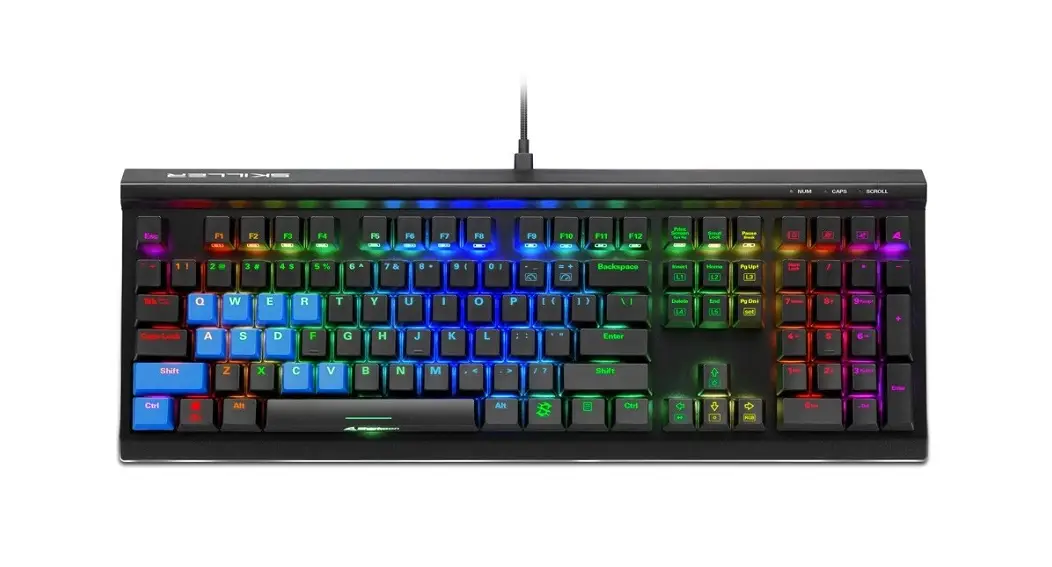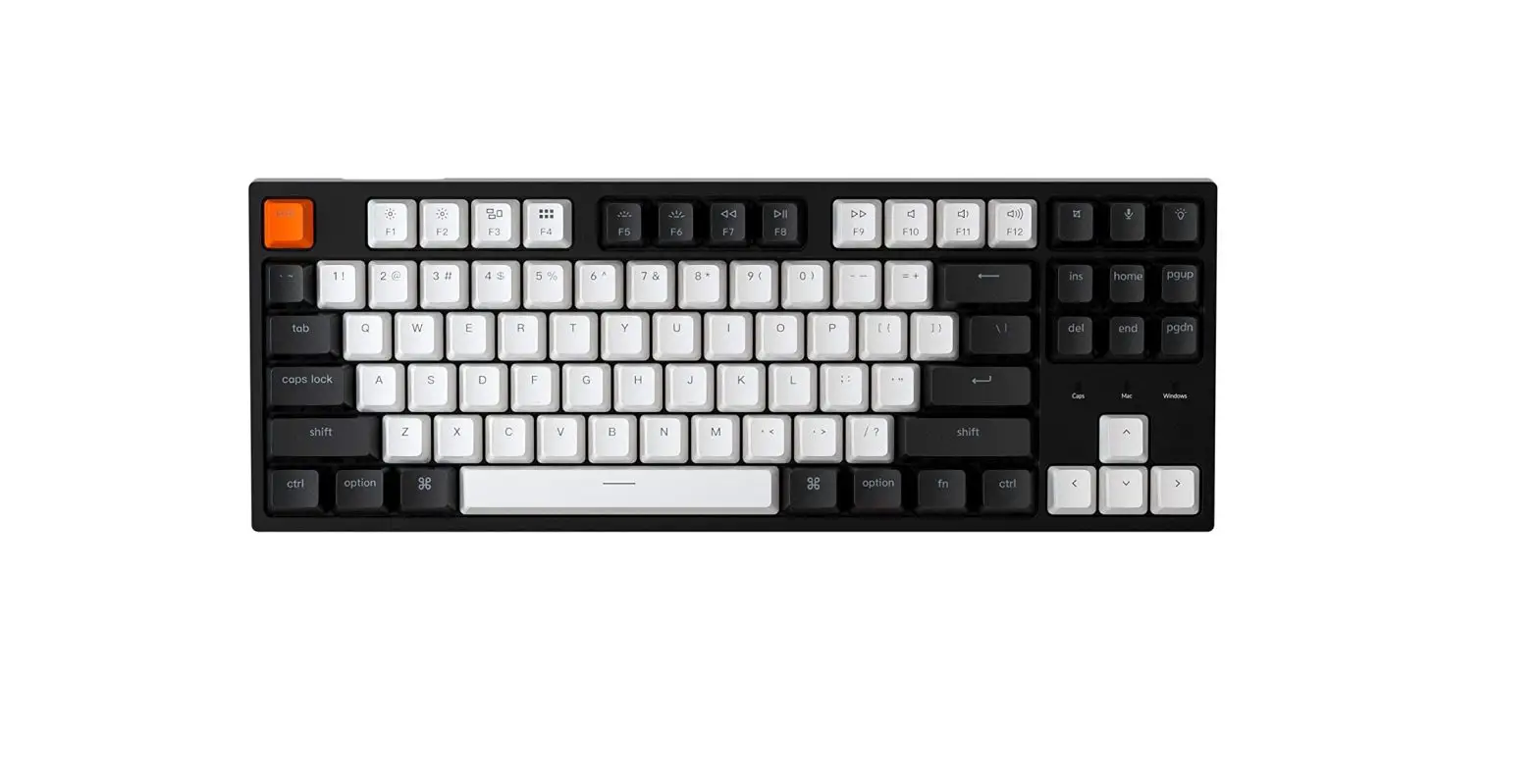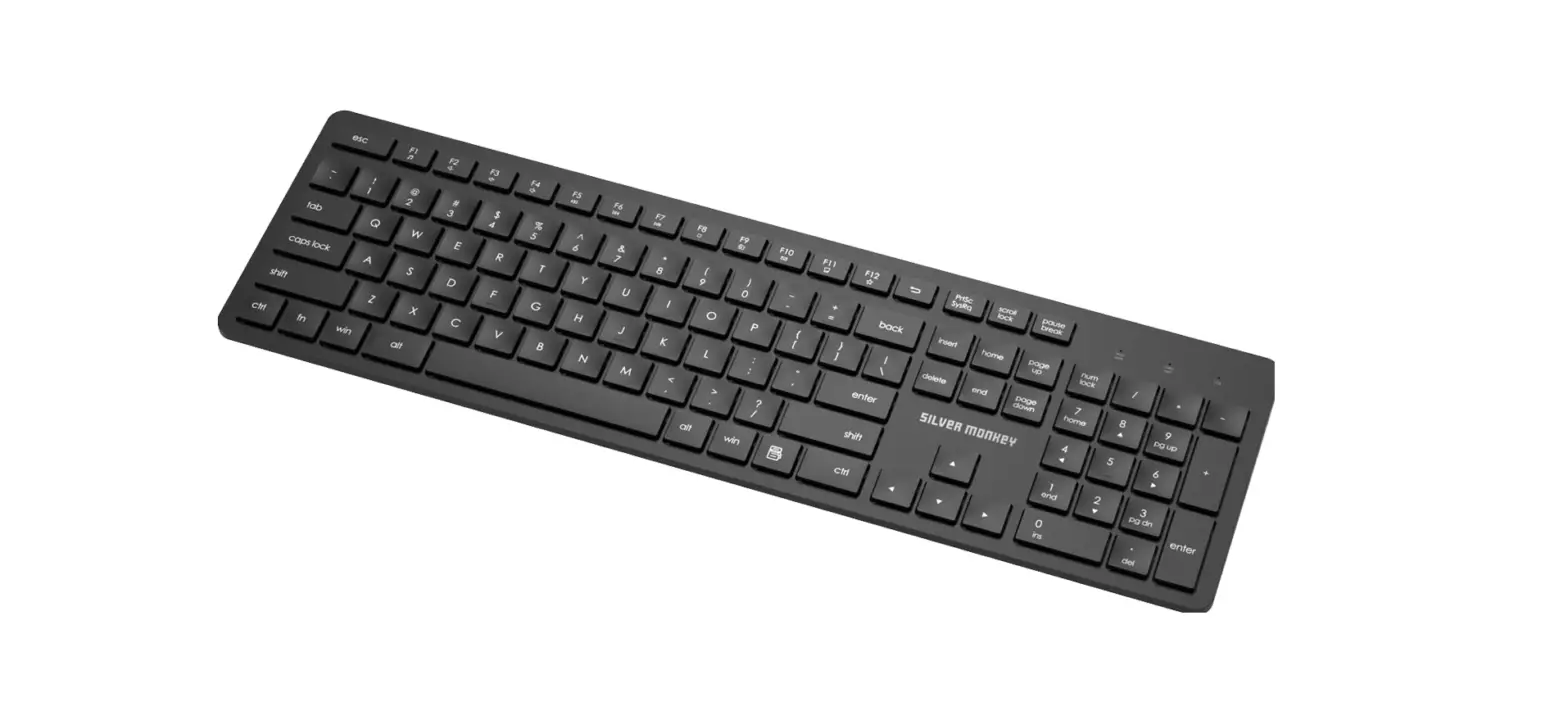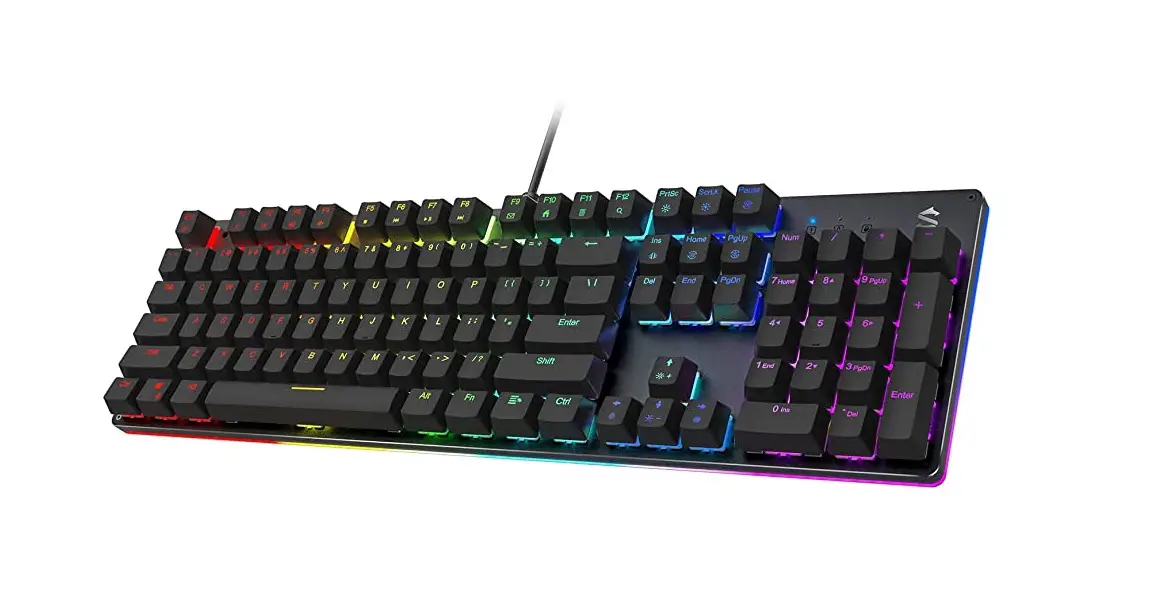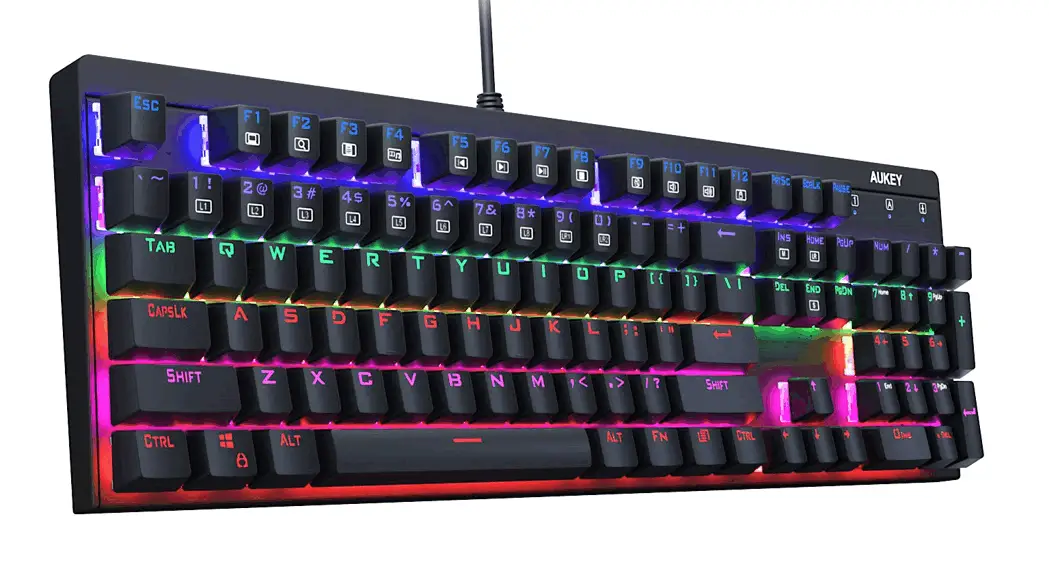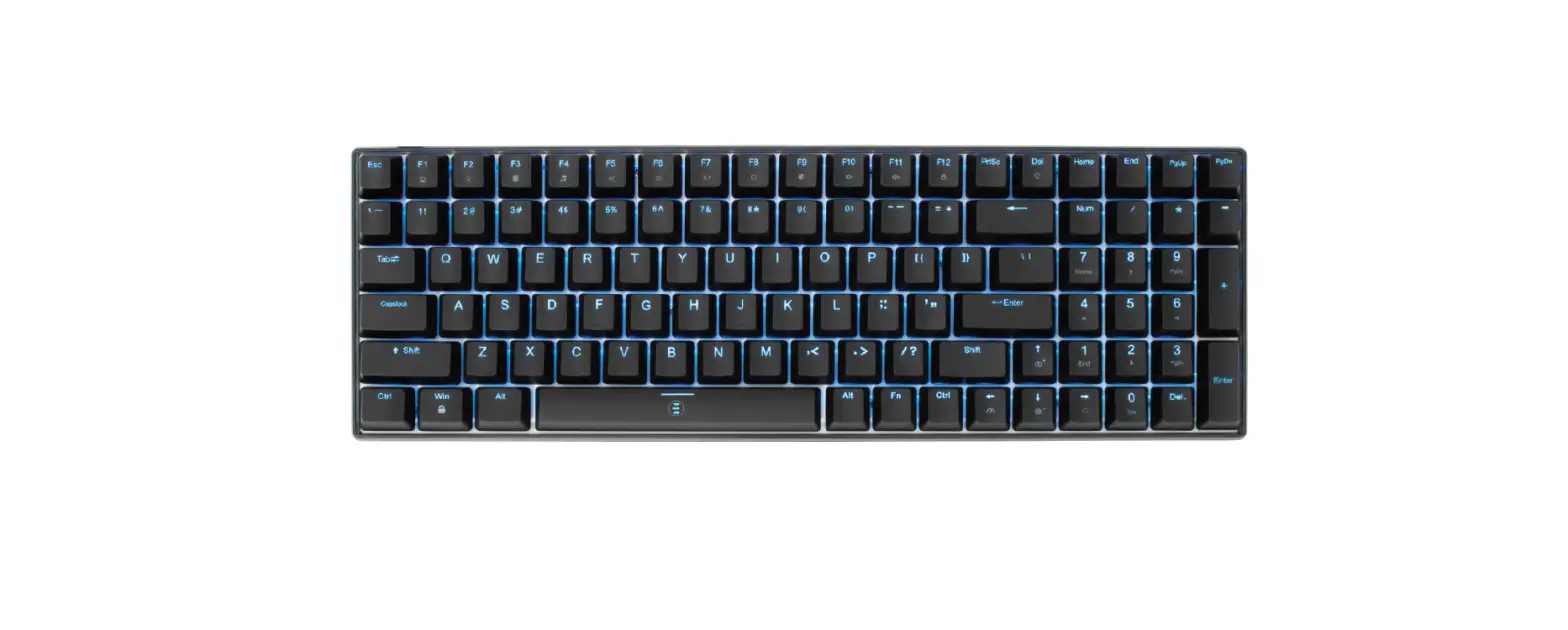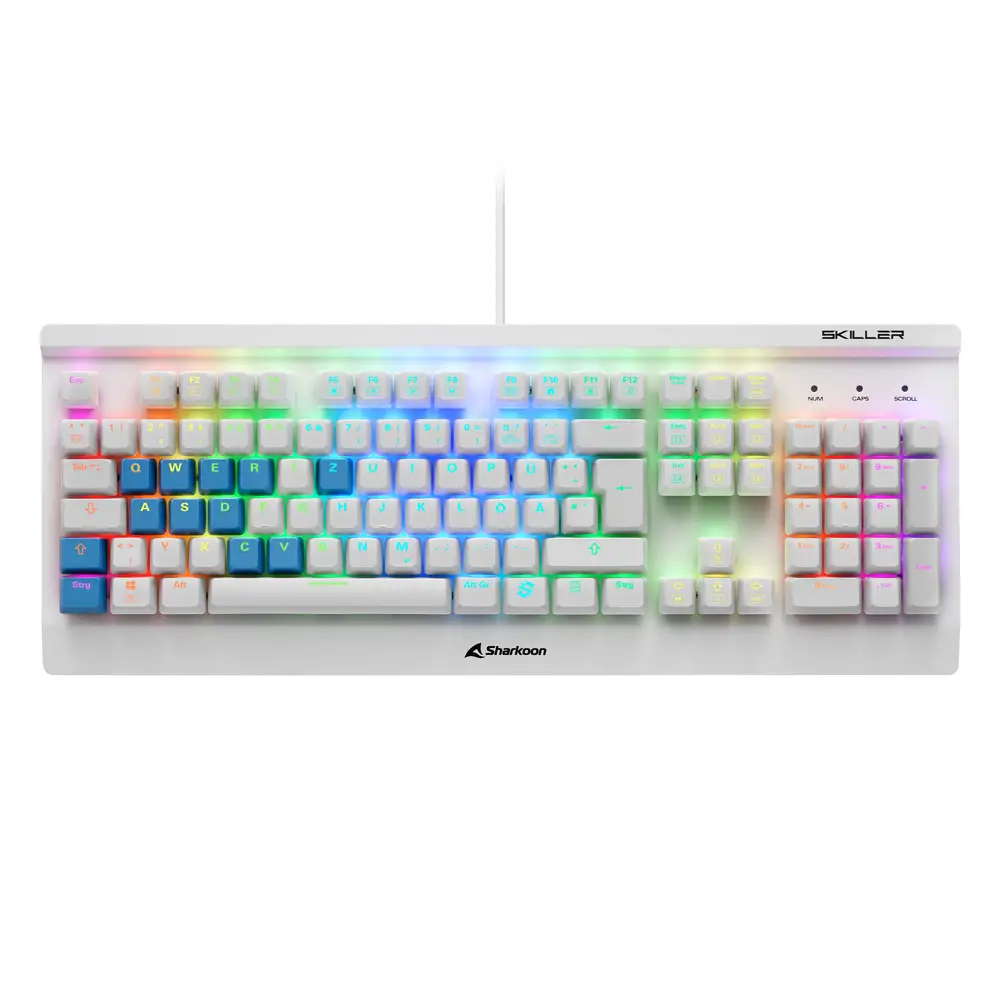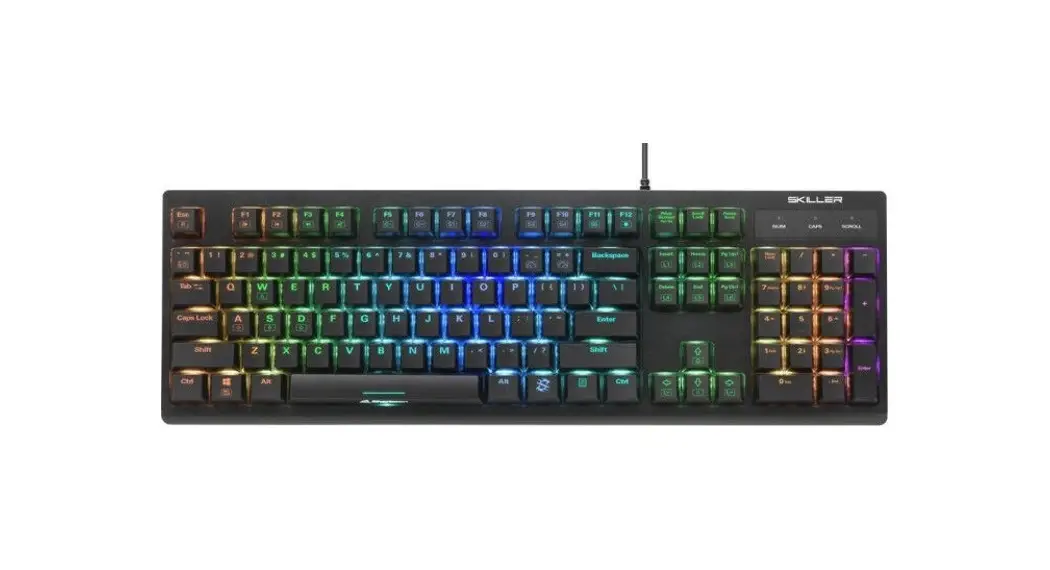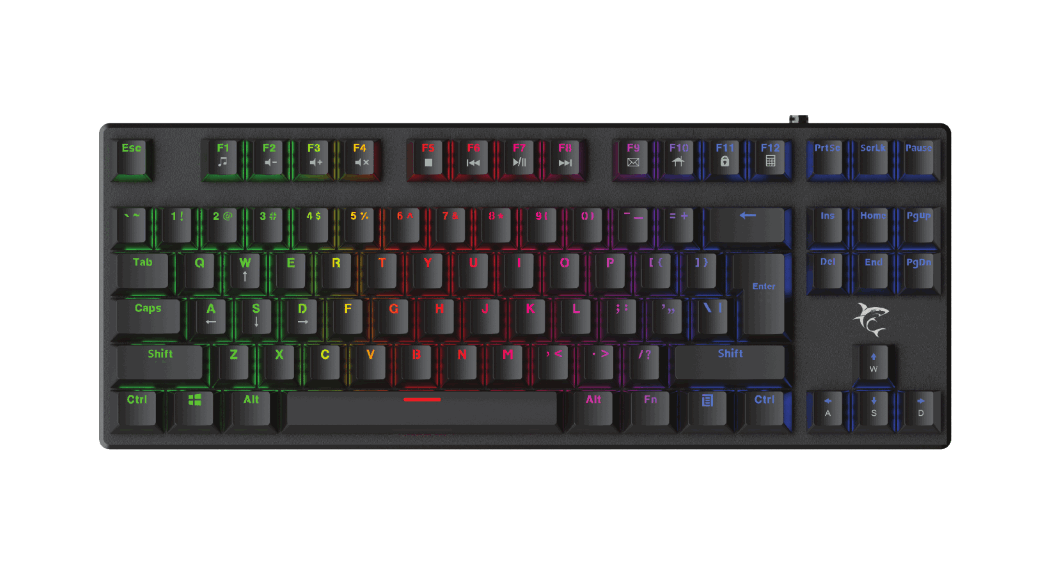

 Tenkeyless Mechanical Keyboard
User Manual
Product description
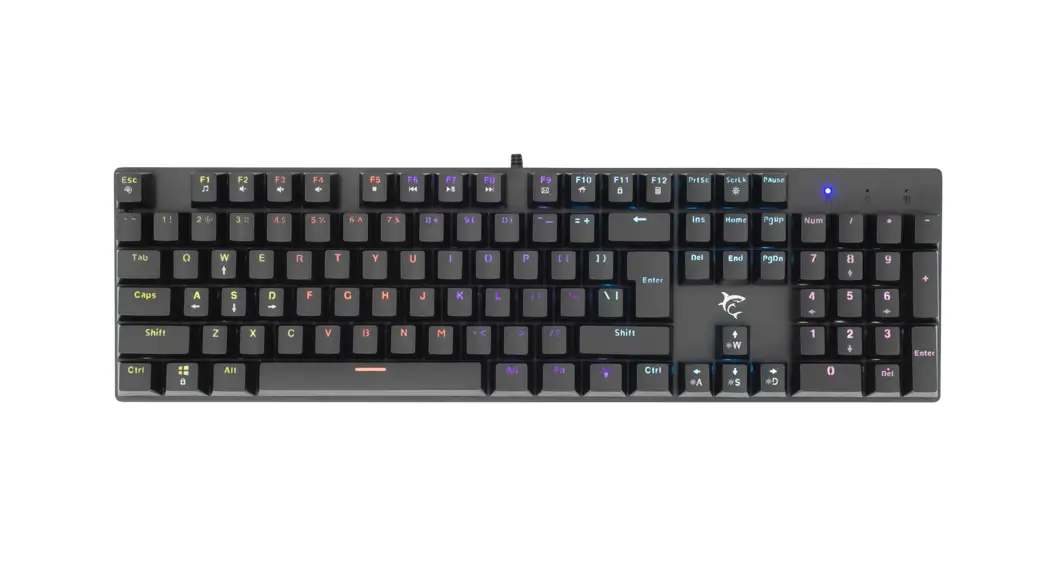
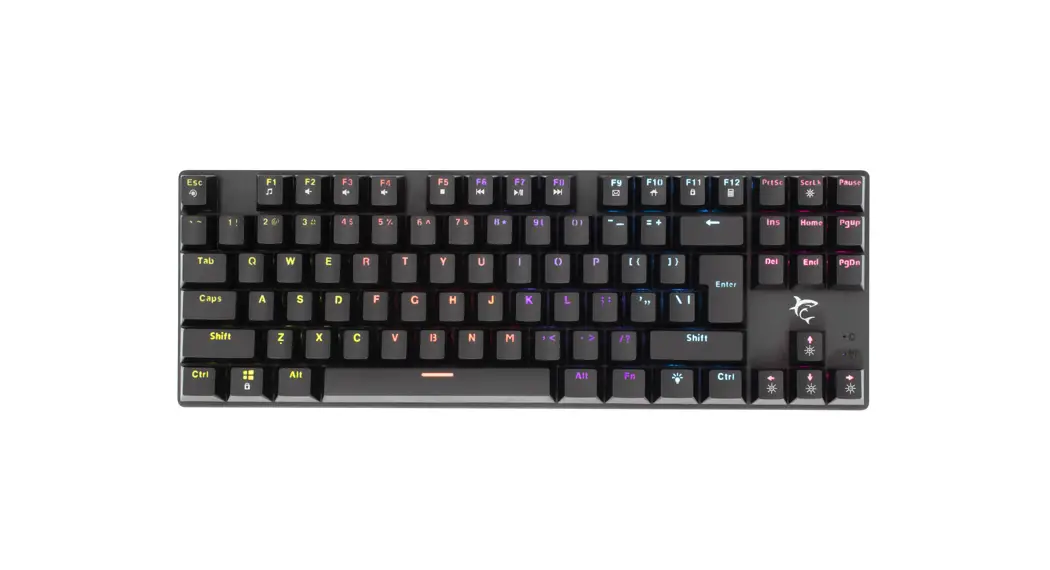
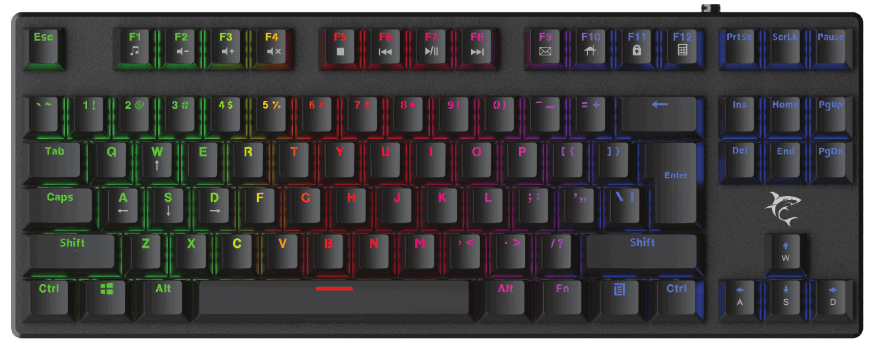
- Buttons: 87 keys
- Key switch: OUTEMU Mechanical BLUE
- Anti-ghosting: Full 87 keys
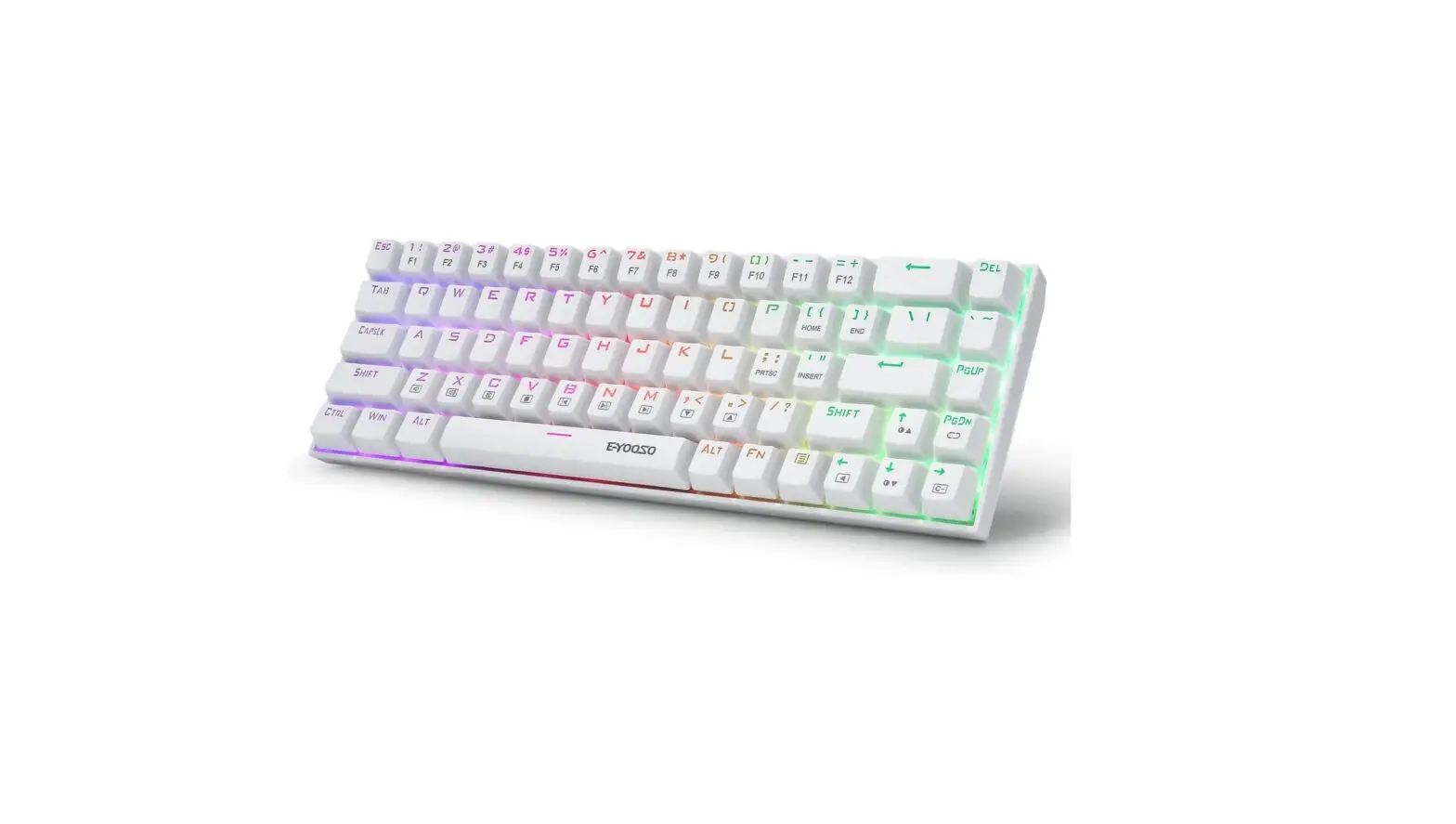
- Rainbow LED backlight
- Top plate material: metal
- Bottom material: ABS plastic
- Key lifespan: 50 million key presses
- Key pressure: 60 g ±10 g
- Total key travel: 4 mm ±0.5 mm
- Weight: approx. 640 g
- Plug and play
Technical specification
- Keyboard size: 355 x 135 x 20 mm
- Operating Voltage: 5 V
- Operating current: <250 mA
- Operating Temperature: 0 °C — 45 °C
- Store Temperature: -40 °C — 85 °C
Keys function
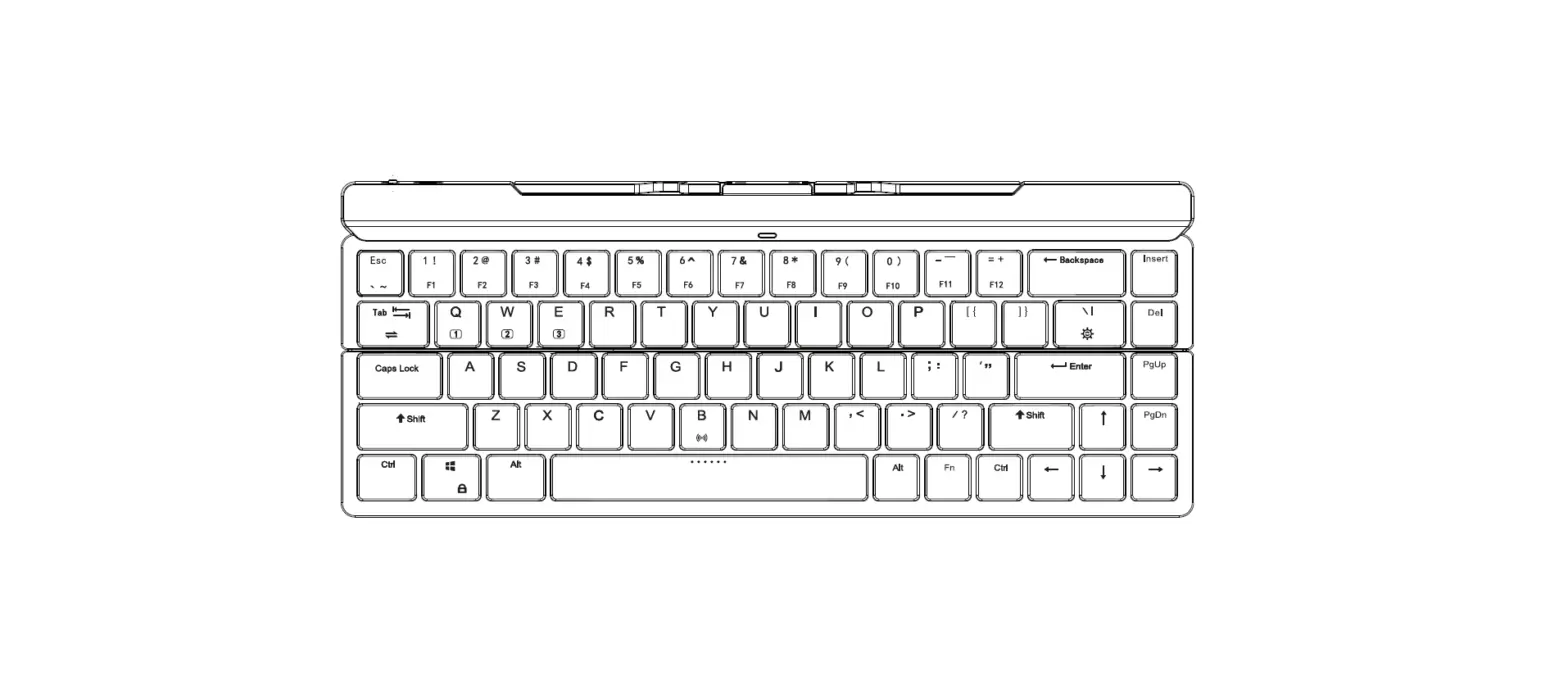
 : 14 kinds of LED mode switch
FN+←→: Switch the LED running speed
FN+↑↓: Change LED brightness (3 levels)
Fn+WIN: Lock win
* Fn +[ Fl — F12]: Implement multimedia functions
| Key combination | Implementation function | Key combination | Implementation function | |
| Fn+ | F1 | Media | F7 | Play/Pause |
| F2 | Volume- | F8 | Next Track | |
| F3 | Volume+ | F9 | ||
| F4 | Mute | F10 | Web/Home | |
| F5 | Stop | F11 | Computer | |
| F6 | Pre-track | F12 | Calculator |