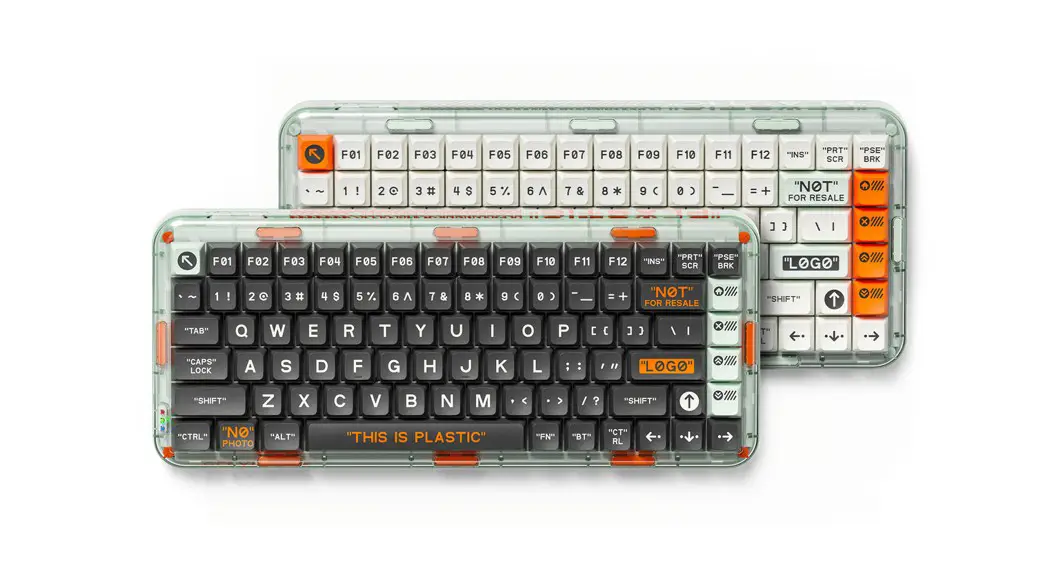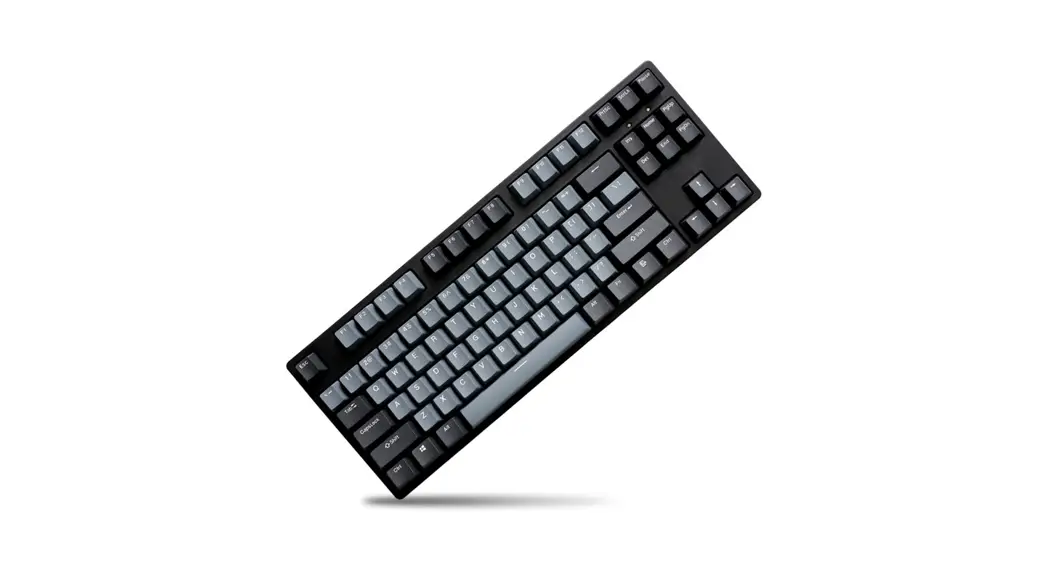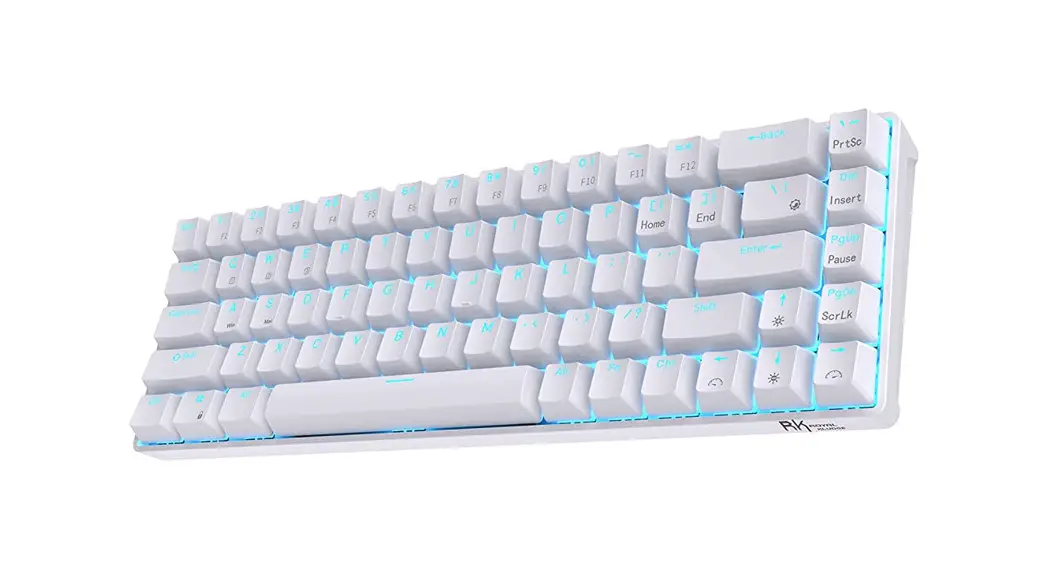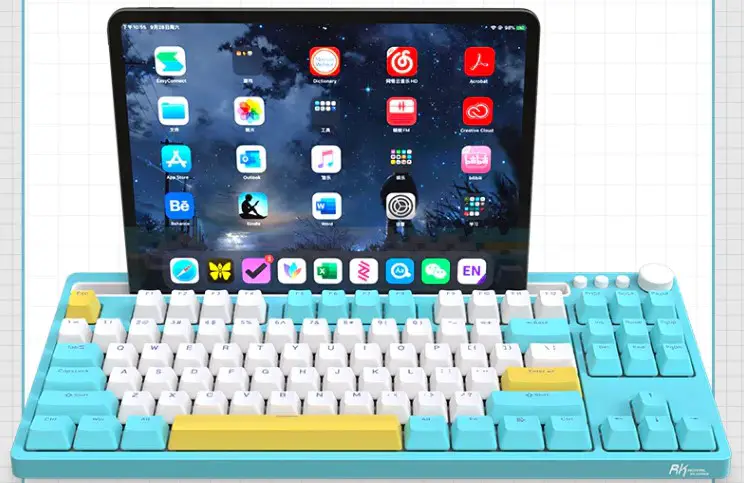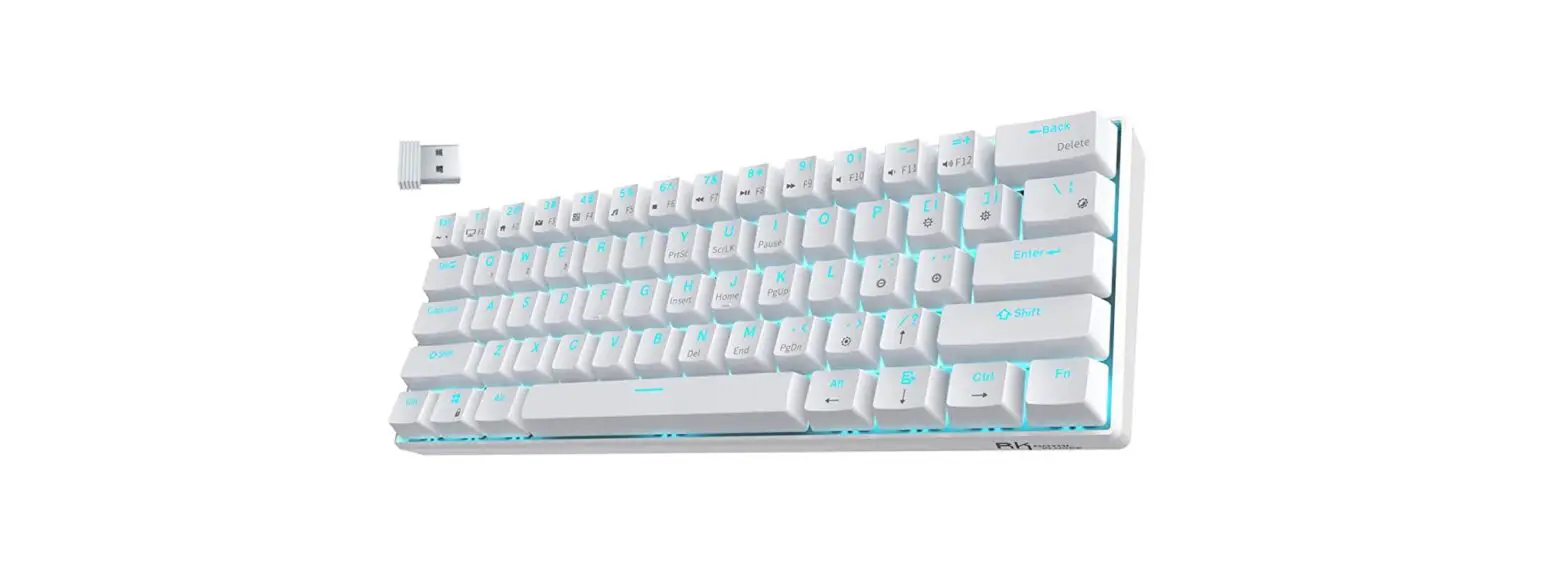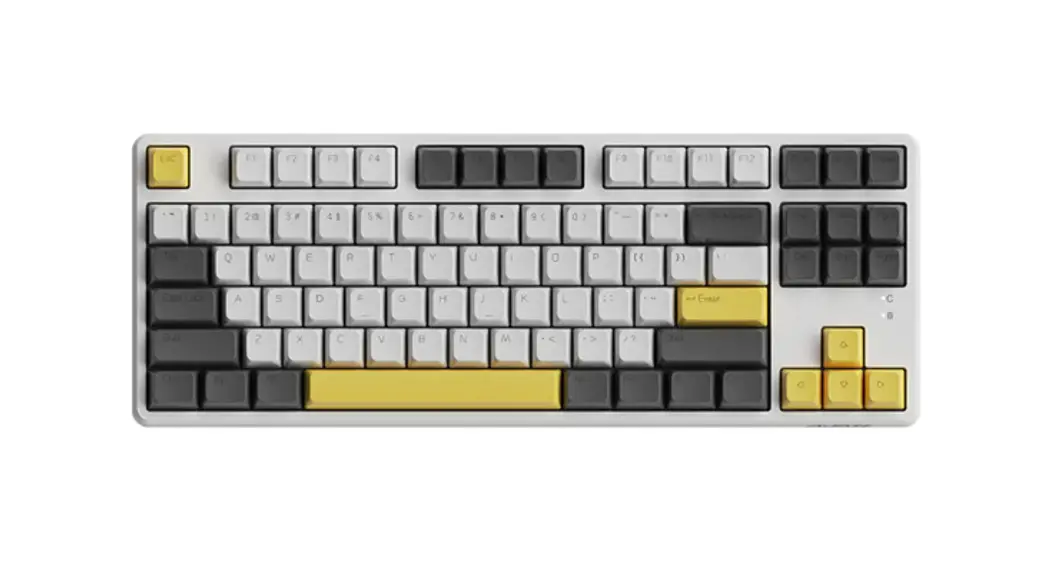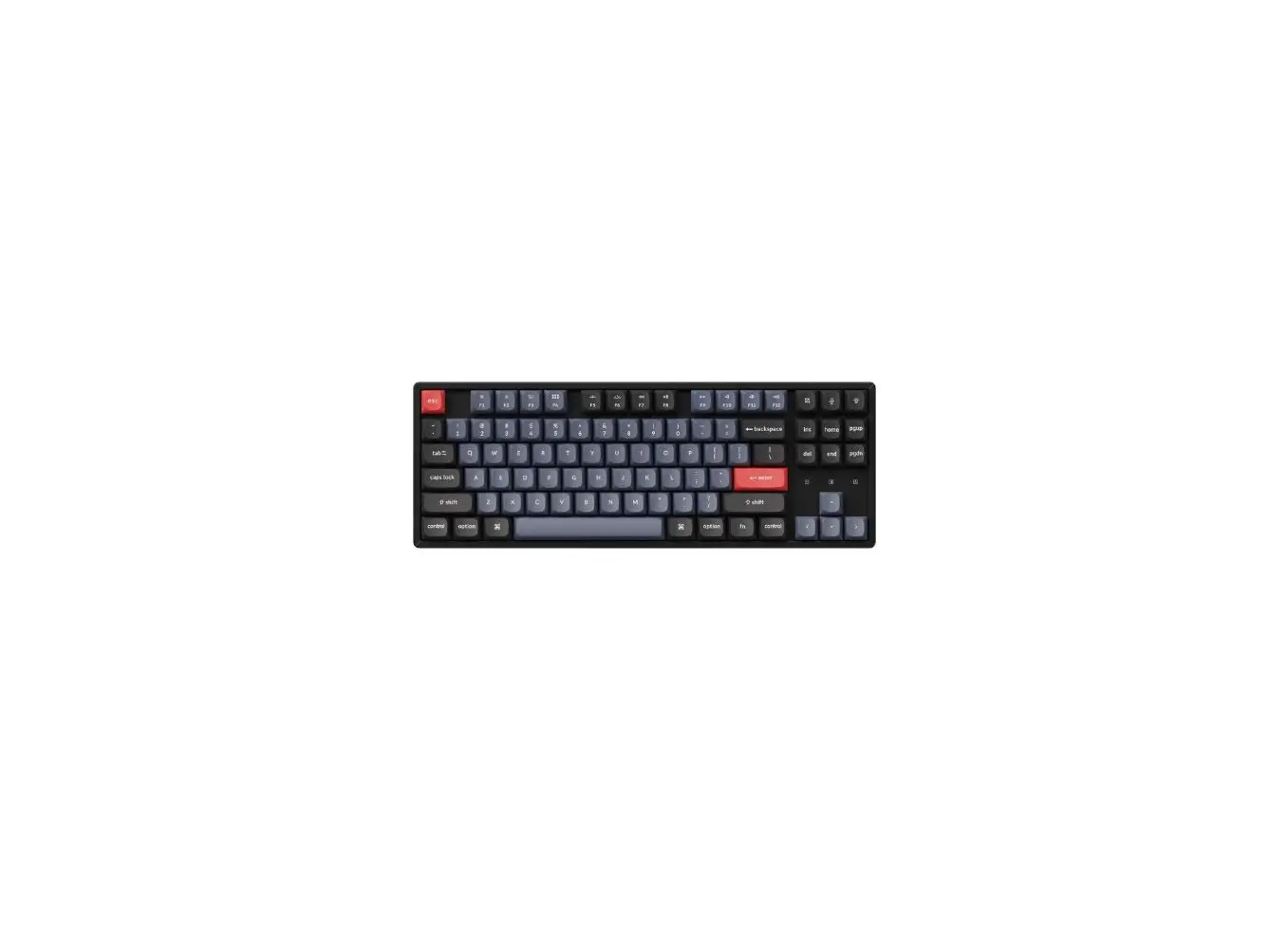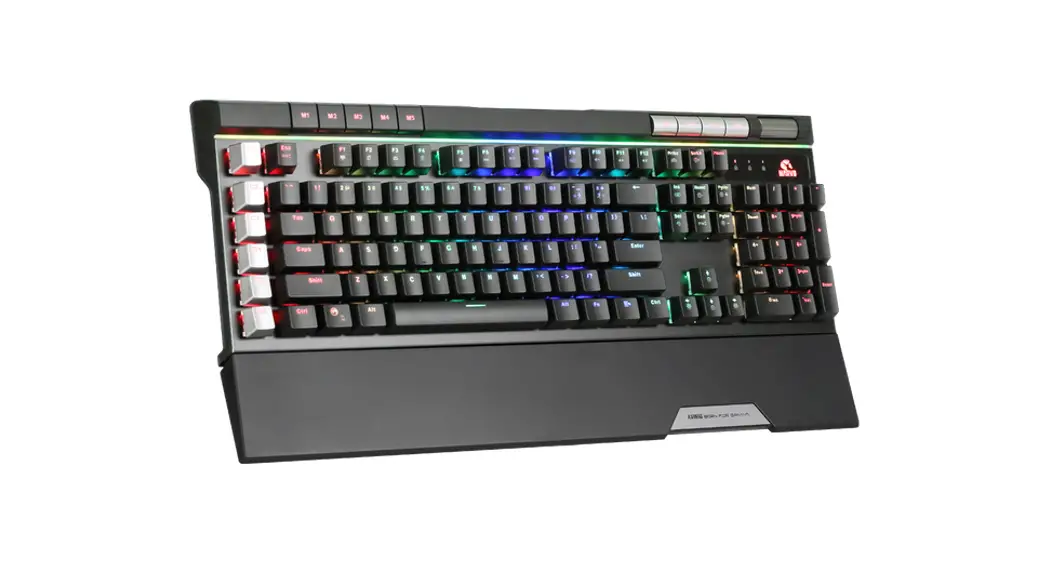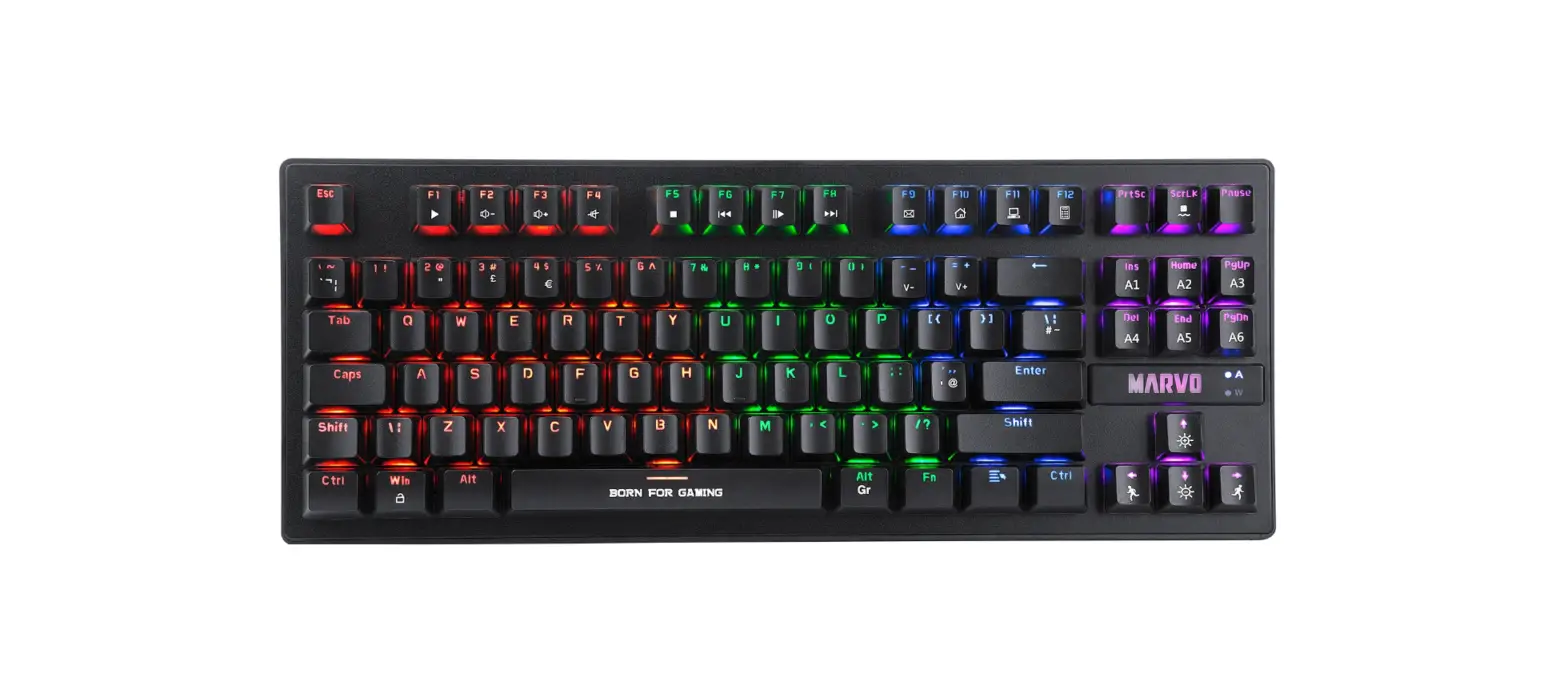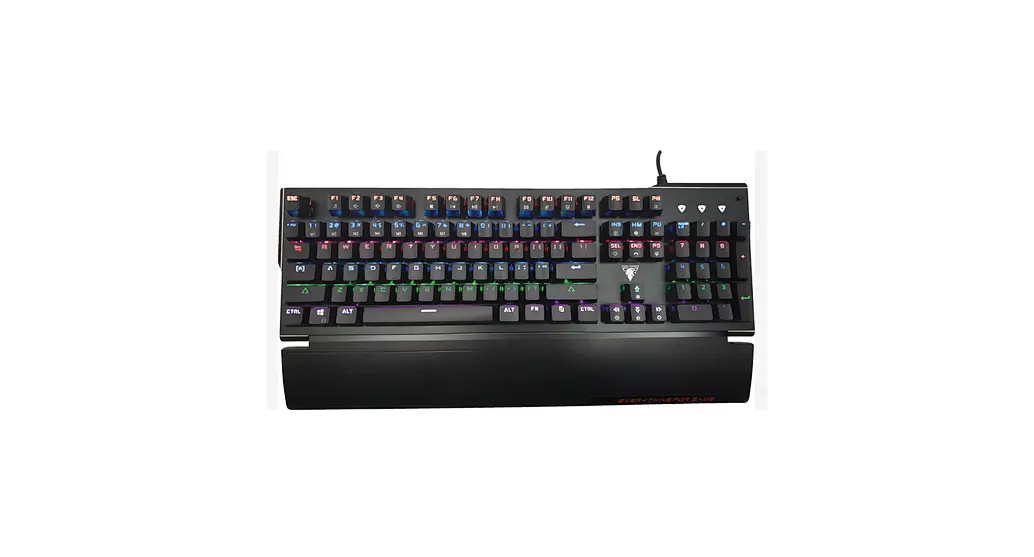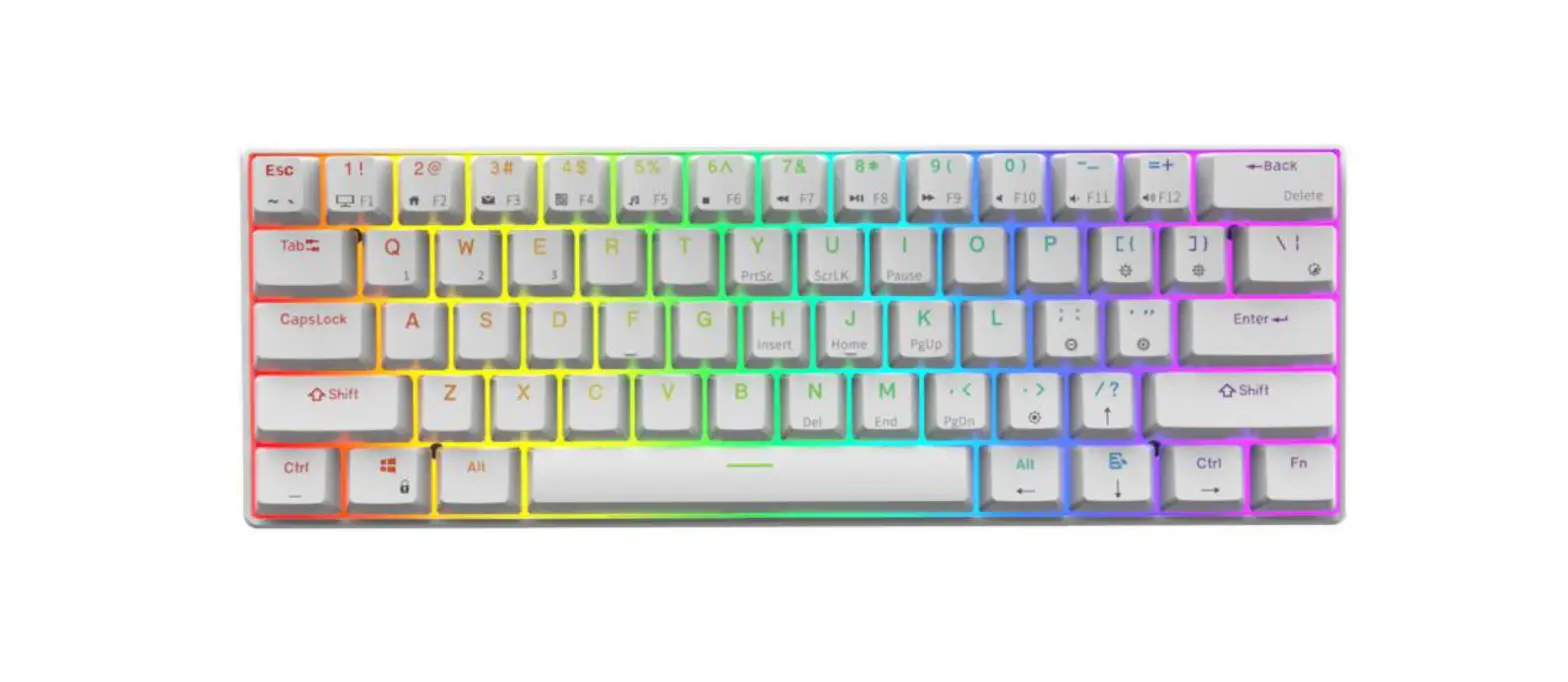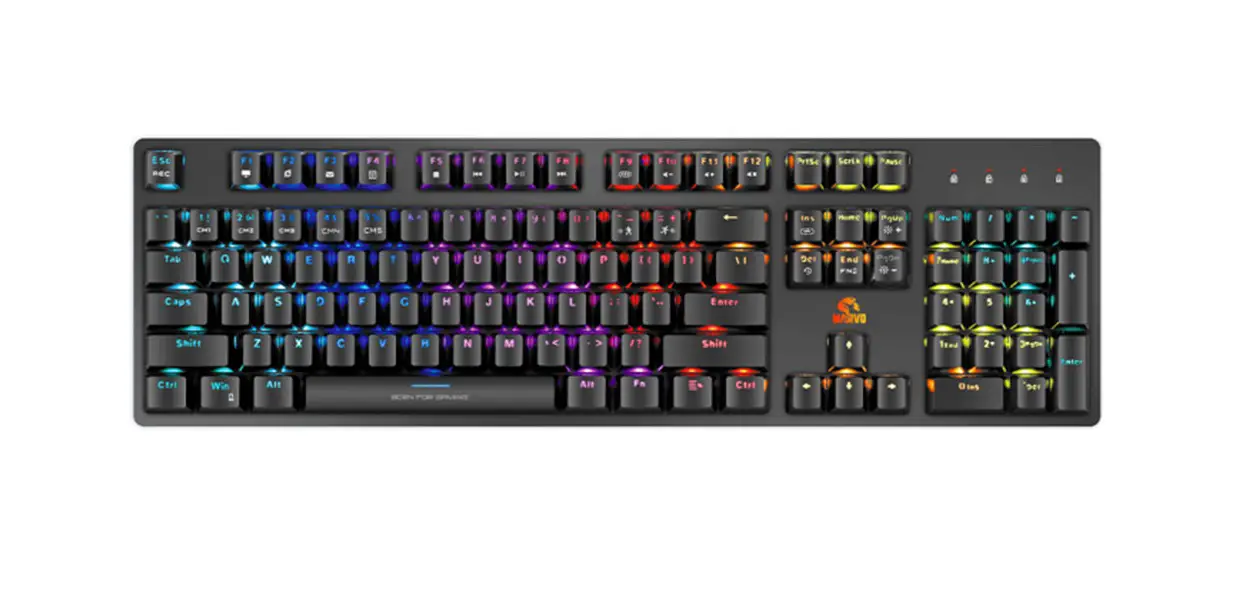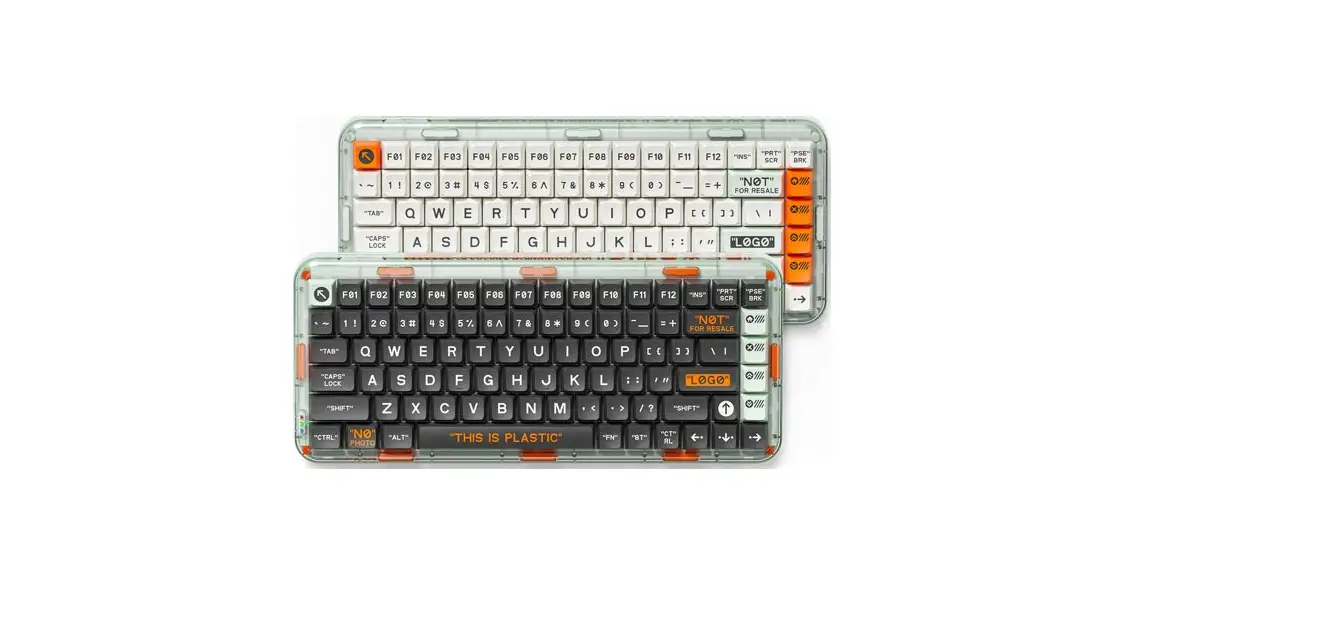

MelGeek Mojo84 Mechanical Keyboard
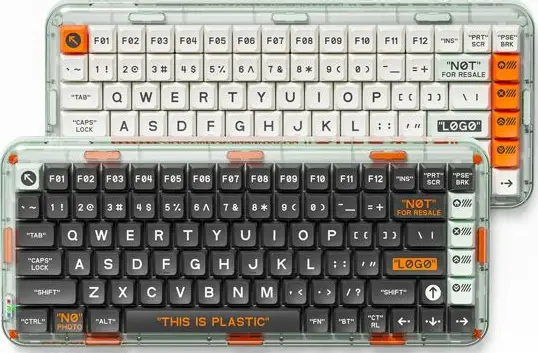
Specifications
- Product Name: Mojo84
- Bluetooth: Mojo84
- Backlight: RGB-LED
- Material: Case- PC, Keycaps-ABS
- Battery: 4000mAh
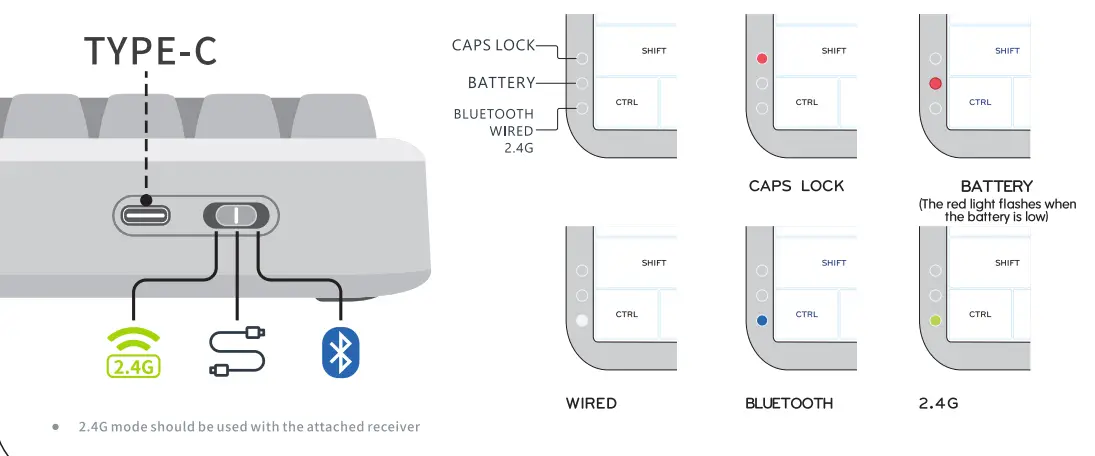
- Optional Mode: Buletooth/wired/2.4G
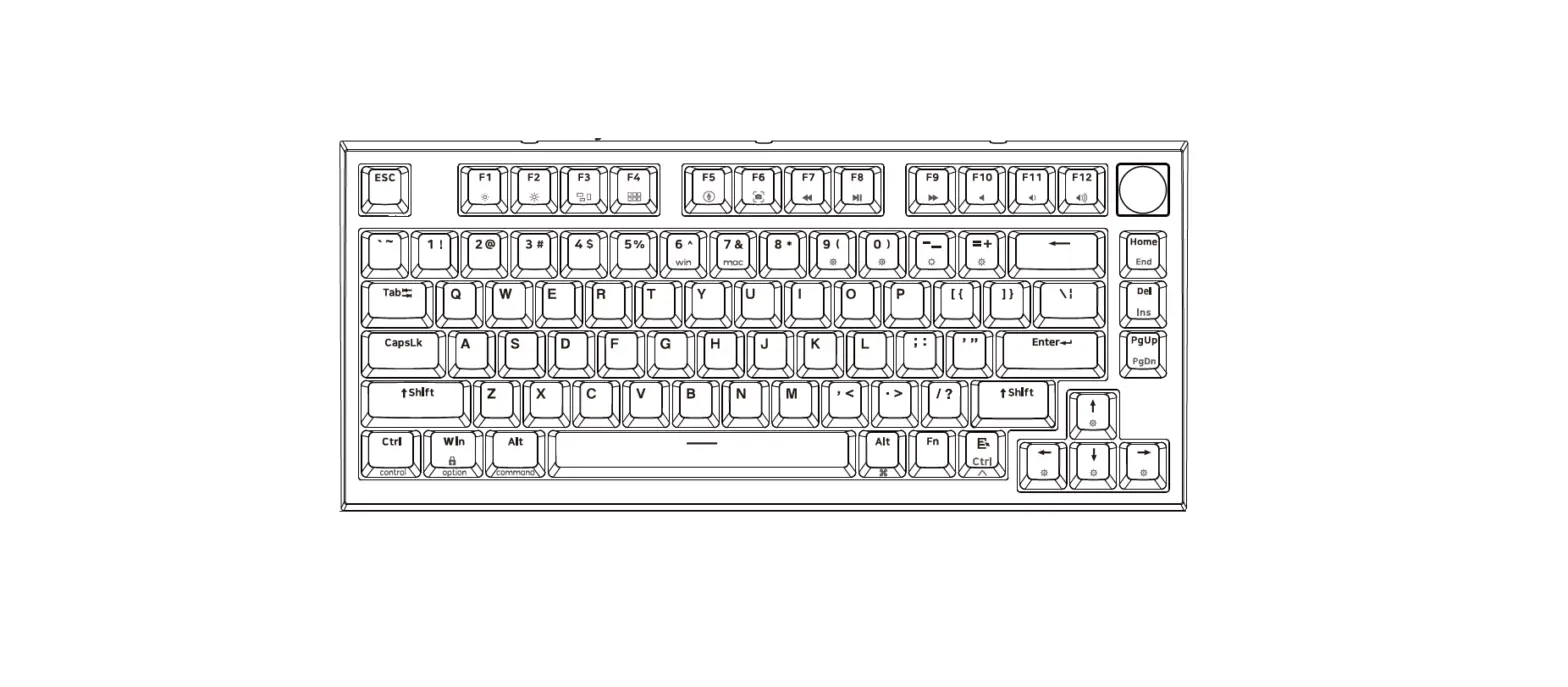
- Key: 84keys
- Interface Type: USB TYPE-C/Buletooth5. 2/2.4G
- Size: 327×140 x46mm
- Product Weight: 950g
Mode switching and indicator
Bluetooth multi device pairing and switching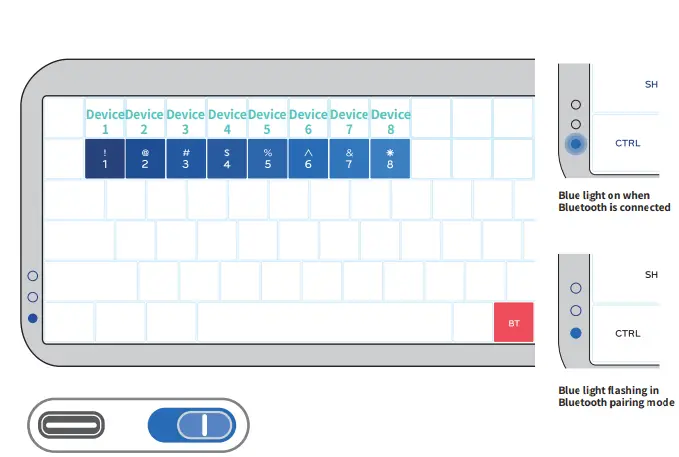
- Switch to Bluetooth mode
- Short press BT+Numbers to activate Bluetooth pairing, the indicator flashes blue
- Search Bluetooth device “Mojo84″on your device
- The keyboard support pairing up to 8 devices
Short press BT+1 to switch to Bluetooth 1
Short press BT+2 to switch to Bluetooth 2
Short press BT+3 to switch to Bluetooth 3
Short press BT+4 to switch to Bluetooth 4
Short press BT+5 to switch to Bluetooth 5
Short press BT+6 to switch to Bluetooth 6
Short press BT+7 to switch to Bluetooth 7
Short press BT+8 to switch to Bluetooth 8
Long press BT+Numbers to erase pairing record
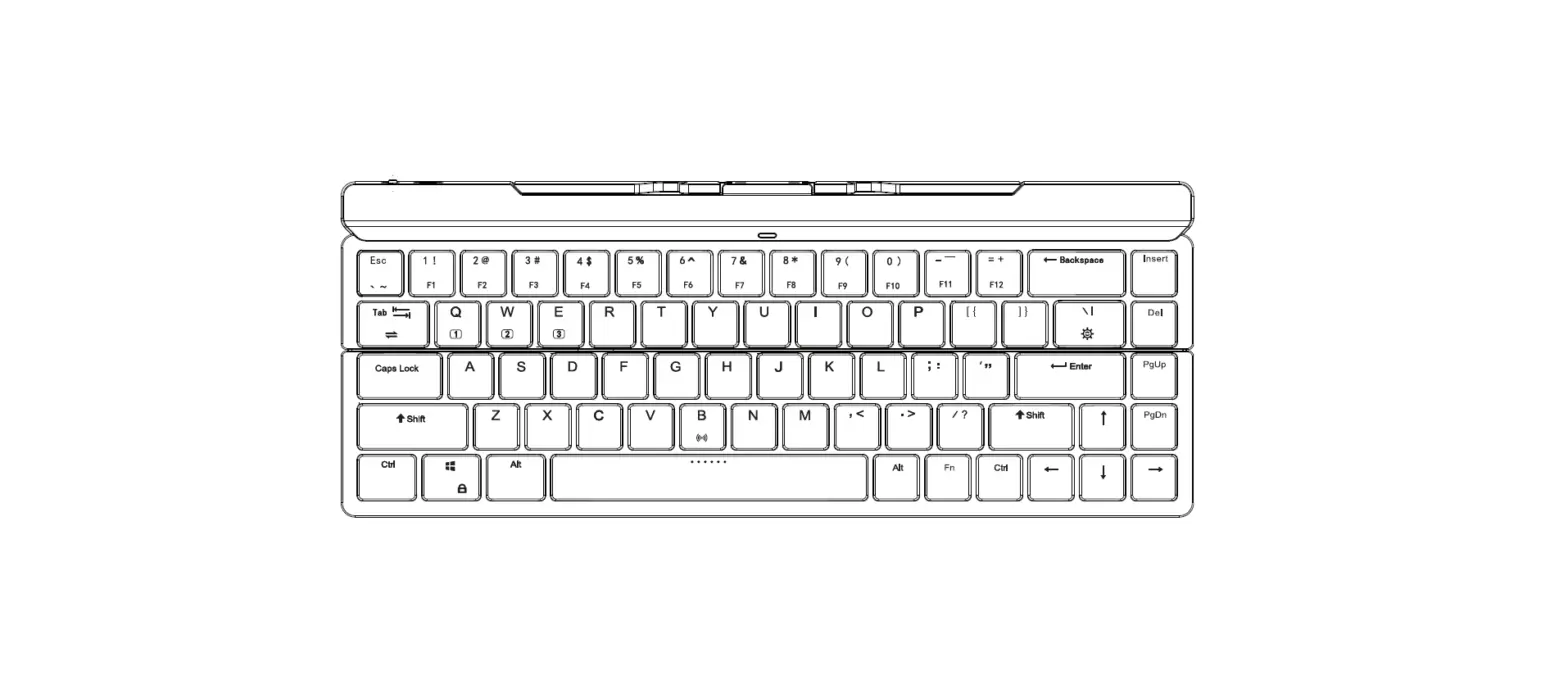
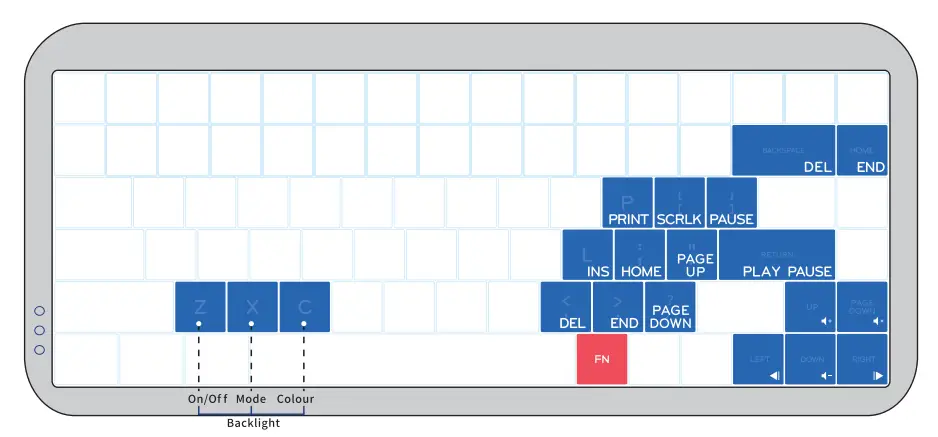
Instruction for using FN key
MelGeek
Address. A106, TG SCience Park, Shiyan, Baoan, Shenzhen,China
WEB: www.MELGEEK.COM
Contact us
- WEB

- Official Store: www.melgeek.com
- Forums: www.melgeek.cn
- Email: [email protected]
- Instagram: melgeek_official
- Twitter: MelGeekworld
- Discord: https://discord.gg/uheAEg3
 Discord