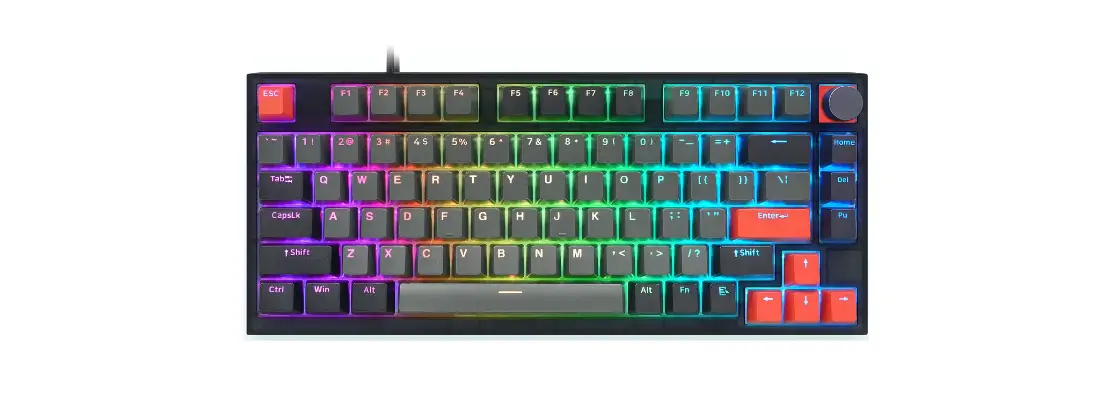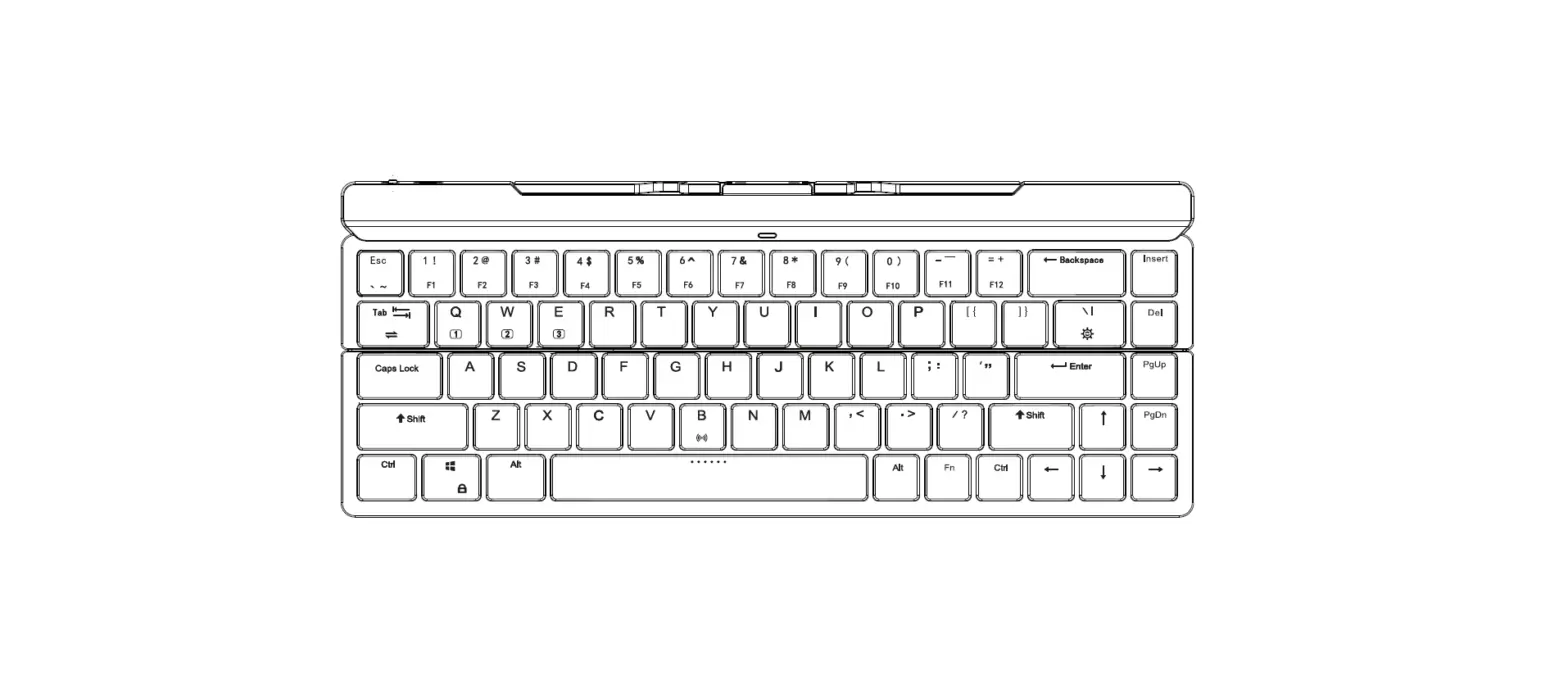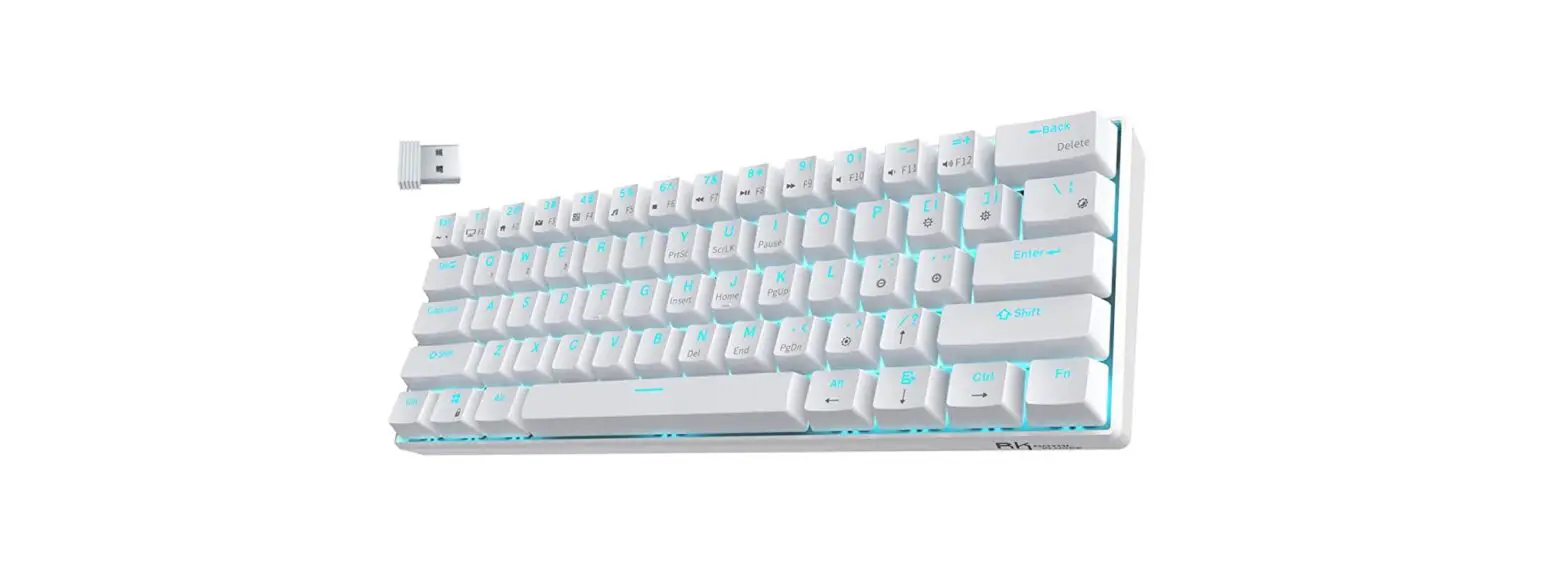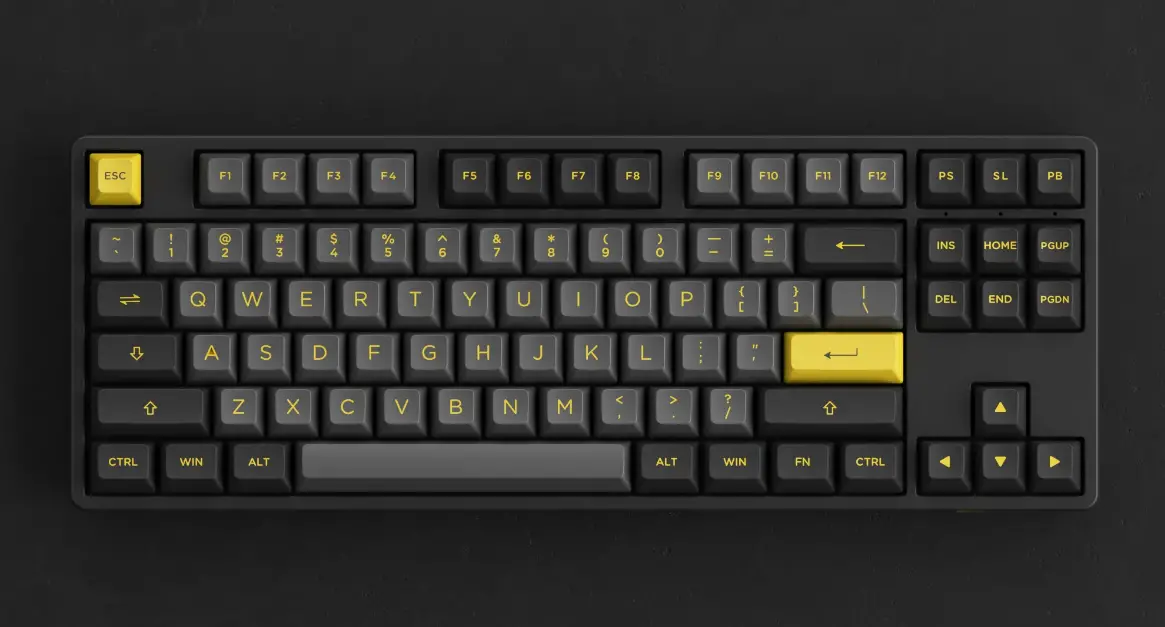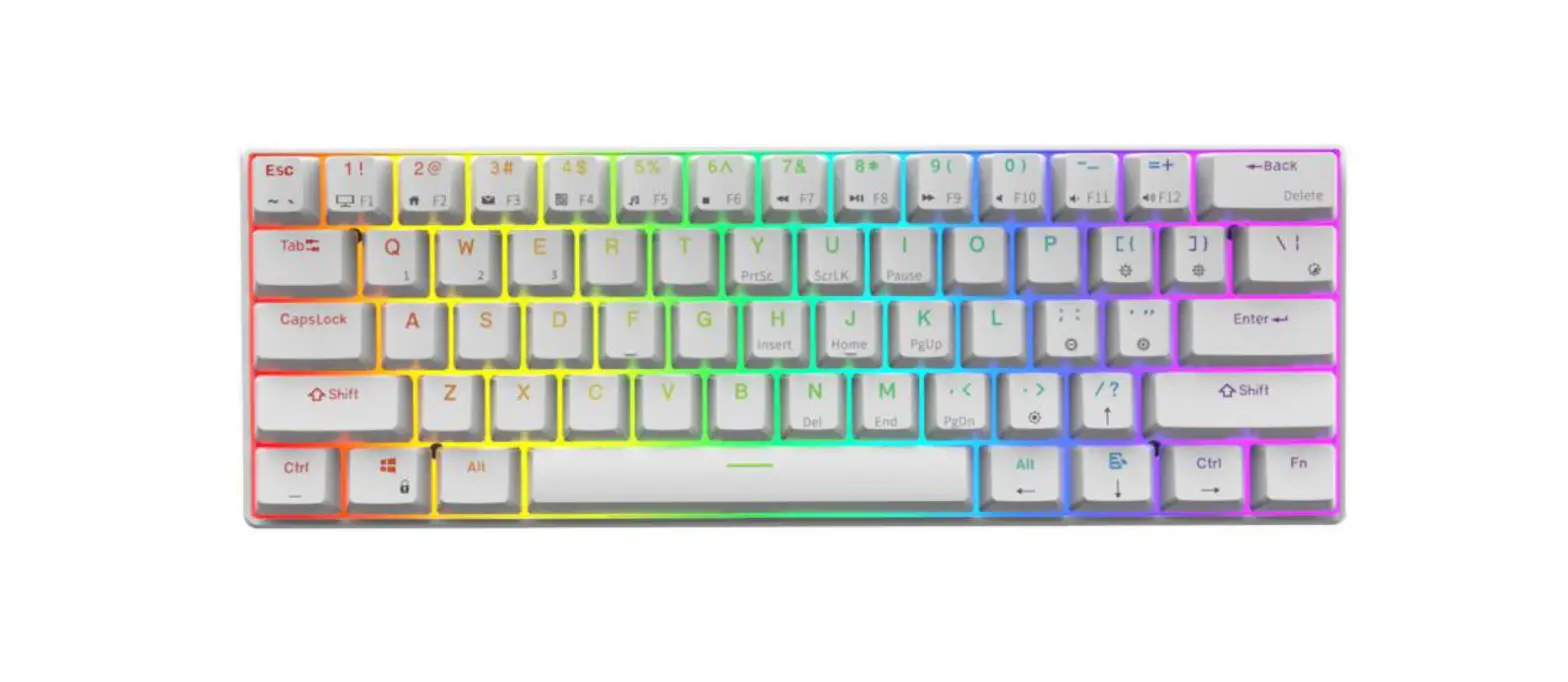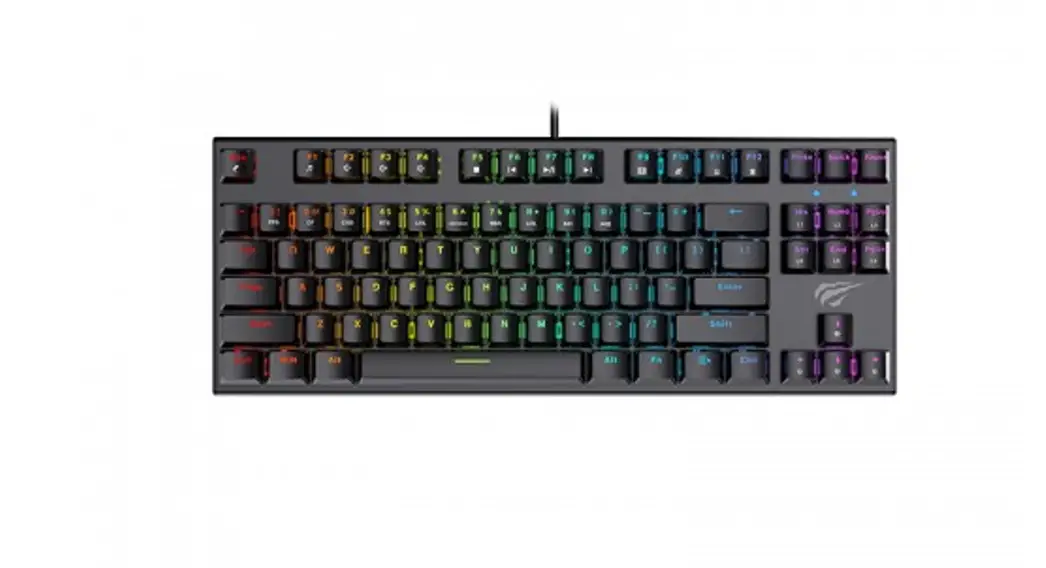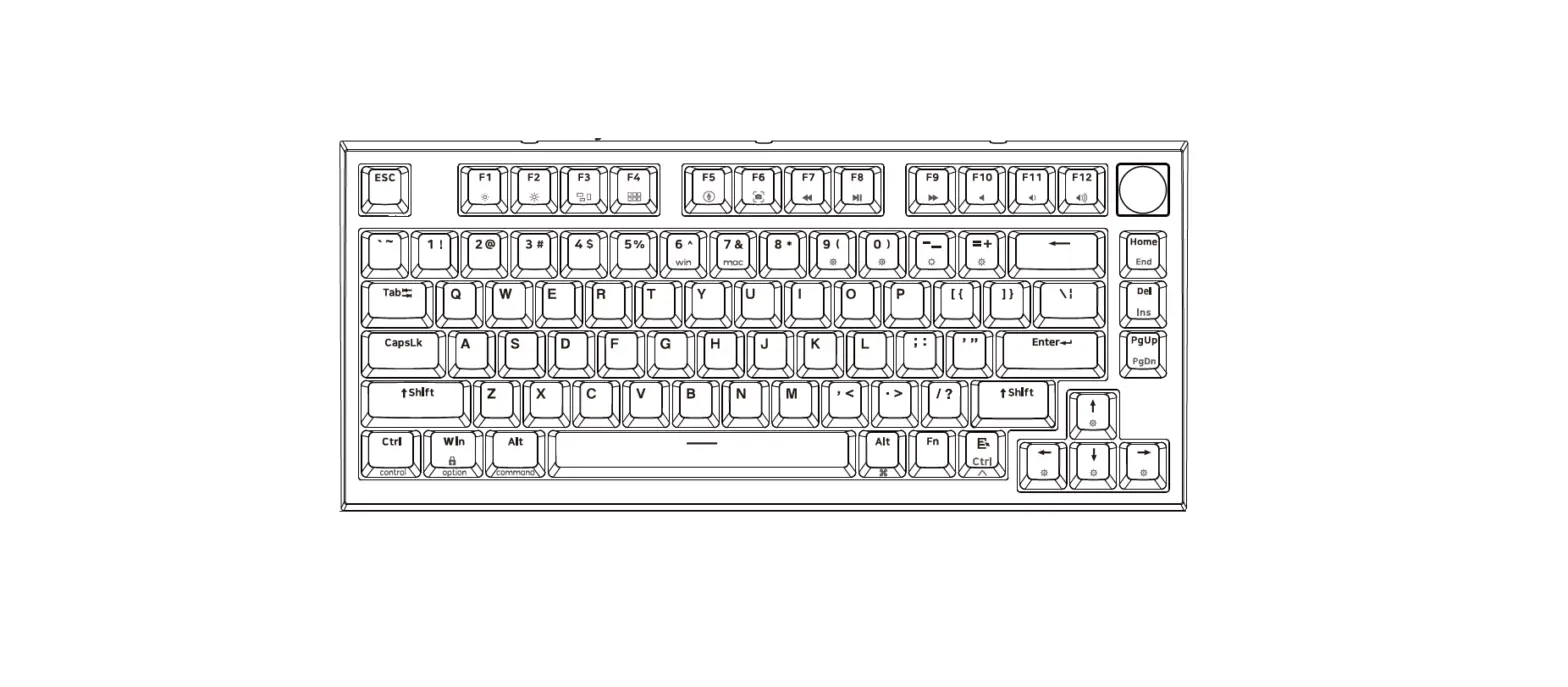

SKYLOONG GK75 Mechanical Keyboard
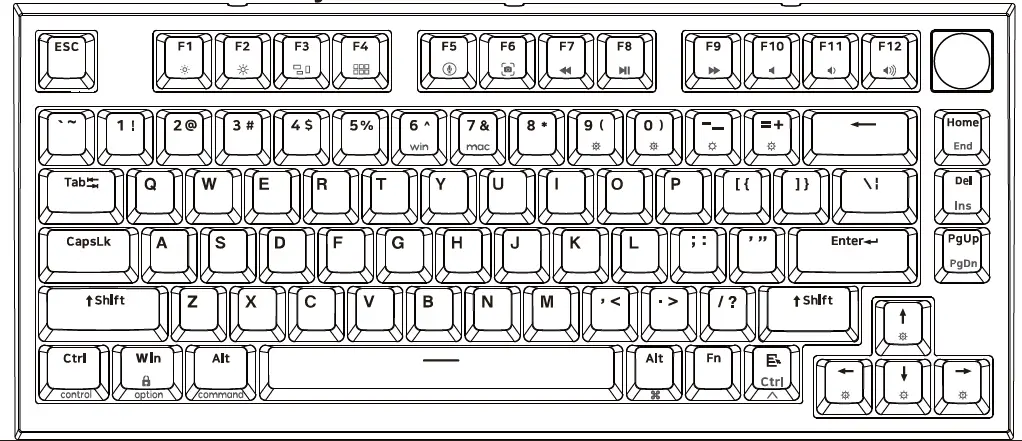
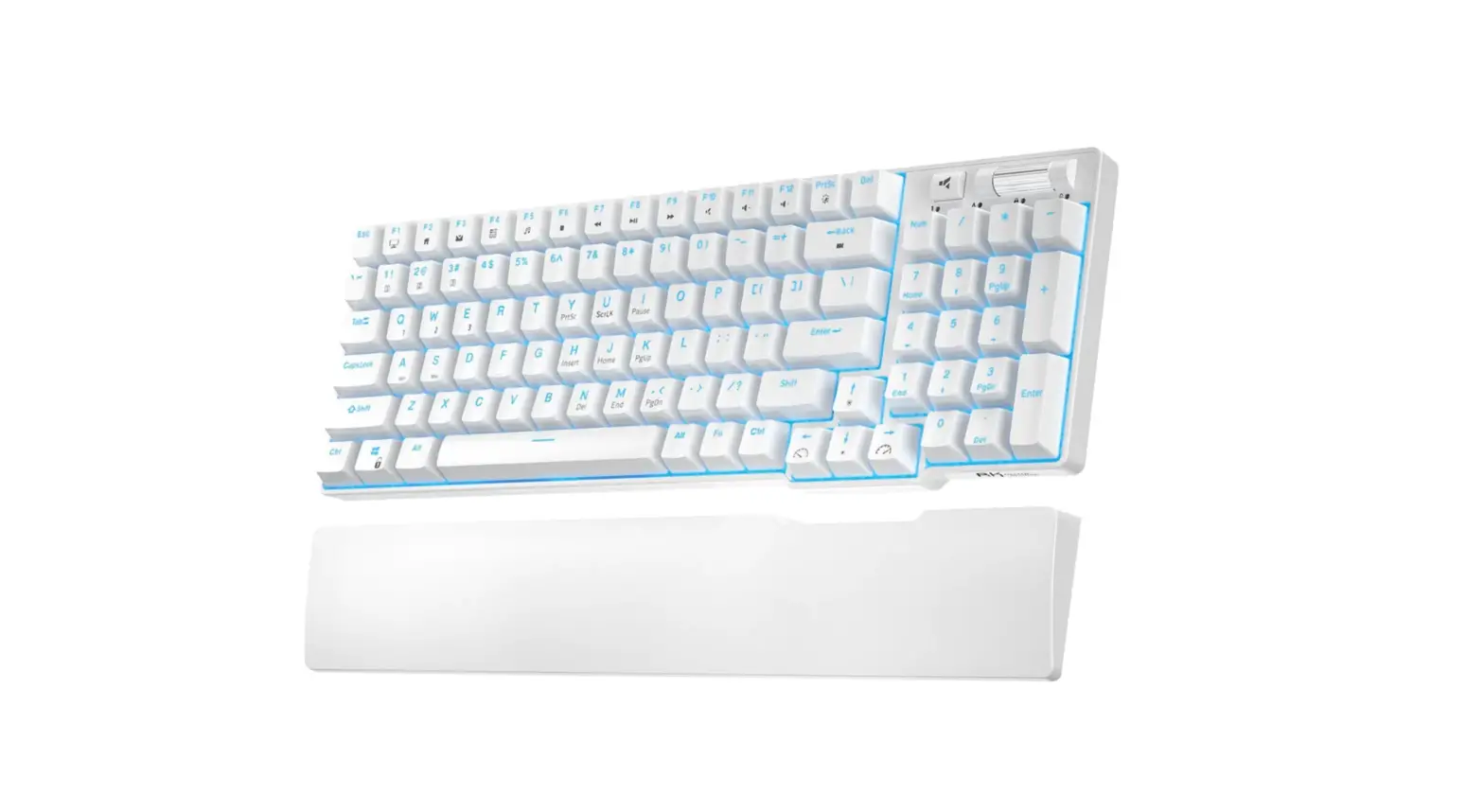
Knob function
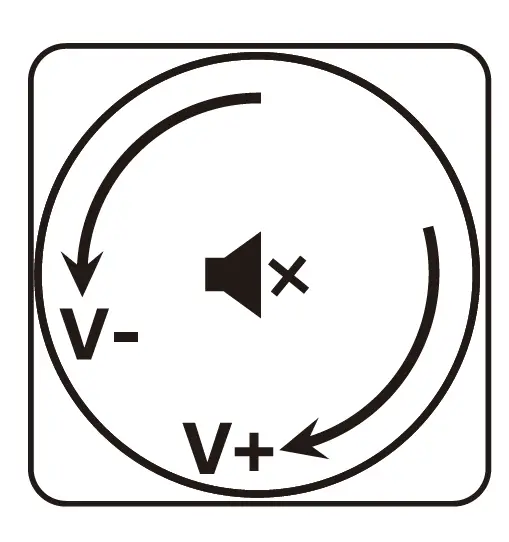
- Tum left: Volume –
- Tum right : Volume+
- Press: Mute ◄><
Knob function can be modified by the driver e.g.picture zoom in and zoom out
 Turn left: Zoom-
- Turn right: Zoom+
- Press: ESC
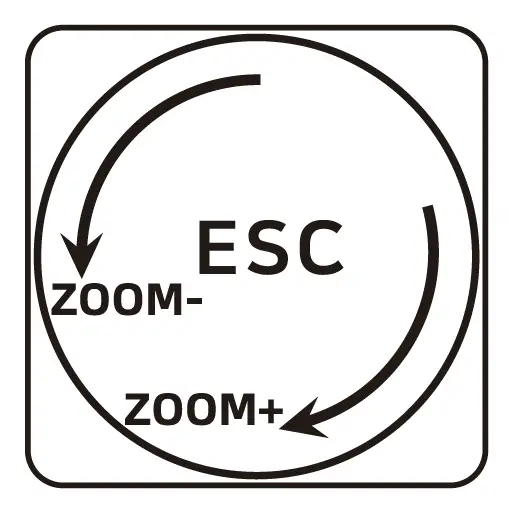 Turn left: Zoom-
Fn function
| Key | Function |
| FN+ Back | Del |
| FN+Home | Eod |
| FN + del | Insert |
| FN + pgup | pgdn |
| FN + F1~F12 | F1~F12 |
| FN + win | 8 Lock/Unlock Win key |
Backlight Settings (can not modify)
| Key | Function | Key | Function |
| FN + 9( | ¢- Backlight ON/OFF | FN + J. | -$- Backlight brightness – |
| FN + 0) | light effect pause/play | FN + t | -$- Backlight brightness+ |
| FN + -_ | ◊ Backlight mode 1-5 | FN + +- | <!} Backlight Effect Speed – |
| FN + =+ | ,$}- Backlight mode 6-9 | FN + | {i} Backlight Effect Speed+ |
Mode function settings (standard mode can not modify,Win/Mac mode can modify by driver)
| Key | ia | rd | ;;;’b e (loog | press | FN+6′ | for | 3s) | e (loog press FN+7& for | 3s) |
| F1 | F1 | F1 | –:i:r Screen brightness – for Mac | ||||||
| F2 | F2 | F2 | -:9′.- Screen brightness + for Mac | ||||||
| F3 | F3 | F3 | □ for Mac | ||||||
| F4 | F4 | F4 | BBB for Mac | ||||||
| FS | FS | FS | @ One click call Siri for Mac | ||||||
| F6 | F6 | F6 | 111 Screenshot for Mac | ||||||
| F7 | F7 | <4-4 Previous | <IN Previous | ||||||
| F8 | F8 | HI Play/Pause | HI Play/Pause | ||||||
| F9 | F9 | Mi” Next | Mi” Next | ||||||
| F10 | F10 | ◄ Mute | ◄ Mute | ||||||
| F11 | F11 | ◄)Volume – | ‘4) Volume – | ||||||
| F12 | F12 | ◄i)) Volume+ | ◄l))Volume + | ||||||
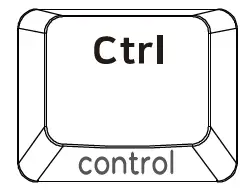 | Ctrl | Ctrl | control | ||||||
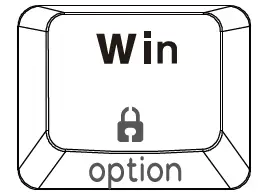 | Win | Win | option | ||||||
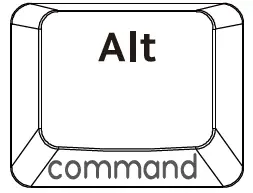 | Alt | Alt | command | ||||||
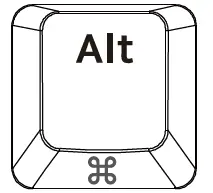 | Alt | Alt | :i:g command | ||||||
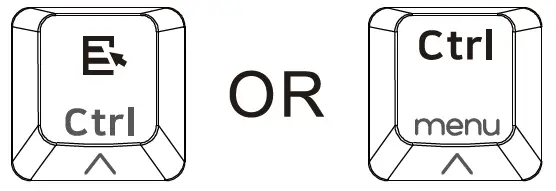 | Menu | Ctrl | /\. control | ||||||