
INSTALLATION USER MANUAL
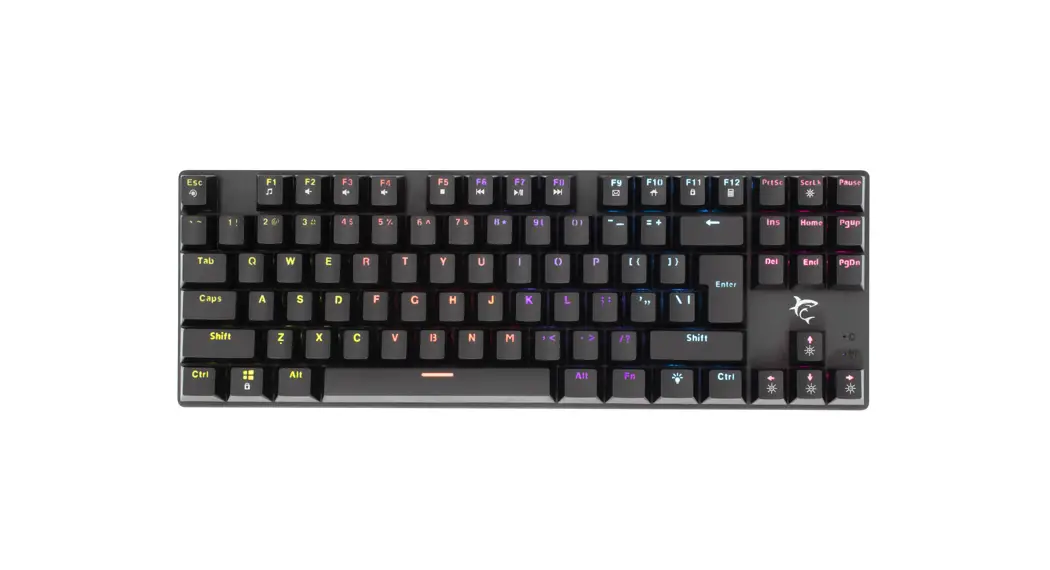
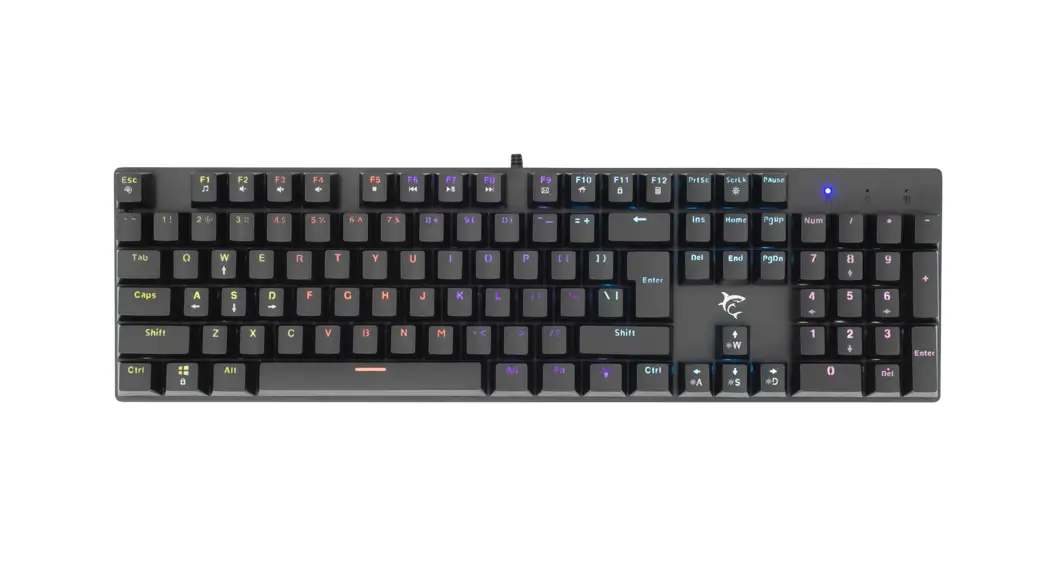
For model: White Shark° GK-2107
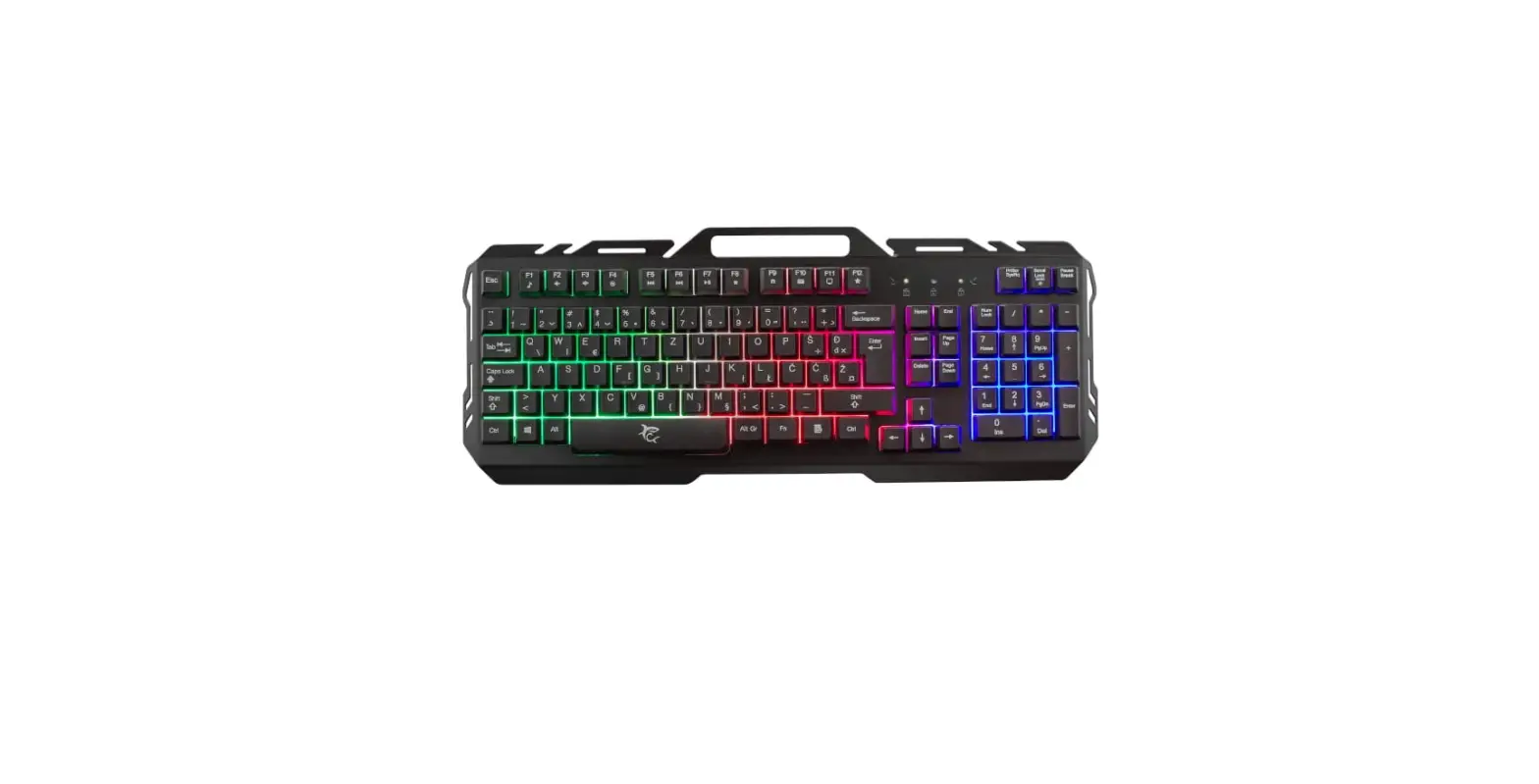
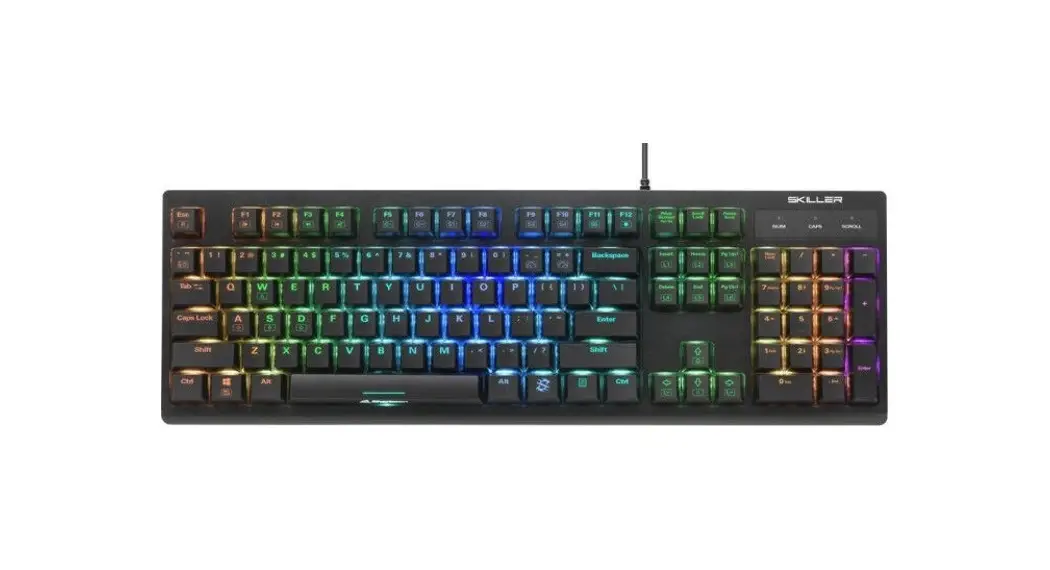
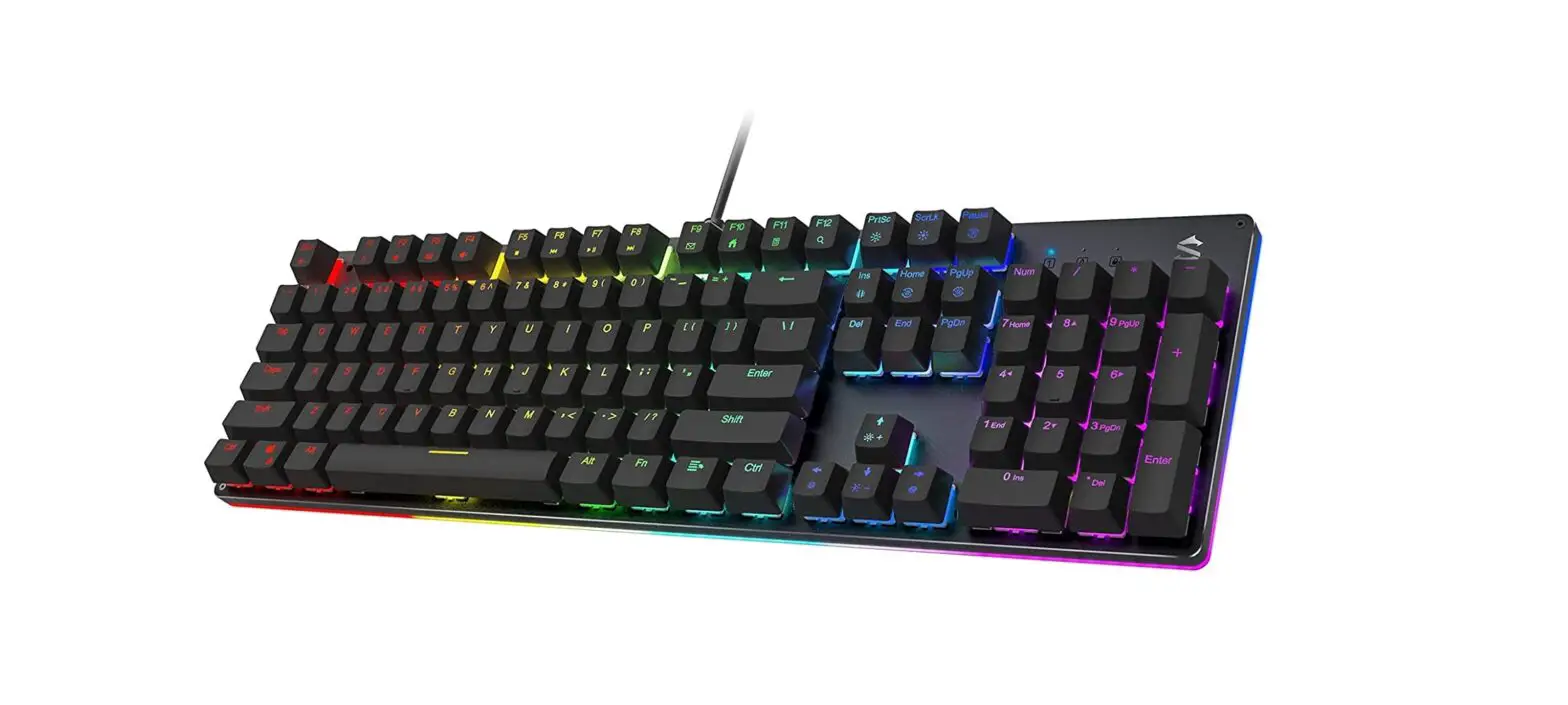
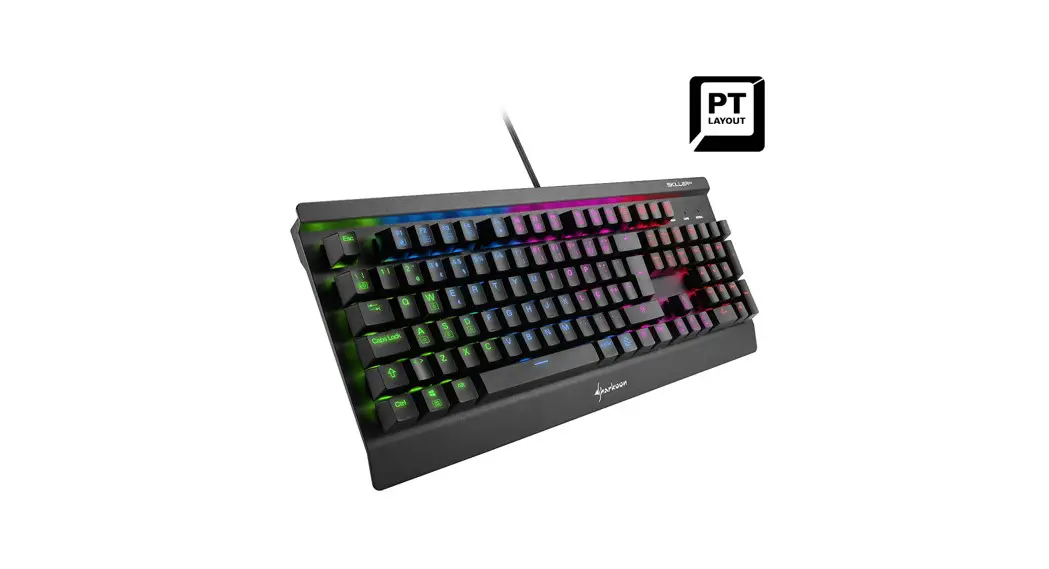
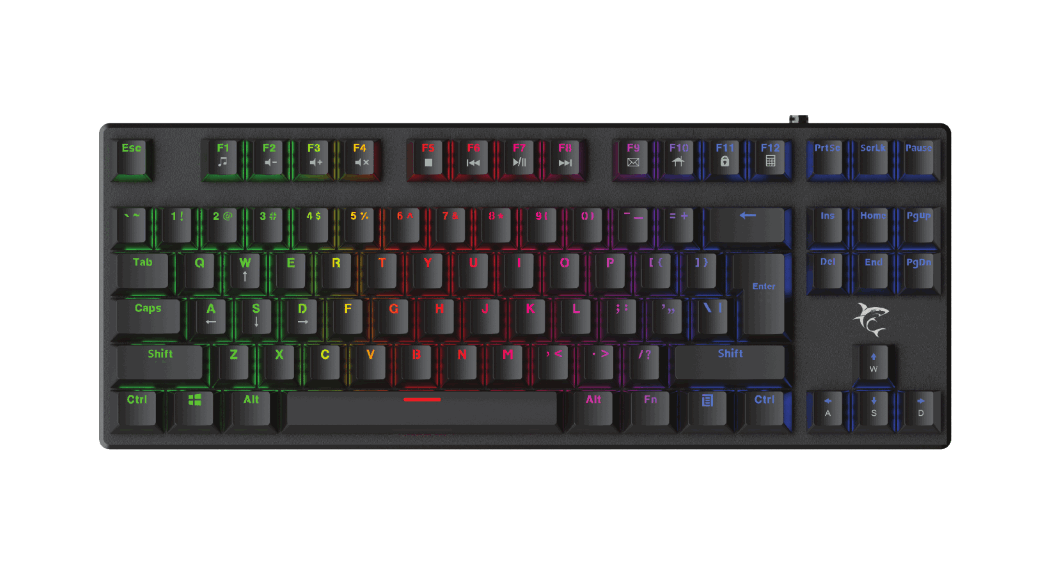
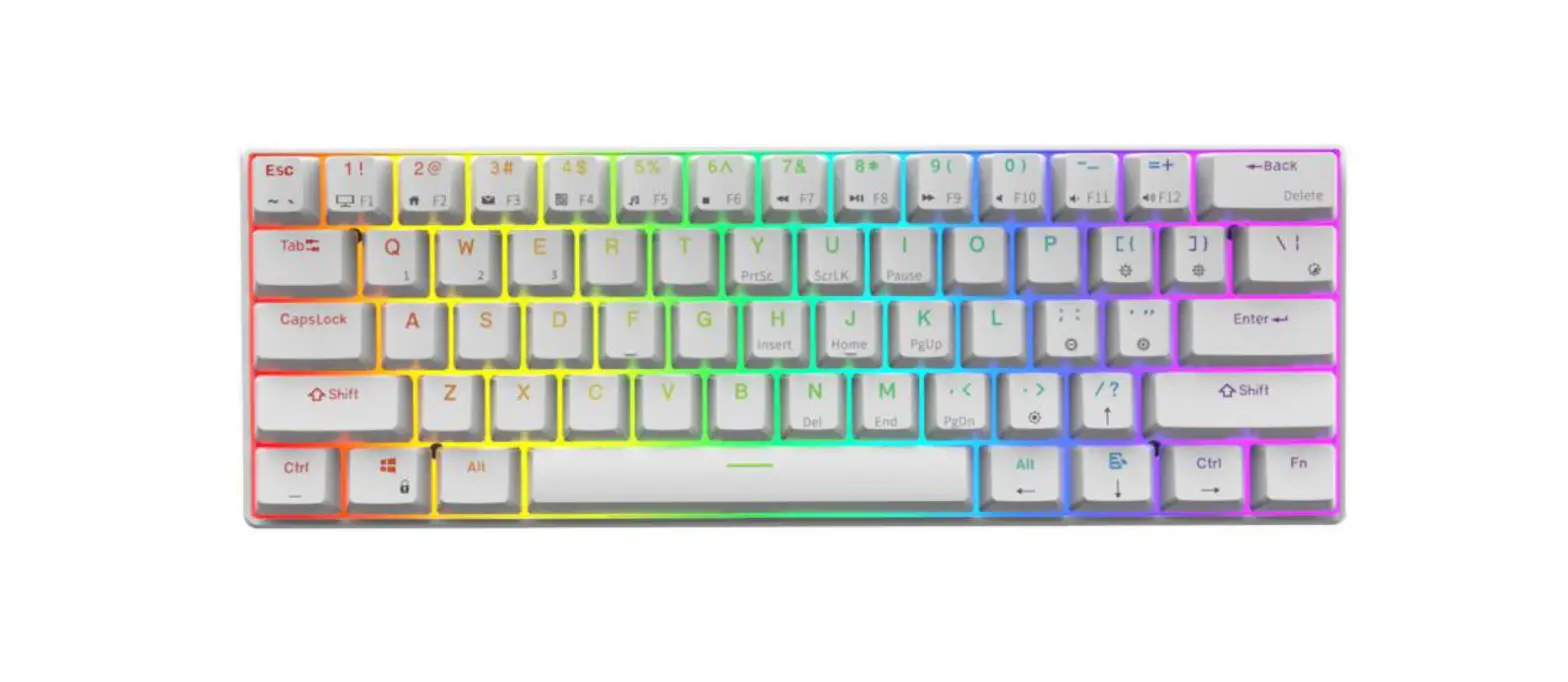
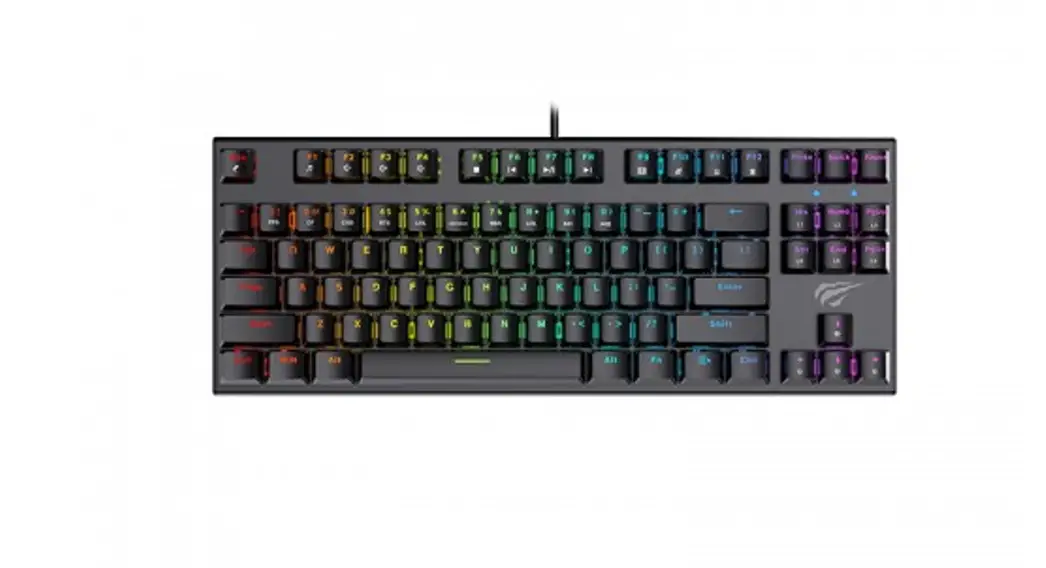
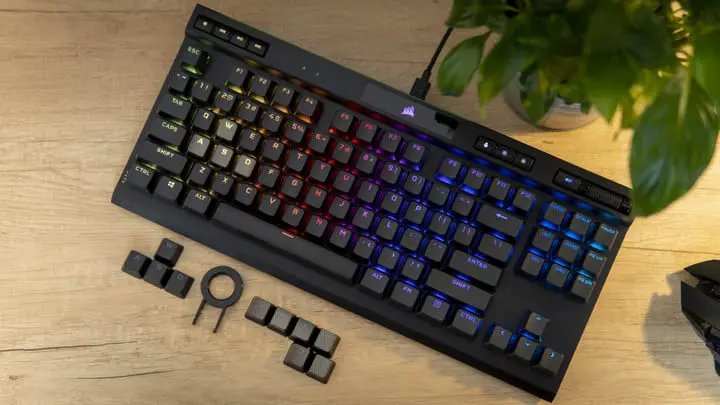
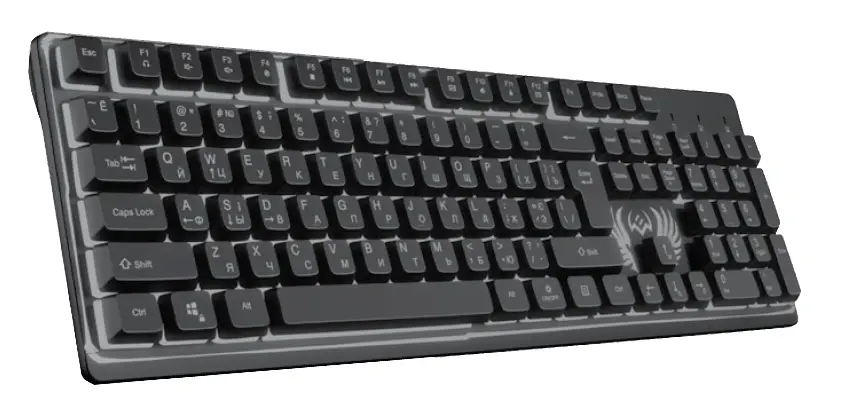
COMMANDOS USB mechanical gaming keyboard.
USB Keyboard
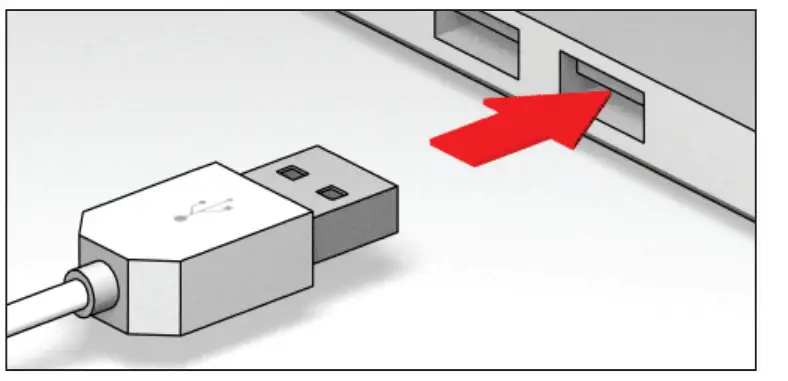
Plug the keyboard into an available USB port. The computer operating system will automatically detect the new device and install the proper drivers.
* For full product specifications, go to www.whiteshark.gg
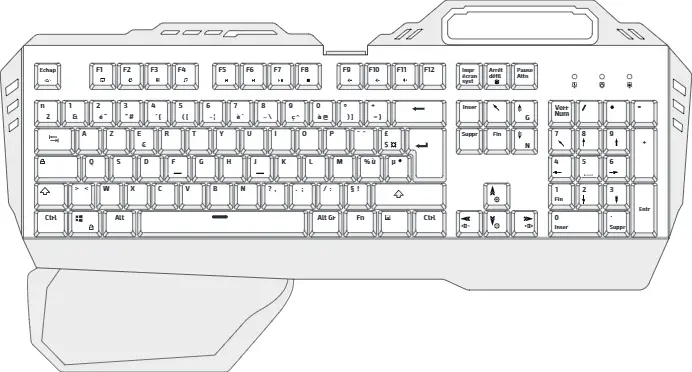
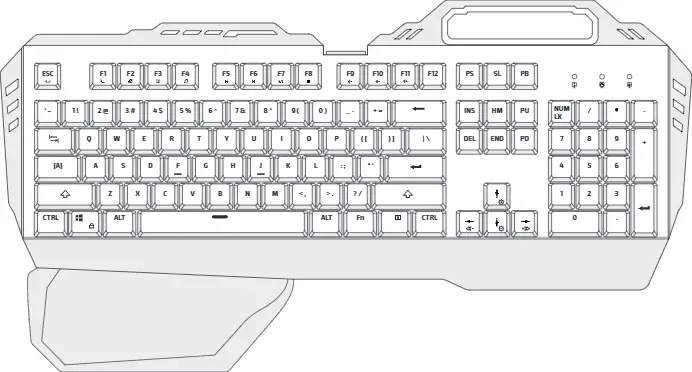
Multimedia and shortcut keys:
| FN + F1 Media FN + F2 Volume down FN + F3 Volume up FN + F4 Mute FN + F5 Stop FN + F6 Prey. track | FN + F7 Play/Pause FN + F8 Next track FN + F9 E-mail FN + F10 Web FN + F11 Lock keys FN + F12 Calculator | FN + SCRLK Backlight OFF FN + ESC Restore default mode FN + W Shifting between WASD and directional keys FN + WIN + L Lock/Unlock Win key FN + ↑ Backlight brightness adjustment – UP FN + ↓ Backlight brightness adjustment – DOWN FN + ← or → Backlight speed adjustment – 3 levels |